Video Converter 4K: AI-Powered Enhancement
Choose the 4K Enhancement Style That Fits Your Video
Explore AI filters designed for resolution upscaling, color grading, and cinematic sharpening. Pick a preset and transform your clips instantly.
Key Features of AI Video Converter 4K
Discover how pixpop makes 4K video conversion simple, fast, and accessible on mobile. Upload once and let AI handle the rest.
One-Tap 4K Upscaling
Upload a low-resolution clip and watch pixpop enhance it to 4K quality. The AI sharpens edges, reduces noise, and boosts clarity without manual adjustments.
One-Tap 4K Upscaling
Upload a low-resolution clip and watch pixpop enhance it to 4K quality. The AI sharpens edges, reduces noise, and boosts clarity without manual adjustments.
Style-Preserving Enhancement
Choose from cinematic, vibrant, or natural presets to improve resolution while keeping your original mood. No color banding or artificial artifacts.
Style-Preserving Enhancement
Choose from cinematic, vibrant, or natural presets to improve resolution while keeping your original mood. No color banding or artificial artifacts.
Fast Mobile Processing
Convert videos directly on your phone with optimized AI models. Export 4K files ready for YouTube, TikTok, or Instagram in just minutes.
Fast Mobile Processing
Convert videos directly on your phone with optimized AI models. Export 4K files ready for YouTube, TikTok, or Instagram in just minutes.
How to Convert Video to 4K with pixpop
Follow three simple steps to upscale your videos to 4K using AI. No desktop software or editing experience required.

Step 01.
Download pixpop from Google Play and open the app on your mobile device. The entire 4K conversion process happens inside the app.

Step 02.
Tap the video converter tool and upload your clip. Choose a 4K enhancement preset or style filter that matches your desired output.

Step 03.
Let the AI process your video, preview the 4K result, then save or share it directly to your favorite social platforms.
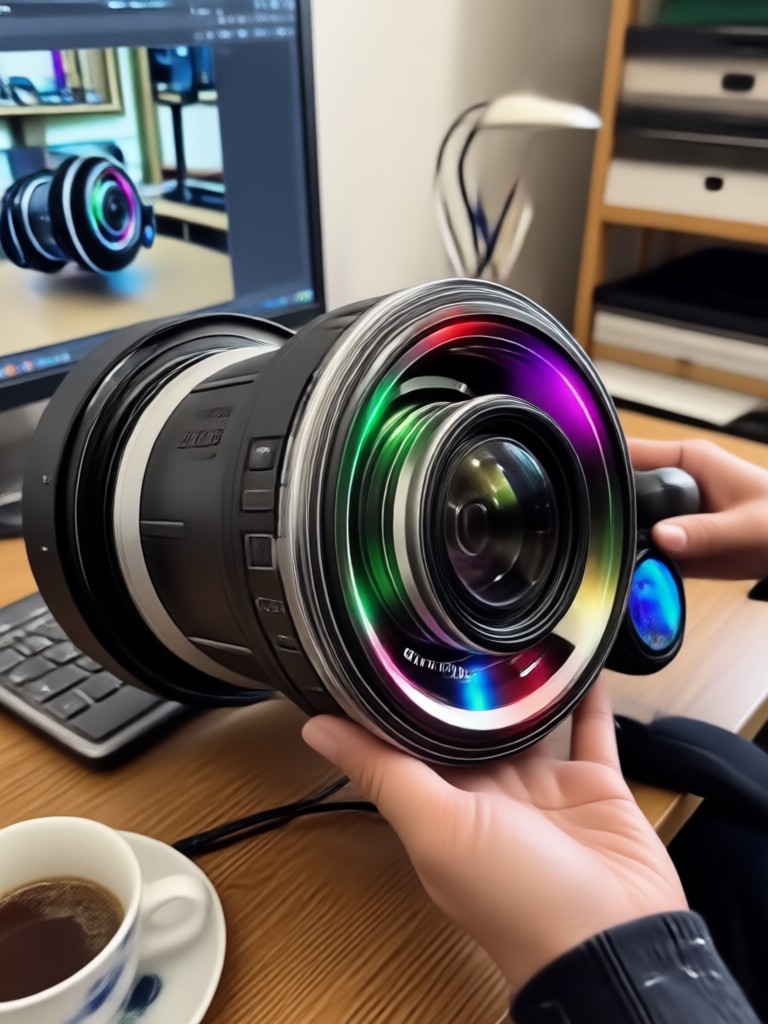
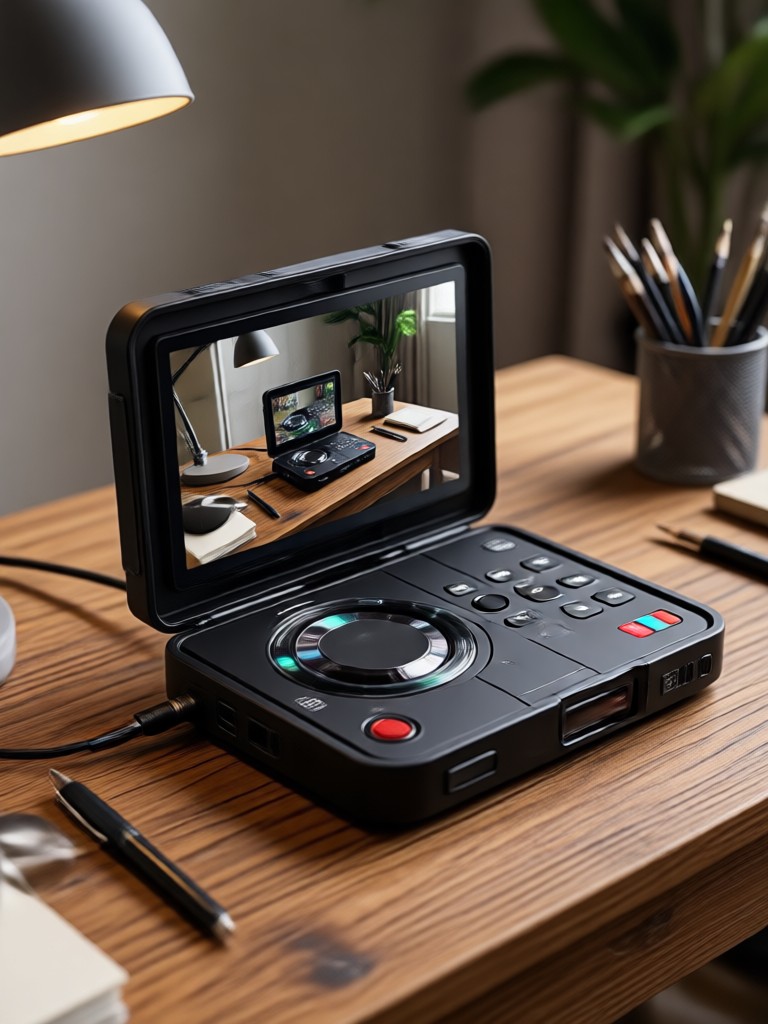
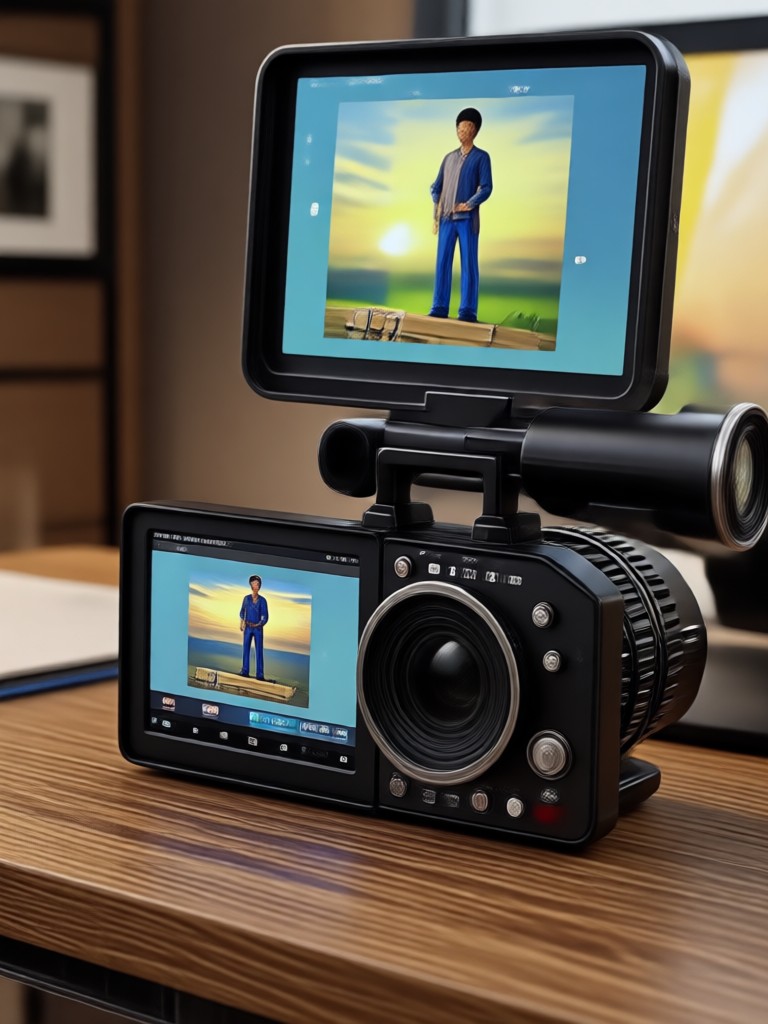
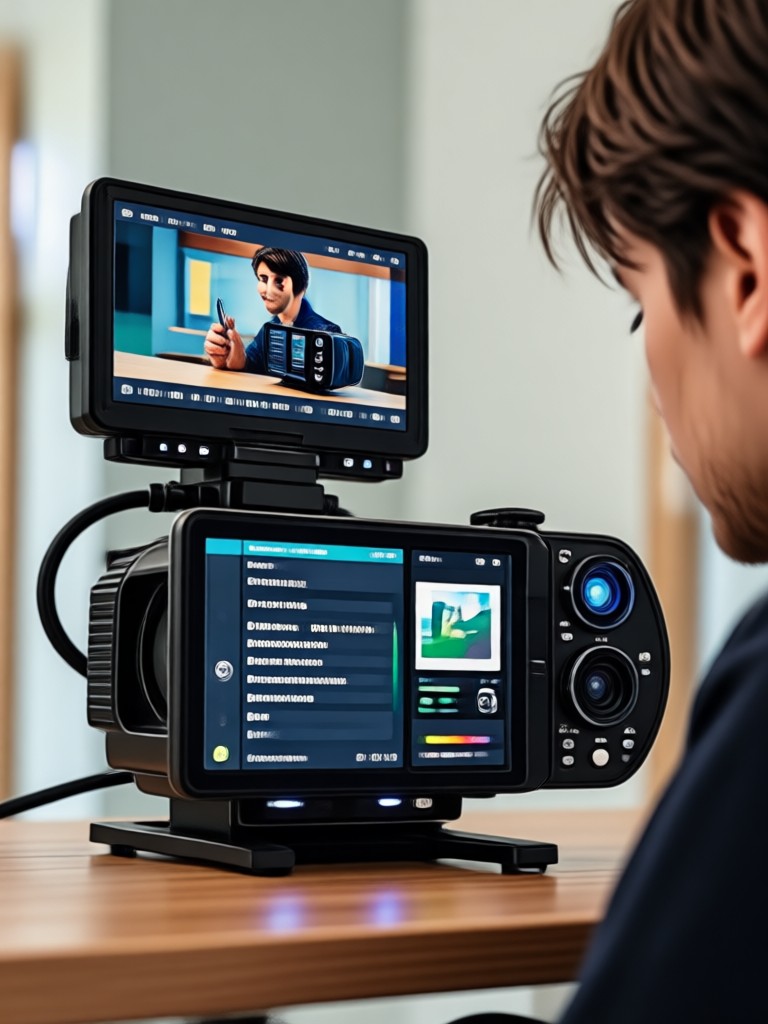
4K Video Converter Results Gallery
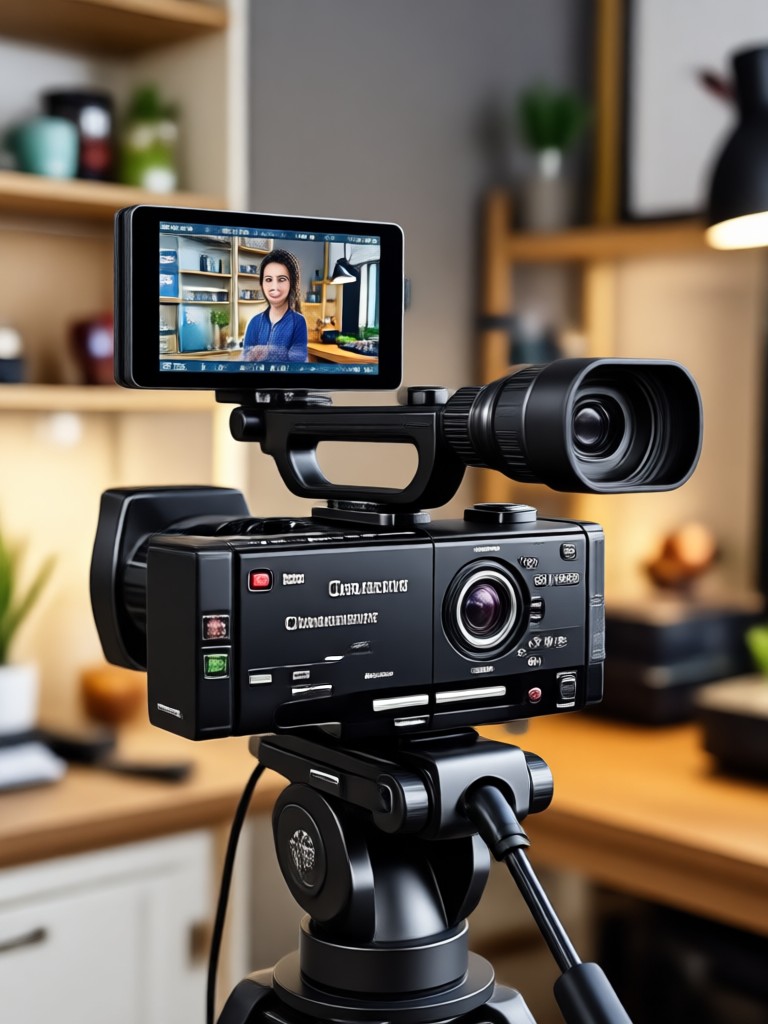
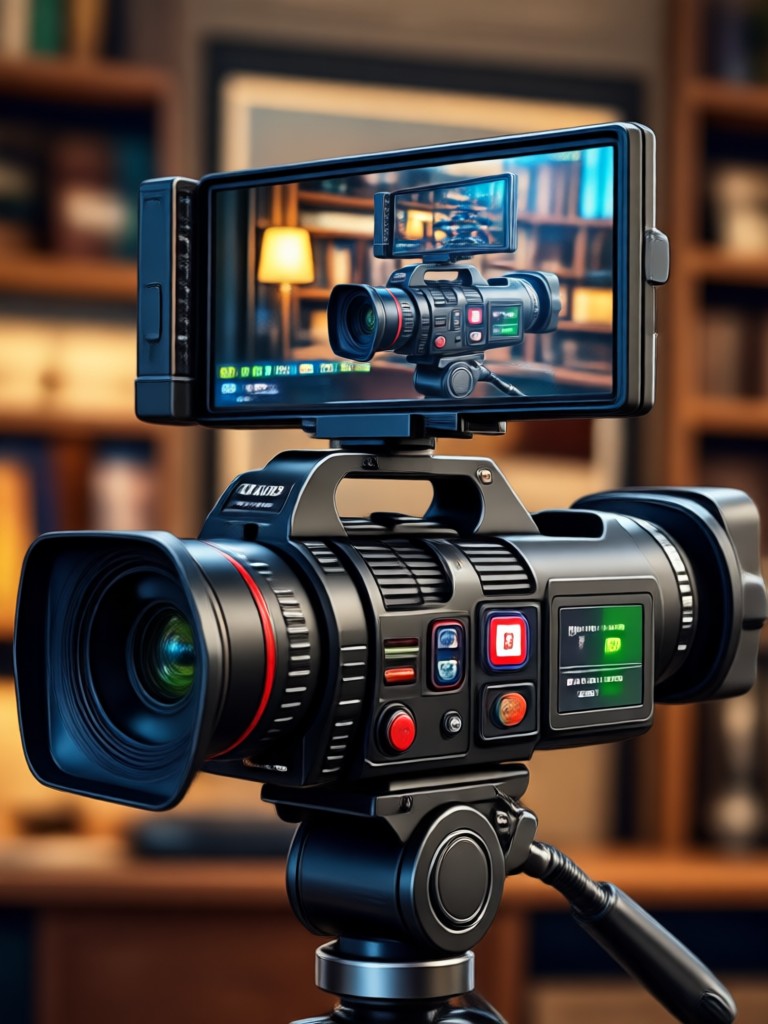
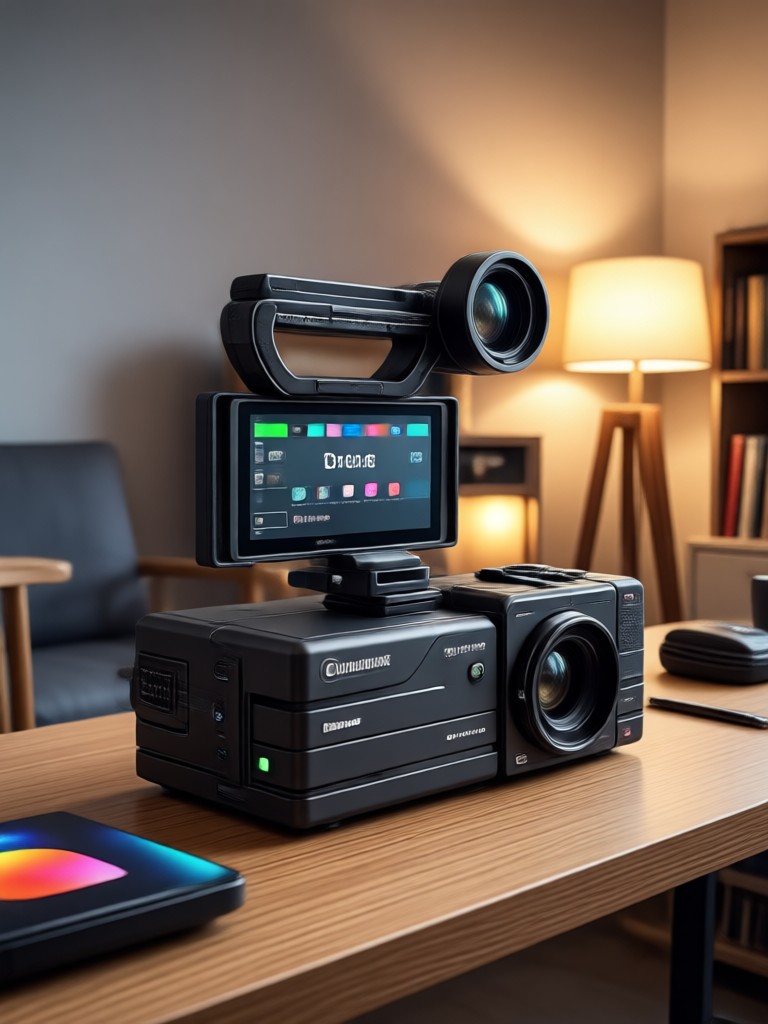
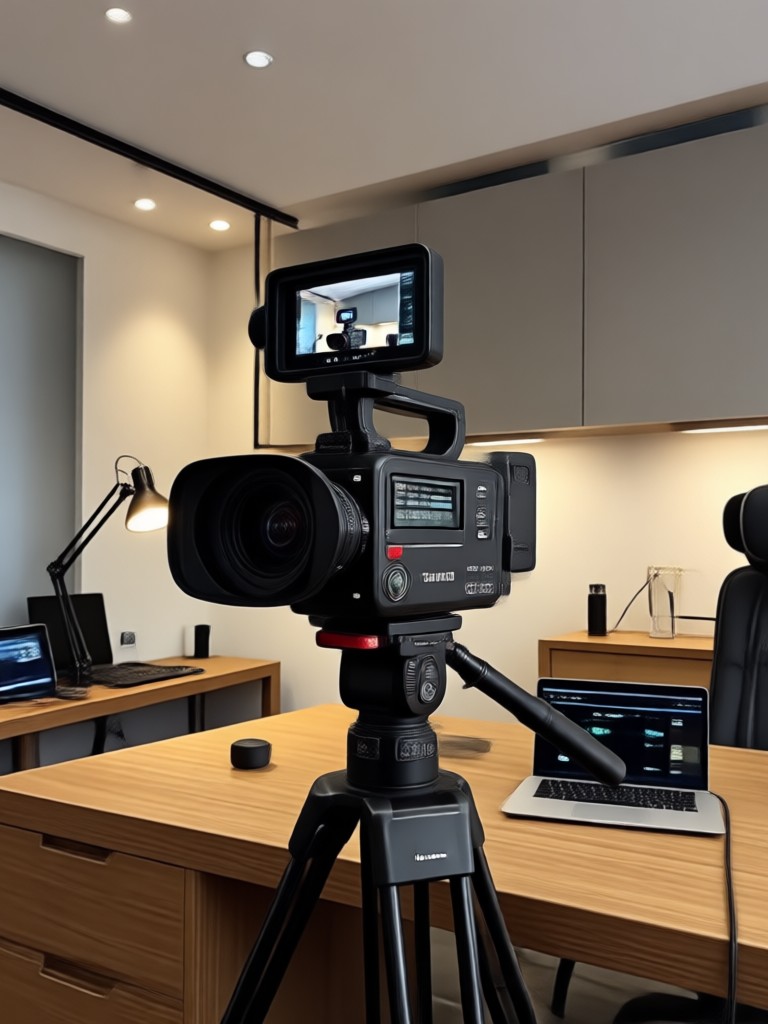
Browse examples of AI-enhanced videos transformed to 4K. Each frame showcases sharper details, richer colors, and professional clarity.
Why Use an AI Video Converter 4K?
Upgrade your video quality without the complexity of traditional editing tools.
Superior Quality Without the Learning Curve
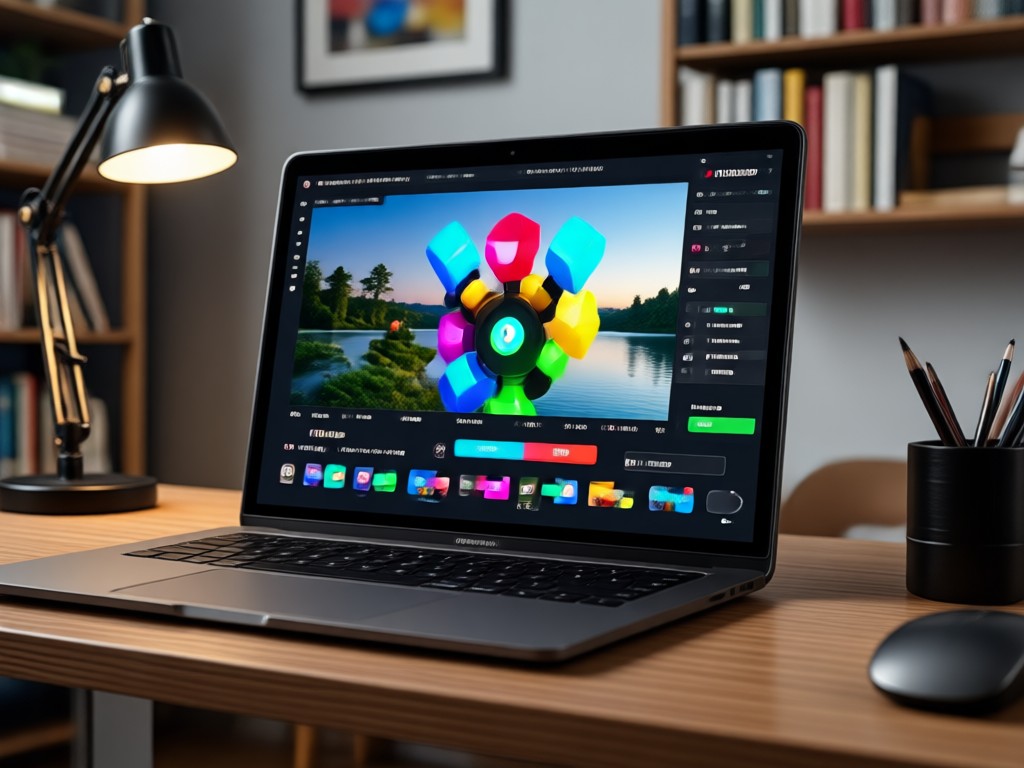
Traditional video converters require complex settings, codecs, and bitrate adjustments. pixpop replaces that with one-tap AI enhancement that intelligently upscales resolution, restores fine textures, and corrects lighting. Whether you are a creator, marketer, or casual user, you get broadcast-ready 4K output from your phone in minutes. No expensive software, no export limits, no frustration.
Superior Quality Without the Learning Curve
Traditional video converters require complex settings, codecs, and bitrate adjustments. pixpop replaces that with one-tap AI enhancement that intelligently upscales resolution, restores fine textures, and corrects lighting. Whether you are a creator, marketer, or casual user, you get broadcast-ready 4K output from your phone in minutes. No expensive software, no export limits, no frustration.
Convert Videos to 4K on Your Phone
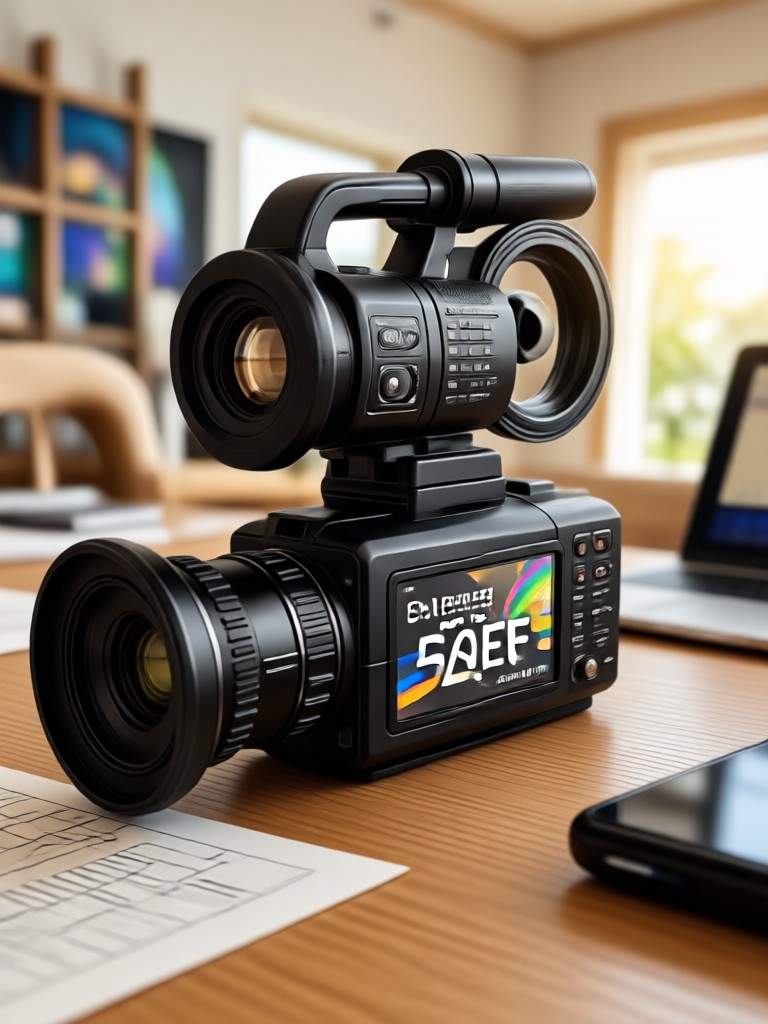
Download pixpop from Google Play and unlock AI-powered 4K video conversion with style filters, fast processing, and no watermarks.

Who Uses the 4K Video Converter AI

Mia Chen
I upscaled my old travel clips from 1080p to 4K and the detail is incredible. The AI sharpened every frame without making it look artificial.
Jordan Lee
As a content creator, I need crisp 4K exports for YouTube. pixpop saves me hours of editing and the results are consistently clean.

Priya Sharma
I used the converter for a client presentation. The enhanced video looked professional and the mobile workflow was surprisingly fast.
Carlos Mendes
My drone footage looked dull. After running it through the 4K converter, the colors popped and the resolution was flawless.
Mia Chen
I upscaled my old travel clips from 1080p to 4K and the detail is incredible. The AI sharpened every frame without making it look artificial.
Jordan Lee
As a content creator, I need crisp 4K exports for YouTube. pixpop saves me hours of editing and the results are consistently clean.
Priya Sharma
I used the converter for a client presentation. The enhanced video looked professional and the mobile workflow was surprisingly fast.
Carlos Mendes
My drone footage looked dull. After running it through the 4K converter, the colors popped and the resolution was flawless.
Mia Chen
I upscaled my old travel clips from 1080p to 4K and the detail is incredible. The AI sharpened every frame without making it look artificial.
Jordan Lee
As a content creator, I need crisp 4K exports for YouTube. pixpop saves me hours of editing and the results are consistently clean.
Priya Sharma
I used the converter for a client presentation. The enhanced video looked professional and the mobile workflow was surprisingly fast.
Carlos Mendes
My drone footage looked dull. After running it through the 4K converter, the colors popped and the resolution was flawless.
Frequently Asked Questions About Video Converter 4K
Find clear answers to common questions about AI-powered 4K video conversion and get the guidance you need to start upscaling today.
More Topics You May Like
Explore more topics you may like and discover fresh ideas tailored to your interests.

Remove Glare From Photo iPhone: AI Fix in One Tap

Add Date And Name To Photo: Quick AI Date Stamp and Name Overlay
Remove Watermarks On Videos: AI Clean Video Generator
Add Thought Bubbles to Photos in Seconds
Remove Glare From Photo iPhone: AI Fix in One Tap
Add Date And Name To Photo: Quick AI Date Stamp and Name Overlay
Remove Watermarks On Videos: AI Clean Video Generator
Add Thought Bubbles to Photos in Seconds
Transform Your Videos to 4K Today
Download pixpop from Google Play and start converting your clips with AI-powered 4K enhancement. Fast, easy, and free to try.

Transform Your Videos to 4K Today
Download pixpop from Google Play and start converting your clips with AI-powered 4K enhancement. Fast, easy, and free to try.