How To Remove Watermarks On Videos
Choose the Right AI Video Cleaner for Your Needs
Discover multiple AI filters and tools that help you regenerate clean, watermark-free videos in the exact style you want.
Key Features for Watermark-Free Video Generation
pixpop gives you powerful AI tools to remove watermarks and create clean, professional videos without any complex editing software or technical skills.
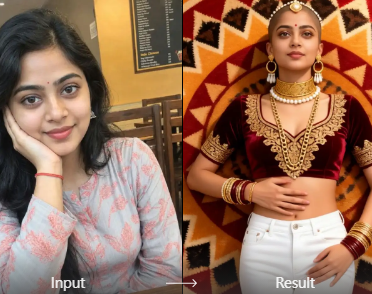
AI Video Regeneration
Upload a watermarked clip and let AI reconstruct clean frames without logos, text overlays, or watermarks. The app preserves the original motion and subject while removing unwanted visual elements. Your result looks natural and seamless, not cropped or blurred.
AI Video Regeneration
Upload a watermarked clip and let AI reconstruct clean frames without logos, text overlays, or watermarks. The app preserves the original motion and subject while removing unwanted visual elements. Your result looks natural and seamless, not cropped or blurred.

Text to Video Without Watermarks
Describe your video scene in plain words and generate a brand new watermark-free clip from scratch. Choose from over one million style templates to match your desired mood, whether realistic, cinematic, anime, or artistic. No footage needed at all.
Text to Video Without Watermarks
Describe your video scene in plain words and generate a brand new watermark-free clip from scratch. Choose from over one million style templates to match your desired mood, whether realistic, cinematic, anime, or artistic. No footage needed at all.
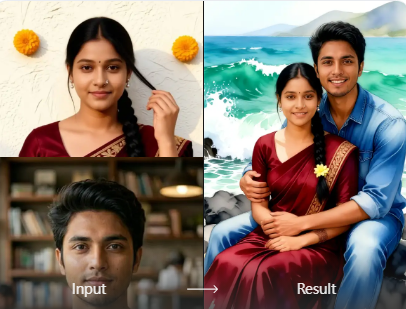
Image to Video Clean Conversion
Turn static photos into smooth, watermark-free videos. The AI animates your images with natural motion, facial expressions, and dynamic effects without adding any logos or watermarks. Perfect for social media posts and short-form content.
Image to Video Clean Conversion
Turn static photos into smooth, watermark-free videos. The AI animates your images with natural motion, facial expressions, and dynamic effects without adding any logos or watermarks. Perfect for social media posts and short-form content.
How to Remove Watermarks on Videos with pixpop
Follow three simple steps to create clean, professional videos without watermarks using AI.

Step 01.
Download the pixpop app from Google Play to access AI video cleaning tools on your mobile device.

Step 02.
Upload your watermarked video or describe the clean video you want, then choose a style template that fits your content.

Step 03.
Generate your watermark-free video and download or share it instantly on social media platforms.

Why Use AI to Remove Watermarks from Videos?
Traditional editing tools require frame-by-frame manual work and expensive desktop software. pixpop's AI automates the entire process, saving you hours of tedious editing while delivering cleaner results that look completely natural and professional.
Why Use AI to Remove Watermarks from Videos?
Traditional editing tools require frame-by-frame manual work and expensive desktop software. pixpop's AI automates the entire process, saving you hours of tedious editing while delivering cleaner results that look completely natural and professional.
Watermark-Free Video Generation Gallery
Browse examples of clean, professional videos created with pixpop's AI tools. Every result is generated without watermarks, ready for sharing on any platform.







Who Uses AI to Remove Watermarks from Videos

Marcus Chen
I had old footage with a competitor's watermark. pixpop regenerated the entire clip into a clean 1080p version without a trace of the original logo.

Sofia Ramirez
As a content creator, I need clean b-roll for client work. The text-to-video feature saves me hours of searching for stock footage without watermarks.

Daniel Kwan
My screen recordings always had app watermarks. pixpop cleaned them up and even upscaled the resolution. Client presentations look professional now.

Elena Petrova
I used pixpop to remove an old watermark from my YouTube intro. The AI rebuilt the scene so well that viewers never noticed a difference.
Marcus Chen
I had old footage with a competitor's watermark. pixpop regenerated the entire clip into a clean 1080p version without a trace of the original logo.
Sofia Ramirez
As a content creator, I need clean b-roll for client work. The text-to-video feature saves me hours of searching for stock footage without watermarks.
Daniel Kwan
My screen recordings always had app watermarks. pixpop cleaned them up and even upscaled the resolution. Client presentations look professional now.
Elena Petrova
I used pixpop to remove an old watermark from my YouTube intro. The AI rebuilt the scene so well that viewers never noticed a difference.
Marcus Chen
I had old footage with a competitor's watermark. pixpop regenerated the entire clip into a clean 1080p version without a trace of the original logo.
Sofia Ramirez
As a content creator, I need clean b-roll for client work. The text-to-video feature saves me hours of searching for stock footage without watermarks.
Daniel Kwan
My screen recordings always had app watermarks. pixpop cleaned them up and even upscaled the resolution. Client presentations look professional now.
Elena Petrova
I used pixpop to remove an old watermark from my YouTube intro. The AI rebuilt the scene so well that viewers never noticed a difference.
Frequently Asked Questions About Removing Watermarks on Videos
Find clear answers to common questions about removing watermarks from videos using pixpop's AI tools.
Remove Watermarks On Videos Right from Your Phone
Download pixpop from Google Play and start generating clean, watermark-free videos today. No desktop software needed. No editing skills required.

More Topics You May Like
Explore more AI video and image topics to expand your creative toolkit and discover new ways to use pixpop.
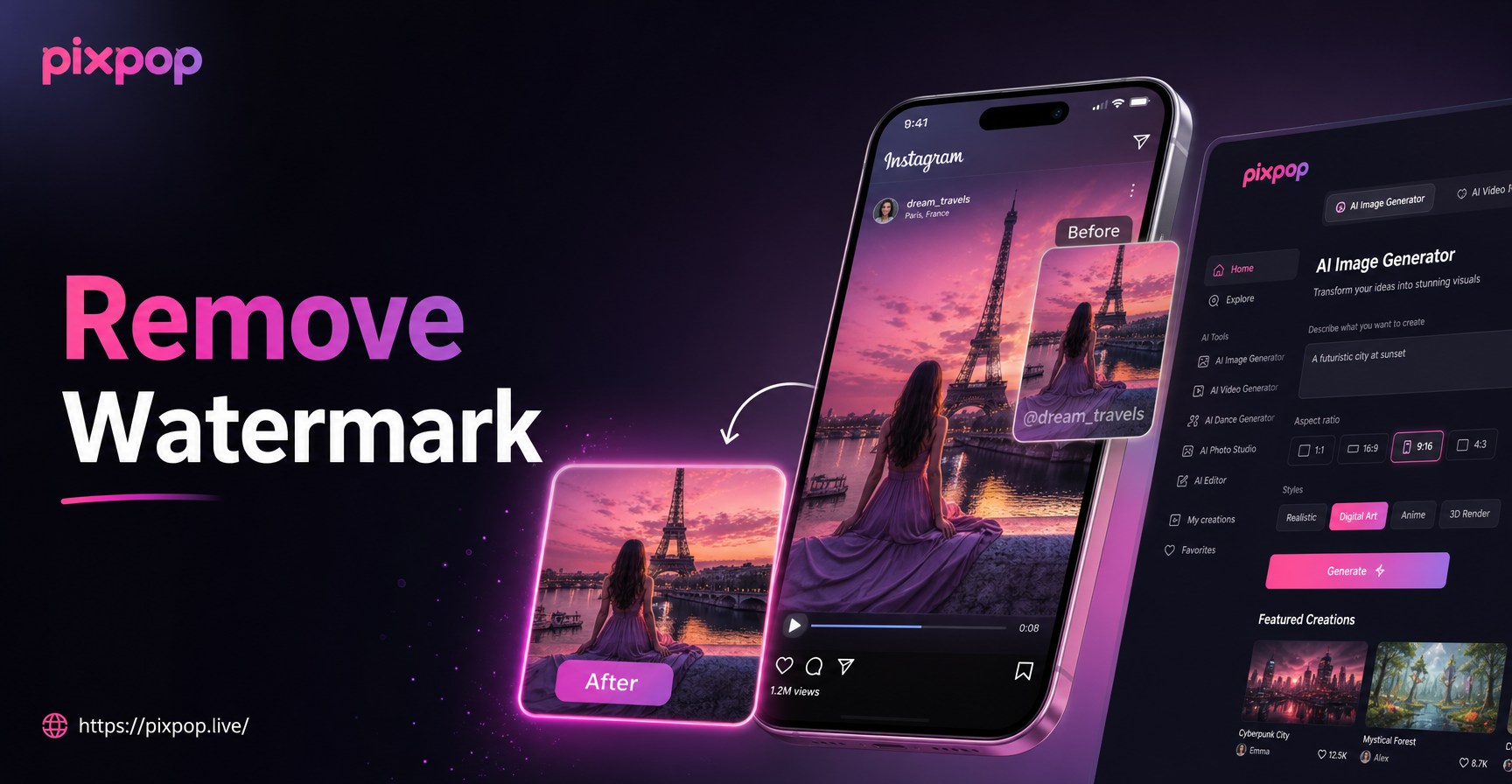
Easily Remove Watermarks from Instagram Videos

80s AI Generator: Retro 1980s Photo and Video Effects

Turn Ordinary Photos Into HDR Masterpieces

Clothes Remover Filter: AI Outfit Swap & Fashion Edit
Easily Remove Watermarks from Instagram Videos
80s AI Generator: Retro 1980s Photo and Video Effects
Turn Ordinary Photos Into HDR Masterpieces
Clothes Remover Filter: AI Outfit Swap & Fashion Edit
Start Creating Watermark-Free Videos Today
Download pixpop now and let AI handle watermark removal and video regeneration. Clean, professional results in seconds.

Start Creating Watermark-Free Videos Today
Download pixpop now and let AI handle watermark removal and video regeneration. Clean, professional results in seconds.