Add Date And Name To Photo

Choose the Perfect Date and Name Photo Template
Explore a variety of text overlay templates, from classic date stamps to modern name tags. Pick the style that best suits your photo.
Key Features for Adding Date and Name to Photo
Discover simple tools to personalize your images with accurate dates, custom names, and beautiful typography.

AI Date Stamp Styles
Apply realistic vintage date stamps, handwritten dates, or clean digital timestamps. Adjust font, color, and position with a single tap.
AI Date Stamp Styles
Apply realistic vintage date stamps, handwritten dates, or clean digital timestamps. Adjust font, color, and position with a single tap.
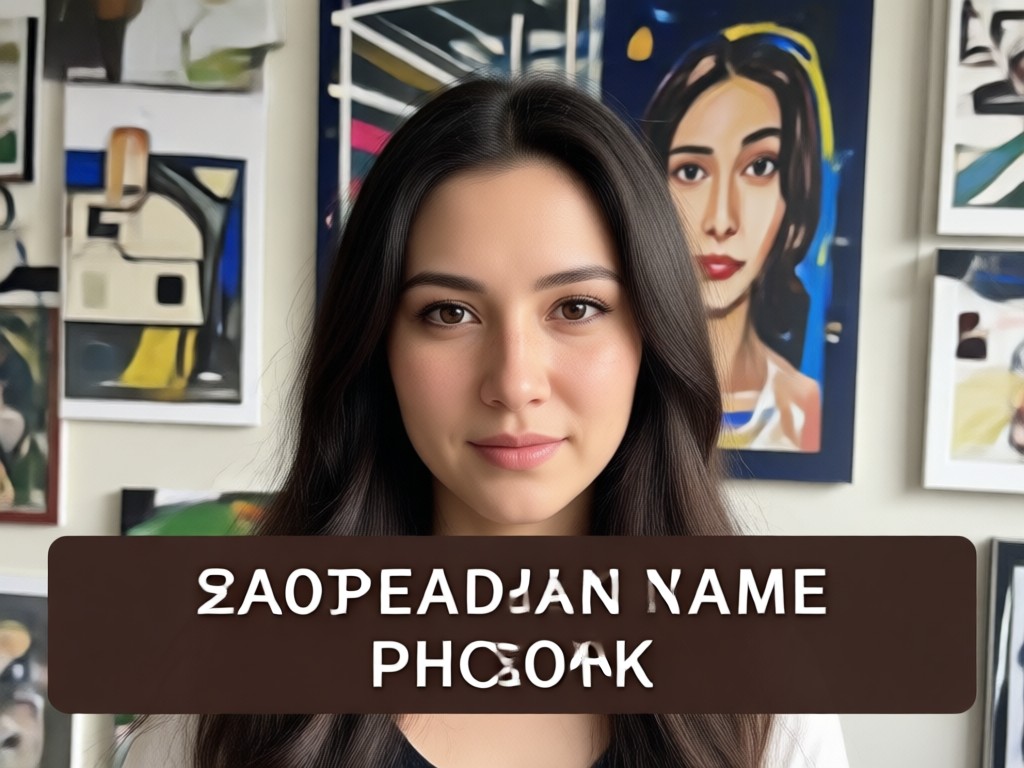
Custom Name Overlays
Add names, initials, or captions in elegant calligraphy or modern fonts. Perfect for memorial photos, baby announcements, and wedding keepsakes.
Custom Name Overlays
Add names, initials, or captions in elegant calligraphy or modern fonts. Perfect for memorial photos, baby announcements, and wedding keepsakes.
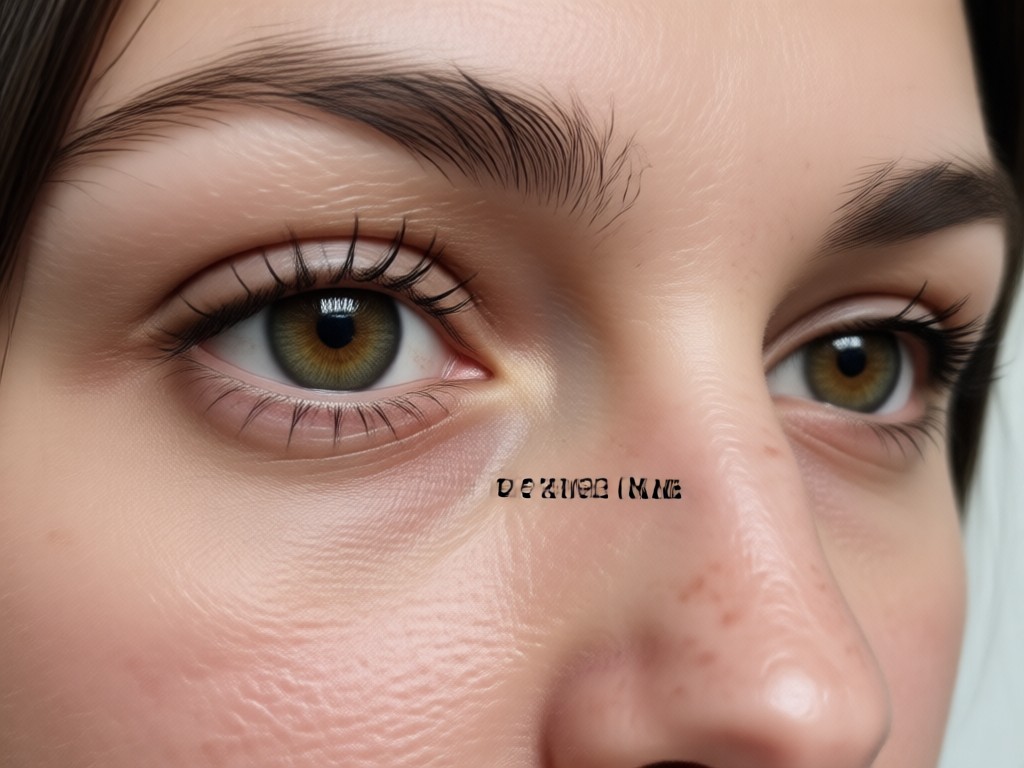
Smart Text Alignment
Automatically align text to the best position on any photo. Keep your date and name readable without covering the subject.
Smart Text Alignment
Automatically align text to the best position on any photo. Keep your date and name readable without covering the subject.
Realistic Date and Name Photo Examples
See how pixpop transforms ordinary photos into personalized keepsakes with beautiful date stamps and name overlays.





How to Add Date and Name to Photo?
Personalize your photos with custom dates and names in just three simple steps using the pixpop app.

Step 01.
Download the pixpop app from Google Play and open it on your phone.

Step 02.
Upload your photo and choose a date stamp or name overlay template from the library.

Step 03.
Adjust the text, generate your image, and save or share it directly to social media.
Why Choose pixpop for Date and Name Photos?
pixpop offers a seamless mobile experience for adding dates and names to photos. With over a million style filters, you can match any aesthetic. The AI preserves your photo quality while adding sharp, readable text. No complicated prompts or design software required.
Here is What People Think About Us
Perfect for memorial photo keepsakes
I used pixpop to add my grandmother's name and dates to a family photo. The vintage date stamp looked so real. It only took a minute on my phone.
Great for baby milestone photos
Adding my daughter's birth date and name to her newborn photos was so easy. The custom fonts are beautiful and the app is very intuitive.
Simple and high quality
I needed a quick way to timestamp travel photos. pixpop gave me clean, professional overlays without any design skills. Highly recommend.
Frequently Asked Questions
Find clear answers to common questions about adding dates and names to photos with pixpop.
More Topics You May Like
Explore more photo editing tools and tutorials to enhance your creativity.

Remove Watermarks On Videos: AI Clean Video Generator

Add Thought Bubbles to Photos in Seconds

Easily Remove Watermarks from Instagram Videos

80s AI Generator: Retro 1980s Photo and Video Effects
Remove Watermarks On Videos: AI Clean Video Generator
Add Thought Bubbles to Photos in Seconds
Easily Remove Watermarks from Instagram Videos
80s AI Generator: Retro 1980s Photo and Video Effects
Add Date And Name To Photo Today
Download pixpop and start personalizing your photos with beautiful date stamps and name overlays. No design skills required.
Add Date And Name To Photo Today
Download pixpop and start personalizing your photos with beautiful date stamps and name overlays. No design skills required.