Remove Glare From Photo iPhone Instantly
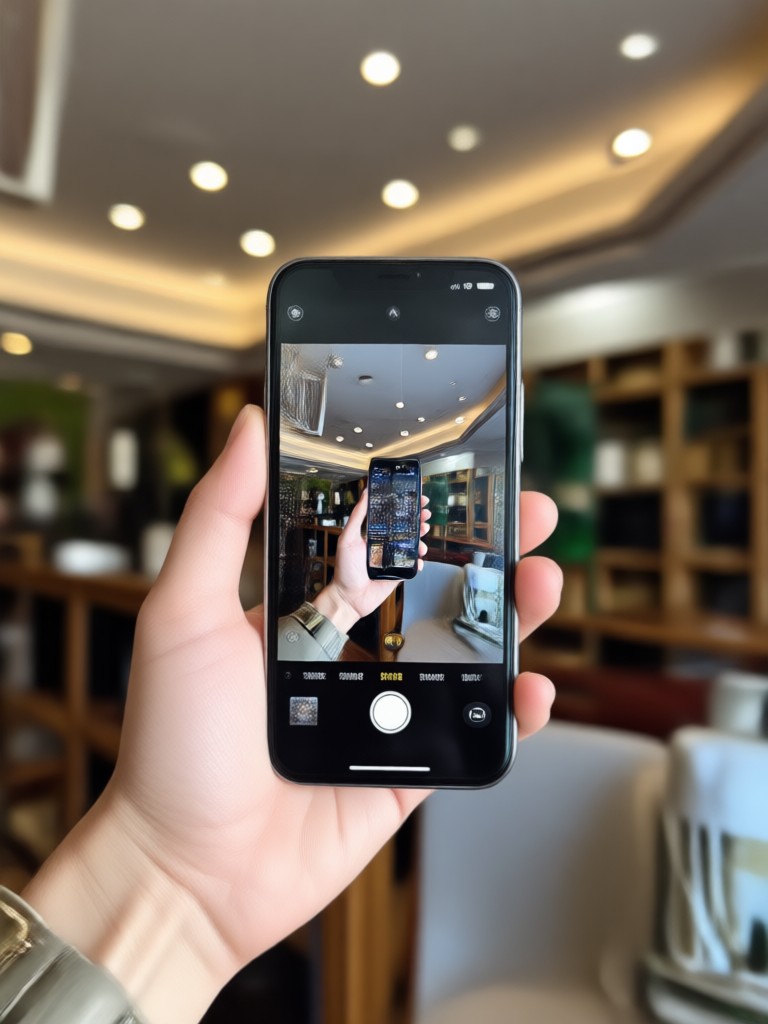
Find the Best Glare Removal Filter for Your Photo
Pixpop offers multiple AI filters designed to clean up reflections, reduce shine, and restore details lost under bright light. Pick the one that matches your photo.
Key Features of Pixpop's Glare Remover for iPhone Photos
Turn bright, blown-out phone photos into clean, natural images with AI tools built for real-world lighting problems. Here's what makes Pixpop the best glare remover for iPhone.
Automatic Glare Detection
Pixpop scans your photo and identifies reflections, hotspots, and light streaks automatically. You don't need to manually select the glare area or use complex editing tools. The AI handles the hard work.
Automatic Glare Detection
Pixpop scans your photo and identifies reflections, hotspots, and light streaks automatically. You don't need to manually select the glare area or use complex editing tools. The AI handles the hard work.
Natural Skin and Texture Preservation
Unlike basic photo editors that blur or over smooth, Pixpop removes glare while keeping facial texture, fabric details, and background edges sharp and realistic. Your photo looks clean, not airbrushed.
Natural Skin and Texture Preservation
Unlike basic photo editors that blur or over smooth, Pixpop removes glare while keeping facial texture, fabric details, and background edges sharp and realistic. Your photo looks clean, not airbrushed.
One Tap Fix for Any Lighting
From sunlight bouncing off cars to flash reflections on glasses, Pixpop handles all types of glare. Just upload your iPhone photo, tap once, and download a clean version ready to share.
One Tap Fix for Any Lighting
From sunlight bouncing off cars to flash reflections on glasses, Pixpop handles all types of glare. Just upload your iPhone photo, tap once, and download a clean version ready to share.
How to Remove Glare From a Photo on iPhone
Clean up your iPhone photos in three quick steps using Pixpop's AI glare remover.

Step 01.
Download Pixpop from Google Play and open it on your phone. The app is free to download and works without any design experience.

Step 02.
Upload the photo with glare and choose a glare removal filter. You can also adjust strength and preview the result before saving.

Step 03.
Tap generate and let AI remove the glare. Download the final photo and share it directly to social media or your camera roll.
See Glare-Free Photo Transformations
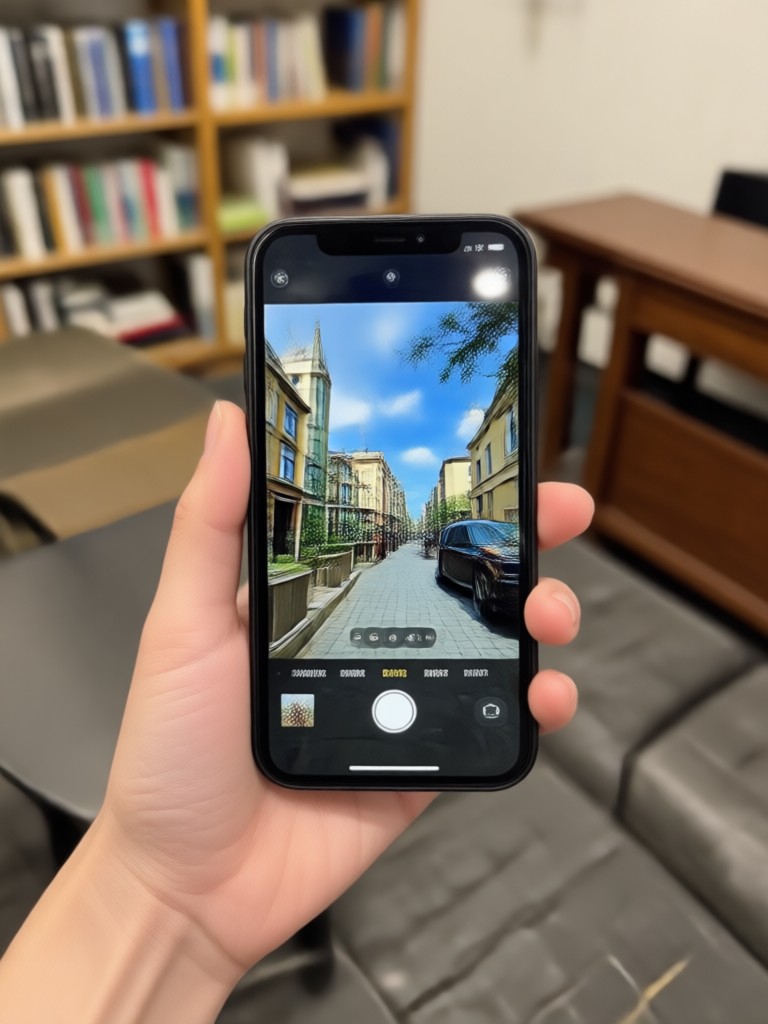
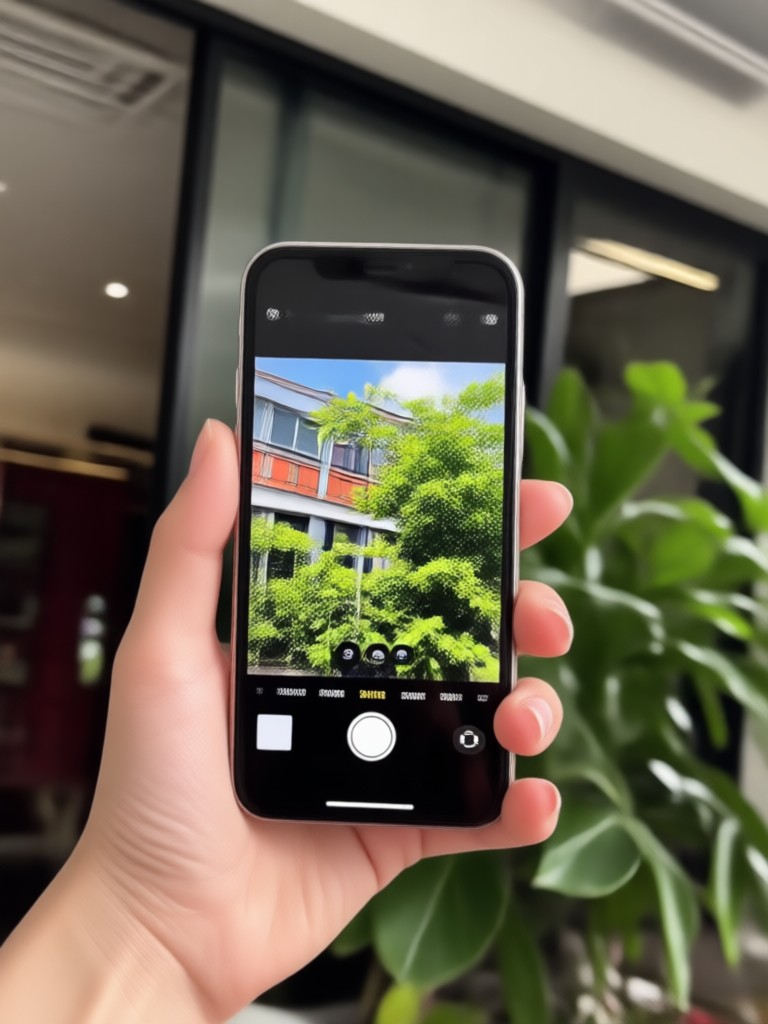
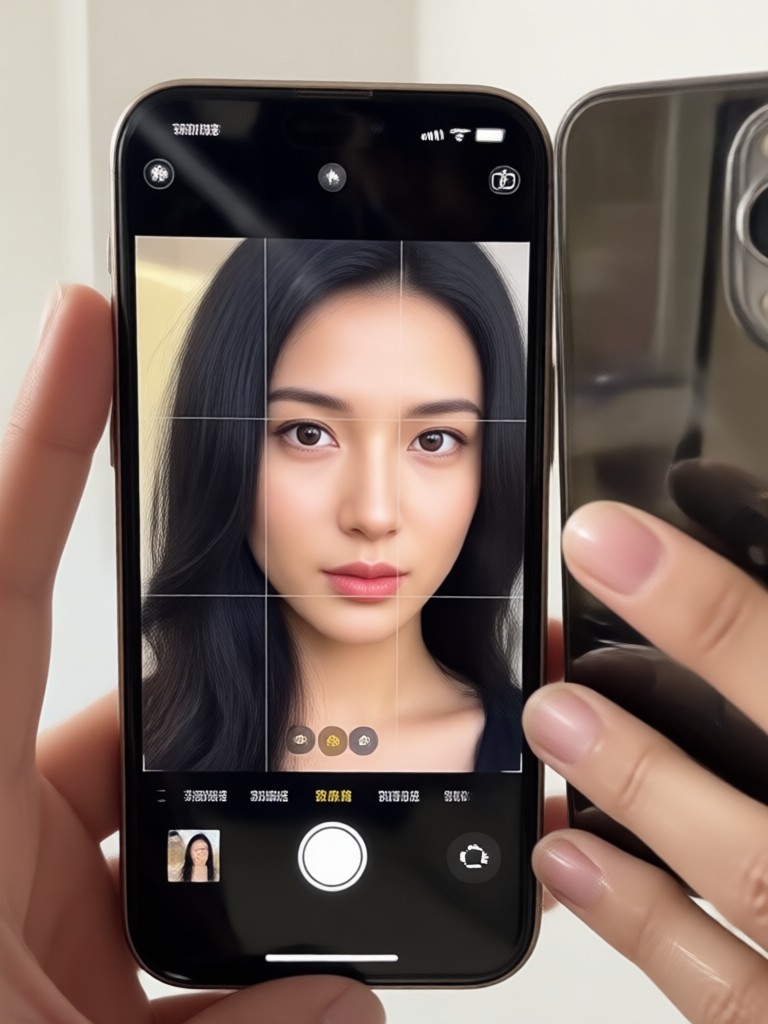
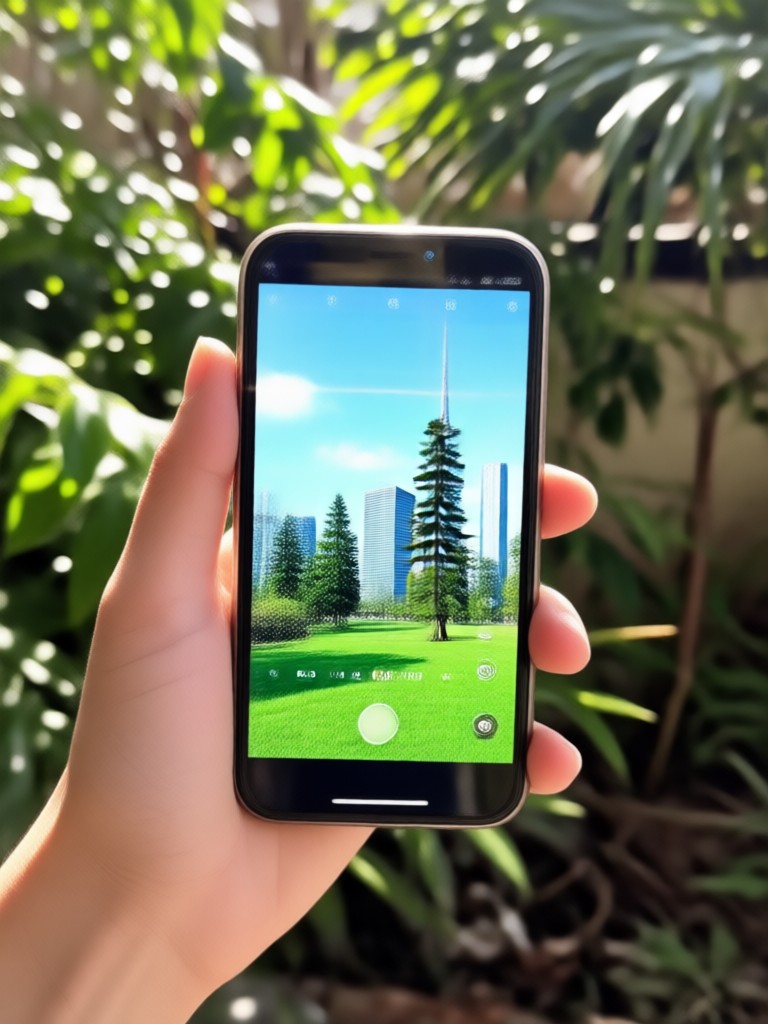
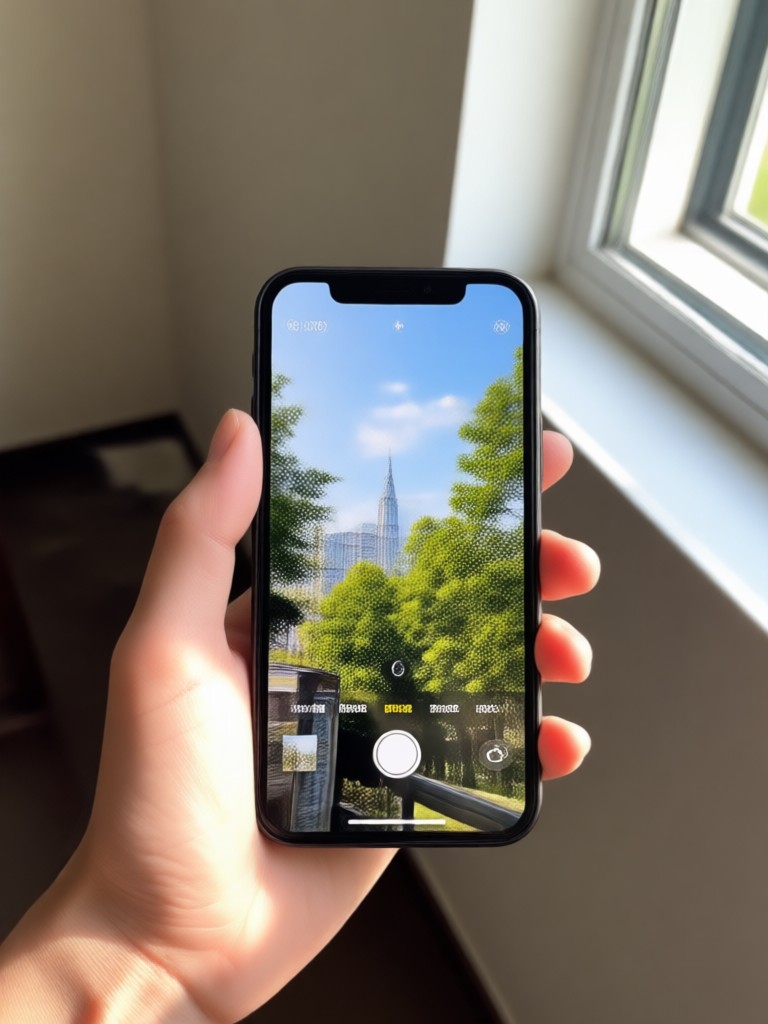
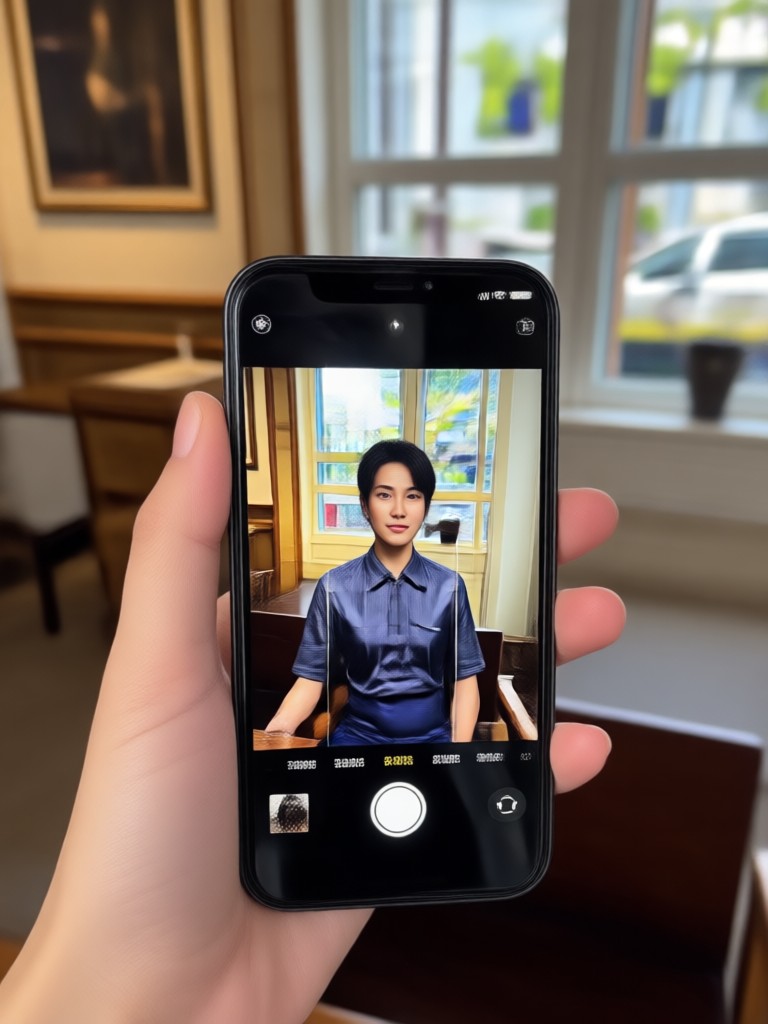
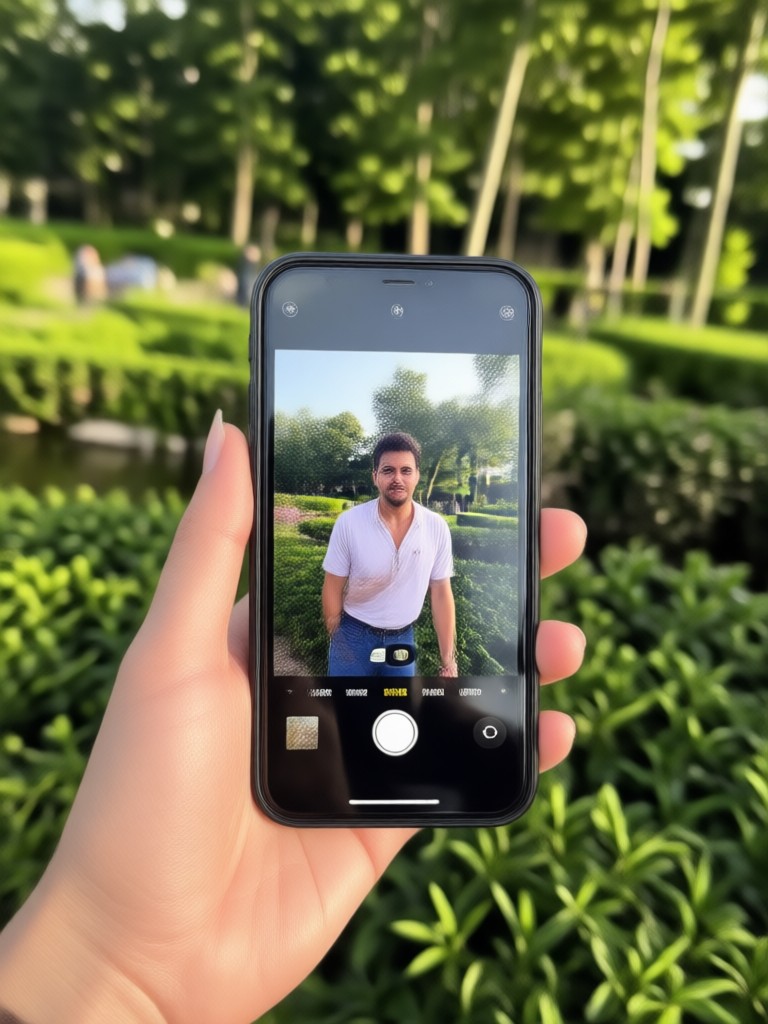
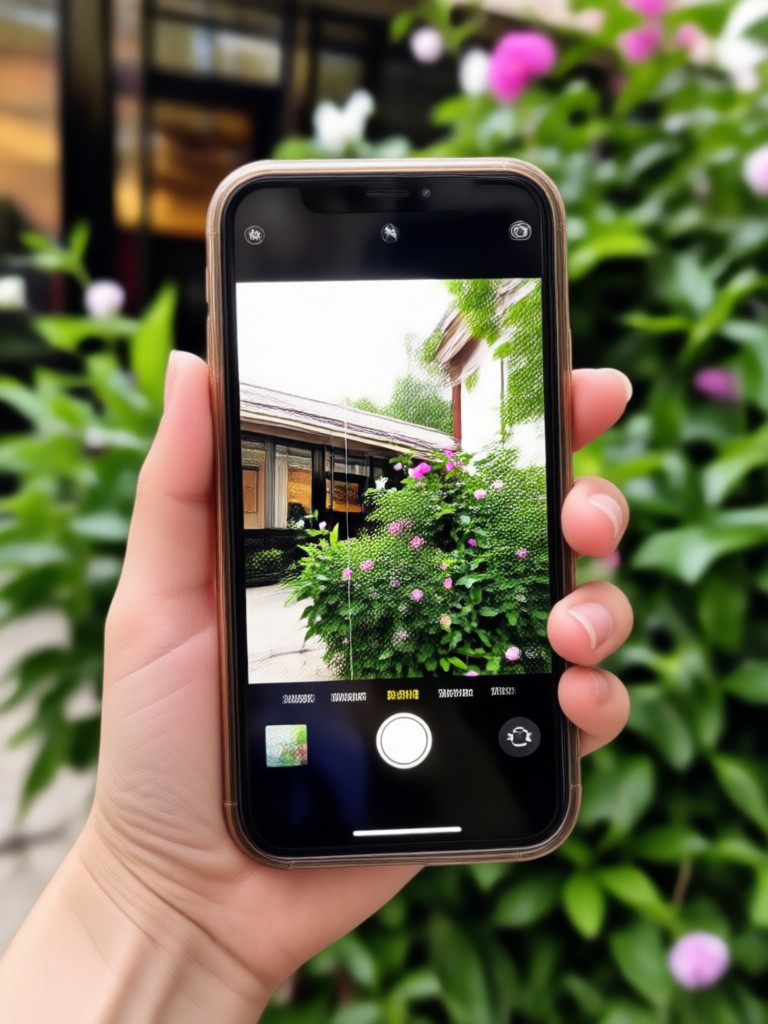
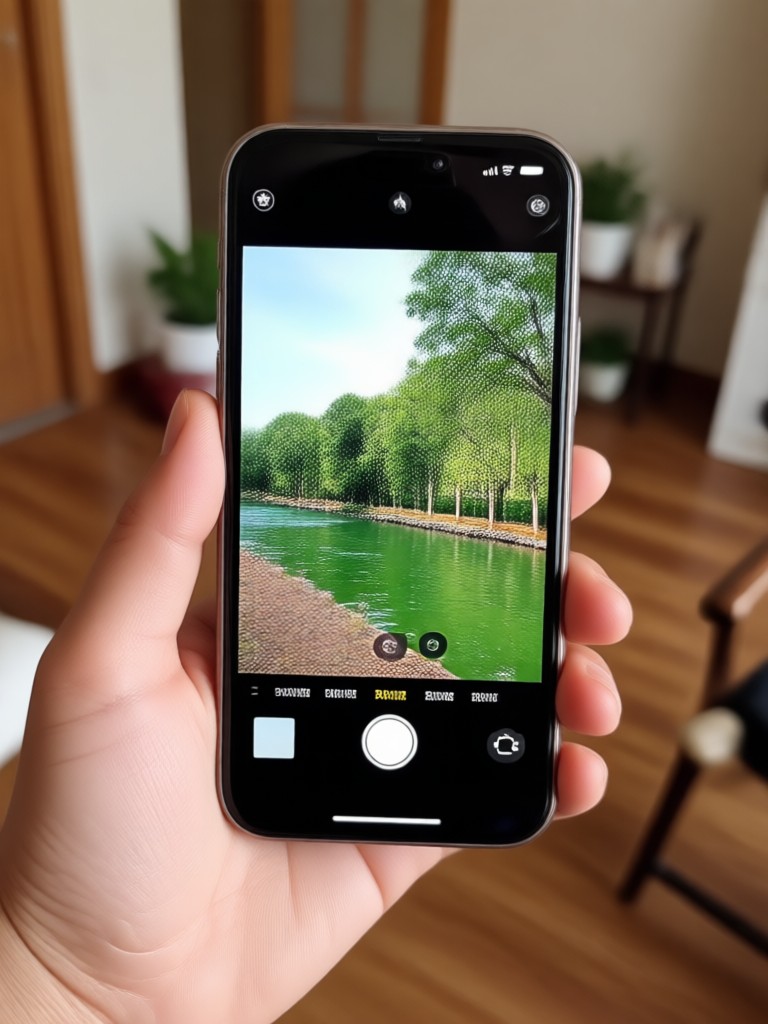
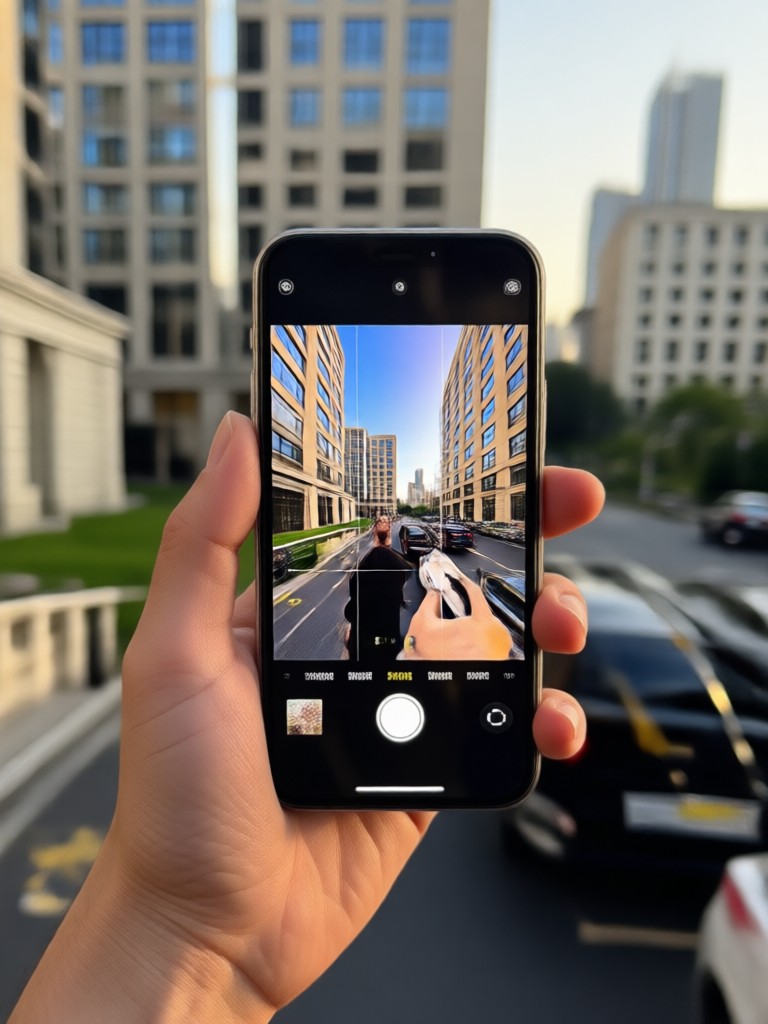
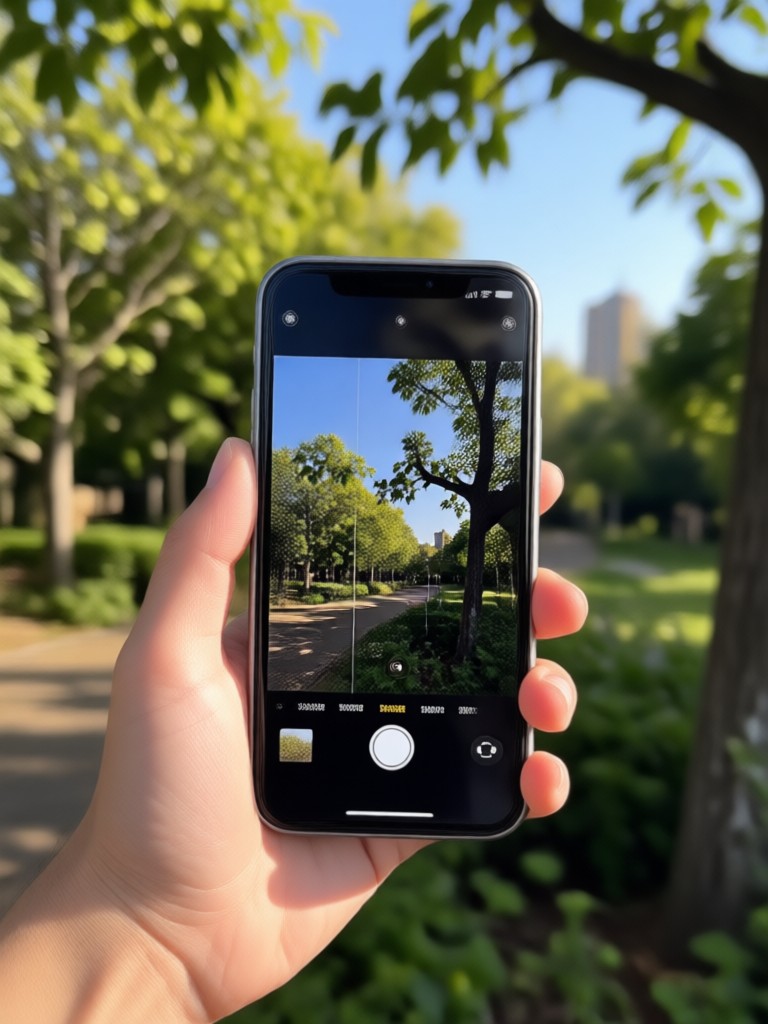
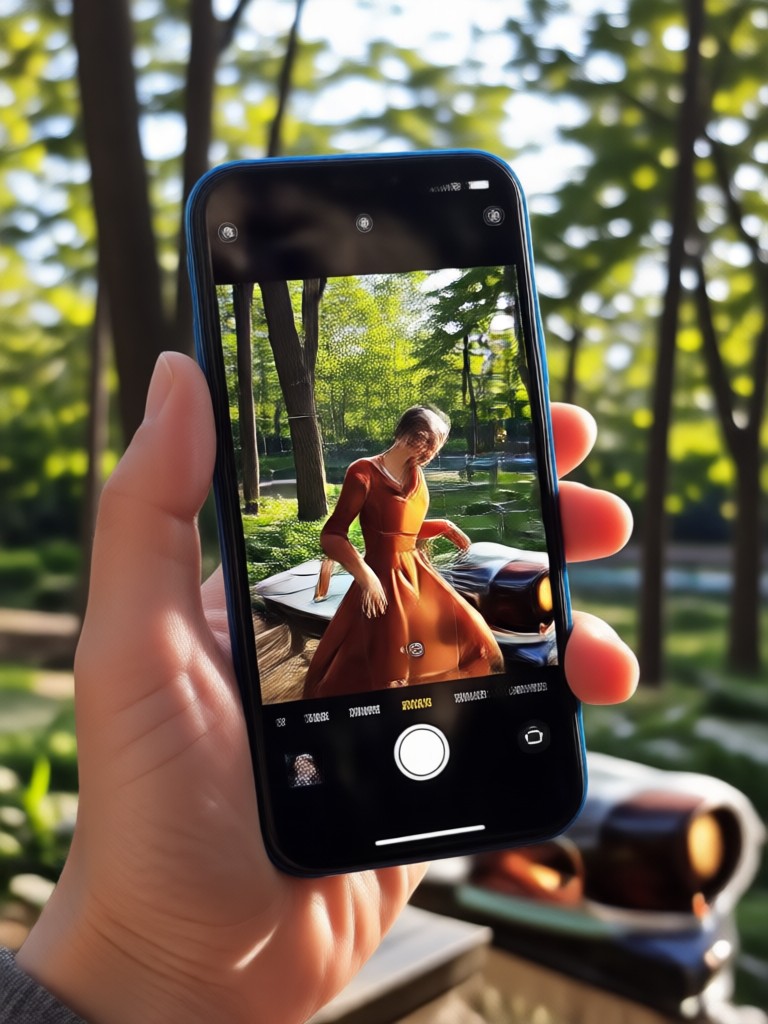
Browse examples of iPhone photos before and after using Pixpop's glare removal filters. From window reflections to shiny skin, every image shows natural detail restored without harsh editing.
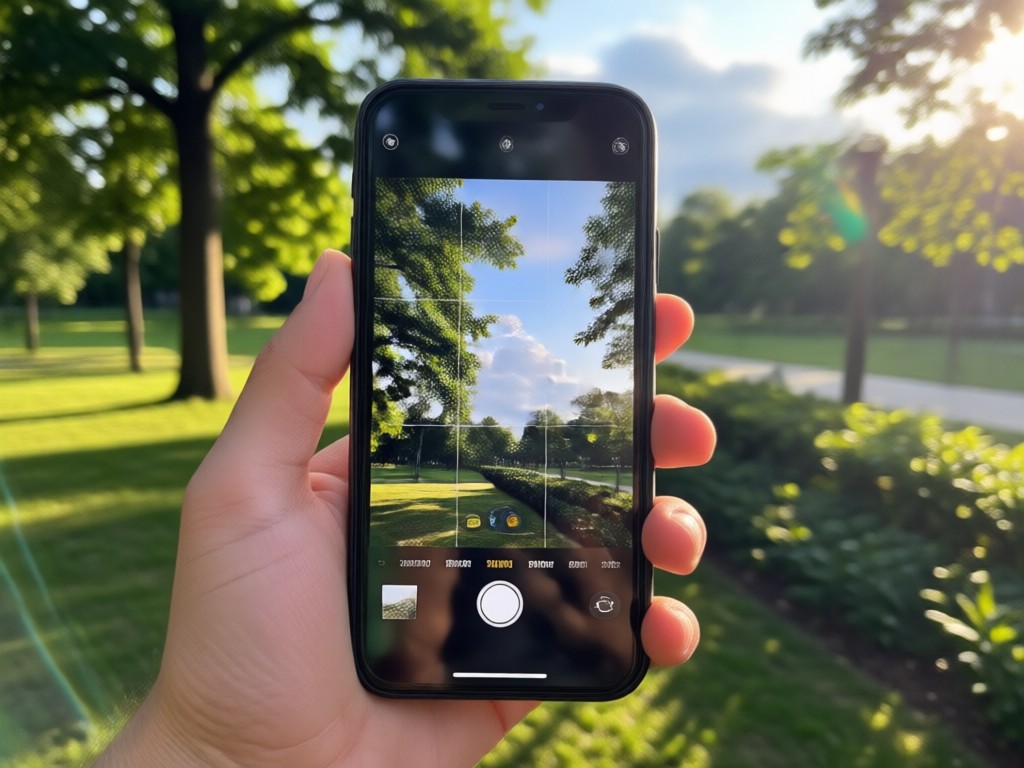
Why Pixpop Is the Best Glare Remover for iPhone Photos
Most photo editors force you to manually mask glare or endure heavy filters that ruin image quality. Pixpop is different. Its AI understands light, shadows, and texture to remove glare naturally without sacrificing detail. Just upload and tap.
Why Pixpop Is the Best Glare Remover for iPhone Photos
Most photo editors force you to manually mask glare or endure heavy filters that ruin image quality. Pixpop is different. Its AI understands light, shadows, and texture to remove glare naturally without sacrificing detail. Just upload and tap.
What Users Say About Removing Glare With Pixpop
Finally, a glare fix that looks real
I take photos of my products near a window and always get bad reflections. Pixpop removed the glare completely and the product details stayed sharp. I use it every day for my shop.
Saved my vacation photos
So many of my beach photos had harsh sun glare on faces. This app fixed them in seconds. My friends couldn't tell they were edited.
No more flash reflection on glasses
I always hated how flash ruined my portraits. Pixpop removed the reflection from my glasses and kept my eyes clear. It's incredibly easy.
Frequently Asked Questions About Removing Glare From iPhone Photos
Find answers to common questions about AI glare removal and how to get the best results from your iPhone photos.

Remove Glare From iPhone Photo on the Go
Pixpop's AI glare remover works on all types of photos, including those taken with iPhone. Download the app from Google Play and clean up reflections, hotspots, and light streaks anywhere.

Ready to Fix Glare in Your iPhone Photos?
Download Pixpop now and remove glare, reflections, and shine from any photo in seconds. No design skills needed. Get natural, clean results every time.

Ready to Fix Glare in Your iPhone Photos?
Download Pixpop now and remove glare, reflections, and shine from any photo in seconds. No design skills needed. Get natural, clean results every time.