Add Thought Bubble To Photo
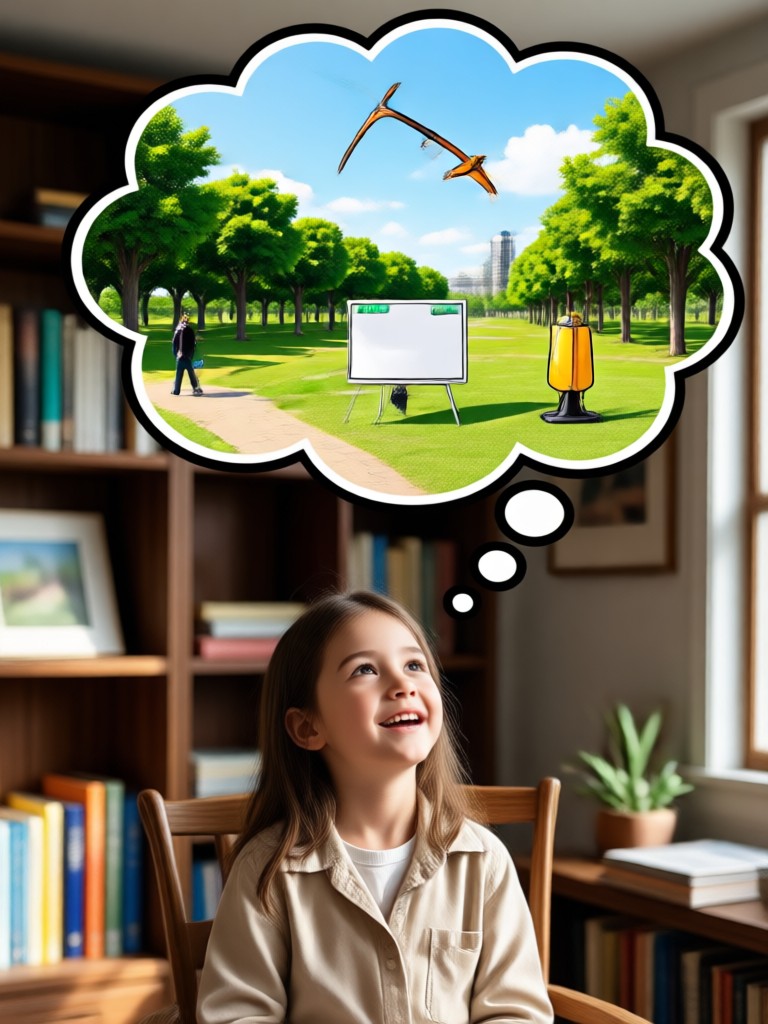
Choose the Thought Bubble Style That Fits Your Photo
Browse comic bubbles, sketch clouds, clean vector balloons, and vintage halftone overlays to match any picture.
Key Features for Thought Bubble Photos
Create funny, expressive, and stylish caption overlays without any design experience. pixpop handles the hard parts so you can focus on the joke.

AI Subject Detection
pixpop automatically recognizes faces, poses, and objects in your photo so the thought bubble sits in the right place without manual masking.
AI Subject Detection
pixpop automatically recognizes faces, poses, and objects in your photo so the thought bubble sits in the right place without manual masking.

Custom Text and Fonts
Type your own message, pick playful comic fonts, change colors, and resize the bubble to fit the scene naturally.
Custom Text and Fonts
Type your own message, pick playful comic fonts, change colors, and resize the bubble to fit the scene naturally.
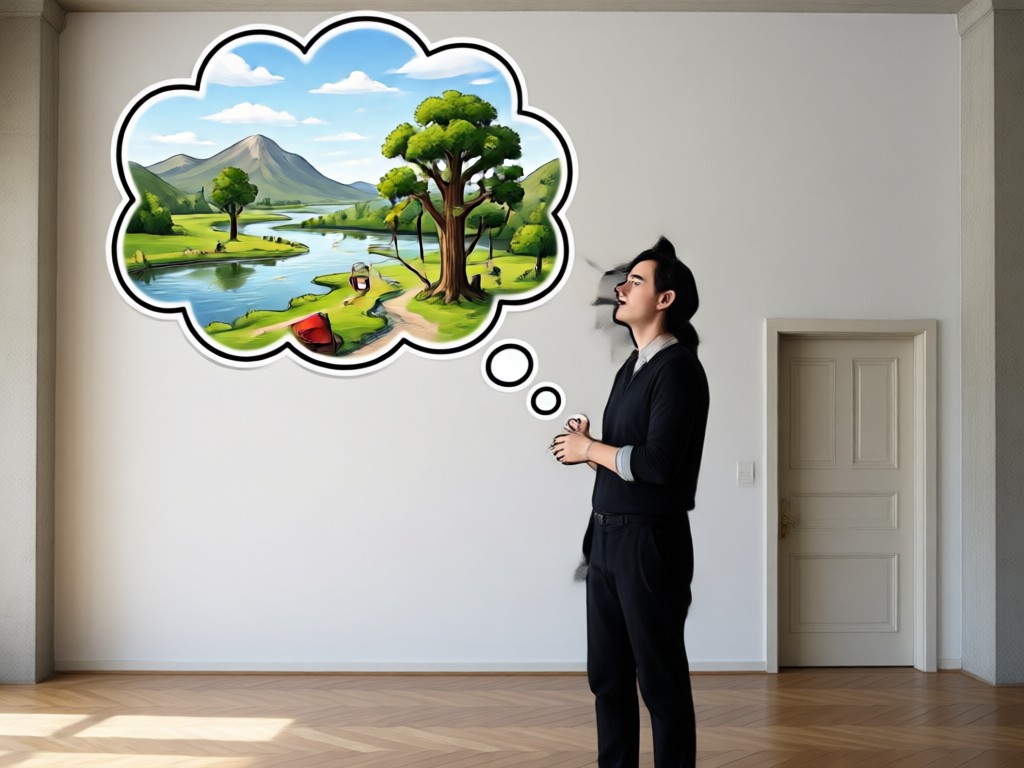
One Tap Style Presets
Apply trendy comic, sketch, cute cloud, and retro halftone bubble styles with a single tap. Save your favorite look for consistent posts.
One Tap Style Presets
Apply trendy comic, sketch, cute cloud, and retro halftone bubble styles with a single tap. Save your favorite look for consistent posts.
How to Add a Thought Bubble to Any Photo
Create your own comic style photo in three simple steps using pixpop on your Android phone.

Step 01.
Download pixpop from Google Play and open the app on your phone.

Step 02.
Upload the photo you want to edit and choose a thought bubble style from the built in library.

Step 03.
Type your message, adjust the bubble placement, then save or share your finished image.
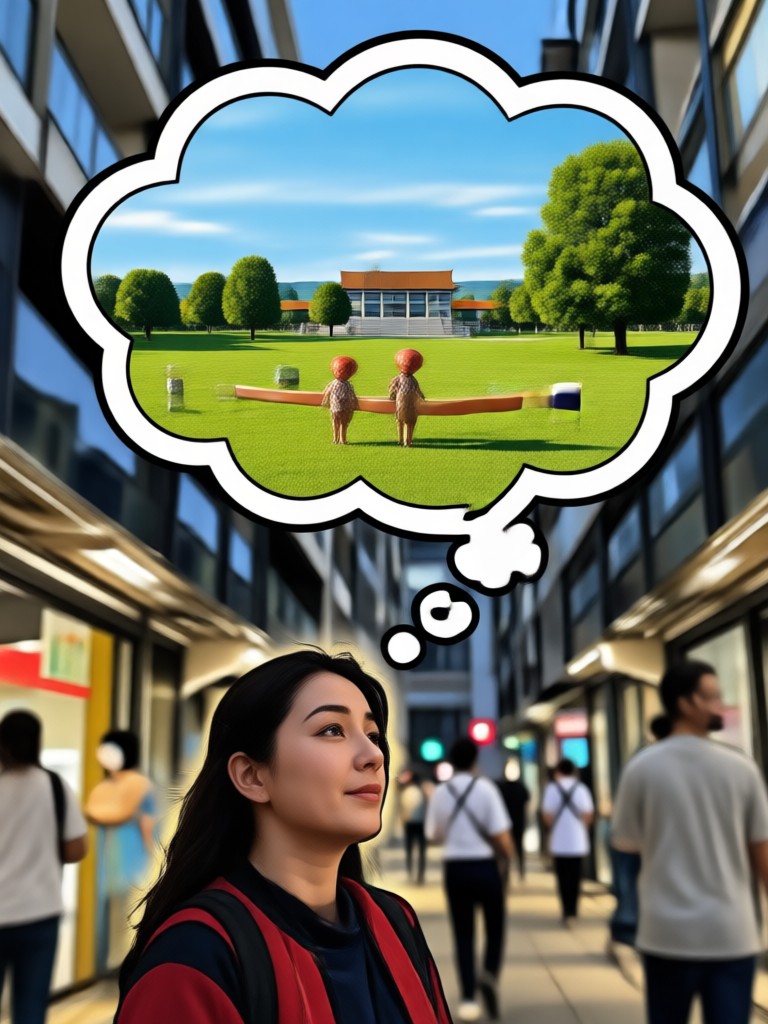
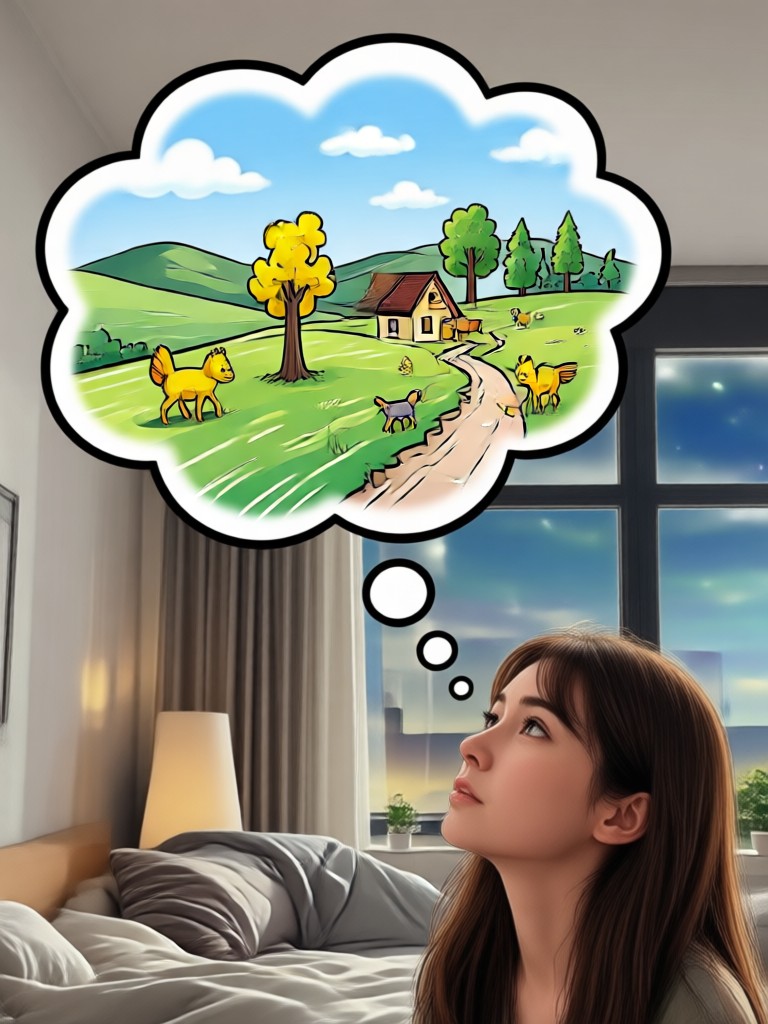
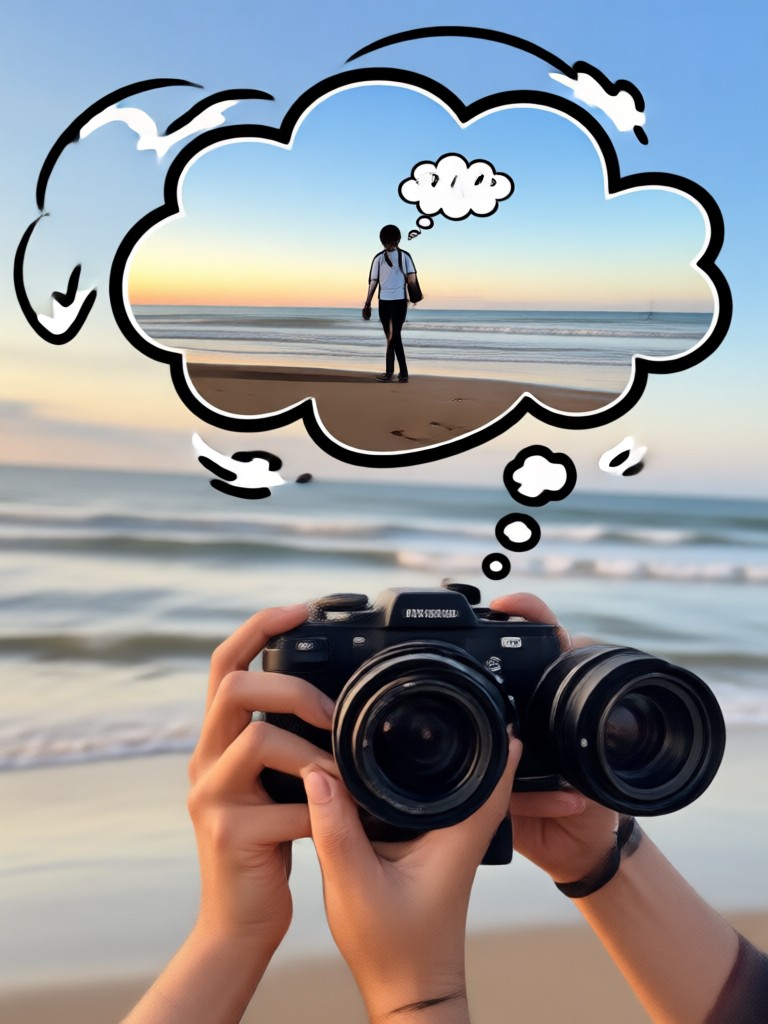
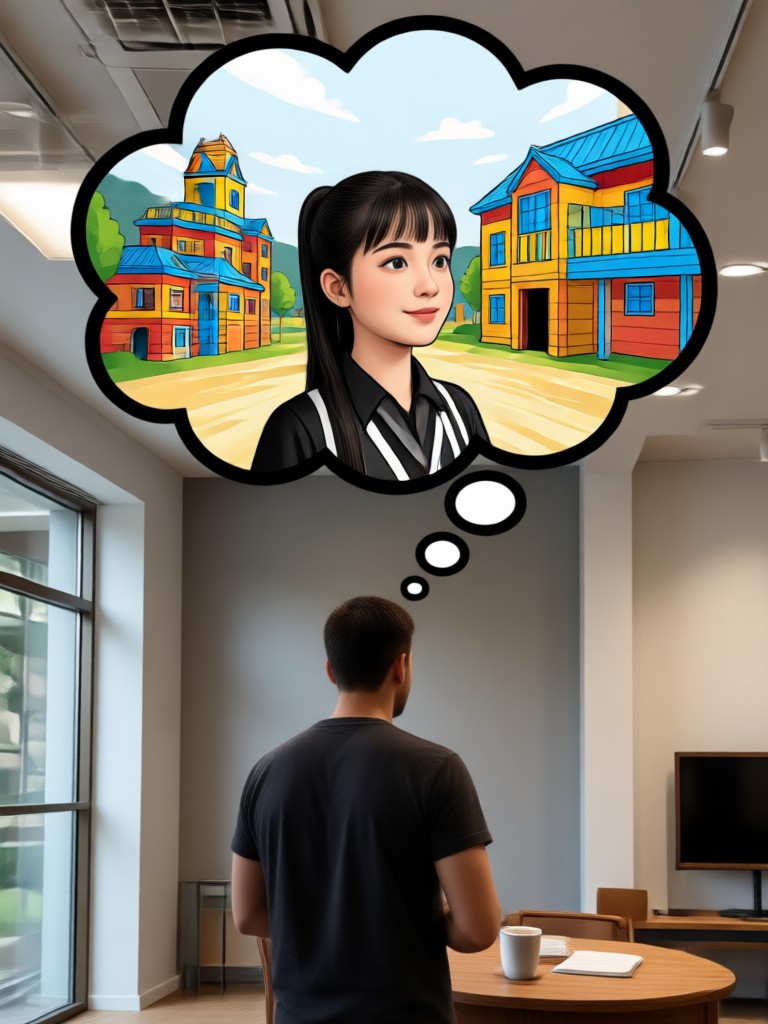
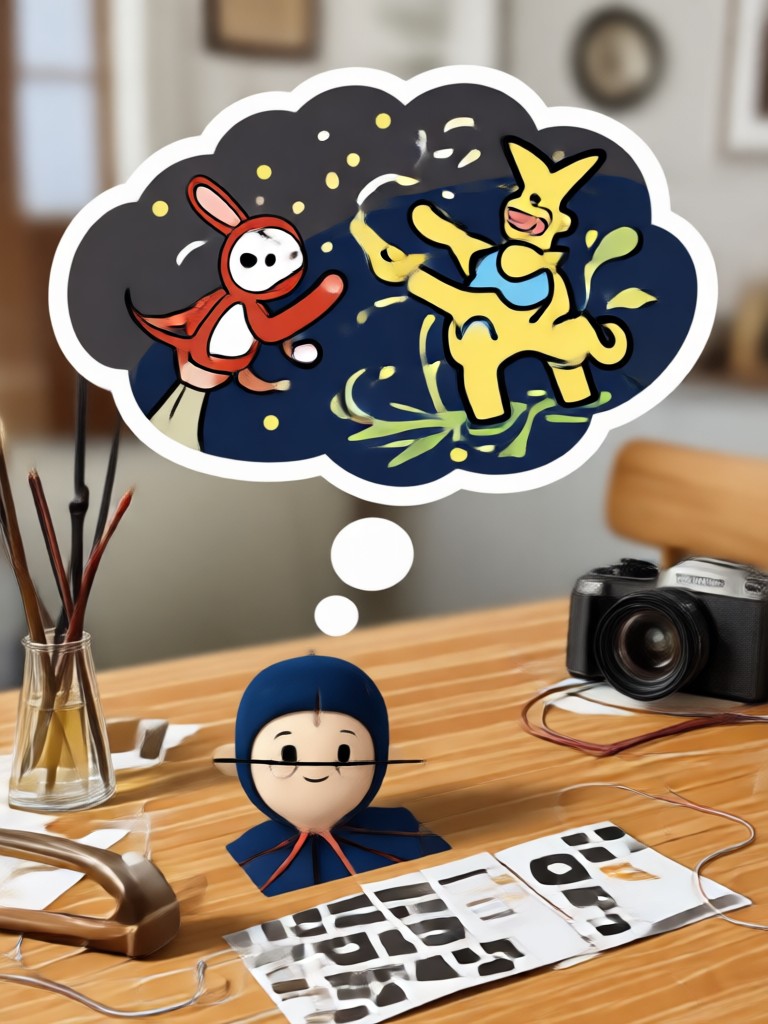
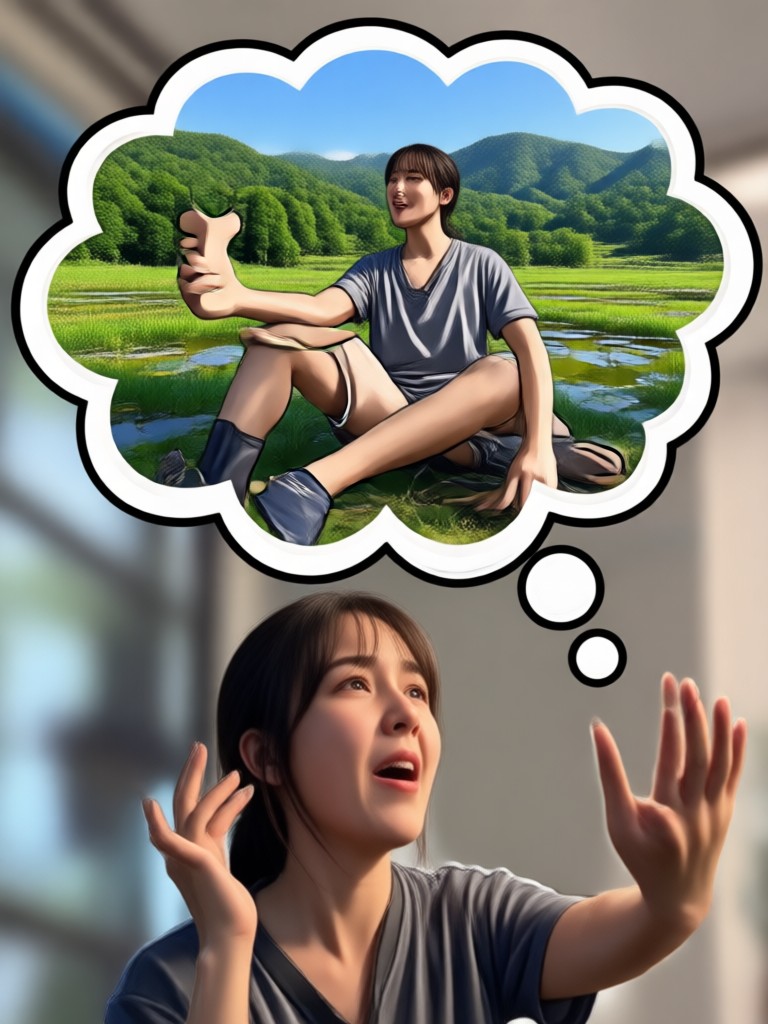
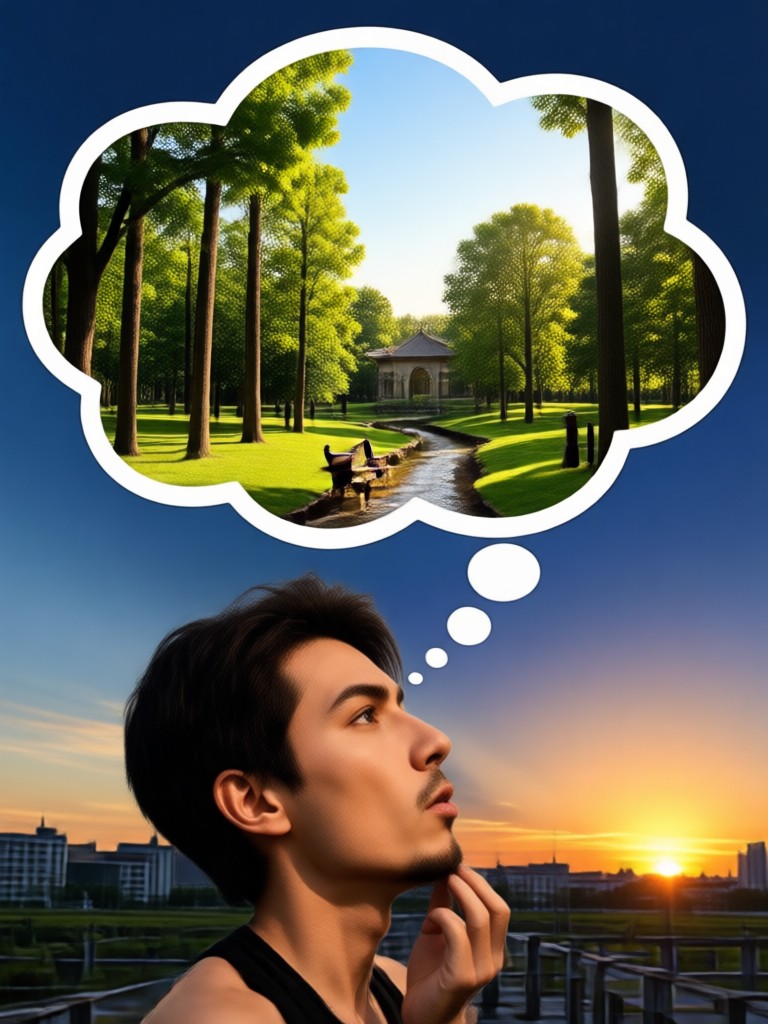
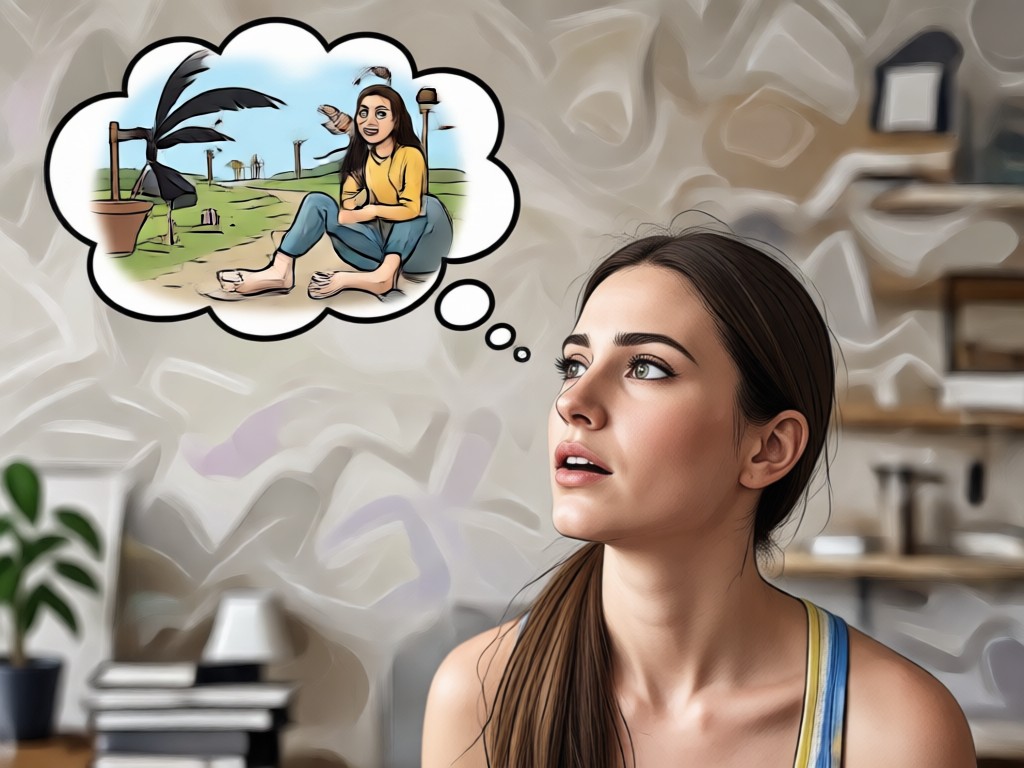
Thought Bubble Photo Edits Made with pixpop
See how users turn everyday snapshots into funny, expressive comic moments with AI powered bubble overlays and style filters.
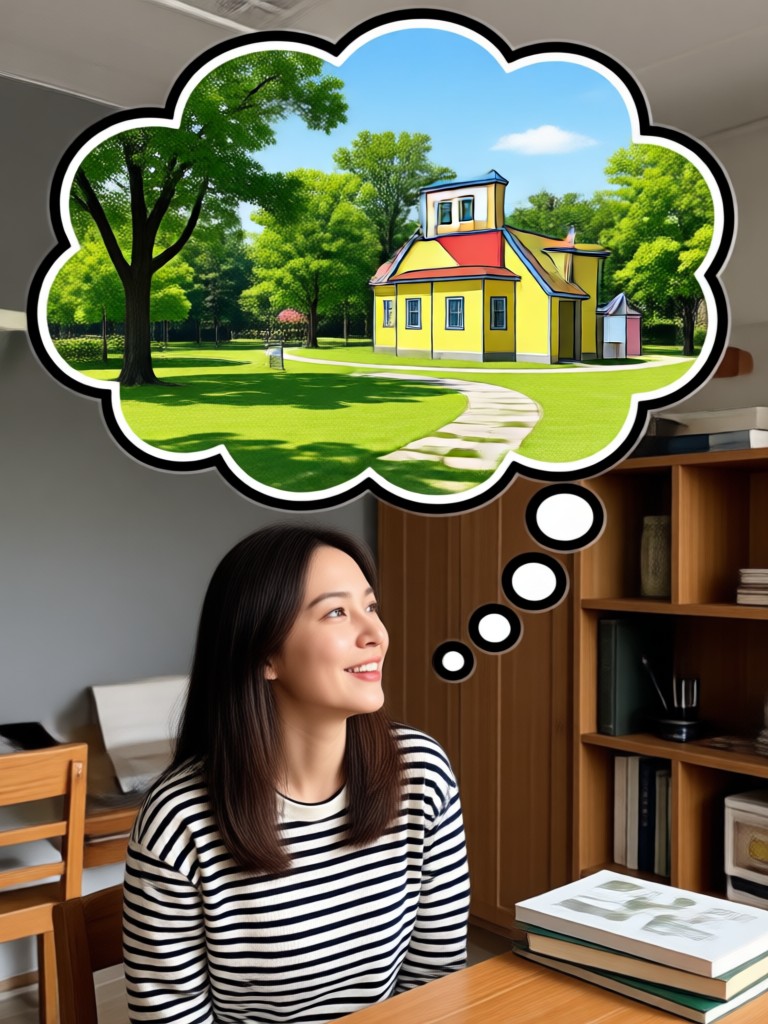

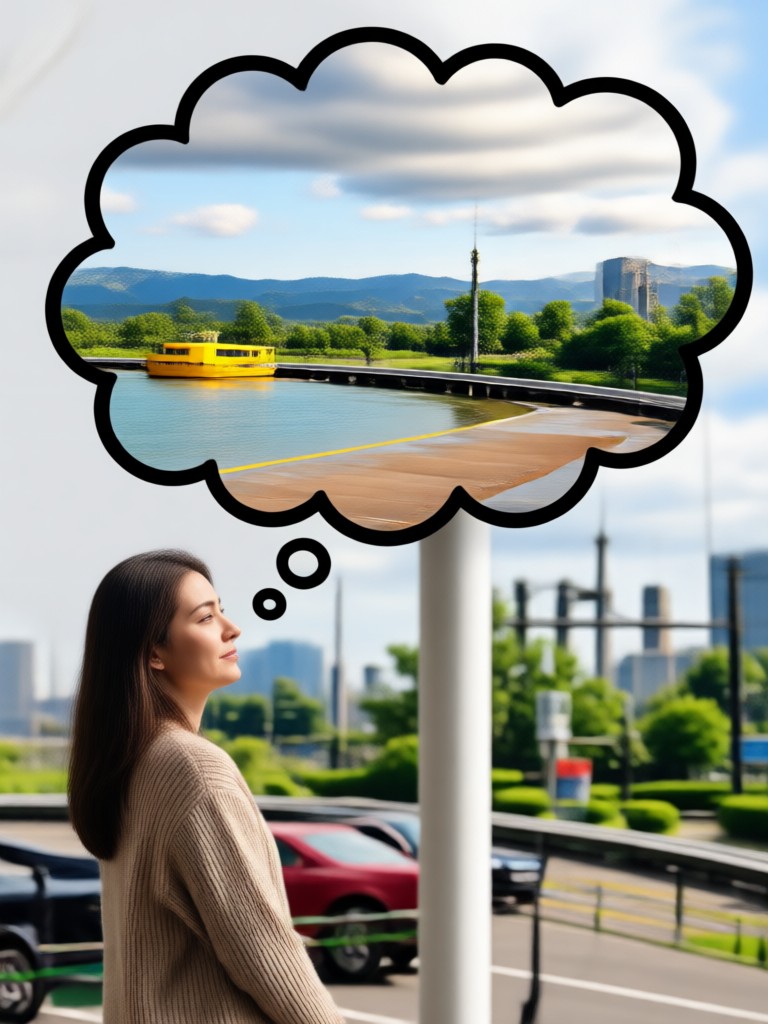


Why Use pixpop for Thought Bubble Photos
Unlike basic sticker apps, pixpop uses AI to understand your photo layout and place bubbles that look like they were drawn onto the scene. You get natural shadows, editable text, and dozens of comic styles without complicated layers or manual masking tools.
Why Use pixpop for Thought Bubble Photos
Unlike basic sticker apps, pixpop uses AI to understand your photo layout and place bubbles that look like they were drawn onto the scene. You get natural shadows, editable text, and dozens of comic styles without complicated layers or manual masking tools.

Add Thought Bubbles in Seconds
Download pixpop on Google Play and turn any photo into a shareable comic panel with ready made thought bubble styles.

What People Say About pixpop Thought Bubbles
Perfect for making memes quickly
I add thought bubbles to my dog photos every morning. The app places the bubble automatically and the text tools are super easy to use.
Finally an editor that looks hand drawn
The bubble styles look like they belong in a real comic strip. I use pixpop for my classroom posters and student announcements.
Fast, funny, and free to try
I downloaded pixpop to make a birthday post. Ten minutes later I had a whole series of captioned photos ready to share.
Frequently Asked Questions
Find clear answers to common questions about adding thought bubbles to photos and using pixpop.
More Photo Editing Guides You May Like
Discover more ways to add text, captions, and comic effects to your favorite photos.

Remove Watermarks On Videos: AI Clean Video Generator

Easily Remove Watermarks from Instagram Videos

80s AI Generator: Retro 1980s Photo and Video Effects

Turn Ordinary Photos Into HDR Masterpieces
Remove Watermarks On Videos: AI Clean Video Generator
Easily Remove Watermarks from Instagram Videos
80s AI Generator: Retro 1980s Photo and Video Effects
Turn Ordinary Photos Into HDR Masterpieces
Turn Any Photo into a Comic Moment
Download pixpop and start adding thought bubbles, speech balloons, and caption styles to your photos in seconds.
Turn Any Photo into a Comic Moment
Download pixpop and start adding thought bubbles, speech balloons, and caption styles to your photos in seconds.