Remove Object Video in Seconds With AI

Cute Figurine



Key Features of Remove Object Video
Powerful AI cleanup tools built for creators who want pristine footage without expensive desktop software.

Erase Moving Objects
The AI tracks and removes objects across frames, keeping the background stable and motion realistic. Ideal for deleting a passing stranger, a stray bag, or any distraction from your clip.
Erase Moving Objects
The AI tracks and removes objects across frames, keeping the background stable and motion realistic. Ideal for deleting a passing stranger, a stray bag, or any distraction from your clip.
Clean Watermarks and Text
Remove logos, captions, timestamps, and overlays from videos while preserving the original background texture. Perfect for repurposing content or restoring clean footage for your edits.
Clean Watermarks and Text
Remove logos, captions, timestamps, and overlays from videos while preserving the original background texture. Perfect for repurposing content or restoring clean footage for your edits.

One Tap Background Repair
After object removal, the AI automatically fills the gap with surrounding pixels so the area blends naturally. No blurry patches or smudges. The result looks like the object was never there.
One Tap Background Repair
After object removal, the AI automatically fills the gap with surrounding pixels so the area blends naturally. No blurry patches or smudges. The result looks like the object was never there.
How to Remove an Object from a Video
Follow three simple steps to clean up your footage using pixpop's AI object removal tool.

Step 01.
Download pixpop from Google Play and open the Remove Object Video tool.

Step 02.
Upload your video, paint over the unwanted object, person, or watermark, and let AI analyze the motion.

Step 03.
Preview the clean clip, adjust if needed, then download and share your object free video in HD.
Remove Object Video Results
Browse real examples of clutter, people, and text removed from videos using pixpop. Each result preserves natural motion and clean backgrounds.











Why Use pixpop for Video Object Removal
Professional video cleanup without the learning curve. pixpop puts advanced inpainting tools in your pocket.

Professional Cleanup, Zero Learning Curve
pixpop combines advanced video inpainting with a mobile friendly workflow. You do not need desktop software, keyframes, or masking skills. The AI understands motion, lighting, and perspective so removed objects leave no trace. Whether you shoot travel videos, product demos, or social clips, you can erase distractions in minutes and keep your content looking polished.
Professional Cleanup, Zero Learning Curve
pixpop combines advanced video inpainting with a mobile friendly workflow. You do not need desktop software, keyframes, or masking skills. The AI understands motion, lighting, and perspective so removed objects leave no trace. Whether you shoot travel videos, product demos, or social clips, you can erase distractions in minutes and keep your content looking polished.

Remove Watermarks and Clutter on the Go
pixpop brings professional video cleanup to your Android phone. Erase distractions anywhere and post clean content without a desktop editor.

Here is What Creators Say About Remove Object Video
Finally no more tourists in my shots
I filmed in a crowded market and used pixpop to erase people walking through the frame. It saved hours of manual editing and the background looked completely natural.
Watermark removal that actually works
I repurpose stock clips for client previews. pixpop removes watermarks cleanly without leaving smears. The AI fill is shockingly good, even on moving backgrounds.
So easy my team uses it daily
We clean up product videos before posting. Removing a wire or a label used to take forever. Now anyone on the team can do it from a phone.
Frequently Asked Questions About Remove Object Video
Find clear answers about removing objects from videos with pixpop AI.
More Topics You May Like
Explore more topics you may like and discover fresh ideas tailored to your interests.
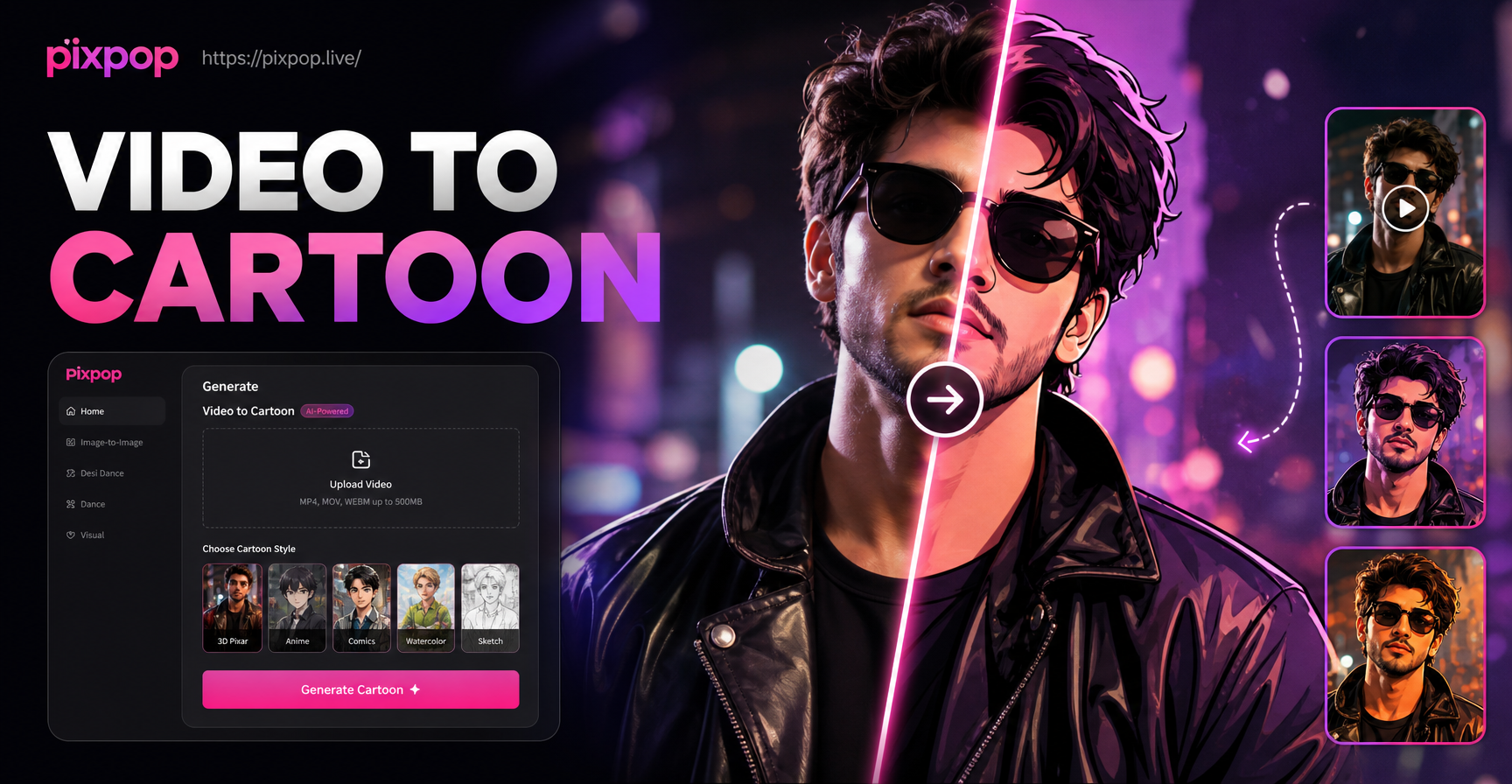
Convert Video Into Cartoon with AI Cartoon Video App
Turn any video into a cartoon with pixpop. Upload a clip, pick anime, 3D clay, Ghibli, or sketch styles. No editing skills needed. Download the app and transform videos instantly.
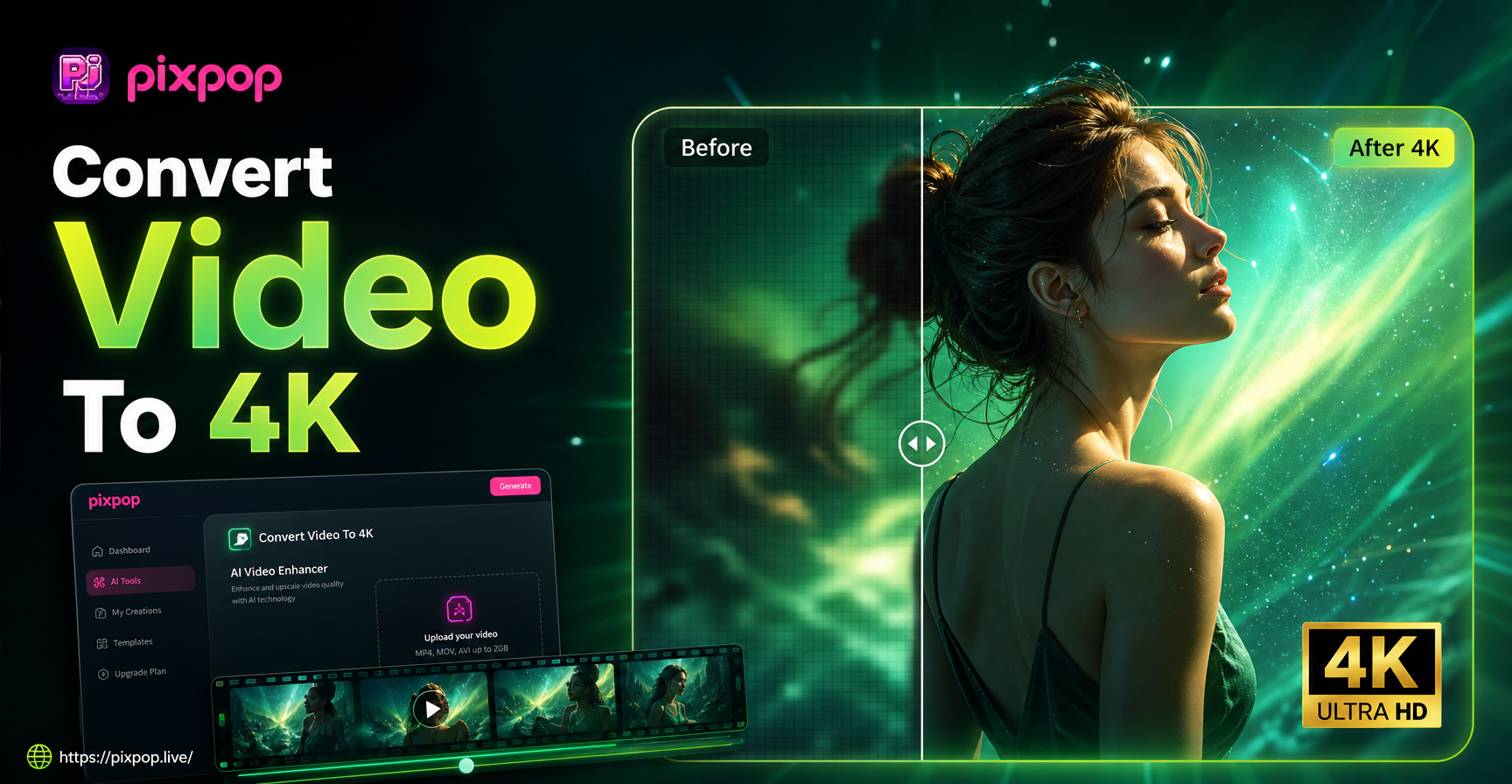
Convert Video To 4K Quality: AI Upscaler App
Convert video to 4K quality instantly with pixpop. Upload any clip, choose AI upscaling, and get crisp 4K resolution. Download the app now.

Editing Photo Prompt: Turn Words Into Stunning Edits
Editing Photo Prompt lets you type instructions and transform photos instantly. Upload an image, pick a style filter, and get realistic edits in seconds. No design skills needed.

Turn Ordinary Photos Into HDR Masterpieces
Convert any photo to HDR style with AI. Upload an image, pick an HDR filter, and get dramatic high dynamic range results in seconds. No editing skills needed.
Remove Unwanted Objects From Any Video
Download pixpop for free and clean up your footage with AI. Erase people, text, watermarks, and clutter in seconds without any editing experience.
Remove Unwanted Objects From Any Video
Download pixpop for free and clean up your footage with AI. Erase people, text, watermarks, and clutter in seconds without any editing experience.