HDR Photo Converter: Transform Your Images in Seconds
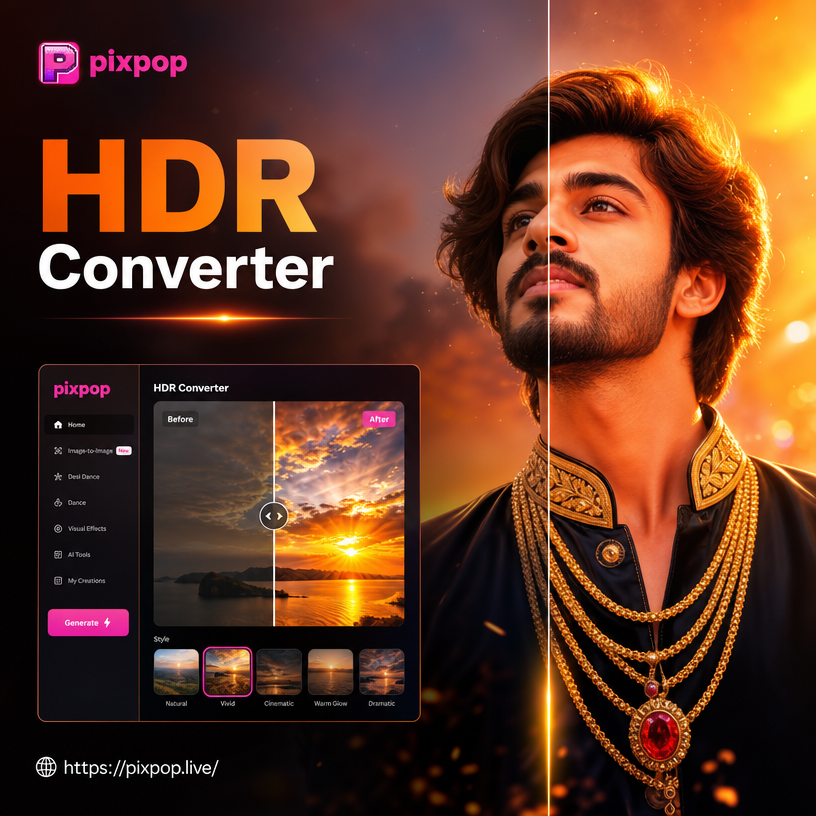
Choose the HDR Filter That Fits Your Photo
Discover a variety of AI powered HDR filters, from natural landscape enhancement to dramatic urban tone mapping. Find the perfect look for your image.
Key Features of HDR Photo Converter
Experience effortless HDR conversion with AI tools designed for creators who want professional results without the learning curve.
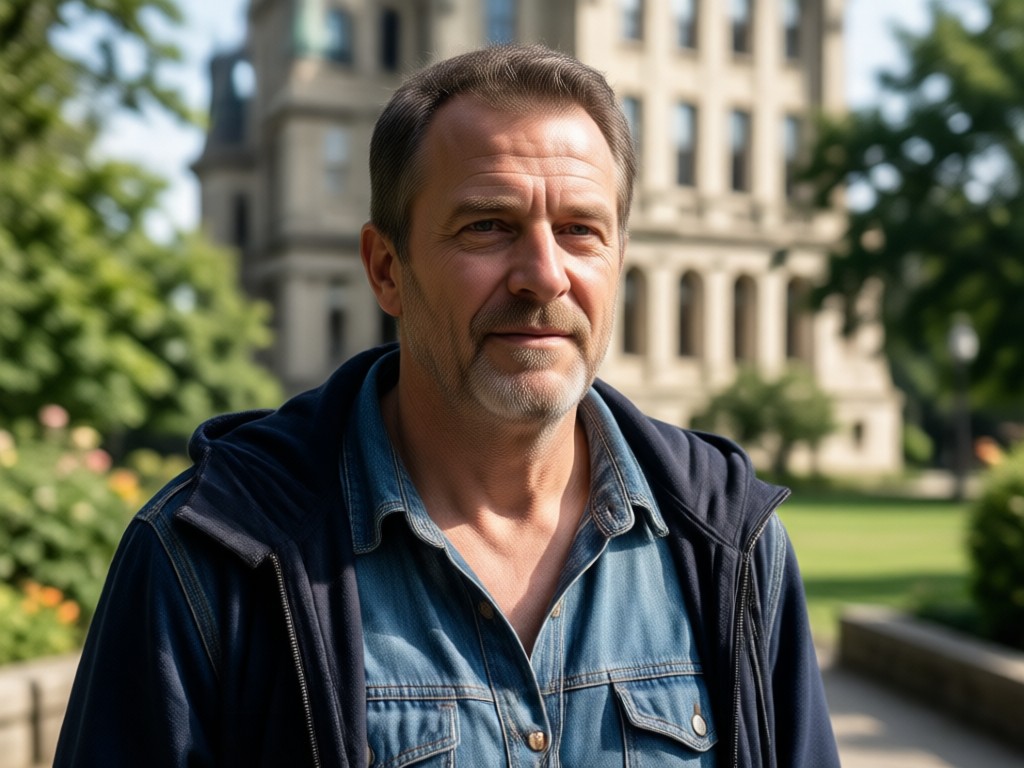
One Tap HDR Conversion
Upload any ordinary photo and convert it into a high dynamic range image with a single tap. The AI engine carefully analyzes lighting, shadows, highlights, and midtones to produce balanced, dramatic results that pop with depth and realism. No bracketing, no manual HDR software, no complicated workflows.
One Tap HDR Conversion
Upload any ordinary photo and convert it into a high dynamic range image with a single tap. The AI engine carefully analyzes lighting, shadows, highlights, and midtones to produce balanced, dramatic results that pop with depth and realism. No bracketing, no manual HDR software, no complicated workflows.
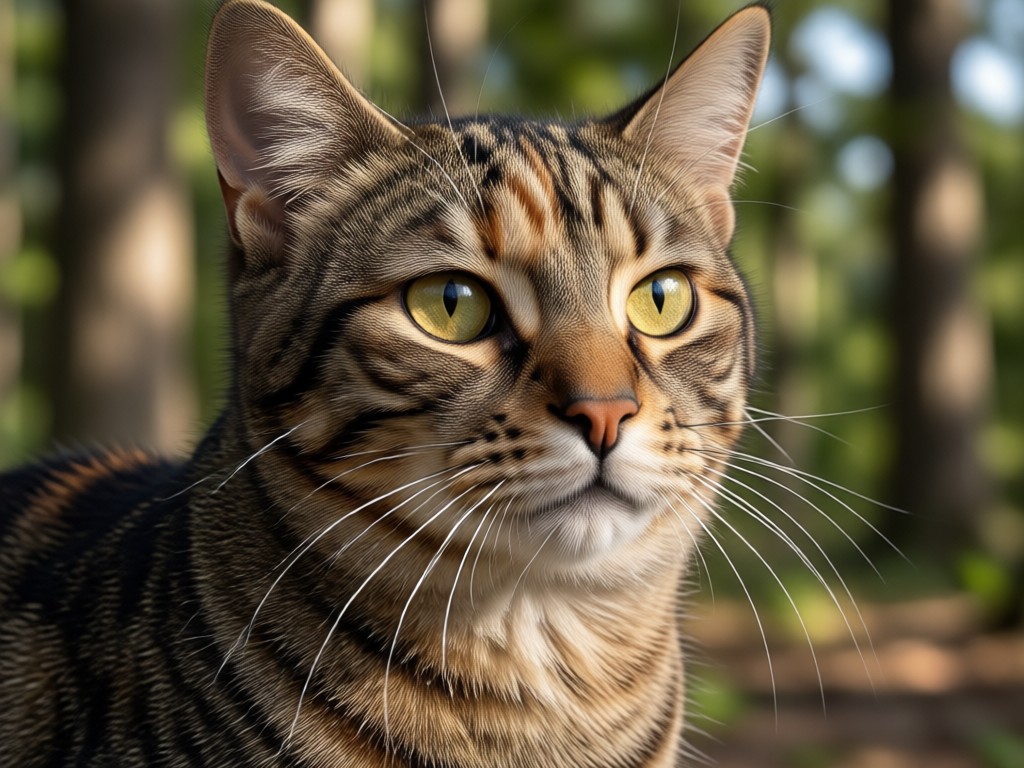
Thousands of HDR Style Presets
Explore a massive collection of AI curated HDR style presets covering natural landscapes, moody street scenes, vibrant travel shots, cinematic portraits, and food photography. Every preset is crafted by professional designers to deliver consistent, stunning tone mapping across different subjects and lighting conditions.
Thousands of HDR Style Presets
Explore a massive collection of AI curated HDR style presets covering natural landscapes, moody street scenes, vibrant travel shots, cinematic portraits, and food photography. Every preset is crafted by professional designers to deliver consistent, stunning tone mapping across different subjects and lighting conditions.
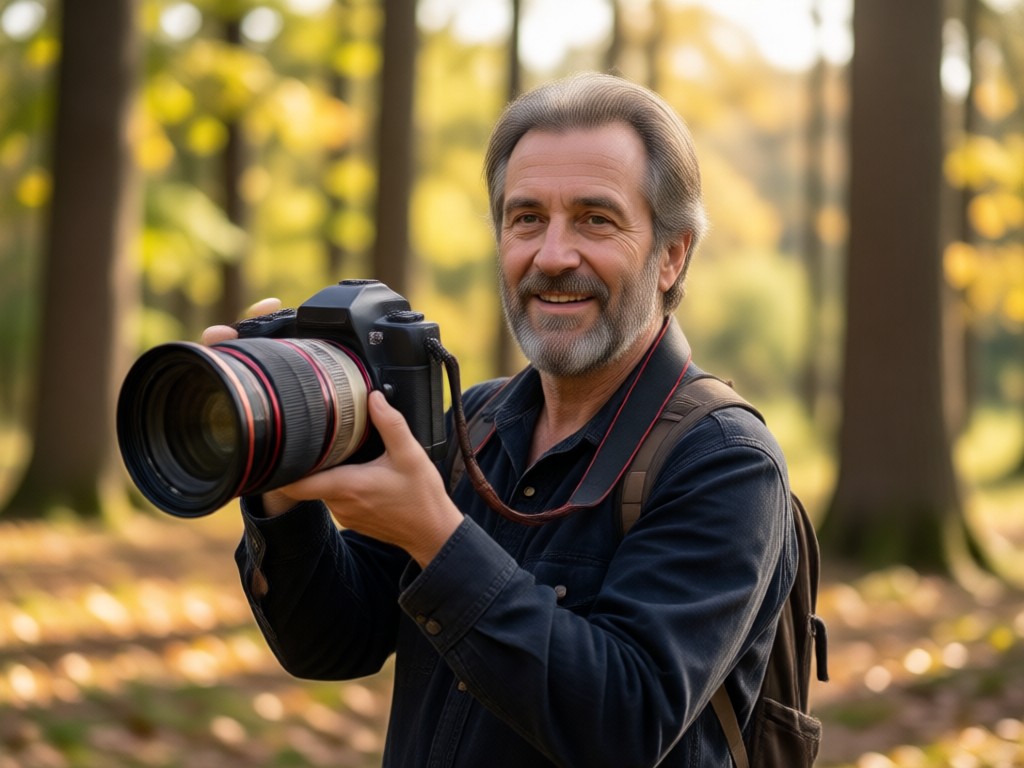
Tune Intensity to Perfection
Adjust the strength of your HDR effect from subtle and natural to bold and dramatic. Fine tune individual parameters including highlight intensity, shadow depth, color saturation, and overall contrast to match your creative vision exactly while keeping true to your original composition.
Tune Intensity to Perfection
Adjust the strength of your HDR effect from subtle and natural to bold and dramatic. Fine tune individual parameters including highlight intensity, shadow depth, color saturation, and overall contrast to match your creative vision exactly while keeping true to your original composition.
Explore HDR Photo Creations
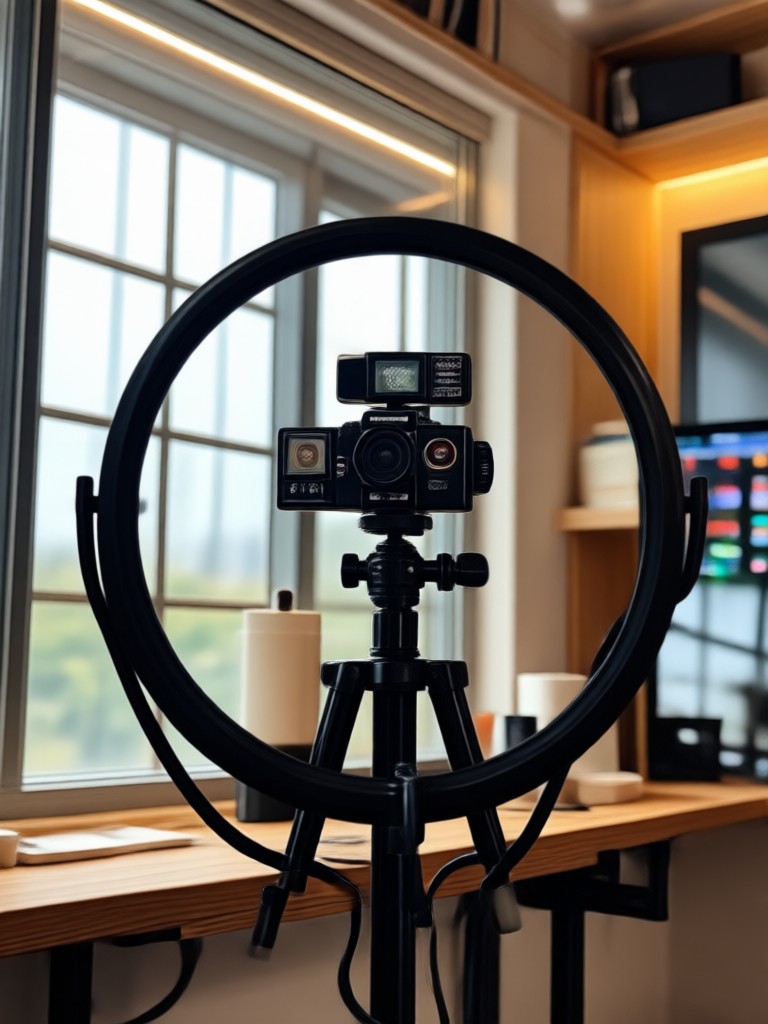
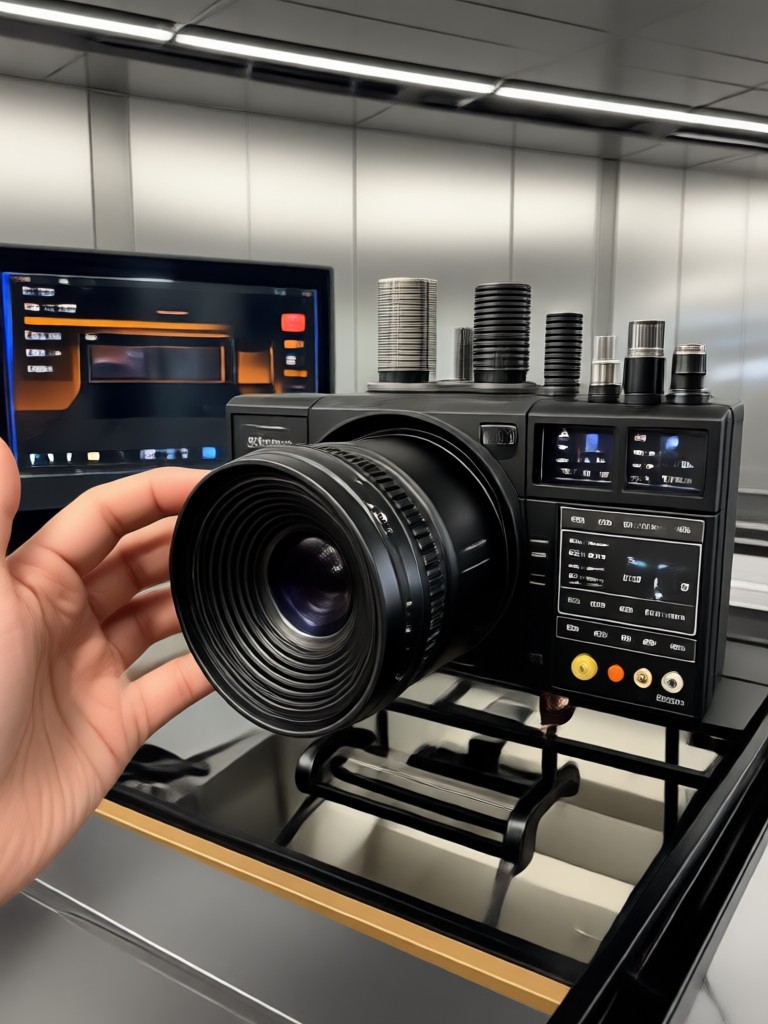
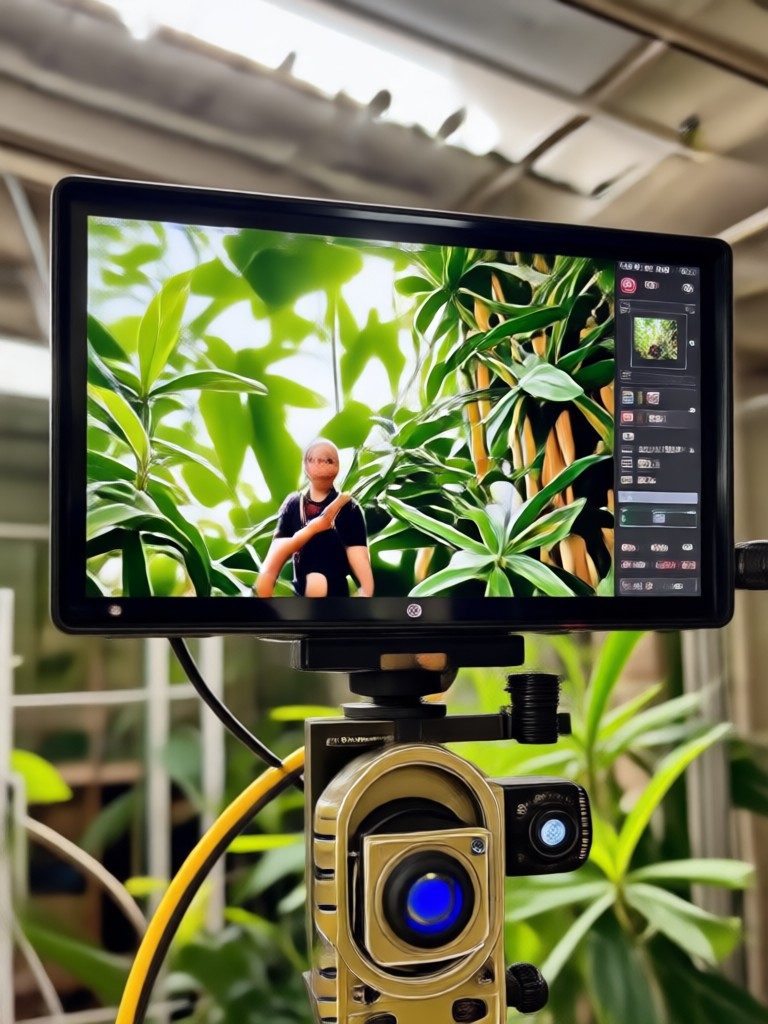
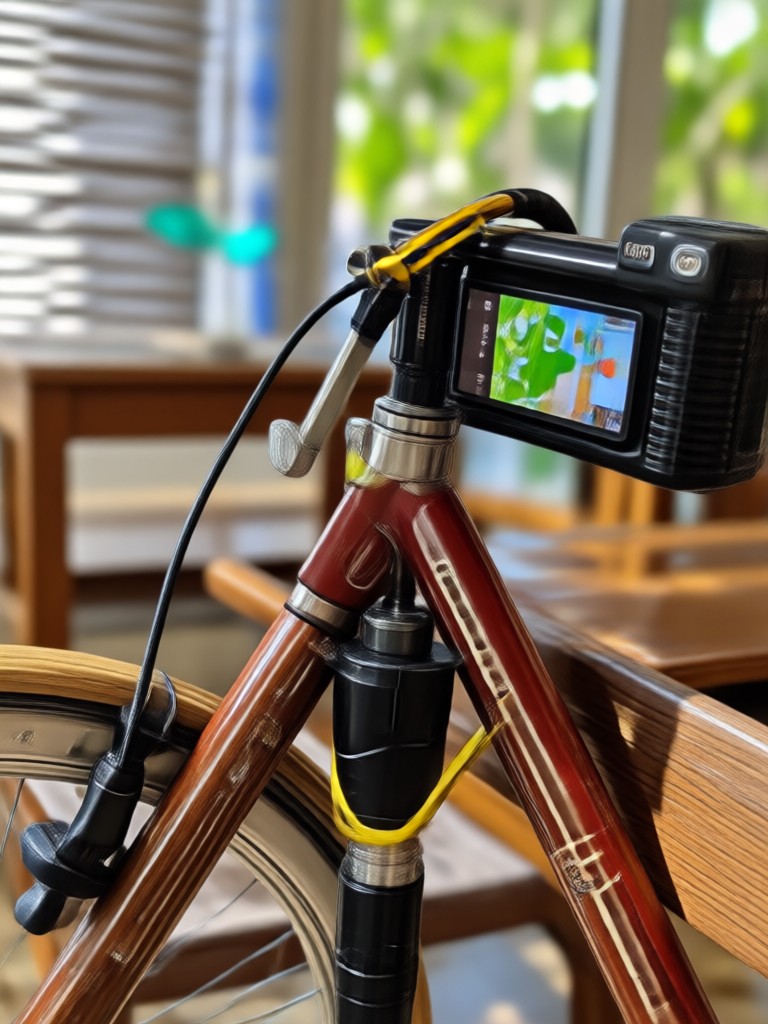
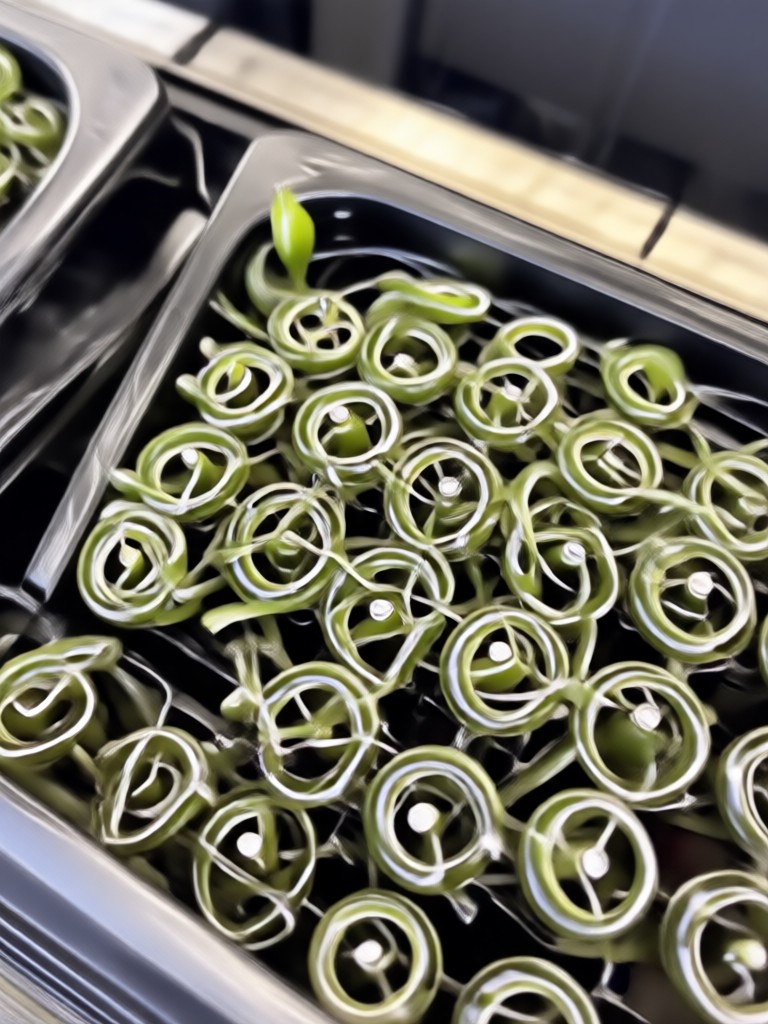
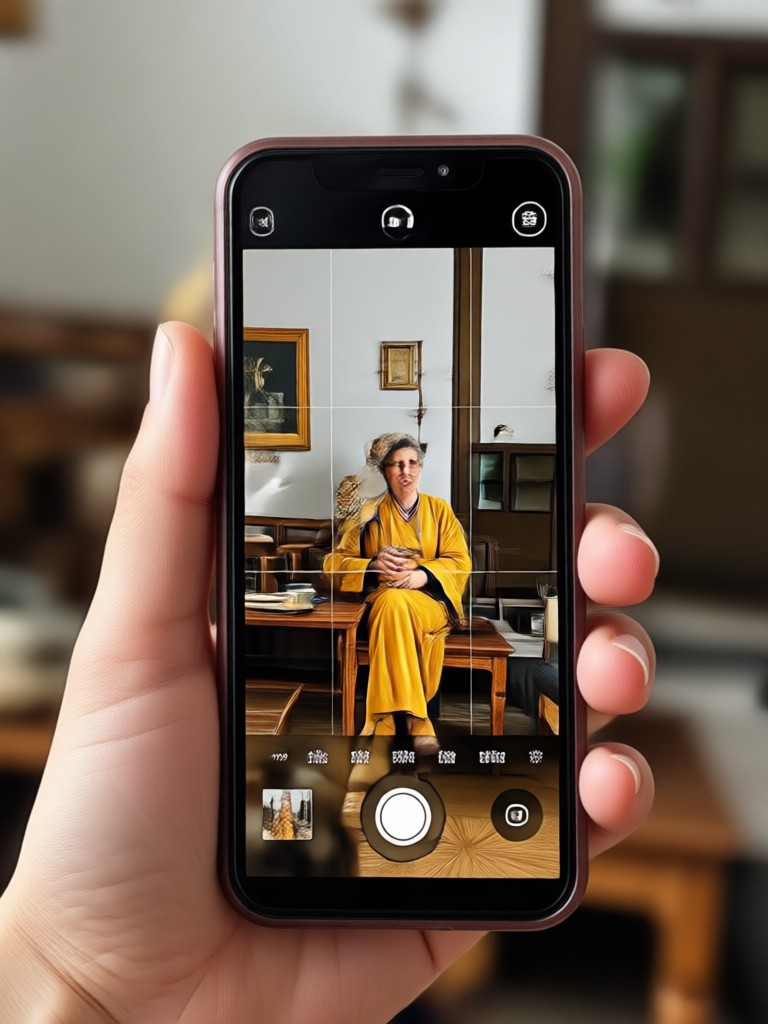
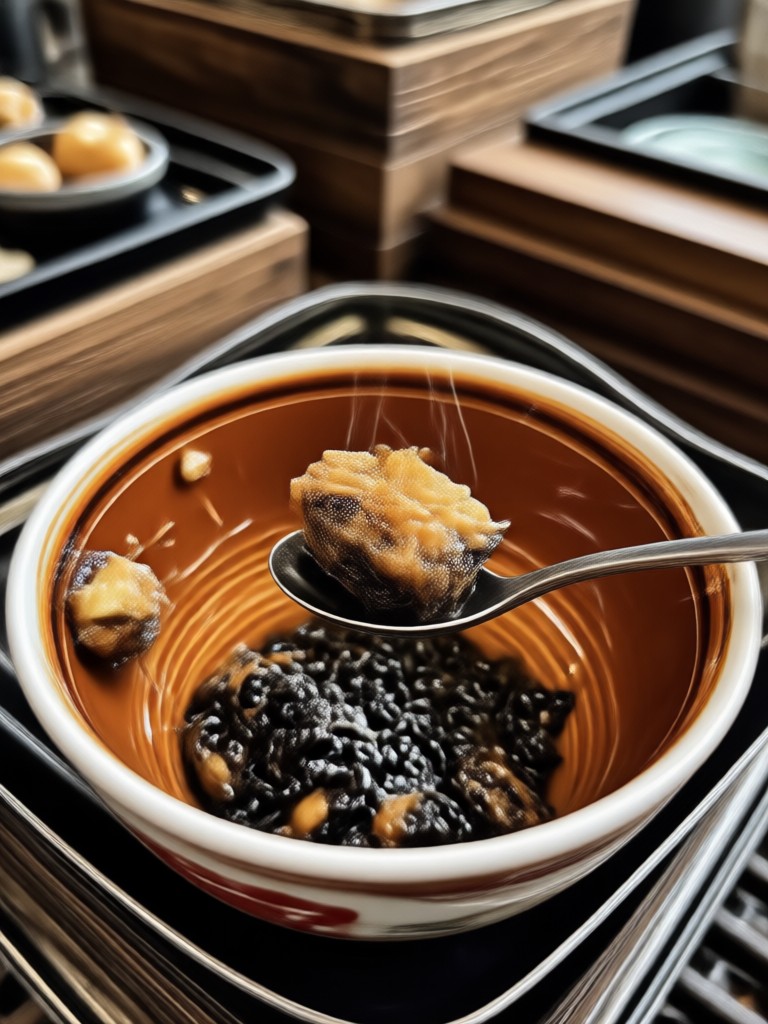
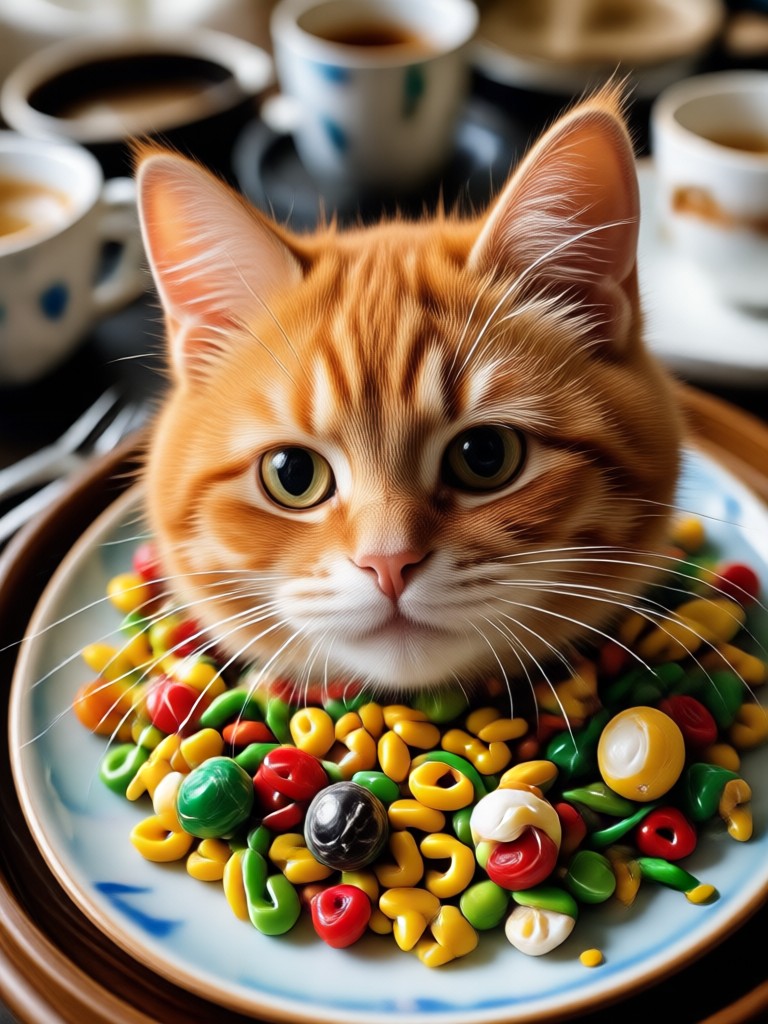
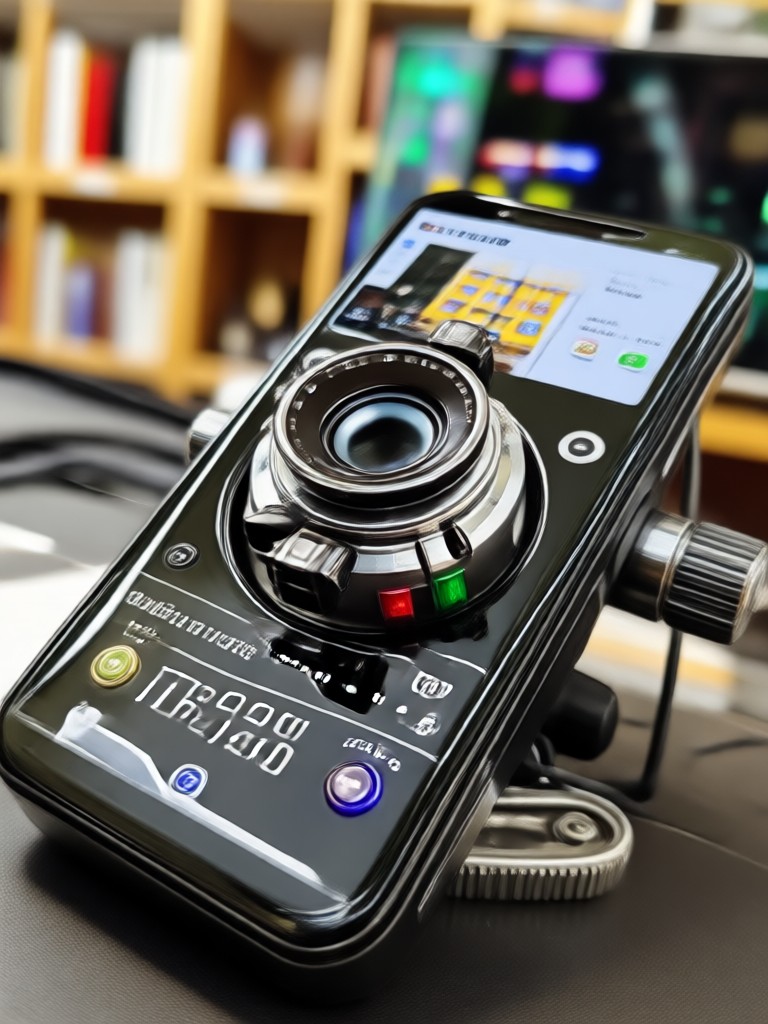
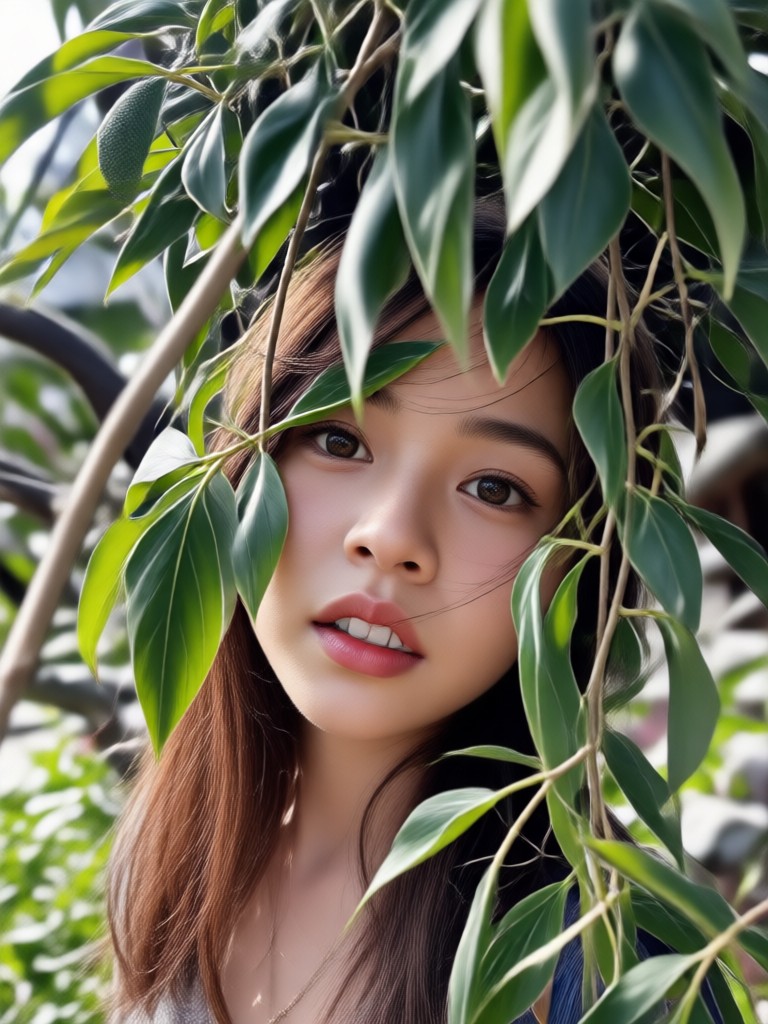
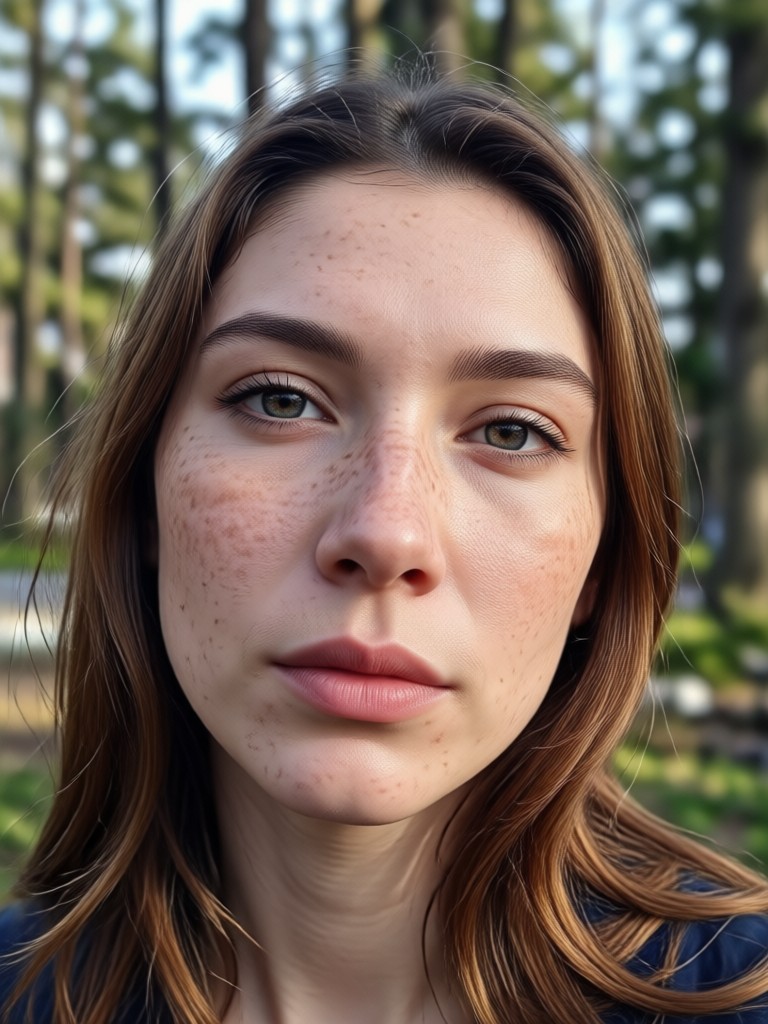
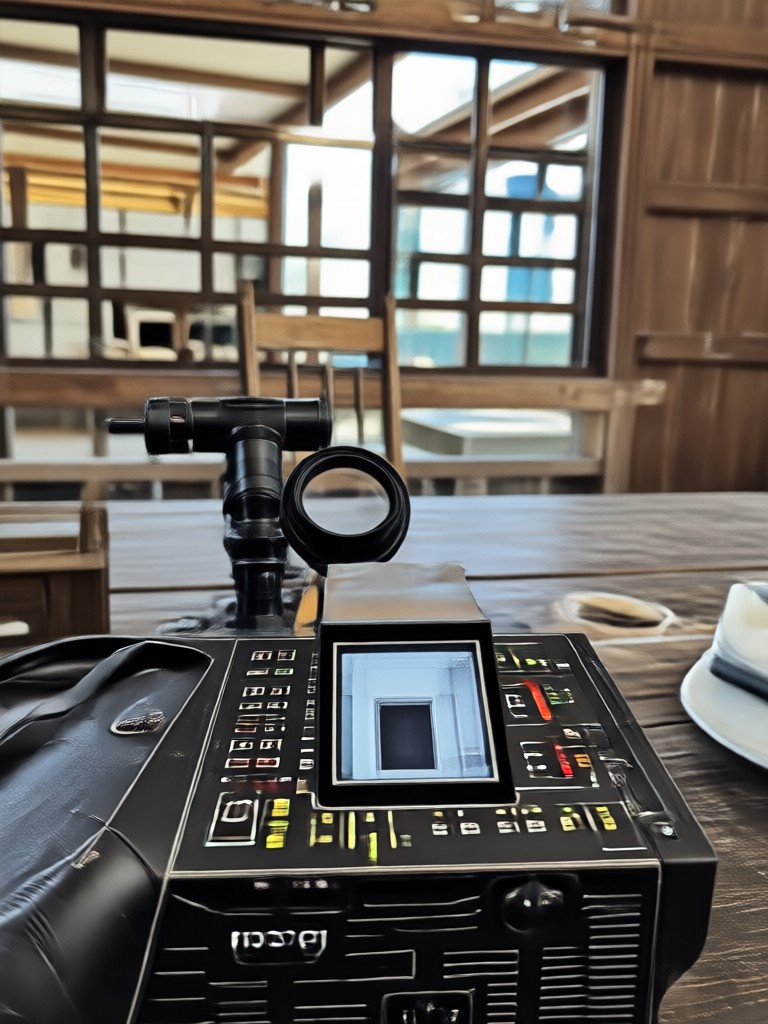
Browse stunning HDR images transformed with our AI converter. See how ordinary photos become vivid, high dynamic range art in seconds.
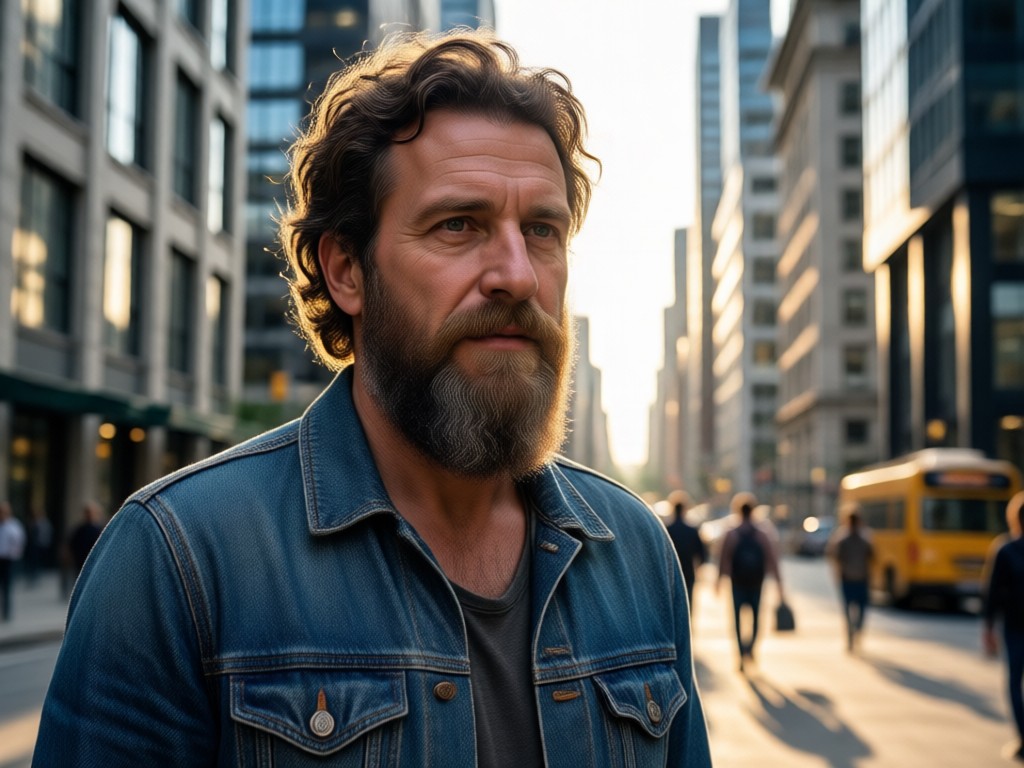
Why Use pixpop for HDR Photo Conversion
Traditional HDR editing requires multiple exposures, complex software, and hours of manual tuning. pixpop simplifies everything. Upload one photo, choose your favorite HDR style, and let AI handle the entire conversion. Perfect for social media, travel photos, product shots, and creative projects.
Why Use pixpop for HDR Photo Conversion
Traditional HDR editing requires multiple exposures, complex software, and hours of manual tuning. pixpop simplifies everything. Upload one photo, choose your favorite HDR style, and let AI handle the entire conversion. Perfect for social media, travel photos, product shots, and creative projects.
How to Convert Photos to HDR
Transform any photo into a high dynamic range image in just a few simple steps using pixpop.

Step 01.
Download the pixpop app from Google Play to get started with AI HDR conversion anytime, anywhere.

Step 02.
Upload your photo and choose from a wide range of HDR style filters that best suit your image and creative vision.

Step 03.
Generate your HDR photo, then download and share it with friends or on your favorite social media platforms.
What Creators Say About HDR Photo Converter
My travel photos finally look professional
I used to struggle with flat, boring travel shots. pixpop's HDR converter completely transformed my photos. The landscapes look vivid and dramatic, and it takes less than a minute.
Perfect for my social media content
As a content creator, I need eye-catching visuals fast. pixpop's HDR filters give my posts that professional edge without spending hours in editing apps. Highly recommended.
Simple, fast, and stunning results
I have zero photo editing experience, but pixpop made HDR conversion effortless. One tap and my product photos look like they were shot by a professional studio.
Frequently Asked Questions
Find clear answers to common questions about HDR photo conversion and get the guidance you need to make the most of pixpop.
More Topics You May Like
Explore more topics you may like and discover fresh ideas tailored to your interests.

Clothes Remover Filter: AI Outfit Swap & Fashion Edit
Try the clothes remover filter to swap outfits, preview fashion looks, and create stunning style edits. Upload a photo, pick a template, and generate new looks in seconds.
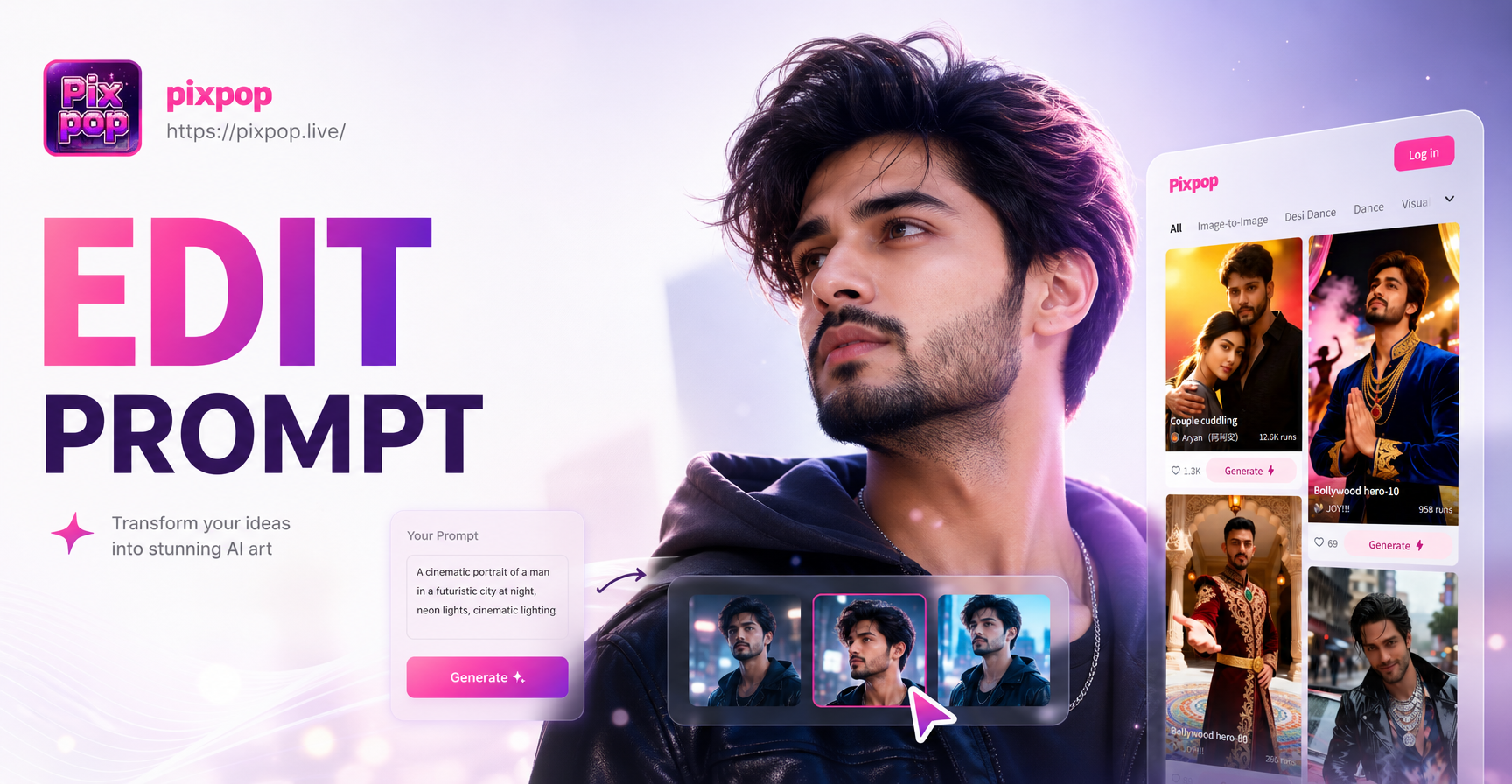
Editing Photo Prompt: Turn Words Into Stunning Edits
Editing Photo Prompt lets you type instructions and transform photos instantly. Upload an image, pick a style filter, and get realistic edits in seconds. No design skills needed.
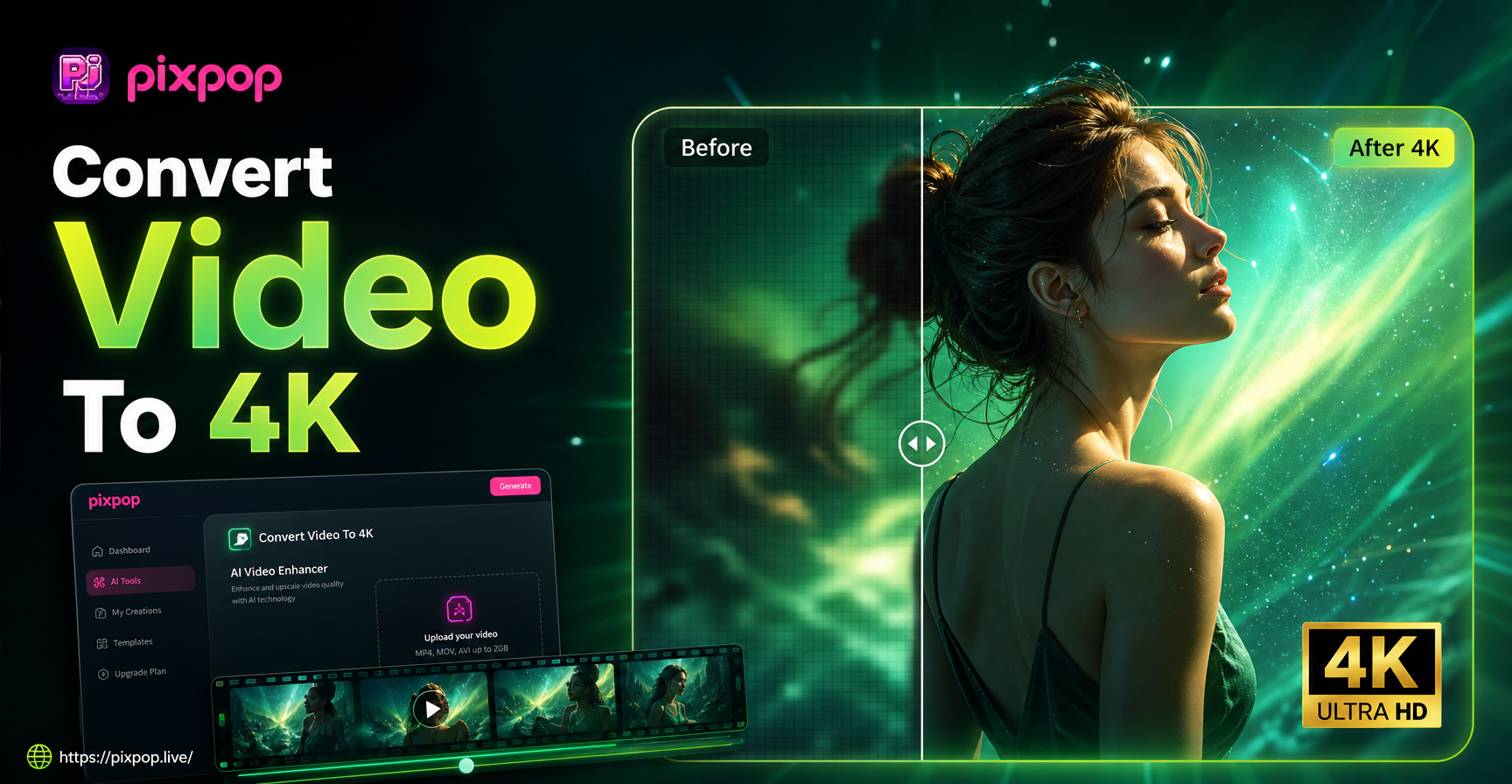
Convert Video To 4K Quality: AI Upscaler App
Convert video to 4K quality instantly with pixpop. Upload any clip, choose AI upscaling, and get crisp 4K resolution. Download the app now.
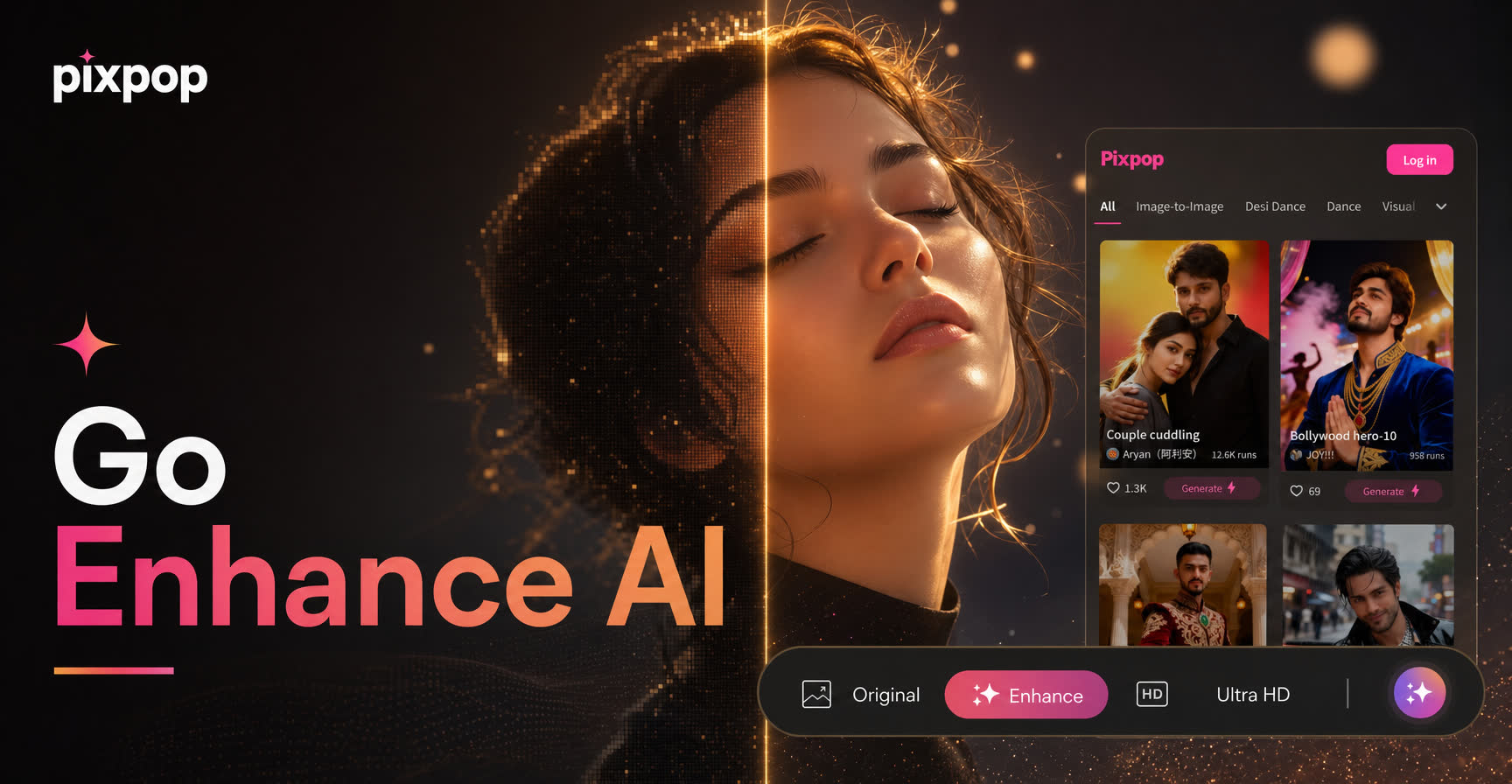
Go Enhance AI Turns Everyday Photos Into Pro Results
Go Enhance AI upgrades your photos and videos in seconds. Upload any image, pick smart filters for sharper details and vibrant styles, then download the free app for realistic enhancements ready to share.
Turn Ordinary Photos Into Stunning HDR Art
Download pixpop now and unlock thousands of AI powered HDR filters. Transform your images in seconds and share vivid, high dynamic range creations everywhere.
Turn Ordinary Photos Into Stunning HDR Art
Download pixpop now and unlock thousands of AI powered HDR filters. Transform your images in seconds and share vivid, high dynamic range creations everywhere.