Convert Video Into Cartoon
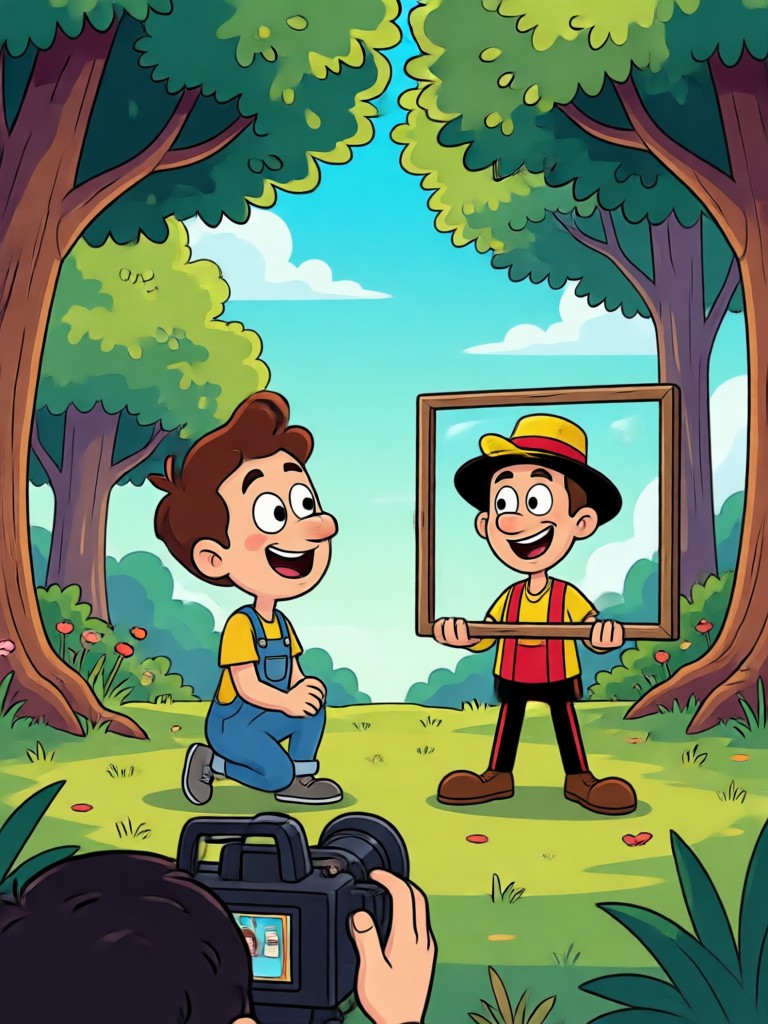
Choose Your Cartoon Video Style
Explore the best AI filters to convert video into cartoon, from classic anime to playful claymation and cinematic Ghibli looks.
Key Features of Cartoon Video Conversion
Discover how pixpop makes turning videos into cartoons fast, expressive, and incredibly simple.
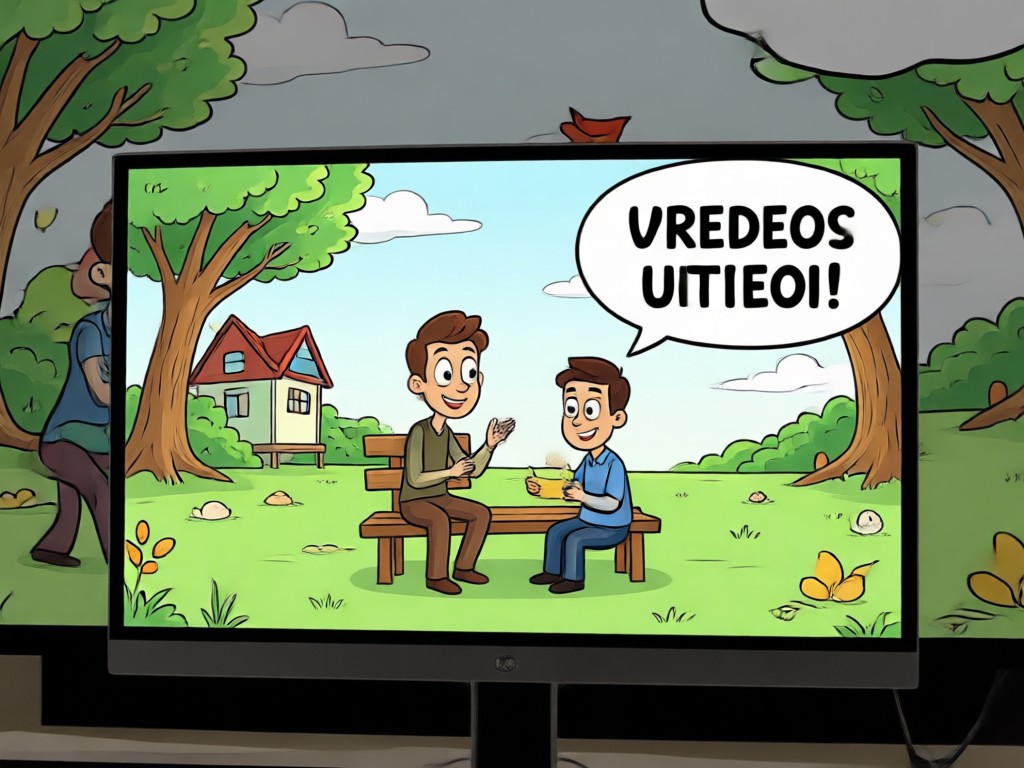
AI Cartoon Video Filter
Apply realistic cartoon effects to any video while preserving motion, faces, and key details. Choose from dozens of handcrafted styles.
AI Cartoon Video Filter
Apply realistic cartoon effects to any video while preserving motion, faces, and key details. Choose from dozens of handcrafted styles.
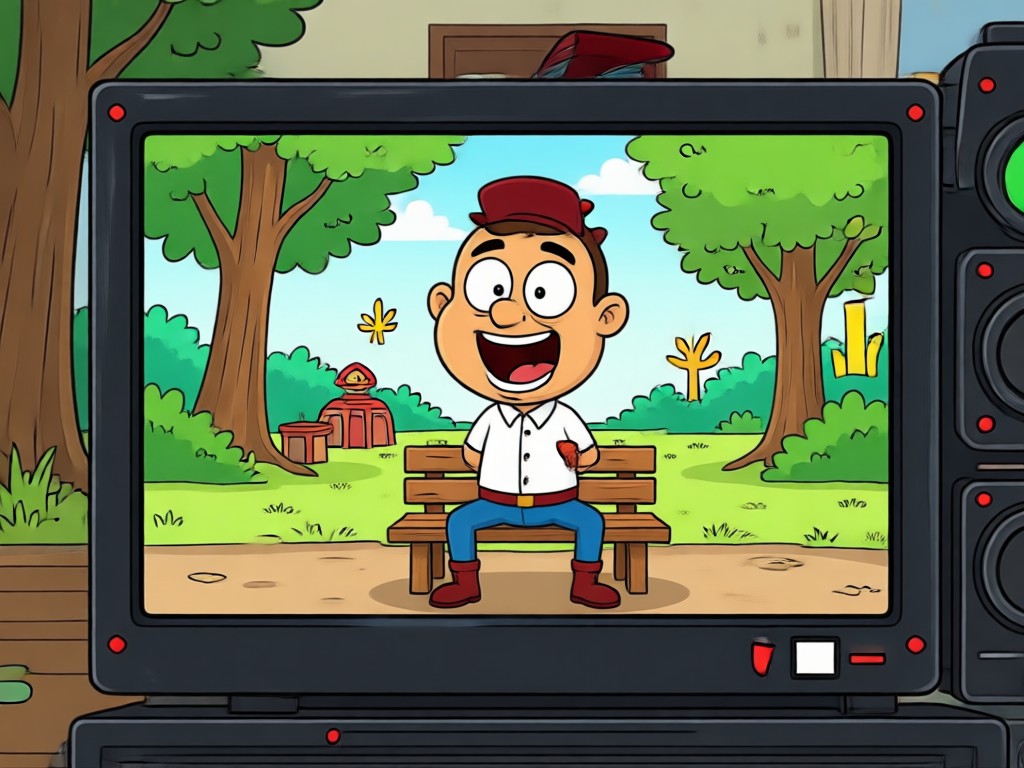
Anime and Ghibli Looks
Transform clips into flowing anime scenes or soft Ghibli inspired worlds. Perfect for vlogs, music videos, and creative storytelling.
Anime and Ghibli Looks
Transform clips into flowing anime scenes or soft Ghibli inspired worlds. Perfect for vlogs, music videos, and creative storytelling.
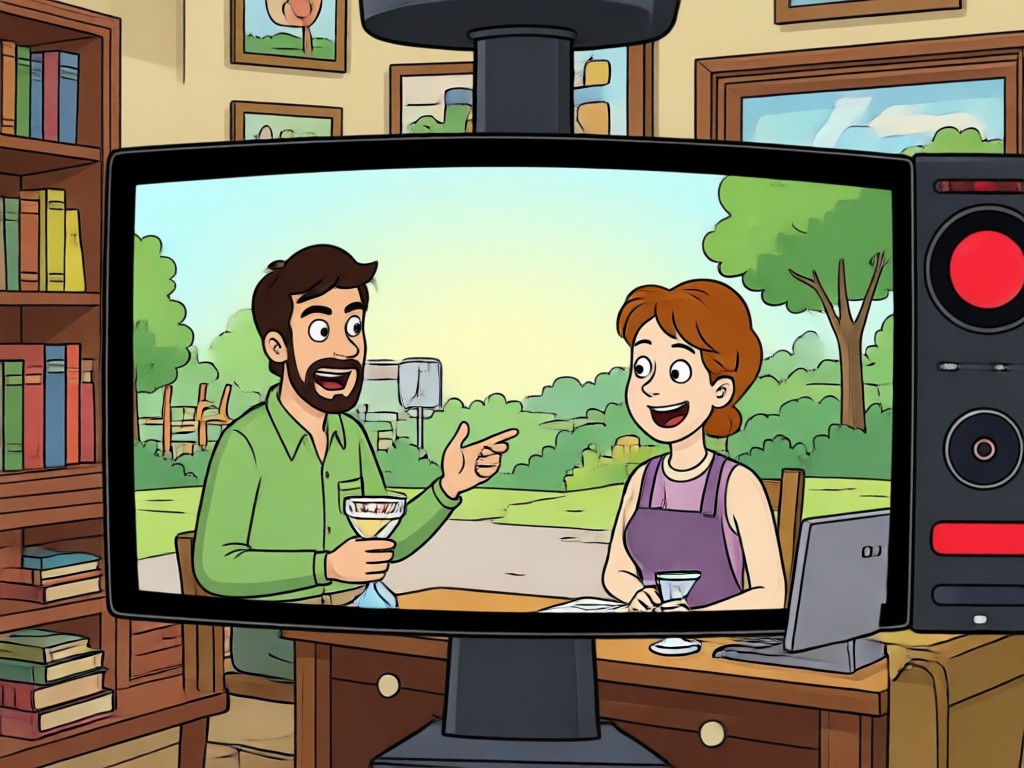
Batch Frame Consistency
Keep characters and backgrounds consistent across every frame. pixpop reduces flicker and distortion for smooth cartoon playback.
Batch Frame Consistency
Keep characters and backgrounds consistent across every frame. pixpop reduces flicker and distortion for smooth cartoon playback.
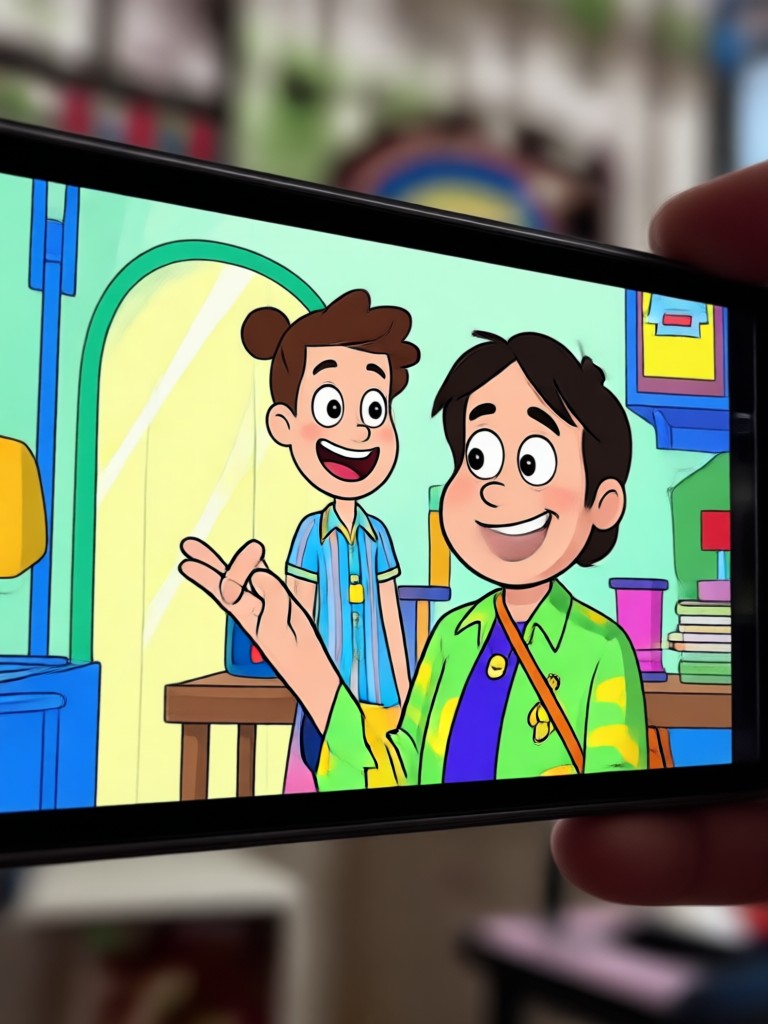
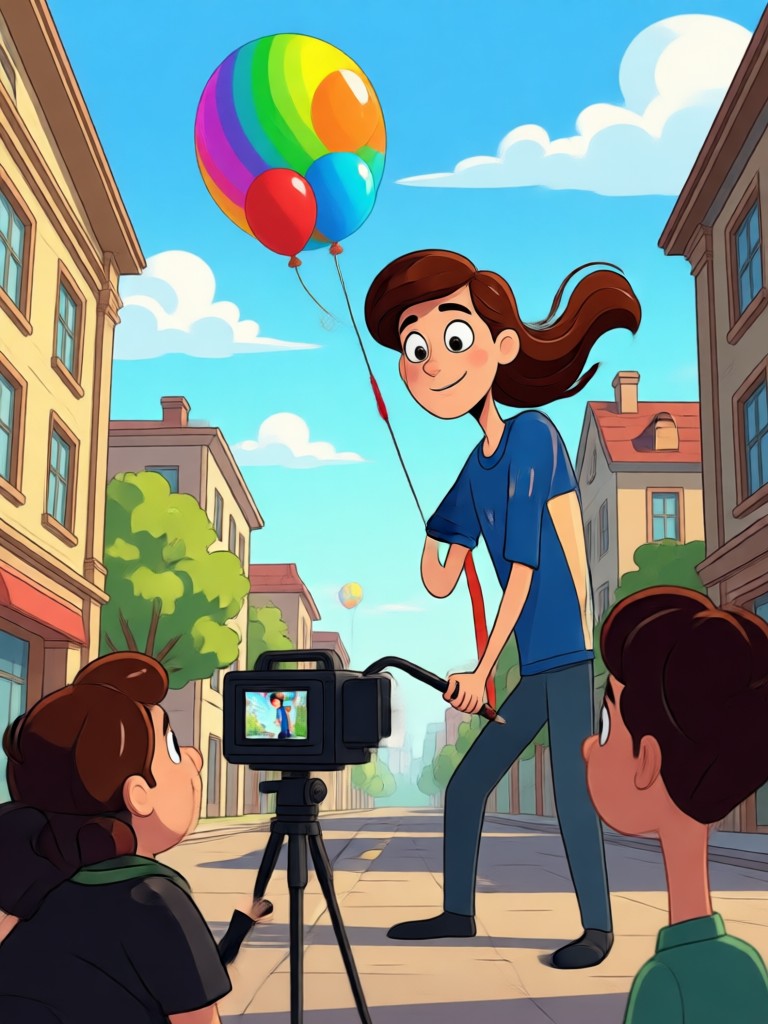
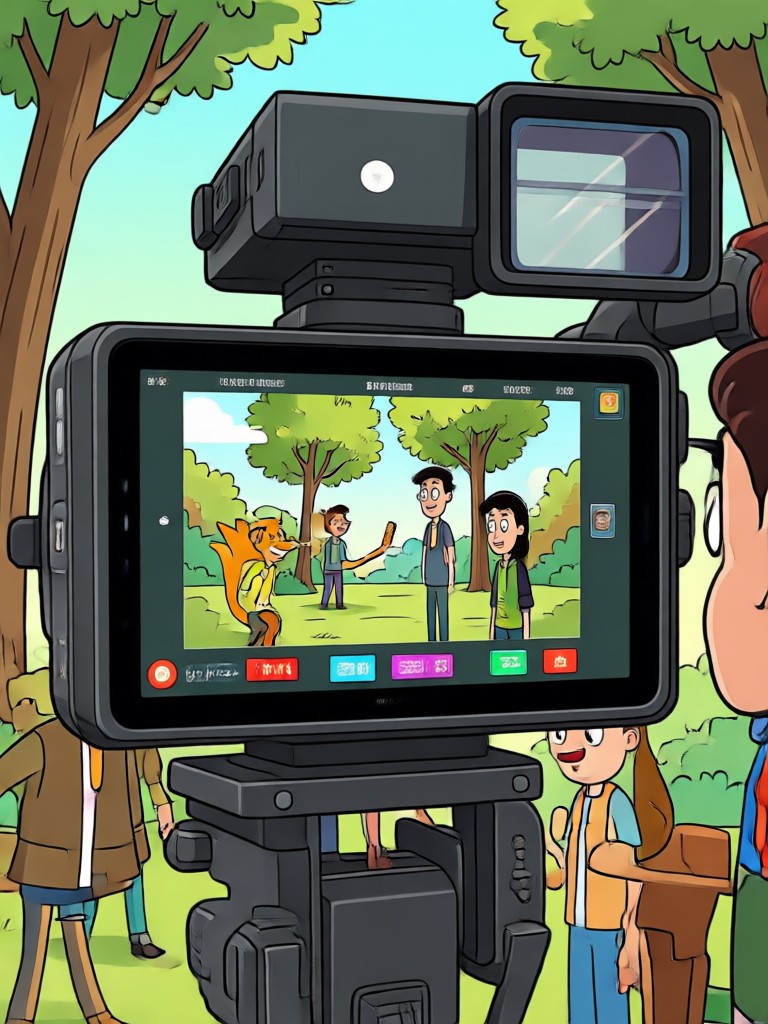
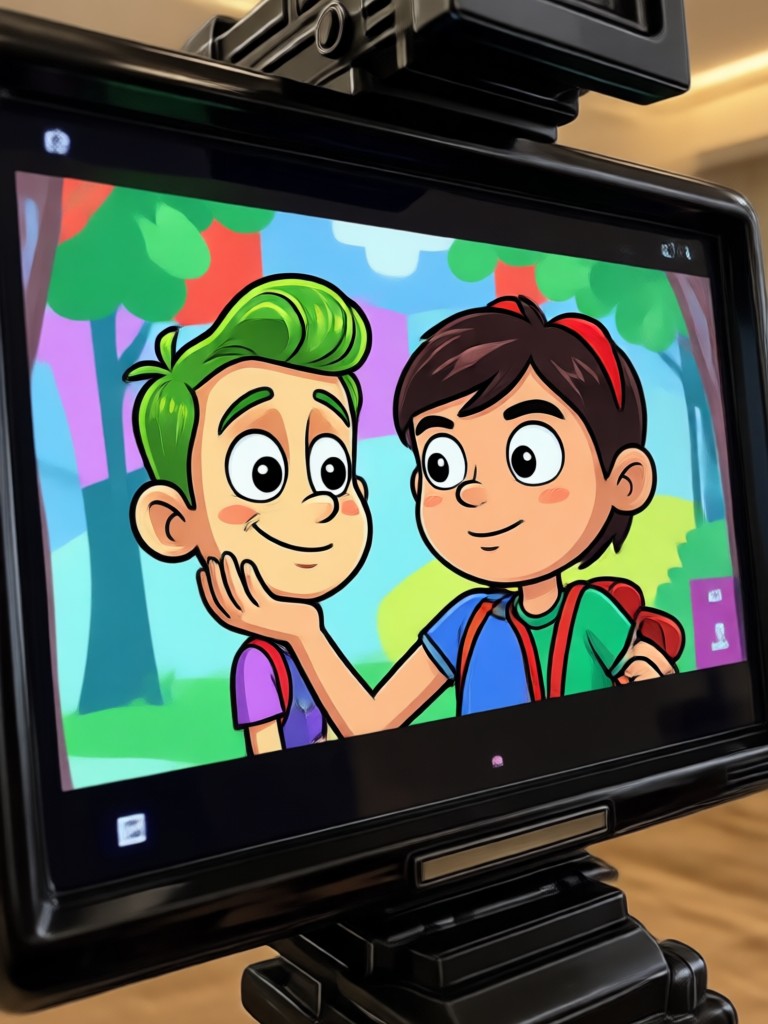
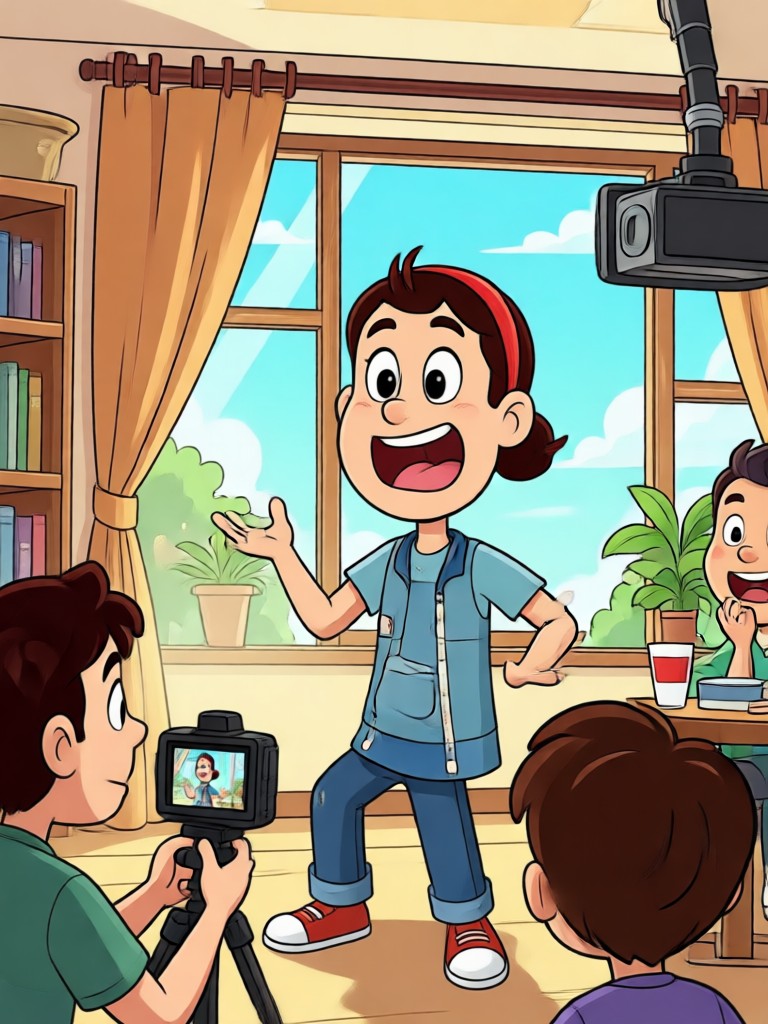
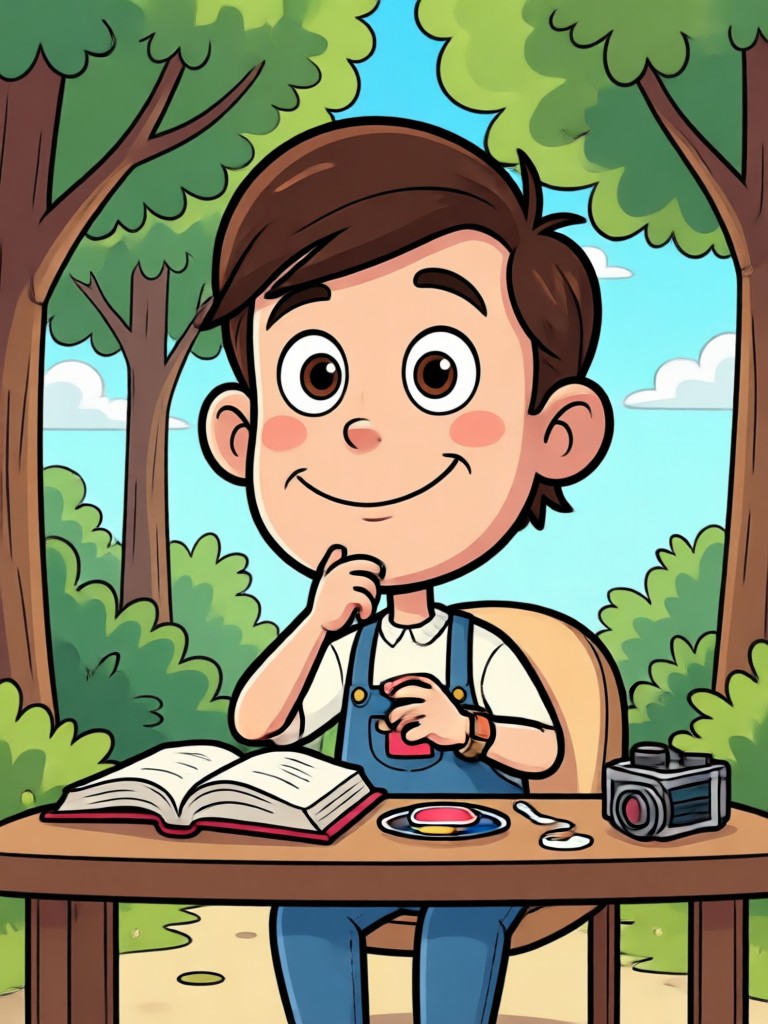
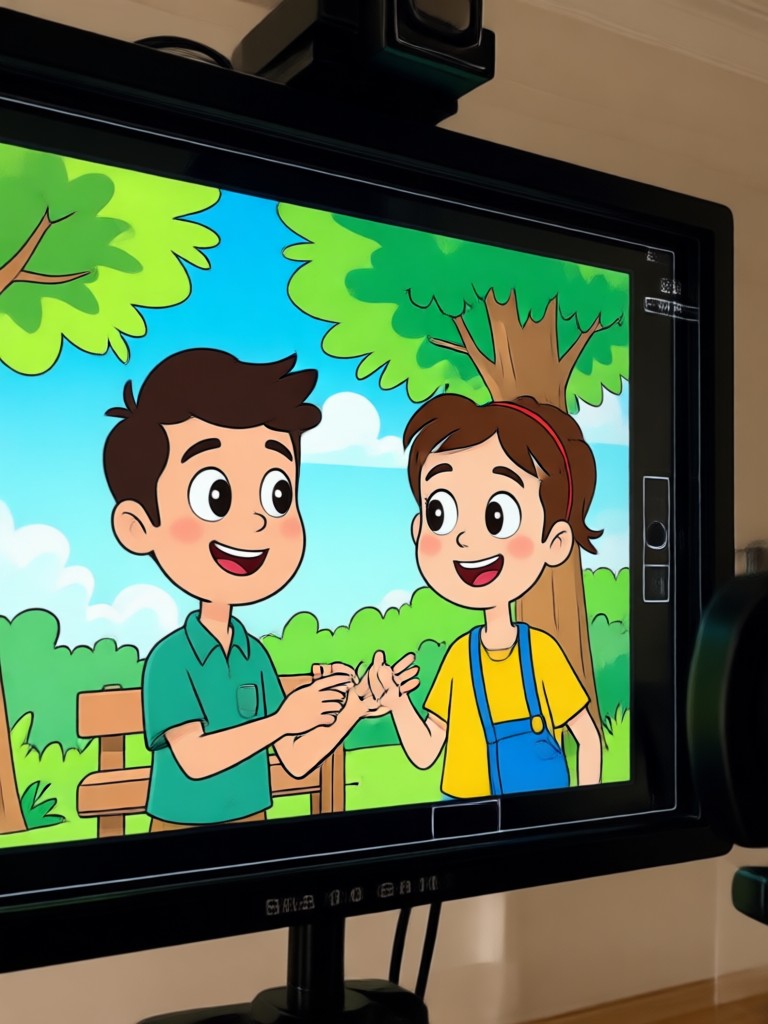
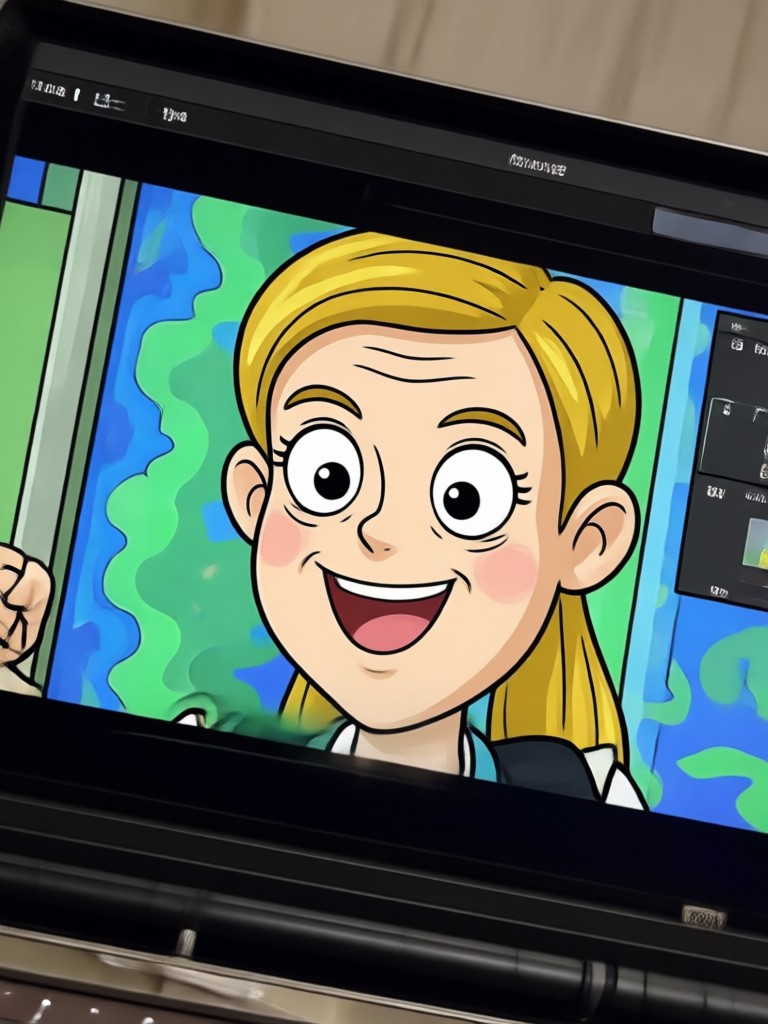
Cartoon Video Creation Gallery
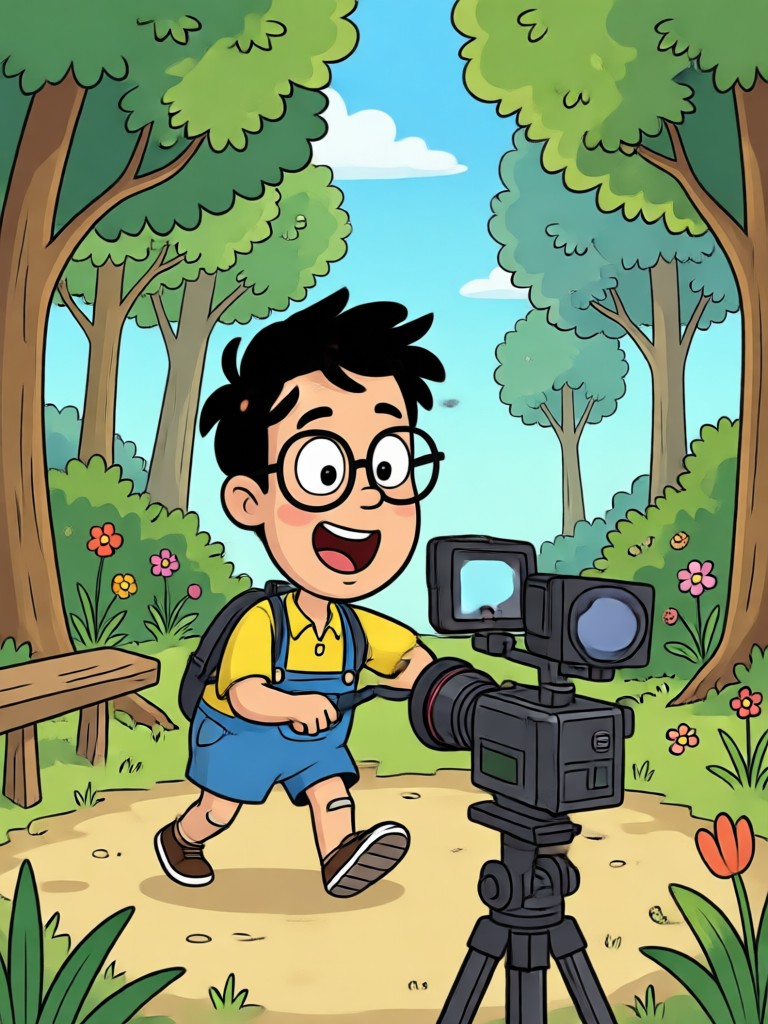
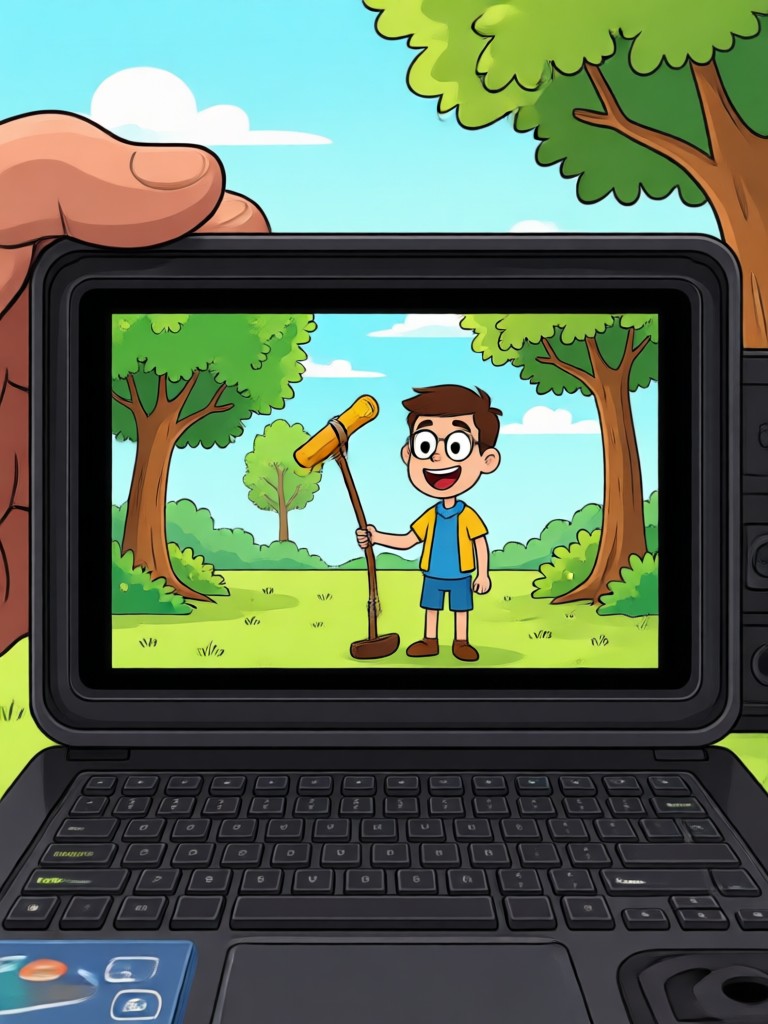
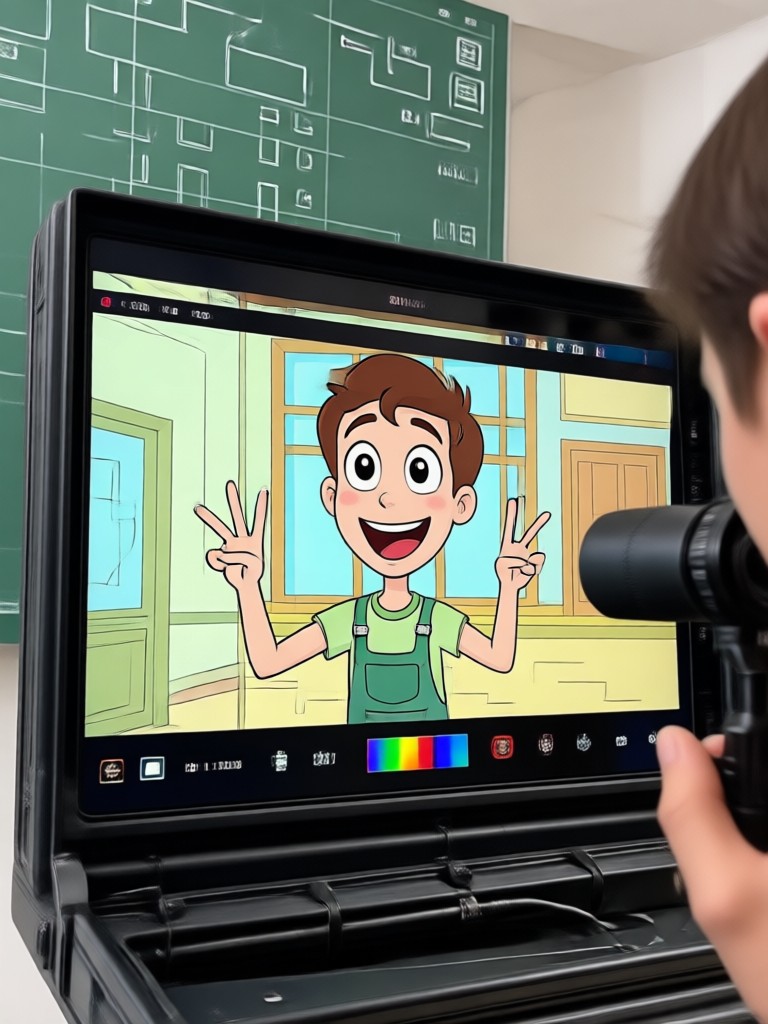
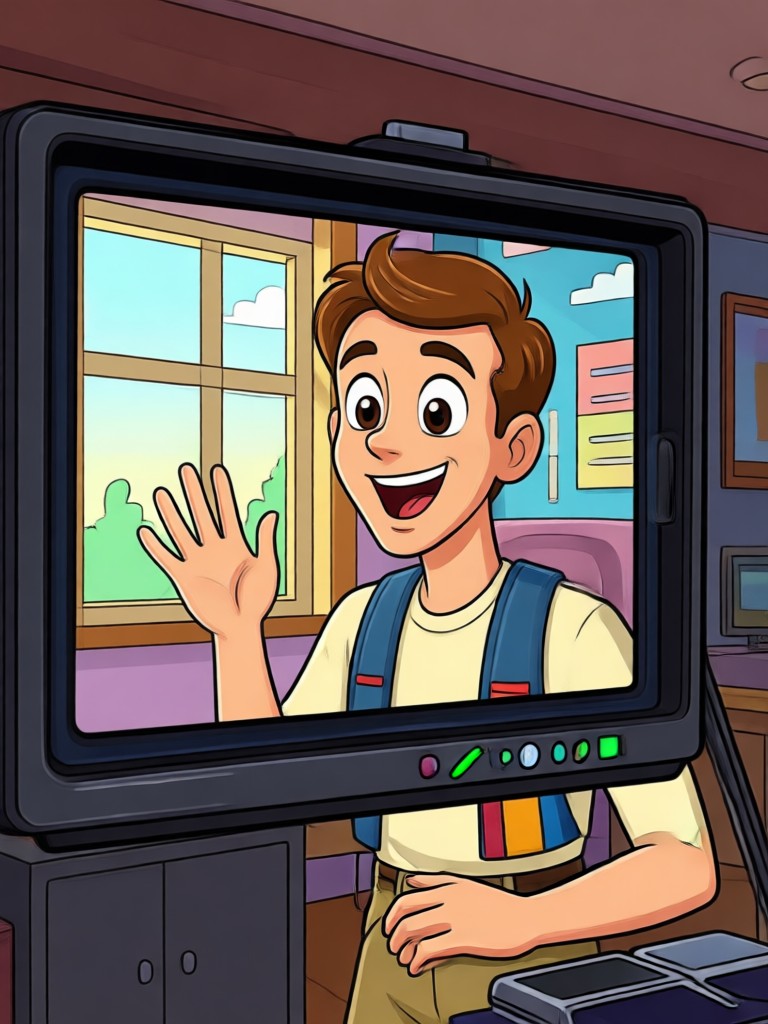
Browse AI cartoon video frames generated by pixpop. From hand drawn sketches to vibrant 3D clay, these results show what your videos can become.
How to Convert Video Into Cartoon
Turn your clips into cartoon animations in three simple steps using the pixpop app.

Step 01.
Download pixpop from Google Play and open the app on your phone. Sign in to access all AI cartoon filters.

Step 02.
Tap Video to Cartoon, upload your clip, and choose an anime, 3D clay, Ghibli, sketch, or comic filter. Adjust the style strength if needed.

Step 03.
Preview the cartoon result and generate in high resolution. Save or share your transformed video directly to TikTok, Instagram, or YouTube.
Why Use pixpop to Convert Video Into Cartoon
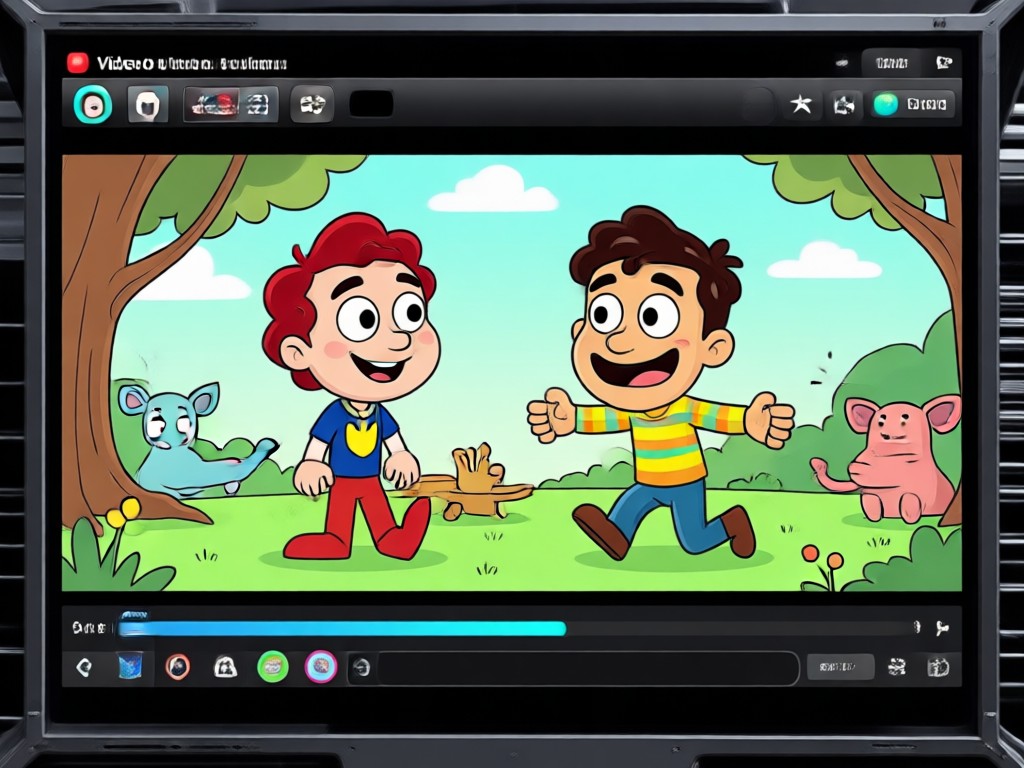
Most cartoon converters sacrifice motion quality, but pixpop processes full video clips with advanced frame consistency, preserving facial expressions, camera movement, and background depth while applying creative styles.
Why Use pixpop to Convert Video Into Cartoon
Most cartoon converters sacrifice motion quality, but pixpop processes full video clips with advanced frame consistency, preserving facial expressions, camera movement, and background depth while applying creative styles.
Cartoon Video Maker for Android
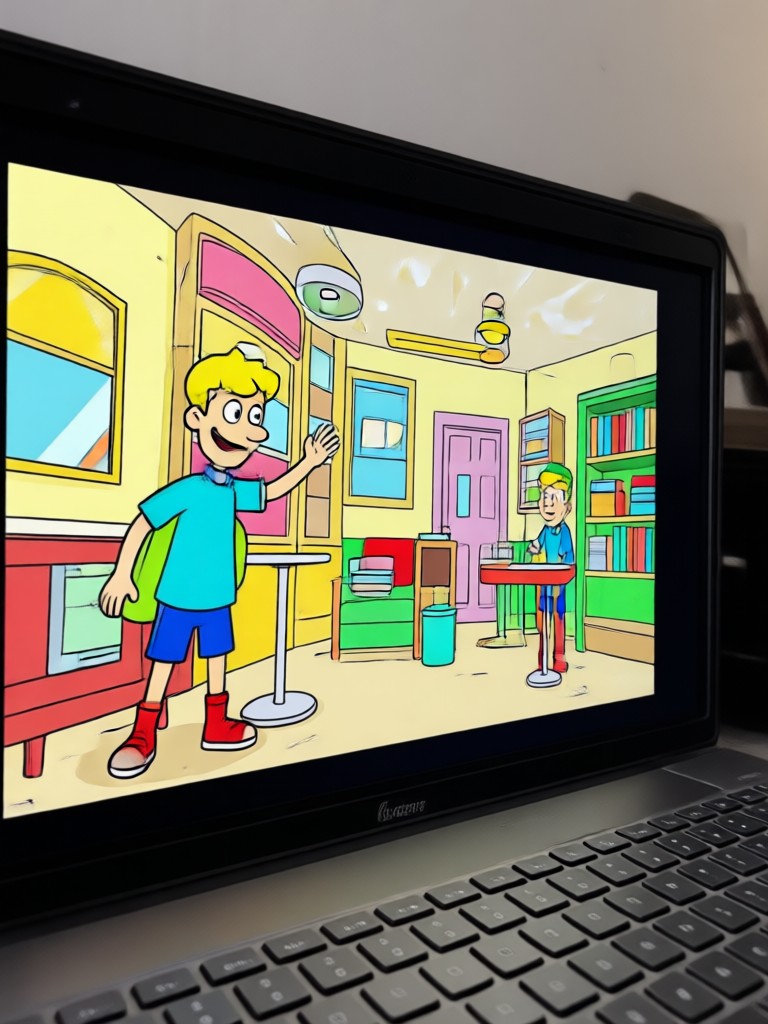
Convert any video into a cartoon on your phone. pixpop works entirely in the app, with no desktop software or watermark on your final clips.

What Creators Say About Cartoon Video Conversion
My vlogs finally stand out
I turned my travel clips into a Ghibli style animation in under two minutes. The faces stayed clear and the movement looked natural, which I never got from other apps.
Anime edits made easy
I make anime music edits and pixpop's cartoon video filters save me hours. The style transfer feels smooth and I can post directly from the app.
Great for brand content
We used the 3D clay filter for a product teaser and clients loved it. It is simple enough for our whole team without any design background.
Frequently Asked Questions About Cartoon Video Conversion
Find clear answers about converting videos into cartoons with pixpop, including style choices, quality, and sharing options.
More Topics You May Like
Explore more AI video and image transformation guides from pixpop.
Convert Video To 4K Quality: AI Upscaler App
Editing Photo Prompt: Turn Words Into Stunning Edits

Turn Ordinary Photos Into HDR Masterpieces

Clothes Remover Filter: AI Outfit Swap & Fashion Edit
Convert Video To 4K Quality: AI Upscaler App
Editing Photo Prompt: Turn Words Into Stunning Edits
Turn Ordinary Photos Into HDR Masterpieces
Clothes Remover Filter: AI Outfit Swap & Fashion Edit
Ready to Convert Video Into Cartoon?
Download pixpop from Google Play and turn your clips into stunning cartoon animations. No desktop software, no complex editing, just pick a style and generate.

Ready to Convert Video Into Cartoon?
Download pixpop from Google Play and turn your clips into stunning cartoon animations. No desktop software, no complex editing, just pick a style and generate.