Convert Video To 4K Quality Instantly
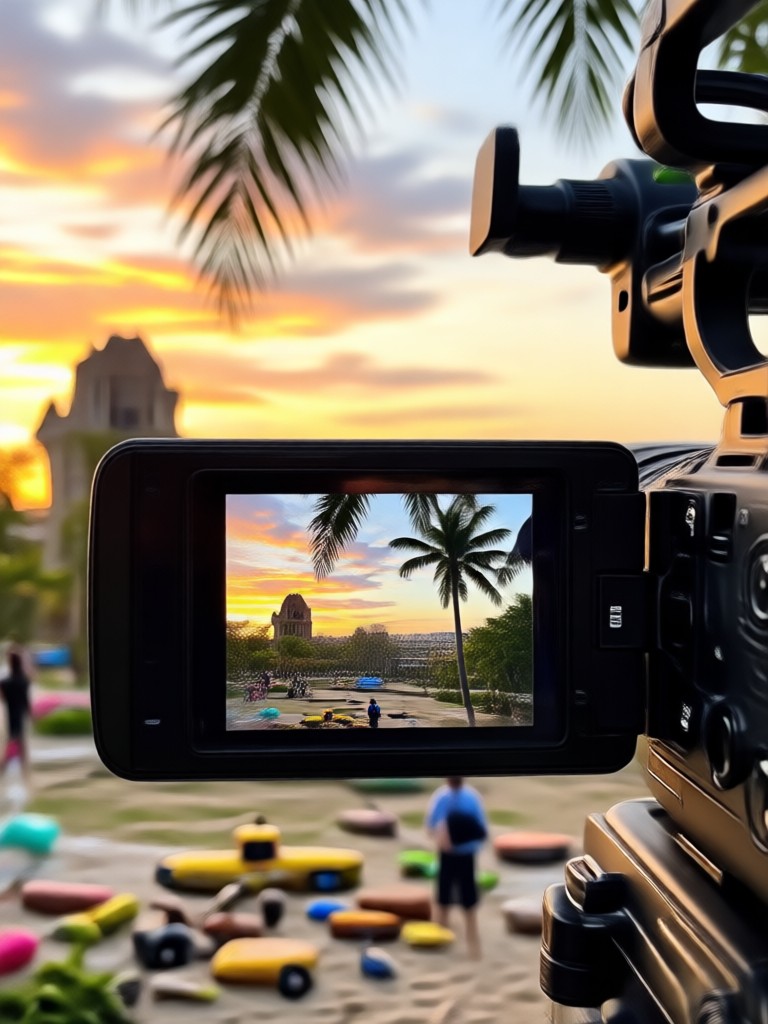
Choose the Best 4K Upscaling Filter
Discover AI filters that convert video to 4K quality, restore crisp details, and improve color and sharpness. Pick the perfect enhancement style for your footage.
Key Features of 4K Video Upscaling
Turn your old, blurry, or low resolution videos into crisp 4K quality with pixpop. Our AI video enhancer restores every frame for professional results.
AI 4K Upscaling
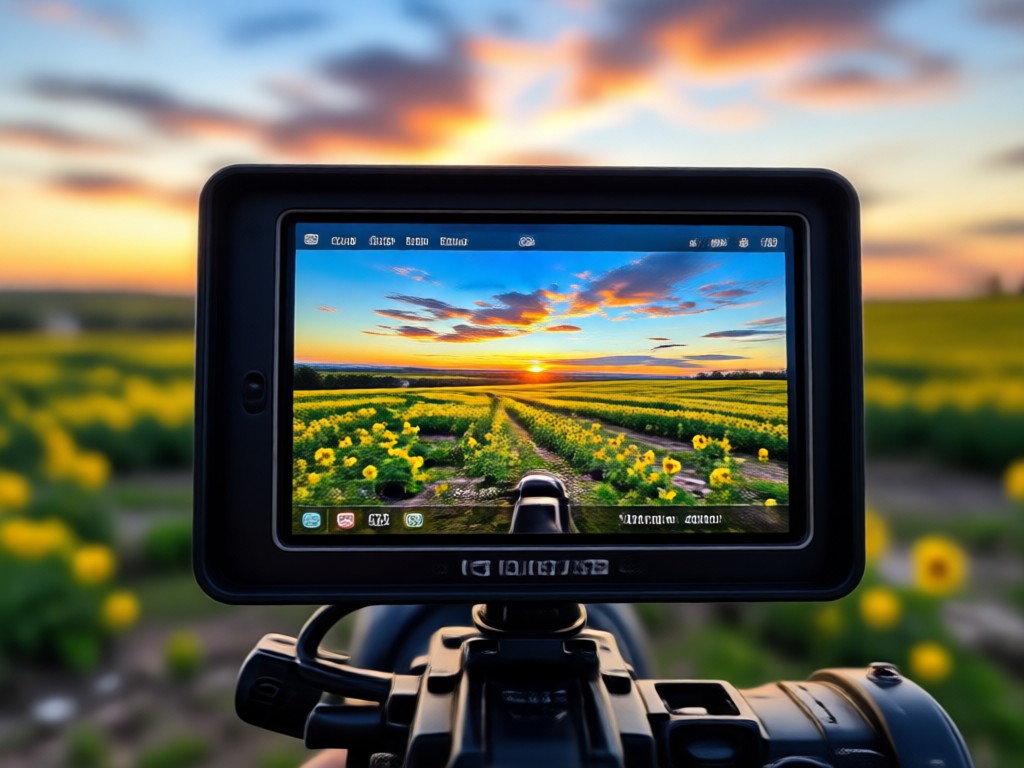
Convert 720p or 1080p footage to true 4K resolution. Pixpop analyzes each frame, predicts missing details, and reconstructs sharp edges without artifacts.
AI 4K Upscaling
Convert 720p or 1080p footage to true 4K resolution. Pixpop analyzes each frame, predicts missing details, and reconstructs sharp edges without artifacts.
Detail Restoration
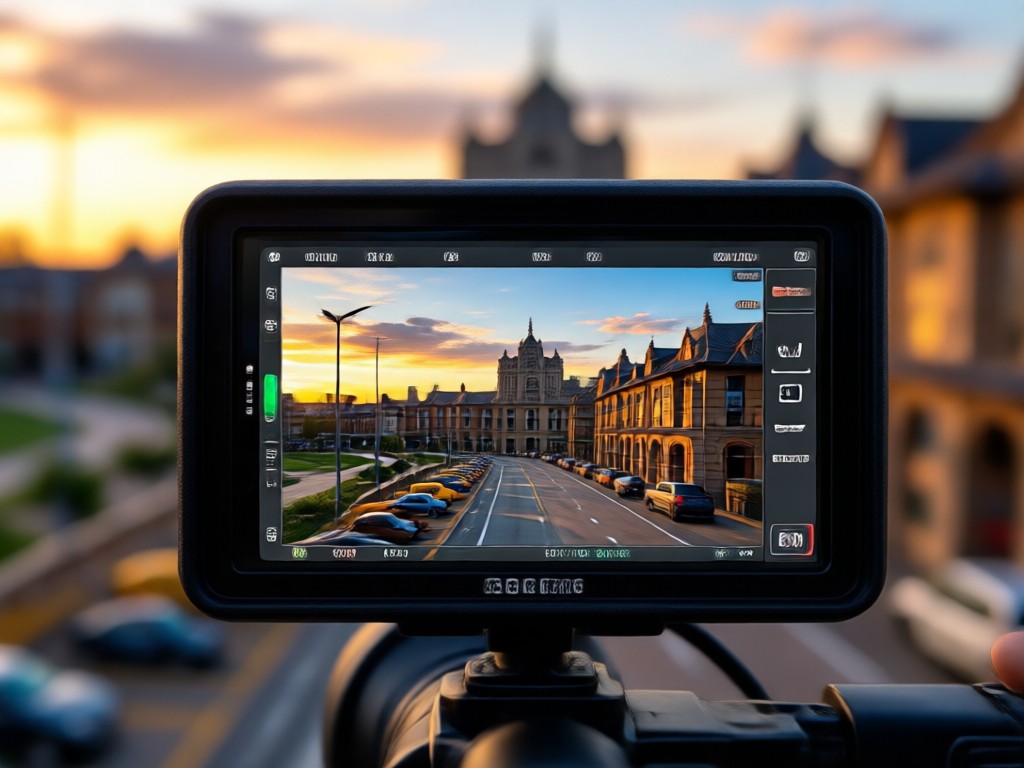
Enhance facial features, textures, and fine patterns that get lost in low quality videos. Restore natural sharpness and remove compression noise for a clean look.
Detail Restoration
Enhance facial features, textures, and fine patterns that get lost in low quality videos. Restore natural sharpness and remove compression noise for a clean look.
One Tap 4K Export
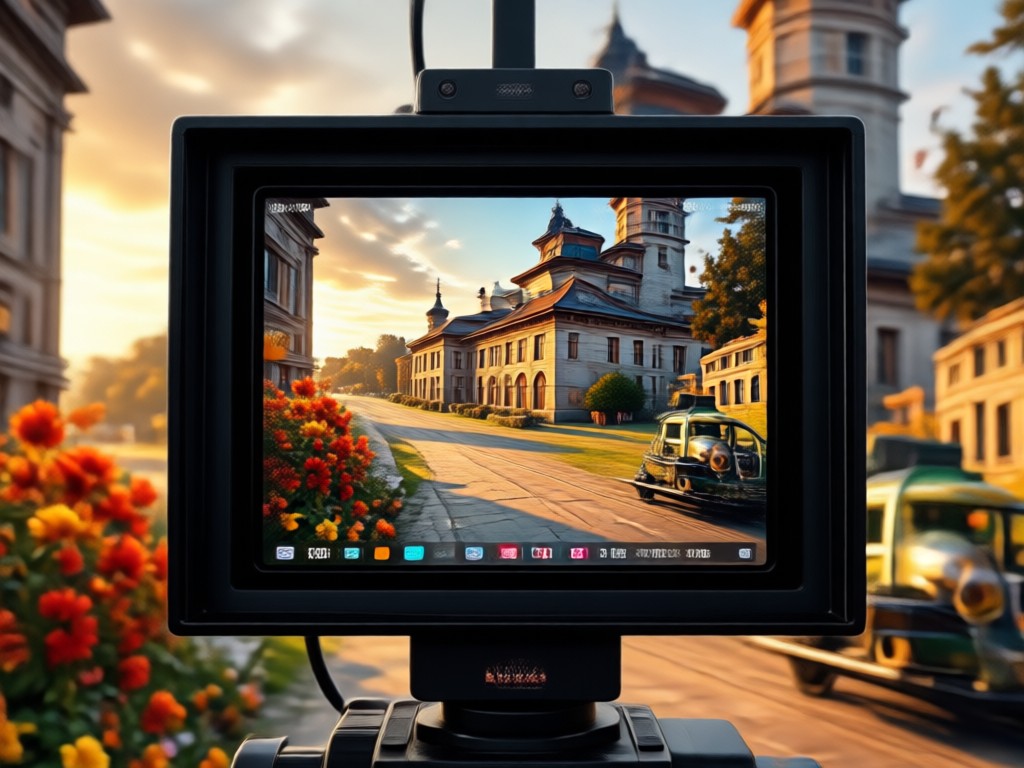
Download your upgraded video in 4K resolution directly to your phone. Share it on YouTube, TikTok, Instagram, or any platform with zero quality loss.
One Tap 4K Export
Download your upgraded video in 4K resolution directly to your phone. Share it on YouTube, TikTok, Instagram, or any platform with zero quality loss.
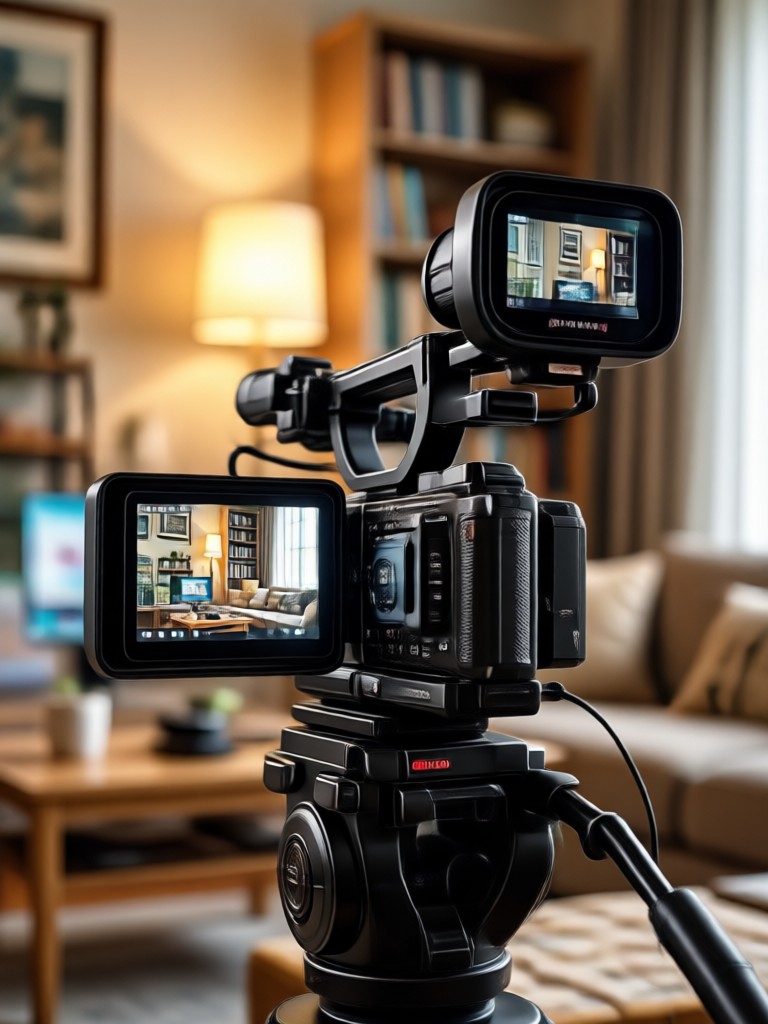
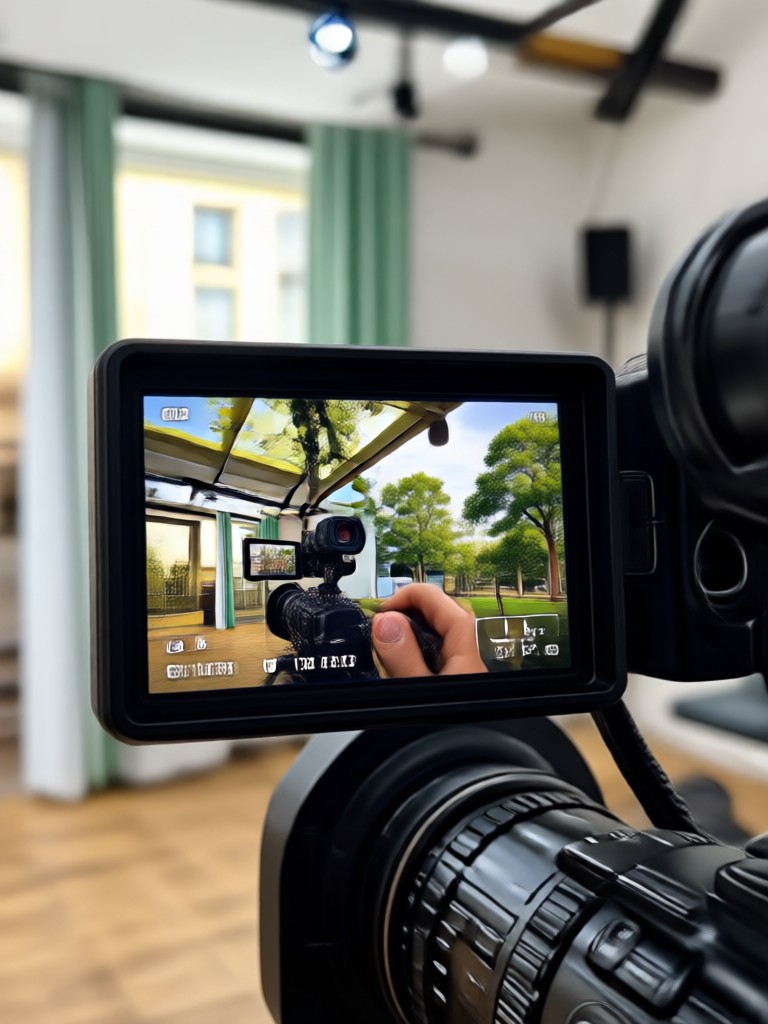
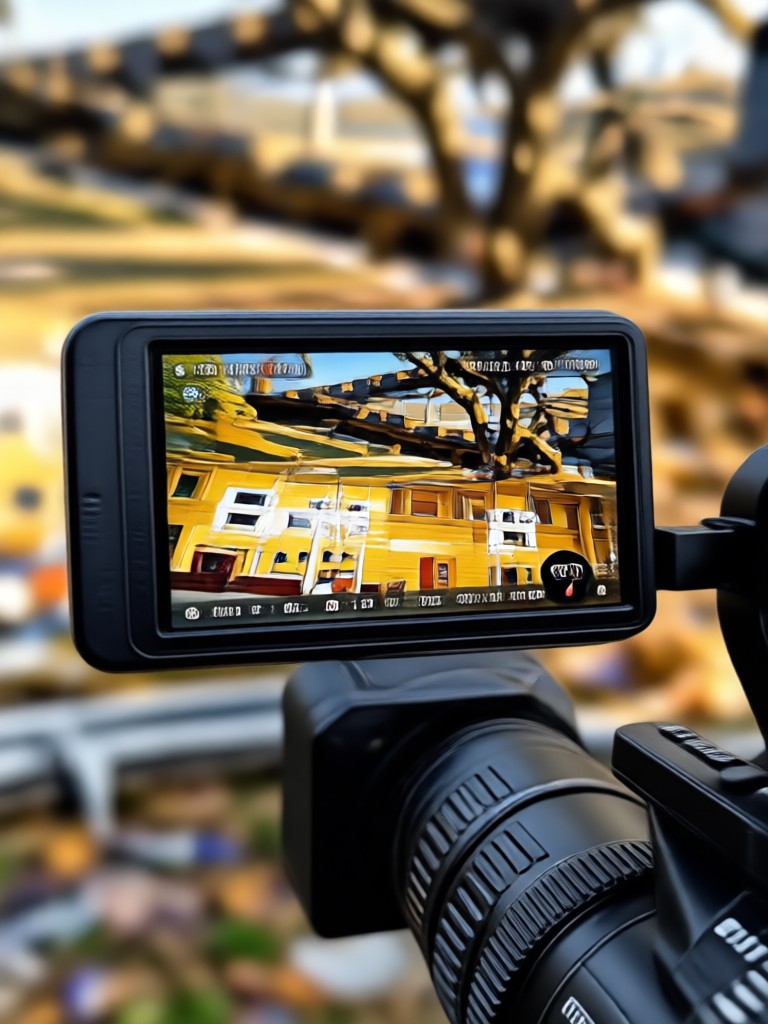
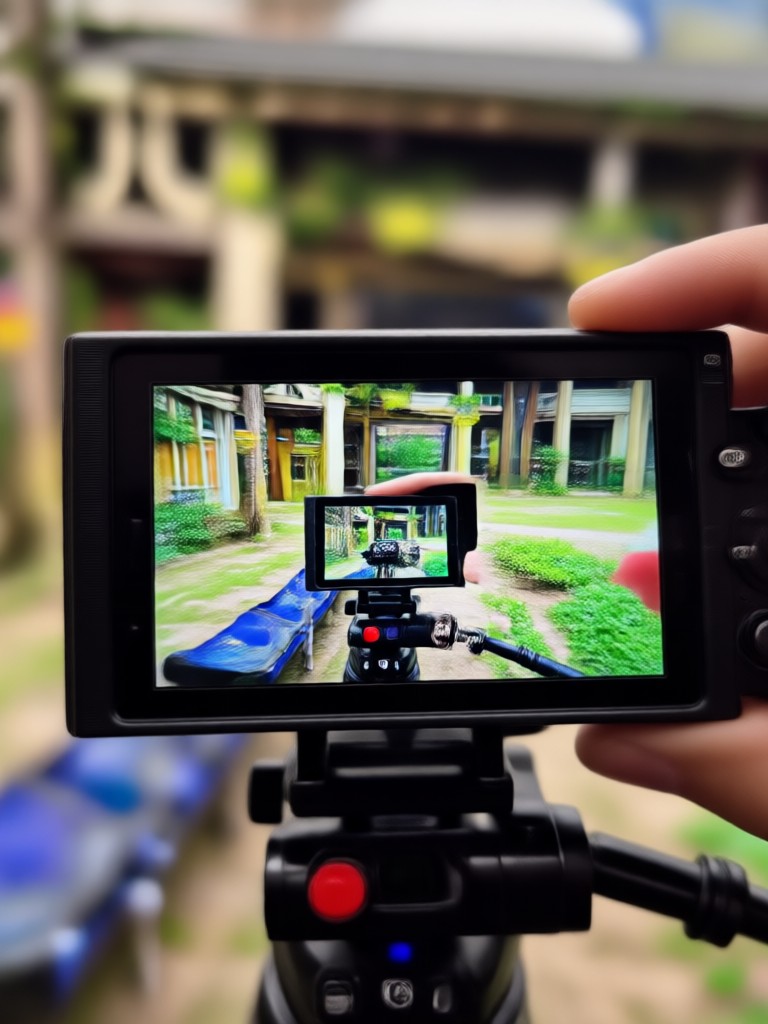
See 4K Upscaling Results
Browse real examples of videos converted to 4K quality. From old home movies to shaky phone clips, pixpop restores sharpness and detail for stunning results.
How to Convert Video to 4K Quality
Upgrade any video to crisp 4K resolution in just three simple steps. No complex software or technical skills required.

Step 01.
Download the pixpop app from Google Play and open it on your mobile device.

Step 02.
Upload the video you want to upscale and choose a 4K enhancement filter or style template.

Step 03.
Tap generate and let AI convert your video to 4K. Download and share the enhanced clip instantly.
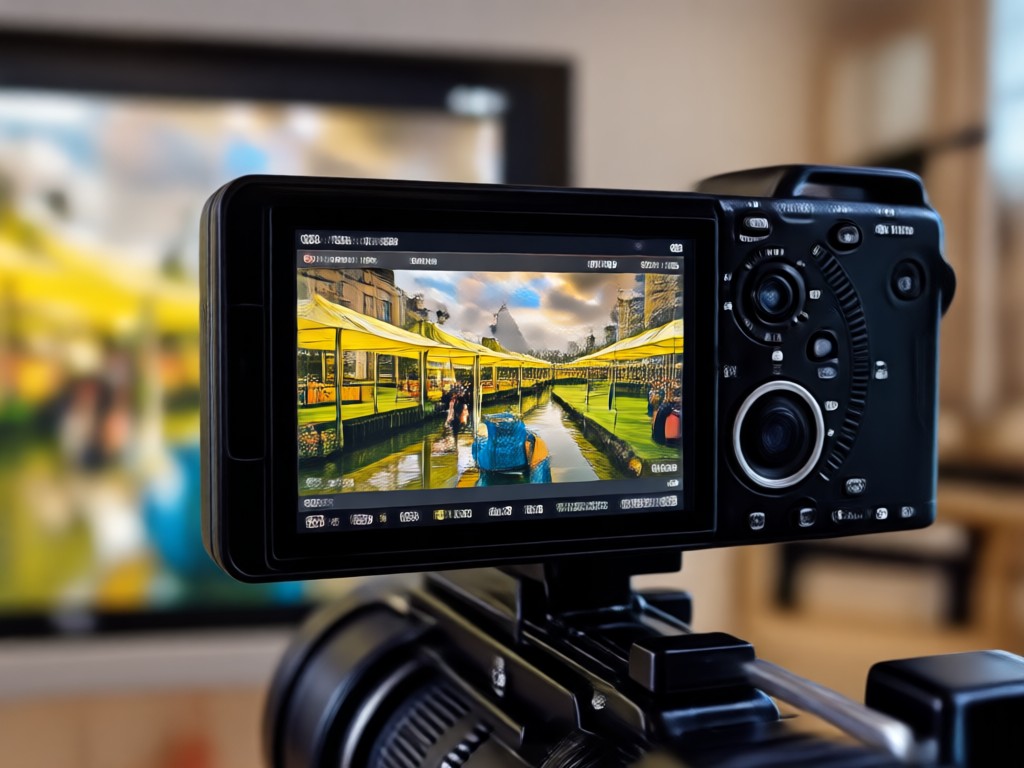
Why Convert Video to 4K Quality with pixpop?
pixpop gives you studio grade 4K upscaling on a mobile app. Restore old footage, enhance shaky clips, and make every frame look crisp and professional. No desktop software, no watermarks, and no learning curve.
Why Convert Video to 4K Quality with pixpop?
pixpop gives you studio grade 4K upscaling on a mobile app. Restore old footage, enhance shaky clips, and make every frame look crisp and professional. No desktop software, no watermarks, and no learning curve.
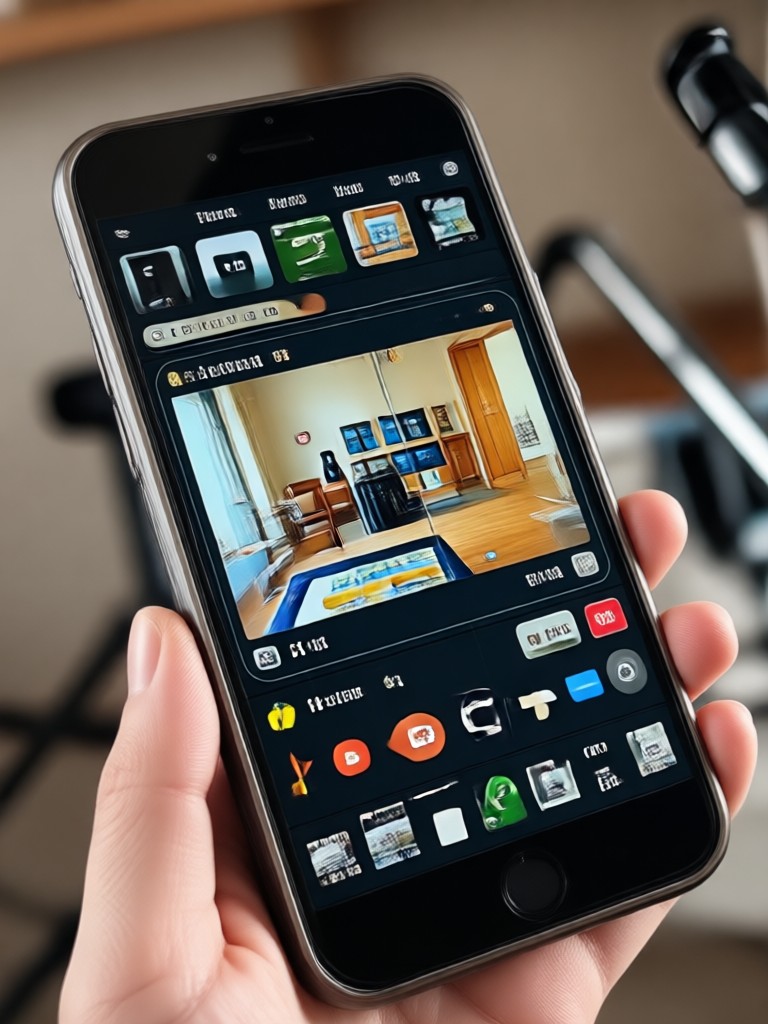
Convert Video to 4K on Mobile
Get the pixpop app and turn any low resolution video into 4K quality right from your phone. AI upscaling, detail restoration, and one tap export.

Who Uses 4K Video Enhancer

Louis Yule
I upscaled my old 720p travel vlogs to 4K and they look brand new. The detail restoration is incredible and my viewers noticed immediately.

Mandy Sander
As a content creator, I need my videos to look sharp on every platform. pixpop converts my phone clips to 4K without any desktop editing.

Orville Garcia
I restore old family videos and pixpop is the easiest 4K upscaler I have used. The app handles shaky footage and improves clarity perfectly.

Sam Green
Converted my 1080p gameplay recordings to 4K and they look smoother and more detailed. It only takes a few taps on my phone.
Louis Yule
I upscaled my old 720p travel vlogs to 4K and they look brand new. The detail restoration is incredible and my viewers noticed immediately.
Mandy Sander
As a content creator, I need my videos to look sharp on every platform. pixpop converts my phone clips to 4K without any desktop editing.
Orville Garcia
I restore old family videos and pixpop is the easiest 4K upscaler I have used. The app handles shaky footage and improves clarity perfectly.
Sam Green
Converted my 1080p gameplay recordings to 4K and they look smoother and more detailed. It only takes a few taps on my phone.
Louis Yule
I upscaled my old 720p travel vlogs to 4K and they look brand new. The detail restoration is incredible and my viewers noticed immediately.
Mandy Sander
As a content creator, I need my videos to look sharp on every platform. pixpop converts my phone clips to 4K without any desktop editing.
Orville Garcia
I restore old family videos and pixpop is the easiest 4K upscaler I have used. The app handles shaky footage and improves clarity perfectly.
Sam Green
Converted my 1080p gameplay recordings to 4K and they look smoother and more detailed. It only takes a few taps on my phone.
Frequently Asked Questions
Find clear answers to common questions about converting video to 4K quality with pixpop.
Get 4K Quality Videos Now
Download pixpop and start converting your videos to stunning 4K quality. AI upscaling, detail restoration, and one tap export in your pocket.

Get 4K Quality Videos Now
Download pixpop and start converting your videos to stunning 4K quality. AI upscaling, detail restoration, and one tap export in your pocket.