Editing Photo Prompt: Turn Words Into Stunning Edits
Popular Editing Photo Prompt Filters
Discover the perfect filter style for your next photo edit. Whether you want realistic retouching, anime vibes, or cinematic color grading, there is a template ready.
Key Features of Editing Photo Prompt
Explore the core capabilities that make prompt-based photo editing fast, flexible, and accessible to everyone, regardless of experience.
Instant Prompt Based Editing
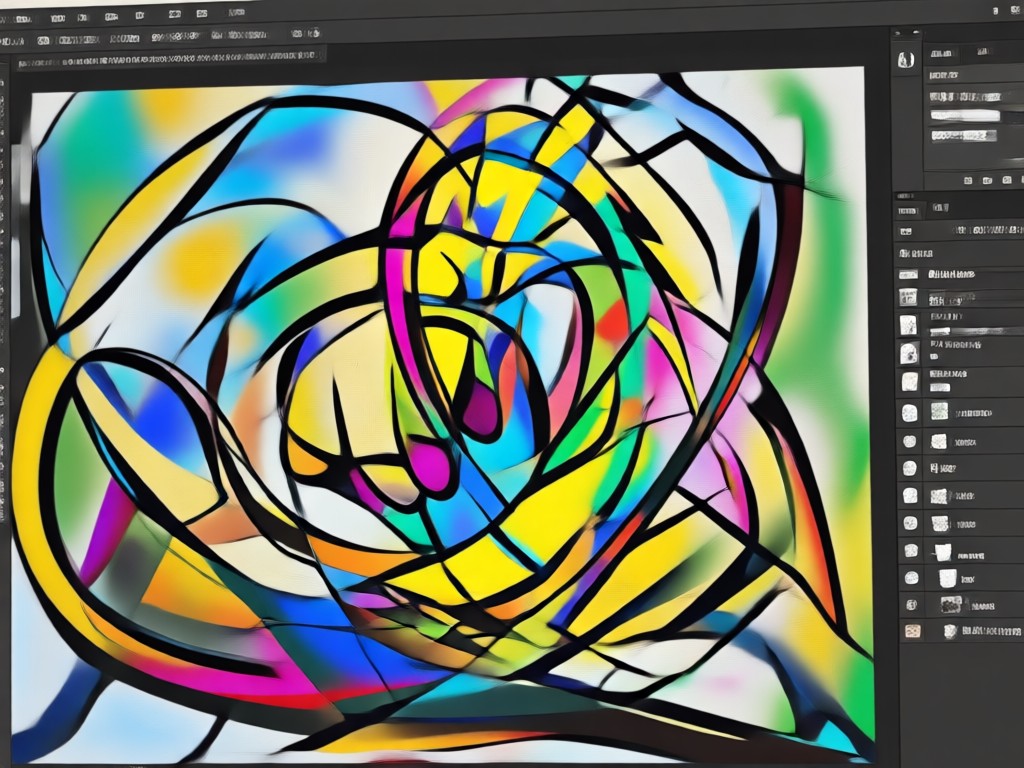
Type a simple instruction like change the background to sunset or make the portrait look like a watercolor painting. The AI understands natural language and applies the edit automatically. You do not need to learn masks, layers, or complex sliders. The result appears in seconds and keeps the original subject intact.
Instant Prompt Based Editing
Type a simple instruction like change the background to sunset or make the portrait look like a watercolor painting. The AI understands natural language and applies the edit automatically. You do not need to learn masks, layers, or complex sliders. The result appears in seconds and keeps the original subject intact.
Over a Million Style Filters
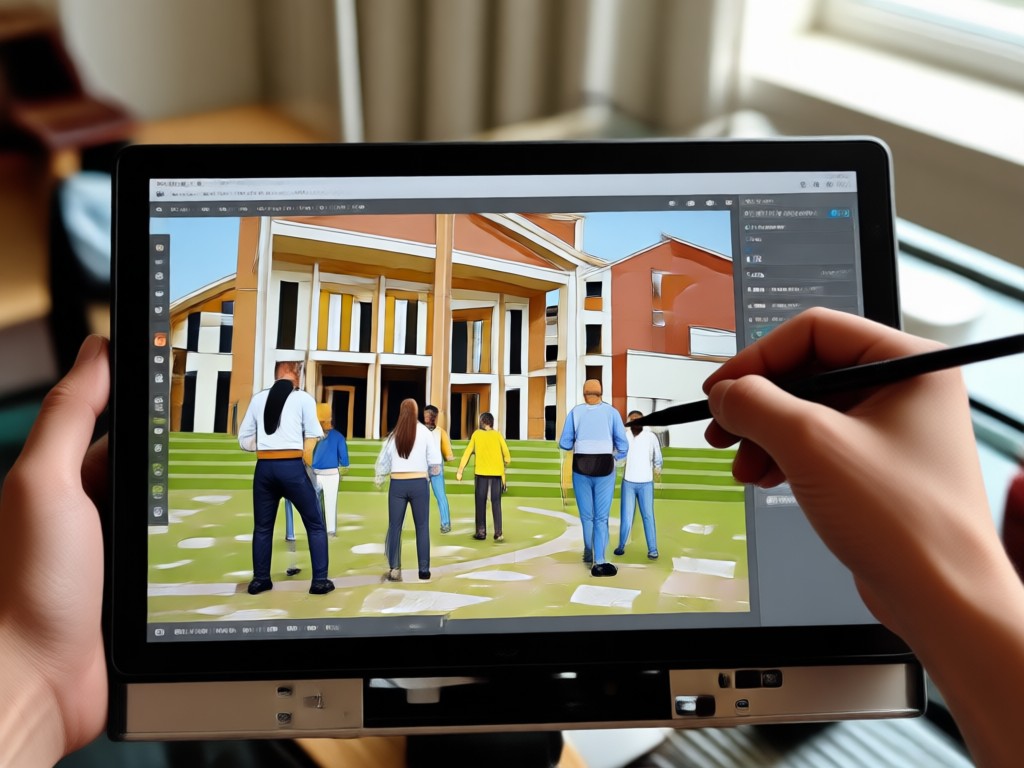
Browse a massive library of style templates covering realistic photography, anime, 3D clay, cyberpunk, oil painting, and cinematic looks. Each filter acts as a starting point for your editing photo prompt. Mix and match text instructions with a style to create a completely unique result that stands out.
Over a Million Style Filters
Browse a massive library of style templates covering realistic photography, anime, 3D clay, cyberpunk, oil painting, and cinematic looks. Each filter acts as a starting point for your editing photo prompt. Mix and match text instructions with a style to create a completely unique result that stands out.
Safe Face and Subject Preservation
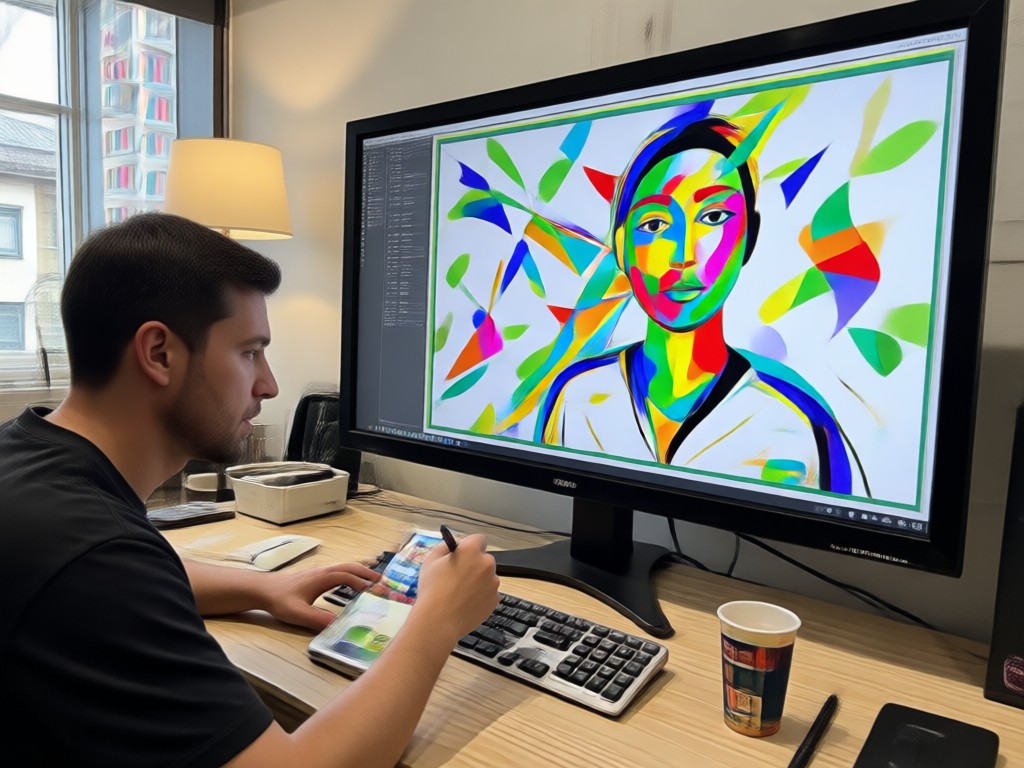
When you edit a photo with a prompt, the AI preserves faces, body shapes, and key details. You can change clothes, backgrounds, lighting, or art style without losing the person's identity. Multi-person photos are also supported, so group shots stay accurate and natural.
Safe Face and Subject Preservation
When you edit a photo with a prompt, the AI preserves faces, body shapes, and key details. You can change clothes, backgrounds, lighting, or art style without losing the person's identity. Multi-person photos are also supported, so group shots stay accurate and natural.
How to Use Editing Photo Prompt in 3 Easy Steps
Create stunning photo edits with simple text prompts. Follow these three steps to get started in minutes.

Step 01.
Download the PixPop app from Google Play. It takes less than a minute to install and gives you access to all editing photo prompt tools.

Step 02.
Upload a photo and type your editing instruction. Choose a style filter from the library to guide the AI toward the look you want.

Step 03.
Tap generate and watch the AI apply your prompt. Download the result or share it directly to your social media feeds.
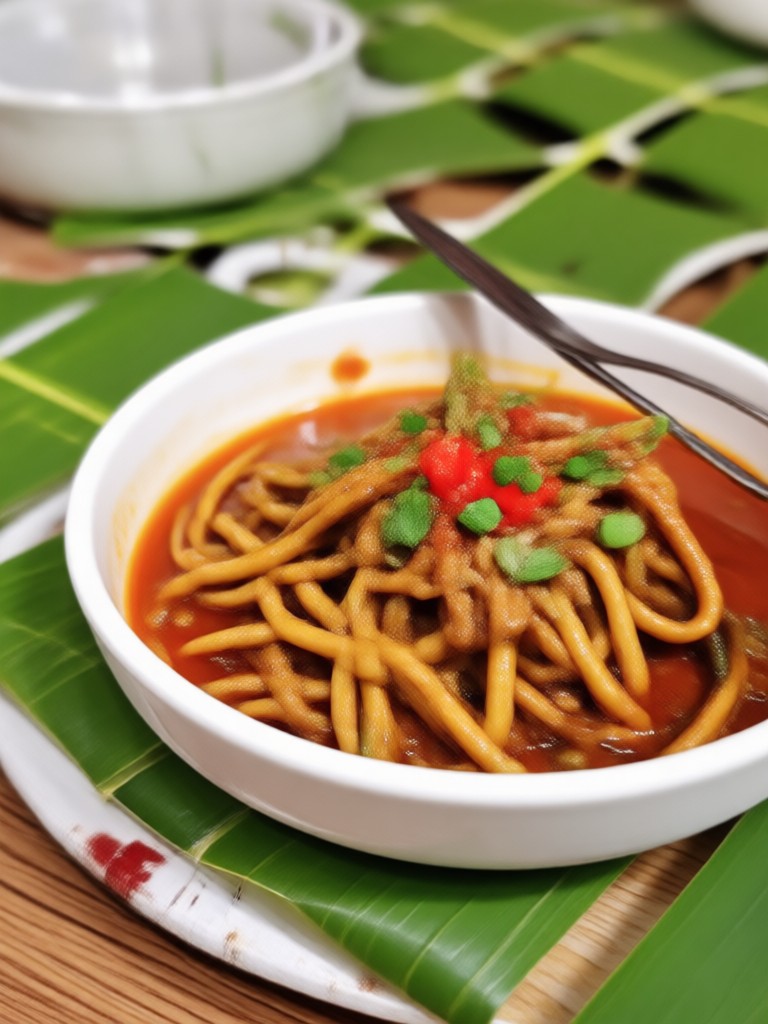
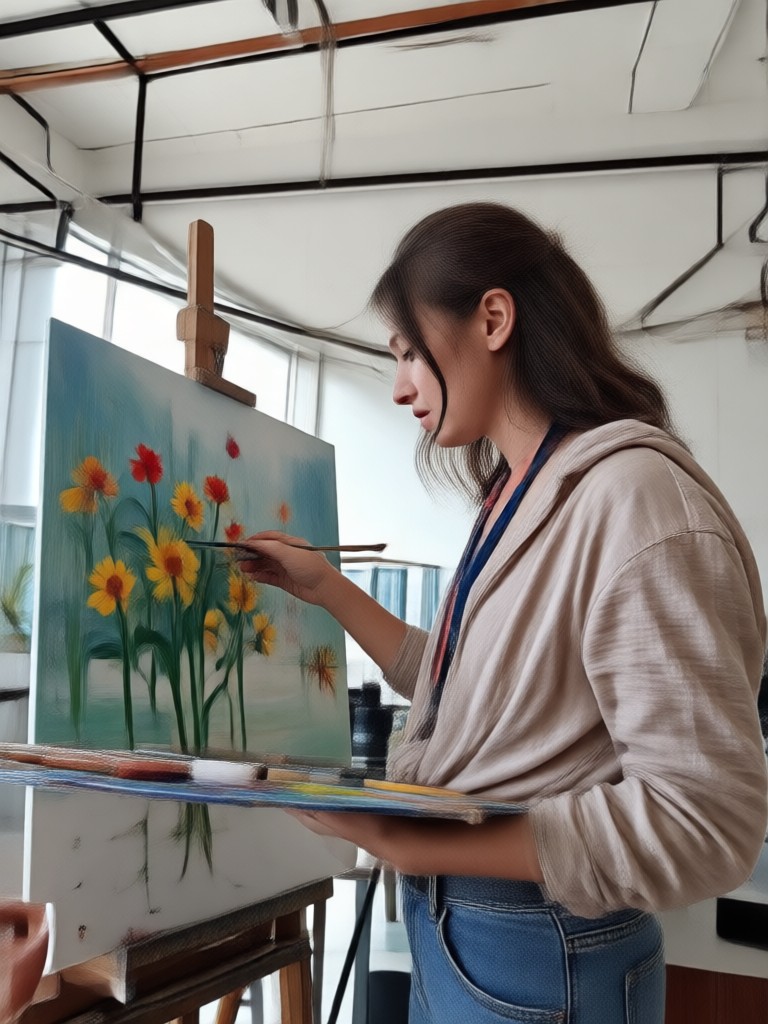
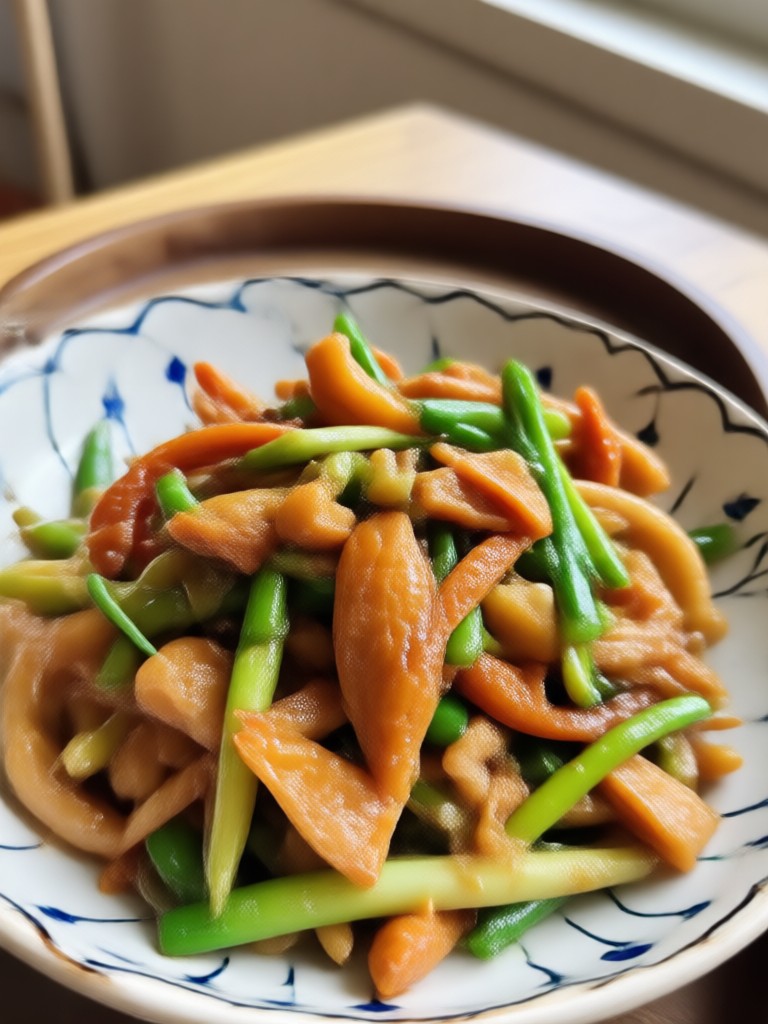
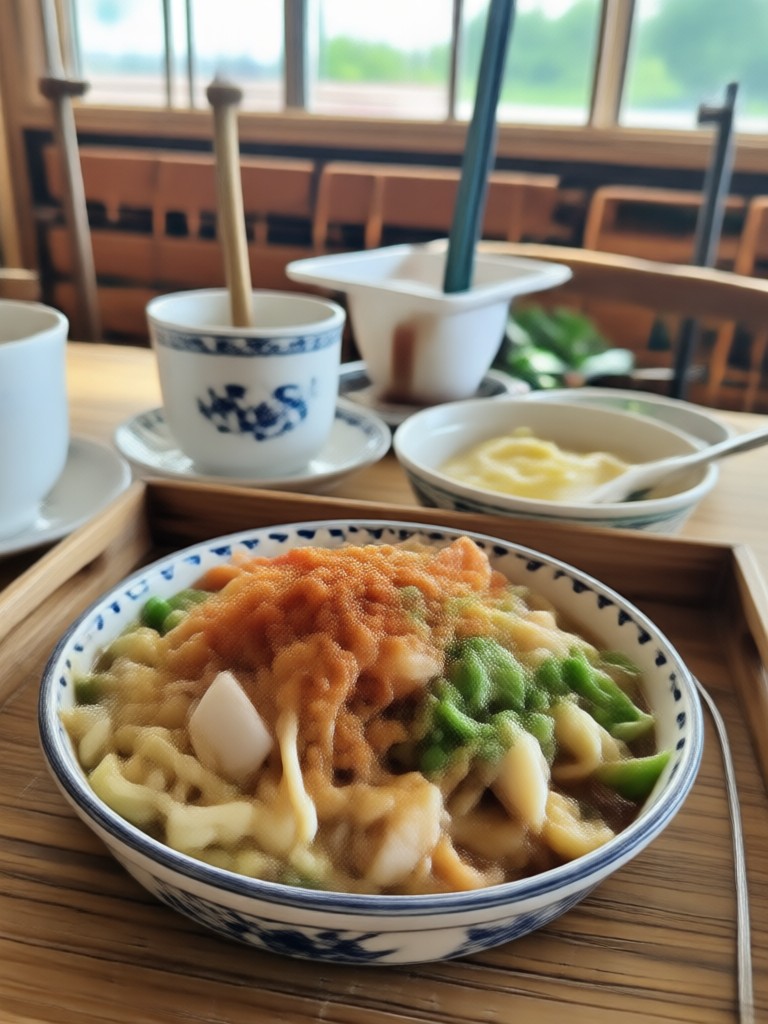
Editing Photo Prompt Results Gallery
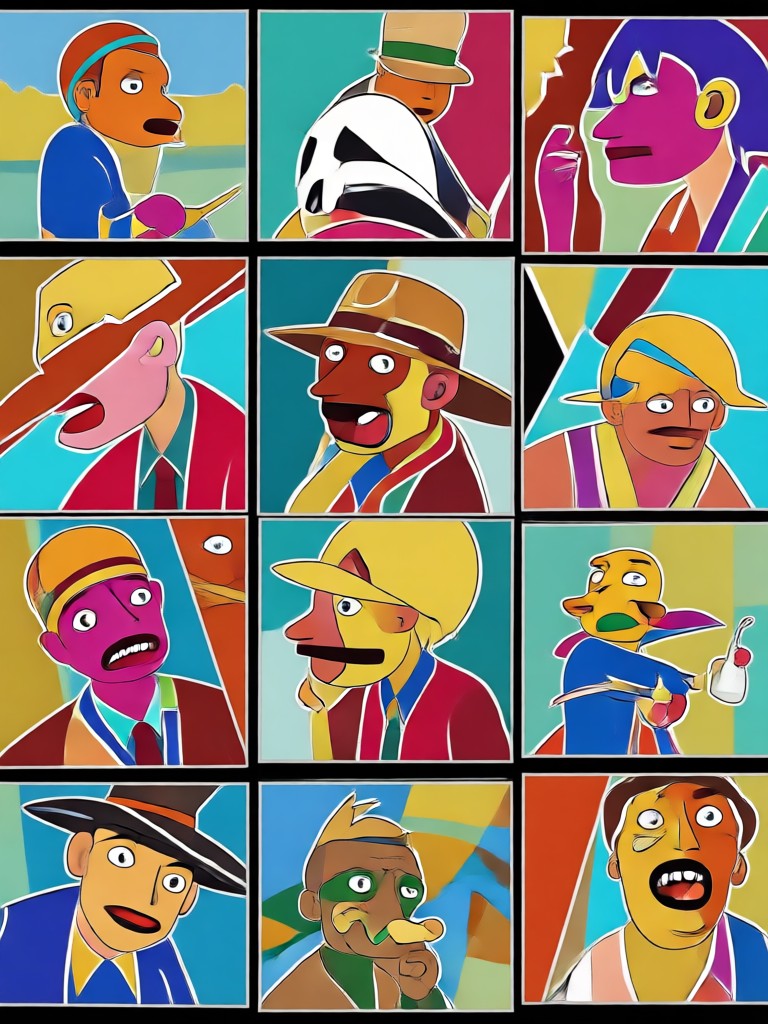
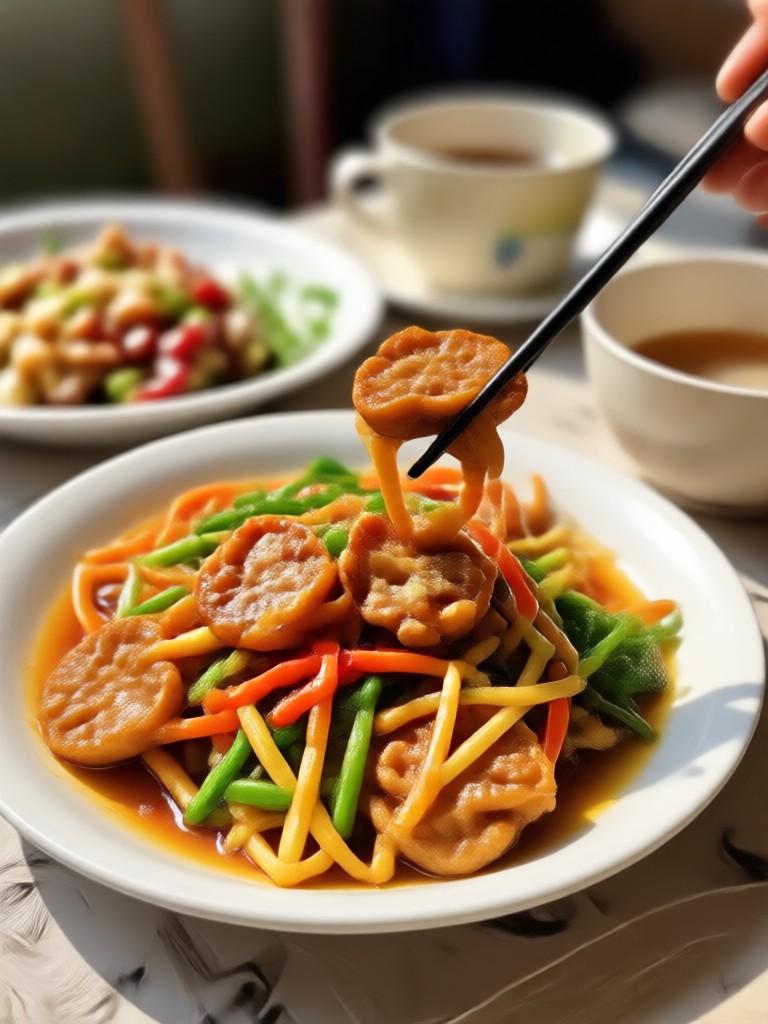
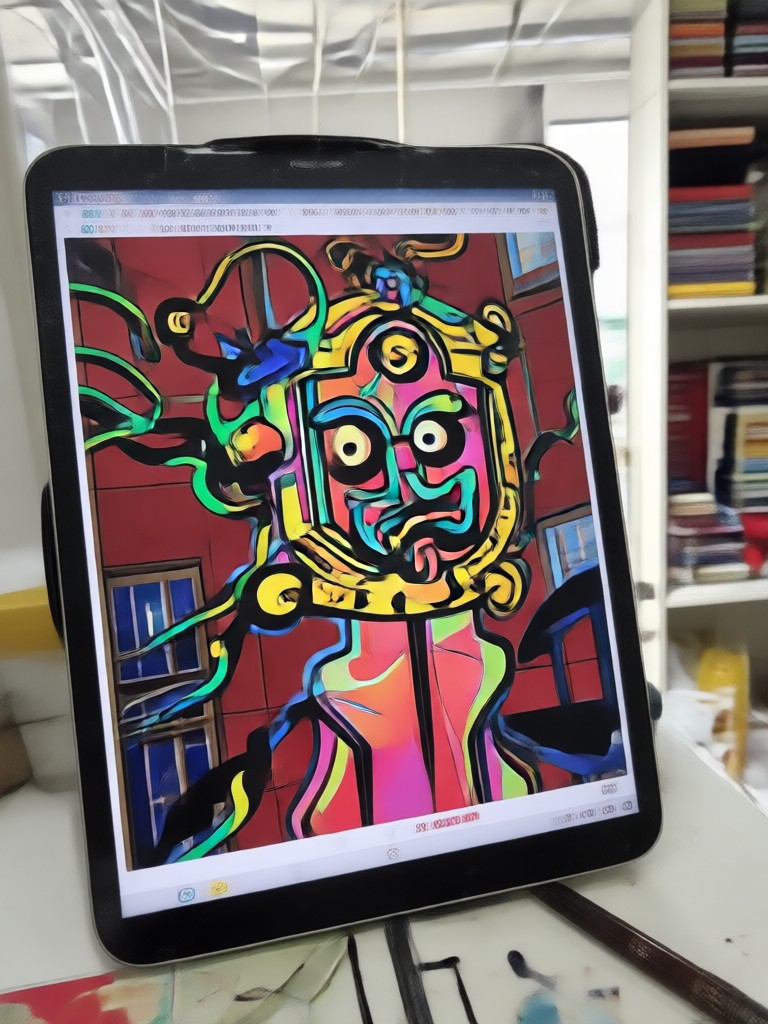
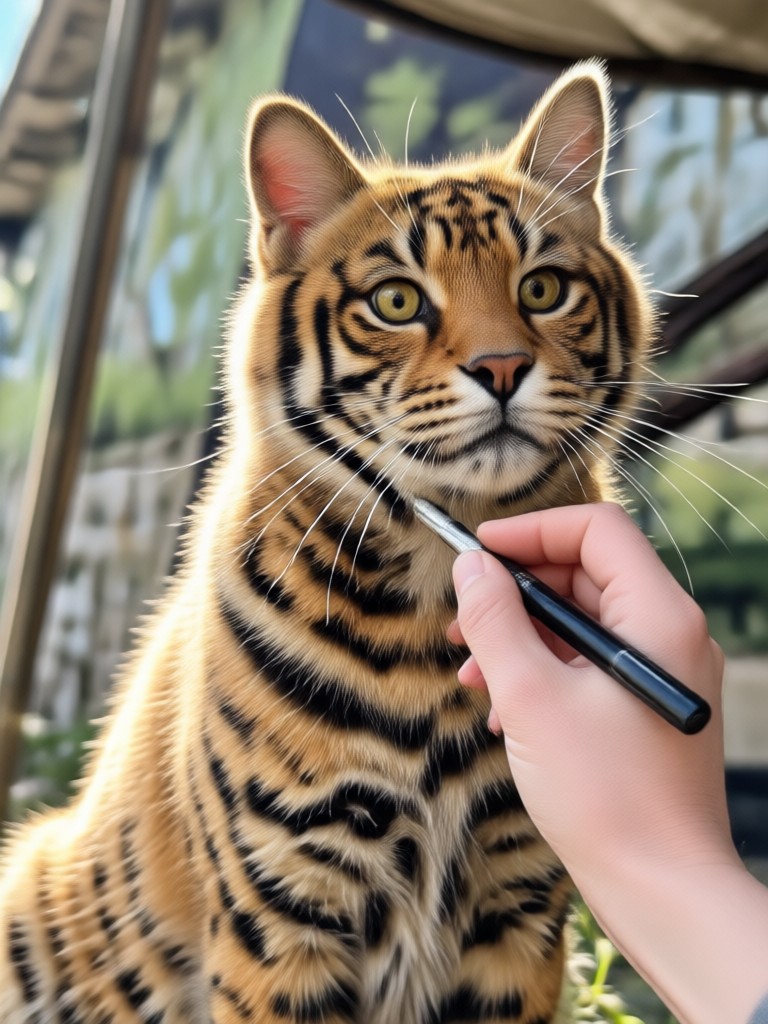
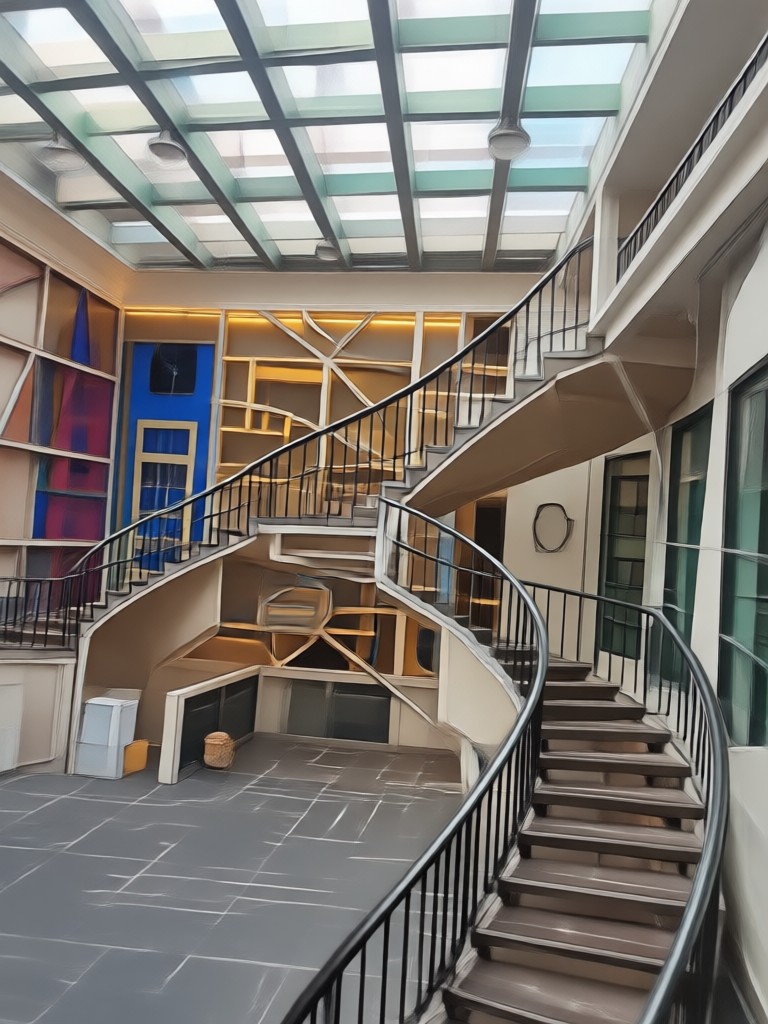
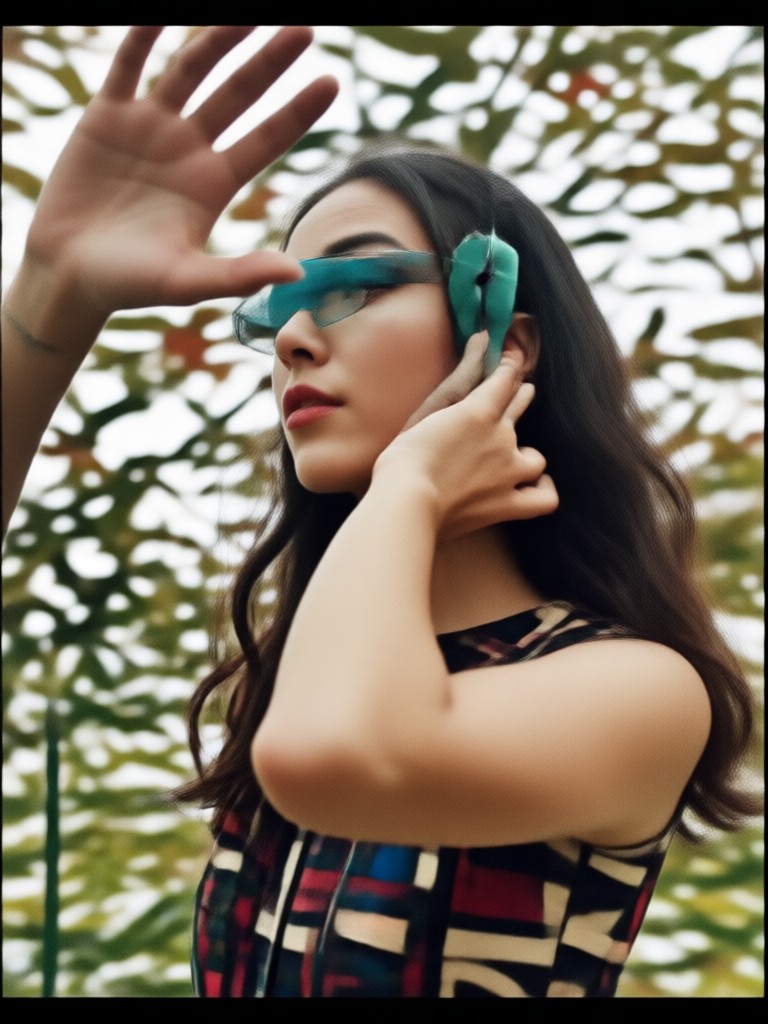
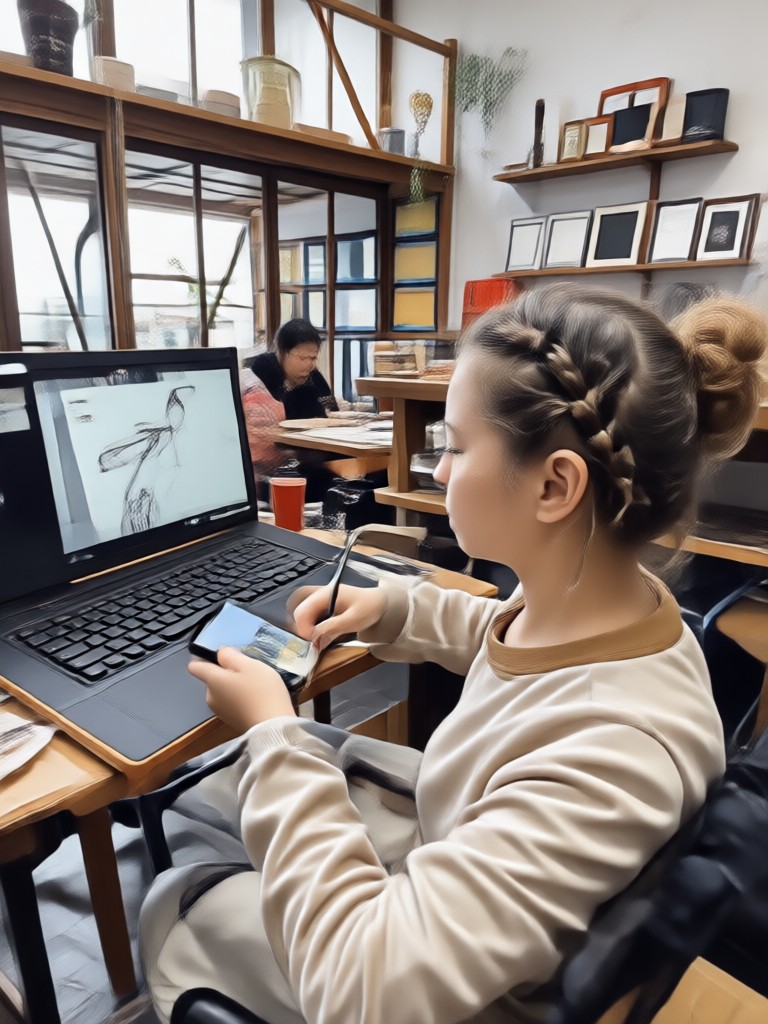
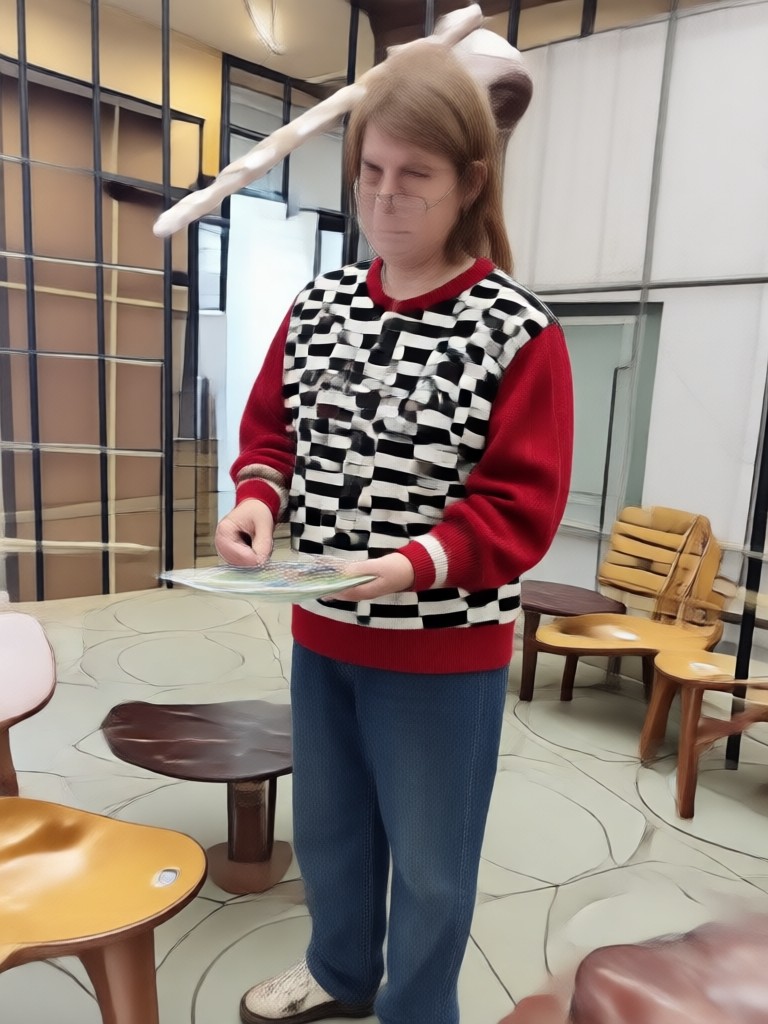
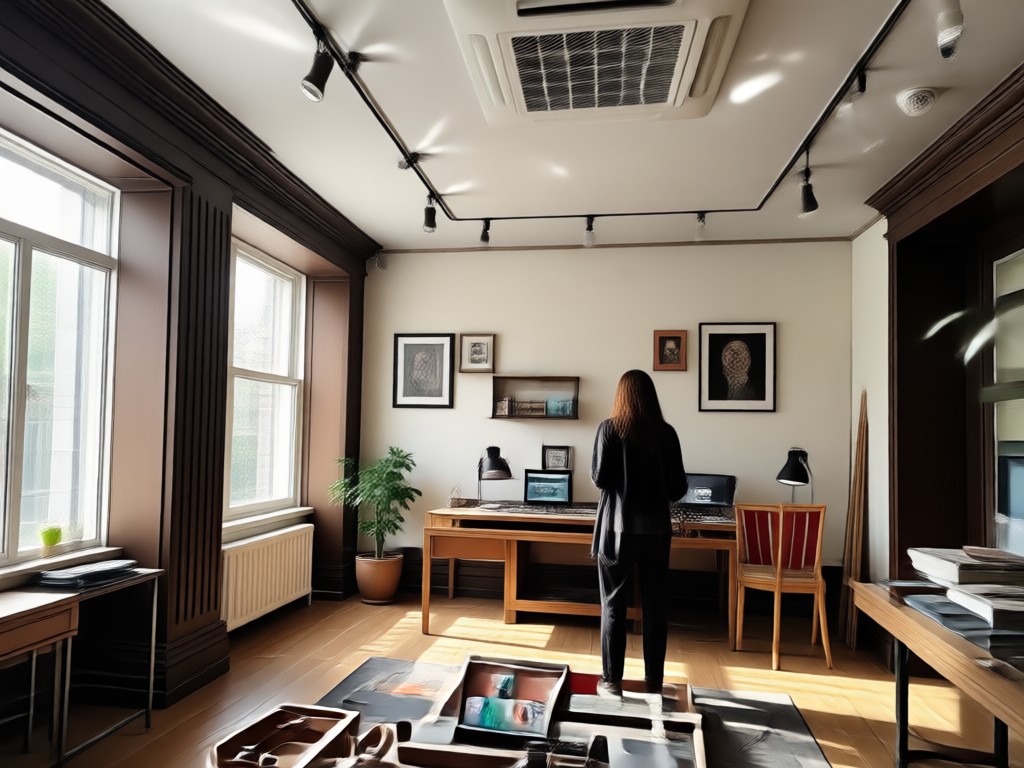
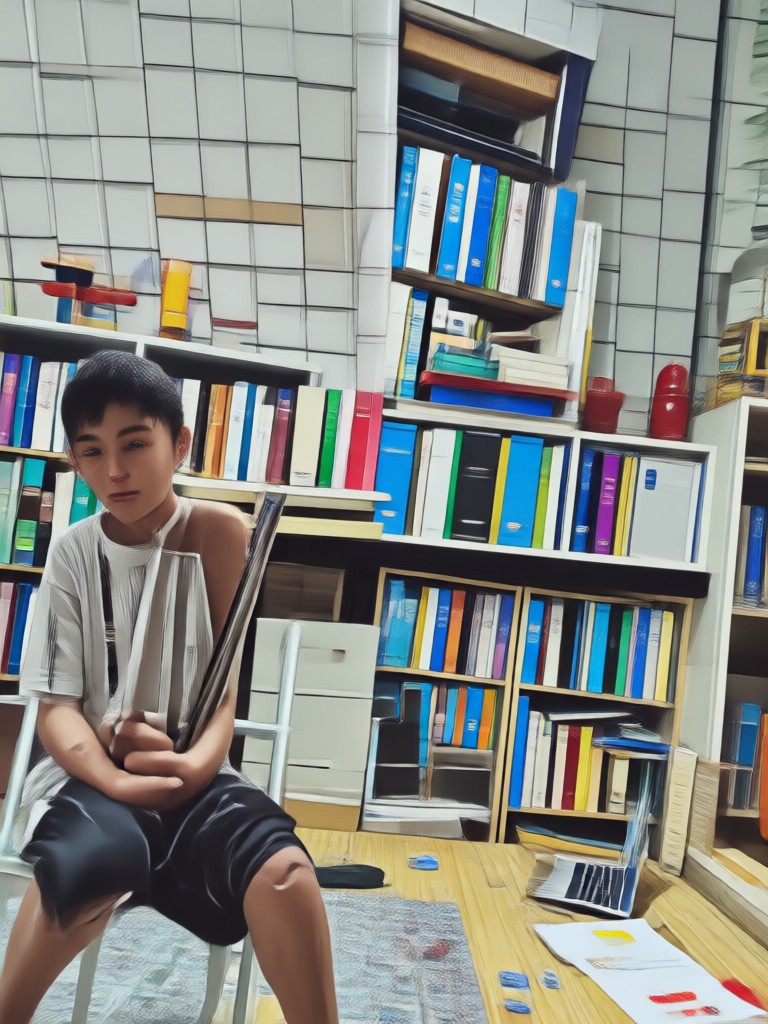
See how simple text instructions turn ordinary photos into stunning edits. Browse a variety of style filters and creative transformations made with the PixPop app.
Why Choose PixPop for Editing Photo Prompt
PixPop removes the friction from AI photo editing. Instead of juggling separate apps for retouching, style transfer, and video, you get one mobile tool that does it all. The interface is built for speed, the filters are updated daily, and the results look like they came from a professional studio.
Why Choose PixPop for Editing Photo Prompt
PixPop removes the friction from AI photo editing. Instead of juggling separate apps for retouching, style transfer, and video, you get one mobile tool that does it all. The interface is built for speed, the filters are updated daily, and the results look like they came from a professional studio.
Editing Photo Prompt FAQ
Find clear answers to common questions about using text prompts to edit photos with AI.
Start Editing Photos with Prompts Today
Download PixPop on Google Play and turn simple text instructions into polished photo edits. The app includes over a million filters, fast processing, and an intuitive interface that works for everyone.

More Topics You May Like
Explore more topics you may like and discover fresh ideas tailored to your interests.
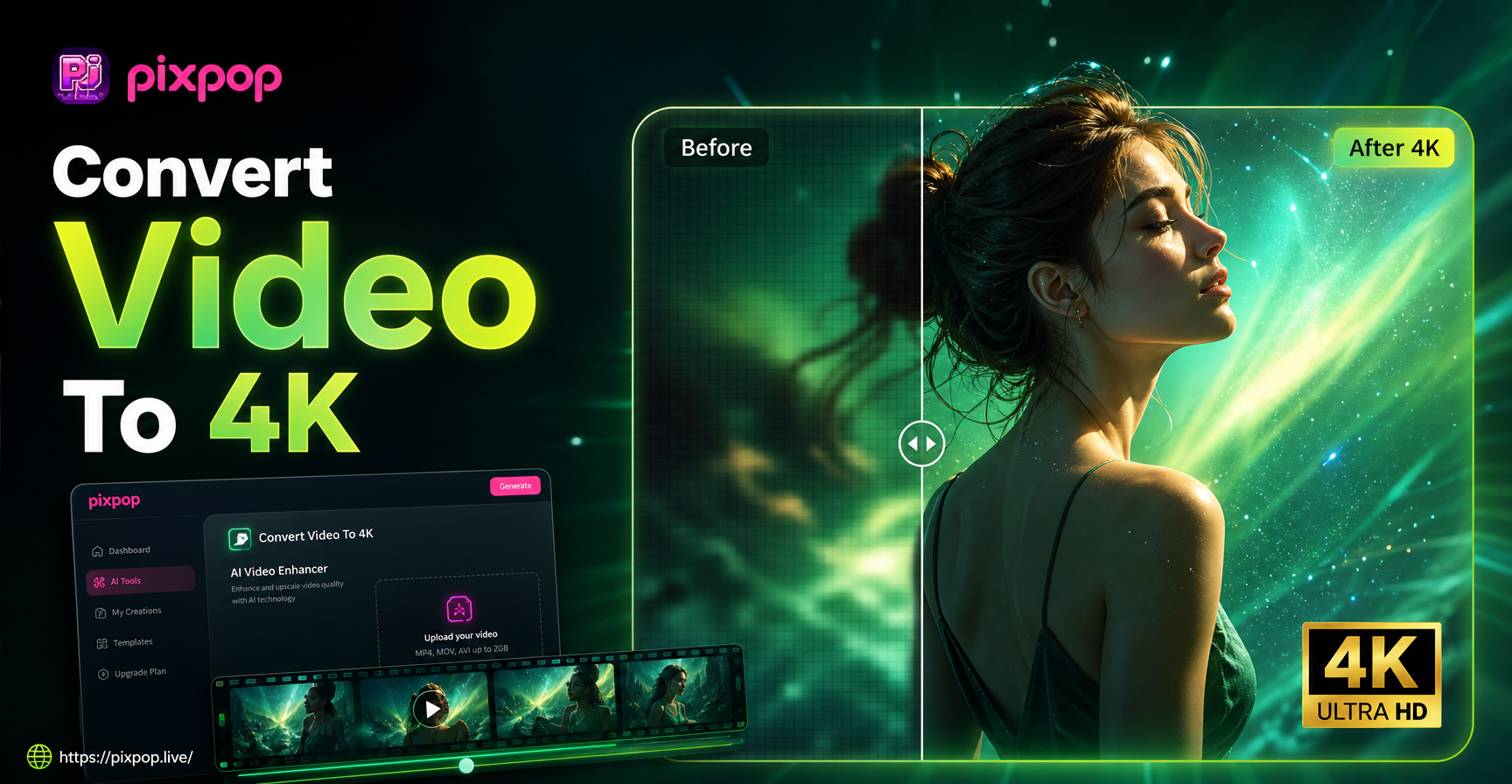
Convert Video To 4K Quality: AI Upscaler App
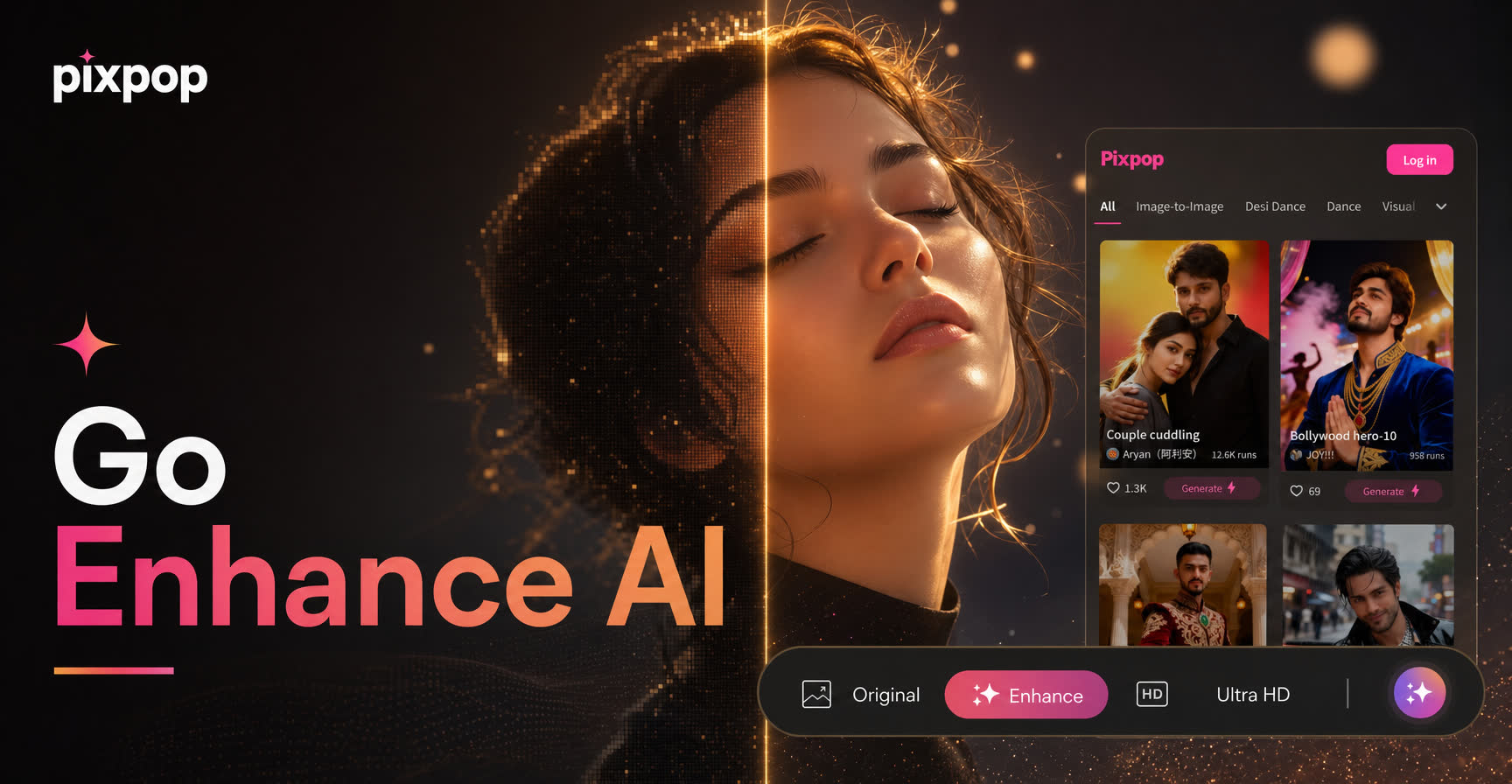
Go Enhance AI Turns Everyday Photos Into Pro Results

AI House Plan Generator: Design Your Dream Home in Seconds
Create Full Narrative Videos With AI Video Story Generator
Convert Video To 4K Quality: AI Upscaler App
Go Enhance AI Turns Everyday Photos Into Pro Results
AI House Plan Generator: Design Your Dream Home in Seconds
Create Full Narrative Videos With AI Video Story Generator
Ready to Transform Your Photos with AI?
Download PixPop now and start using editing photo prompts to create stunning edits in seconds. No design skills needed, just your imagination and a tap.
Ready to Transform Your Photos with AI?
Download PixPop now and start using editing photo prompts to create stunning edits in seconds. No design skills needed, just your imagination and a tap.