Photo Convert To High Quality

Choose the Quality Filter That Suits You Best
Explore popular AI enhancement filters designed to increase photo quality, restore clarity, and boost resolution perfectly.
How to Convert Photo to High Quality?
Turn your low quality images into high resolution masterpieces in just a few simple steps using the pixpop mobile app.

Step 01.
Get started by downloading the pixpop app from Google Play to access powerful AI photo enhancement tools.

Step 02.
Upload your blurry or low res photo and select a high quality enhancement filter from the library.

Step 03.
Generate your upgraded image in HD and save or share your newly converted high quality photo instantly.
Key Features of AI Photo Upscaler
Unlock professional editing tools to convert photo quality from blurry to brilliant, all within a simple mobile interface.

Smart Resolution Upscaling
Enlarge your images without the blur. pixpop uses neural networks to add realistic detail while boosting pixel density.
Smart Resolution Upscaling
Enlarge your images without the blur. pixpop uses neural networks to add realistic detail while boosting pixel density.
Detail Restoration
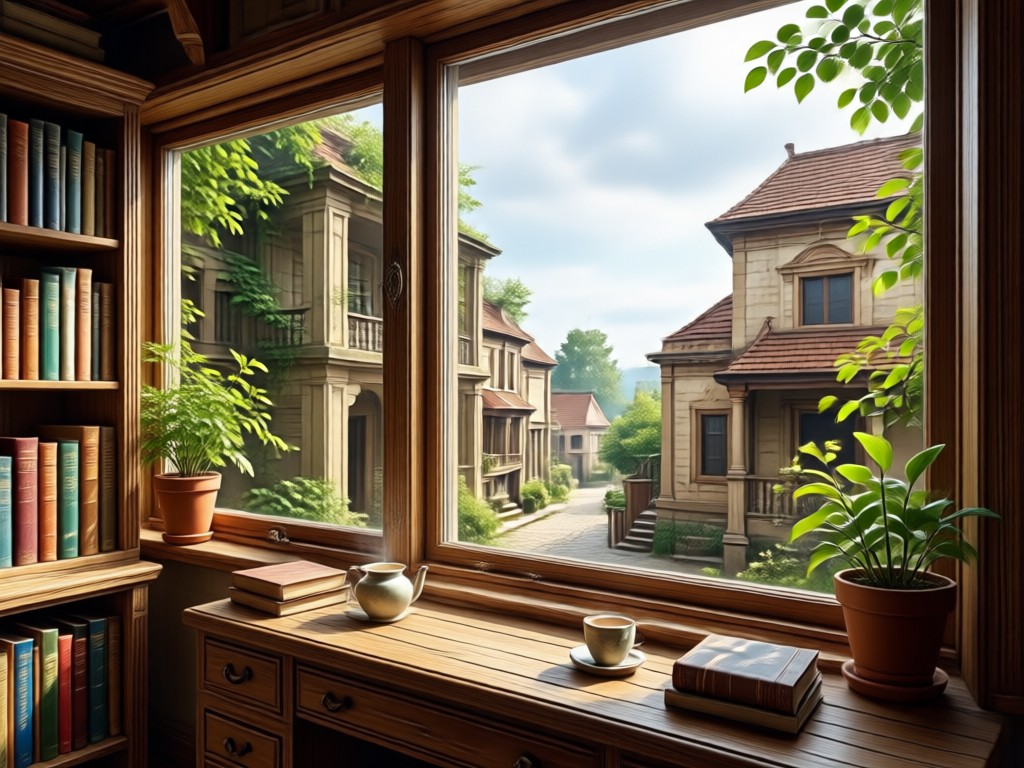
Bring back lost textures in faces, landscapes, and objects. The AI reconstructs missing information to sharpen your subject.
Detail Restoration
Bring back lost textures in faces, landscapes, and objects. The AI reconstructs missing information to sharpen your subject.
Noise Reduction
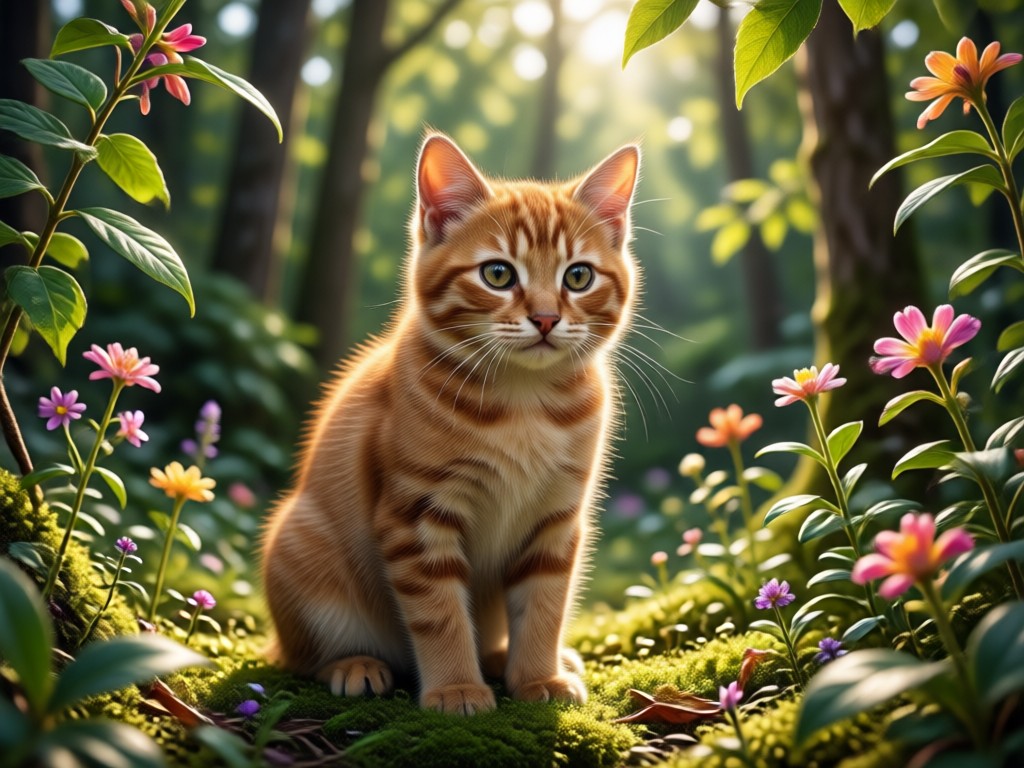
Clean up grainy images and remove compression artifacts to achieve a smooth, crisp, and professional finish.
Noise Reduction
Clean up grainy images and remove compression artifacts to achieve a smooth, crisp, and professional finish.
Explore High Quality AI Conversions
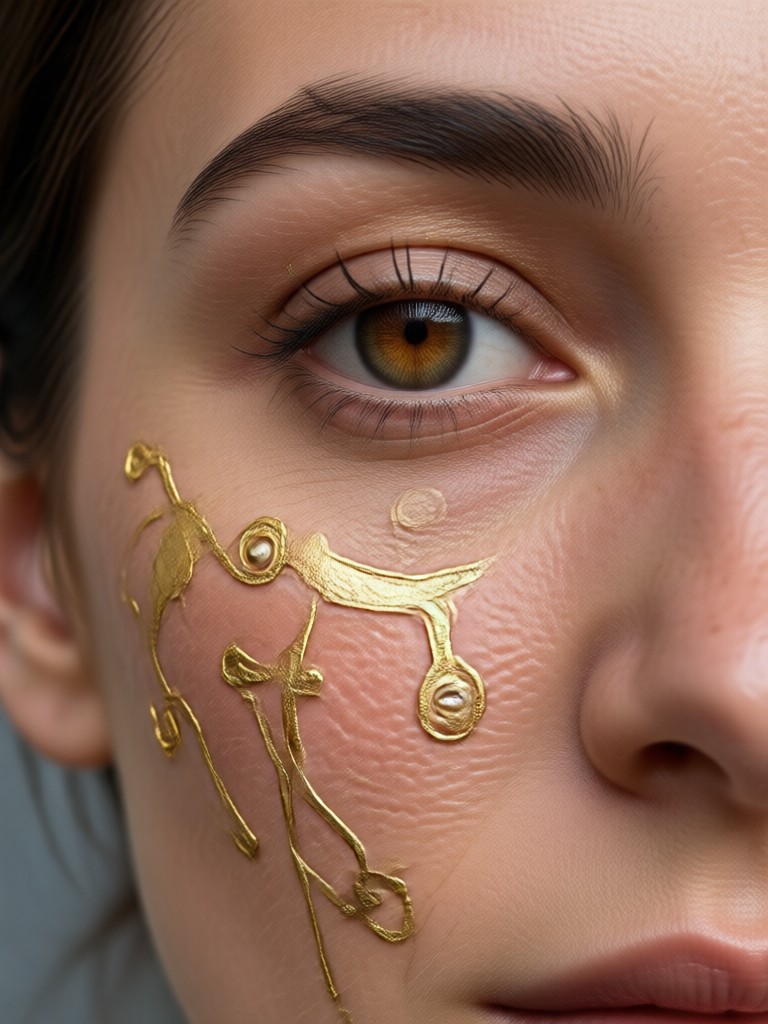
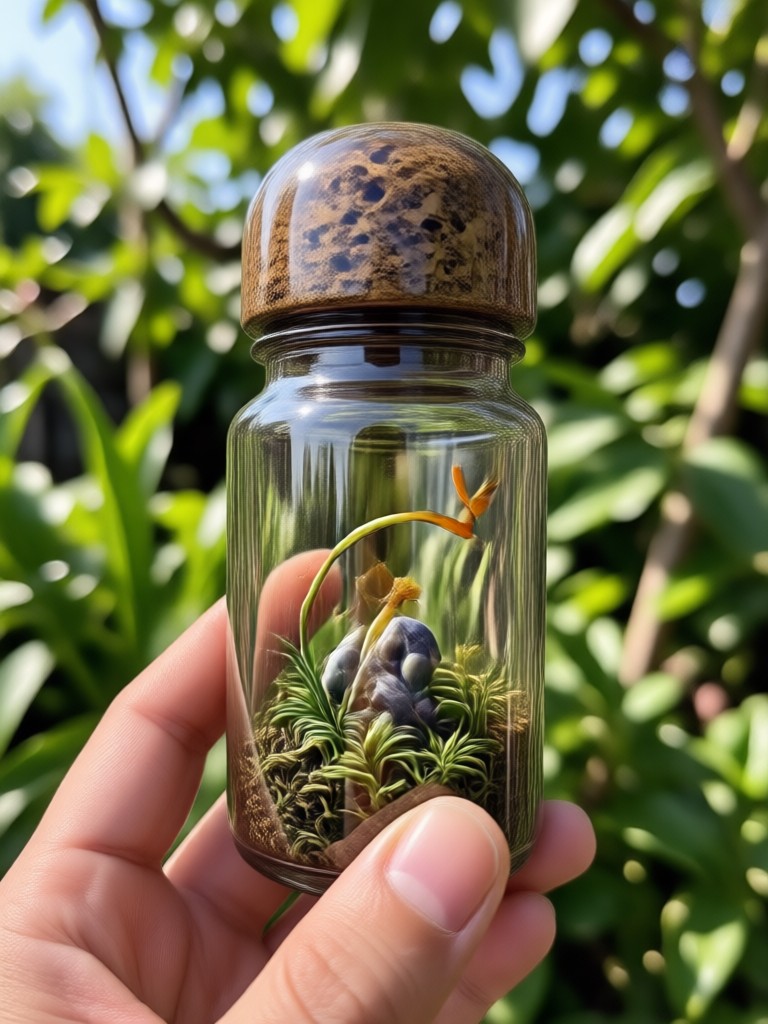
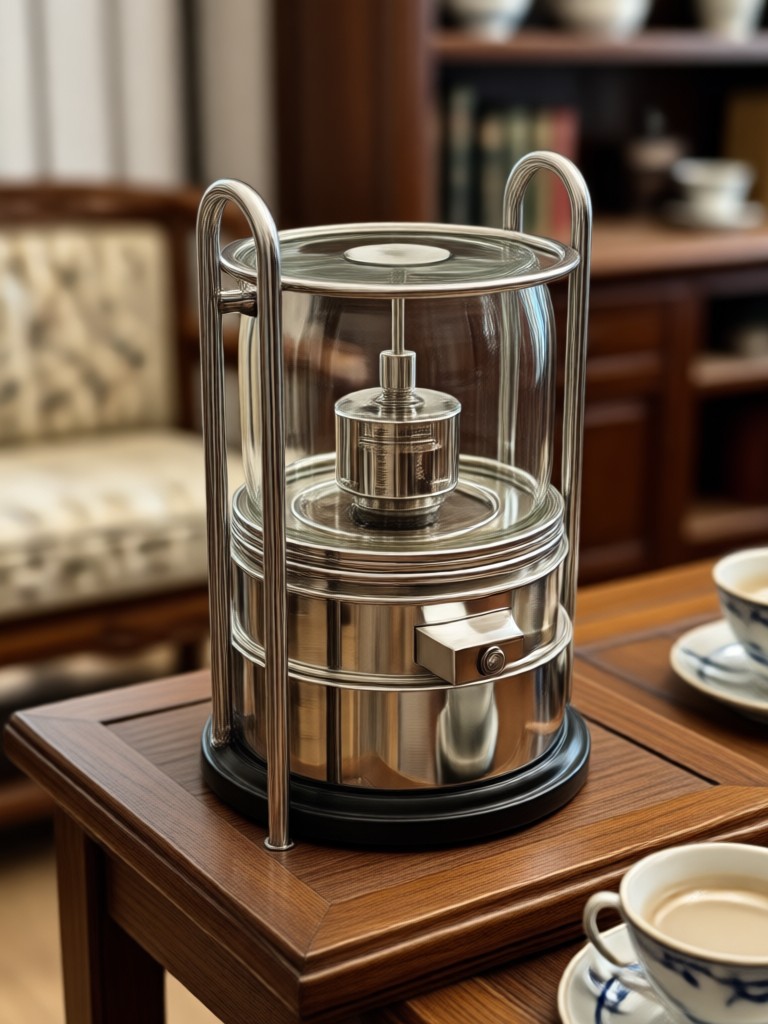
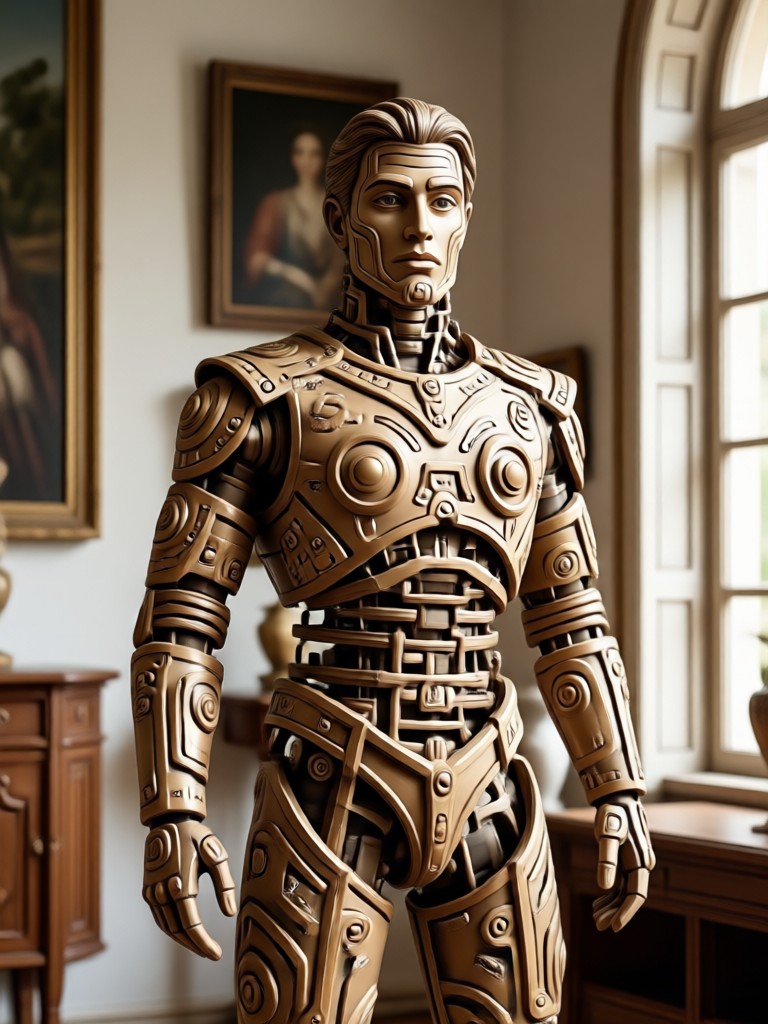
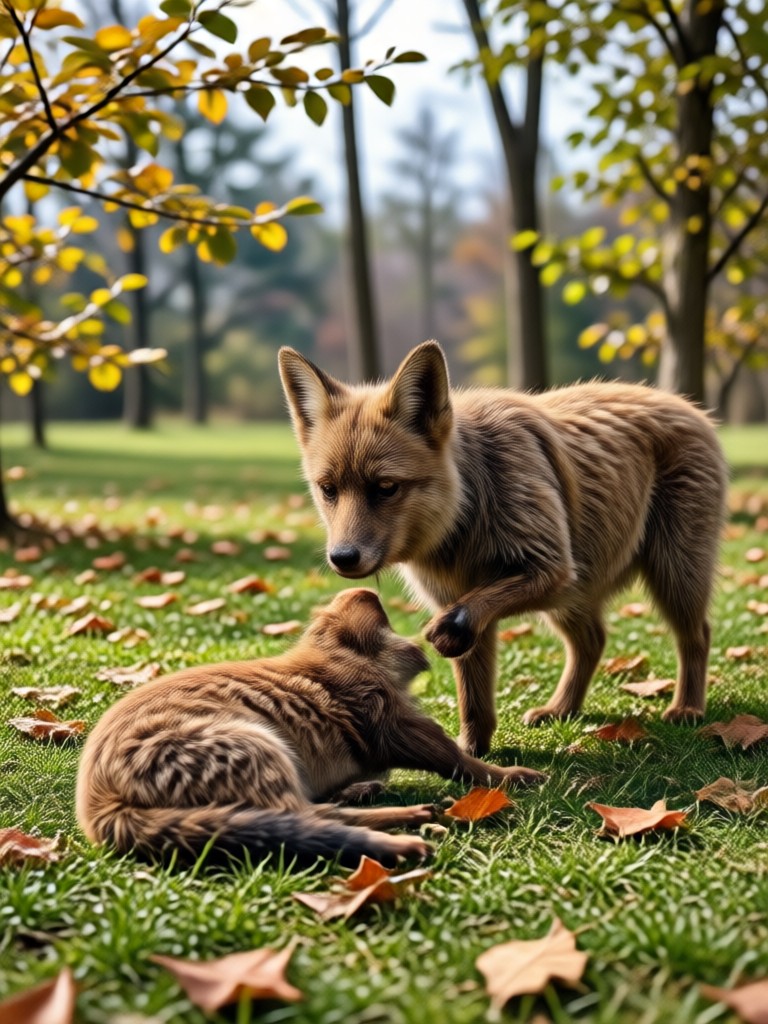
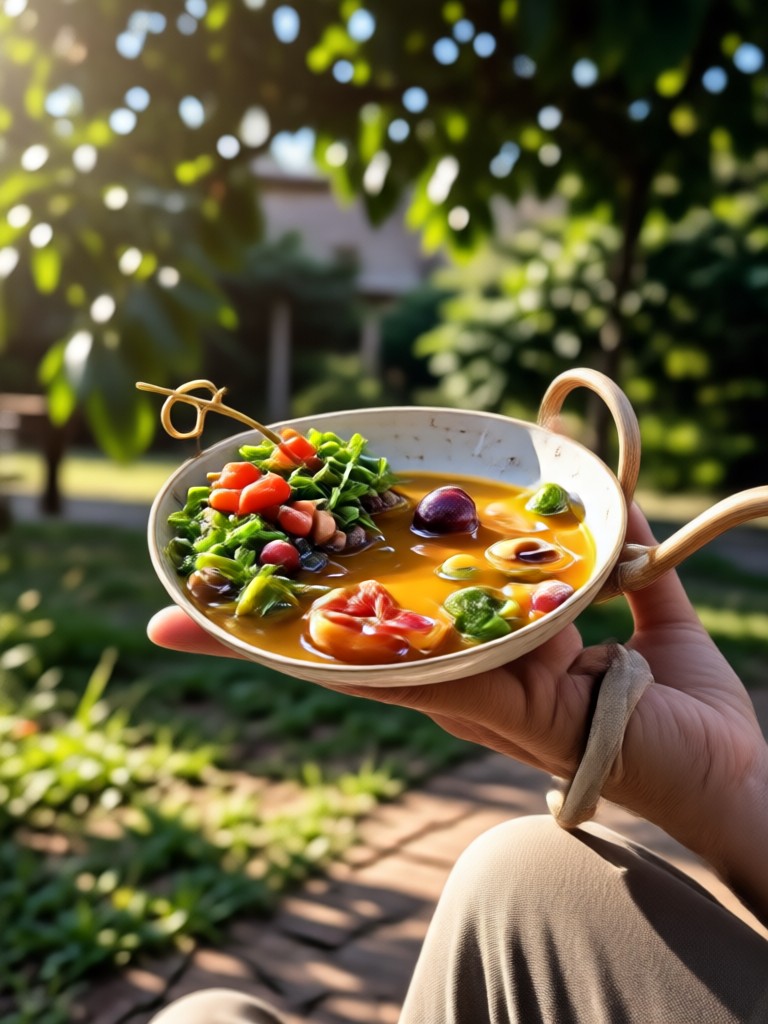
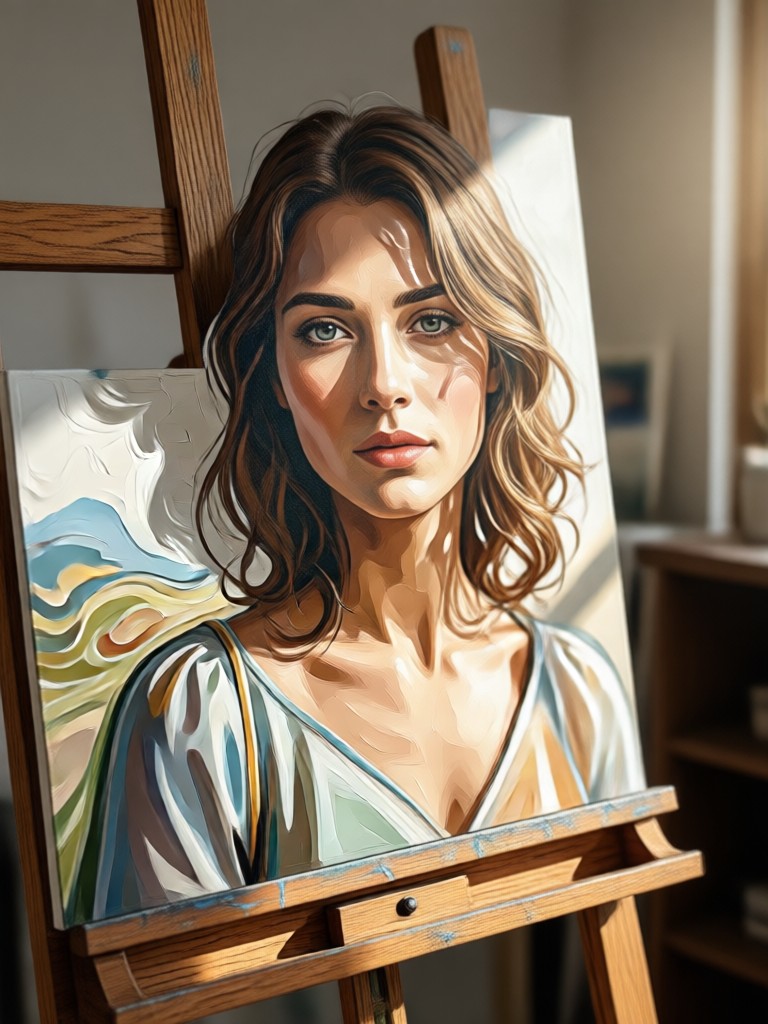
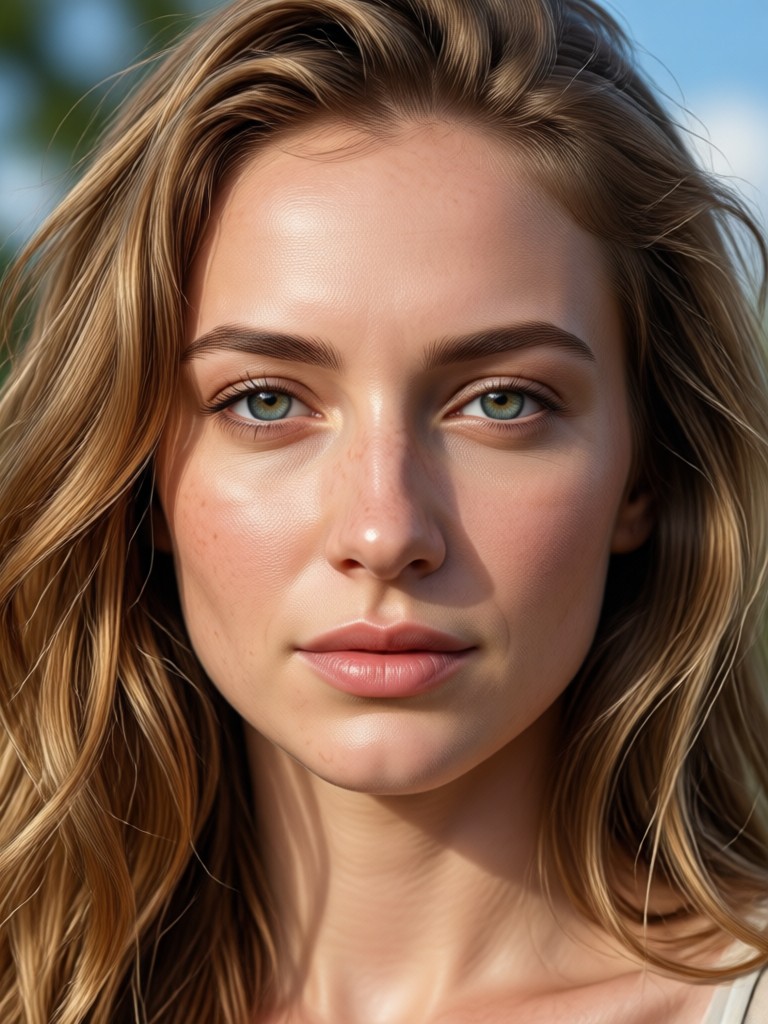
See the difference between original low quality photos and their stunning high quality counterparts created with the pixpop app.



Why Choose pixpop for Photo Quality?
We make high end photo restoration accessible to everyone, no desktop software or complex tutorials required.

Professional Results on Your Phone
Traditional photo editing software is complicated and expensive. pixpop consolidates the power of advanced deep learning models into a single tap. Our app analyzes your image data to intelligently fill in gaps, define edges, and balance lighting. Whether you are fixing an old family photo or preparing content for social media, you can convert photo to high quality without compromising your original composition. Experience the convenience of mobile editing with results that rival desktop photo editors.
Professional Results on Your Phone
Traditional photo editing software is complicated and expensive. pixpop consolidates the power of advanced deep learning models into a single tap. Our app analyzes your image data to intelligently fill in gaps, define edges, and balance lighting. Whether you are fixing an old family photo or preparing content for social media, you can convert photo to high quality without compromising your original composition. Experience the convenience of mobile editing with results that rival desktop photo editors.
Frequently Asked Questions
Find clear answers to common questions about converting photos to high quality and enhancing your images.
Who Uses High Quality Photo Conversion

Louis Yule
I had hundreds of old family photos that were grainy. Converting them to high quality with this app saved my memories. The detail restoration is unreal.

Mandy Sander
As a social media creator, image quality is everything. Now I can upscale my phone shots to high quality before posting. My feed has never looked better.

Orville Garcia
I needed to print a photo for a gift but the resolution was too low. This app fixed it perfectly. It is the best tool to convert photo quality.

Sam Green
The noise reduction feature is a lifesaver. I took pictures at a concert with terrible lighting and the app made them look professionally shot.
Louis Yule
I had hundreds of old family photos that were grainy. Converting them to high quality with this app saved my memories. The detail restoration is unreal.
Mandy Sander
As a social media creator, image quality is everything. Now I can upscale my phone shots to high quality before posting. My feed has never looked better.
Orville Garcia
I needed to print a photo for a gift but the resolution was too low. This app fixed it perfectly. It is the best tool to convert photo quality.
Sam Green
The noise reduction feature is a lifesaver. I took pictures at a concert with terrible lighting and the app made them look professionally shot.
Louis Yule
I had hundreds of old family photos that were grainy. Converting them to high quality with this app saved my memories. The detail restoration is unreal.
Mandy Sander
As a social media creator, image quality is everything. Now I can upscale my phone shots to high quality before posting. My feed has never looked better.
Orville Garcia
I needed to print a photo for a gift but the resolution was too low. This app fixed it perfectly. It is the best tool to convert photo quality.
Sam Green
The noise reduction feature is a lifesaver. I took pictures at a concert with terrible lighting and the app made them look professionally shot.
More Topics You May Like
Explore more topics you may like and discover fresh ideas tailored to your interests.

Create Full Narrative Videos With AI Video Story Generator

AI House Plan Generator: Design Your Dream Home in Seconds
Photo Convert To High Quality: Upscale Images Instantly

Go Enhance AI Turns Everyday Photos Into Pro Results

Create Stunning AI Generated Goth Girl Portraits in Seconds
Create Full Narrative Videos With AI Video Story Generator
AI House Plan Generator: Design Your Dream Home in Seconds
Photo Convert To High Quality: Upscale Images Instantly
Go Enhance AI Turns Everyday Photos Into Pro Results
Create Stunning AI Generated Goth Girl Portraits in Seconds
Ready to Convert Your Photos?
Download pixpop now and turn your blurry, low quality images into stunning high definition photos in just seconds.
Ready to Convert Your Photos?
Download pixpop now and turn your blurry, low quality images into stunning high definition photos in just seconds.