AI Video Story Generator
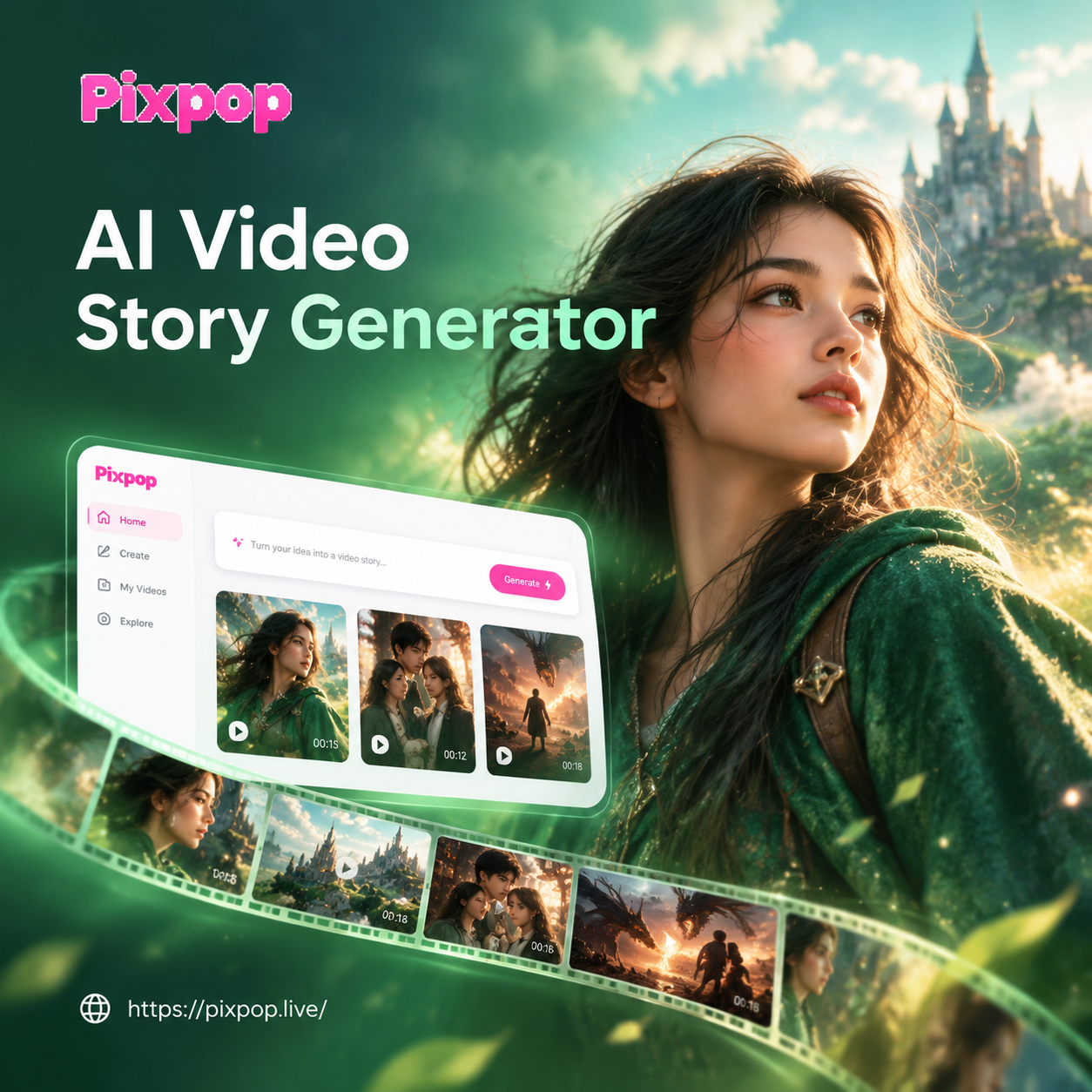
Choose a Story Style That Matches Your Vision
Browse cinematic, anime, 3D clay, and watercolor filters designed for narrative video. Each template sets the mood, camera style, and color grade before you generate your first scene.
Key Features of AI Video Story Generator
Build complete narrative videos from text prompts, scripts, or reference images. Choose from millions of style templates, keep characters consistent, and generate cinematic scenes without a production crew. Whether you need a social teaser, a bedtime story, or a short film, the AI does the heavy lifting.
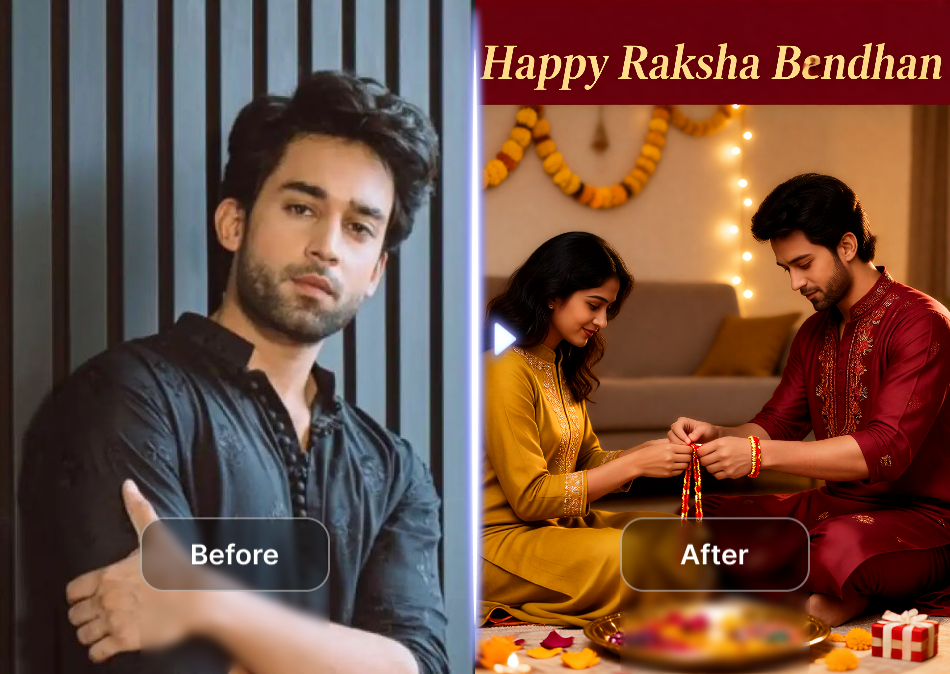
Script to Scene Generation
Type a short story beat or dialogue line and the AI builds matching visuals, character expressions, and scene transitions. You stay in control while the app handles the heavy lifting.
Script to Scene Generation
Type a short story beat or dialogue line and the AI builds matching visuals, character expressions, and scene transitions. You stay in control while the app handles the heavy lifting.
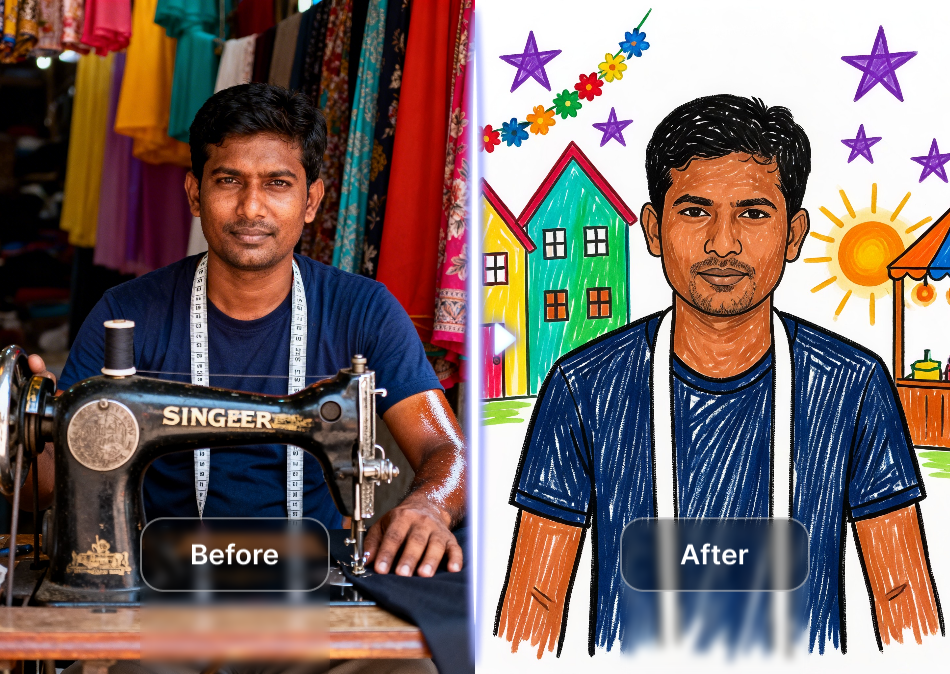
Character Consistency Across Scenes
Keep the same face, outfit, and setting across multiple shots. The AI uses reference frames to maintain identity, so your story feels continuous instead of visually random.
Character Consistency Across Scenes
Keep the same face, outfit, and setting across multiple shots. The AI uses reference frames to maintain identity, so your story feels continuous instead of visually random.
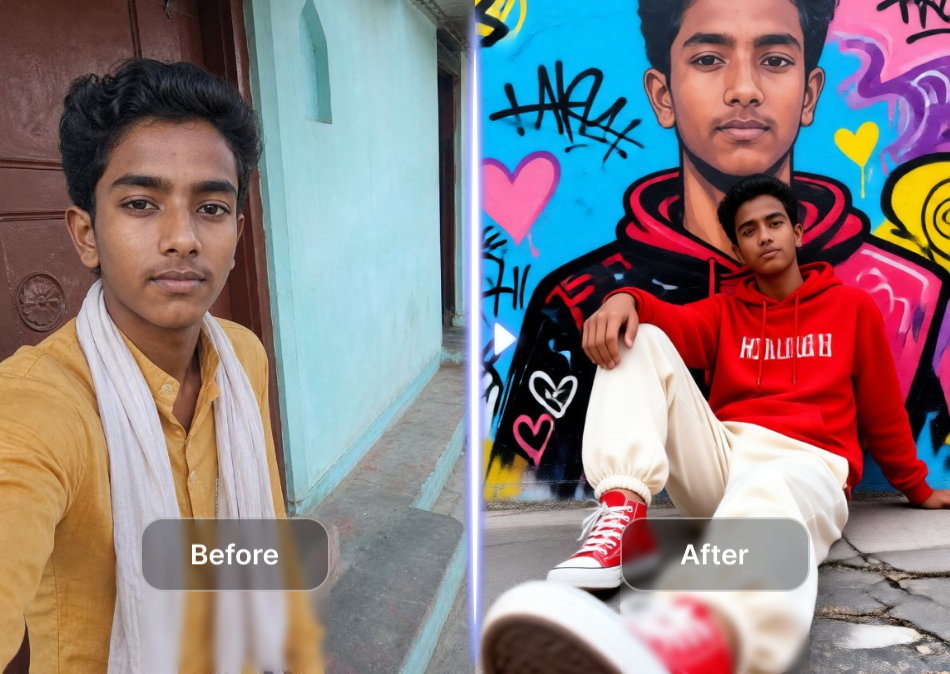
Cinematic Motion and Timing
Add camera pushes, slow zooms, and natural movement to still images. Adjust pacing and scene length to create tension, comedy, or emotional storytelling without complex editing tools.
Cinematic Motion and Timing
Add camera pushes, slow zooms, and natural movement to still images. Adjust pacing and scene length to create tension, comedy, or emotional storytelling without complex editing tools.
AI Video Story Examples
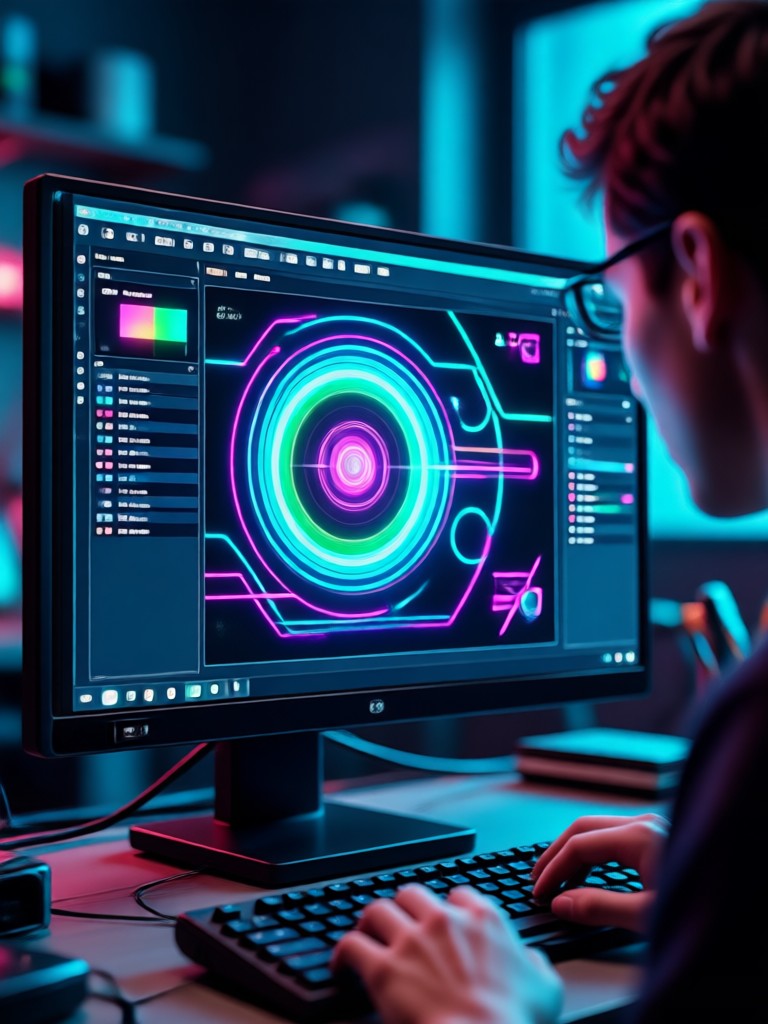
Browse generated frames from AI video stories. Each image shows how a single prompt becomes a full scene with consistent characters, lighting, and mood across different visual styles.

Why Use an AI Video Story Generator?
Pixpop puts an entire story studio in your pocket. Instead of storyboarding every shot, you describe the moment and let AI generate visuals with matching motion, pacing, and atmosphere. It works for writers, marketers, educators, and anyone who wants to turn ideas into watchable video.
Why Use an AI Video Story Generator?
Pixpop puts an entire story studio in your pocket. Instead of storyboarding every shot, you describe the moment and let AI generate visuals with matching motion, pacing, and atmosphere. It works for writers, marketers, educators, and anyone who wants to turn ideas into watchable video.
How to Create an AI Video Story
Make a complete video story in three simple steps. No storyboard, camera, or editing timeline required.

Step 01.
Download the Pixpop app from Google Play and open the AI Video Story Generator on your phone.

Step 02.
Choose a style template, then type your story prompt or upload a character image as a visual reference.

Step 03.
Generate your scenes, review the sequence, and export or share your finished video story.
What Storytellers Say About Pixpop
I turned a bedtime story into a short film
I write children's stories and this app lets me visualize each scene without hiring an animator. The character stays consistent and my daughter now asks for new episodes every week.
Perfect for social media story hooks
I use the AI video story generator to create the first three seconds of a story video. It grabs attention and keeps viewers watching, and I can produce three versions in one evening.
No camera crew, no problem
I wanted a cinematic trailer for my novel. I uploaded a few character photos and typed key scenes. The result looked like a real teaser, and my readers loved it.
Frequently Asked Questions
Find clear answers to common questions and get the guidance you need to make the most of the AI Video Story Generator.
More Topics You May Like
Explore more topics you may like and discover fresh ideas tailored to your interests.

AI House Plan Generator: Design Your Dream Home in Seconds
Photo Convert To High Quality: Upscale Images Instantly
Go Enhance AI Turns Everyday Photos Into Pro Results

Create Stunning AI Generated Goth Girl Portraits in Seconds
AI House Plan Generator: Design Your Dream Home in Seconds
Photo Convert To High Quality: Upscale Images Instantly
Go Enhance AI Turns Everyday Photos Into Pro Results
Create Stunning AI Generated Goth Girl Portraits in Seconds
Start Your First AI Video Story Today
Download Pixpop and turn a single idea into a visual story. Pick a style, add your characters, and generate scenes your audience will remember.

Start Your First AI Video Story Today
Download Pixpop and turn a single idea into a visual story. Pick a style, add your characters, and generate scenes your audience will remember.