AI House Plan Generator: Visualize Your Dream Home Instantly
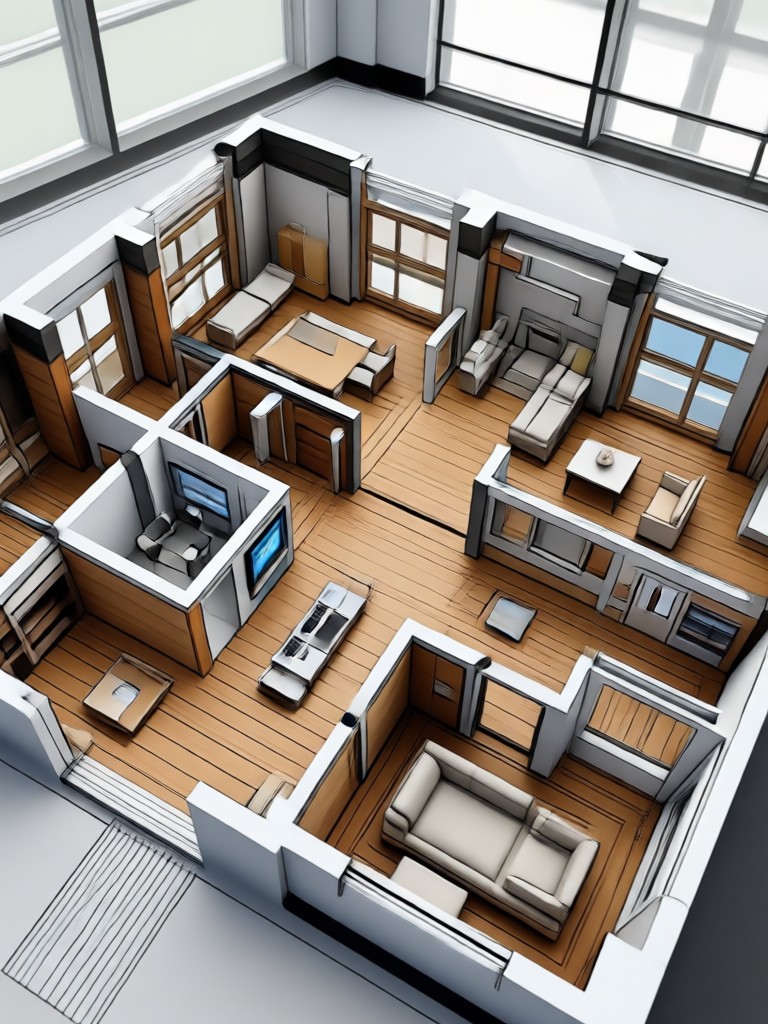
Choose the Best AI Filter for Your House Plan
Discover the perfect style mode for your architectural or interior design project. Whether you need a realistic 3D render or an artistic watercolor concept, PixPop has a filter that matches your creative vision.
Key Features of the AI House Plan Generator
PixPop gives you the tools to experiment with layouts and finishes without expensive software or professional training. Create, compare, and refine your ideas directly on your phone.
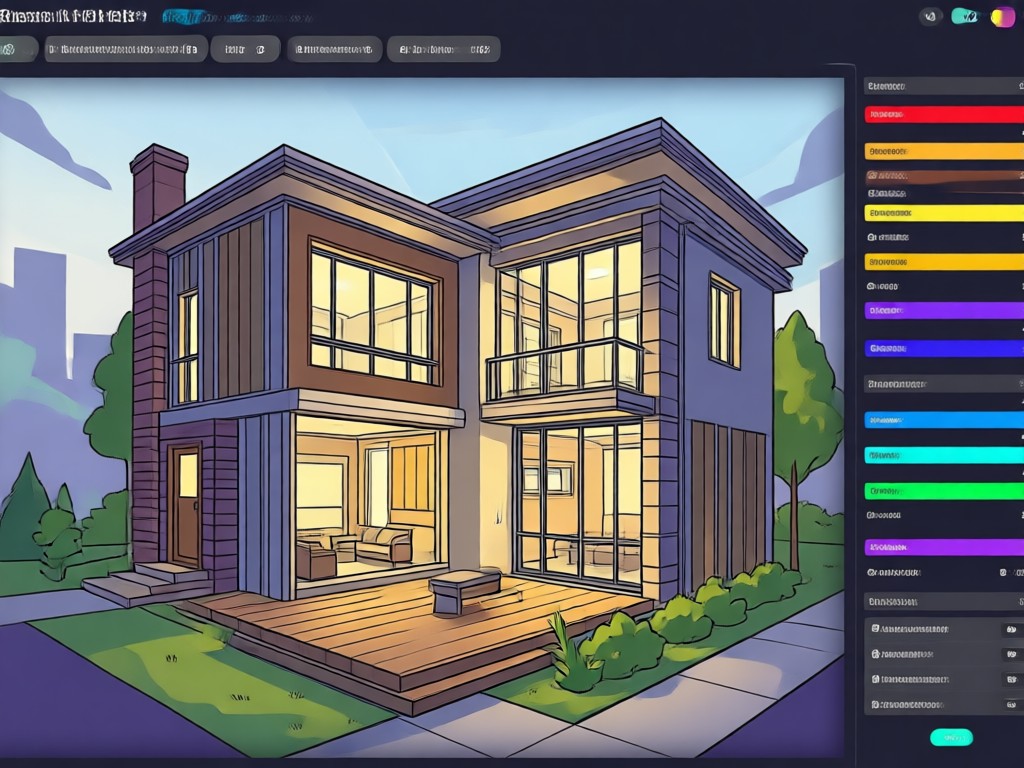
Instant Layout Visualization
Describe a 3-bedroom open plan layout or an L-shaped kitchen and watch the AI generate a visual reference in seconds. You can quickly test different spatial arrangements, furniture placements, and traffic flows without drawing a single line. This feature is ideal for brainstorming before you commit to a final design.
Instant Layout Visualization
Describe a 3-bedroom open plan layout or an L-shaped kitchen and watch the AI generate a visual reference in seconds. You can quickly test different spatial arrangements, furniture placements, and traffic flows without drawing a single line. This feature is ideal for brainstorming before you commit to a final design.
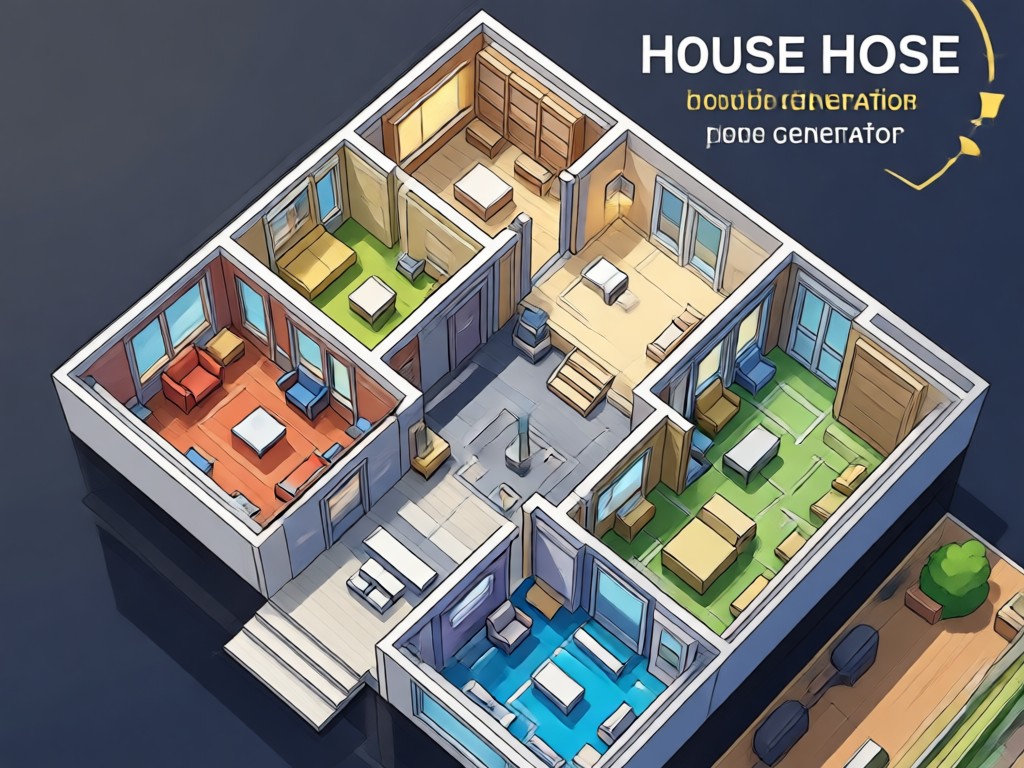
Style Transfer for Interiors
Upload a photo of your current room and apply different design styles such as minimalist, industrial loft, Scandinavian, or rustic farmhouse. The AI preserves the structural layout while changing the materials, colors, and decor. This helps you preview a renovation before spending any money on paint or furniture.
Style Transfer for Interiors
Upload a photo of your current room and apply different design styles such as minimalist, industrial loft, Scandinavian, or rustic farmhouse. The AI preserves the structural layout while changing the materials, colors, and decor. This helps you preview a renovation before spending any money on paint or furniture.
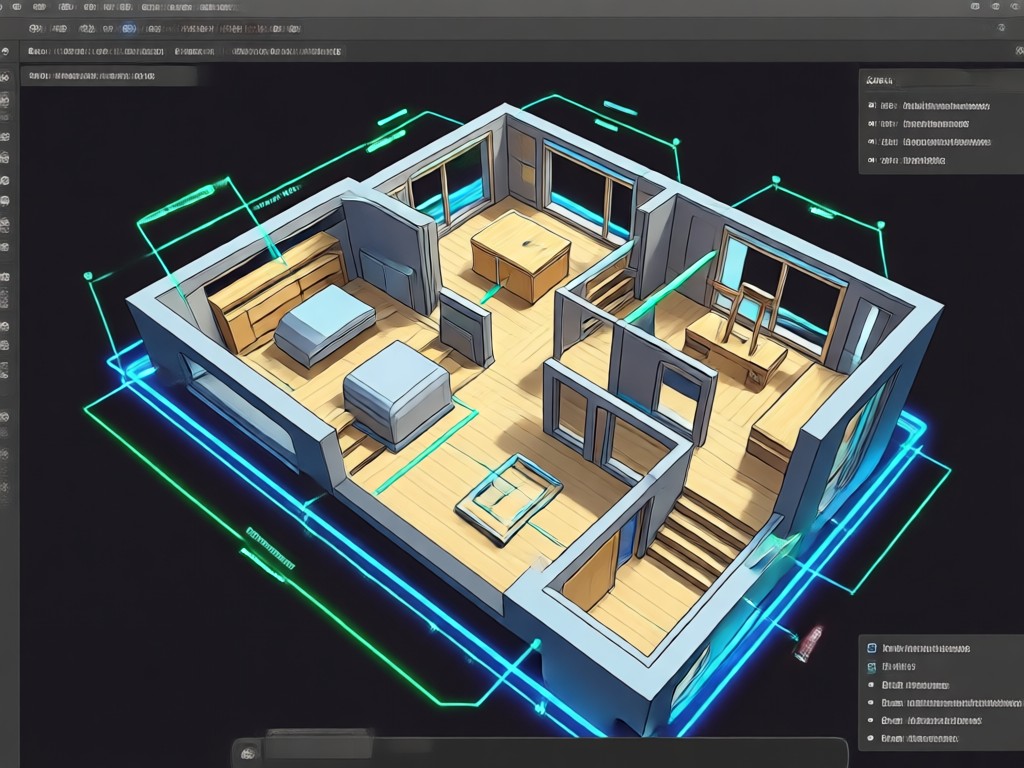
Exterior Architecture Concepts
Transform a rough sketch or text prompt into a polished exterior rendering. Choose from modern villa, cozy cabin, tropical retreat, and more. The AI house plan generator helps architects and homeowners communicate visual intent quickly, making it easier to share ideas with builders or family members.
Exterior Architecture Concepts
Transform a rough sketch or text prompt into a polished exterior rendering. Choose from modern villa, cozy cabin, tropical retreat, and more. The AI house plan generator helps architects and homeowners communicate visual intent quickly, making it easier to share ideas with builders or family members.
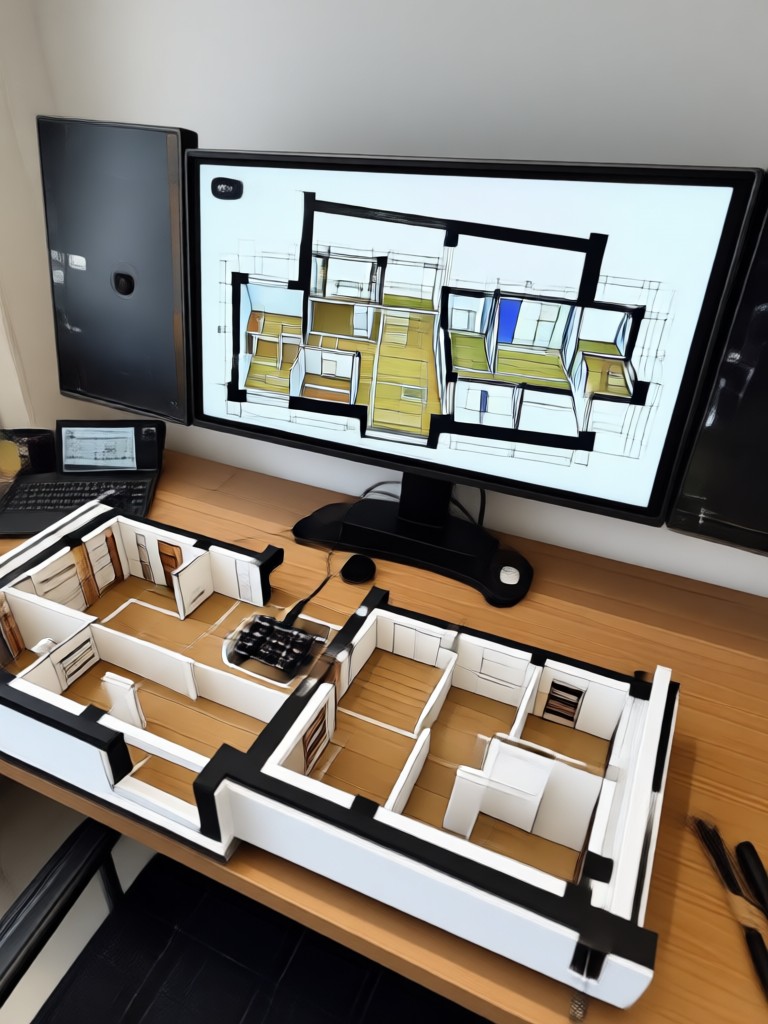
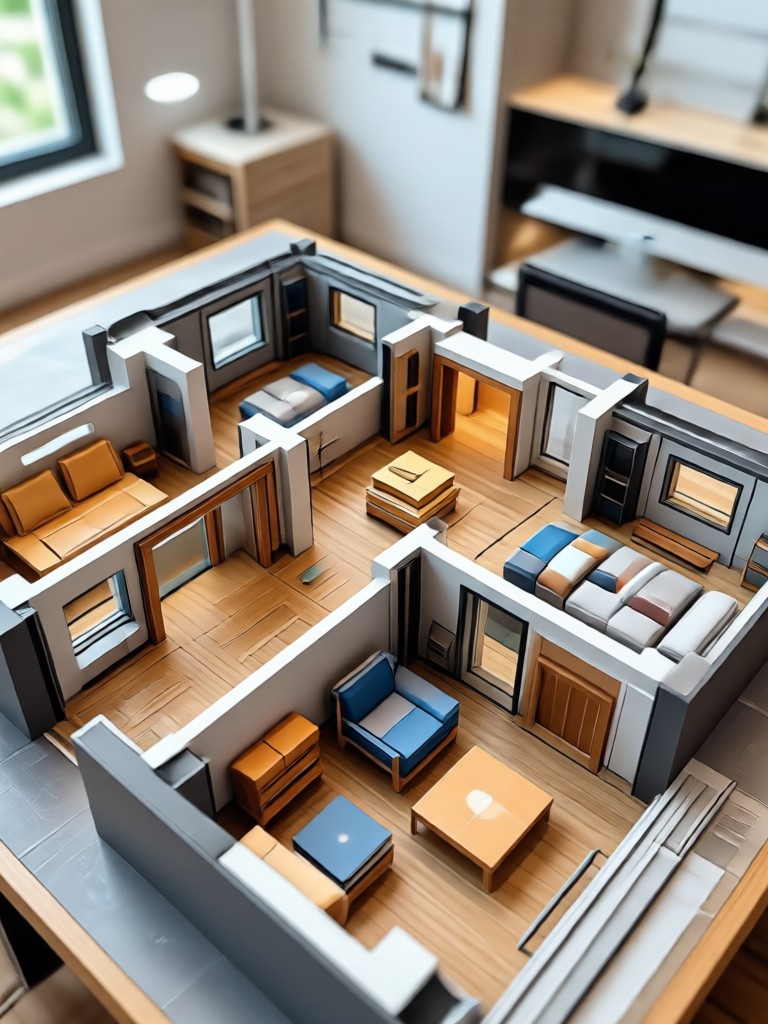
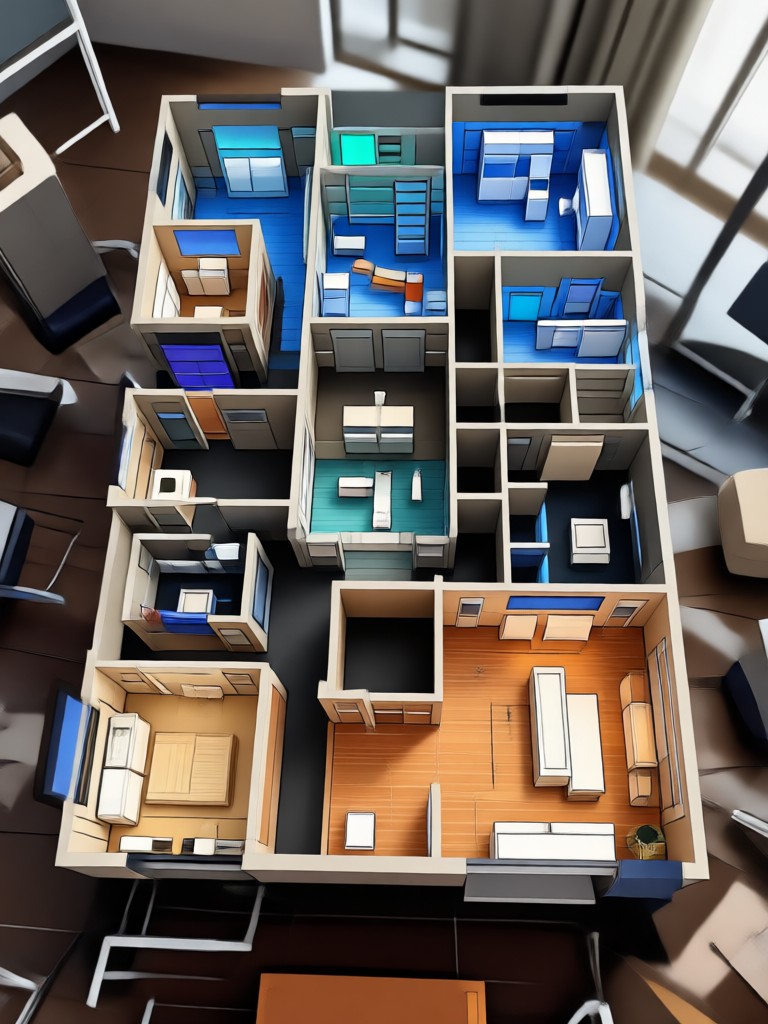
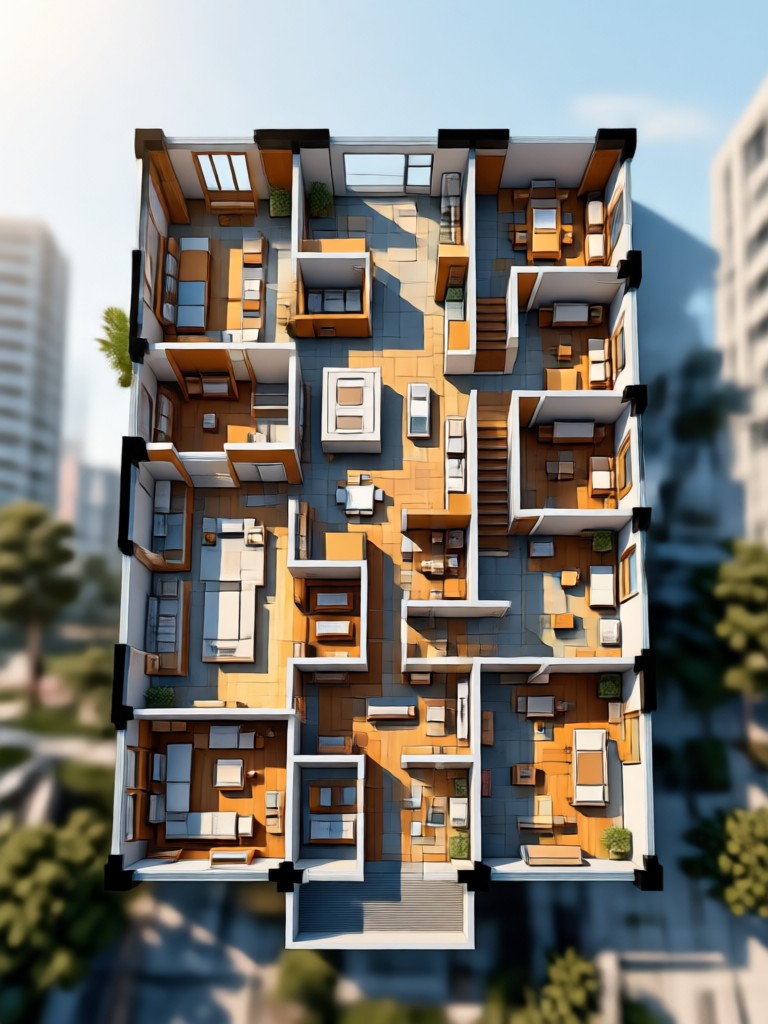
AI House Plan Ideas Gallery
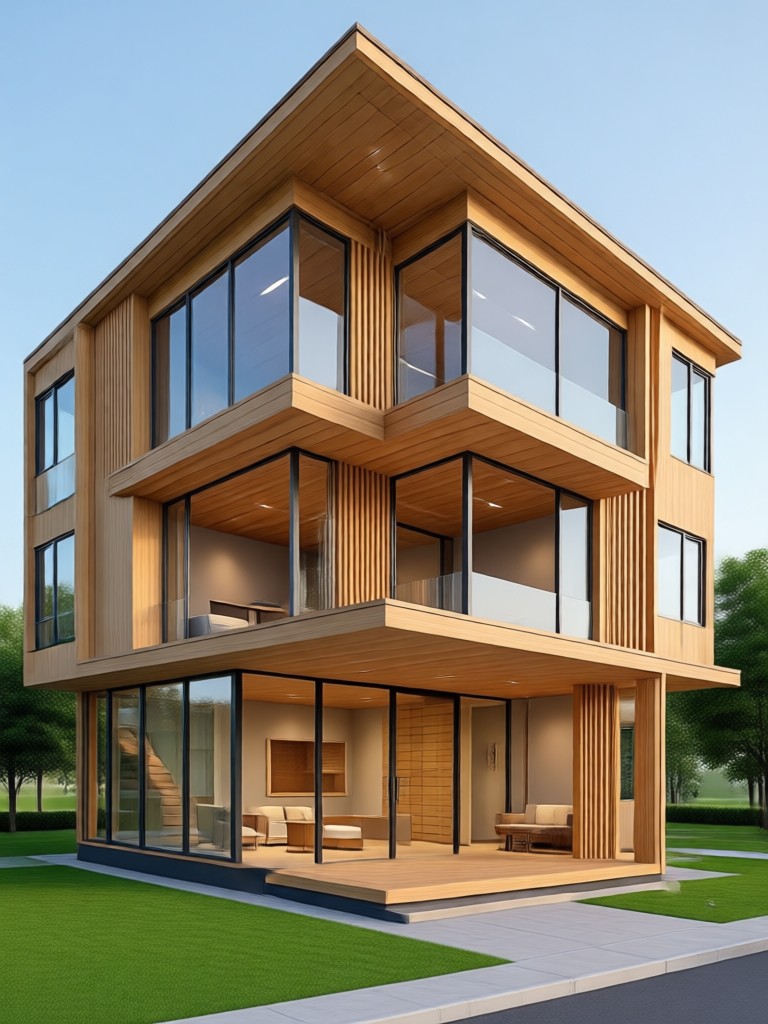
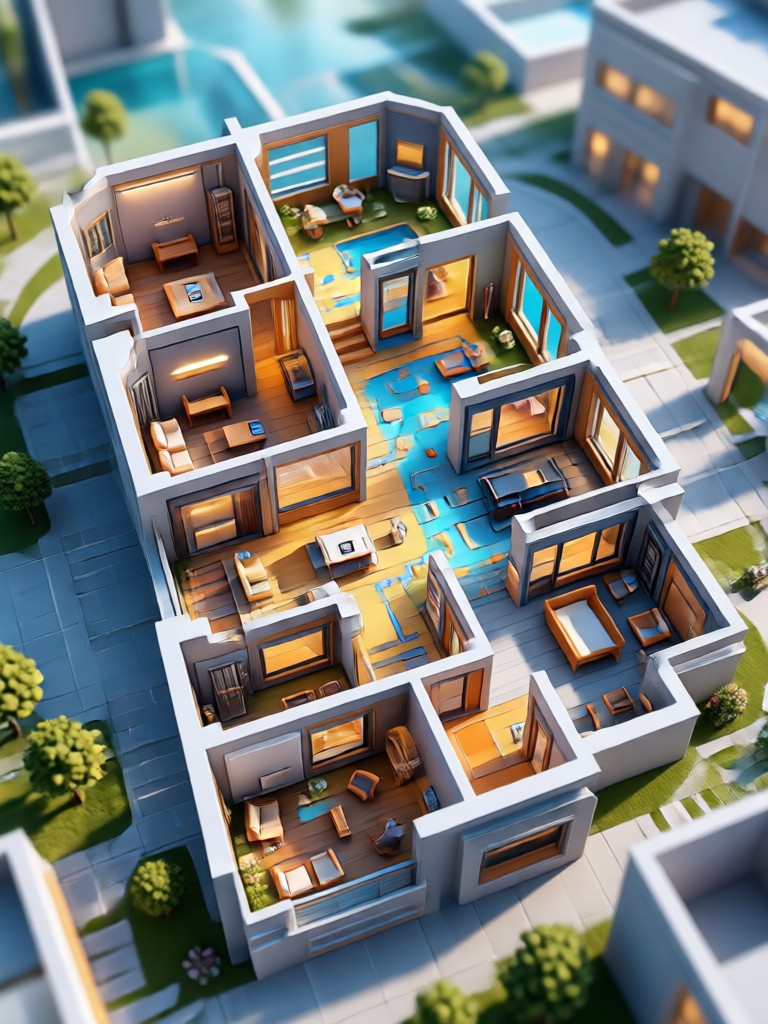
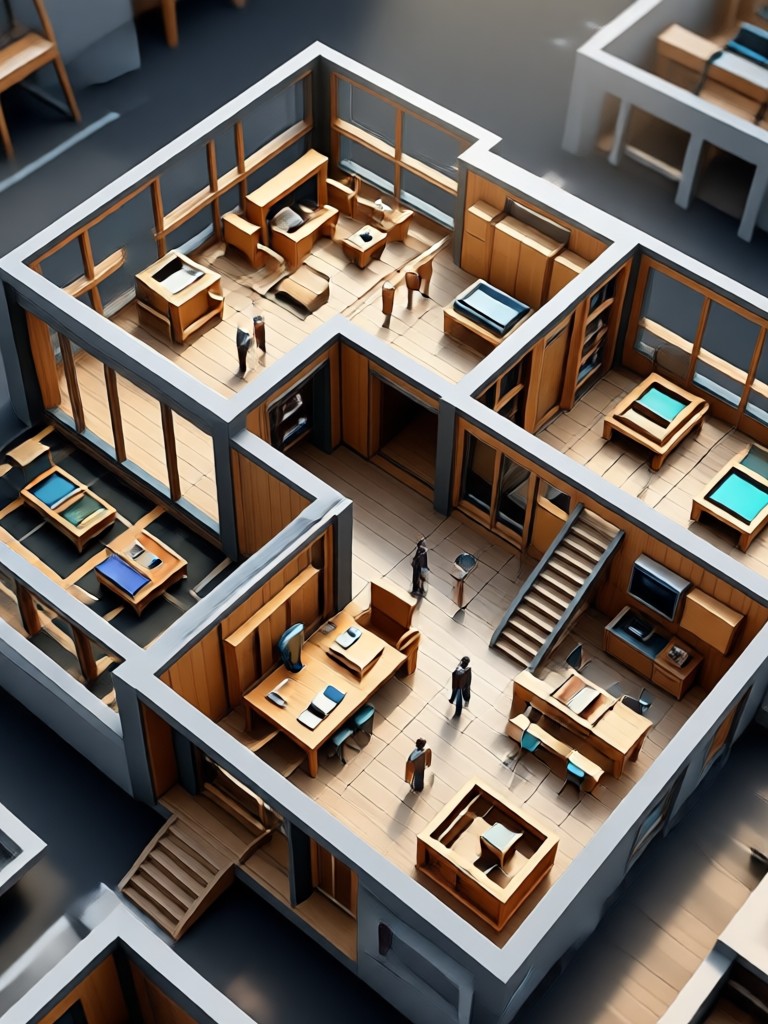
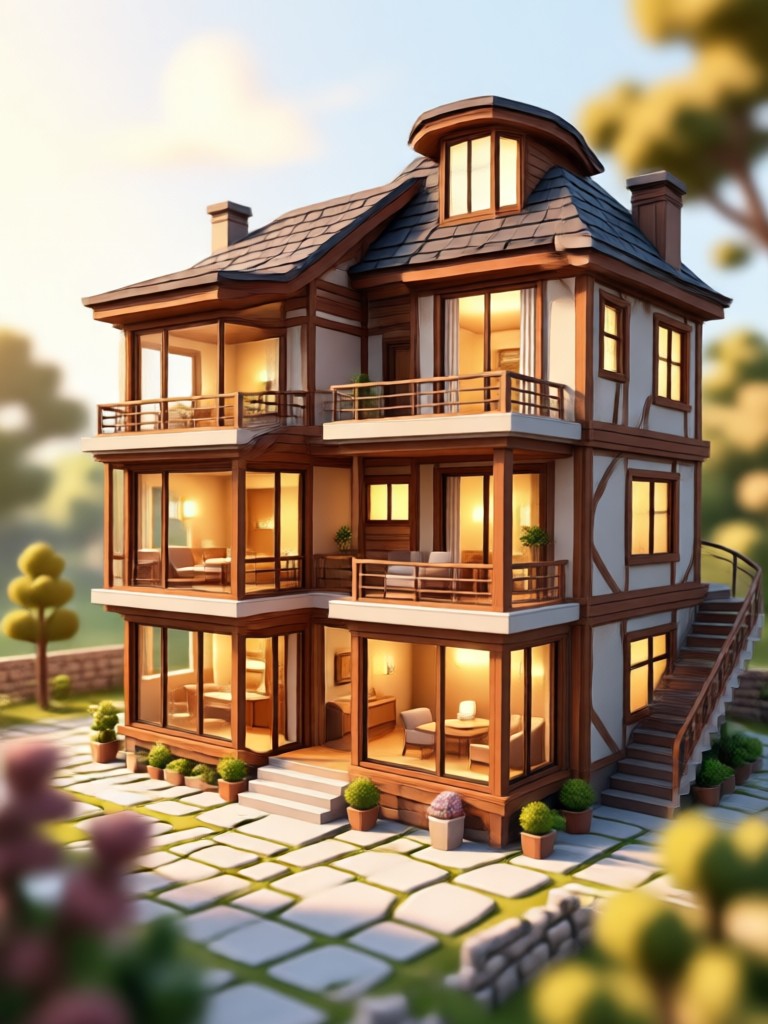
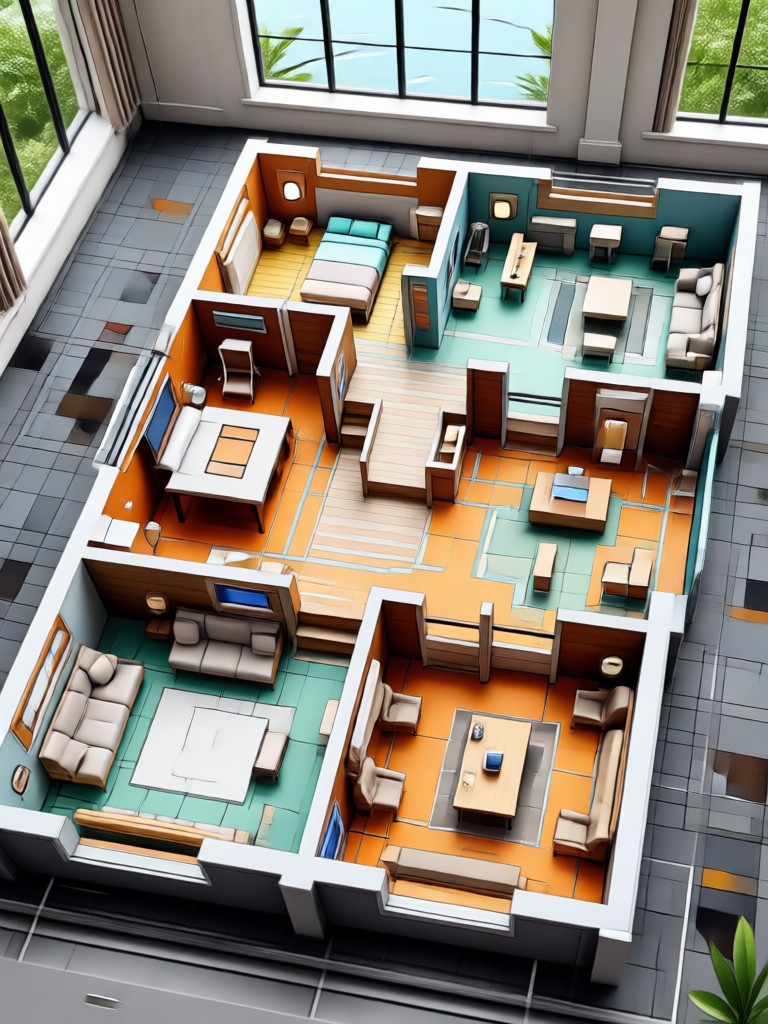
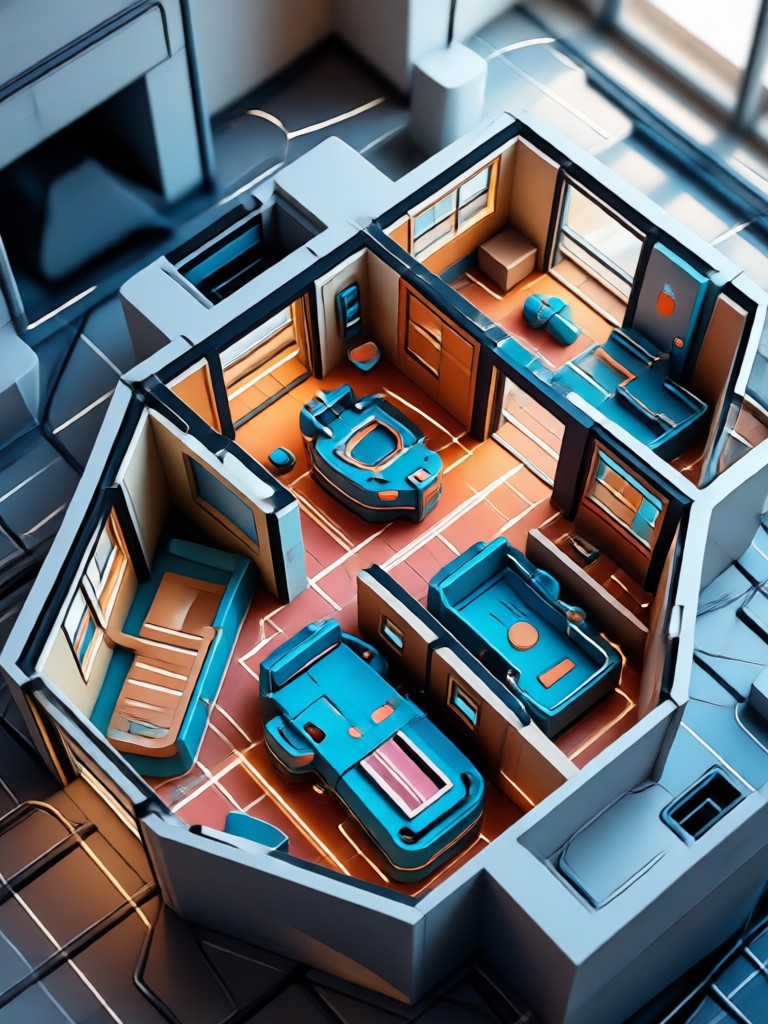
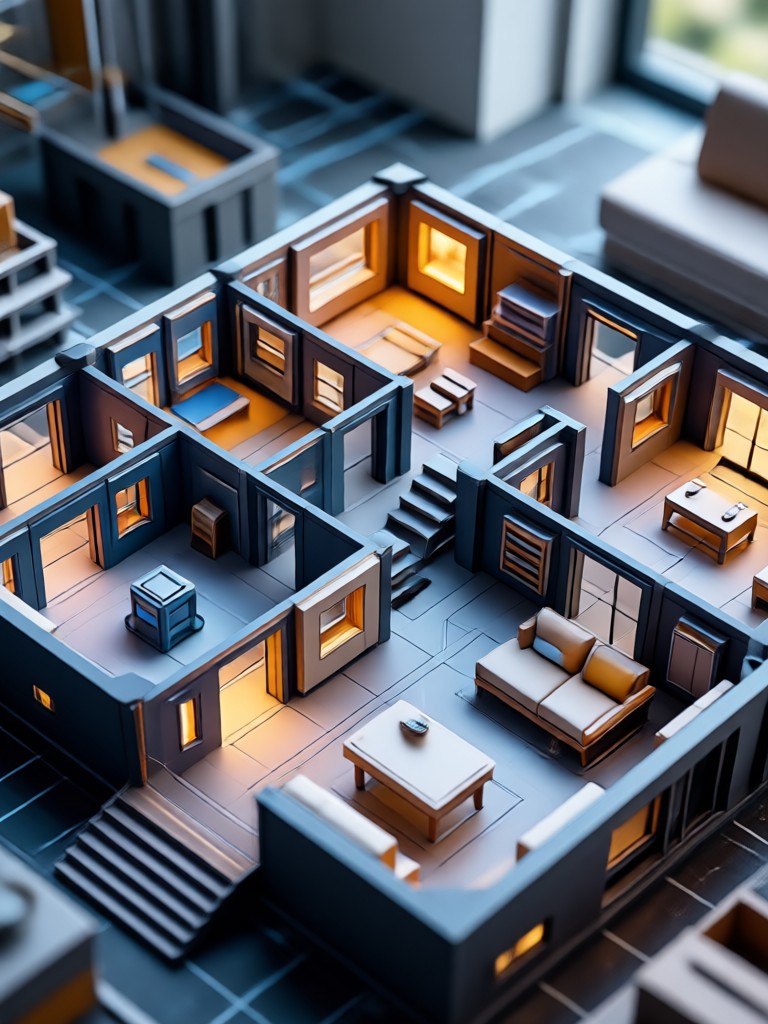
Browse a variety of AI generated home layouts, interior spaces, and exterior concepts. See how different prompts and style filters can turn a blank screen into a realistic design inspiration board.

How to Generate an AI House Plan?
Create a visual house plan or room design in just three simple steps using the PixPop mobile app.

Step 01.
Download the PixPop app from Google Play and open it on your phone. No registration fees or desktop software required.

Step 02.
Enter a text prompt like modern kitchen with island or upload a photo of your existing room to use as a reference for the AI.

Step 03.
Pick a style template, generate your house plan, and save or share the results. You can iterate as many times as you like until the design feels right.
Frequently Asked Questions About AI House Planning
Find clear answers to common questions about using the AI house plan generator to design your space.
More Topics You May Like
Explore more topics you may like and discover fresh ideas tailored to your interests.

Go Enhance AI Turns Everyday Photos Into Pro Results

Create Full Narrative Videos With AI Video Story Generator
Photo Convert To High Quality: Upscale Images Instantly

AI House Plan Generator: Design Your Dream Home in Seconds

Create Stunning AI Generated Goth Girl Portraits in Seconds
Go Enhance AI Turns Everyday Photos Into Pro Results
Create Full Narrative Videos With AI Video Story Generator
Photo Convert To High Quality: Upscale Images Instantly
AI House Plan Generator: Design Your Dream Home in Seconds
Create Stunning AI Generated Goth Girl Portraits in Seconds
Ready to Plan Your Dream Space?
Download PixPop today and start generating realistic house plans, interior ideas, and exterior concepts directly from your phone. Your next home project begins with a single prompt.
Ready to Plan Your Dream Space?
Download PixPop today and start generating realistic house plans, interior ideas, and exterior concepts directly from your phone. Your next home project begins with a single prompt.