Go Enhance AI

Pick the Perfect Enhancement Filter
Browse popular AI filters that sharpen details, restore faces, revive old photos, and apply cinematic styles to match your vision.
Powerful Tools Inside Go Enhance AI
Access advanced AI image and video tools that deliver sharp details, natural colors, and creative styles while keeping your subject true to life.
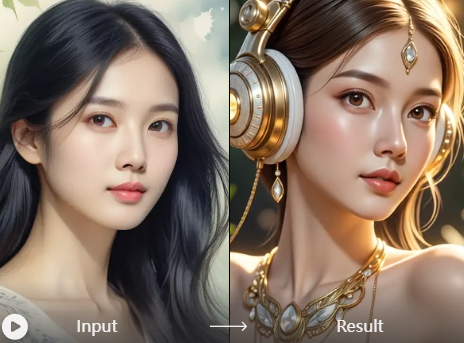
Photo Detail Sharpener
Boost resolution, reduce noise, and reveal hidden clarity in any photo. Adjust intensity for natural looking results that stand out on every screen.
Photo Detail Sharpener
Boost resolution, reduce noise, and reveal hidden clarity in any photo. Adjust intensity for natural looking results that stand out on every screen.
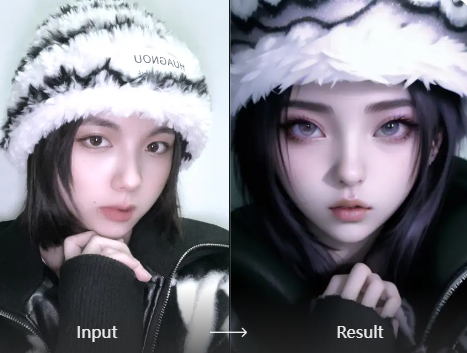
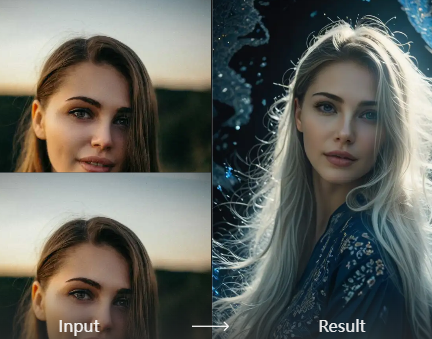
Face and Portrait Restorer
Recover clear facial features, smooth skin naturally, and fix lighting issues. Perfect for old photos or low quality selfies with realistic skin tones.
Face and Portrait Restorer
Recover clear facial features, smooth skin naturally, and fix lighting issues. Perfect for old photos or low quality selfies with realistic skin tones.
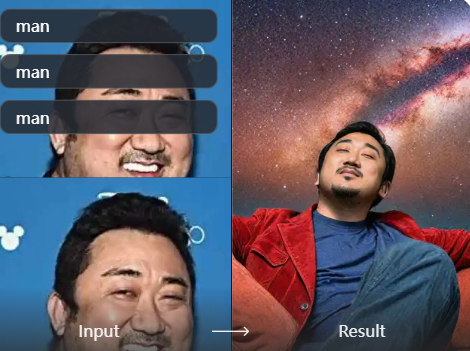
Video Motion Enhancer
Animate still images or polish short clips with smoother motion, better lighting, and trending effects ready for social media sharing.
Video Motion Enhancer
Animate still images or polish short clips with smoother motion, better lighting, and trending effects ready for social media sharing.
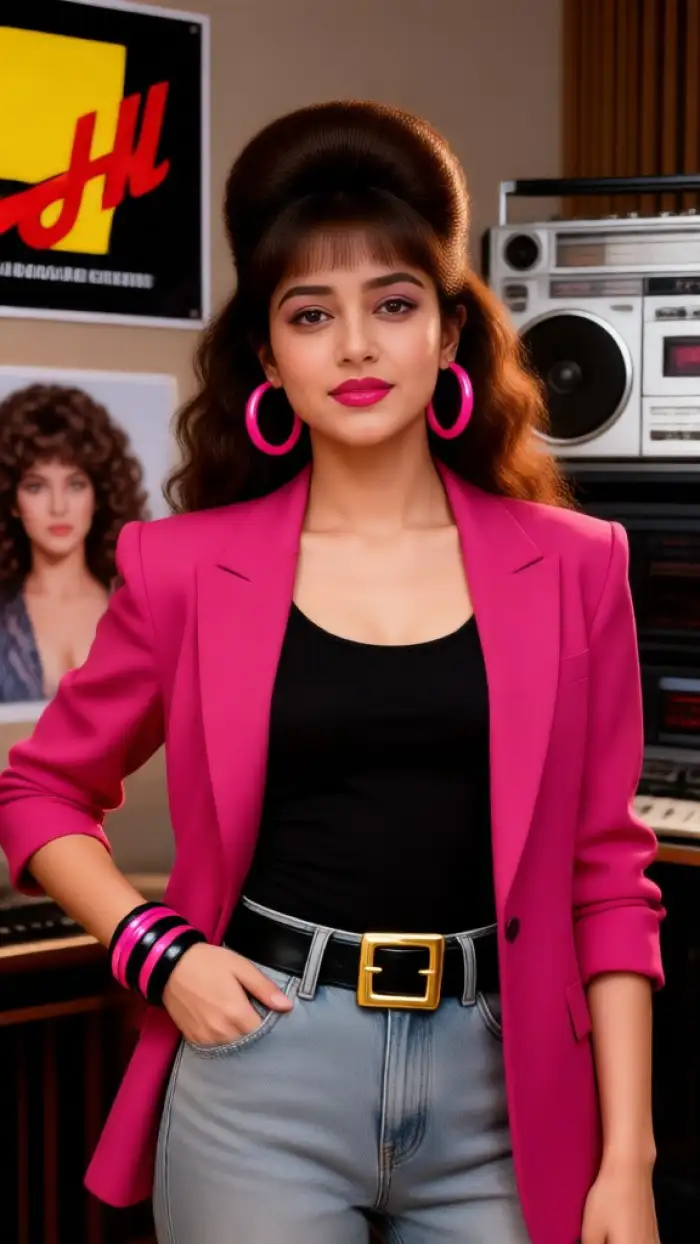
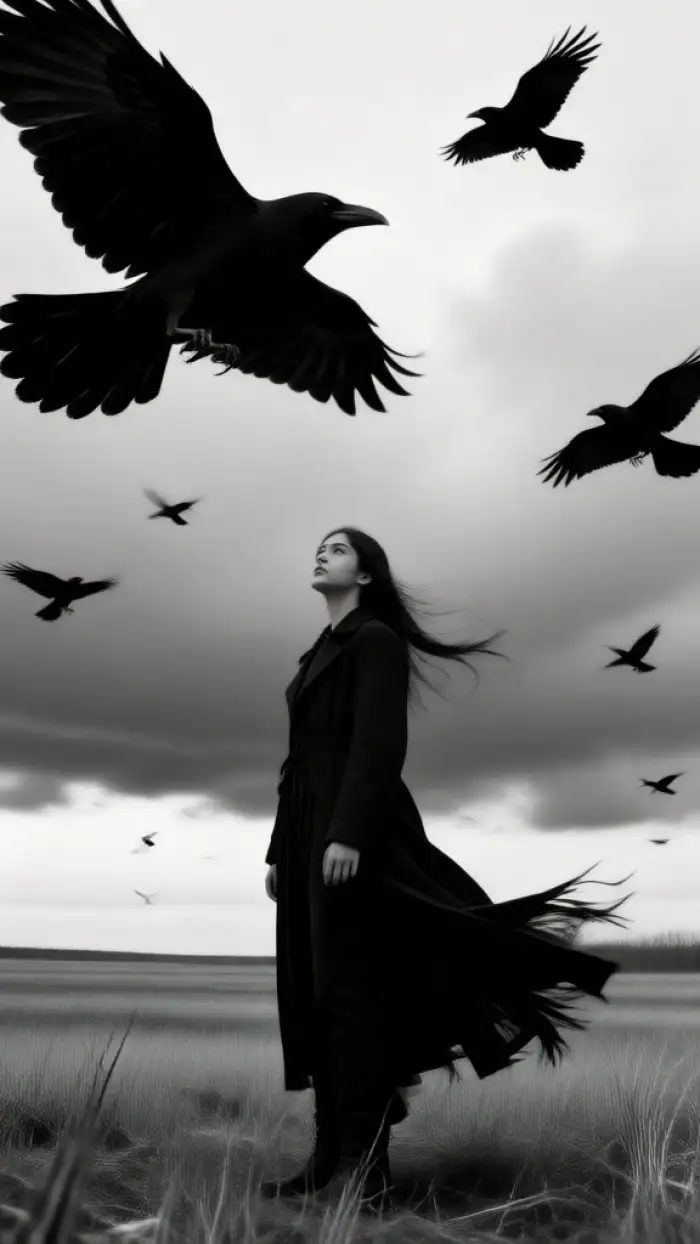
Stunning Results from Go Enhance AI
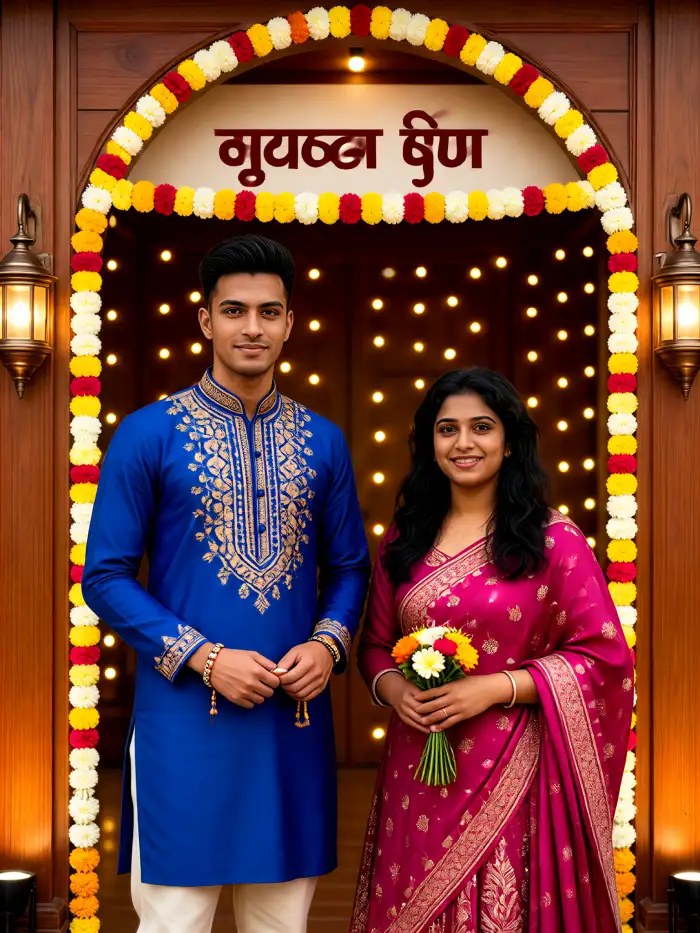
See real transformations created with our AI tools. From everyday snapshots to cinematic portraits and revived memories, explore what is possible and create your own.


How to Use Go Enhance AI in Three Steps
Create professional photo and video enhancements quickly inside the mobile app with simple taps and no complicated settings.

Step 01.
Download the free app from Google Play to access Go Enhance AI tools anytime on your phone.

Step 02.
Upload your photo or video and select an enhancement filter such as detail sharpener, face restorer, or cinematic style.

Step 03.
Generate your enhanced result in seconds, then save or share it directly to social media and friends.
Why Creators Choose Go Enhance AI
Get studio quality results without expensive software or editing skills. Our AI preserves natural looks while delivering sharper details, better lighting, and creative styles that make every image share ready. All features live inside one simple mobile app built for speed and realism.
Why Creators Choose Go Enhance AI
Get studio quality results without expensive software or editing skills. Our AI preserves natural looks while delivering sharper details, better lighting, and creative styles that make every image share ready. All features live inside one simple mobile app built for speed and realism.
What Users Say About Go Enhance AI
My old family photos look brand new
I uploaded faded pictures from decades ago and the face restorer brought back clear smiles and natural skin tones. Sharing them with relatives felt amazing and took almost no time.
Perfect for quick social content
As a content creator I need sharp results fast. The detail sharpener and cinematic filters make my phone photos look professional without leaving the app. Followers notice the quality jump.
Simple and surprisingly realistic
I tried other enhancers that looked fake. This one keeps faces and lighting natural while cleaning noise and boosting clarity. Great for product shots and everyday portraits alike.
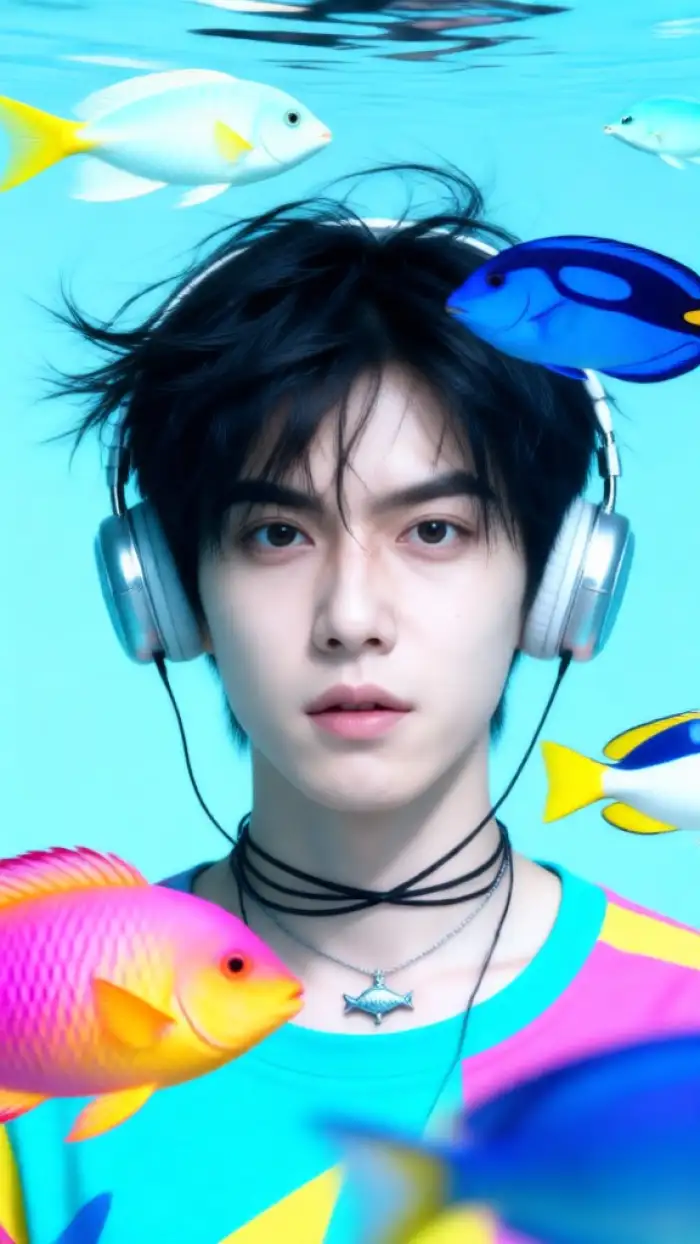
Ready for Instant AI Enhancements?
Download the app and start transforming photos and videos with Go Enhance AI filters. Sharp details, natural results, and creative styles await on your phone.

Frequently Asked Questions About Go Enhance AI
Get clear answers about how the AI enhancement tools work, what you can create, and how to get started quickly inside the mobile app.
More Topics You May Like
Explore more topics you may like and discover fresh ideas tailored to your interests.

Create Stunning AI Generated Goth Girl Portraits in Seconds

Japanese Photo Booth Filter: Cute Purikura Selfies
Pika AI Generator: Turn Text into Stunning AI Videos

Background Change Prompt For Gemini: Easy AI Photo Edits

Find Snapchat Filter From Photo: Identify Effects Instantly
Create Stunning AI Generated Goth Girl Portraits in Seconds
Japanese Photo Booth Filter: Cute Purikura Selfies
Pika AI Generator: Turn Text into Stunning AI Videos
Background Change Prompt For Gemini: Easy AI Photo Edits
Find Snapchat Filter From Photo: Identify Effects Instantly
Start Enhancing with Go Enhance AI Today
Download the app and unlock instant photo and video upgrades. Sharp details, natural results, and endless creative filters are waiting on your phone.

Start Enhancing with Go Enhance AI Today
Download the app and unlock instant photo and video upgrades. Sharp details, natural results, and endless creative filters are waiting on your phone.