No Guidance Dance AI
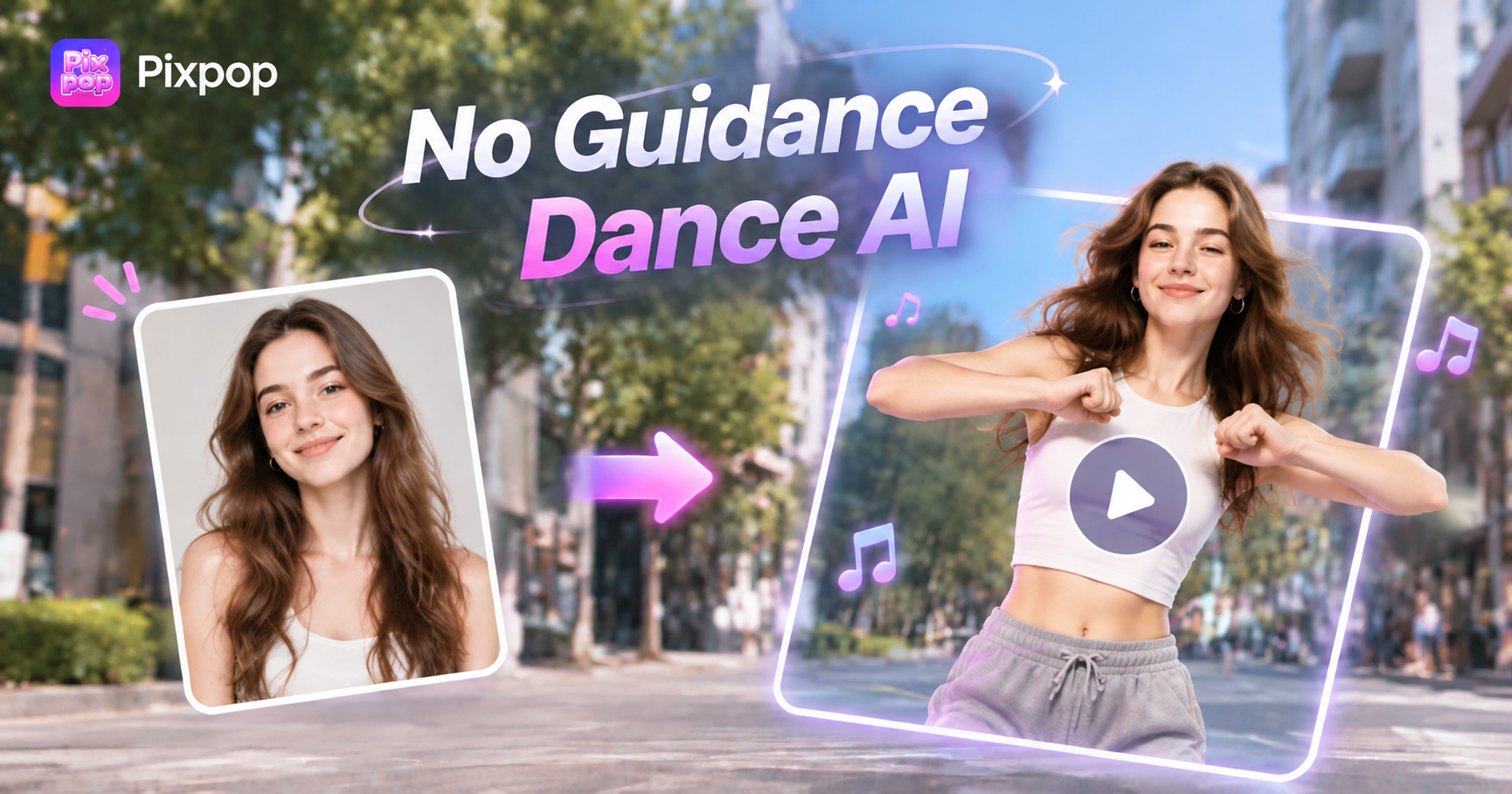
Choose Your Favorite No Guidance Dance Filter
Pick a no guidance dance filter to match your style and watch your photo follow the choreography with natural movements.
Experience the Benefits of No Guidance Dance with Pixpop
Enjoy expressive dance routines as Pixpop animates your photo with coordinated steps that follow the rhythm of the music.
 Before
Dance Moves That Follow the Music
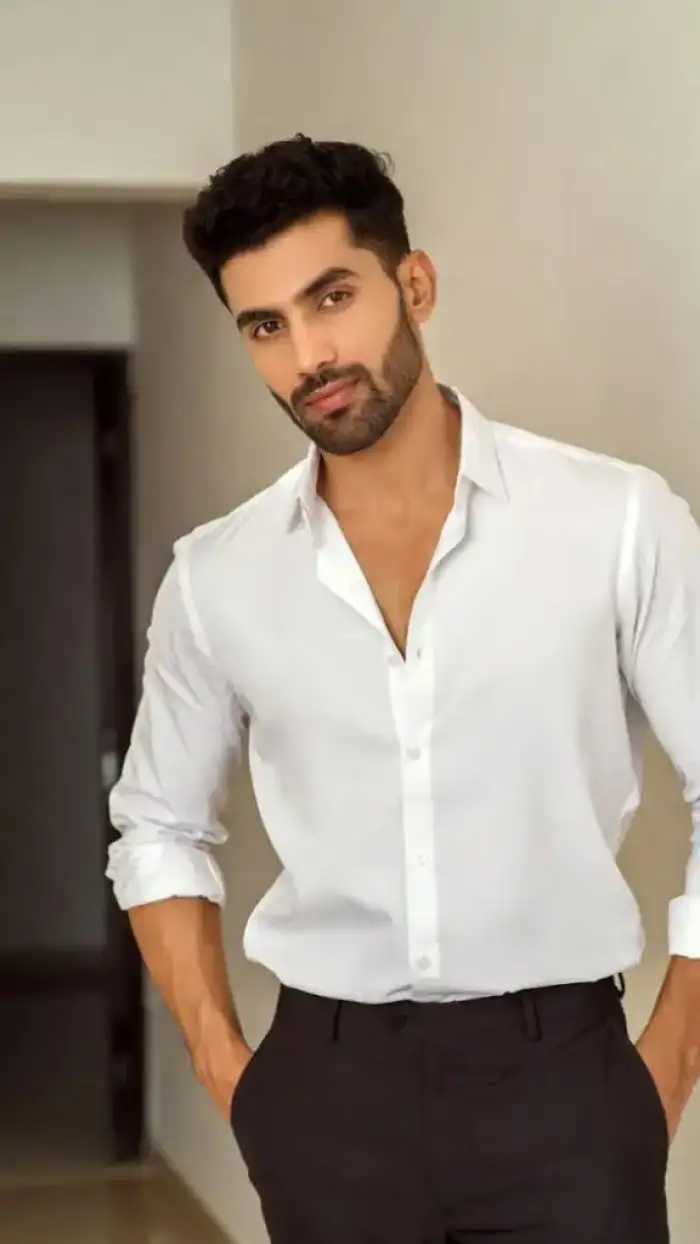
With no guidance dance AI, Pixpop animates your photo with choreography inspired by the song. The subject follows the rhythm through recognizable dance steps, while each movement keeps the original appearance consistent throughout the video.
BeforeDance Moves That Follow the Music
With no guidance dance AI, Pixpop animates your photo with choreography inspired by the song. The subject follows the rhythm through recognizable dance steps, while each movement keeps the original appearance consistent throughout the video.
 Before
Find a Dance Style That Fits
Pixpop offers no guidance dance AI filters that recreate the dance in different visual settings. You can select a style that suits your photo and watch the subject perform the choreography without changing their recognizable facial features.
BeforeFind a Dance Style That Fits
Pixpop offers no guidance dance AI filters that recreate the dance in different visual settings. You can select a style that suits your photo and watch the subject perform the choreography without changing their recognizable facial features.
 Before
Make Your Photos Part of the Dance
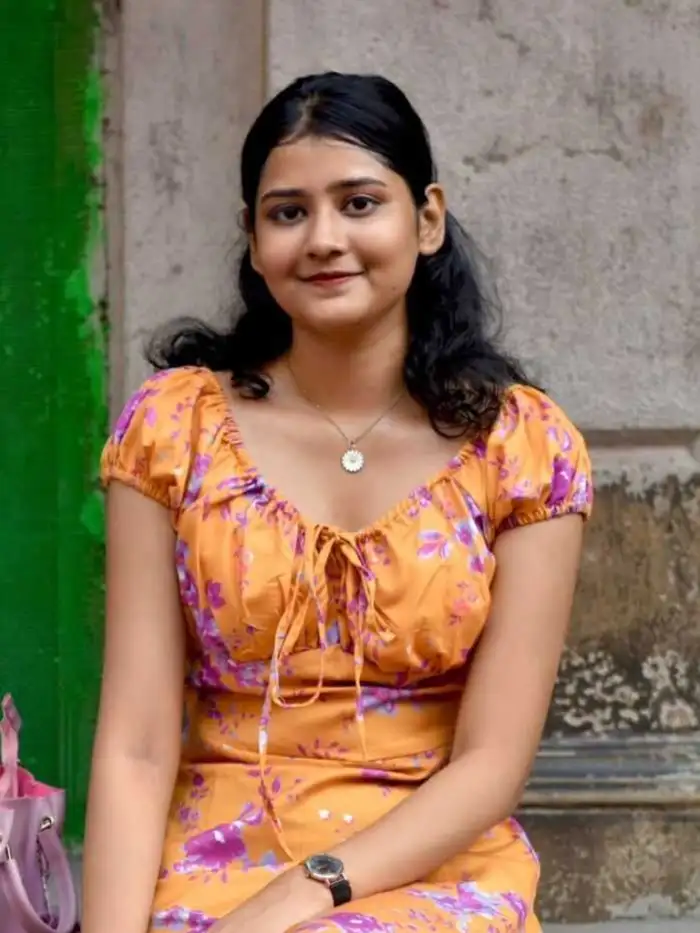
No guidance dance AI on Pixpop gives you a way to turn still portraits into dance clips. The AI follows the choreography and adds body movements that make the performance feel connected from one step to the next.
BeforeMake Your Photos Part of the Dance
No guidance dance AI on Pixpop gives you a way to turn still portraits into dance clips. The AI follows the choreography and adds body movements that make the performance feel connected from one step to the next.
How to Generate a No Guidance Dance Video?
Learn how to generate a no guidance dance video with Pixpop by following these simple steps. Download the Pixpop app and try it yourself!
Step 01.
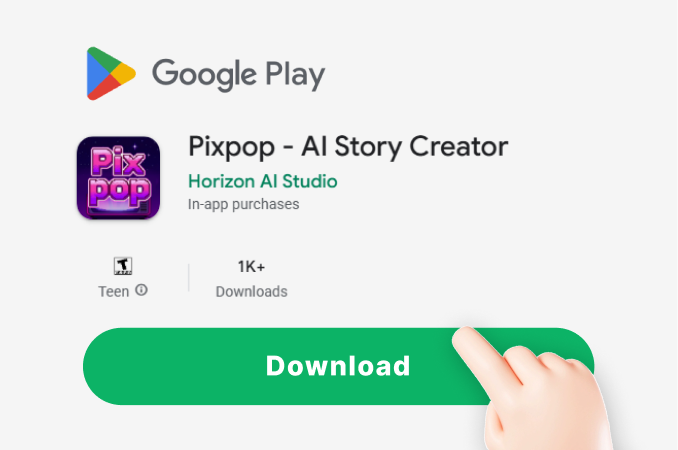
Download the Pixpop app and start generating your favorite no guidance dance videos anytime, right from the app.
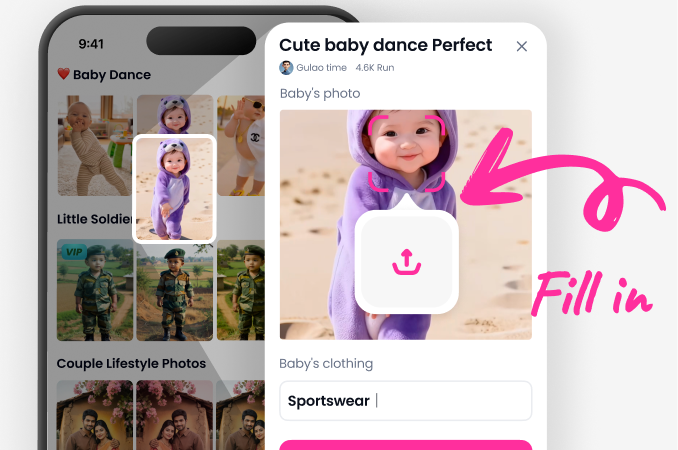
Step 02.
Choose your favorite no guidance dance video filter in the app, then upload a photo to apply the filter.
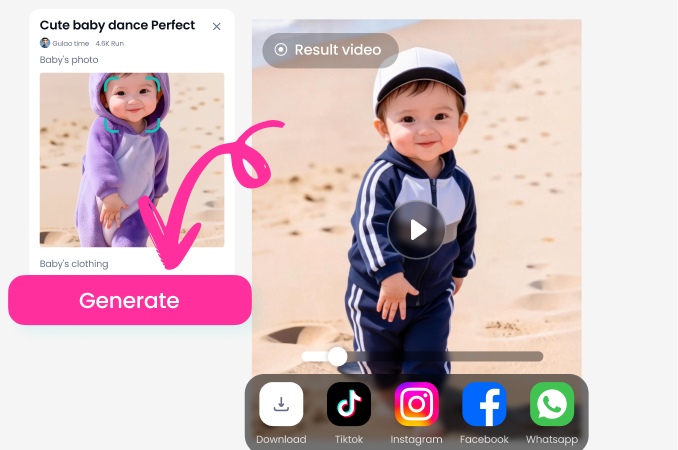
Step 03.
Tap the generate button, and Pixpop will turn your photo into a no guidance dance video.
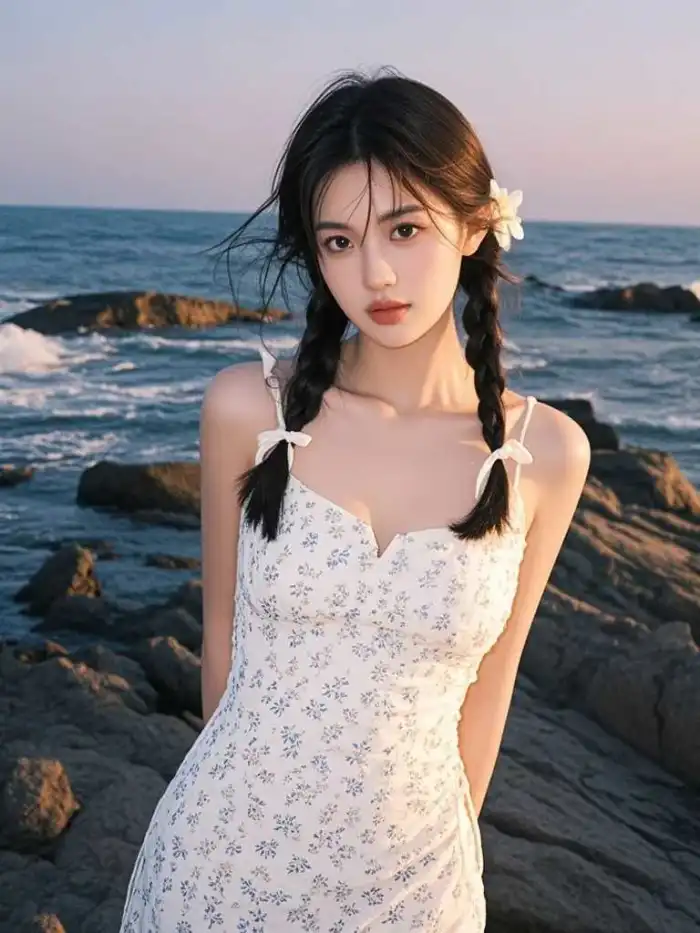
Let Your Photos Dance to the Rhythm of No Guidance AI
Upload your photo to Pixpop and experience no guidance dance AI in action. Watch the subject follow the choreography and enjoy a dance video.
No Guidance Dance Videos Generated by Pixpop
See how Pixpop applies no guidance dance AI to photos, giving familiar faces recognizable choreography and rhythm-driven movements.
Watch Your Photos Follow the No Guidance Dance Rhythm
Download the Pixpop app to apply no guidance dance AI filters to your photos. Watch familiar faces perform the choreography and save your finished videos.

Frequently Asked Questions
Find clear answers to common questions and get the guidance you need to make the most of our platform, faster and easier.
More Topics You May Like
Explore more topics you may like and discover fresh ideas tailored to your interests.
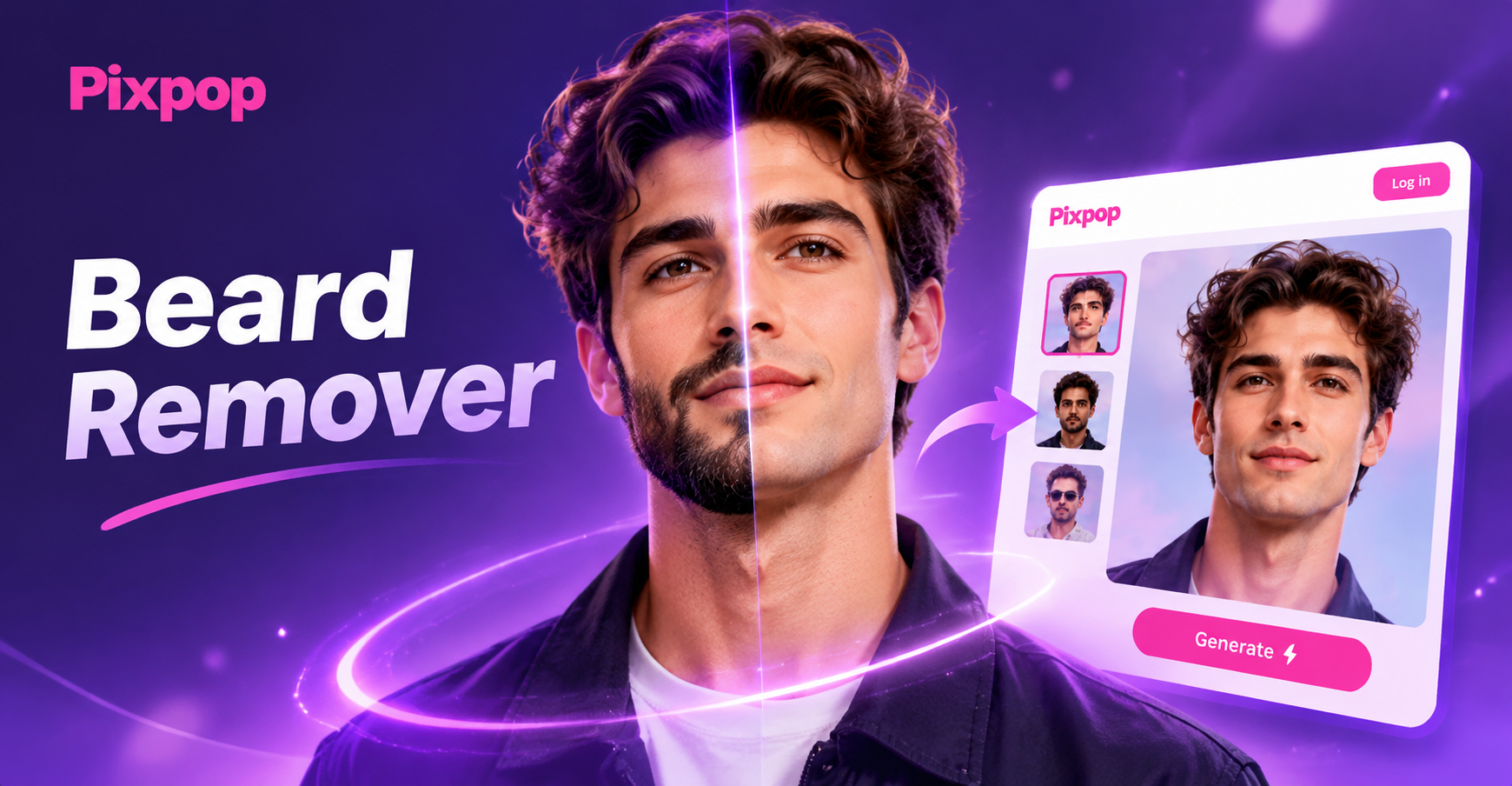
Beard Remover From Photo: Shave Your Look Virtually
AI Image Generator: No Watermark, Just Clean HD Art
Remove Photo Wrinkles Free: AI Face Smoothing App
AI Car Image Generator: Create Dream Cars Instantly
Photo HDR Converter: Turn Photos into HDR Art
Beard Remover From Photo: Shave Your Look Virtually
AI Image Generator: No Watermark, Just Clean HD Art
Remove Photo Wrinkles Free: AI Face Smoothing App
AI Car Image Generator: Create Dream Cars Instantly
Photo HDR Converter: Turn Photos into HDR Art
Download the Pixpop App and Let Your Photos Dance to the Beat
Download the Pixpop app to try no guidance dance AI filters, animate your photos with recognizable choreography, and save your favorite dance videos directly to your device.
Download the Pixpop App and Let Your Photos Dance to the Beat
Download the Pixpop app to try no guidance dance AI filters, animate your photos with recognizable choreography, and save your favorite dance videos directly to your device.