Free App to Remove Wrinkles From Photos
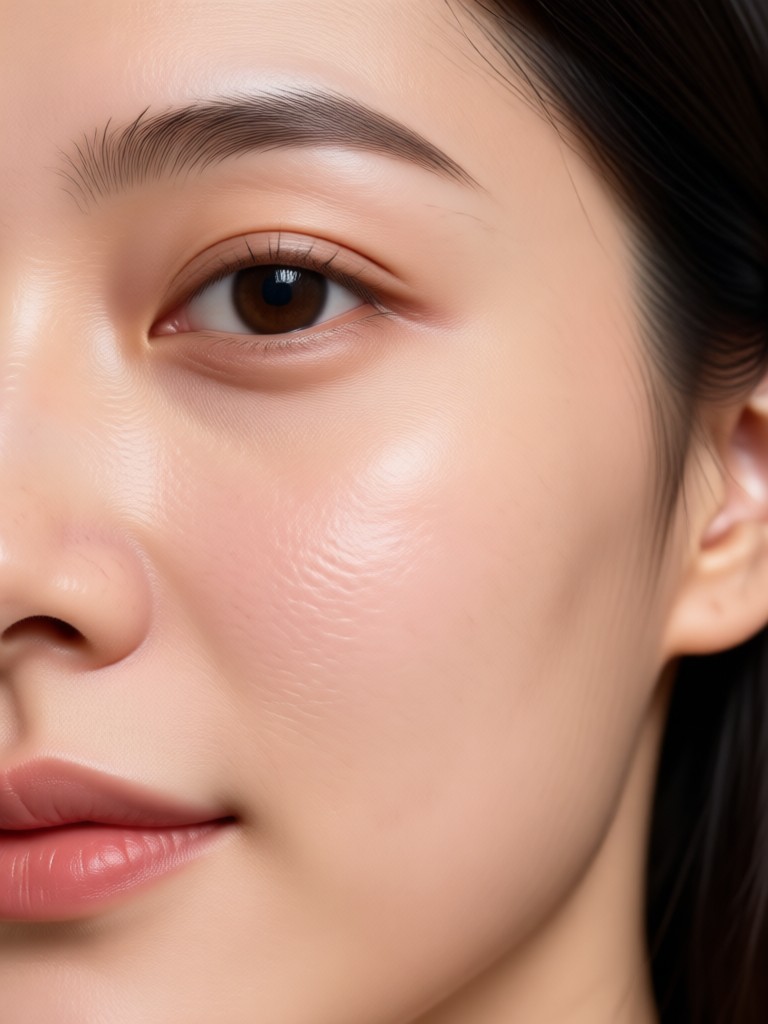
Choose the Best Skin Smoothing Filter for Your Portrait
Discover a variety of AI portrait filters designed to reduce wrinkles, soften fine lines, and enhance skin texture without looking artificial.
Why pixpop Is the Best Free Wrinkle Removal App
Remove wrinkles, smooth skin, and refresh portraits with AI tools built for real faces. No subscriptions, no complicated controls, just upload and tap.
One Tap Skin Smoothing
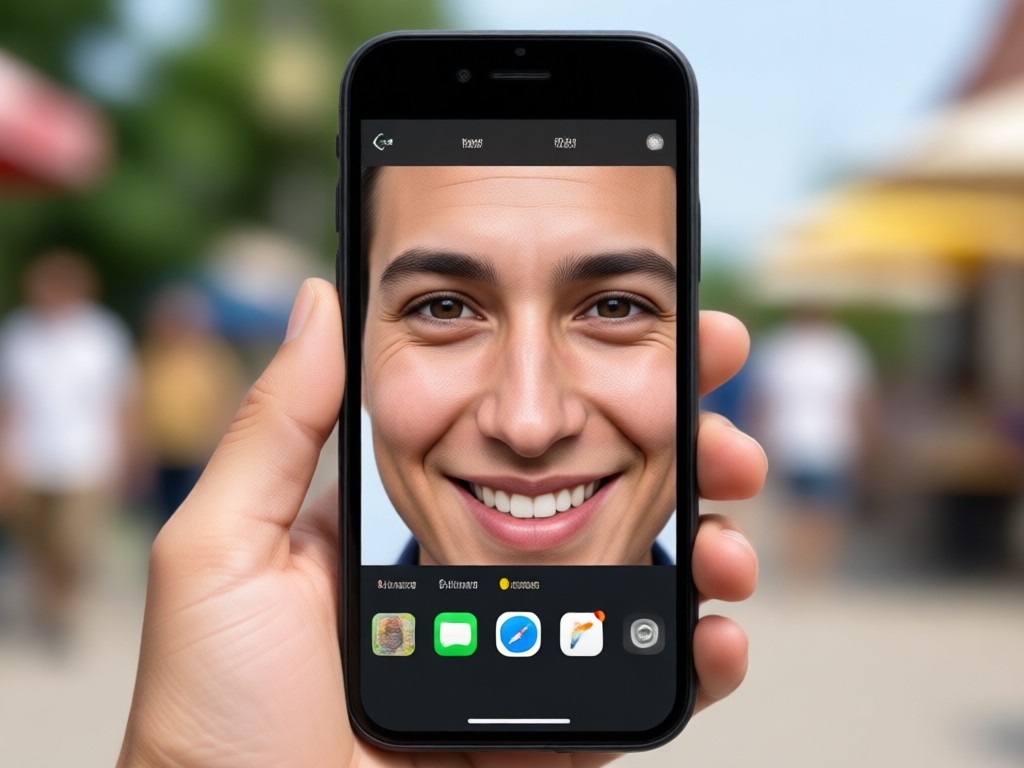
Upload a close up portrait and let AI detect facial lines automatically. The filter softens forehead wrinkles, under eye bags, and laugh lines while preserving skin pores and natural shadows for a believable result.
One Tap Skin Smoothing
Upload a close up portrait and let AI detect facial lines automatically. The filter softens forehead wrinkles, under eye bags, and laugh lines while preserving skin pores and natural shadows for a believable result.
Natural Looking Retouch
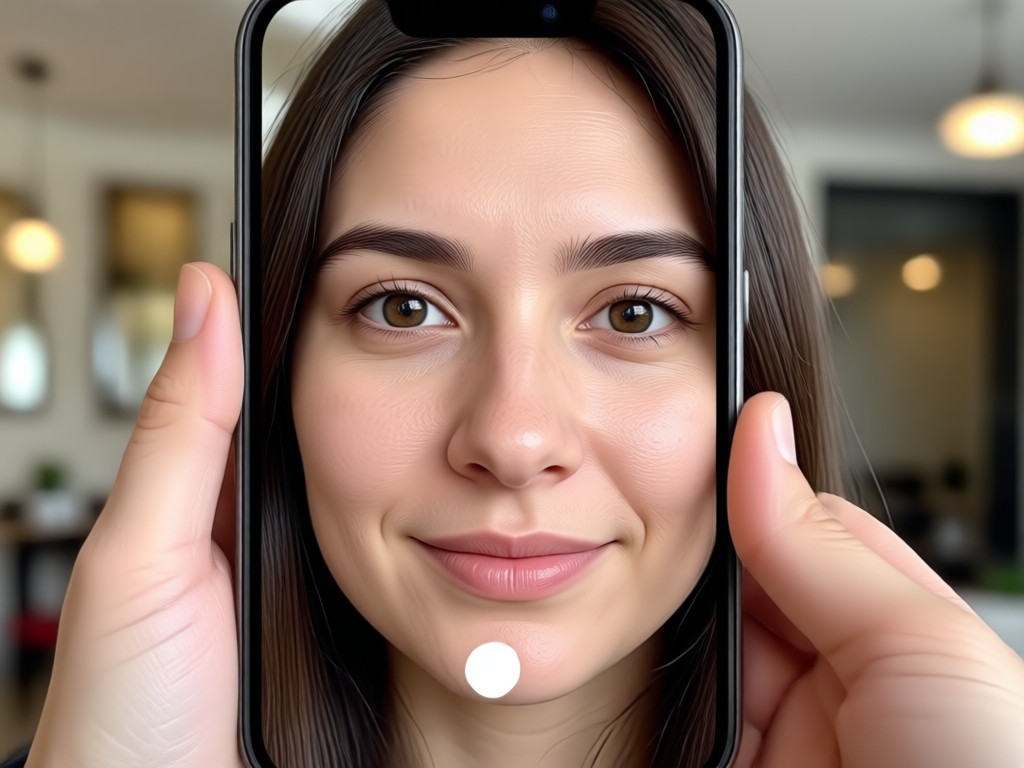
Forget plastic looking edits. pixpop uses realistic texture mapping to reduce wrinkles without erasing your identity. Eyes, lips, and facial contours stay sharp while fine lines fade gently.
Natural Looking Retouch
Forget plastic looking edits. pixpop uses realistic texture mapping to reduce wrinkles without erasing your identity. Eyes, lips, and facial contours stay sharp while fine lines fade gently.
Batch Portrait Processing
Process multiple photos in one session. Apply the same wrinkle removal filter to family portraits, professional headshots, or social media selfies without redoing settings each time.
Batch Portrait Processing
Process multiple photos in one session. Apply the same wrinkle removal filter to family portraits, professional headshots, or social media selfies without redoing settings each time.
How to Remove Wrinkles From Photos Free
Create smoother portraits in three simple steps with the pixpop mobile app.

Step 01.
Download pixpop from Google Play on your Android phone and open the AI photo editor.

Step 02.
Upload a portrait, then choose a skin smoothing or wrinkle removal filter from the style library.

Step 03.
Generate your retouched photo, compare with the original, and save or share it directly to social media.
See Real AI Wrinkle Removal Results
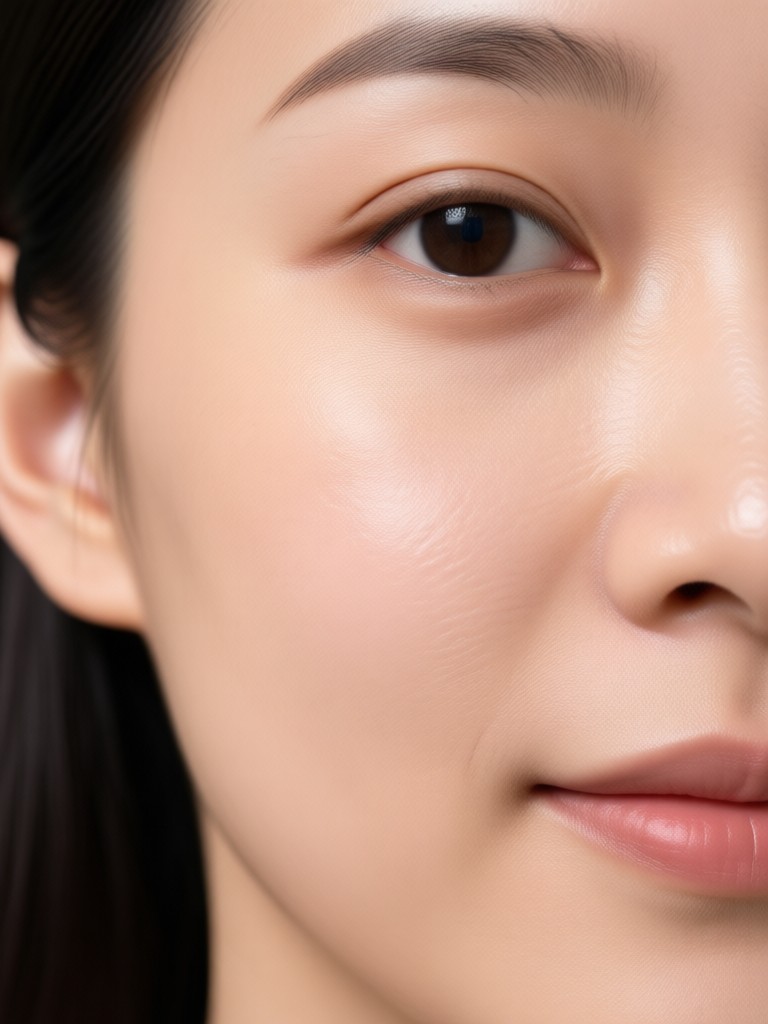
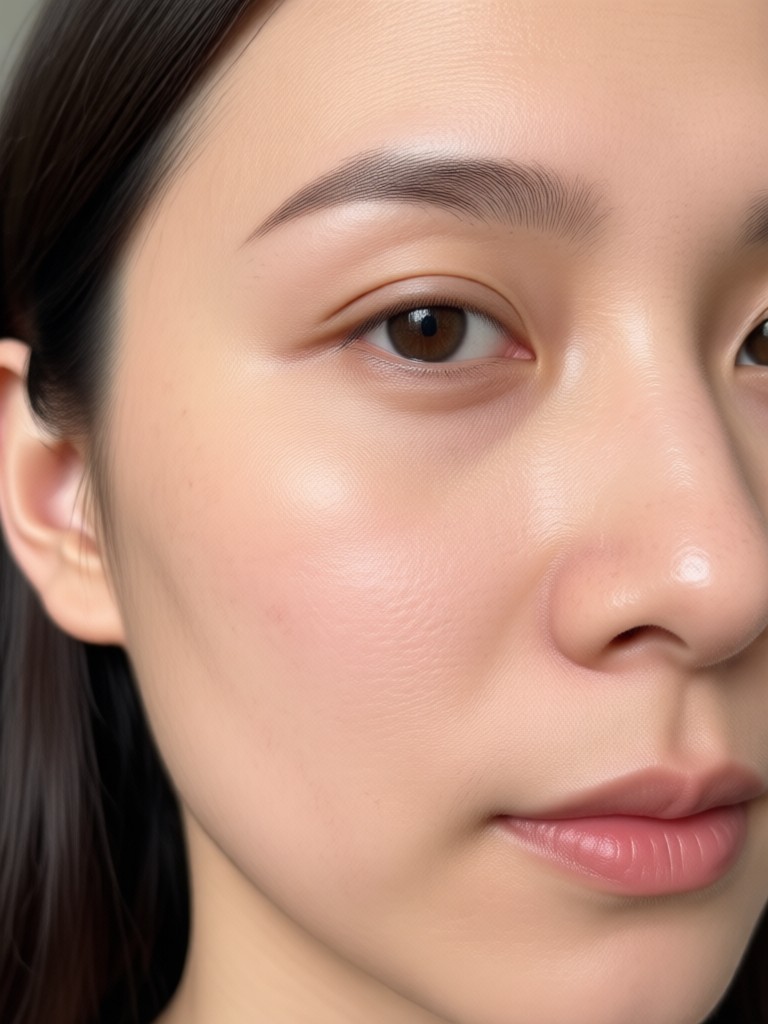
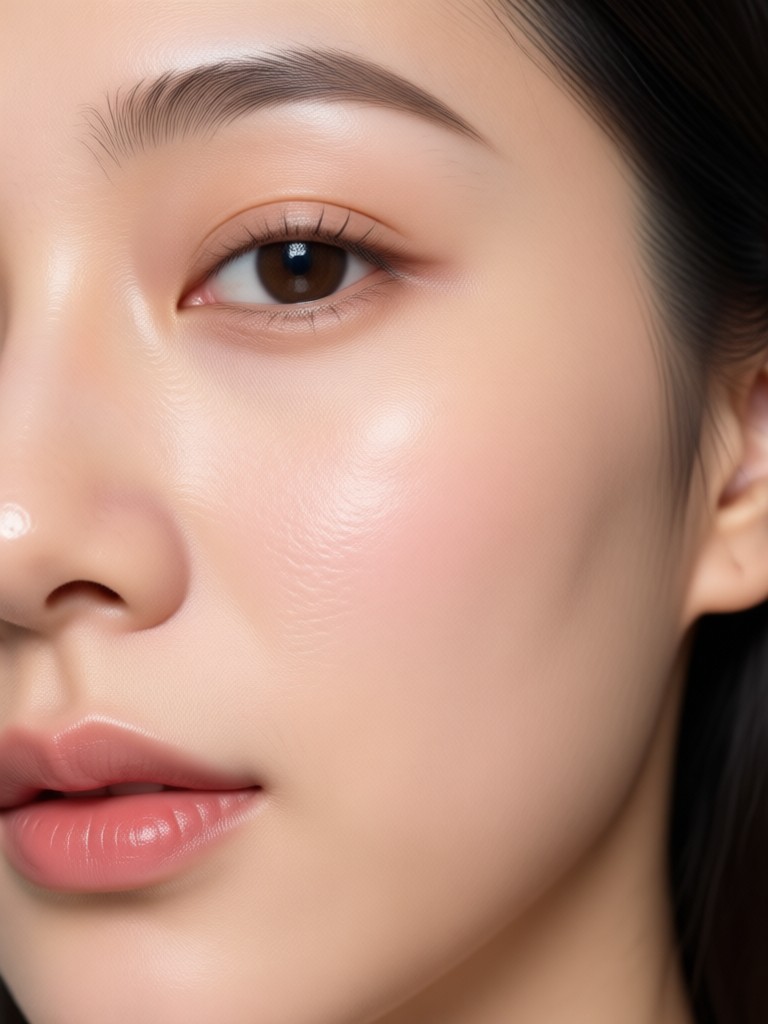
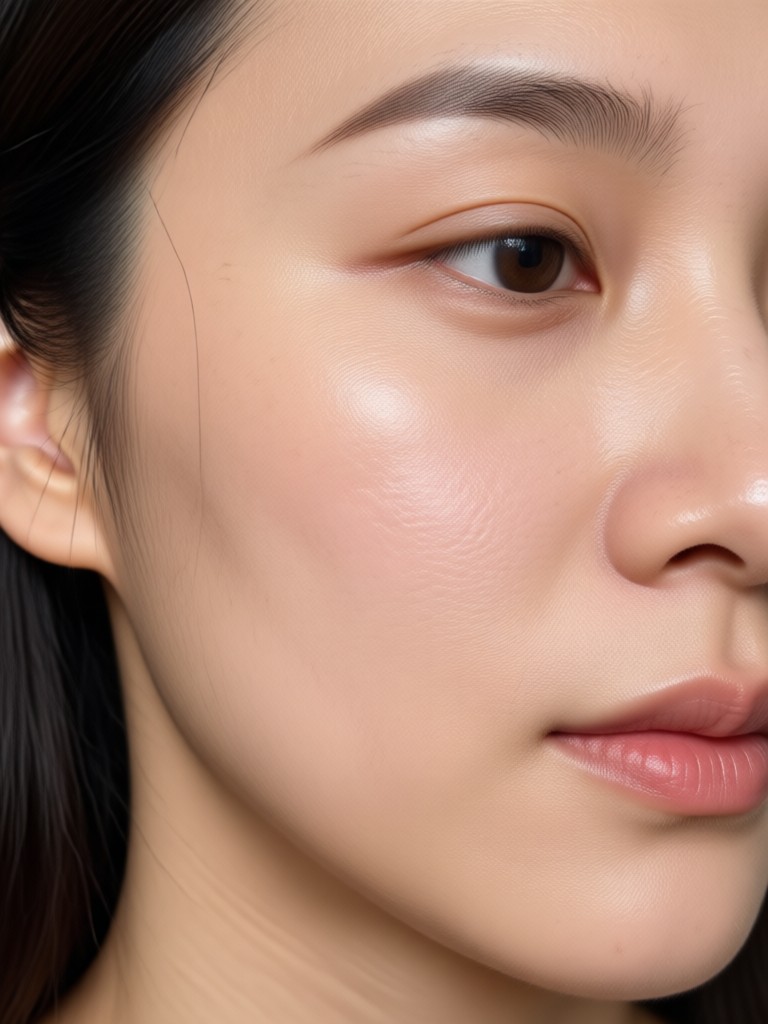
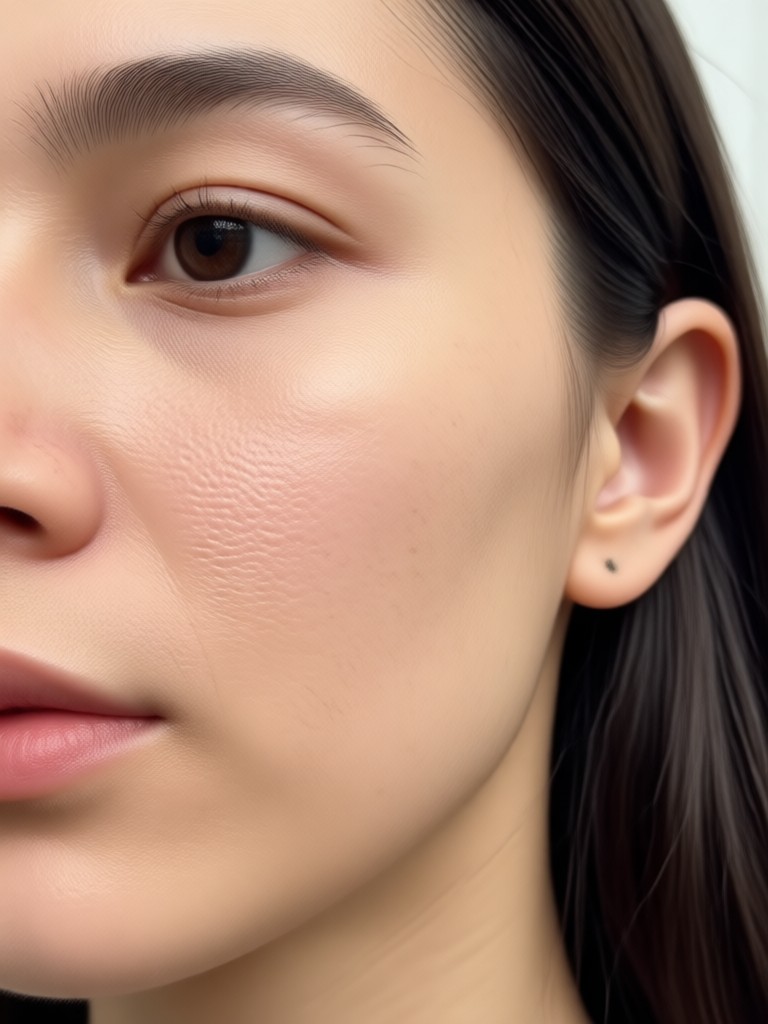
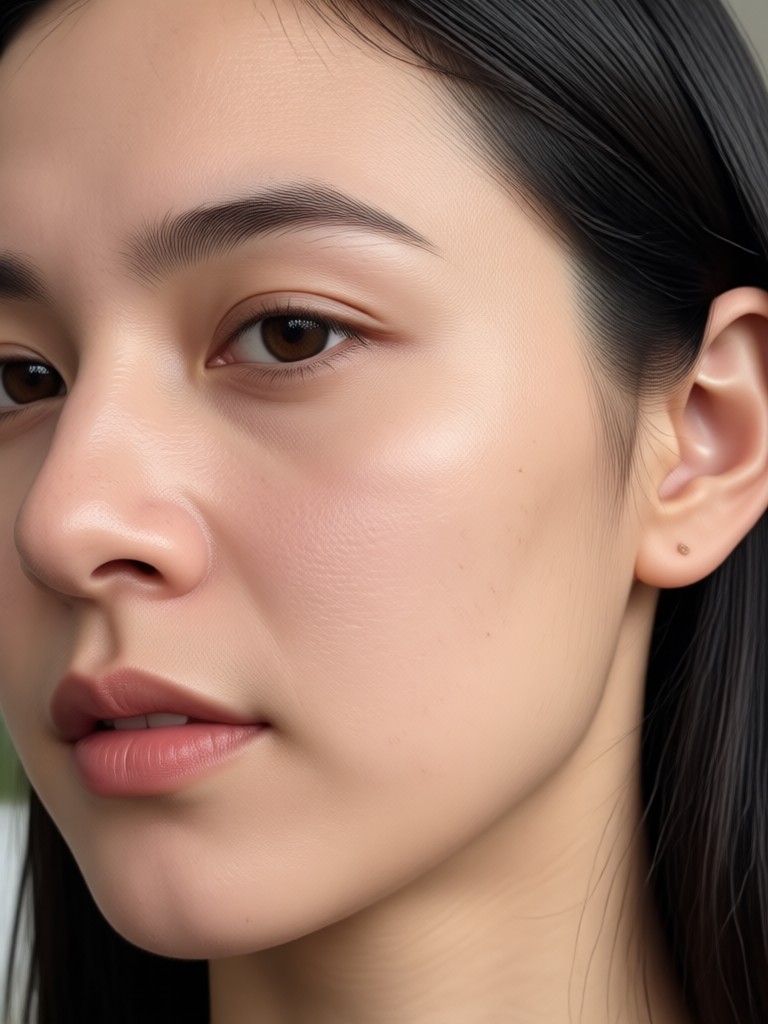
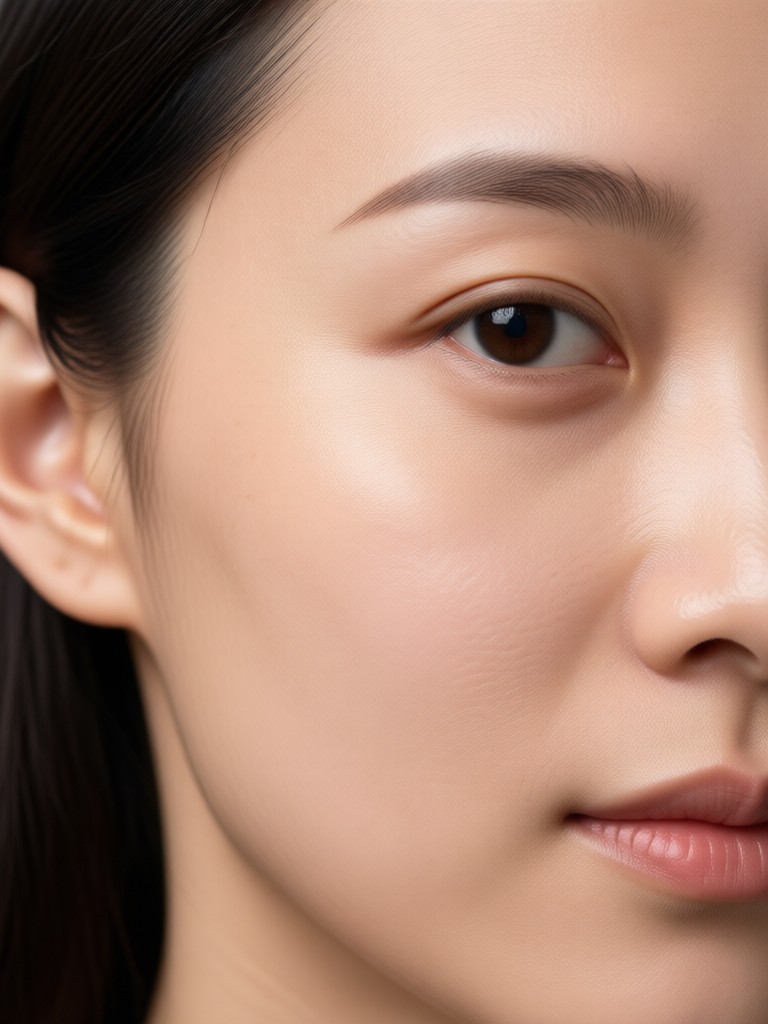
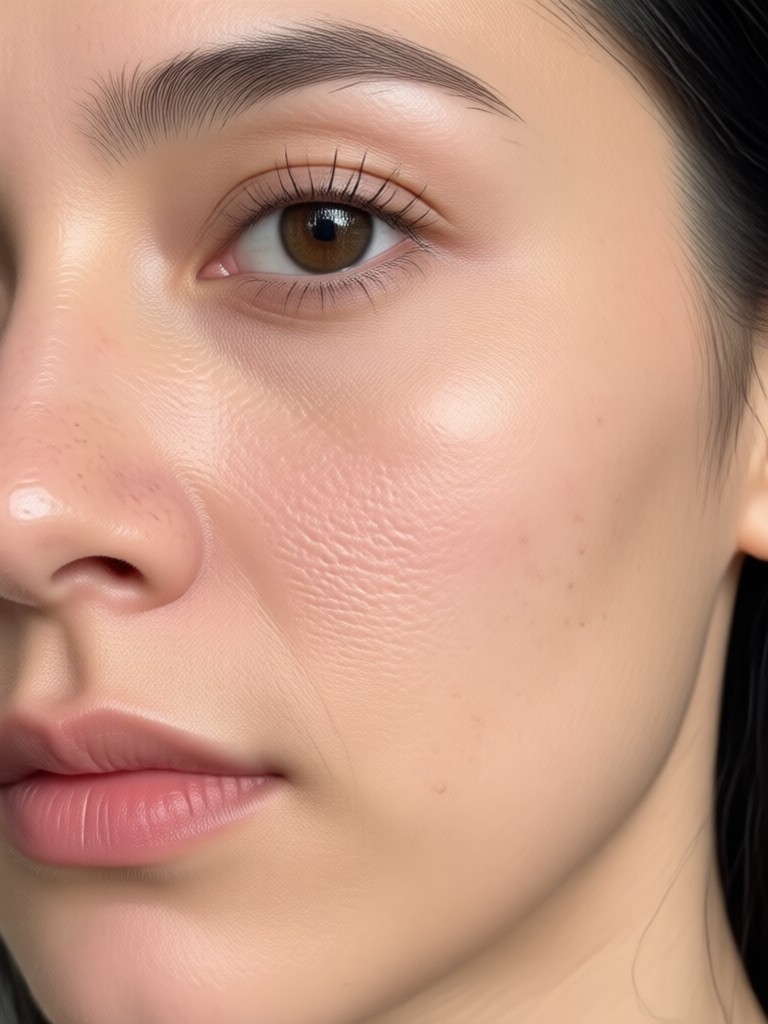
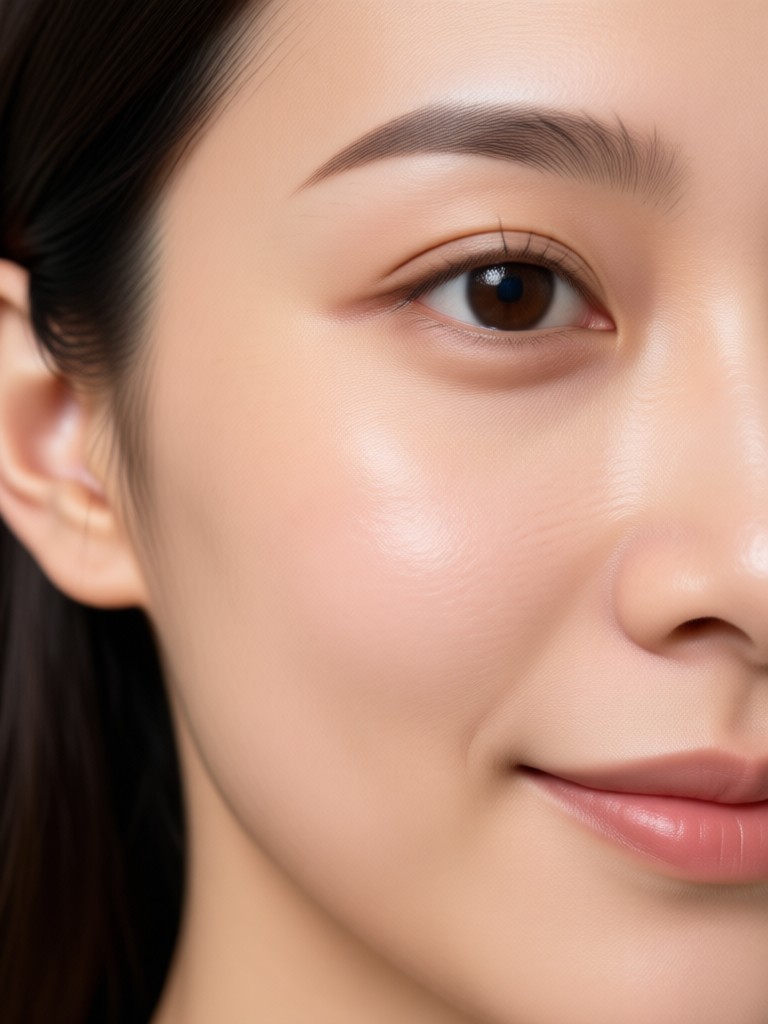
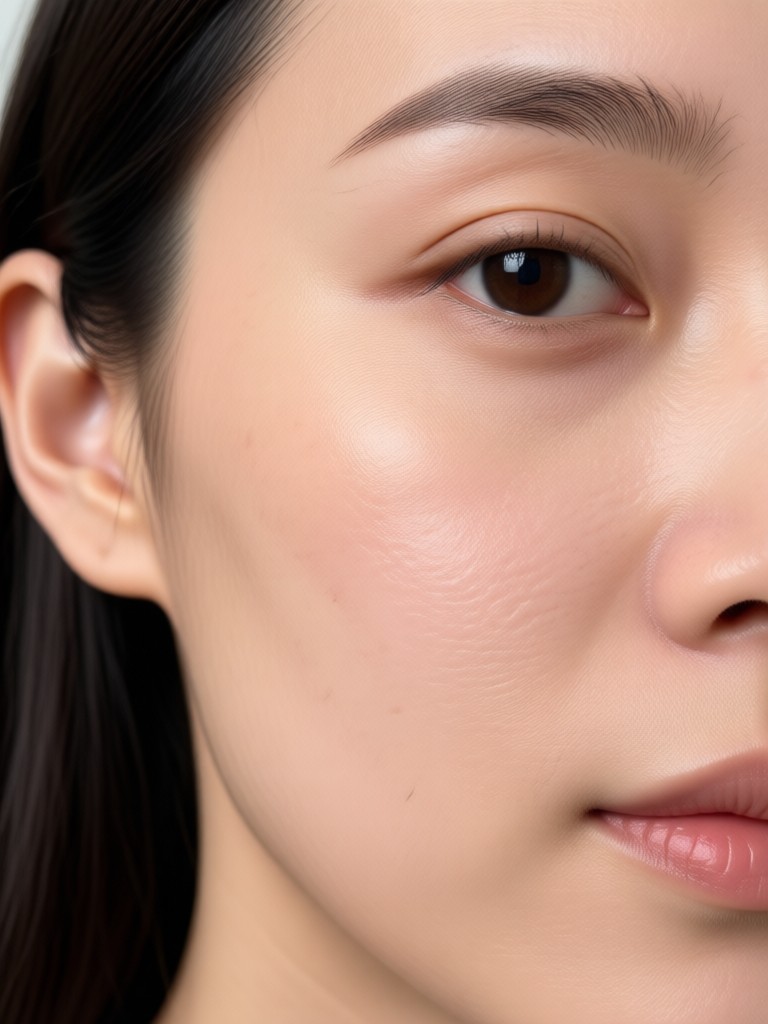
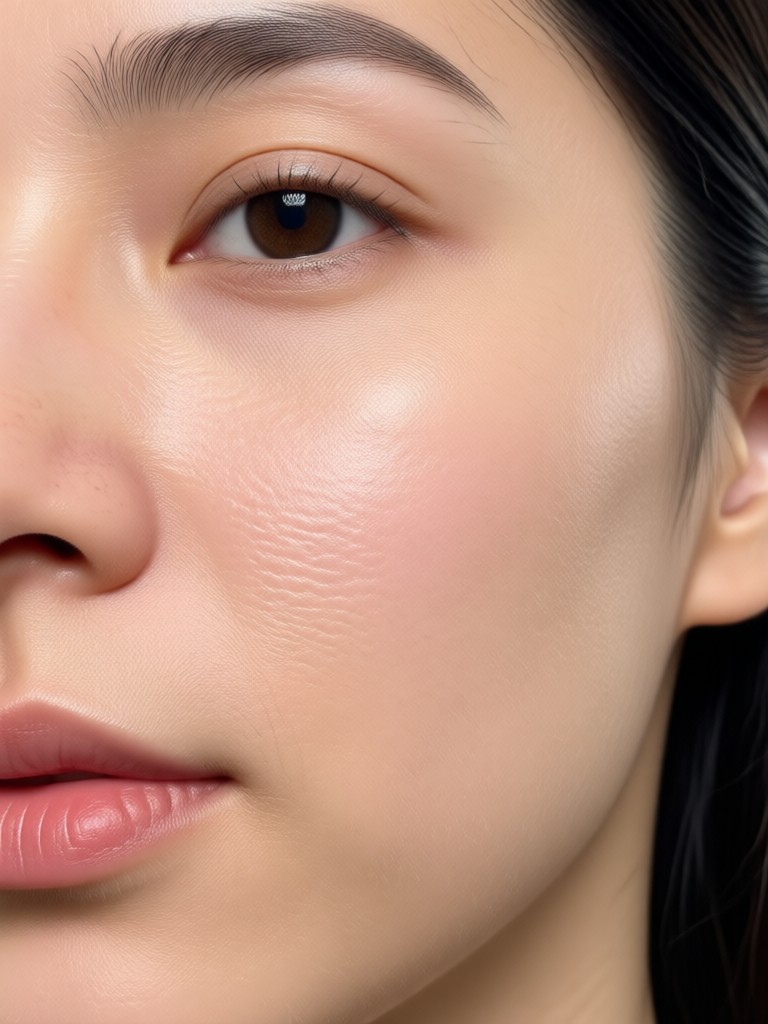
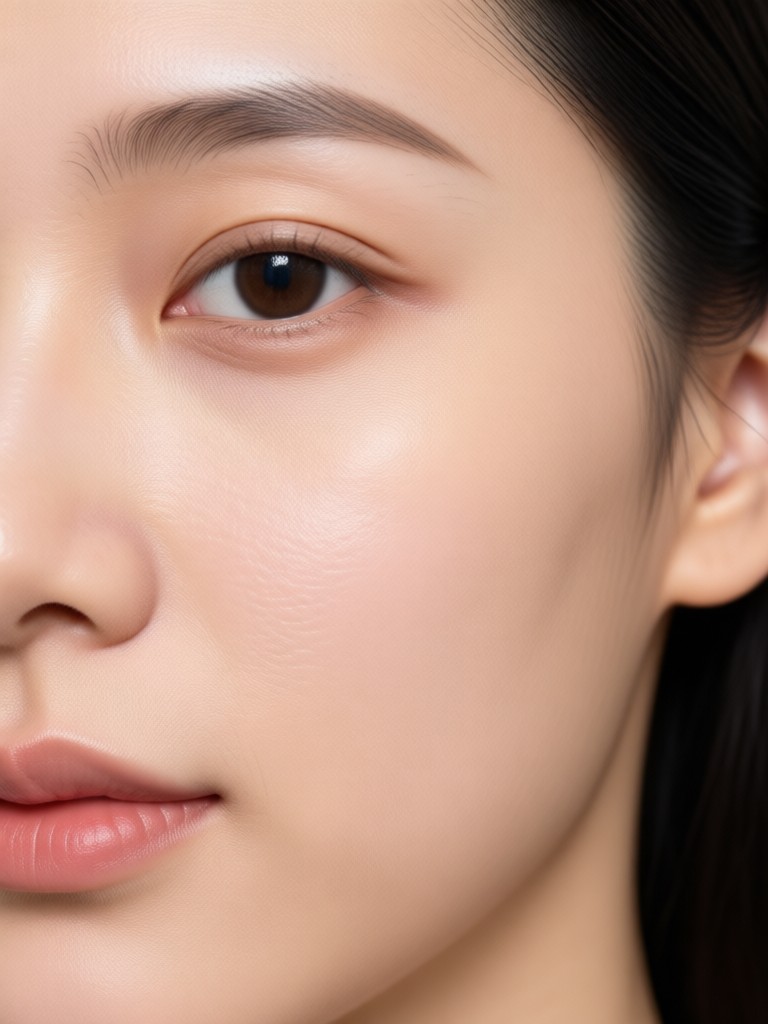
Browse before and after examples made with pixpop. Notice how fine lines disappear while skin texture remains realistic and natural.
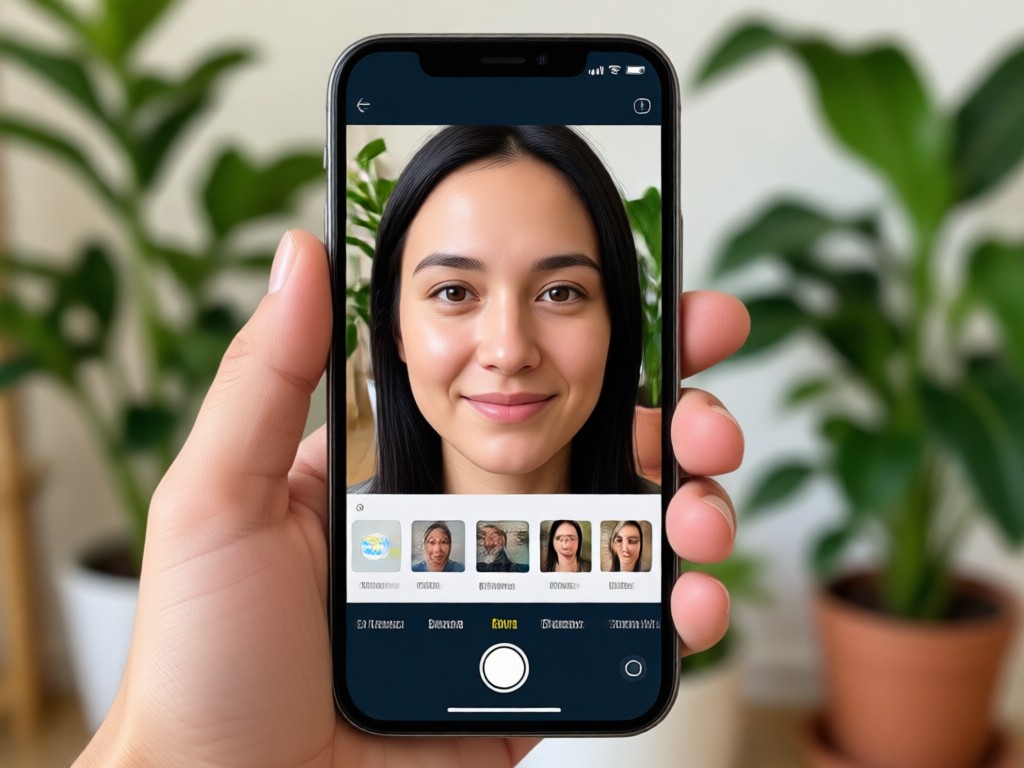
Common Signs of Aging Fade Away in Seconds
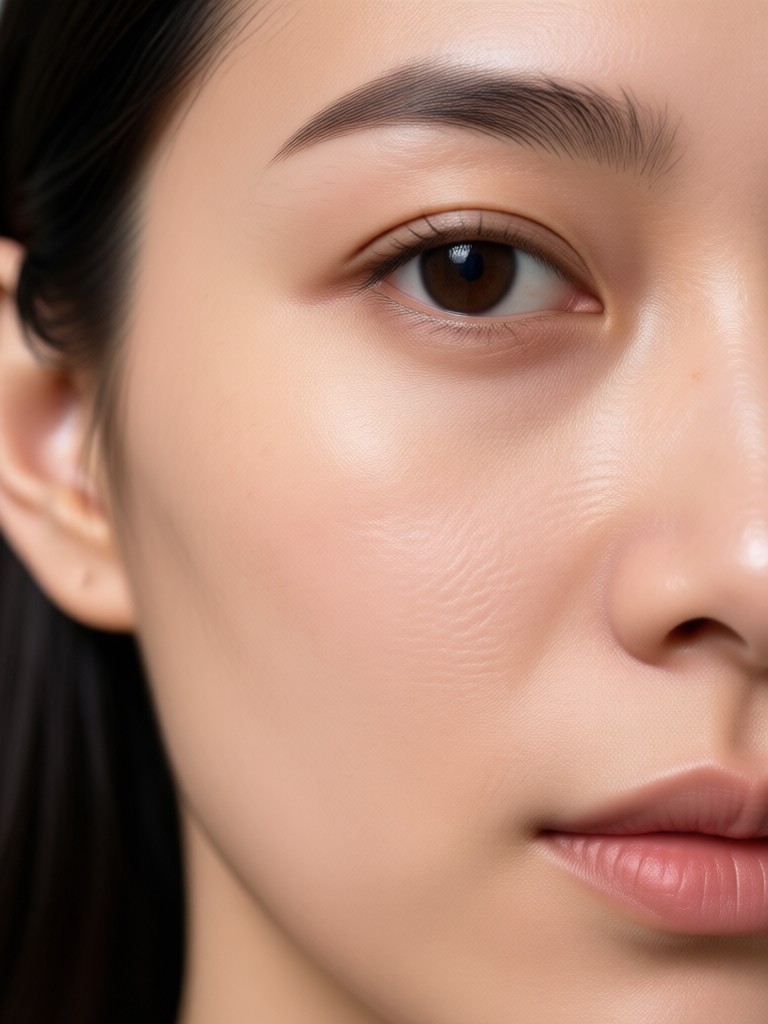
Aging shows up as fine lines, deep creases, and tired under eye shadows. pixpop targets each area without making your face look airbrushed. The app works on selfies, group photos, and professional headshots. No desktop software or monthly subscription needed to get real results.
Common Signs of Aging Fade Away in Seconds
Aging shows up as fine lines, deep creases, and tired under eye shadows. pixpop targets each area without making your face look airbrushed. The app works on selfies, group photos, and professional headshots. No desktop software or monthly subscription needed to get real results.
Download the Free Wrinkle Removal App for Android
Get pixpop on Google Play and start retouching portraits with AI powered skin smoothing tools.

Who Uses the Free Wrinkle Remover App
Claire M.
I used pixpop to retouch my LinkedIn headshot before a job interview. The app softened my forehead lines and kept my skin looking completely natural. I got the job and a lot of compliments on my photo.
Dana R.
As a realtor, I need fresh team photos every year. Instead of paying for retouching, I ran our group portrait through pixpop. Everyone looked smoother and more awake in under a minute.
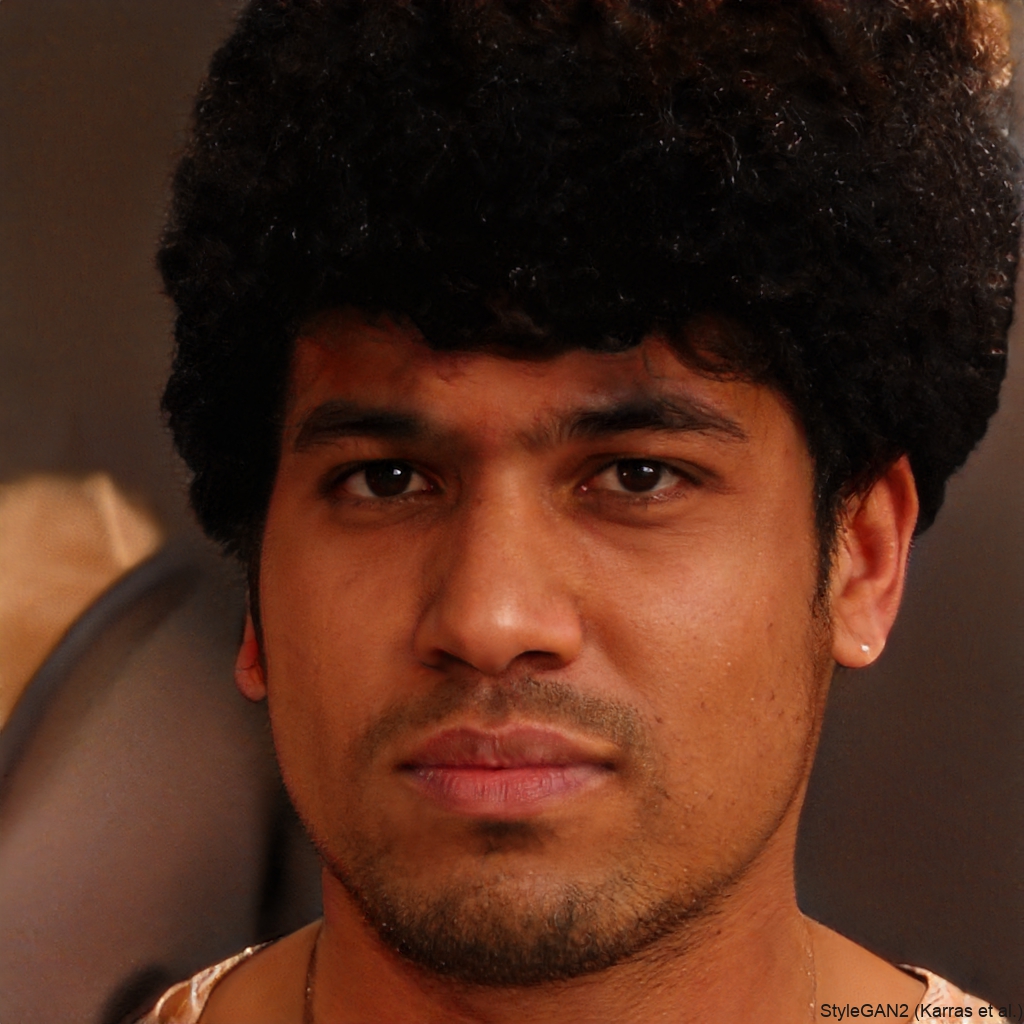
Priya S.
I tried three other apps that made my face look like plastic. pixpop removed my smile lines and under eye bags while keeping my freckles and skin texture. It is now my go to editing tool.
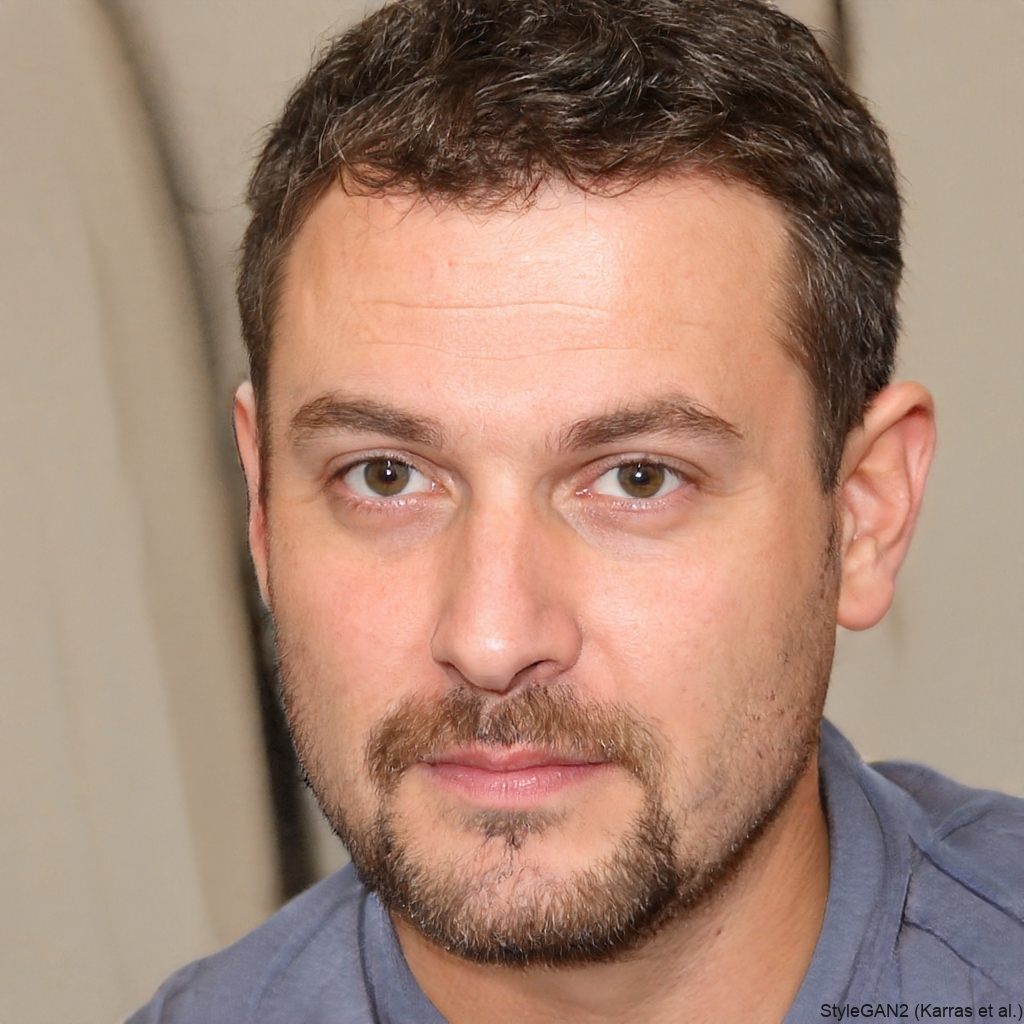
Hannah T.
My wedding photos had shadows and tiny wrinkles around my eyes. The free wrinkle remover filter cleaned everything up gently. I printed them the same day and no one could tell they were retouched.
Claire M.
I used pixpop to retouch my LinkedIn headshot before a job interview. The app softened my forehead lines and kept my skin looking completely natural. I got the job and a lot of compliments on my photo.
Dana R.
As a realtor, I need fresh team photos every year. Instead of paying for retouching, I ran our group portrait through pixpop. Everyone looked smoother and more awake in under a minute.
Priya S.
I tried three other apps that made my face look like plastic. pixpop removed my smile lines and under eye bags while keeping my freckles and skin texture. It is now my go to editing tool.
Hannah T.
My wedding photos had shadows and tiny wrinkles around my eyes. The free wrinkle remover filter cleaned everything up gently. I printed them the same day and no one could tell they were retouched.
Claire M.
I used pixpop to retouch my LinkedIn headshot before a job interview. The app softened my forehead lines and kept my skin looking completely natural. I got the job and a lot of compliments on my photo.
Dana R.
As a realtor, I need fresh team photos every year. Instead of paying for retouching, I ran our group portrait through pixpop. Everyone looked smoother and more awake in under a minute.
Priya S.
I tried three other apps that made my face look like plastic. pixpop removed my smile lines and under eye bags while keeping my freckles and skin texture. It is now my go to editing tool.
Hannah T.
My wedding photos had shadows and tiny wrinkles around my eyes. The free wrinkle remover filter cleaned everything up gently. I printed them the same day and no one could tell they were retouched.
Frequently Asked Questions About the Free Wrinkle Remover App
Find clear answers to common questions about removing wrinkles from photos with pixpop.
More Topics You May Like
Explore more topics you may like and discover fresh ideas tailored to your interests.

AI Car Image Generator: Create Dream Cars Instantly
Generate photorealistic AI car images from simple text prompts. pixpop lets you design sports cars, futuristic concepts, and custom vehicle renders in seconds. Download the app now.
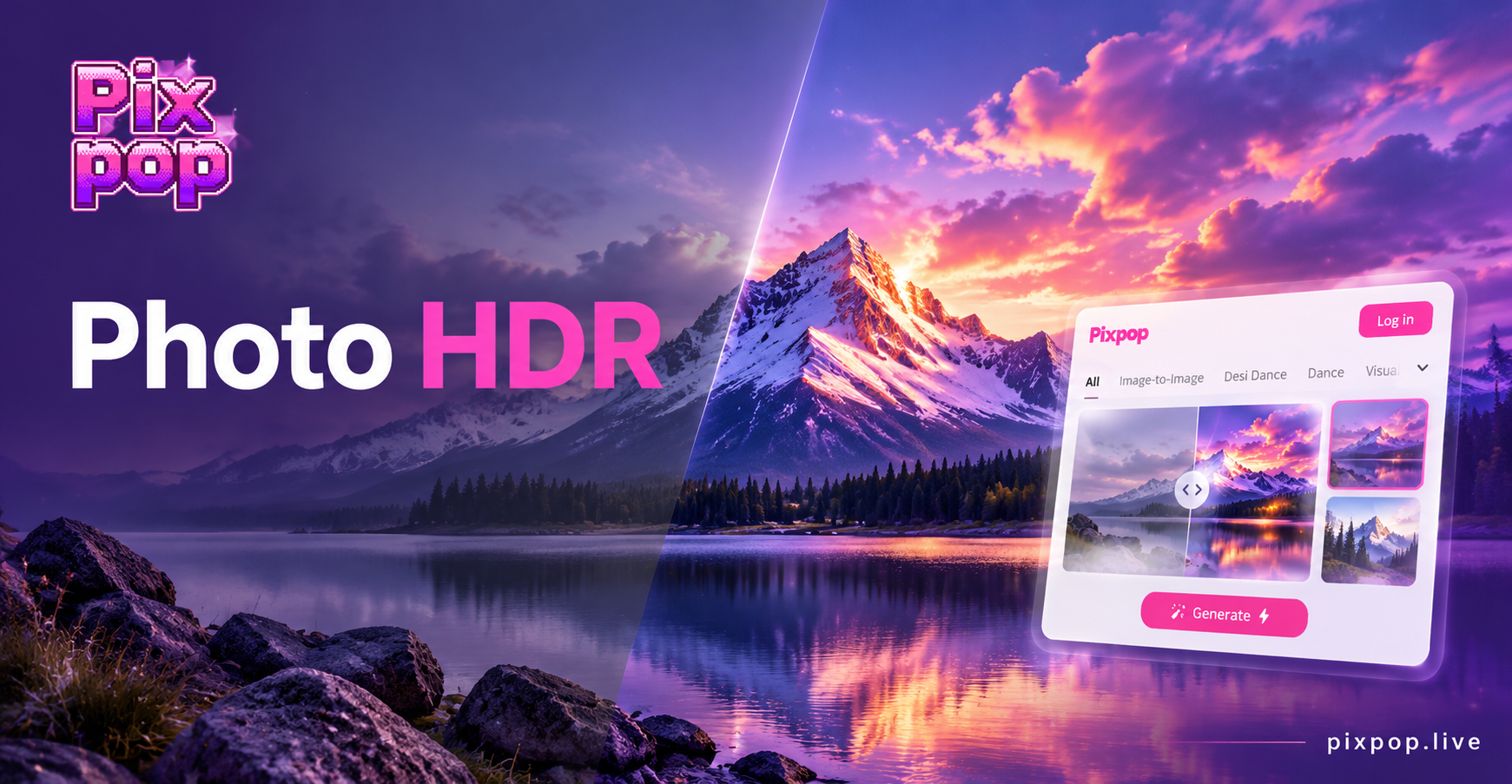
Photo HDR Converter: Turn Photos into HDR Art
Photo HDR Converter lets you transform any image into a high dynamic range masterpiece. Upload a photo, choose an HDR style, and get realistic results in seconds. No photo editing skills needed.
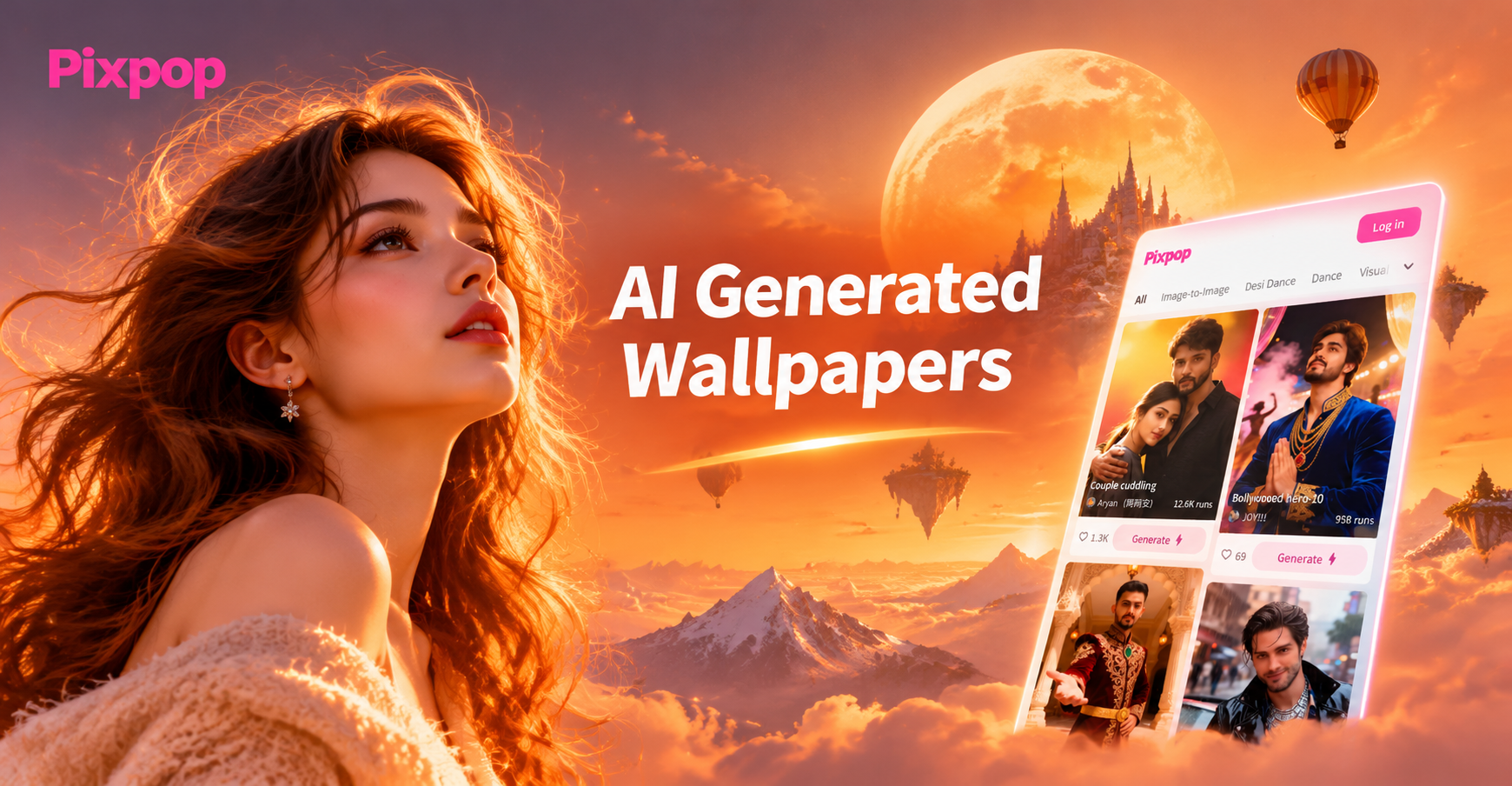
Create Stunning AI Generated Wallpapers in Seconds
Design unique AI generated wallpapers with pixpop. Upload a photo or describe your idea, choose from 1M+ styles, and create HD phone and desktop wallpapers instantly.
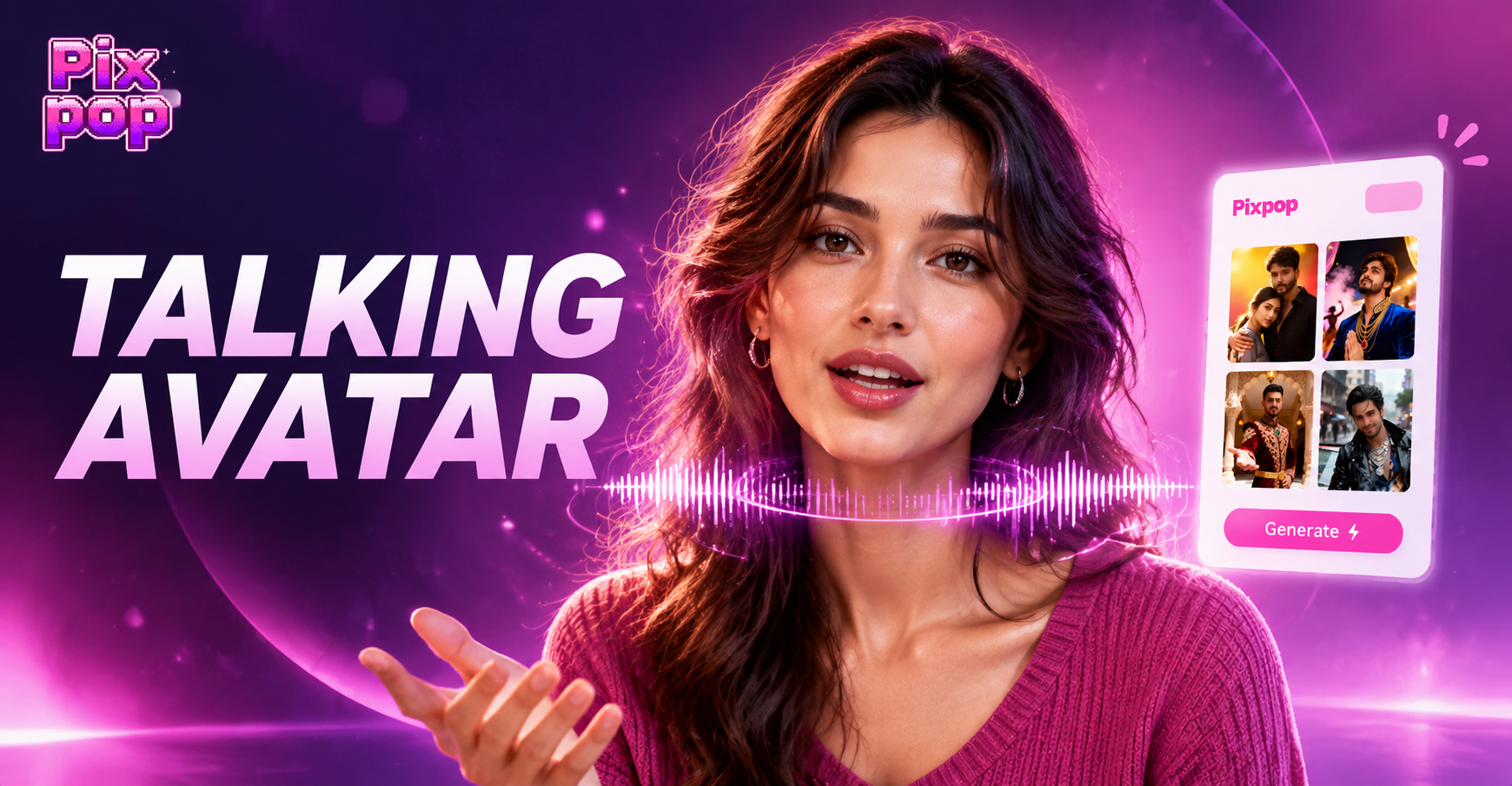
How to Create a Talking Avatar: Easy AI Avatar Maker
Turn any photo into a talking avatar with pixpop. Choose a style, add a voice or text, and generate realistic lip-synced avatar videos in seconds. Download the app now.
Remove Wrinkles Free With pixpop
Download the app and smooth forehead lines, crow's feet, and smile lines in seconds. Natural results, no editing experience required.

Remove Wrinkles Free With pixpop
Download the app and smooth forehead lines, crow's feet, and smile lines in seconds. Natural results, no editing experience required.