Beard Remover From Photo
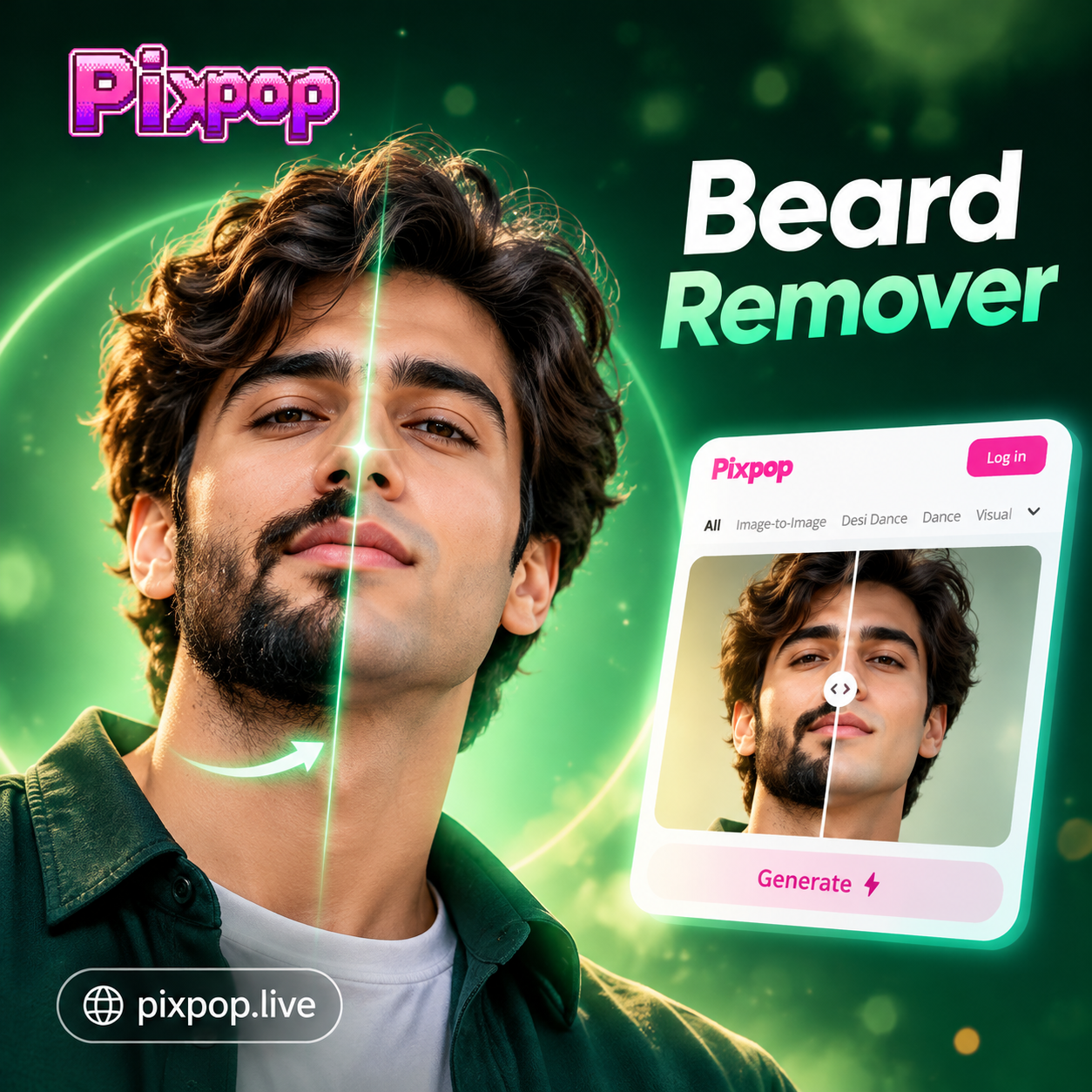
Choose the Beard Removal Filter That Suits You
Discover AI filters that shave, trim, or restyle facial hair while keeping your natural look. Pick from clean shaven, light stubble, or goatee styles.
Key Features of AI Beard Remover
Remove beard from photo with accurate facial hair detection and realistic skin reconstruction. PixPop handles full beards, mustaches, and stubble with natural shading.
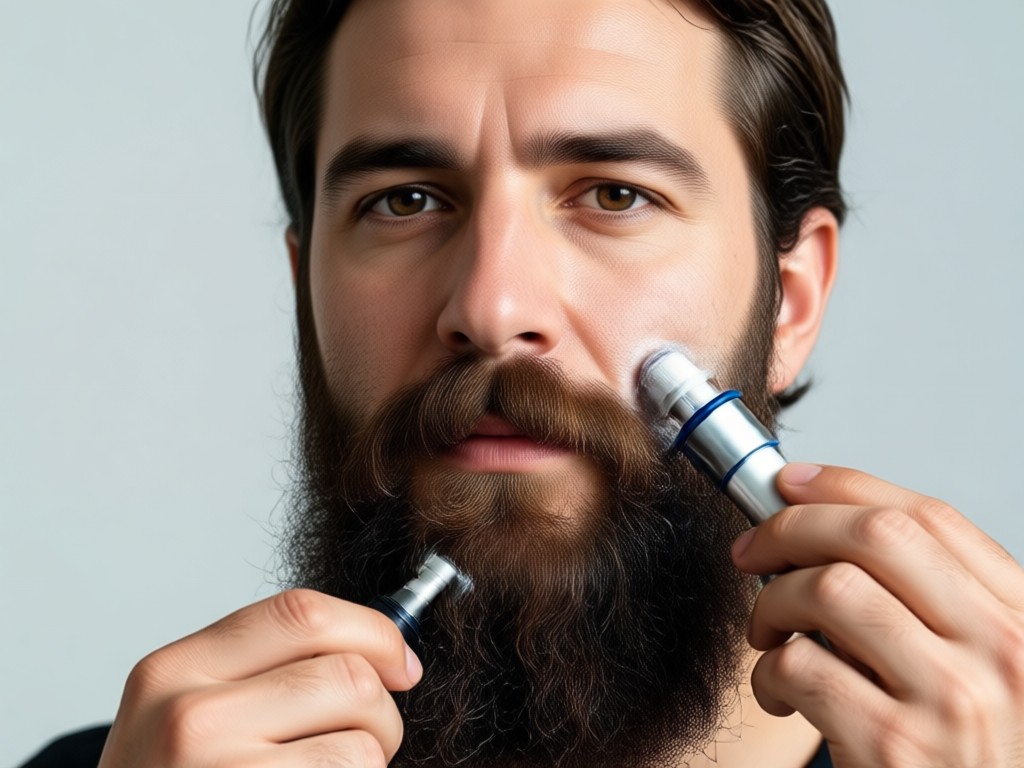
Precision Beard Detection
AI identifies facial hair boundaries accurately, so removing a beard never distorts your jawline, lips, or skin texture.
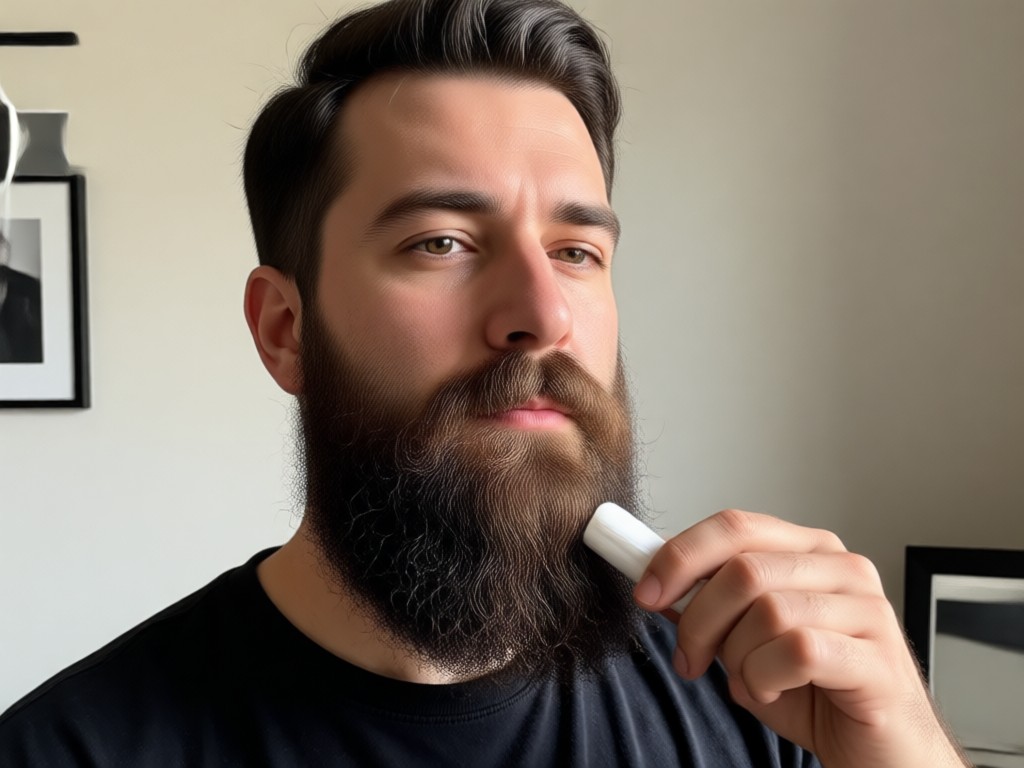
Clean Shaven Look
Instantly preview your face without any beard using realistic clean shaven templates that match your facial structure.
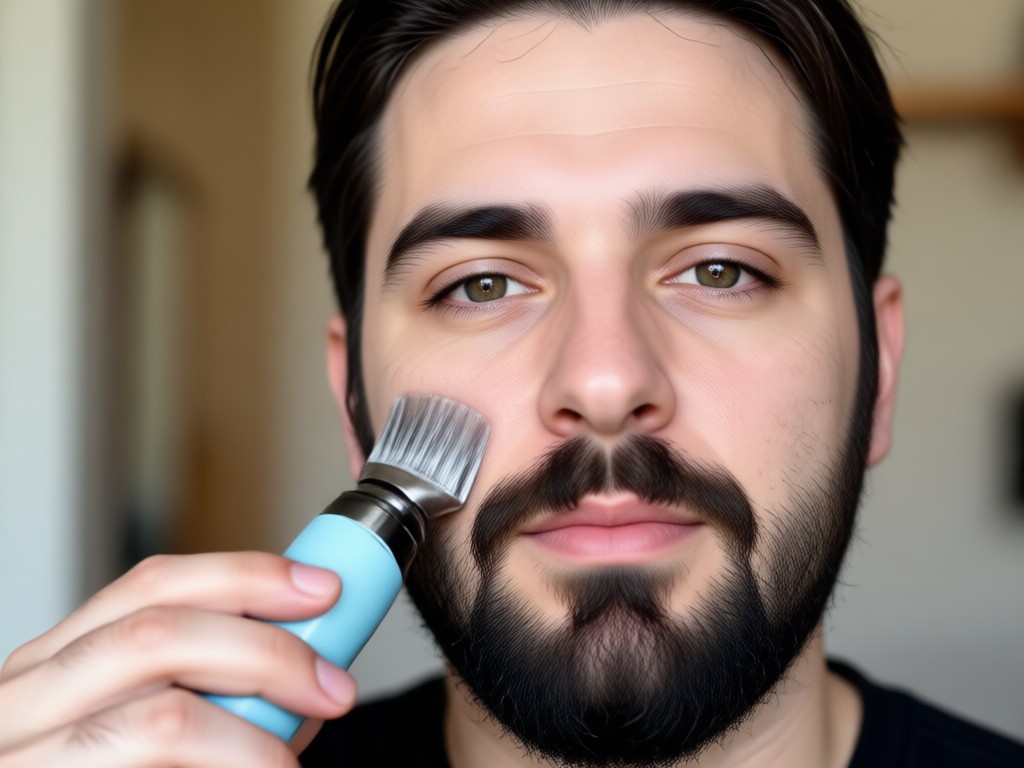
Multiple Facial Hair Styles
Switch between clean shave, light stubble, or a goatee to find the look that best fits your personality and style.
Before and After Beard Removal Gallery
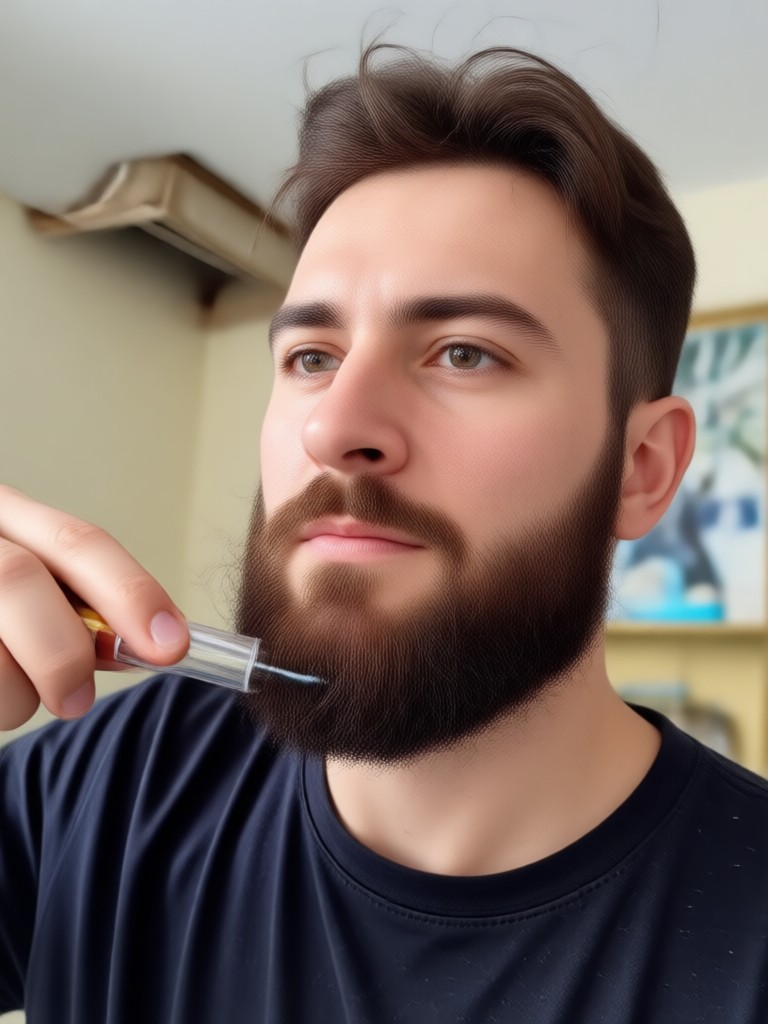
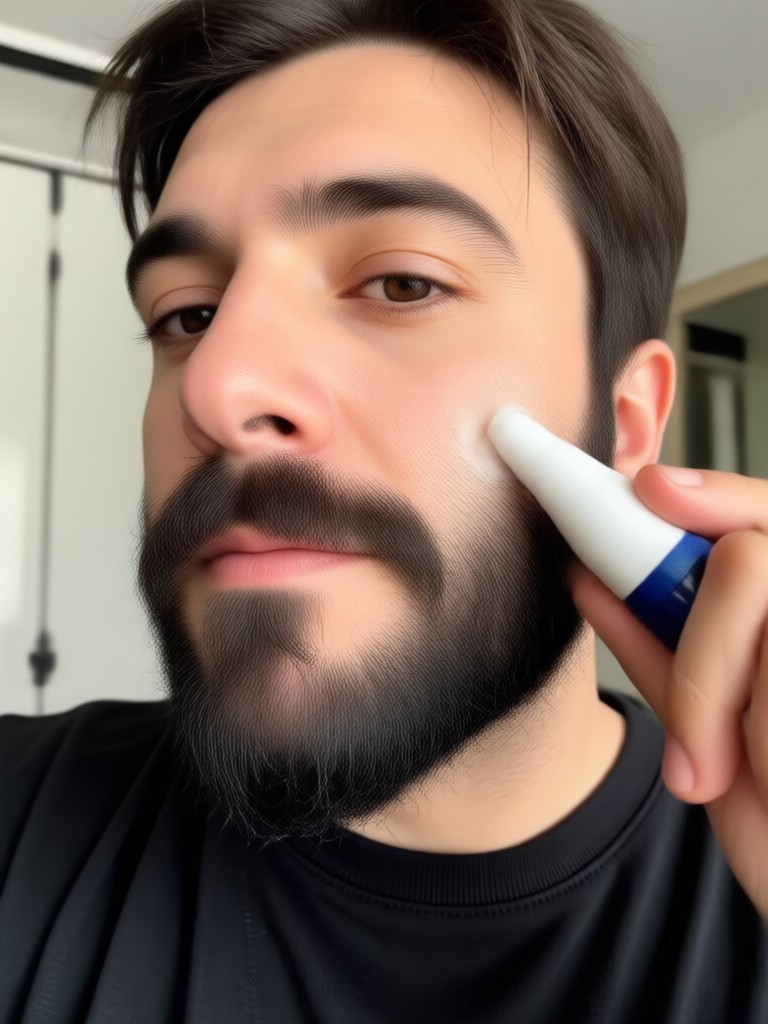
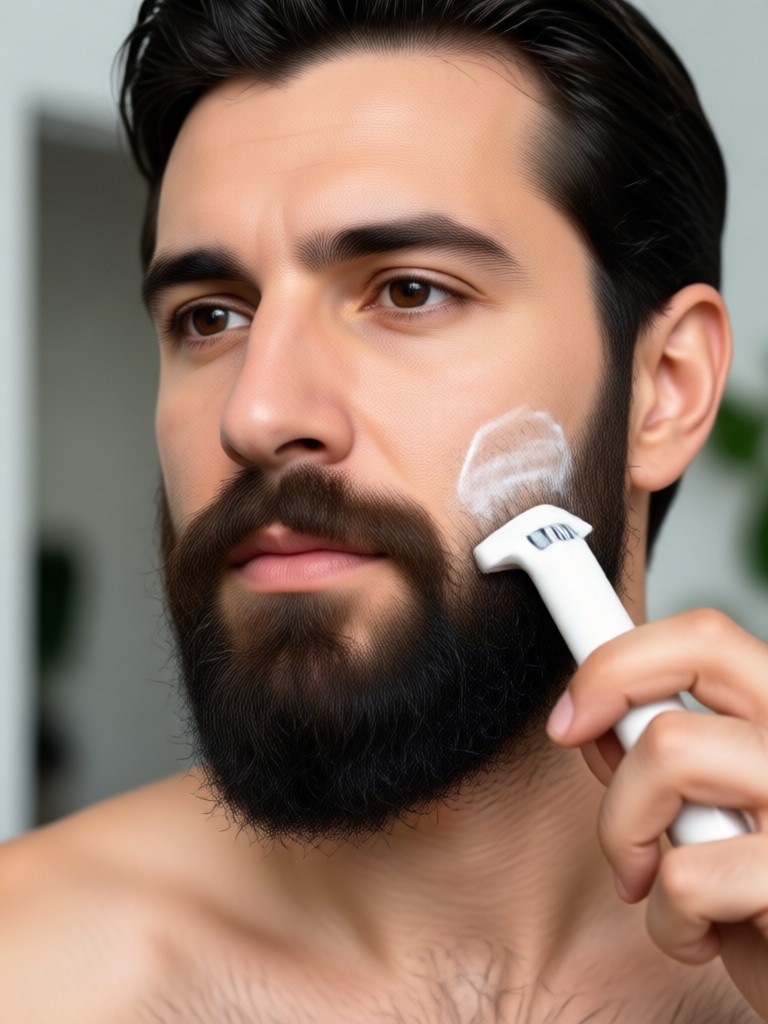
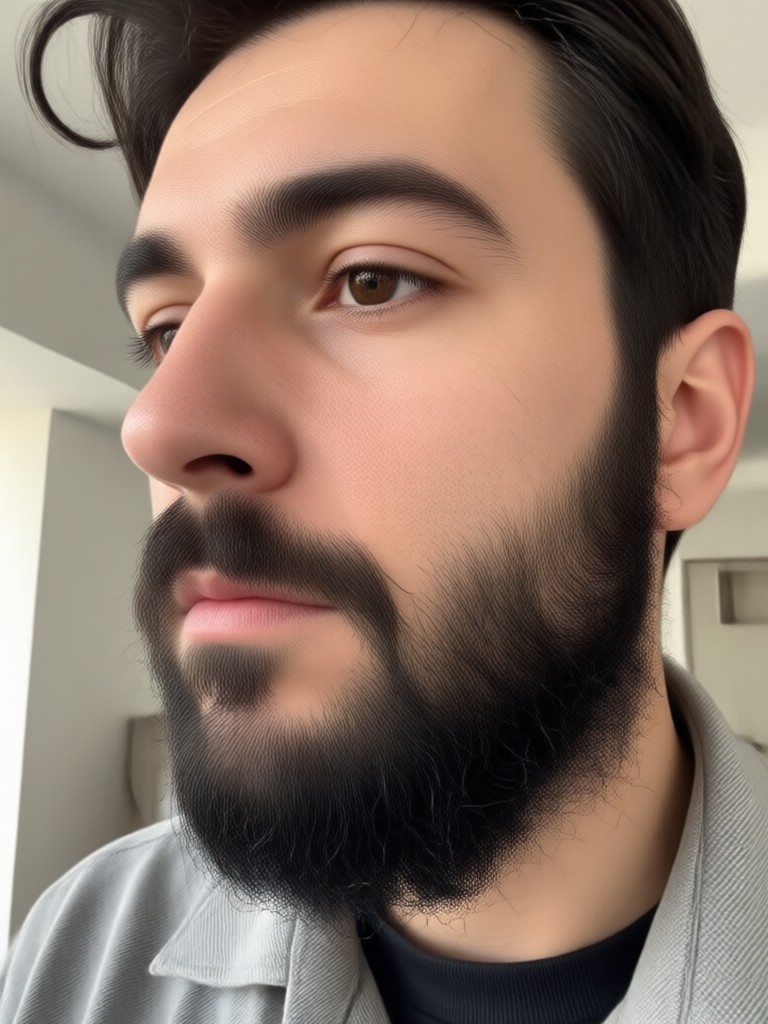
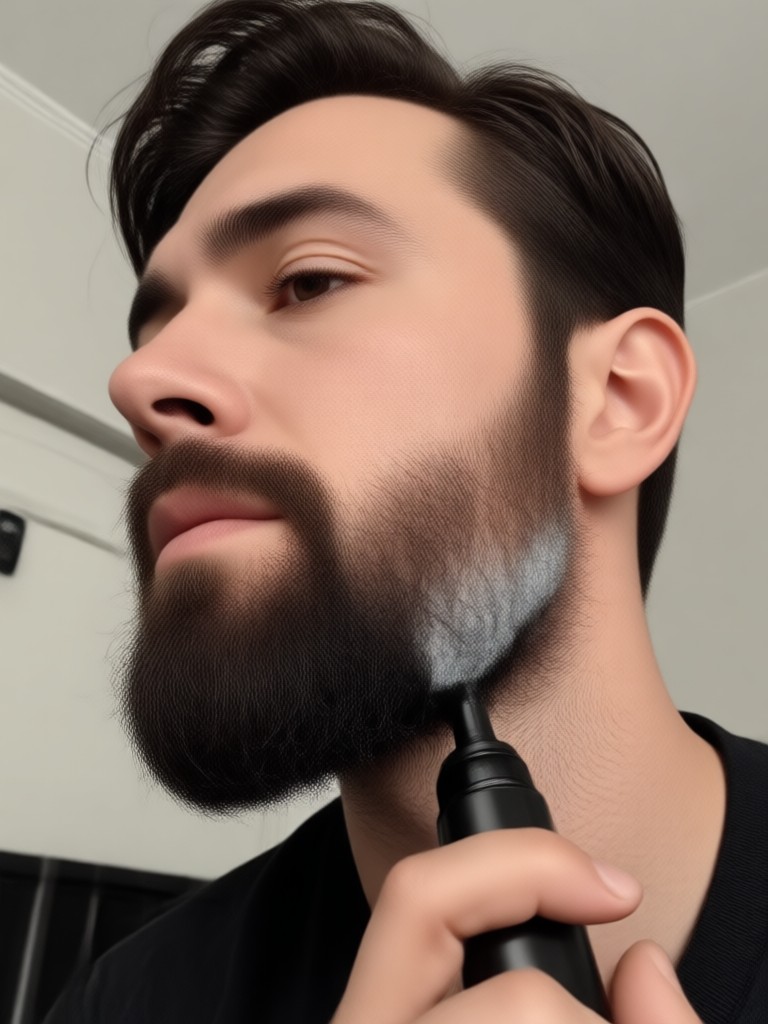
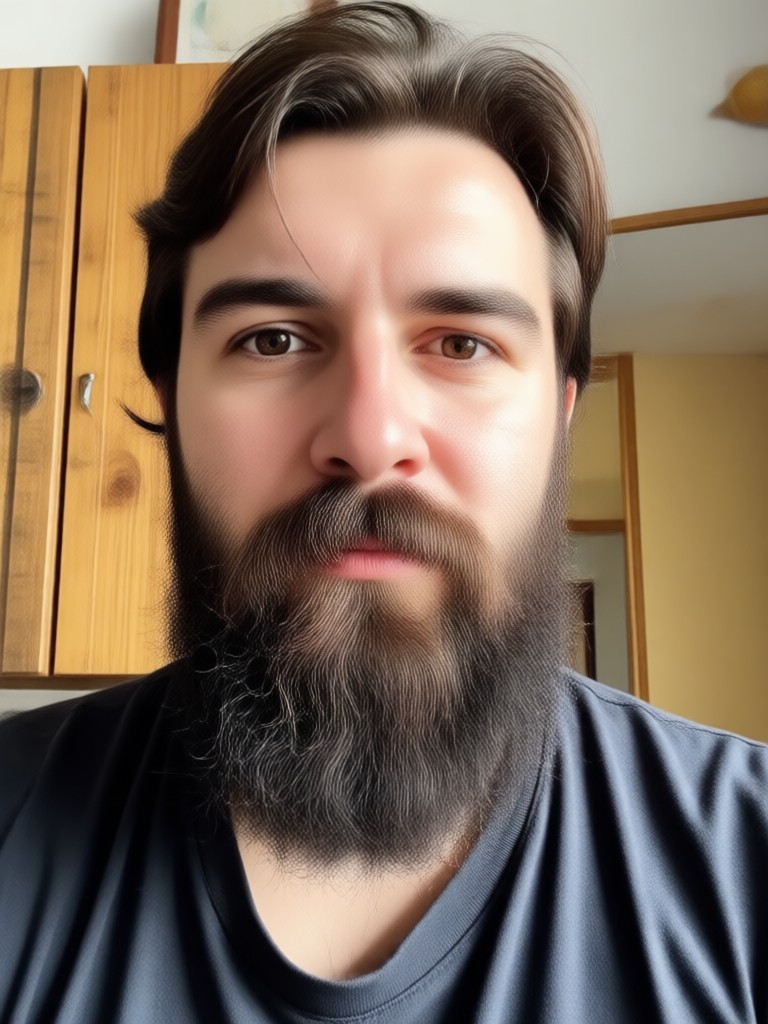
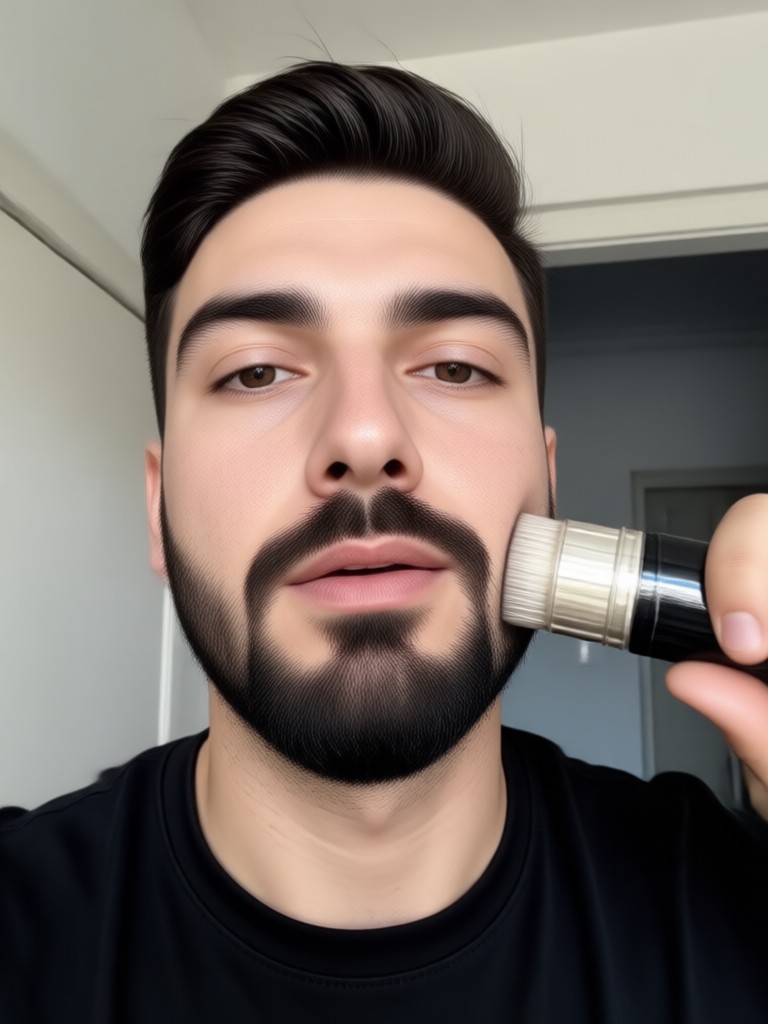
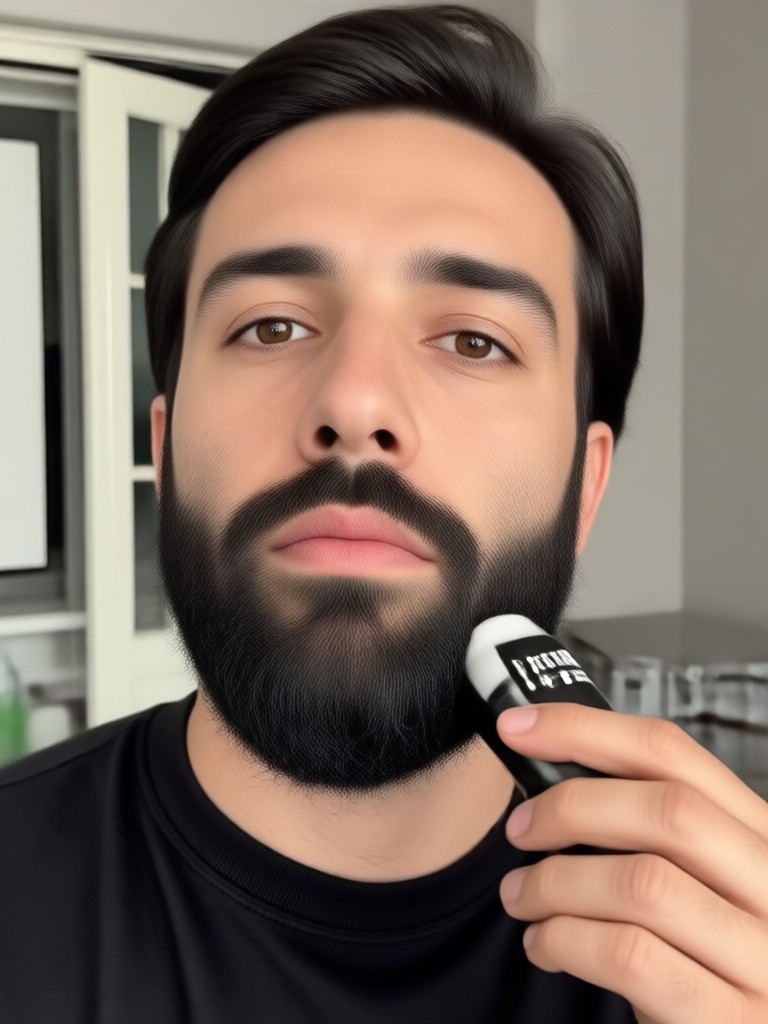
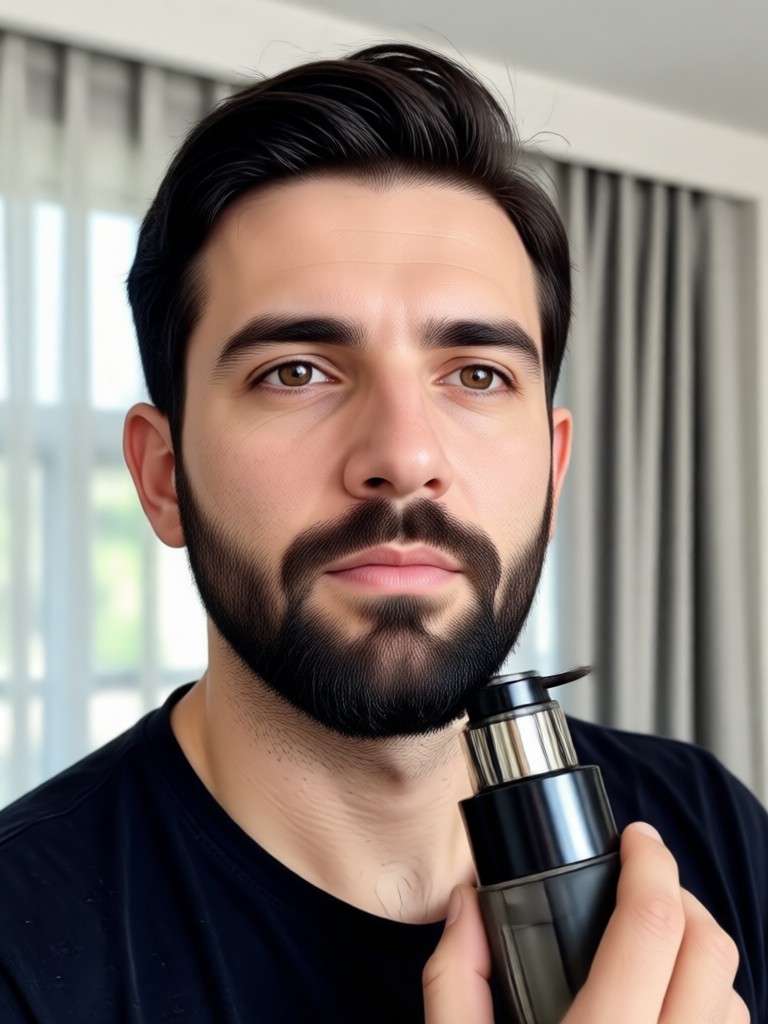
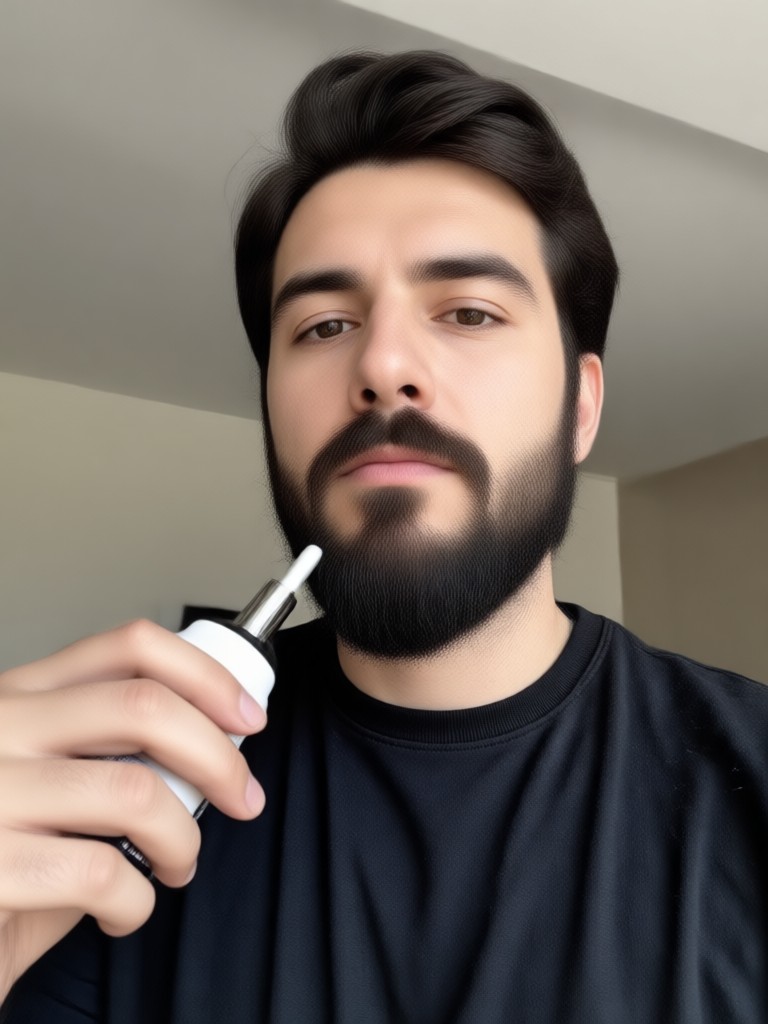
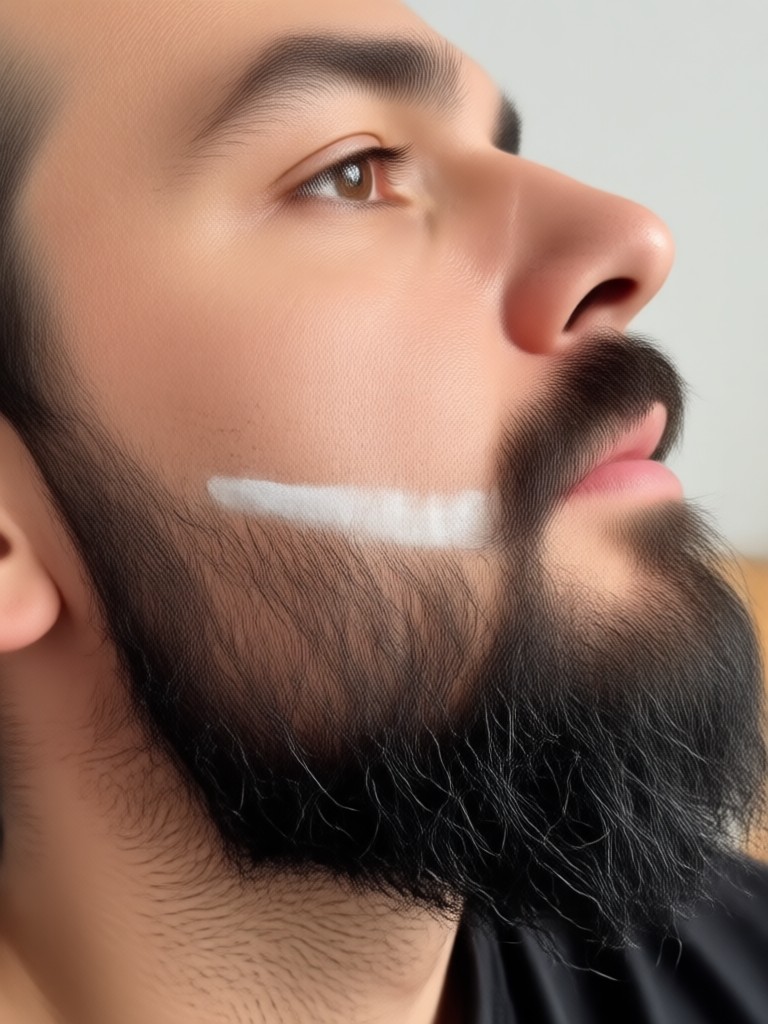
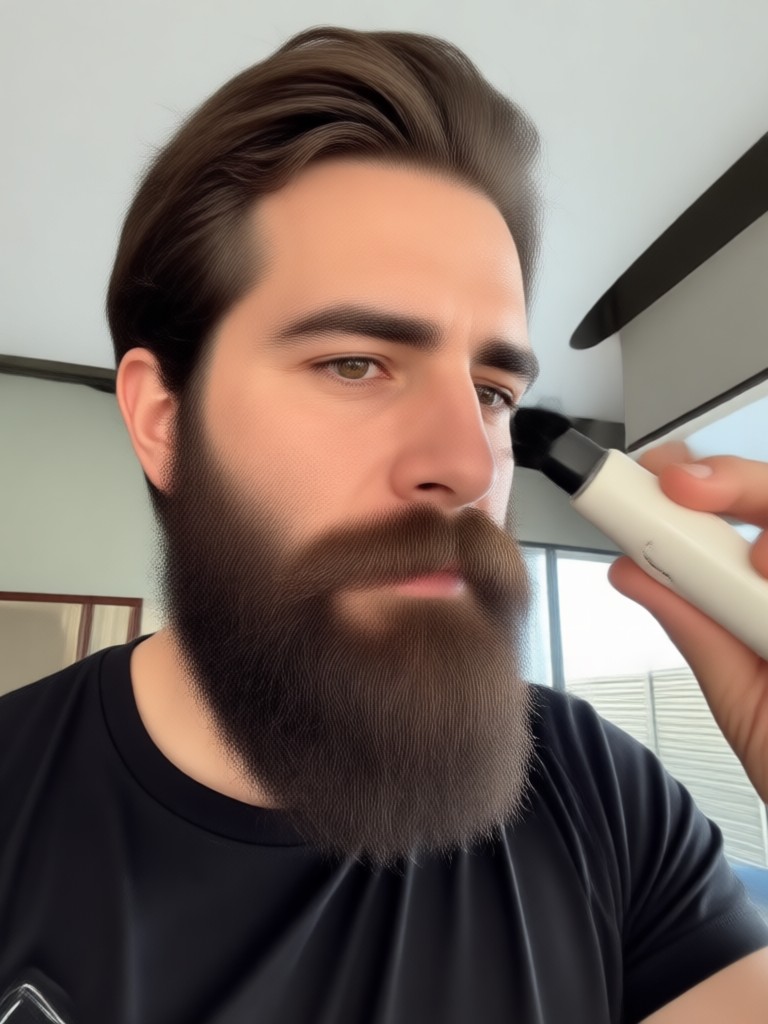
See how PixPop transforms bearded selfies into clean shaven portraits with realistic detail. These AI generated results show natural jawlines, smooth skin, and believable light.
How to Remove Beard From Photo
Create a clean shaven version of yourself in three simple steps using PixPop on your Android phone.

Step 01.
Download PixPop from Google Play and open the app on your phone.

Step 02.
Upload a clear selfie and select the beard remover filter from the facial hair editing tools.

Step 03.
Let AI erase the beard, preview your clean shaven look, then save or share the image.
Why Use PixPop Beard Remover
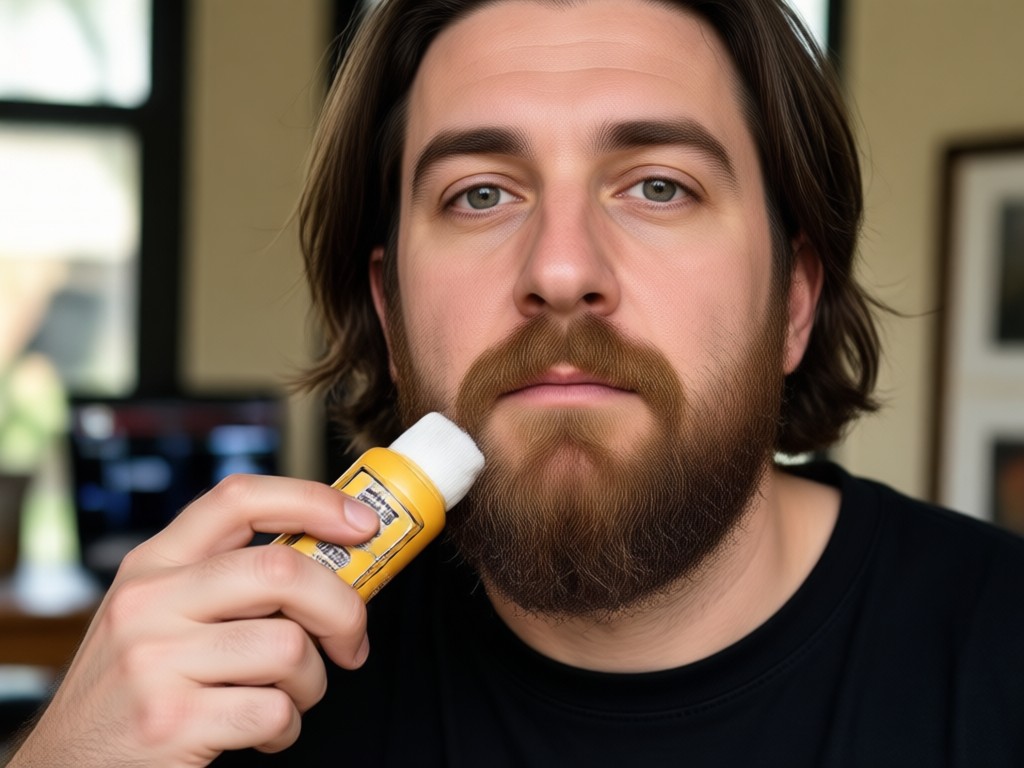
Unlike simple photo editors that blur or smudge, PixPop uses generative AI to rebuild the skin beneath facial hair. The result looks like you actually shaved, not like a quick clone stamp job. Try it once and you will see the difference.
Why Use PixPop Beard Remover
Unlike simple photo editors that blur or smudge, PixPop uses generative AI to rebuild the skin beneath facial hair. The result looks like you actually shaved, not like a quick clone stamp job. Try it once and you will see the difference.
AI Beard Eraser for Android
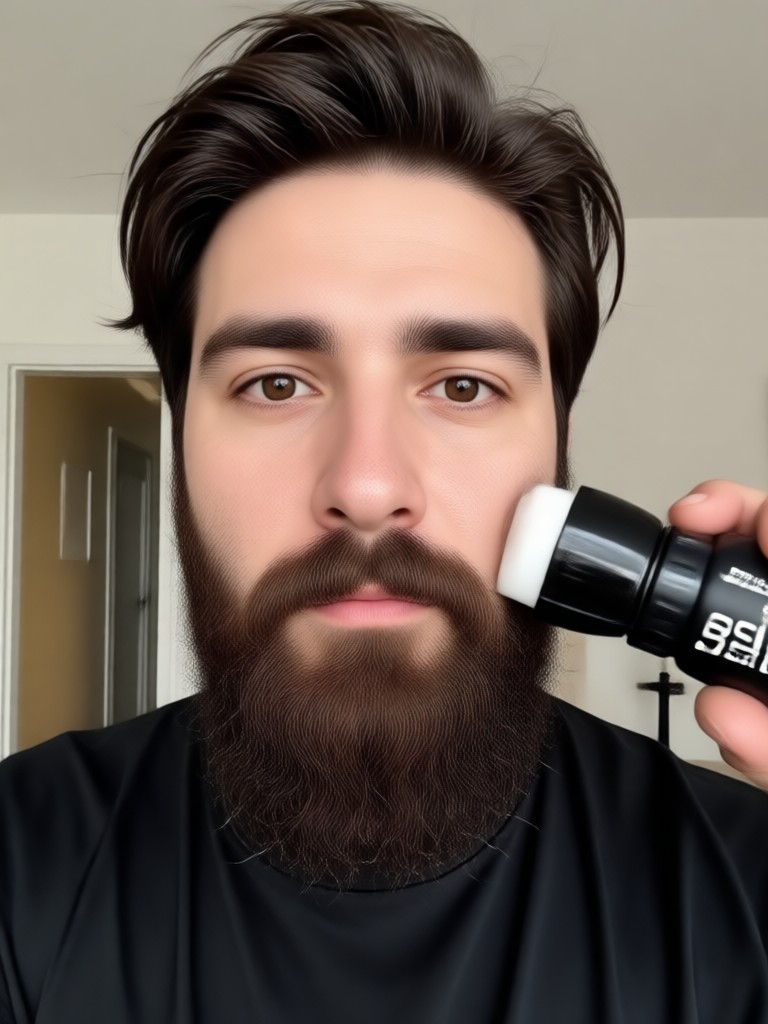
Remove beard from photo on your phone. Download PixPop and get a clean shaven preview without any design skills.

Who Uses Photo Beard Remover

Marcus Reid
I wanted to update my LinkedIn profile without actually shaving. PixPop showed me a clean shaven version and I ended up doing it for real.

Jenna Cole
My brother had a huge beard in our family photo. I removed it with PixPop and the result looked completely natural.
Tom Alvarez
I used the beard eraser before a job interview. It gave me a realistic clean shaven preview that helped me decide to shave.
Priya Nair
I needed a clean shaven avatar for a game. PixPop removed my beard from a selfie and kept my face shape perfect.
Marcus Reid
I wanted to update my LinkedIn profile without actually shaving. PixPop showed me a clean shaven version and I ended up doing it for real.
Jenna Cole
My brother had a huge beard in our family photo. I removed it with PixPop and the result looked completely natural.
Tom Alvarez
I used the beard eraser before a job interview. It gave me a realistic clean shaven preview that helped me decide to shave.
Priya Nair
I needed a clean shaven avatar for a game. PixPop removed my beard from a selfie and kept my face shape perfect.
Marcus Reid
I wanted to update my LinkedIn profile without actually shaving. PixPop showed me a clean shaven version and I ended up doing it for real.
Jenna Cole
My brother had a huge beard in our family photo. I removed it with PixPop and the result looked completely natural.
Tom Alvarez
I used the beard eraser before a job interview. It gave me a realistic clean shaven preview that helped me decide to shave.
Priya Nair
I needed a clean shaven avatar for a game. PixPop removed my beard from a selfie and kept my face shape perfect.
Frequently Asked Questions
Find clear answers about removing beard from photo with PixPop AI.
More Topics You May Like
Explore more AI photo editing tools and style guides to transform your selfies.
AI Image Generator: No Watermark, Just Clean HD Art
Create stunning AI images without watermarks. Pixpop generates clean, high resolution art, photos and anime from text instantly. Full ownership, no restrictions. Download the app free.
Remove Photo Wrinkles Free: AI Face Smoothing App
Remove wrinkles from photos for free with pixpop. Upload a portrait, pick a smoothing filter, and let AI retouch skin naturally. No editing skills needed. Get the app.

AI Car Image Generator: Create Dream Cars Instantly
Generate photorealistic AI car images from simple text prompts. pixpop lets you design sports cars, futuristic concepts, and custom vehicle renders in seconds. Download the app now.
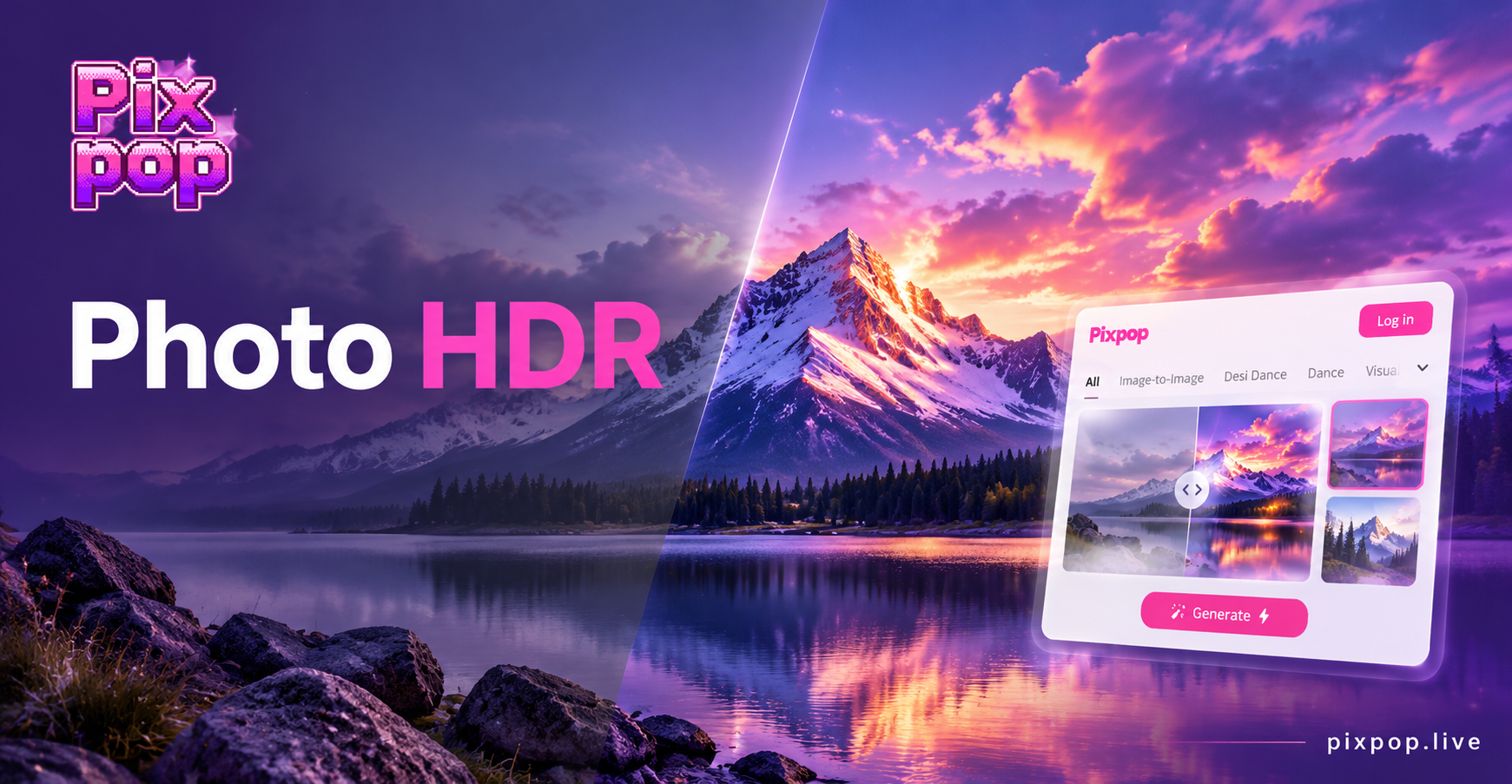
Photo HDR Converter: Turn Photos into HDR Art
Photo HDR Converter lets you transform any image into a high dynamic range masterpiece. Upload a photo, choose an HDR style, and get realistic results in seconds. No photo editing skills needed.
Ready to See Yourself Without a Beard?
Download PixPop and remove beard from photo in seconds. Get clean shaven results that look natural, then share your new look everywhere.

Ready to See Yourself Without a Beard?
Download PixPop and remove beard from photo in seconds. Get clean shaven results that look natural, then share your new look everywhere.