AI Car Image Generator
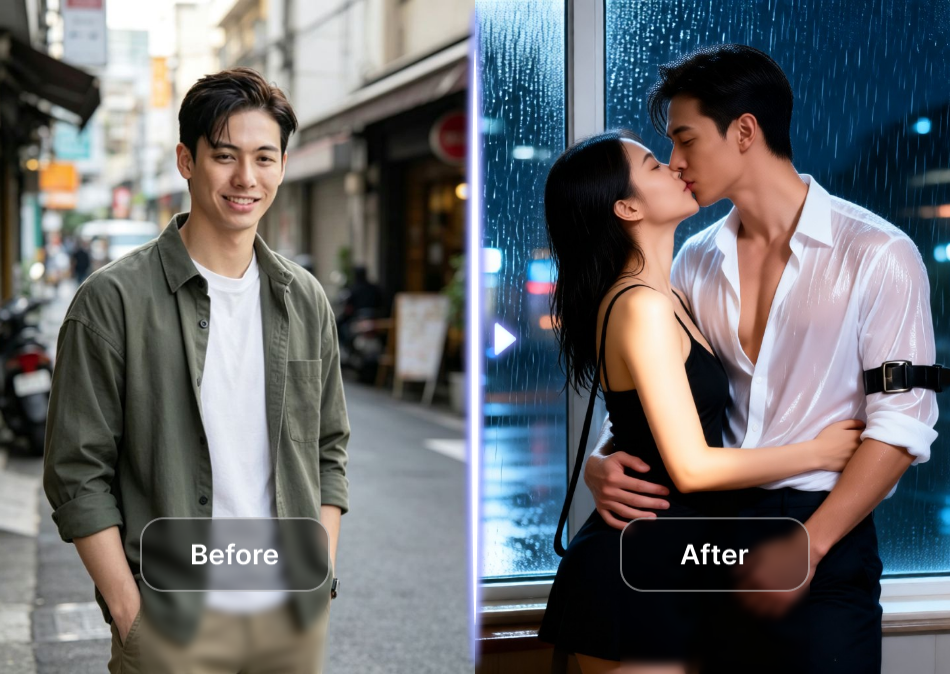
Choose the AI Car Style That Fits Your Vision
pixpop offers a massive library of style filters for every car type. Pick one and start generating.
Key Features of AI Car Image Generator
pixpop makes car design simple and fast with three powerful tools built into one mobile app. No complex prompts or expensive software required.
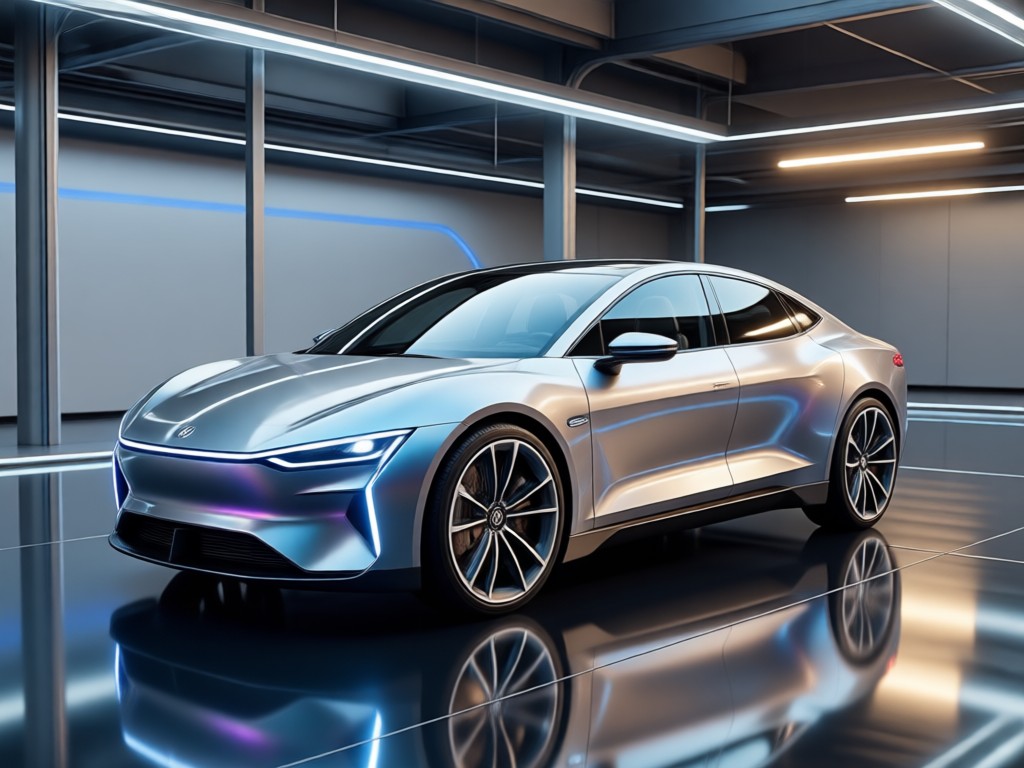
Text to Car Image
Type a simple description like a matte black muscle car at sunset and get a high quality photorealistic render in seconds. Choose from millions of styles to match your exact vision.
Text to Car Image
Type a simple description like a matte black muscle car at sunset and get a high quality photorealistic render in seconds. Choose from millions of styles to match your exact vision.
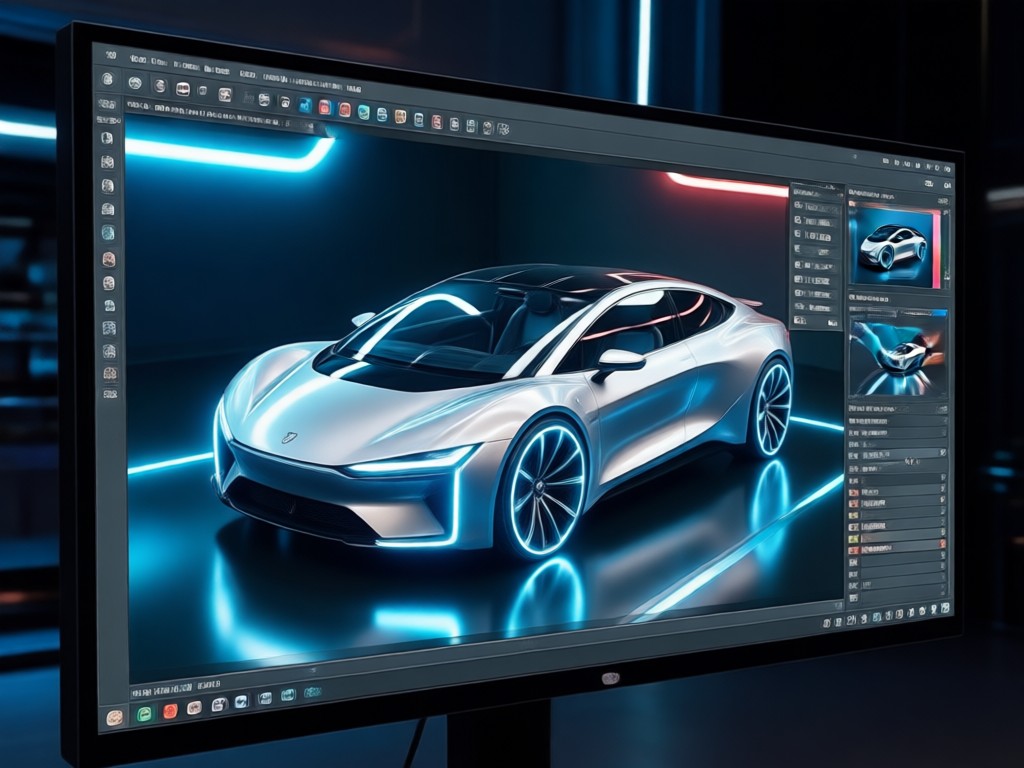
Image to Car Redesign
Upload an existing car photo and let AI transform the color, body kit, wheels, or background while keeping the vehicle's core shape. Perfect for quick redesigns and concept exploration.
Image to Car Redesign
Upload an existing car photo and let AI transform the color, body kit, wheels, or background while keeping the vehicle's core shape. Perfect for quick redesigns and concept exploration.
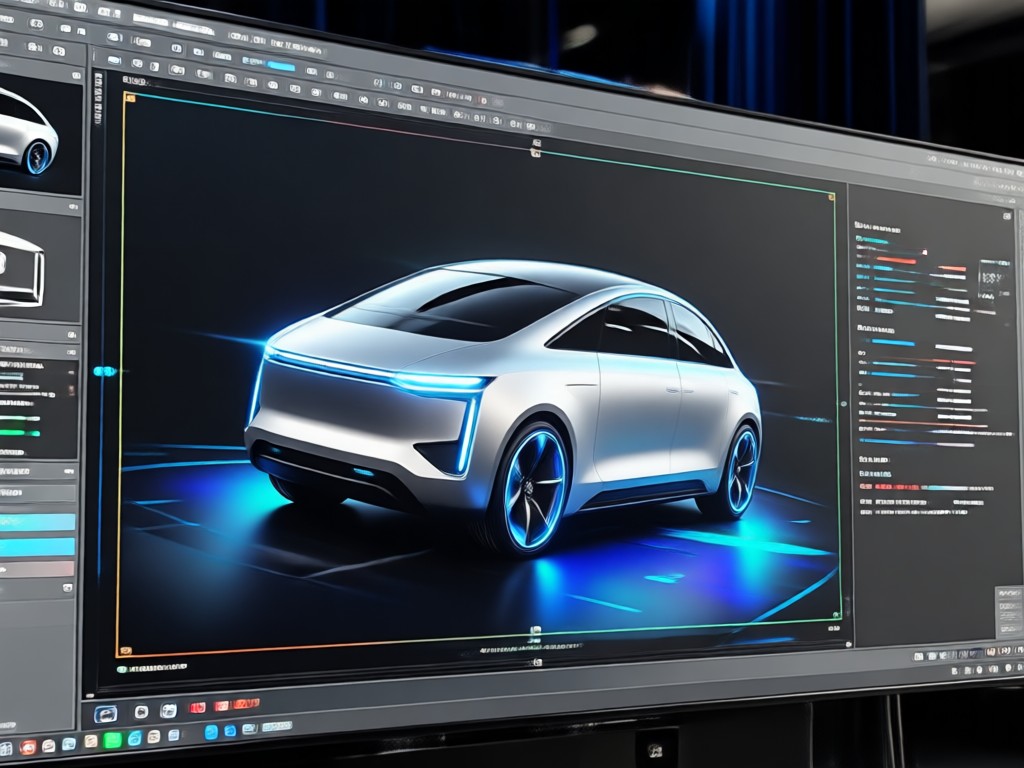
Massive Style Library
Access over one million filters including anime cars, 3D clay models, watercolor sketches, oil paintings, and cinematic renders. Switch styles with one tap and keep your subject consistent.
Massive Style Library
Access over one million filters including anime cars, 3D clay models, watercolor sketches, oil paintings, and cinematic renders. Switch styles with one tap and keep your subject consistent.
How to Generate AI Car Images in 3 Steps
Create custom car images in minutes with pixpop. Download the app, pick a style, and generate your first render right away.

Step 01.
Download the pixpop app from Google Play and open it on your Android phone.

Step 02.
Type a text prompt or upload a car photo. Select a style filter such as cyberpunk, anime, or photorealistic.

Step 03.
Tap generate and save or share your AI car image to social media in one click.
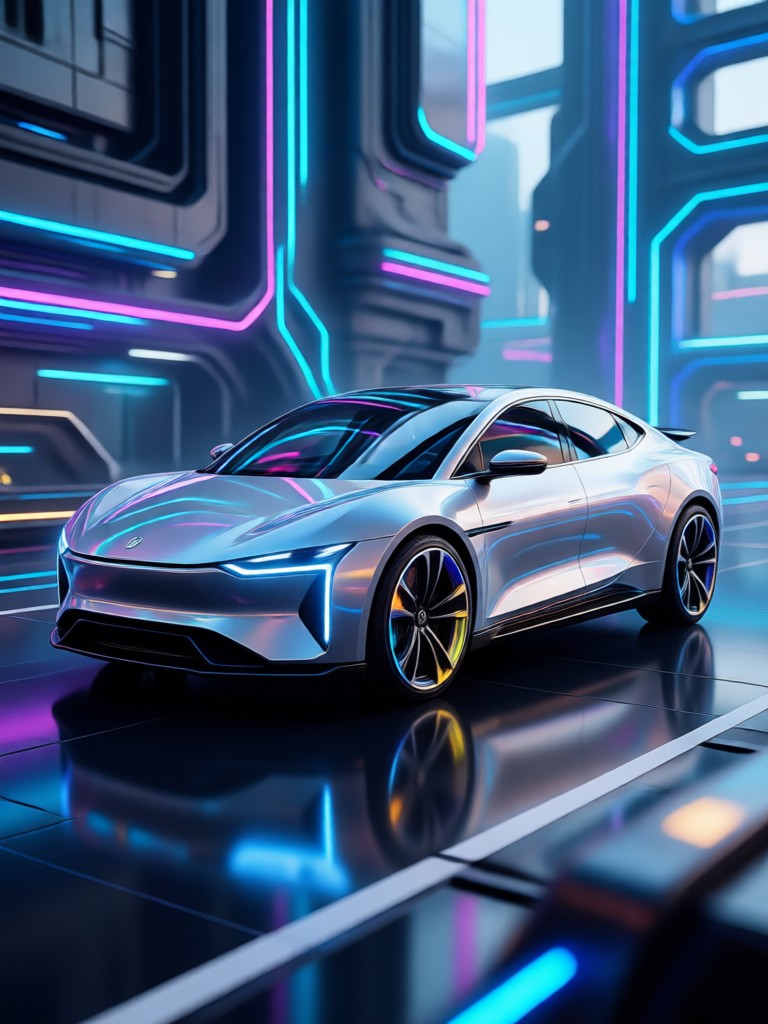
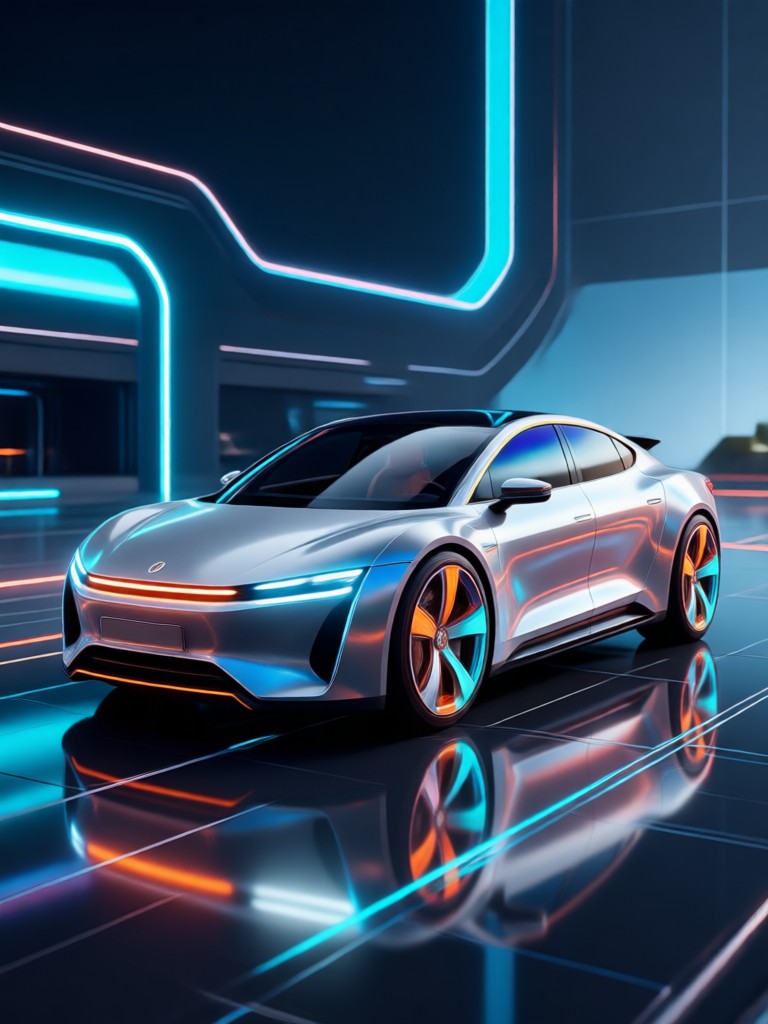
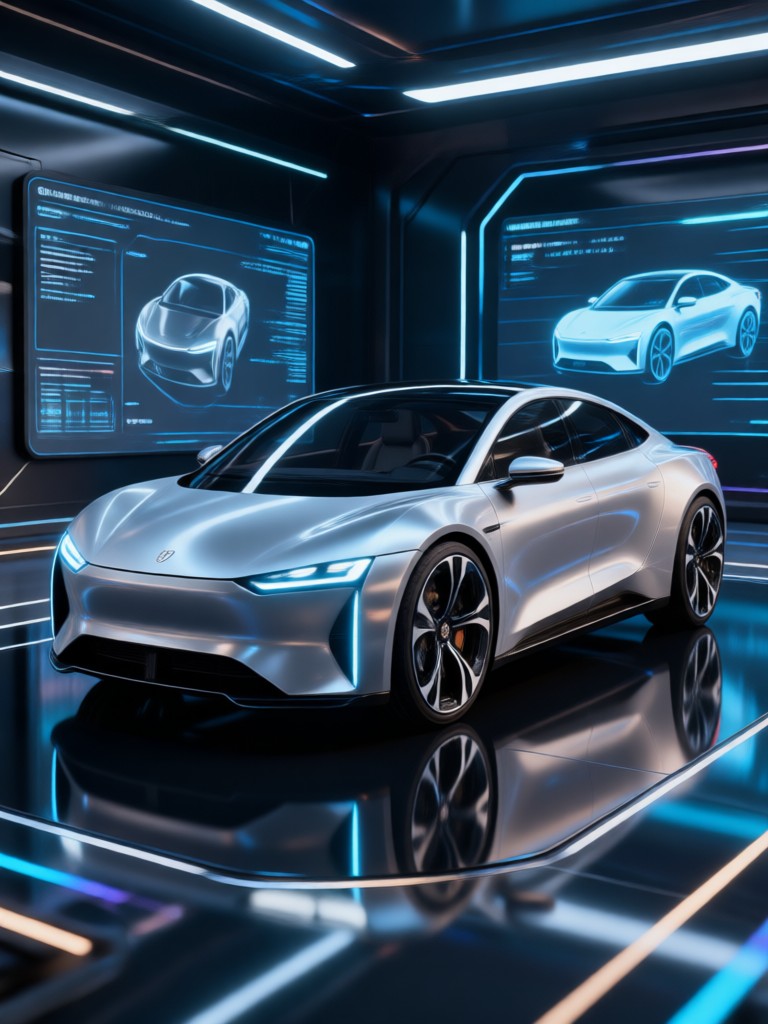
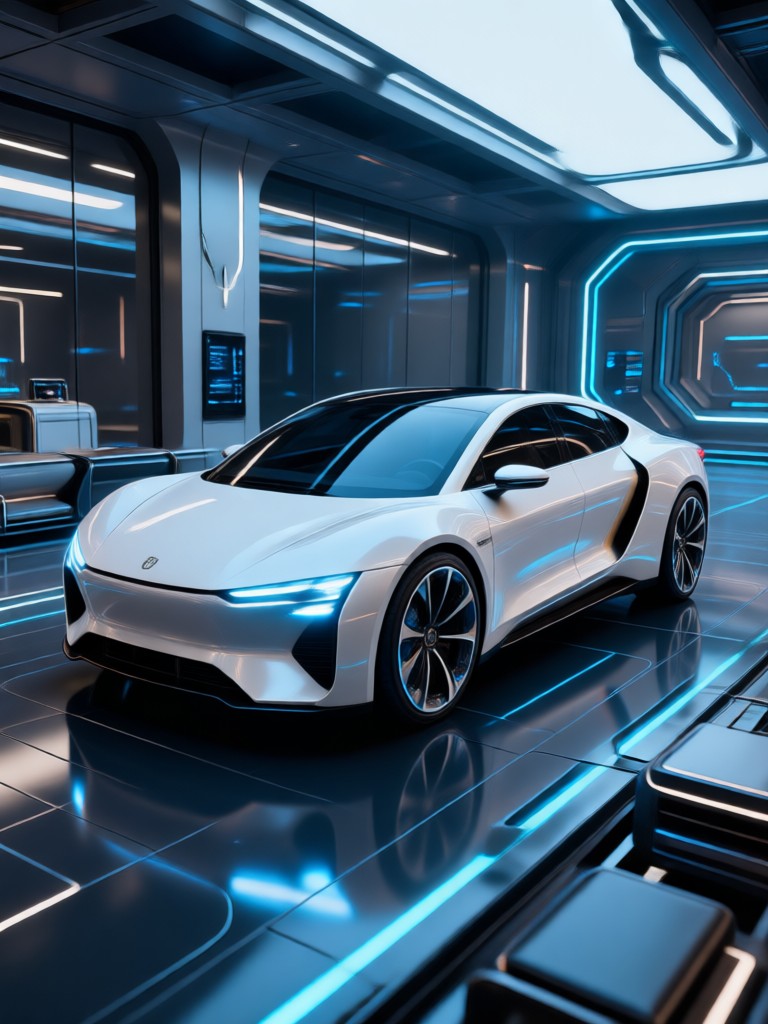
Explore AI Generated Car Images
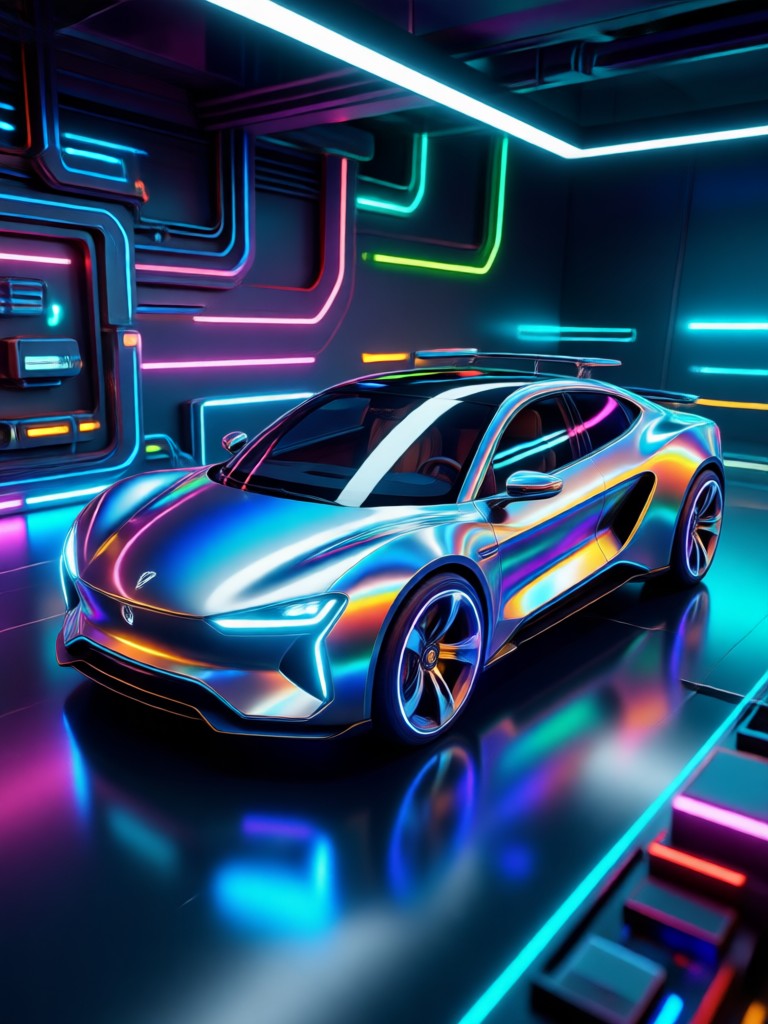
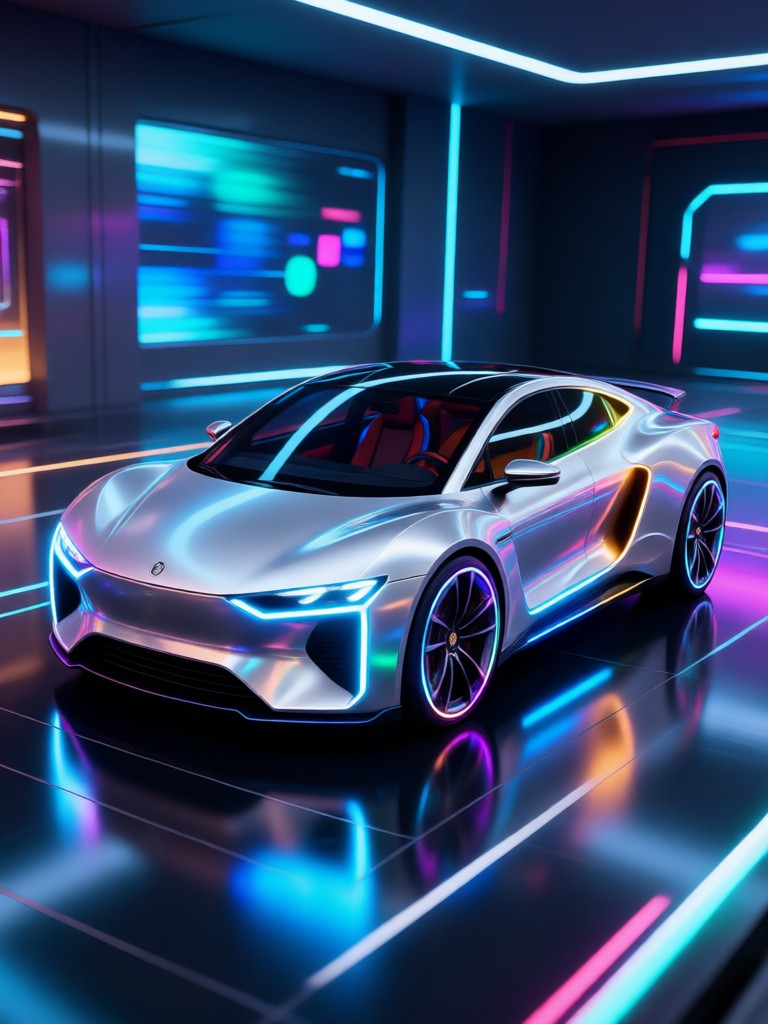
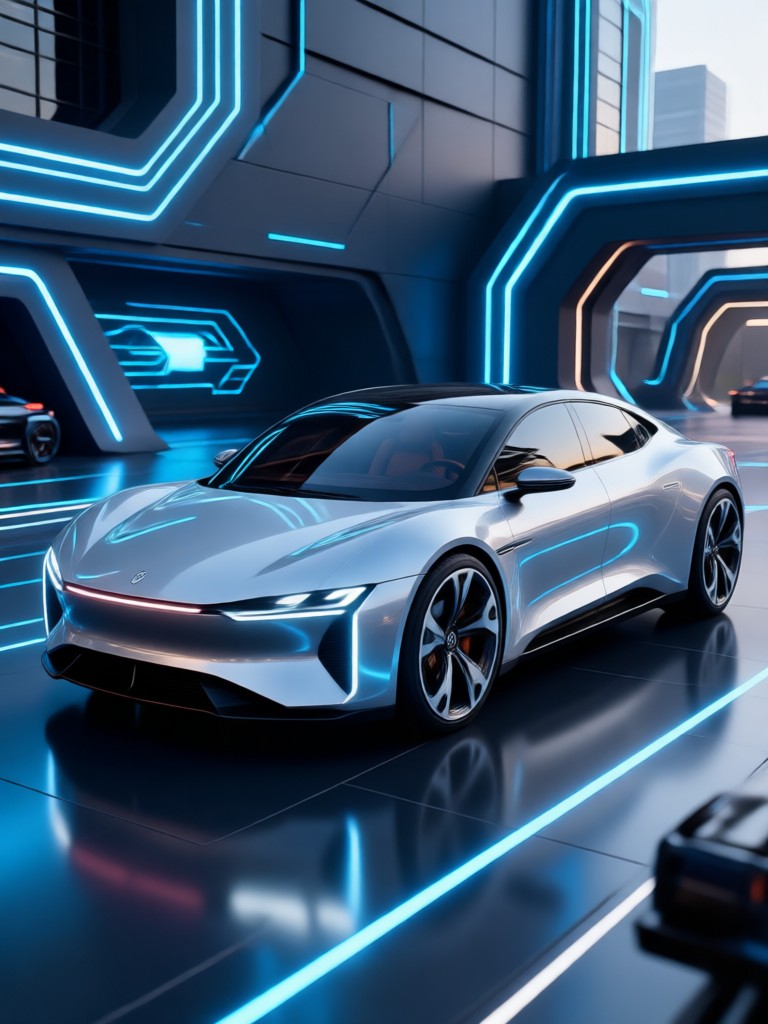
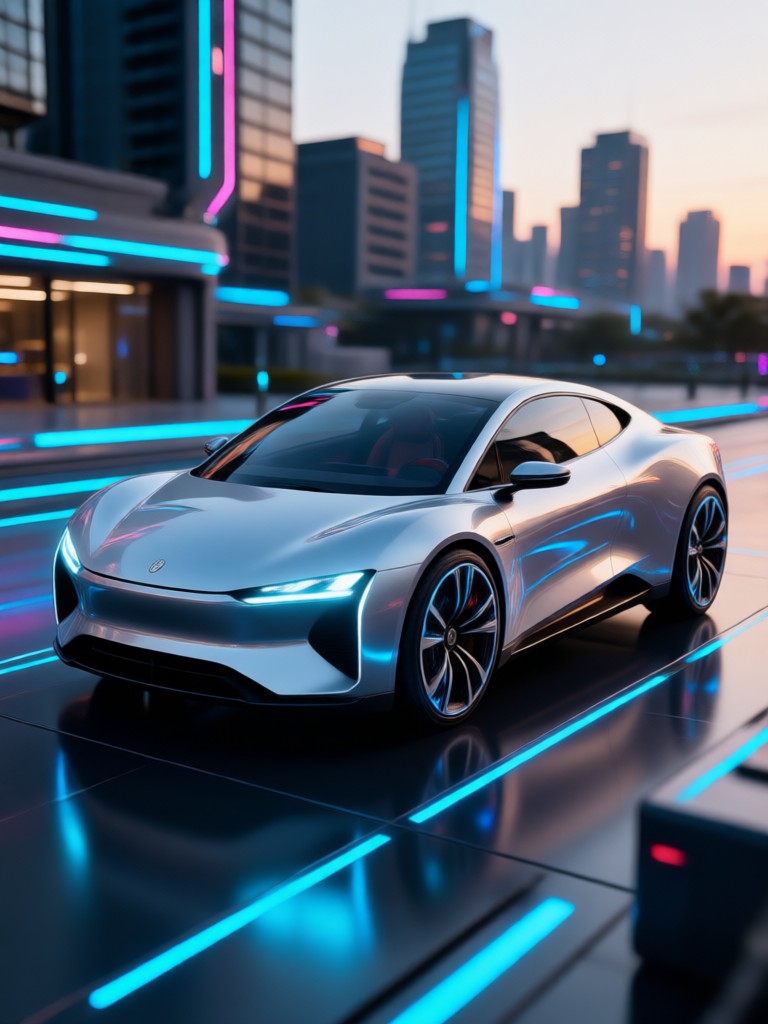
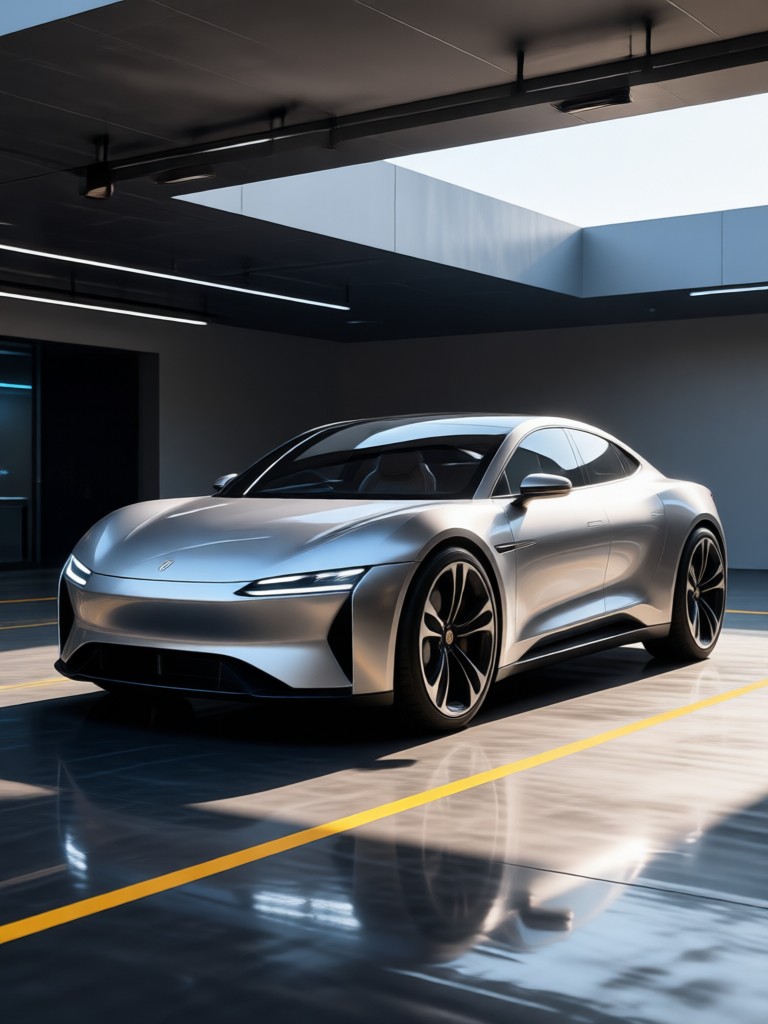
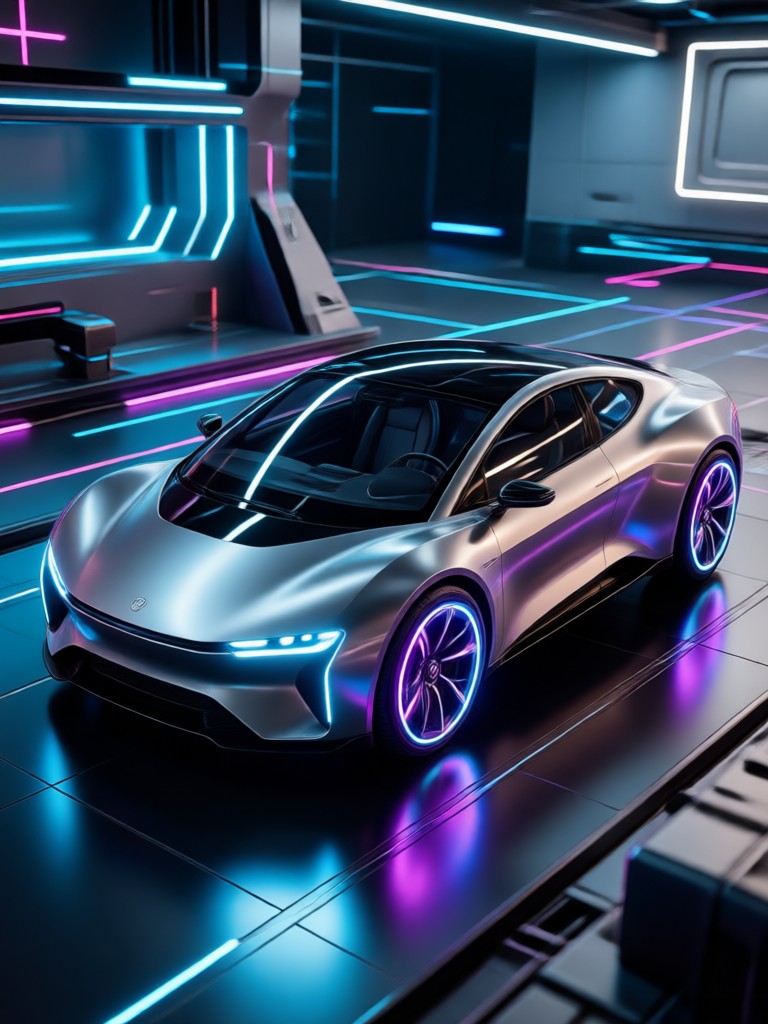
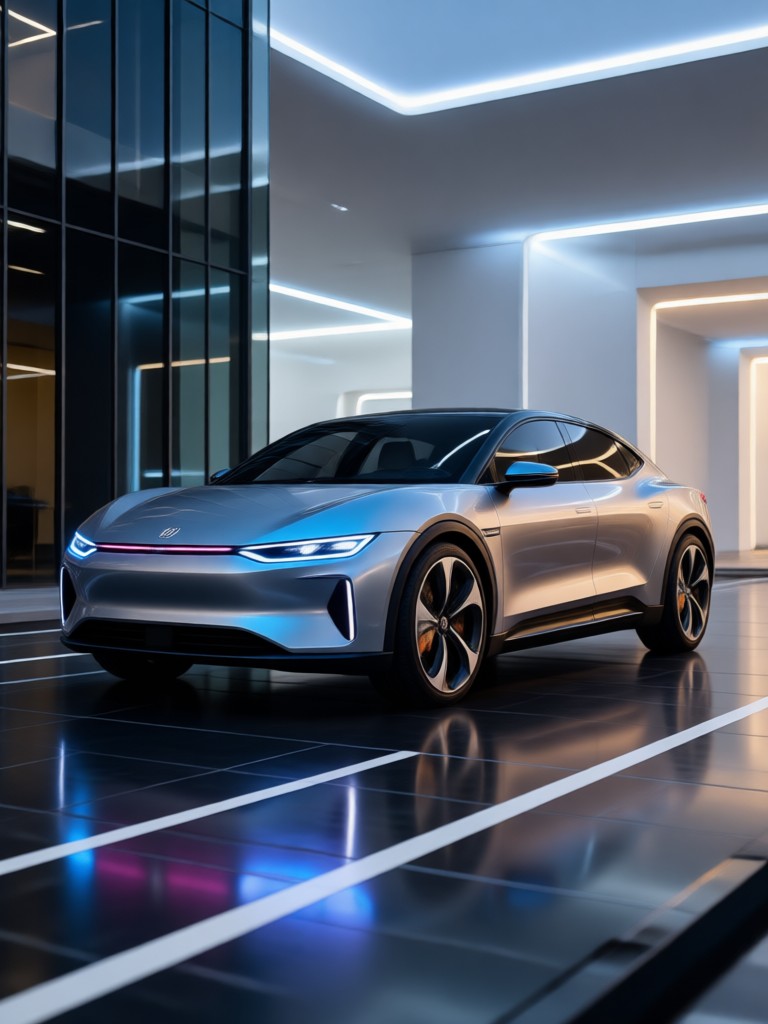
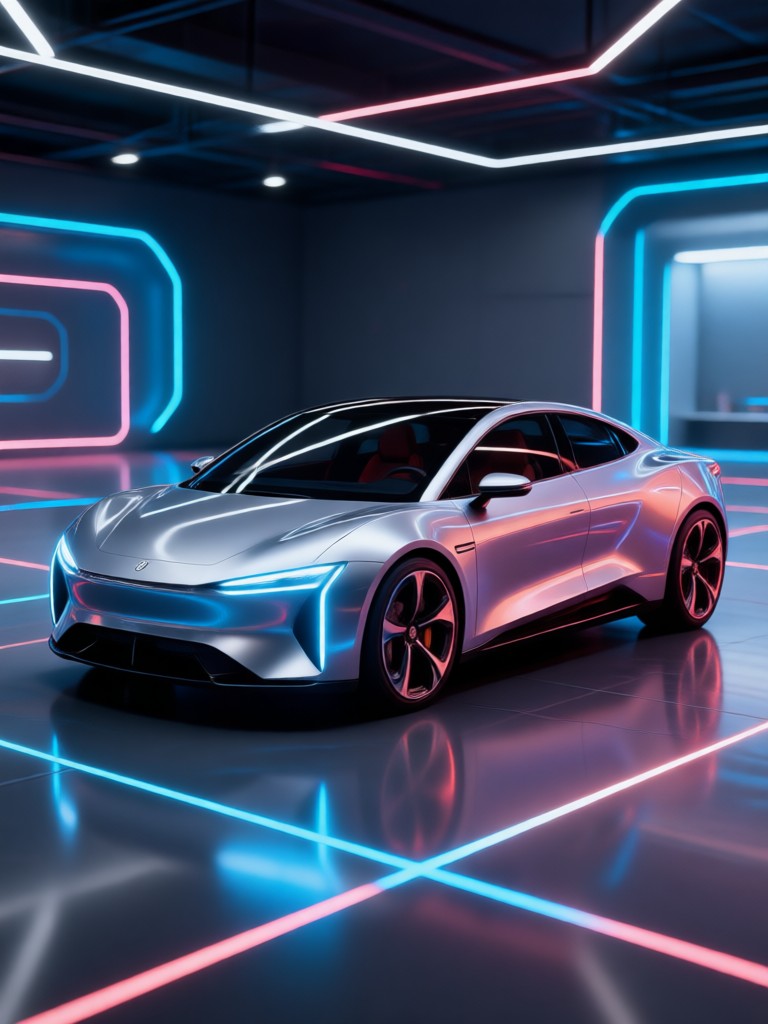
Browse examples created with pixpop. From concept cars to showroom ready renders, see what you can generate in seconds.
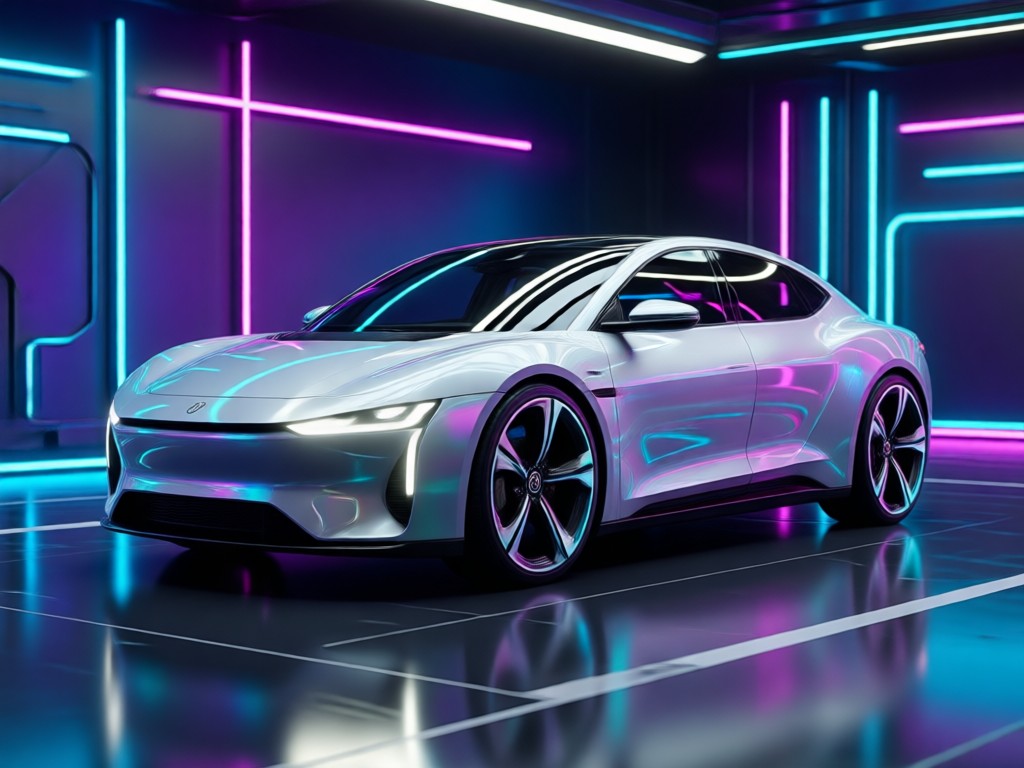
Why Use pixpop for AI Car Images?
Most AI car design tools require expensive desktop software or complex prompt engineering. pixpop puts a full AI car image generator in your pocket. Generate multiple concepts in minutes, compare styles side by side, and download high resolution renders directly to your phone. No learning curve.
Why Use pixpop for AI Car Images?
Most AI car design tools require expensive desktop software or complex prompt engineering. pixpop puts a full AI car image generator in your pocket. Generate multiple concepts in minutes, compare styles side by side, and download high resolution renders directly to your phone. No learning curve.
Here Is What Car Enthusiasts and Designers Say
Perfect for quick concept sketches
I use pixpop to explore different body styles and color options before I commit to a full 3D model. The photorealistic renders save me hours every week. The style filters are incredibly detailed.
My car edits went viral
I uploaded a photo of my sedan and changed it to a wide body sports car in one tap. The results looked so real that my friends thought I bought a new car. Sharing to Instagram was seamless.
No design skills needed
I just typed a few words and got a stunning cyberpunk car image. I use it for my YouTube thumbnails and phone wallpaper. The app is easy to use and the results are consistently high quality.
Frequently Asked Questions About AI Car Image Generator
Find answers to common questions about creating AI car images with pixpop.
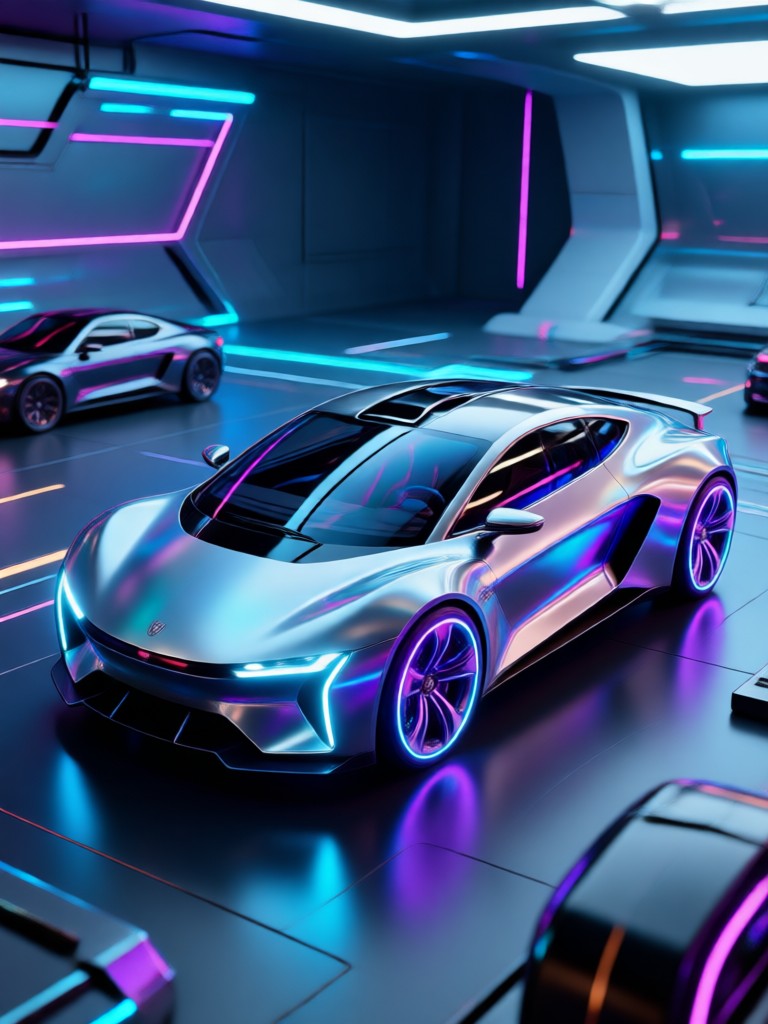
Download pixpop and Start Generating AI Car Images
Create photorealistic car renders, concept designs, and stylized vehicle art right from your phone. Get the app free on Google Play.

More Topics You May Like
Explore more AI image tools and creative guides.
Photo HDR Converter: Turn Photos into HDR Art
Create Stunning AI Generated Wallpapers in Seconds
How to Create a Talking Avatar: Easy AI Avatar Maker
Add Someone To A Picture Instantly with AI Photo Editor
Photo HDR Converter: Turn Photos into HDR Art
Create Stunning AI Generated Wallpapers in Seconds
How to Create a Talking Avatar: Easy AI Avatar Maker
Add Someone To A Picture Instantly with AI Photo Editor
Ready to Create AI Car Images?
Download pixpop now and turn your car ideas into photorealistic images. Choose from millions of style filters and generate in seconds.

Ready to Create AI Car Images?
Download pixpop now and turn your car ideas into photorealistic images. Choose from millions of style filters and generate in seconds.