Photo HDR Converter: Turn Photos into HDR Art
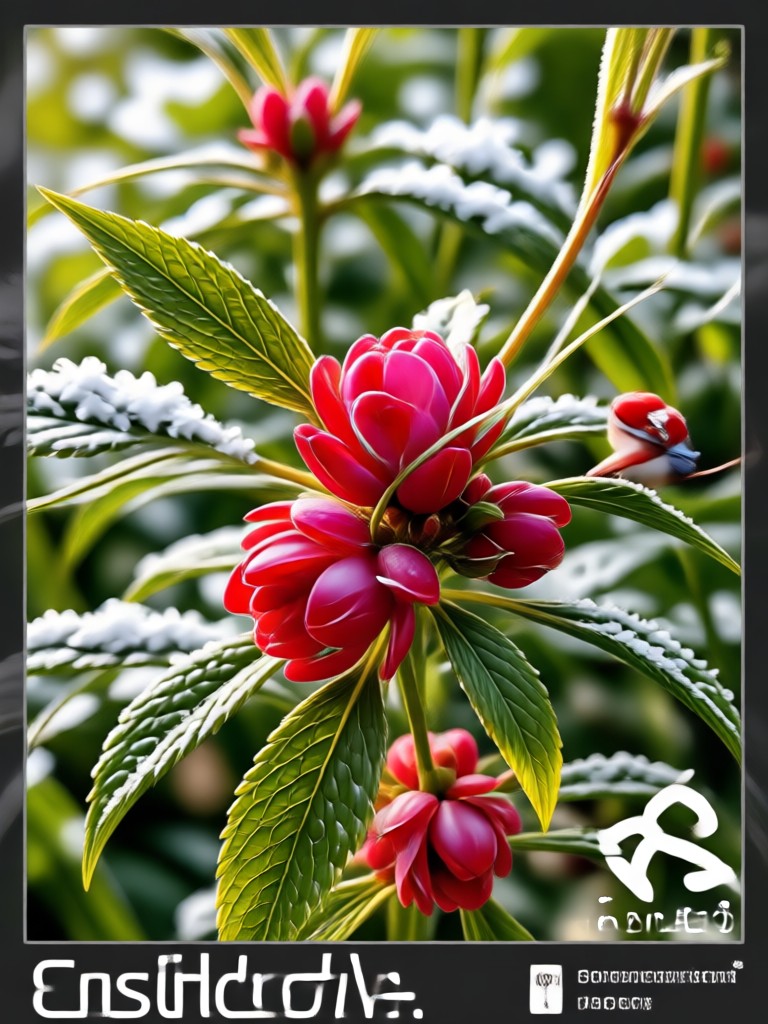
Choose Your HDR Style Filter
Explore a variety of HDR filters, from natural tone mapping to dramatic high contrast looks, and find the perfect match for your photo.
Key Features of Photo HDR Converter
Discover how the Photo HDR Converter in pixpop transforms your images with AI powered HDR enhancement, giving you professional quality results in seconds.
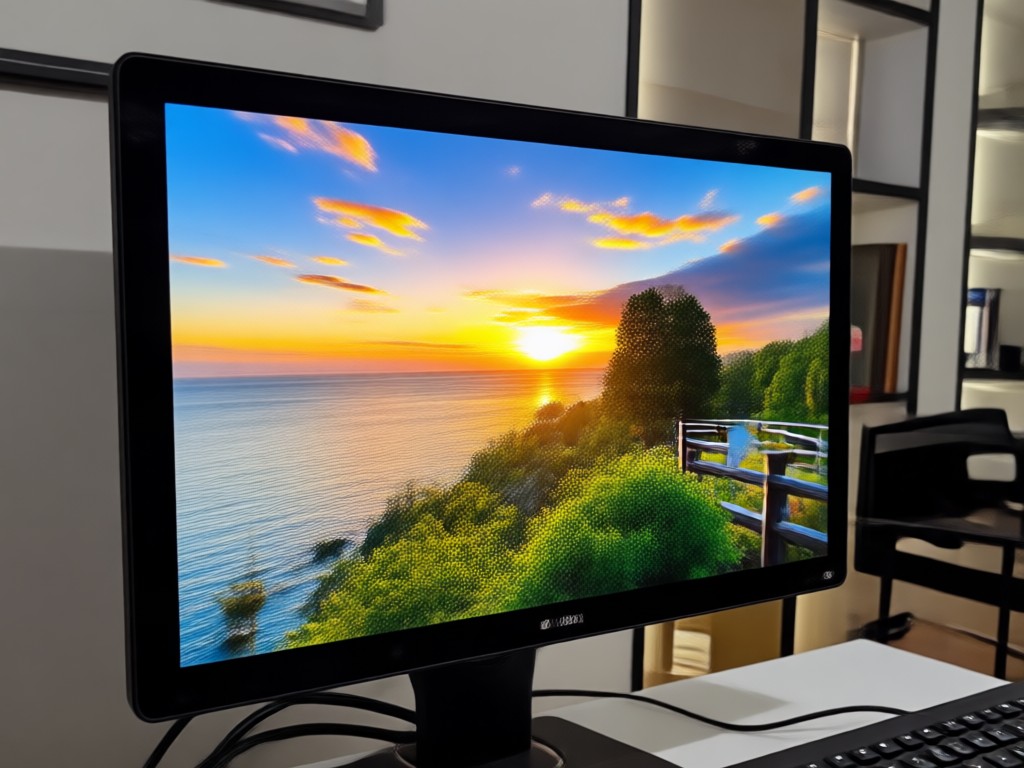
AI HDR Enhancement
Upload any photo and let AI intelligently expand the dynamic range. It balances shadows and highlights, recovers details in dark areas, and prevents blown out skies for a natural HDR look.
AI HDR Enhancement
Upload any photo and let AI intelligently expand the dynamic range. It balances shadows and highlights, recovers details in dark areas, and prevents blown out skies for a natural HDR look.
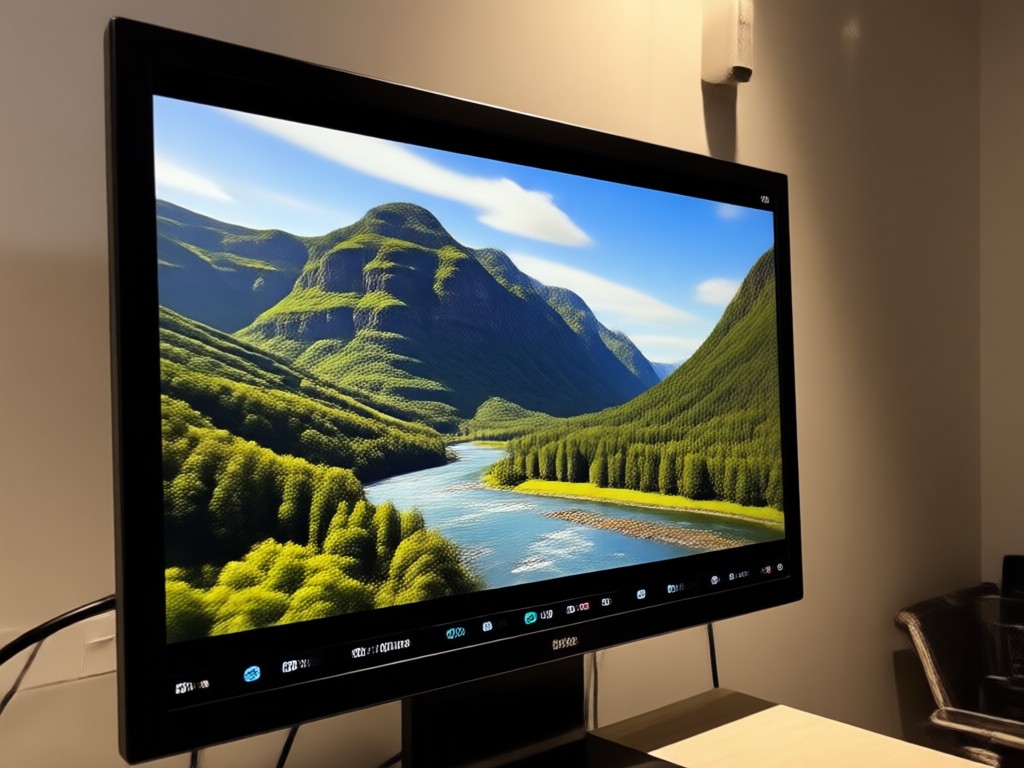
One Tap Style Presets
Choose from dozens of HDR presets including realistic, cinematic, dramatic, and soft glow. Each preset instantly applies a unique mood and color grading to your image.
One Tap Style Presets
Choose from dozens of HDR presets including realistic, cinematic, dramatic, and soft glow. Each preset instantly applies a unique mood and color grading to your image.
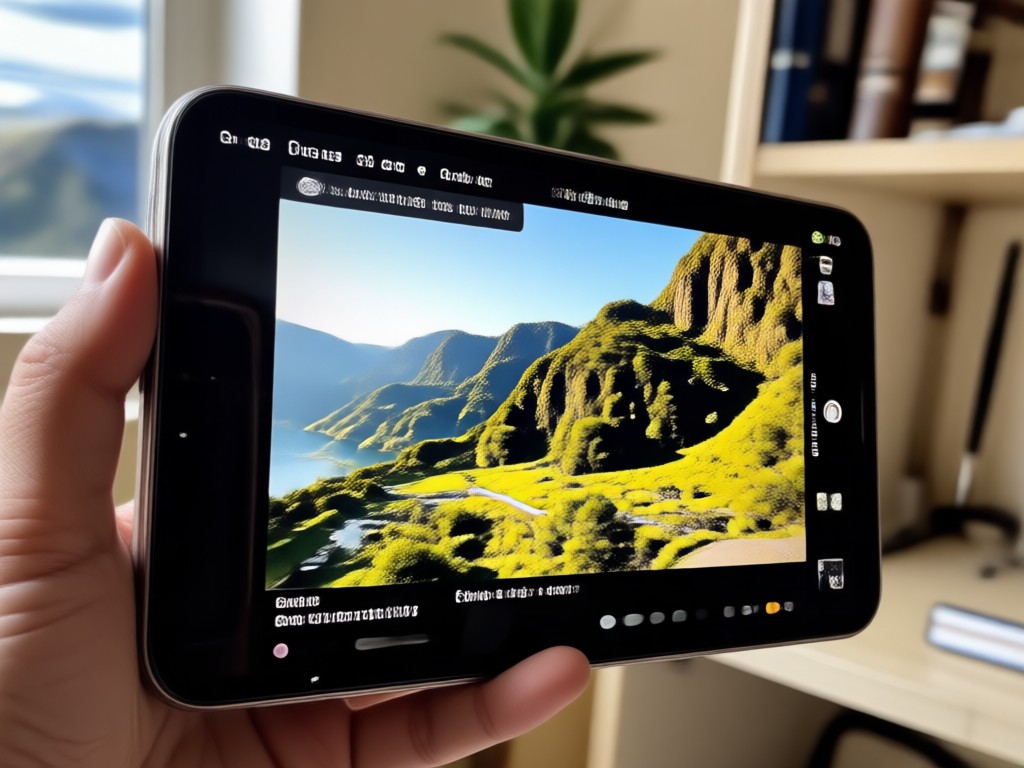
High Resolution Output
Export your HDR photos in crisp high resolution, ready to share on Instagram, TikTok, or print. Every detail remains sharp and true to life.
High Resolution Output
Export your HDR photos in crisp high resolution, ready to share on Instagram, TikTok, or print. Every detail remains sharp and true to life.
How to Use the Photo HDR Converter
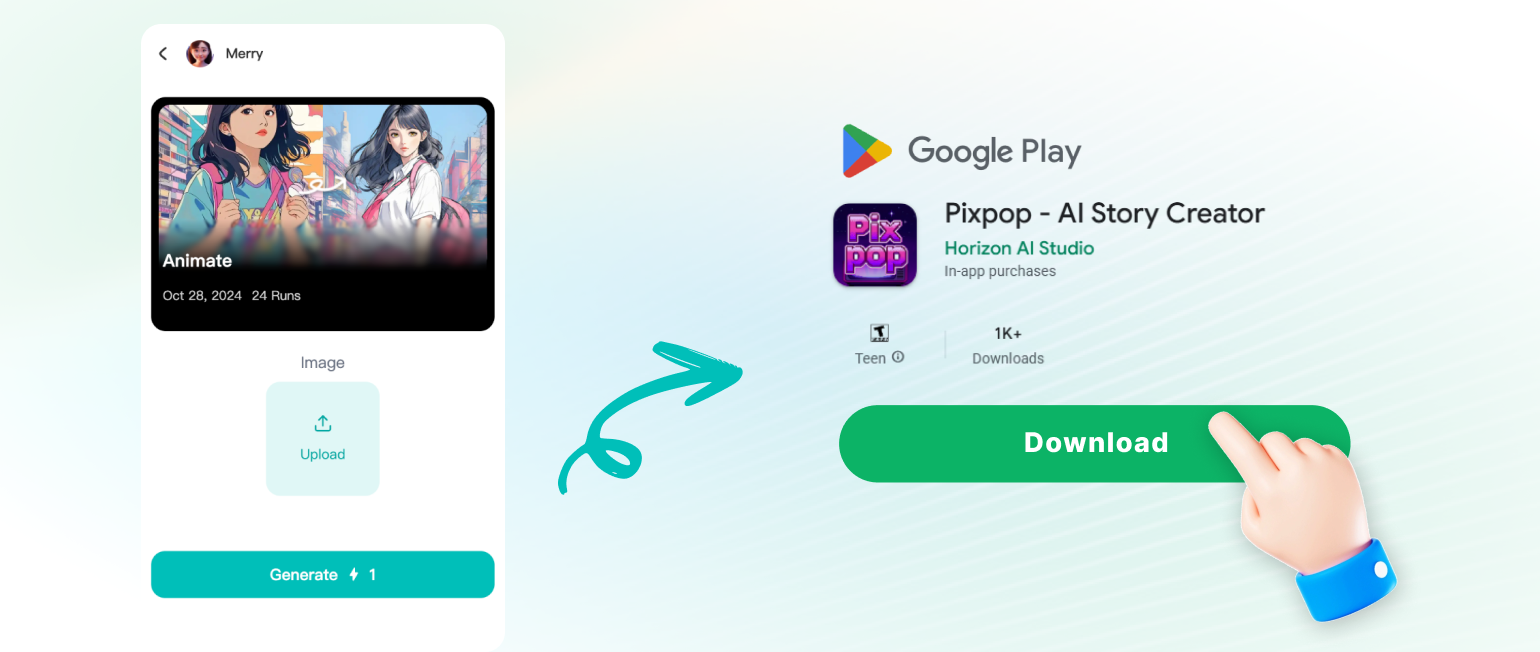
Convert your photos to HDR in three simple steps using the pixpop app. No complicated tools or manual adjustments needed.
HDR Photo Conversion Results
Browse examples of photos converted with the Photo HDR Converter. See how AI enhances colors, contrast, and detail to create stunning high dynamic range images.
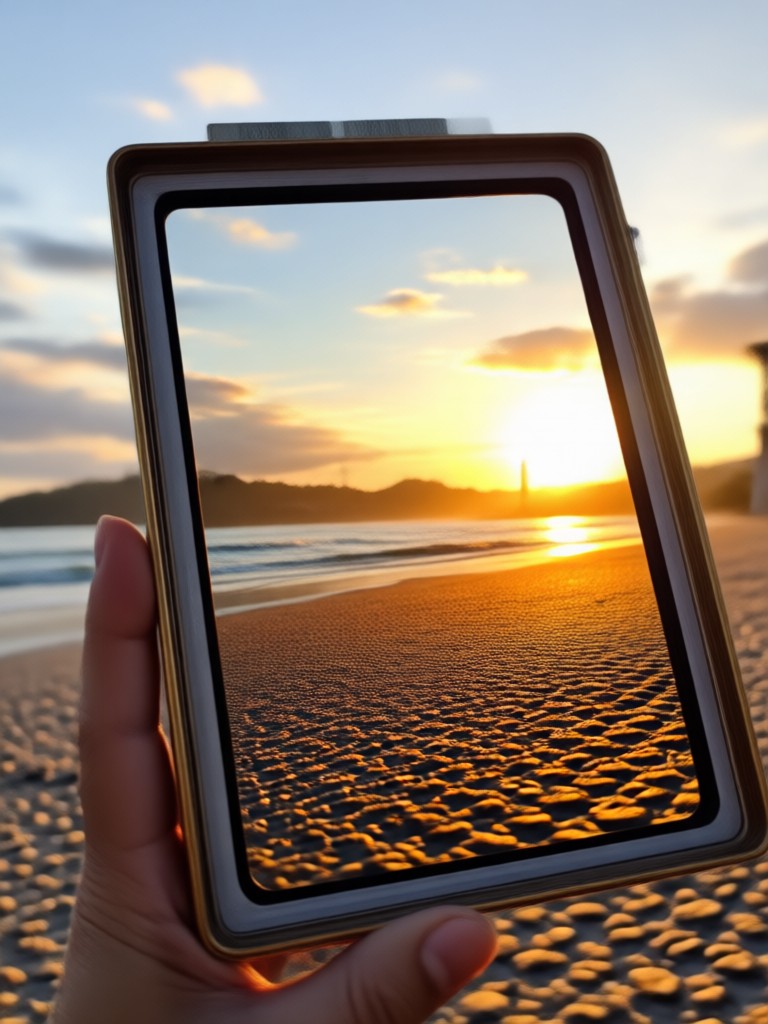
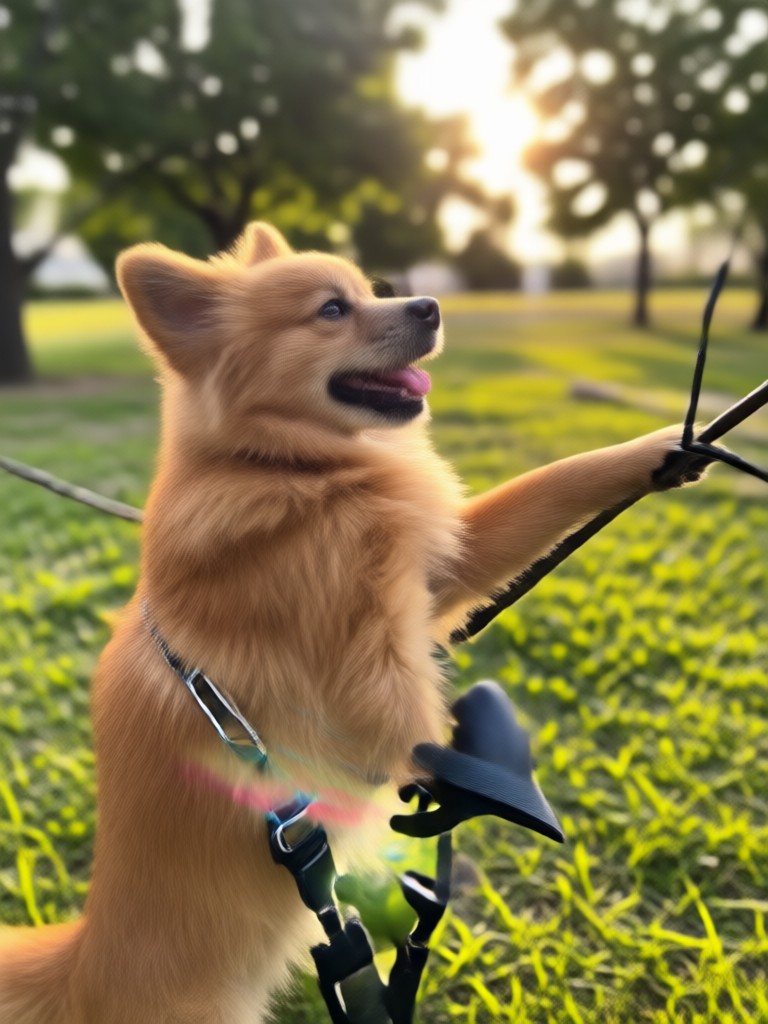
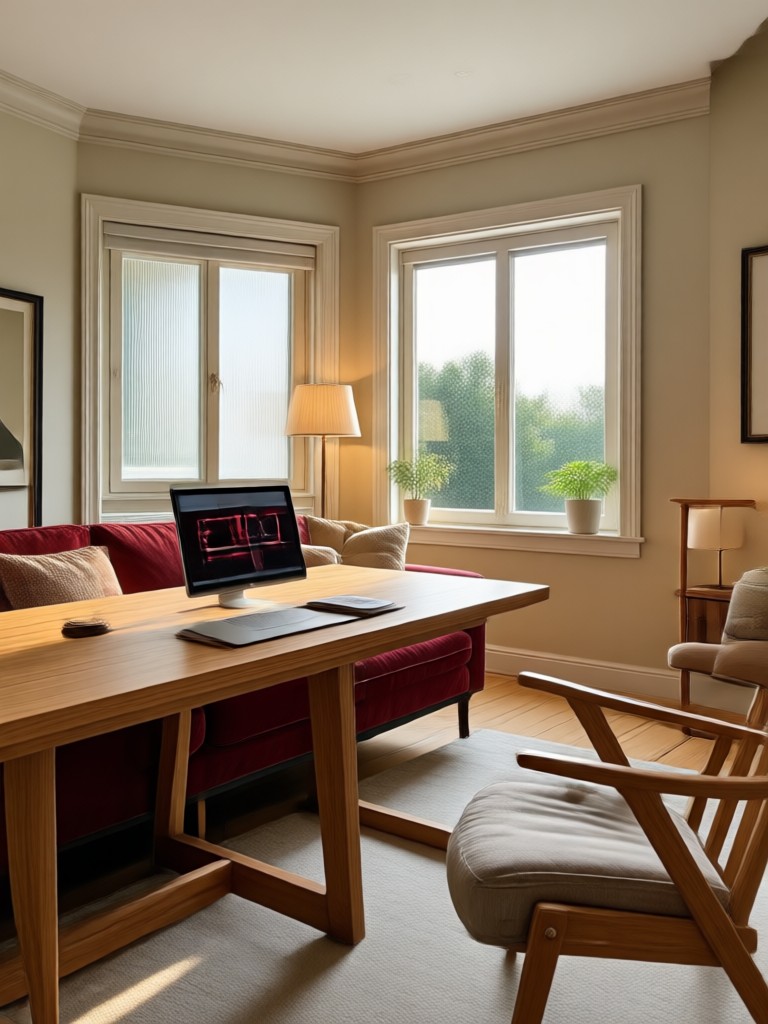
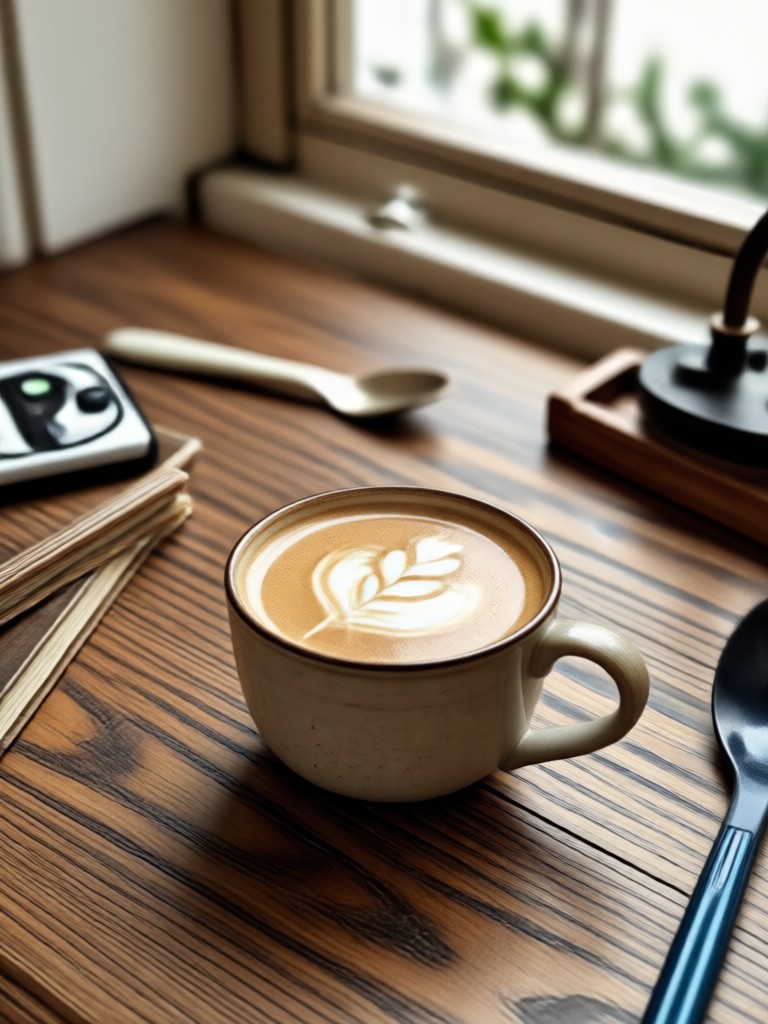
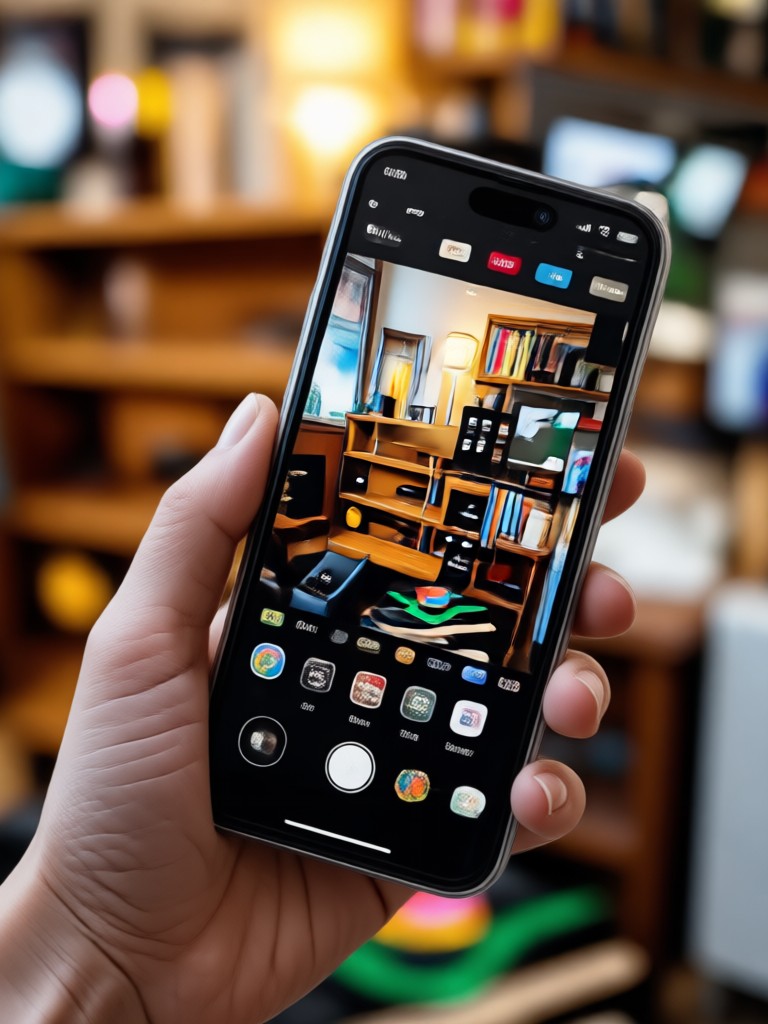
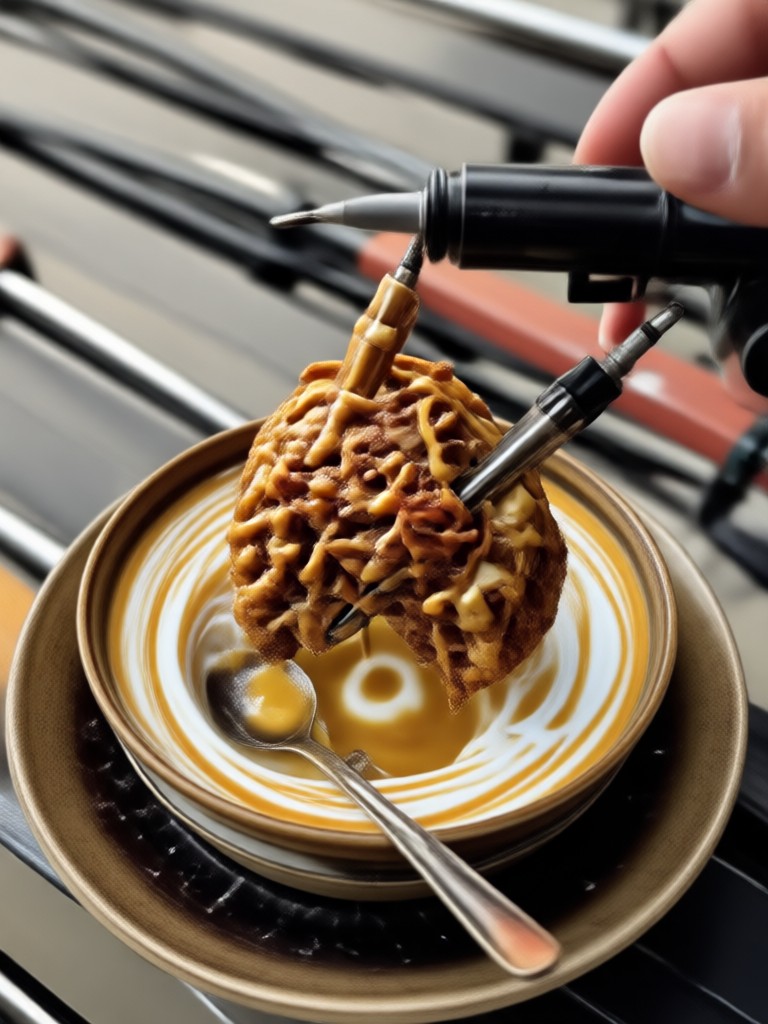
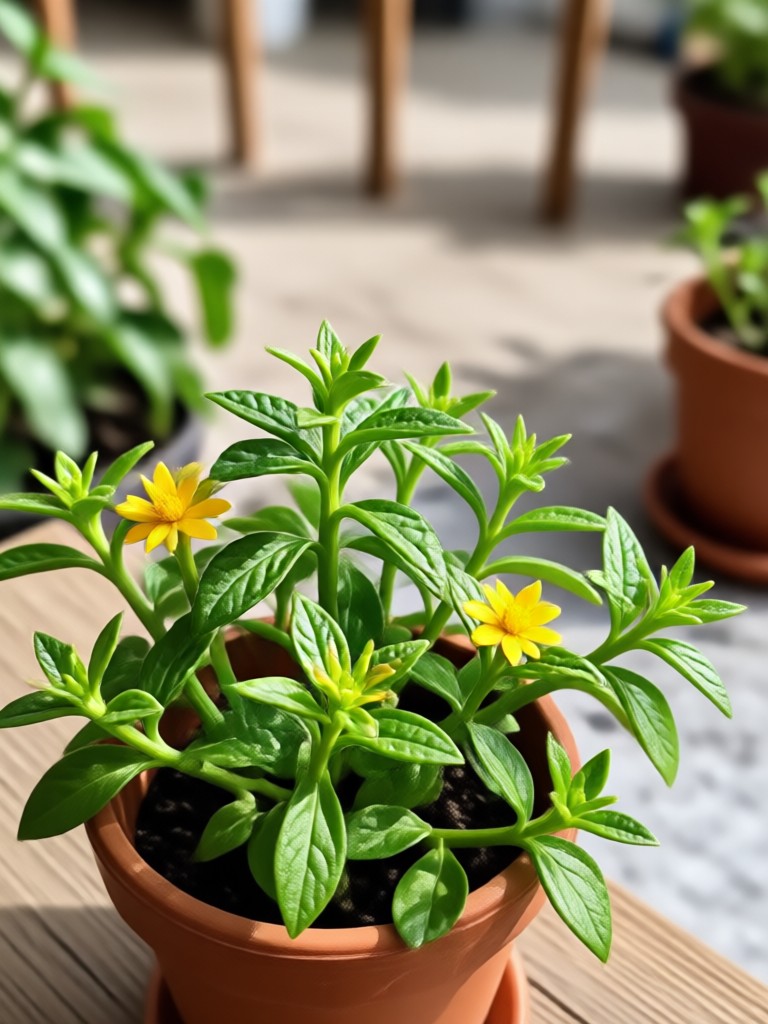
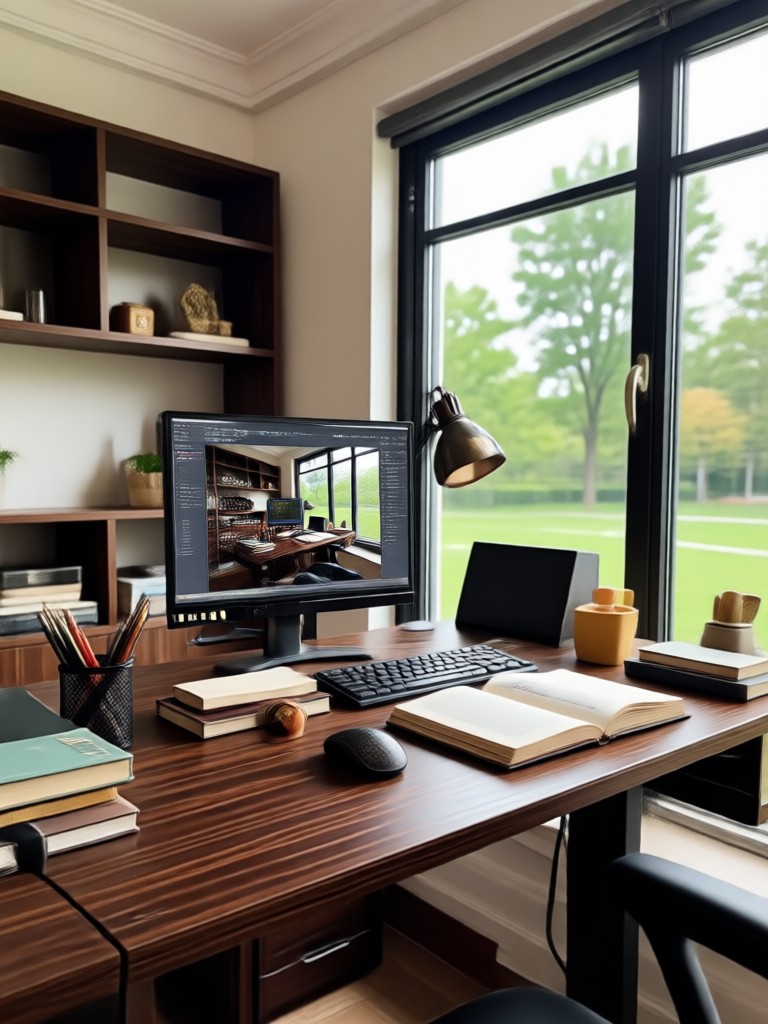
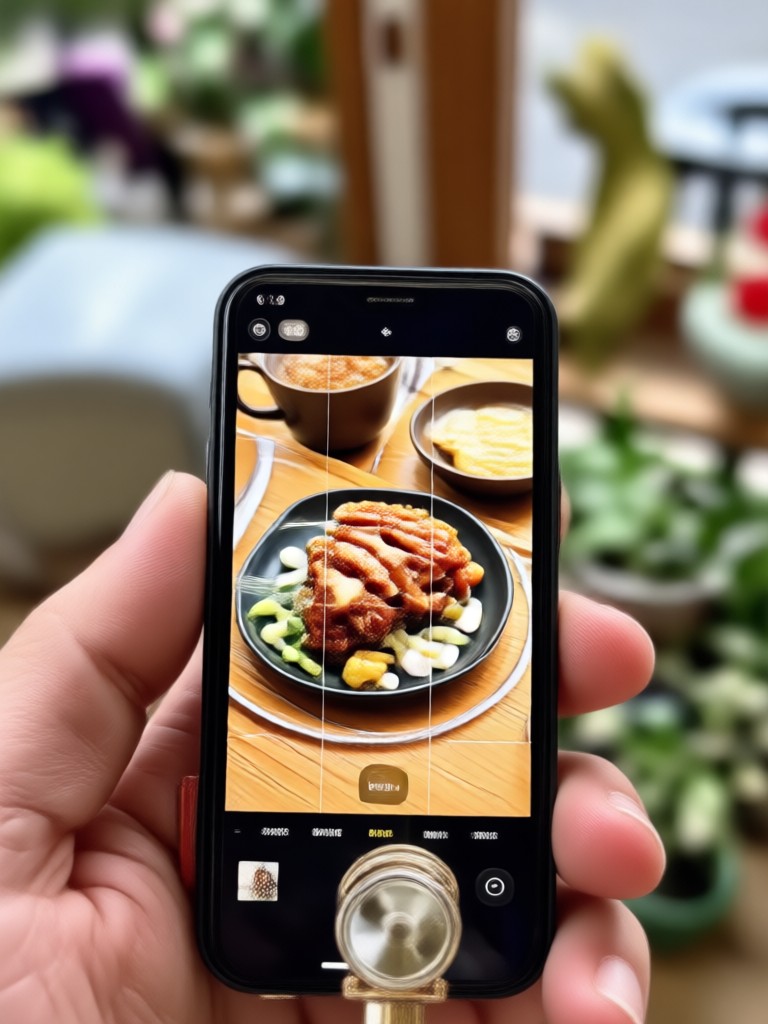
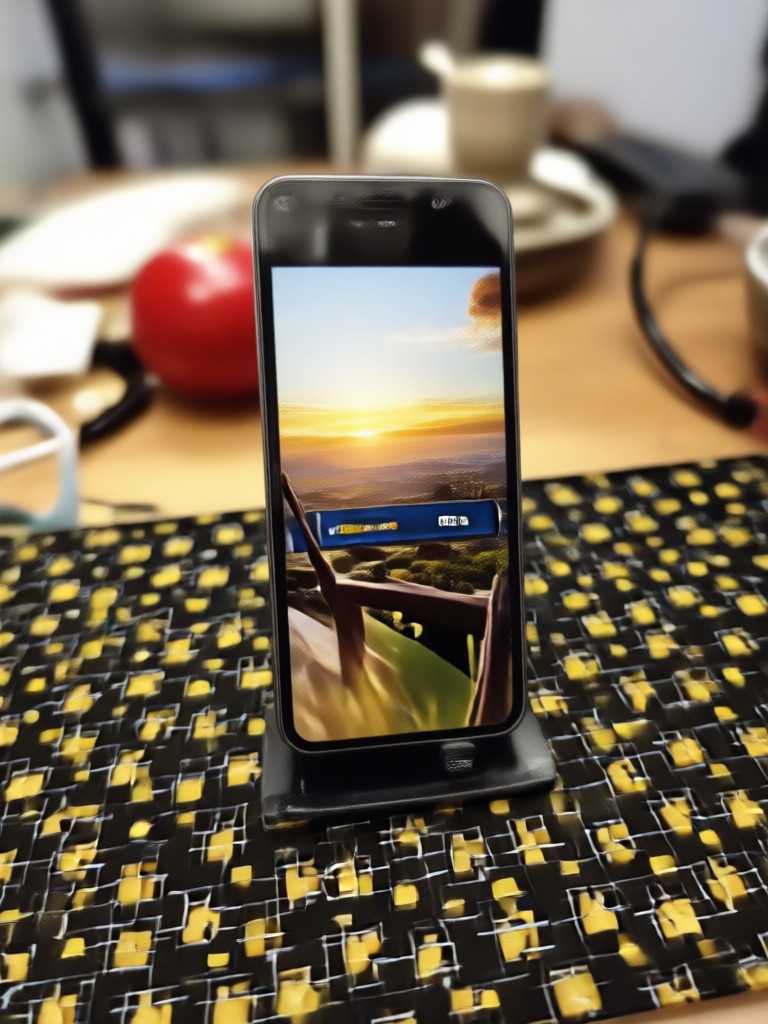
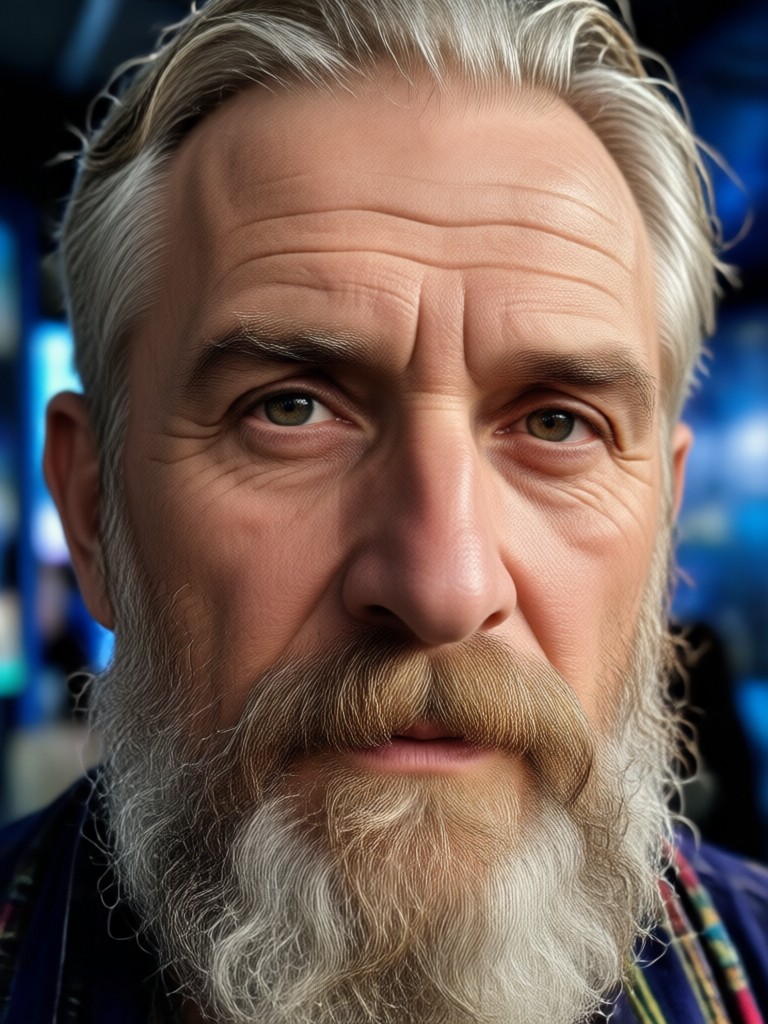
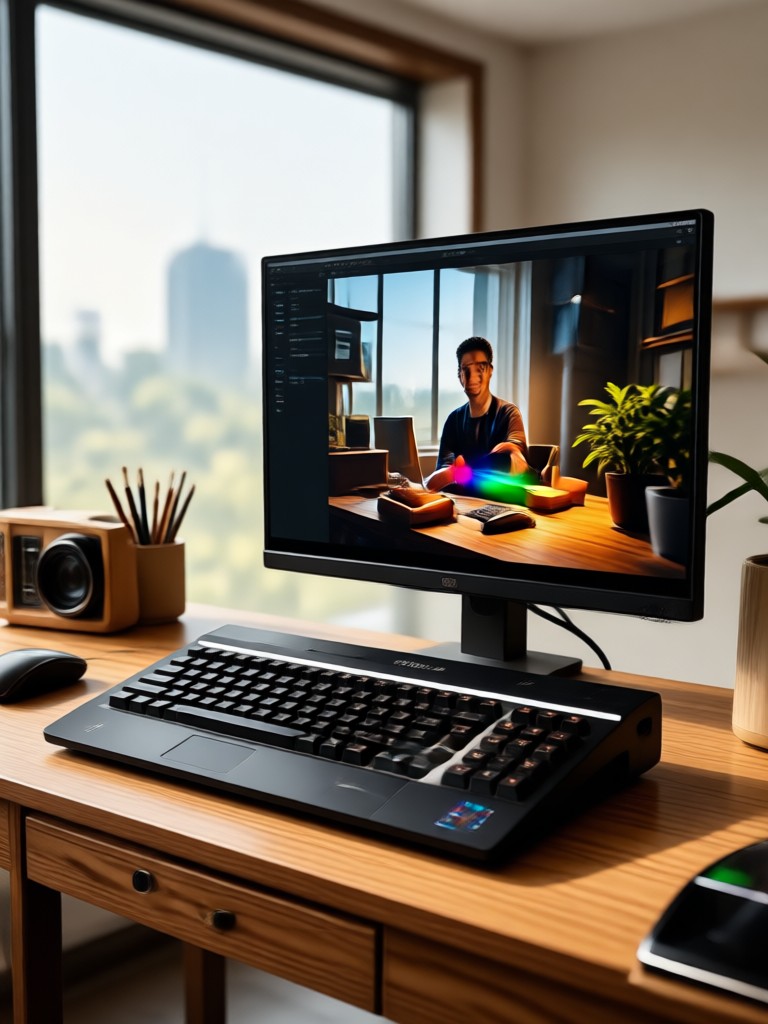
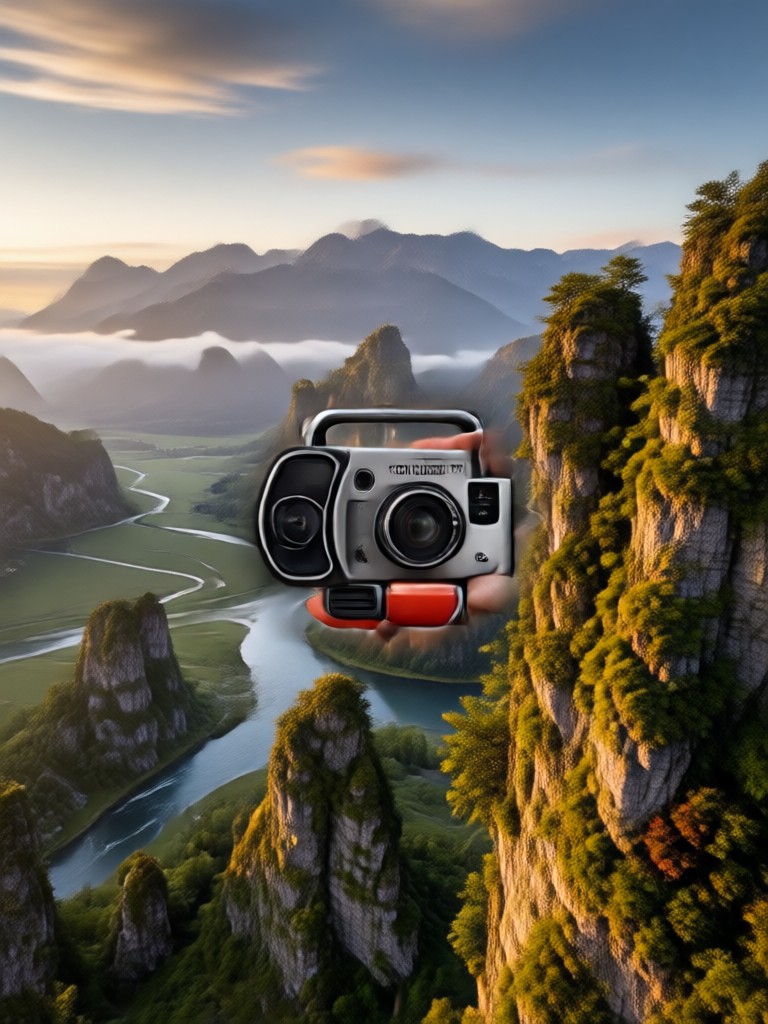
Turn Any Photo into HDR with pixpop
AI enhances facial details, sharpens features, and improves the contrast and noise of surrounding scenes, giving every photo a professional HDR finish.

More Topics You May Like
Explore more topics and discover fresh ideas for AI photo editing and style transformation.
Create Stunning AI Generated Wallpapers in Seconds
How to Create a Talking Avatar: Easy AI Avatar Maker
Add Someone To A Picture Instantly with AI Photo Editor
Bing Image Creator Free Download: Better AI Alternative
Create Stunning AI Generated Wallpapers in Seconds
How to Create a Talking Avatar: Easy AI Avatar Maker
Add Someone To A Picture Instantly with AI Photo Editor
Bing Image Creator Free Download: Better AI Alternative
Frequently Asked Questions
Find clear answers to common questions about the Photo HDR Converter and how to get the best HDR results.
Ready to Transform Your Photos into HDR?
Download pixpop now and turn ordinary images into high dynamic range masterpieces with one tap. Join millions of creators using AI to elevate their photos.
Ready to Transform Your Photos into HDR?
Download pixpop now and turn ordinary images into high dynamic range masterpieces with one tap. Join millions of creators using AI to elevate their photos.