Crayon AI Generator: Turn Photos into Crayon Art
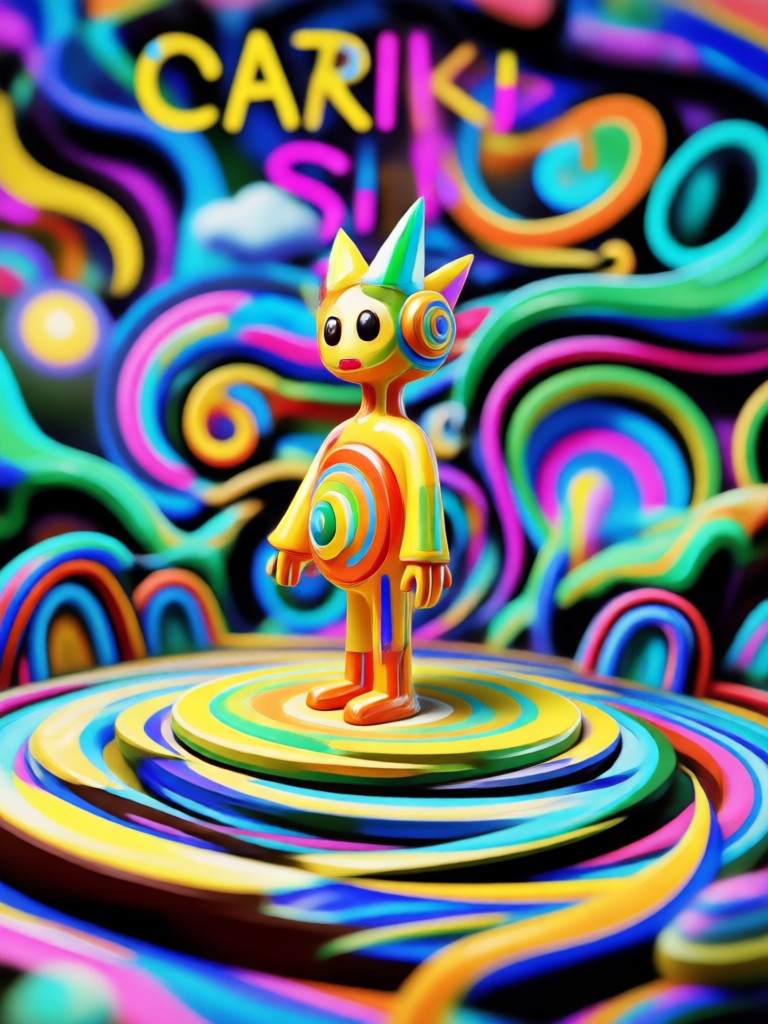
Choose the Crayon Filter That Suits You Best
Explore crayon styles from soft wax textures to bold classroom sketches. Find the right filter for your portrait, pet, or landscape photo.
Key Features of Crayon AI Generator
Turn your ideas into playful crayon drawings with an intuitive AI generator. Create, customize, and share without any artistic background.
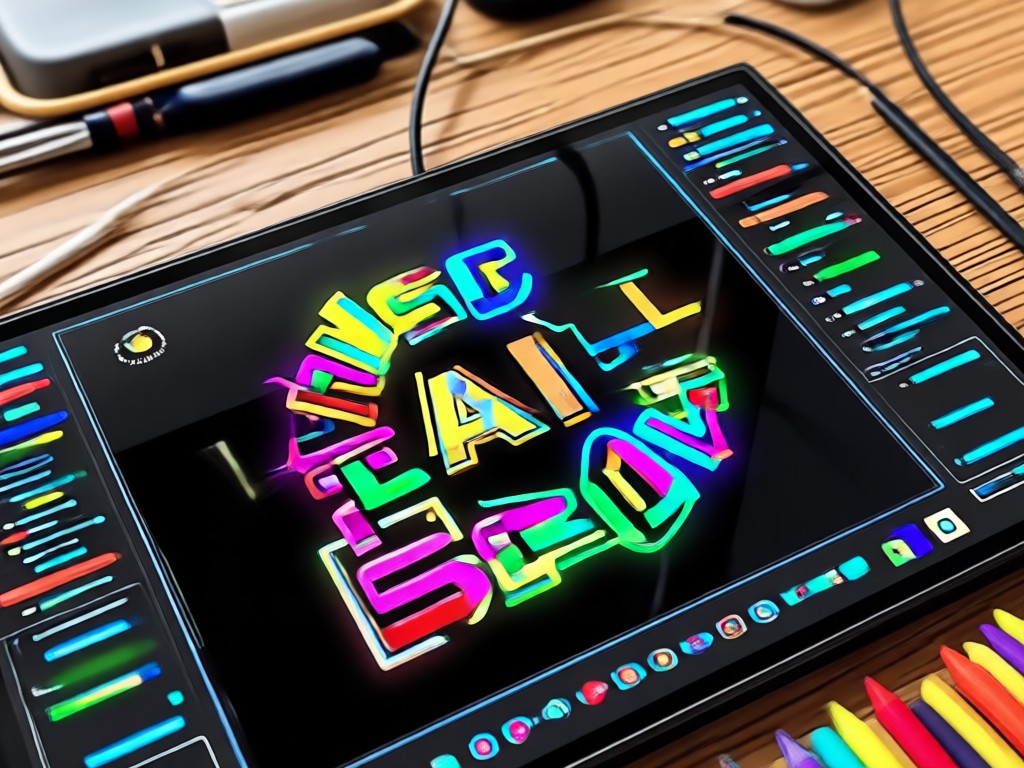
Wax Crayon Texture
Get realistic crayon grain, childlike strokes, and soft layered shading. The AI mimics traditional wax crayons without smudges or mess.
Wax Crayon Texture
Get realistic crayon grain, childlike strokes, and soft layered shading. The AI mimics traditional wax crayons without smudges or mess.
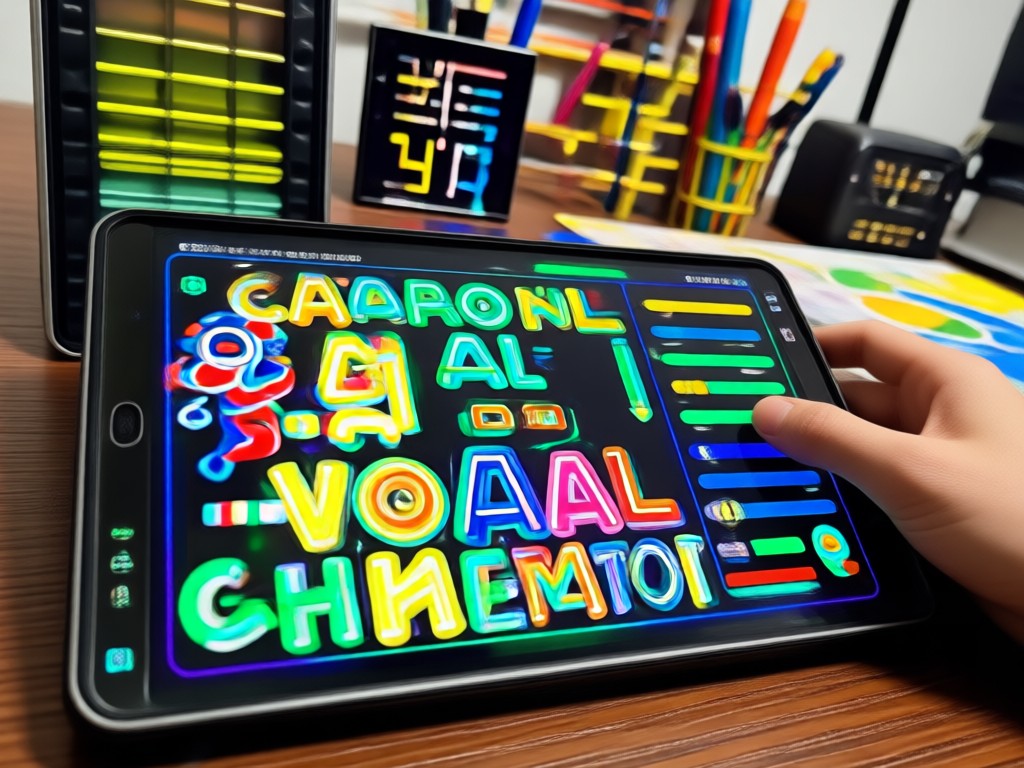
Batch Style Presets
Apply crayon art filters to portraits, pets, landscapes, and group photos. Switch between bold, pastel, sketch, and storybook crayon looks instantly.
Batch Style Presets
Apply crayon art filters to portraits, pets, landscapes, and group photos. Switch between bold, pastel, sketch, and storybook crayon looks instantly.
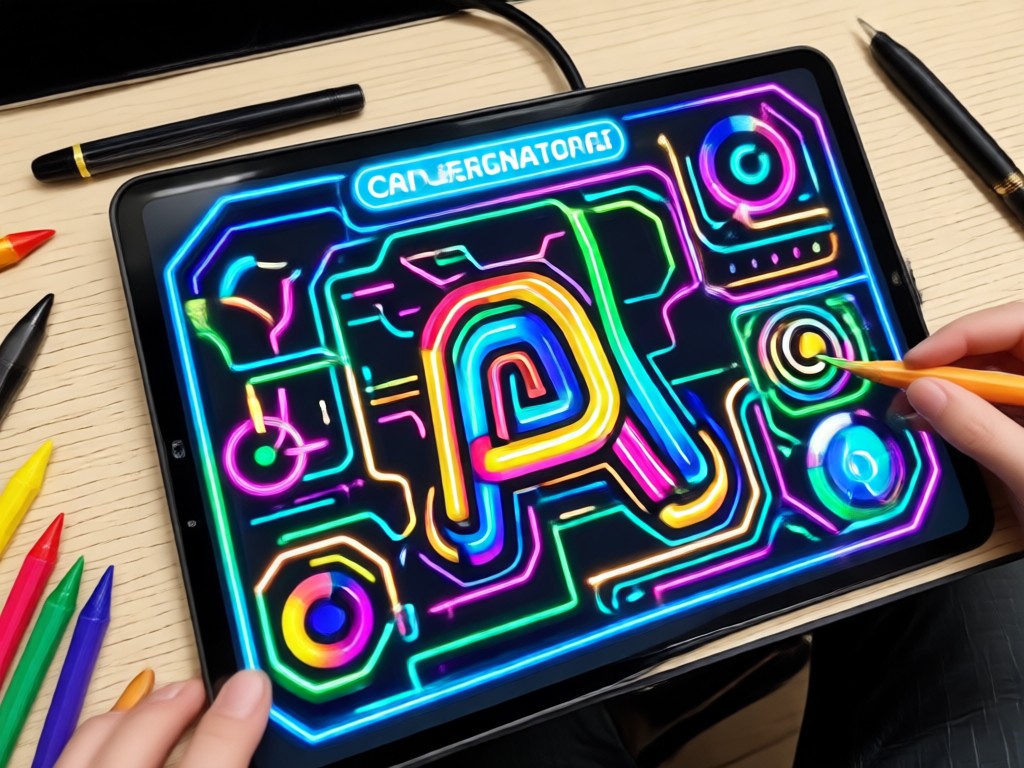
Subject Preservation
Keep faces, expressions, and key details recognizable while turning everything into hand drawn crayon art. Great for gifts, profiles, and social posts.
Subject Preservation
Keep faces, expressions, and key details recognizable while turning everything into hand drawn crayon art. Great for gifts, profiles, and social posts.
Explore Crayon AI Creations Gallery
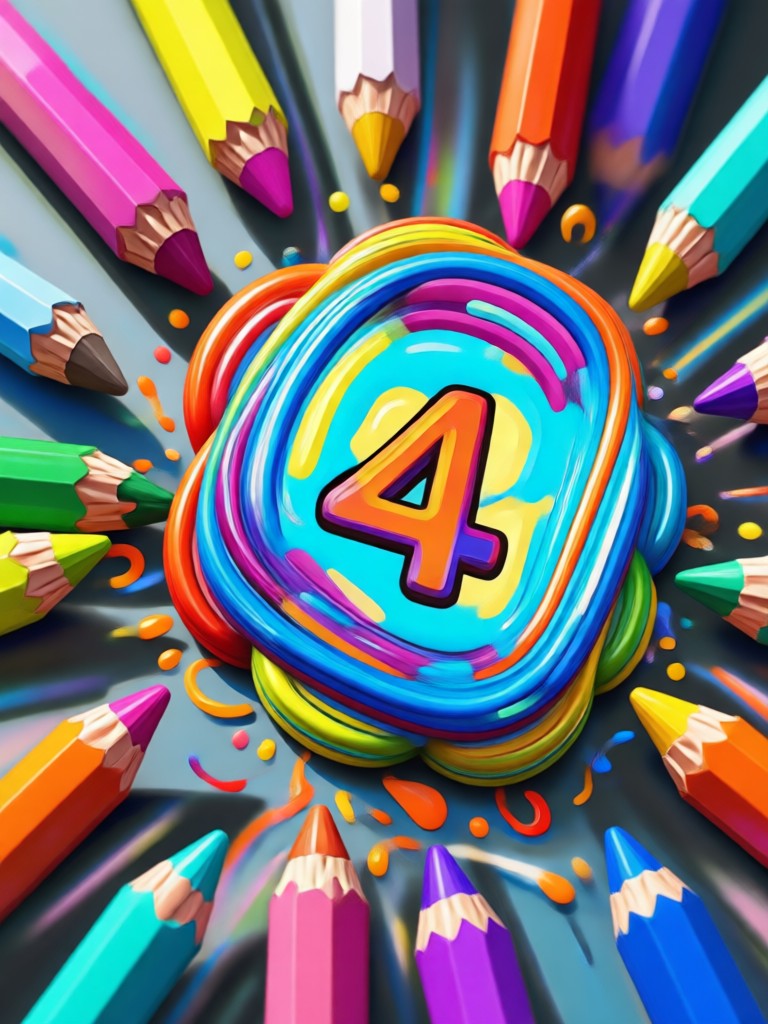
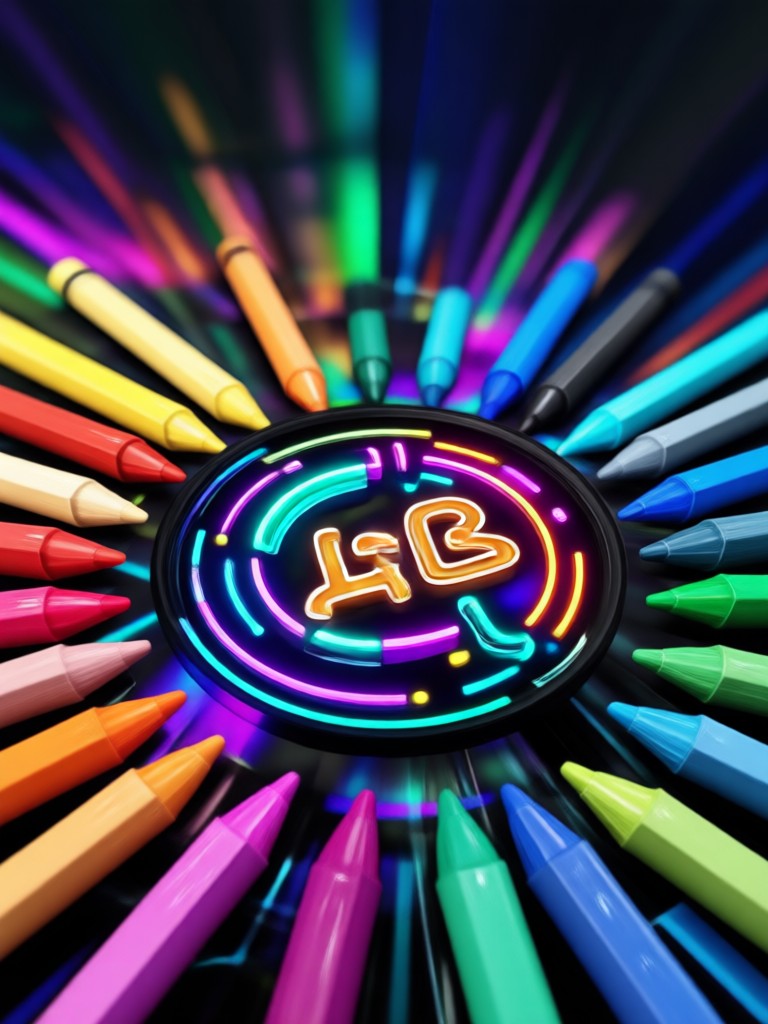
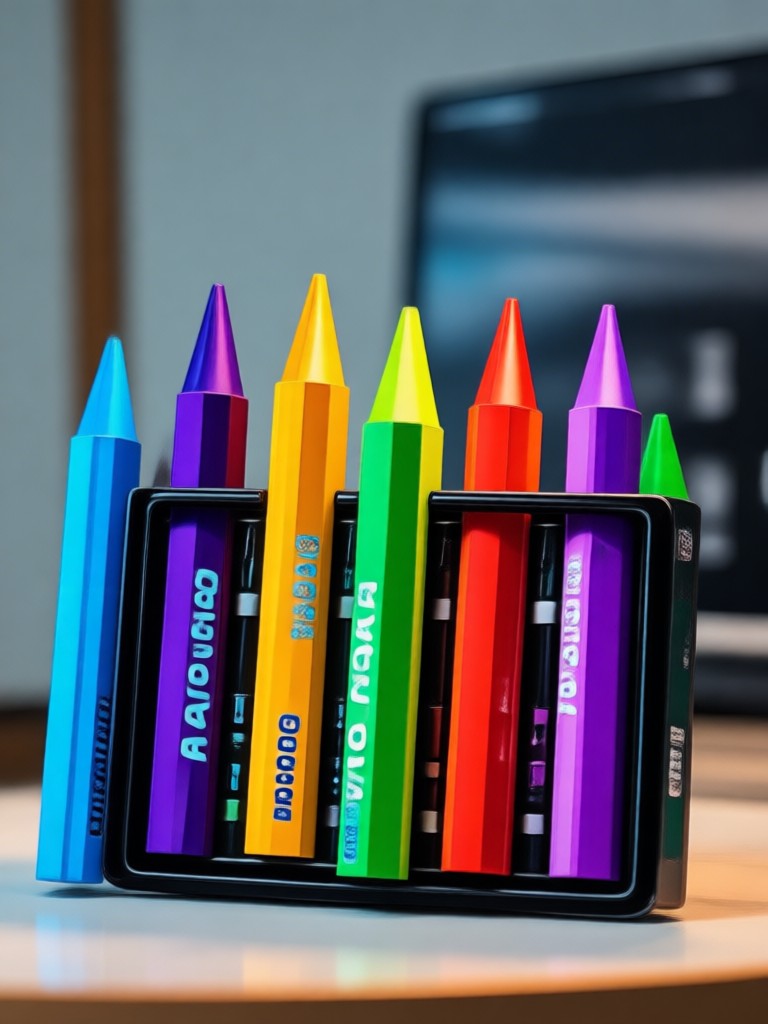
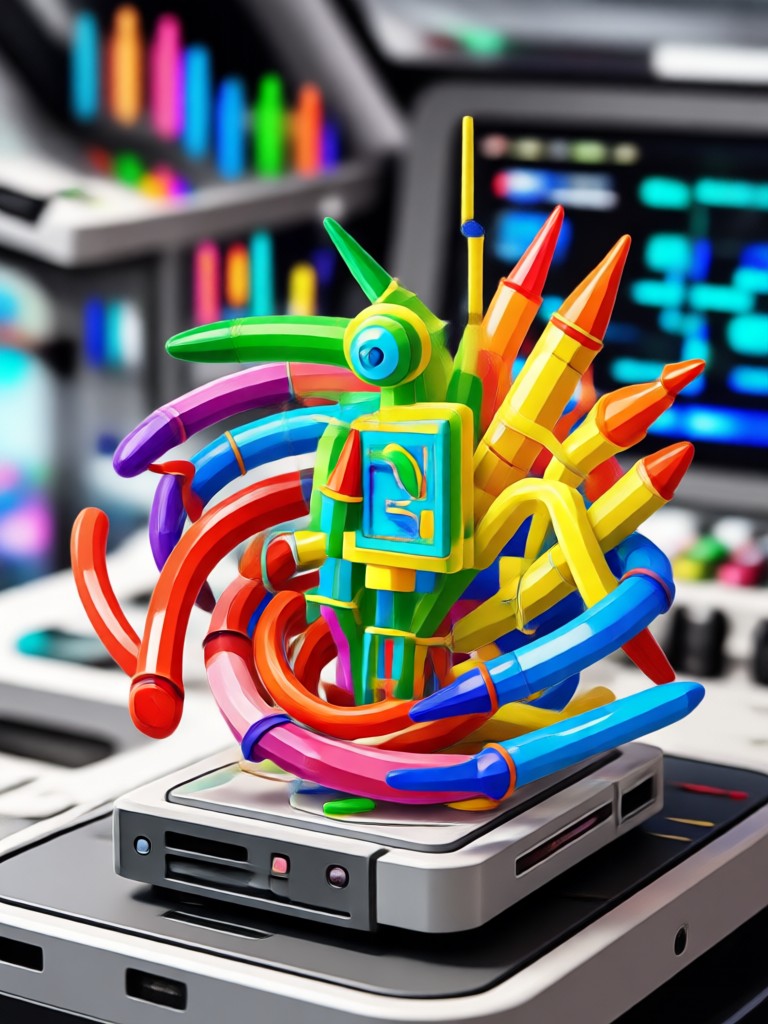
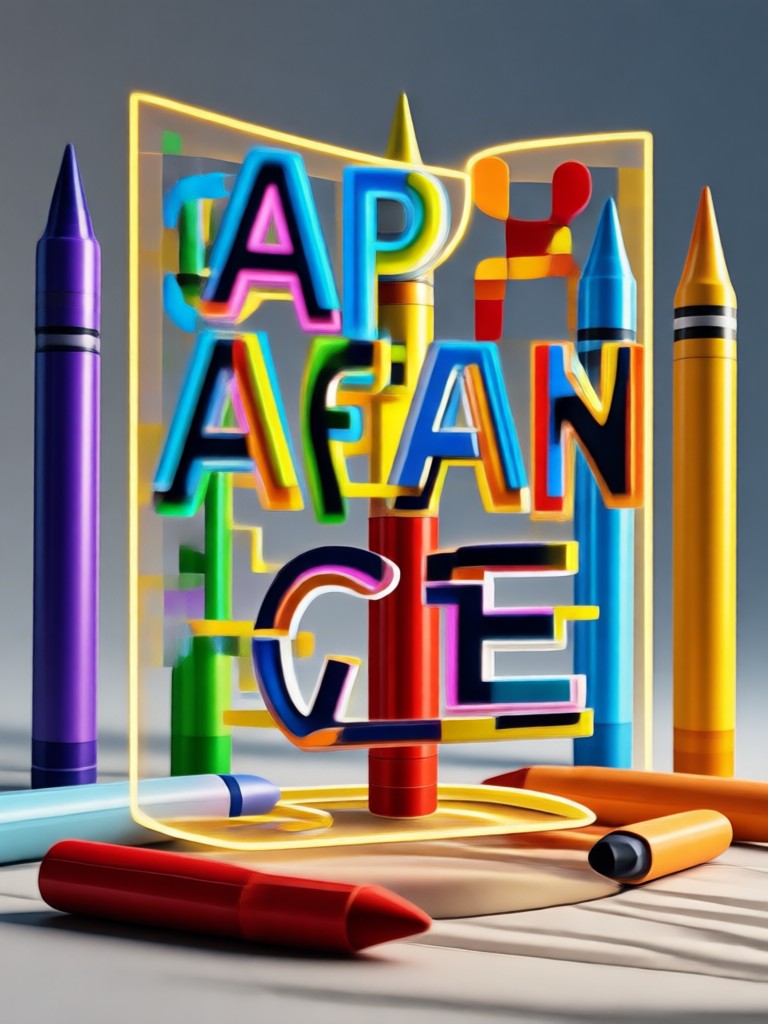
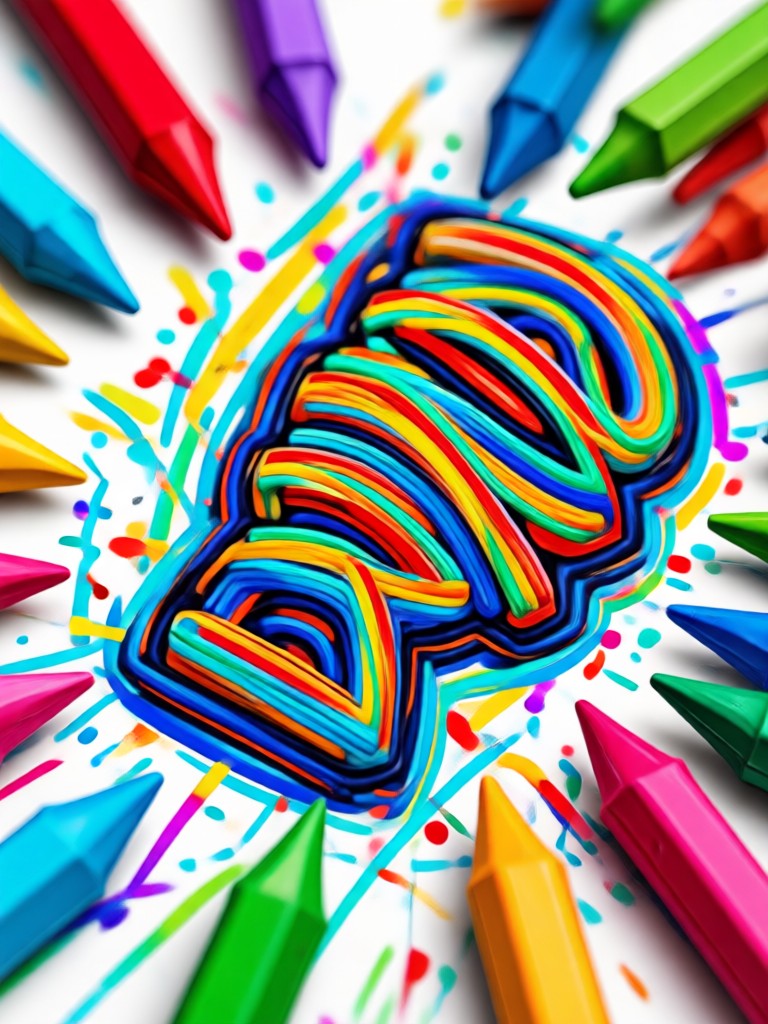
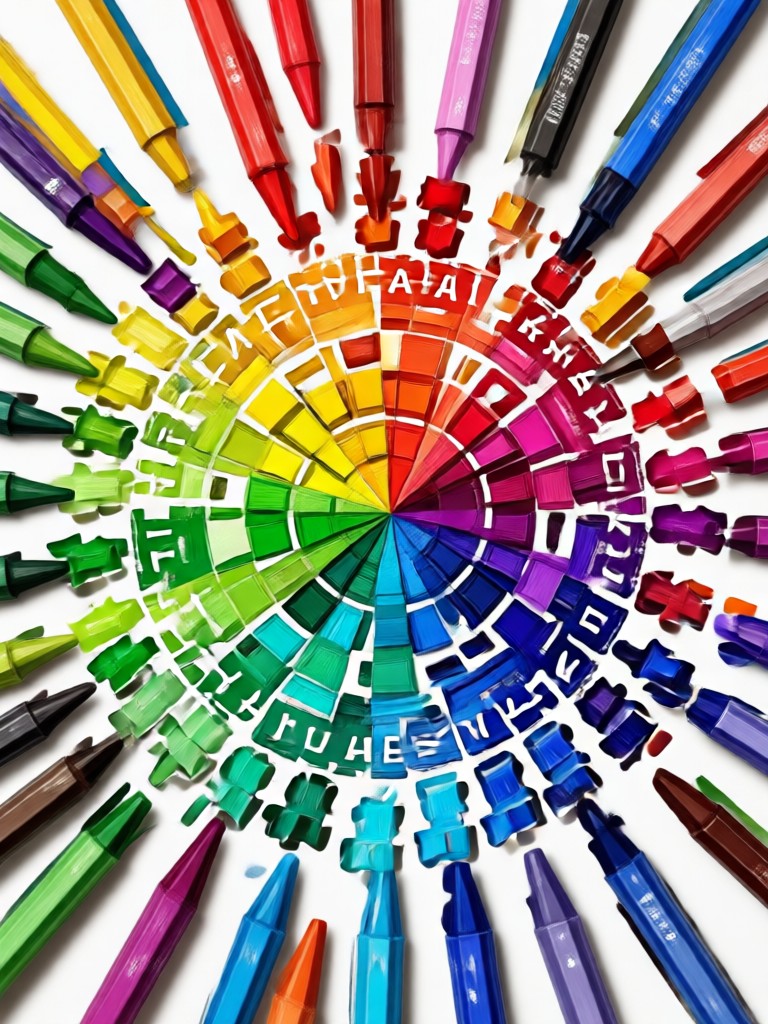
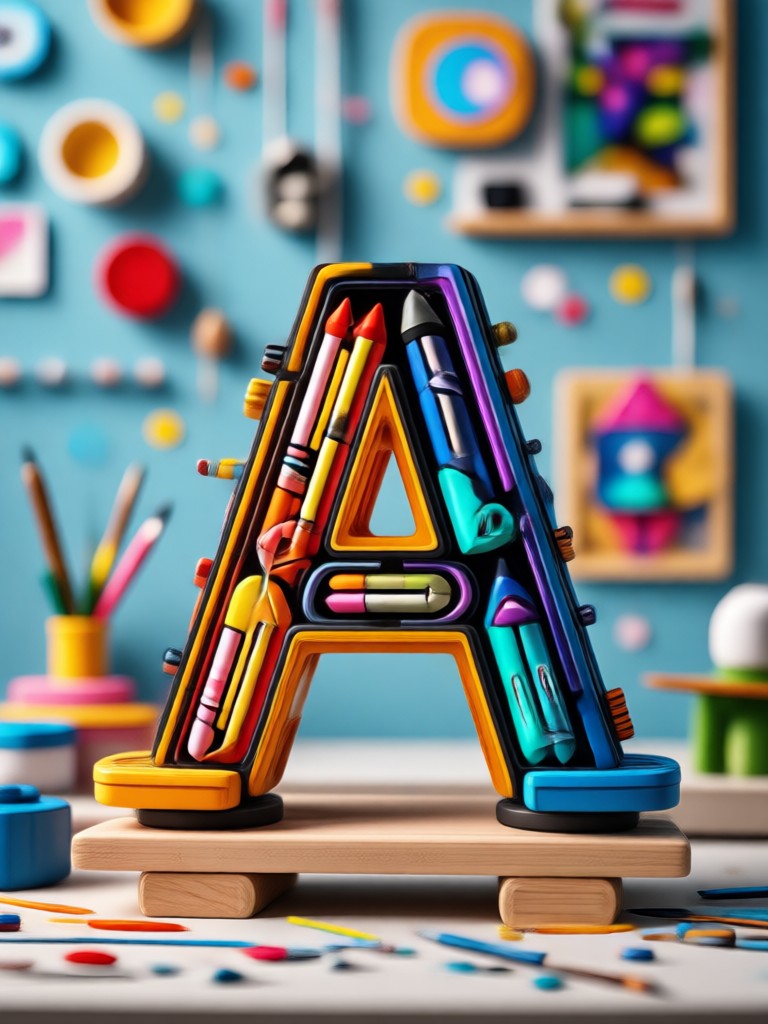
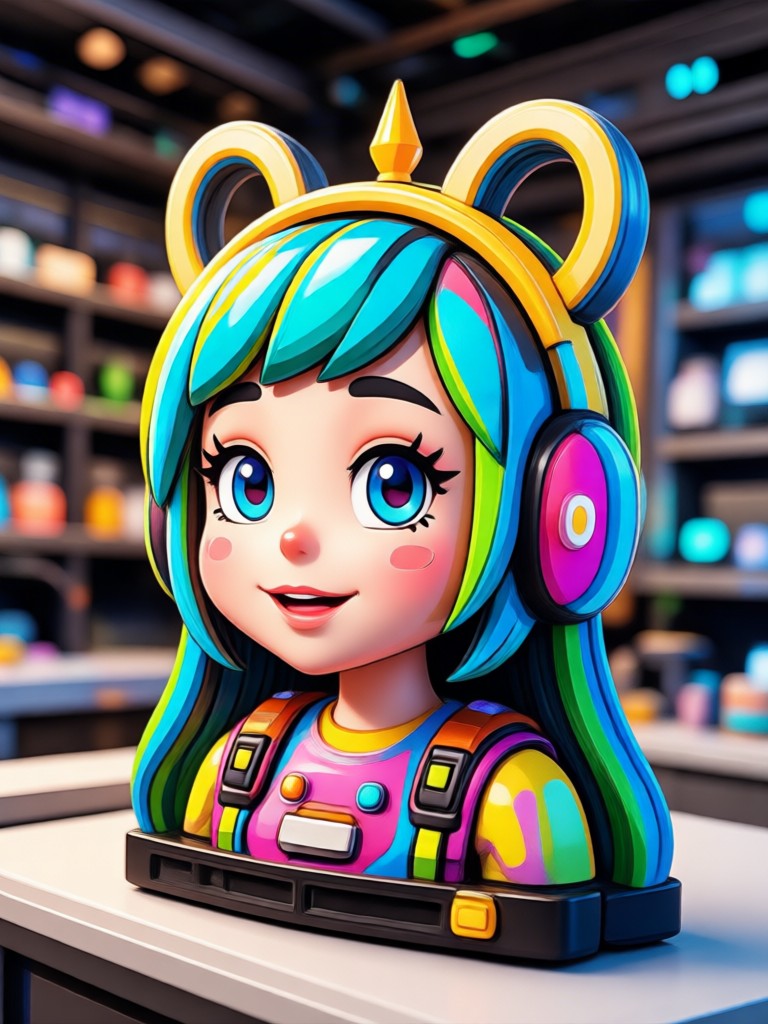
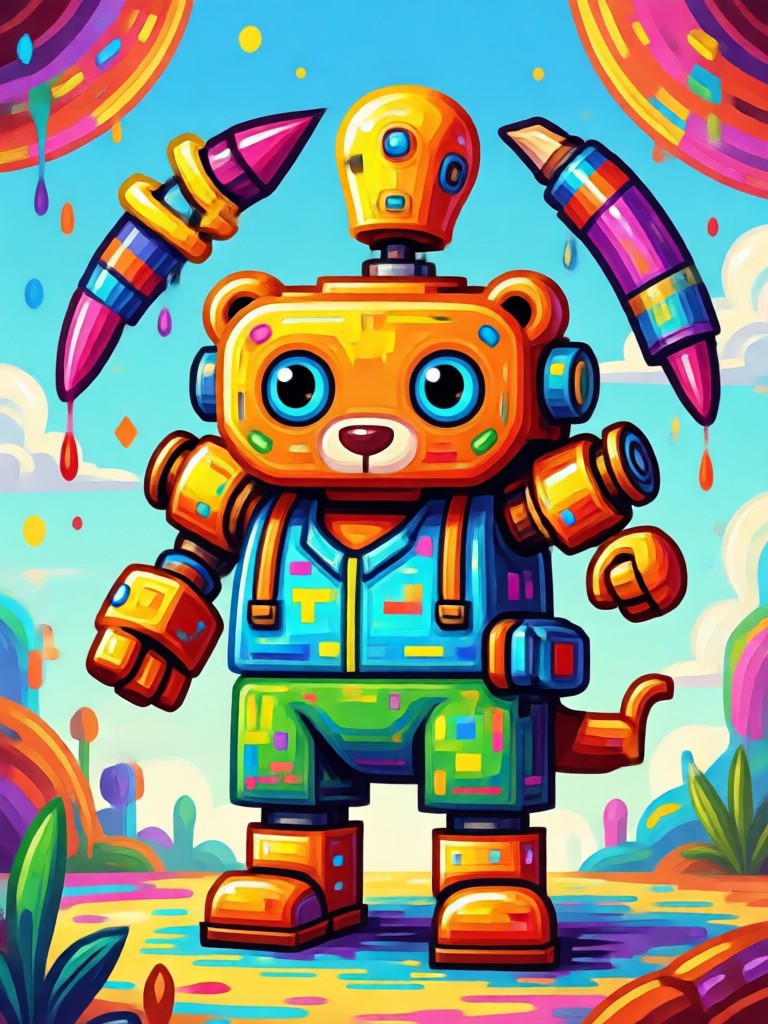
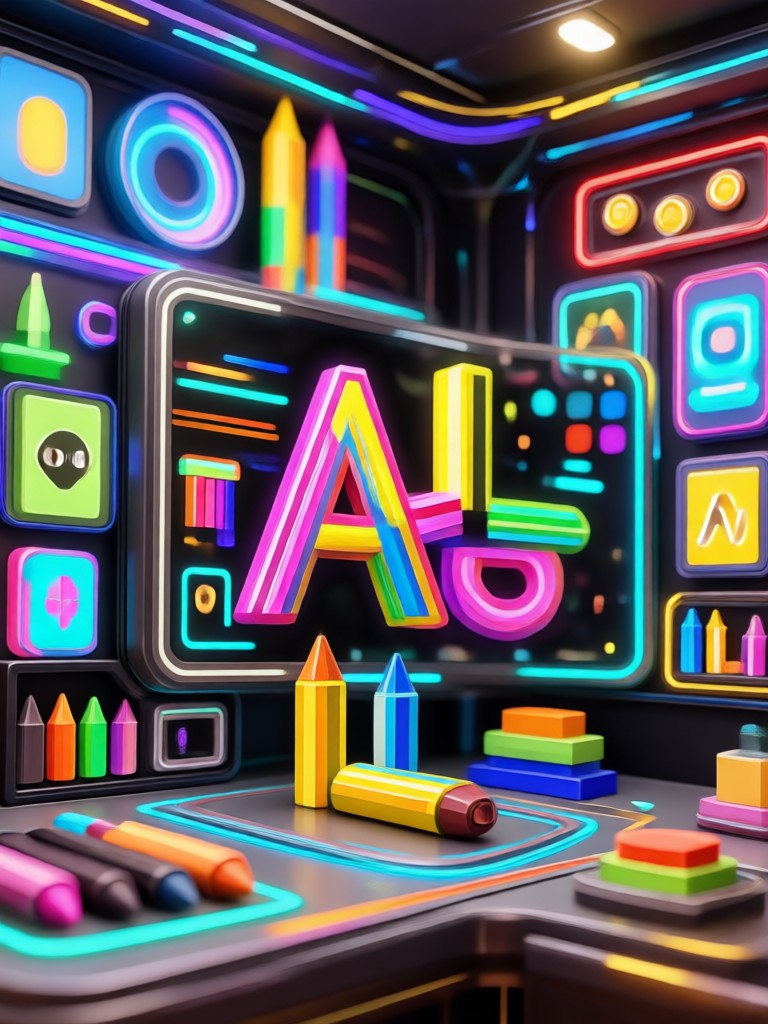
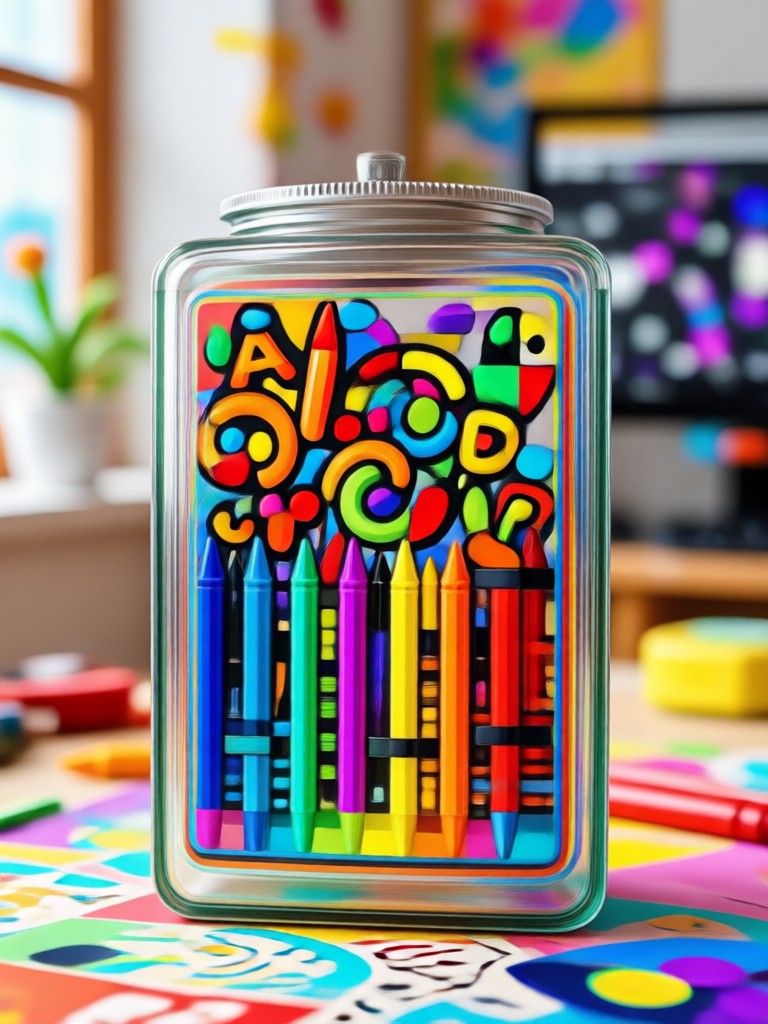
Browse playful crayon artwork generated with pixpop. See how photos transform into vivid, hand drawn style images and videos.
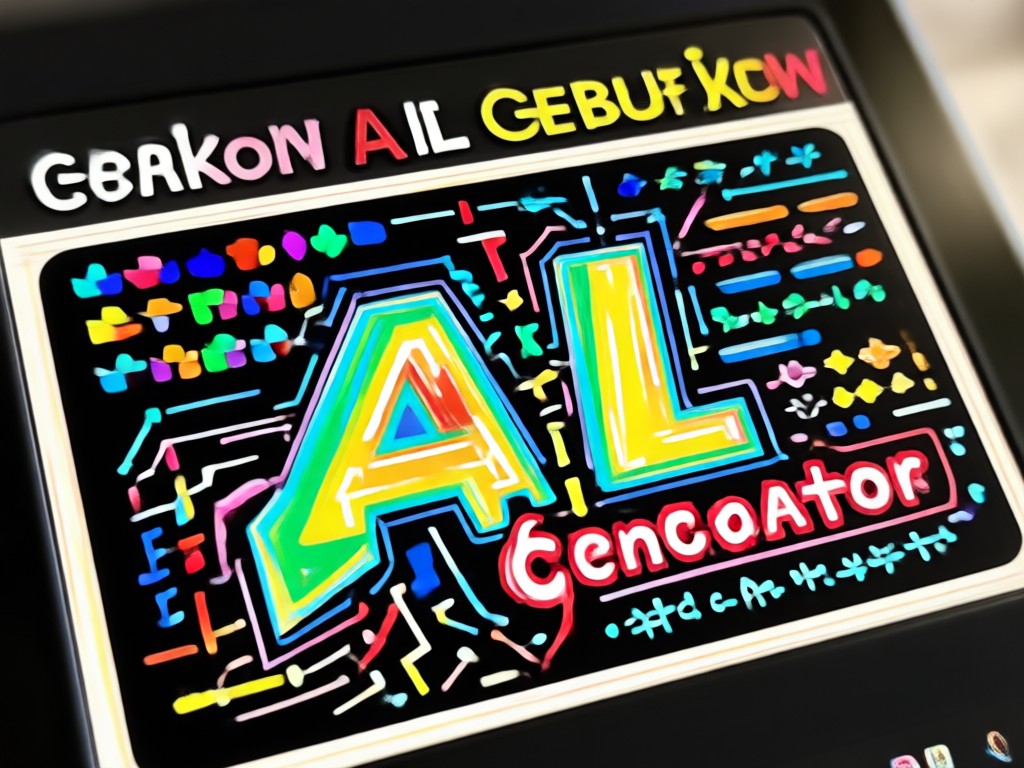
Why Use an AI Crayon Generator?
Skip messy crayons and hours of drawing. pixpop turns ordinary photos into vivid crayon art in seconds. You get consistent, shareable results for social media, greeting cards, kids projects, and personal gifts without any artistic skill.
Why Use an AI Crayon Generator?
Skip messy crayons and hours of drawing. pixpop turns ordinary photos into vivid crayon art in seconds. You get consistent, shareable results for social media, greeting cards, kids projects, and personal gifts without any artistic skill.
How to Make Crayon AI Art?
Turn any photo into crayon style art in three simple steps using pixpop.

Step 01.
Download pixpop from Google Play to access the Crayon AI Generator and other popular art filters.

Step 02.
Upload your photo and choose a crayon filter that matches the look you want, from soft pastel to bold wax strokes.

Step 03.
Generate your crayon art in seconds and share it with friends or on social media.
Who Uses the Crayon AI Generator

Mia Chen
I turned my family photo into crayon art for a birthday card. The textures look so real and my kids loved it.
Daniel Reyes
The crayon filter on my dog photos is amazing. It keeps his features clear but adds such a cute hand drawn look.

Priya Sharma
I use pixpop for Instagram story art. The crayon style presets are fast and always get compliments.

Tom Becker
Great for classroom projects. I made crayon style illustrations from old photos without any design tools.
Mia Chen
I turned my family photo into crayon art for a birthday card. The textures look so real and my kids loved it.
Daniel Reyes
The crayon filter on my dog photos is amazing. It keeps his features clear but adds such a cute hand drawn look.
Priya Sharma
I use pixpop for Instagram story art. The crayon style presets are fast and always get compliments.
Tom Becker
Great for classroom projects. I made crayon style illustrations from old photos without any design tools.
Mia Chen
I turned my family photo into crayon art for a birthday card. The textures look so real and my kids loved it.
Daniel Reyes
The crayon filter on my dog photos is amazing. It keeps his features clear but adds such a cute hand drawn look.
Priya Sharma
I use pixpop for Instagram story art. The crayon style presets are fast and always get compliments.
Tom Becker
Great for classroom projects. I made crayon style illustrations from old photos without any design tools.
Frequently Asked Questions
Find clear answers to common questions about the Crayon AI Generator and how to create crayon art from your photos.
More Topics You May Like
Explore more topics you may like and discover fresh ideas tailored to your interests.
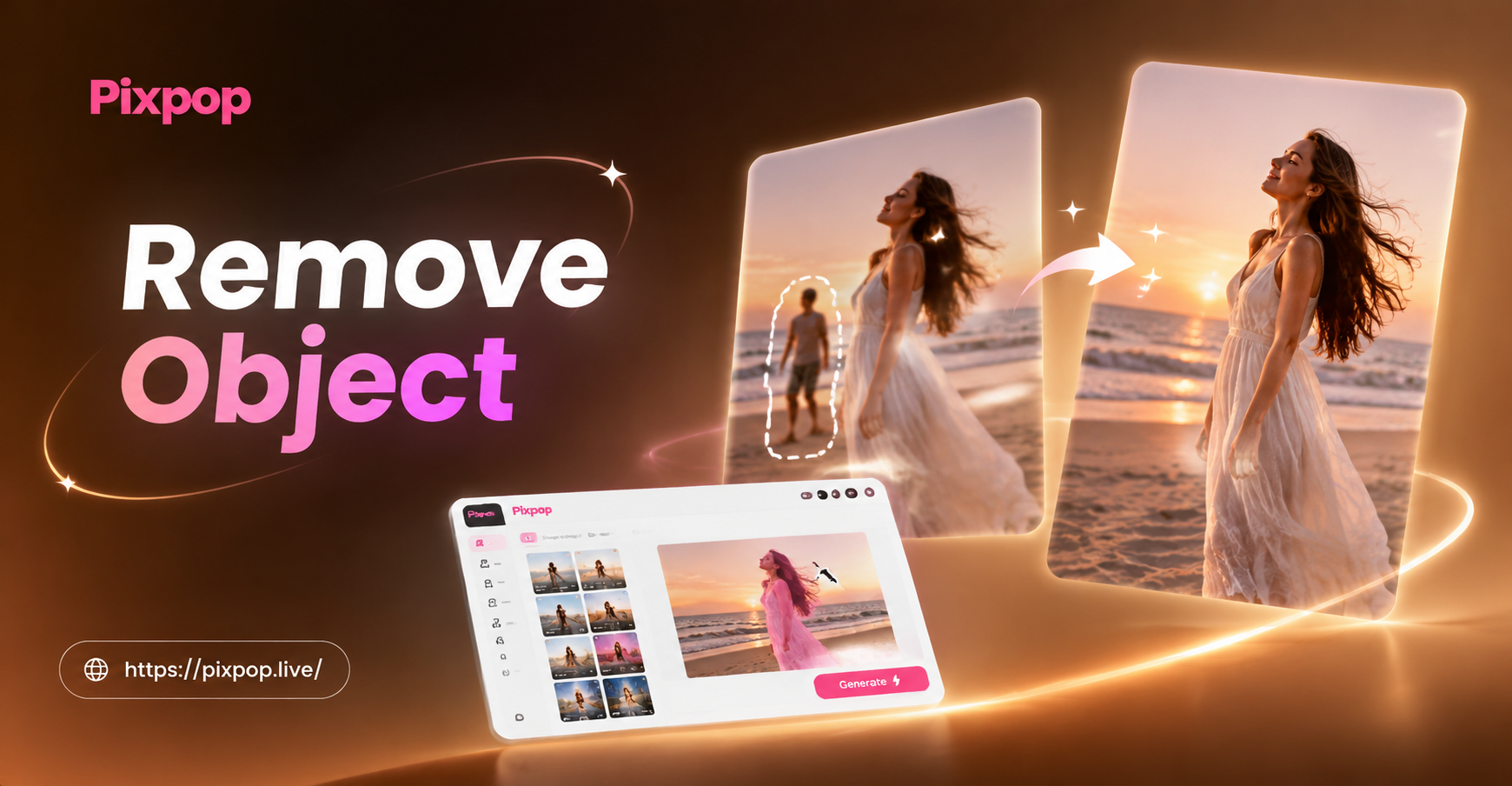
Remove Object Video with AI: Clean Clips in Seconds
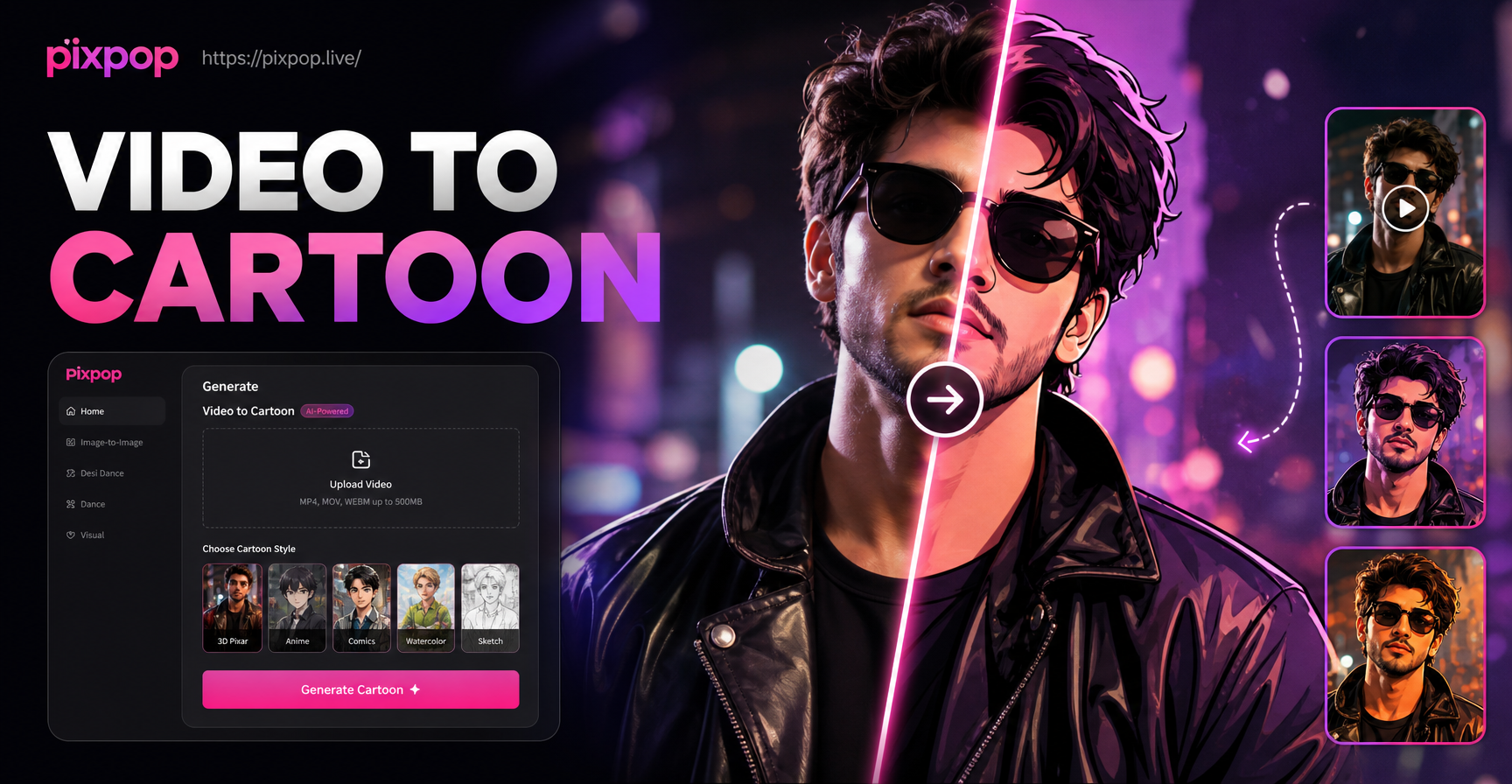
Convert Video Into Cartoon with AI Cartoon Video App
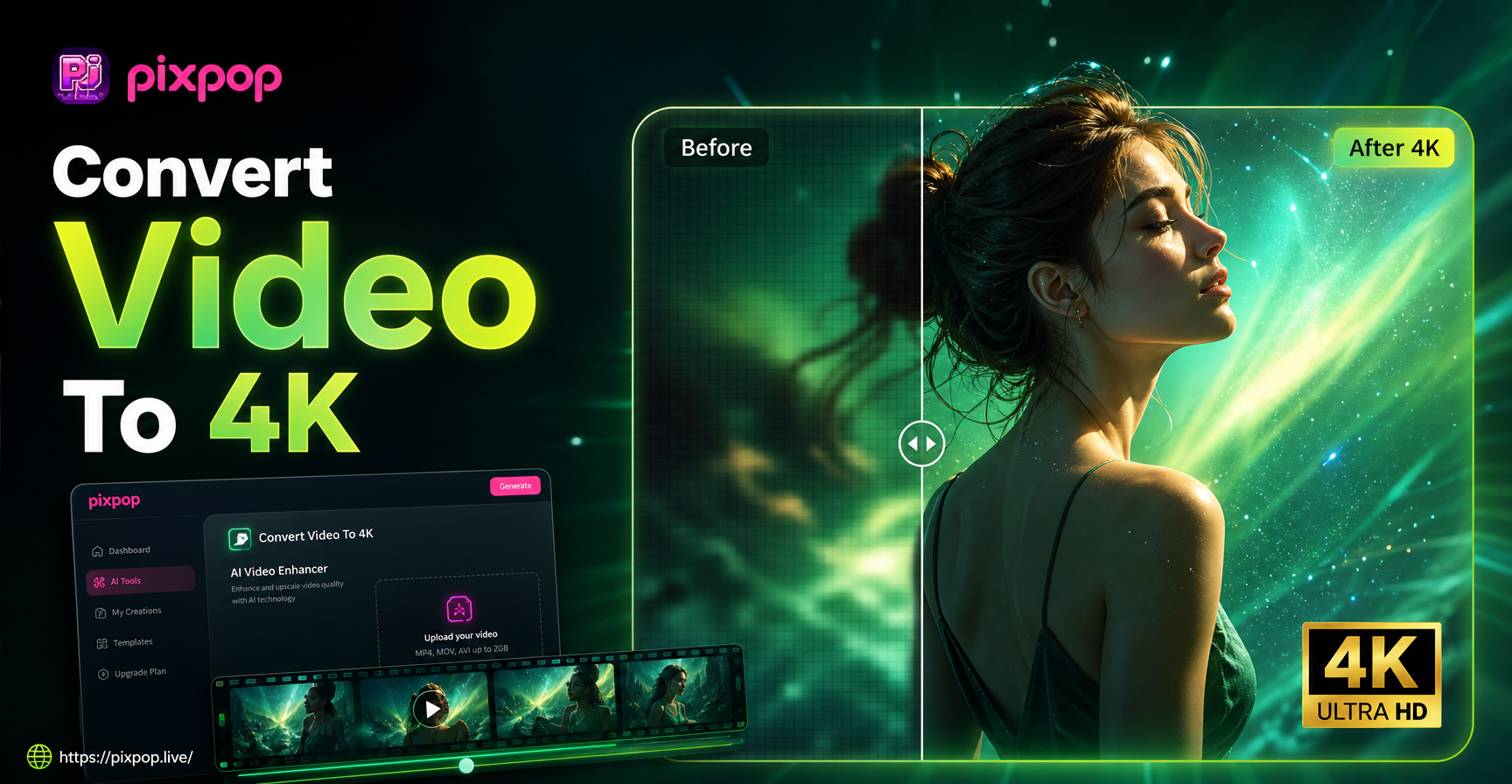
Convert Video To 4K Quality: AI Upscaler App
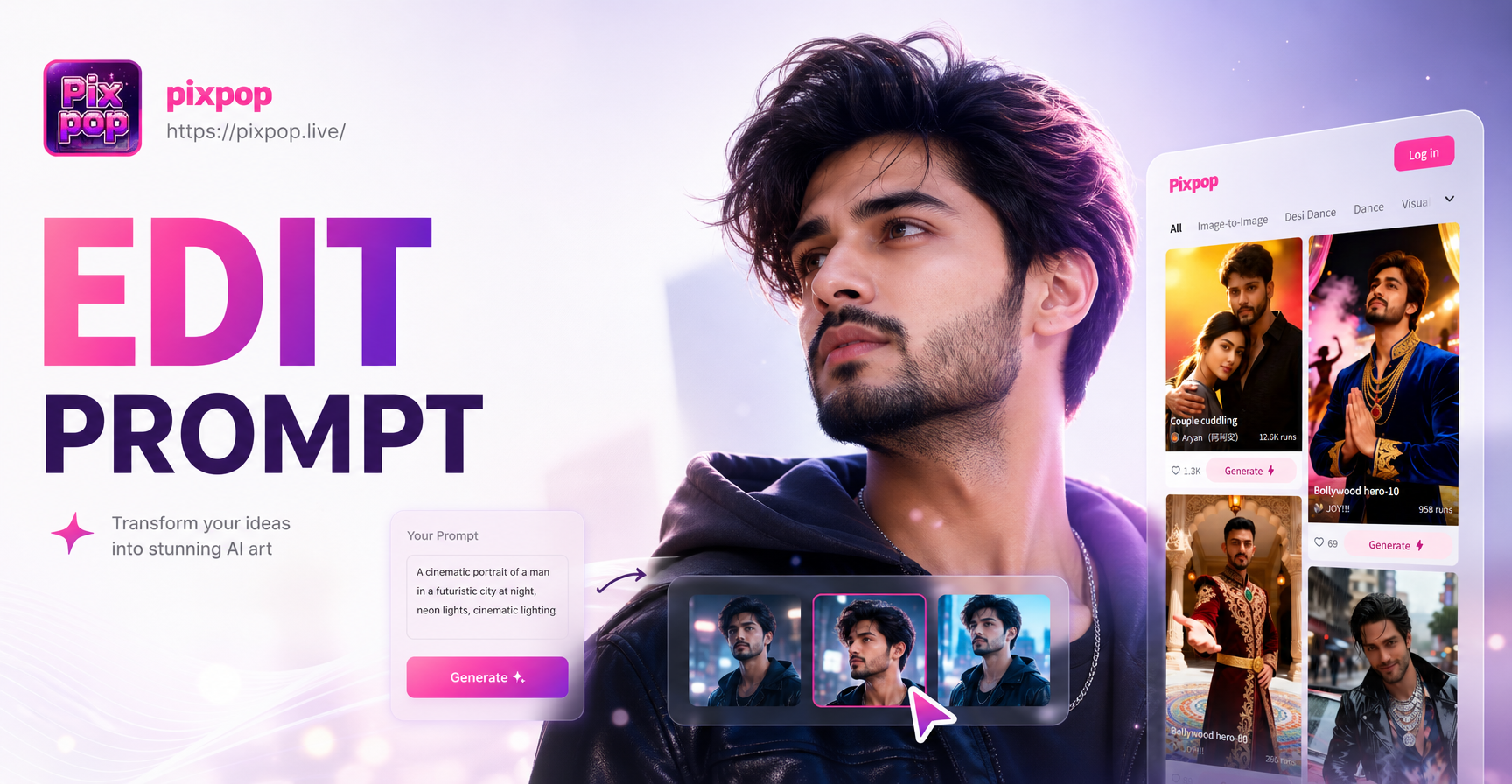
Editing Photo Prompt: Turn Words Into Stunning Edits
Remove Object Video with AI: Clean Clips in Seconds
Convert Video Into Cartoon with AI Cartoon Video App
Convert Video To 4K Quality: AI Upscaler App
Editing Photo Prompt: Turn Words Into Stunning Edits
Your Crayon Art, Instantly
Download pixpop and turn any photo into charming crayon style art. Share playful creations on social media and surprise friends with hand drawn effects.
Your Crayon Art, Instantly
Download pixpop and turn any photo into charming crayon style art. Share playful creations on social media and surprise friends with hand drawn effects.