Convert Video To Mp3
Choose the Audio Filter That Suits You Best
Discover the filter that perfectly matches your audio and video conversion needs.
Key Features of Video to MP3 Converter
Pixpop makes audio extraction effortless with powerful tools designed for mobile creators.
High-Quality Audio Extraction
Get crisp MP3 audio from any video file. Choose between 128kbps, 192kbps, and 320kbps output for the best listening experience.
Fast Batch Processing
Convert multiple videos to MP3 at once. Save time by queuing up your clips and letting Pixpop handle the rest automatically.
Easy Sharing Options
Save your MP3 files directly to your phone or share them to your favorite apps. Perfect for podcasts, music clips, and voice notes.
How to Convert Video to MP3 in 3 Easy Steps
Follow these simple steps to extract audio from any video using the Pixpop mobile app.

Step 01.
Download the Pixpop app from Google Play and open it on your Android device.

Step 02.
Upload the video you want to convert. Pick the MP3 quality setting that fits your needs.

Step 03.
Tap Convert and wait a few seconds. Save or share your new MP3 file instantly.
Ready-to-Use Video to MP3 Conversion Samples
See how Pixpop turns video clips into clean audio files. Browse sample conversions and then try it on your own videos.
Why Use Pixpop for Video to MP3 Conversion
Pixpop is built for mobile creators who need fast, reliable audio extraction without the hassle of desktop software. It runs entirely on your phone and keeps your files private.
Why Use Pixpop for Video to MP3 Conversion
Pixpop is built for mobile creators who need fast, reliable audio extraction without the hassle of desktop software. It runs entirely on your phone and keeps your files private.
Frequently Asked Questions
Find clear answers about converting video to MP3 with Pixpop.
More Topics You May Like
Explore more topics you may like and discover fresh ideas tailored to your interests.
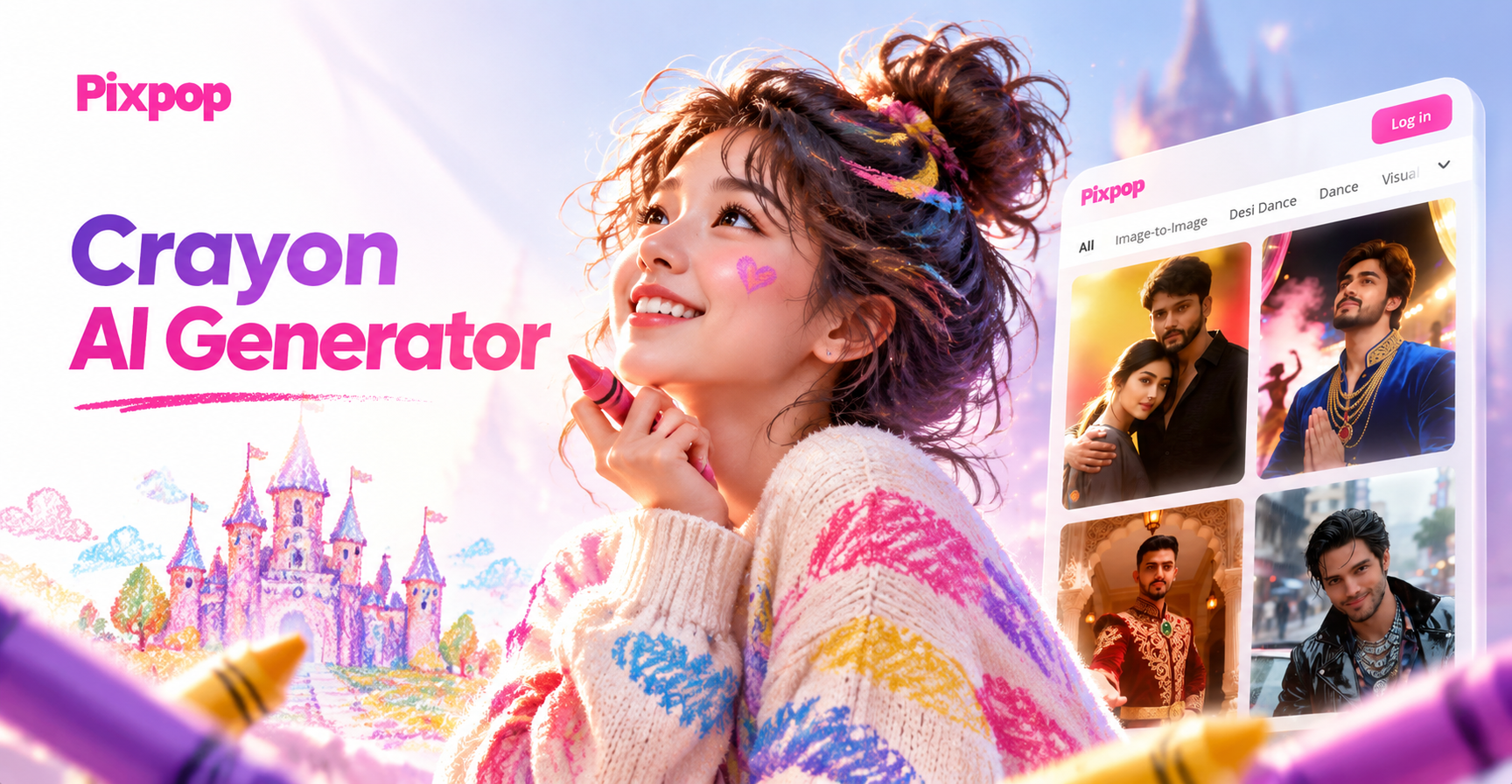
Crayon AI Generator: Turn Photos into Crayon Art
Transform photos into playful crayon drawings with the Crayon AI Generator. Upload an image, choose wax crayon filters, and get hand drawn art in seconds. No design skills needed.
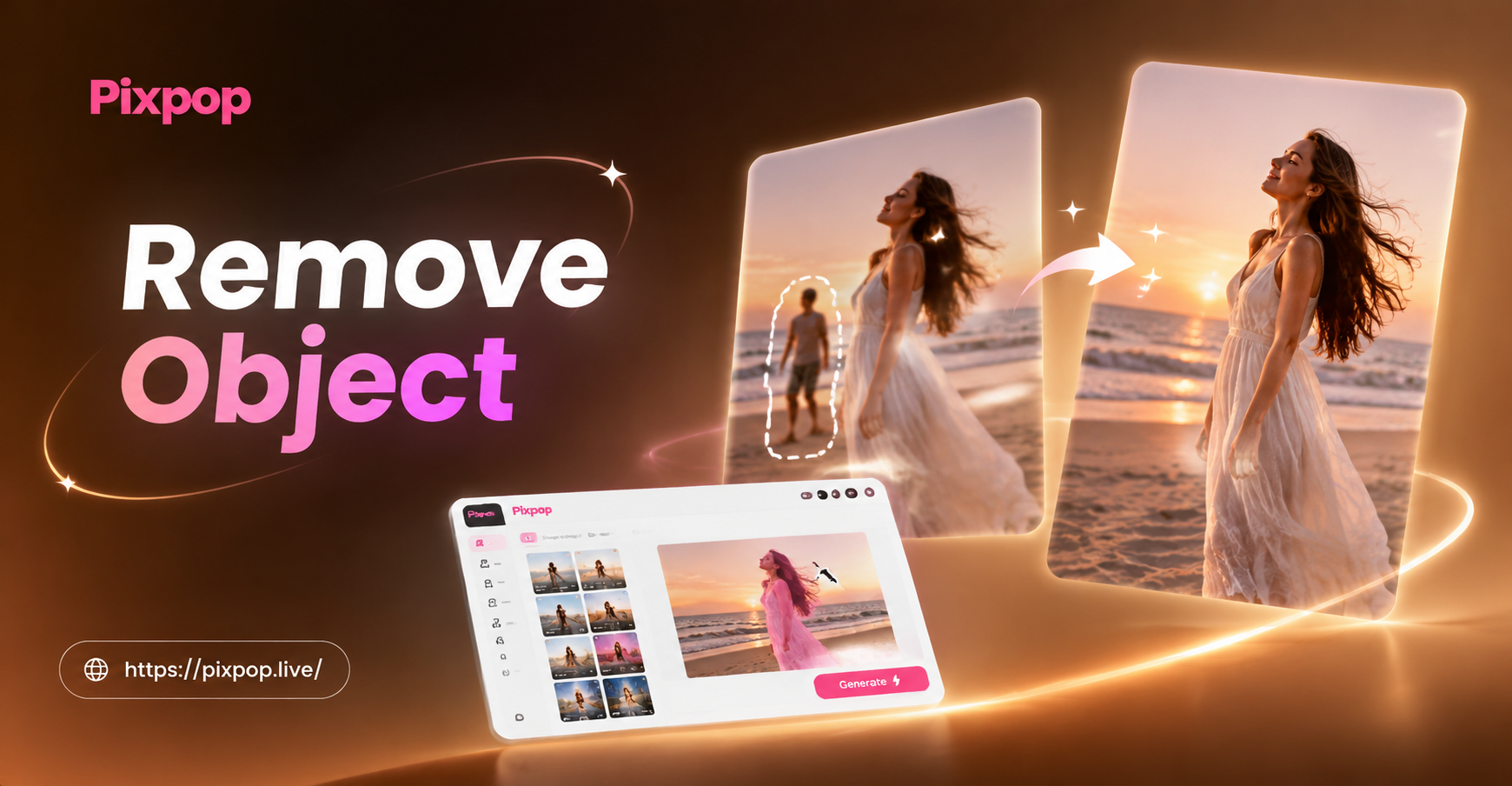
Remove Object Video with AI: Clean Clips in Seconds
Remove unwanted objects, people, text, or watermarks from any video using pixpop AI. Download the app, mark the object, and get seamless results in seconds.
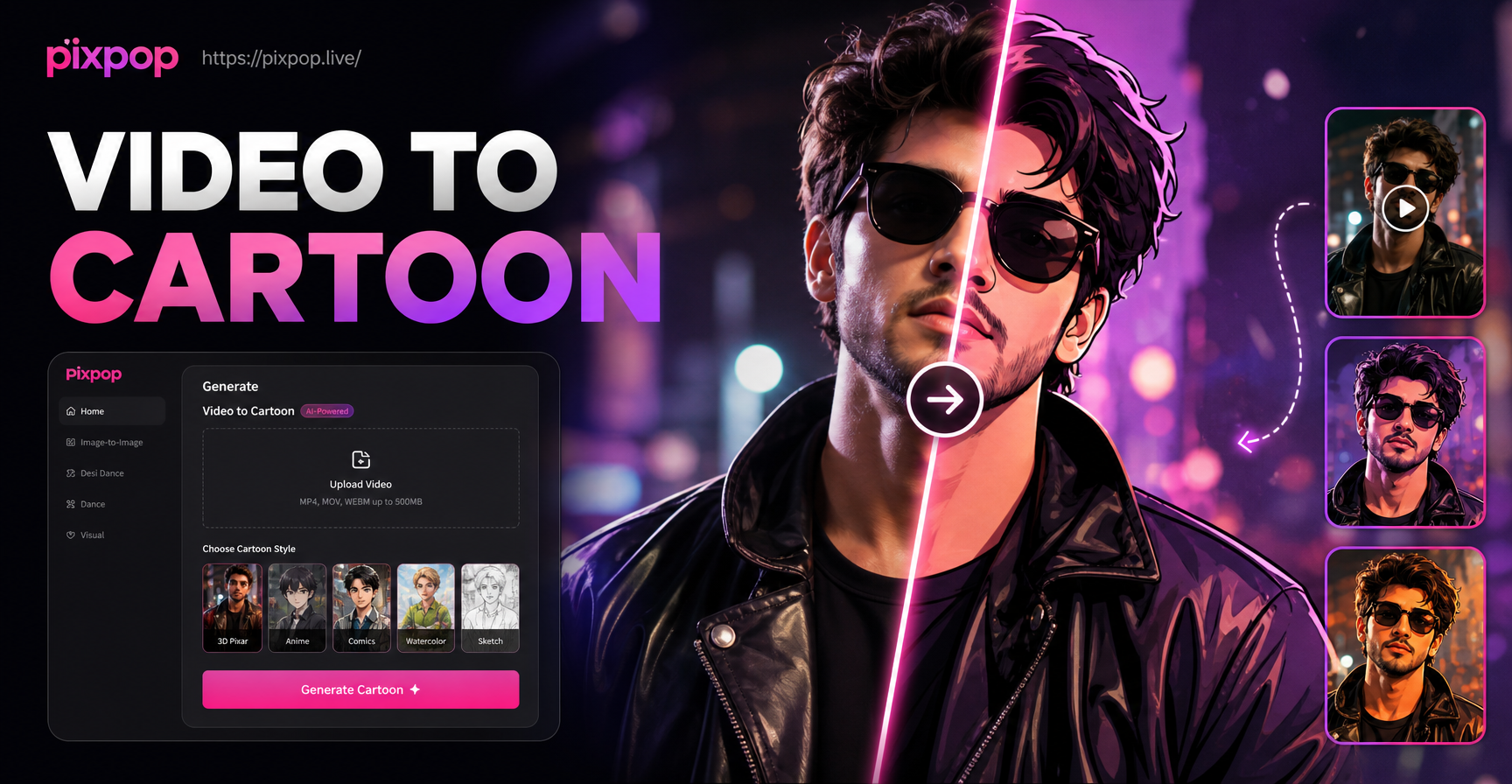
Convert Video Into Cartoon with AI Cartoon Video App
Turn any video into a cartoon with pixpop. Upload a clip, pick anime, 3D clay, Ghibli, or sketch styles. No editing skills needed. Download the app and transform videos instantly.
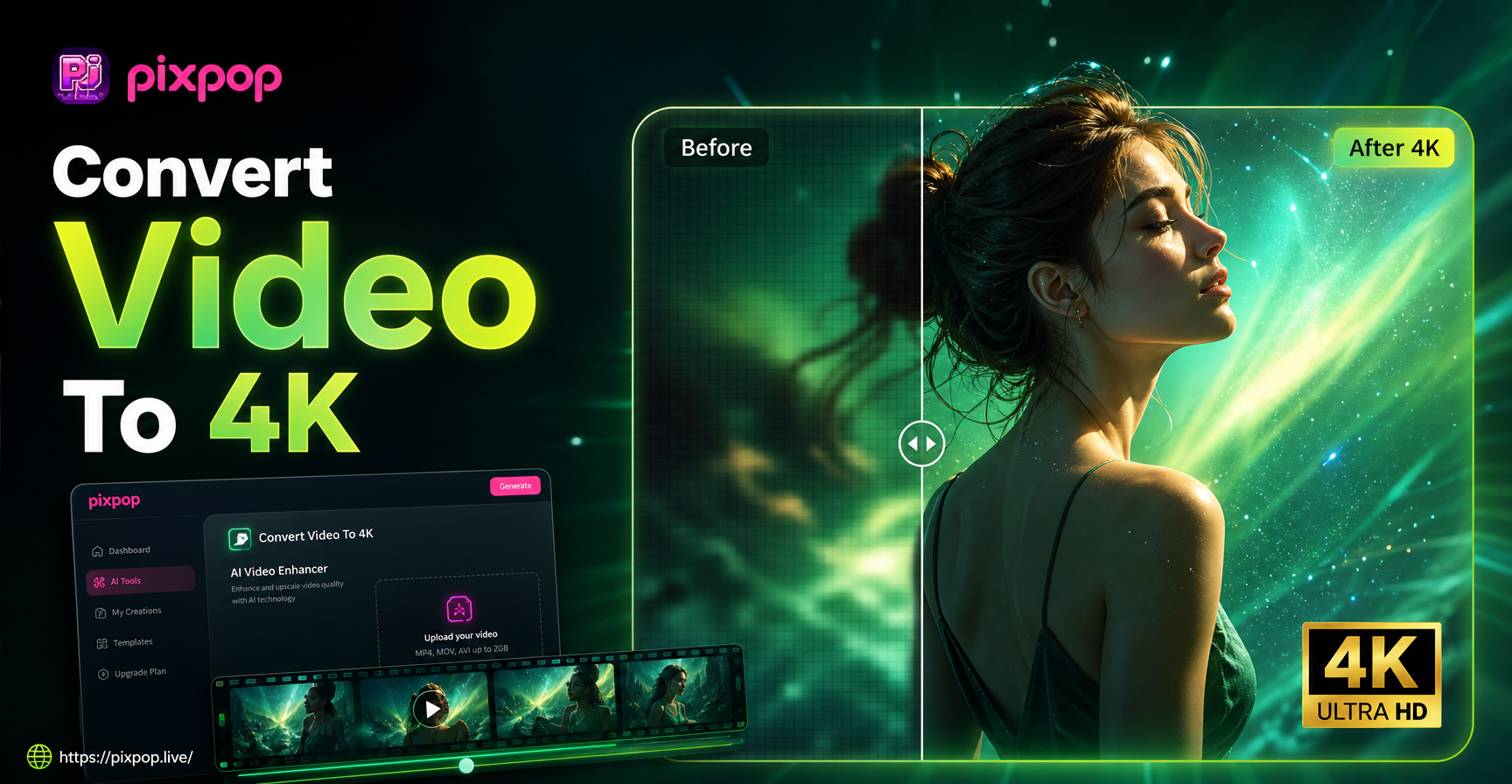
Convert Video To 4K Quality: AI Upscaler App
Convert video to 4K quality instantly with pixpop. Upload any clip, choose AI upscaling, and get crisp 4K resolution. Download the app now.
Convert Video to MP3 Instantly
Download Pixpop and turn any video into high-quality MP3 audio right from your phone. Fast, free, and easy to use.
Convert Video to MP3 Instantly
Download Pixpop and turn any video into high-quality MP3 audio right from your phone. Fast, free, and easy to use.