Body Reshaping Photo Editor
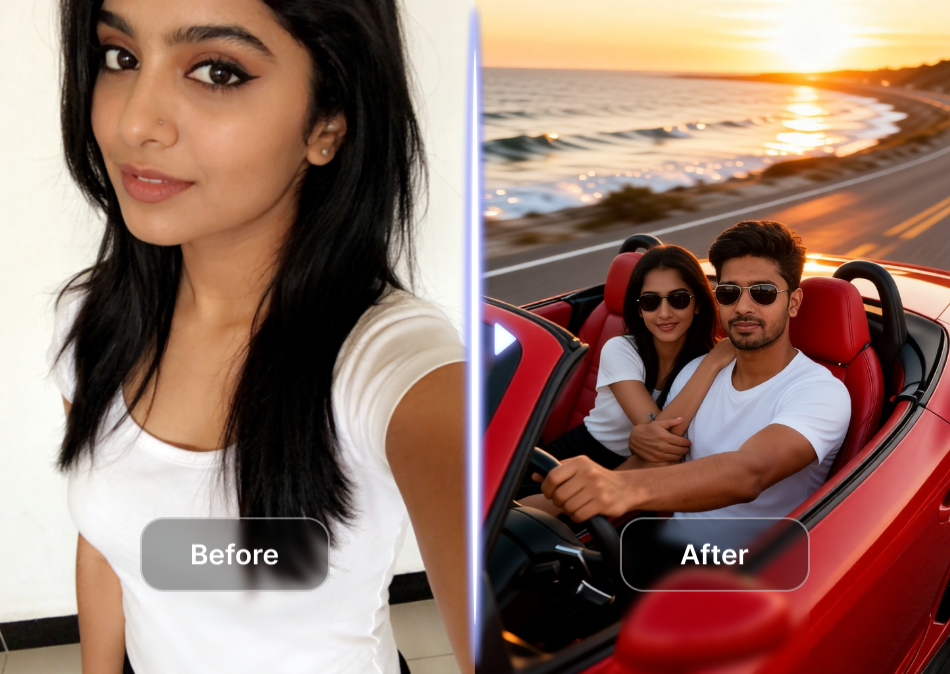
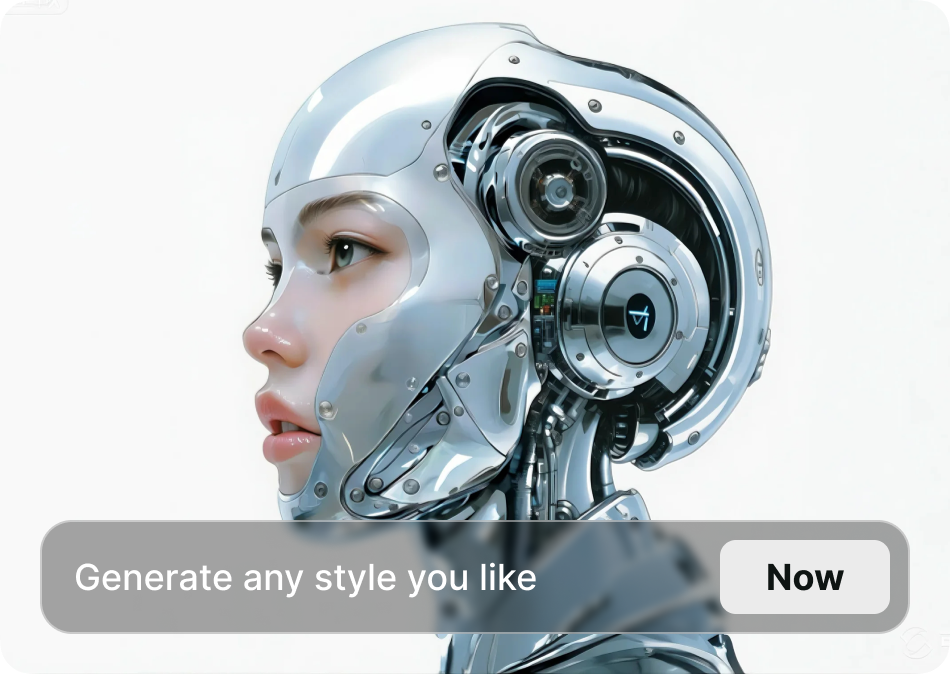
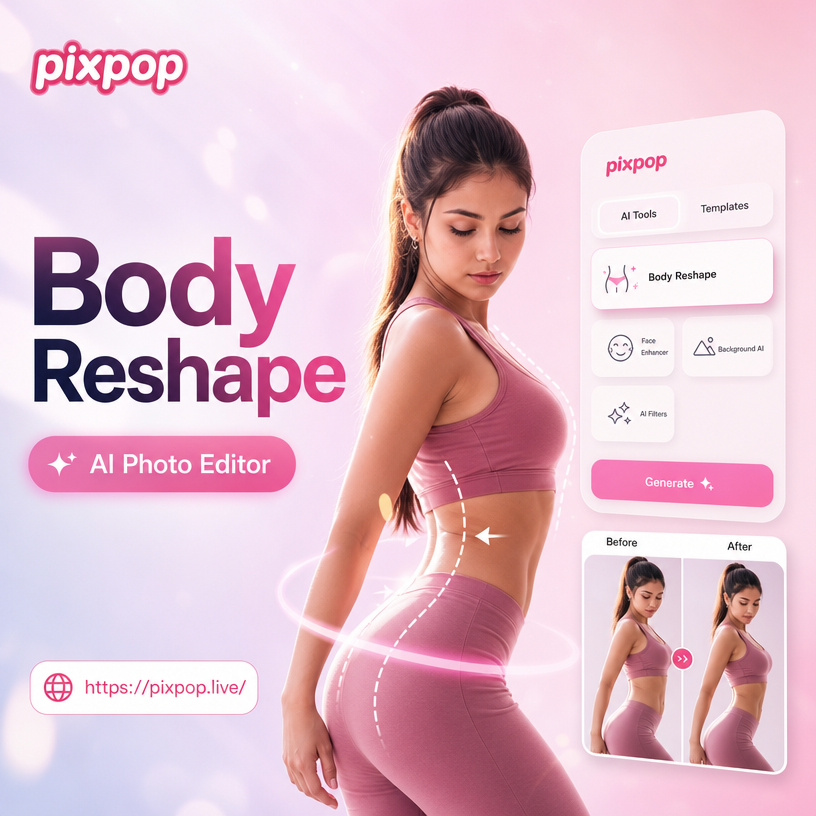
Choose the Body Reshaping Filter That Suits You Best
Discover the perfect filter to slim, tone, or reshape your body exactly the way you want.
Key Features of Body Reshaping Photo Editor
Turn your photos into flawless body transformations with AI powered tools that deliver natural, realistic results in just a few taps.
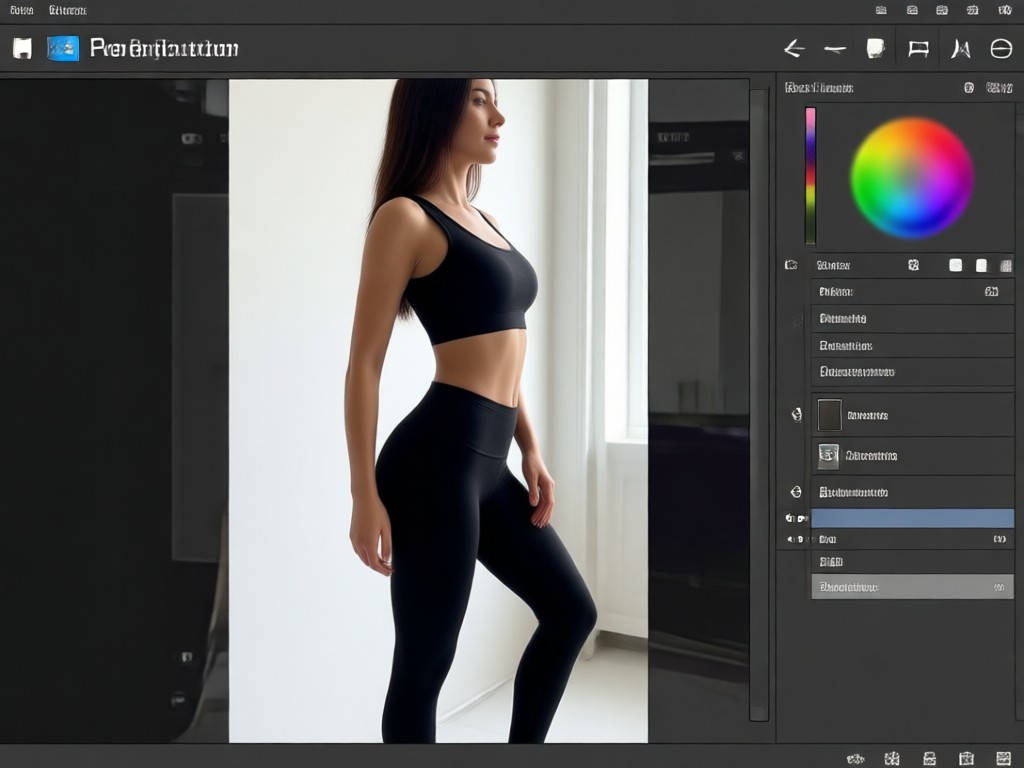
Natural Waist Slimming
Use AI to gently slim your waistline without distorting the background or your clothing. The result looks like you, just with a more defined silhouette. Perfect for portraits and full body shots.
Natural Waist Slimming
Use AI to gently slim your waistline without distorting the background or your clothing. The result looks like you, just with a more defined silhouette. Perfect for portraits and full body shots.
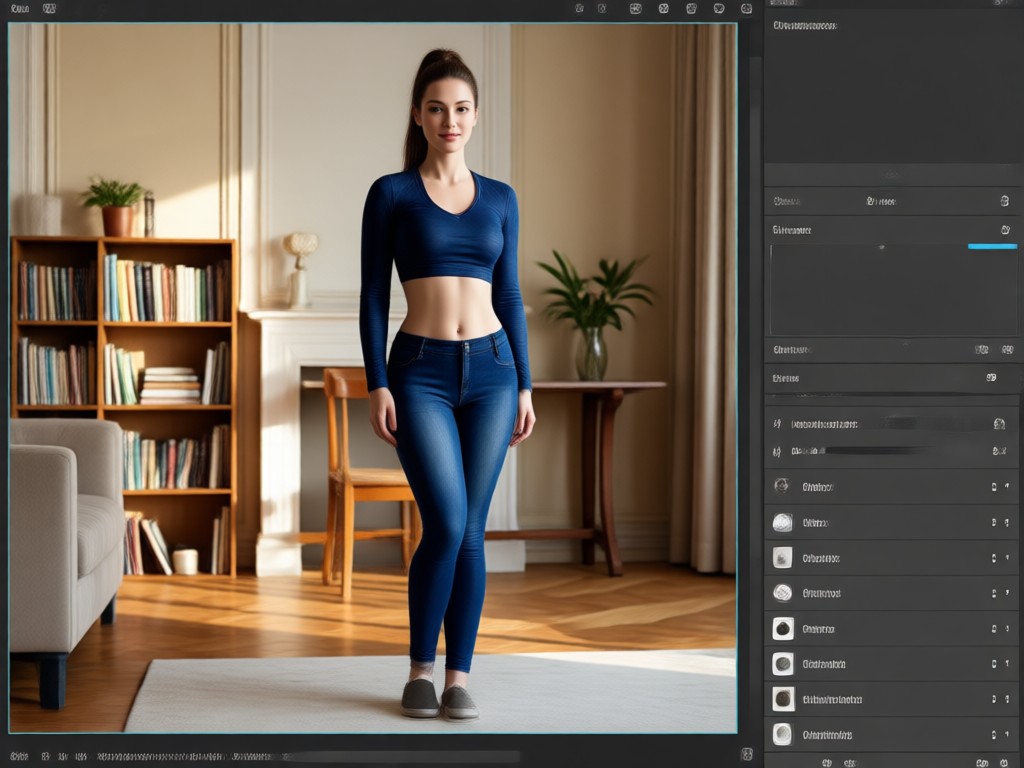
Tone Arms and Legs
Enhance muscle definition or create smoother, leaner limbs with adjustable intensity. Whether you want subtle toning or a more sculpted look, the AI adapts to your body type and photo lighting.
Tone Arms and Legs
Enhance muscle definition or create smoother, leaner limbs with adjustable intensity. Whether you want subtle toning or a more sculpted look, the AI adapts to your body type and photo lighting.
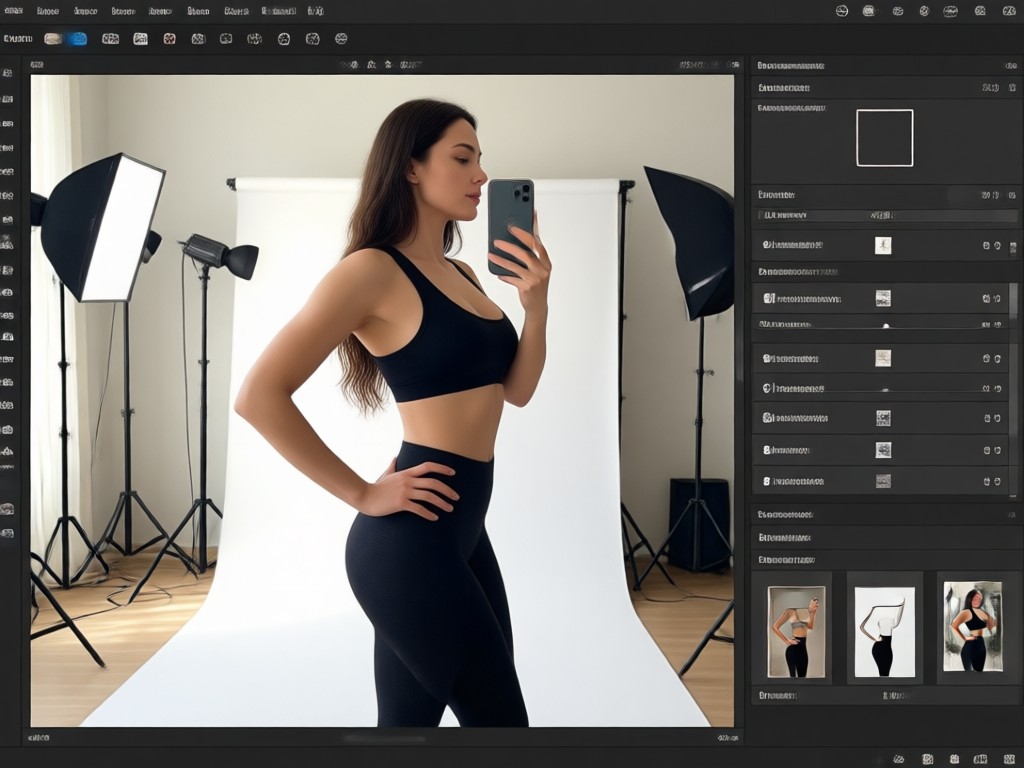
Adjust Body Proportions
Change height, shoulder width, or hip shape to achieve your ideal proportions. The AI preserves face identity and clothing texture for a convincing final image you will be proud to share.
Adjust Body Proportions
Change height, shoulder width, or hip shape to achieve your ideal proportions. The AI preserves face identity and clothing texture for a convincing final image you will be proud to share.
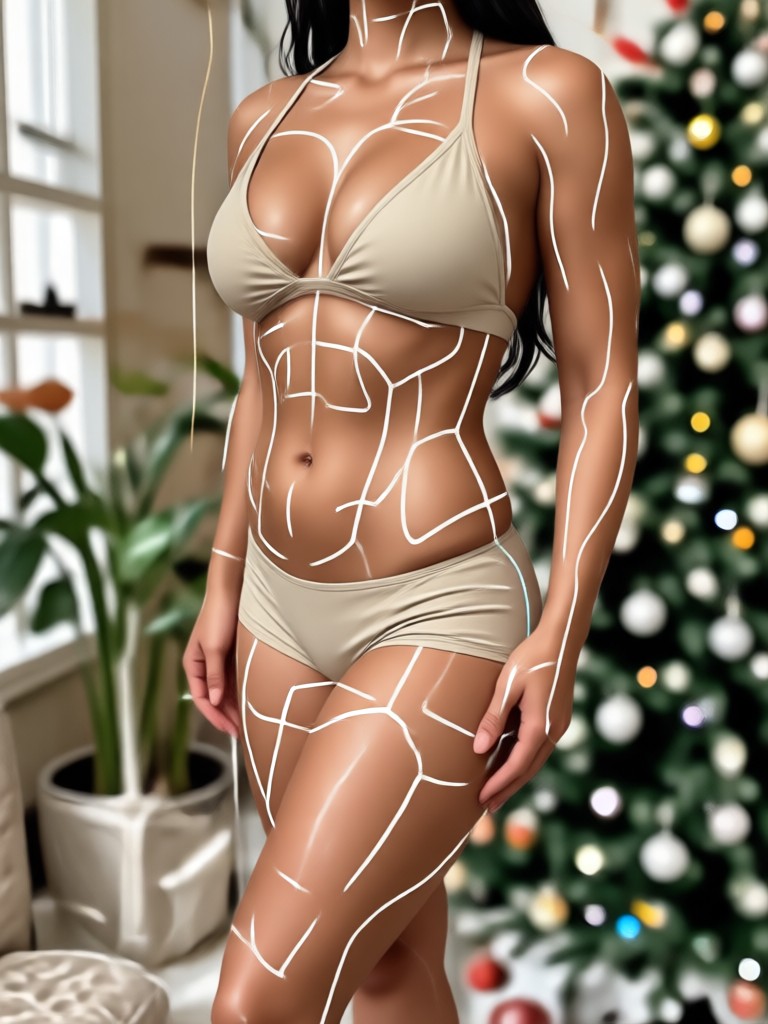
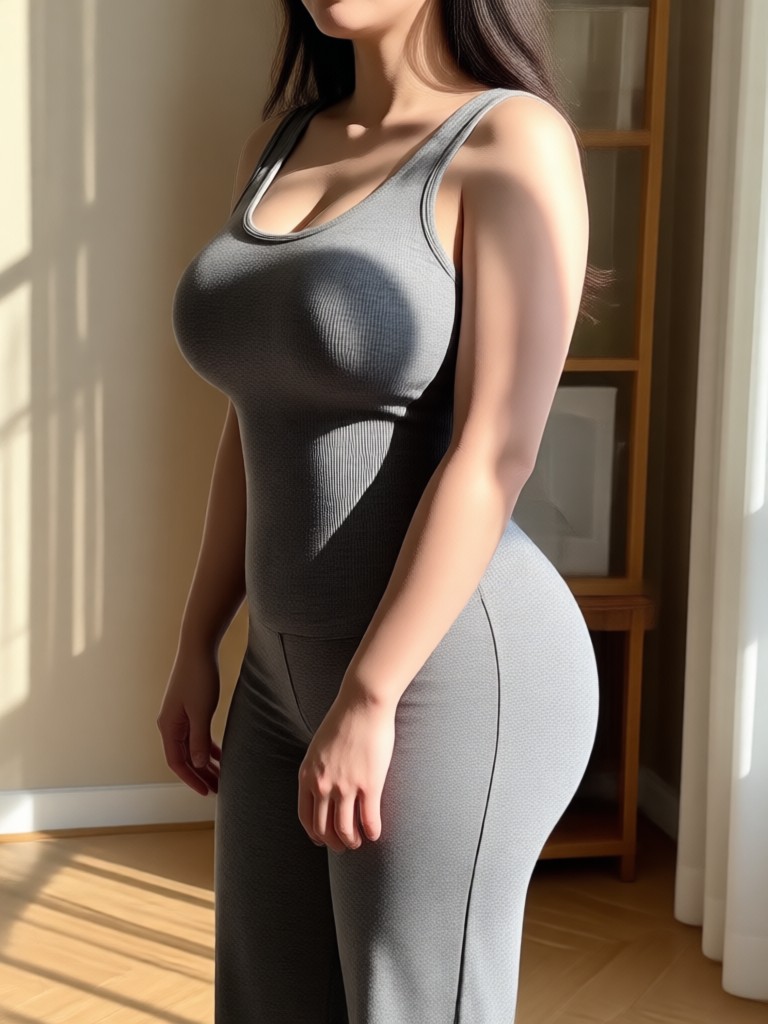
Real Body Reshaping Transformations
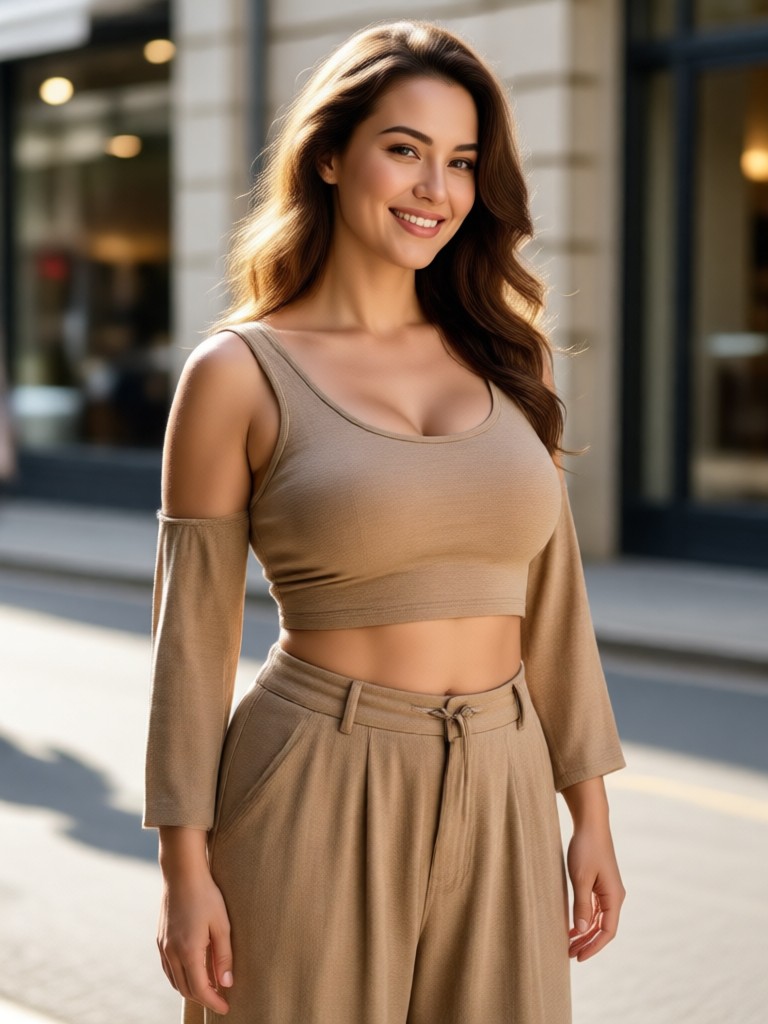
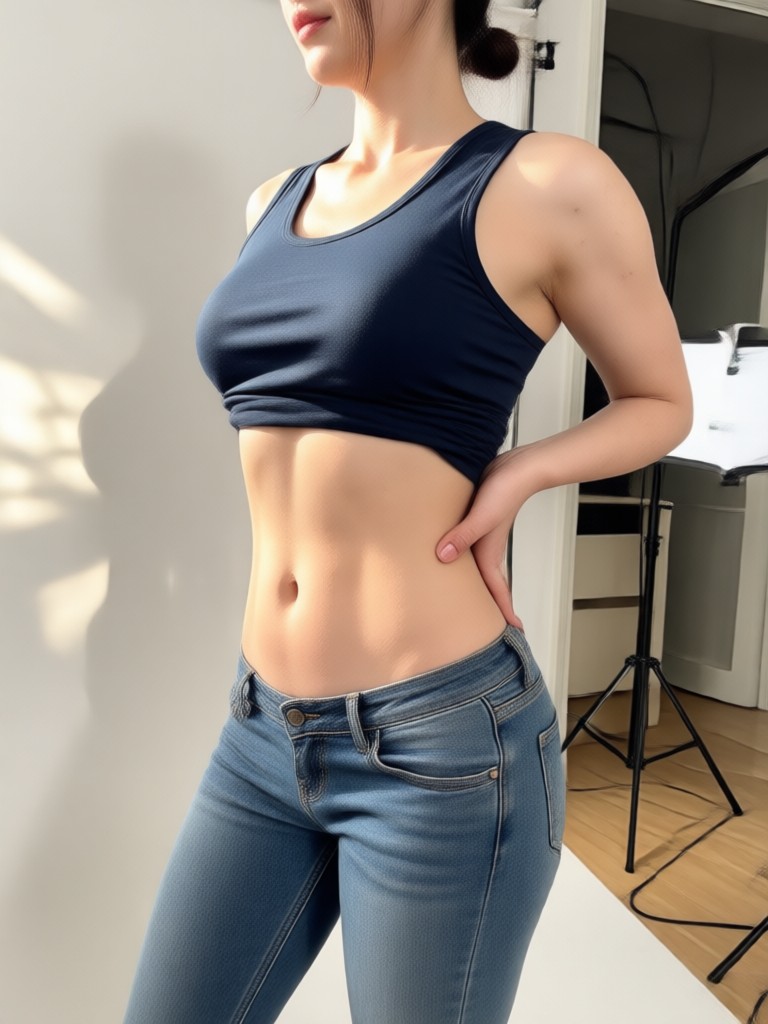
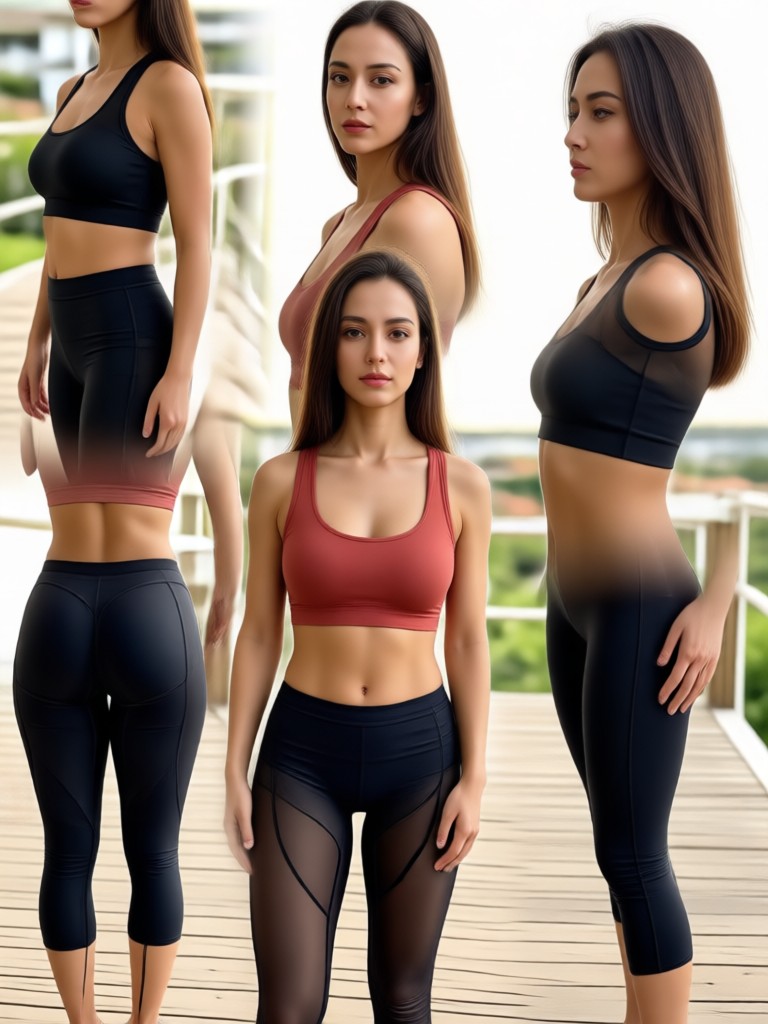
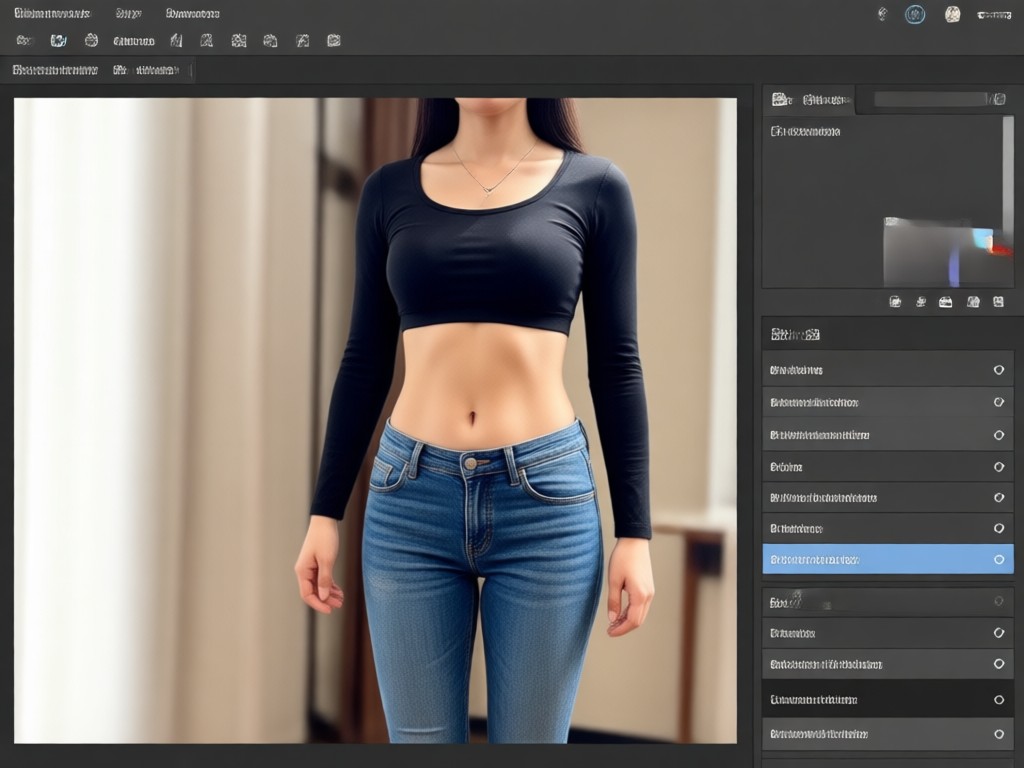
See how our AI body reshaping editor transforms ordinary photos into stunning results. Each image shows a natural, believable change that preserves your unique features.
Why Use a Body Reshaping Photo Editor?
Traditional photo editing requires hours of manual work and can look fake. Our AI body reshaping editor delivers natural results in seconds, so you can confidently share photos that reflect how you want to look.
Why Use a Body Reshaping Photo Editor?
Traditional photo editing requires hours of manual work and can look fake. Our AI body reshaping editor delivers natural results in seconds, so you can confidently share photos that reflect how you want to look.
How to Reshape Your Body in Photos
Create natural body transformations in just a few simple steps using our powerful AI platform.

Step 01.
Download the pixpop app from Google Play and open it on your phone.

Step 02.
Upload a full body or portrait photo and choose a body reshaping filter from the style library.

Step 03.
Adjust the intensity, generate your new photo, and save or share it directly to social media.
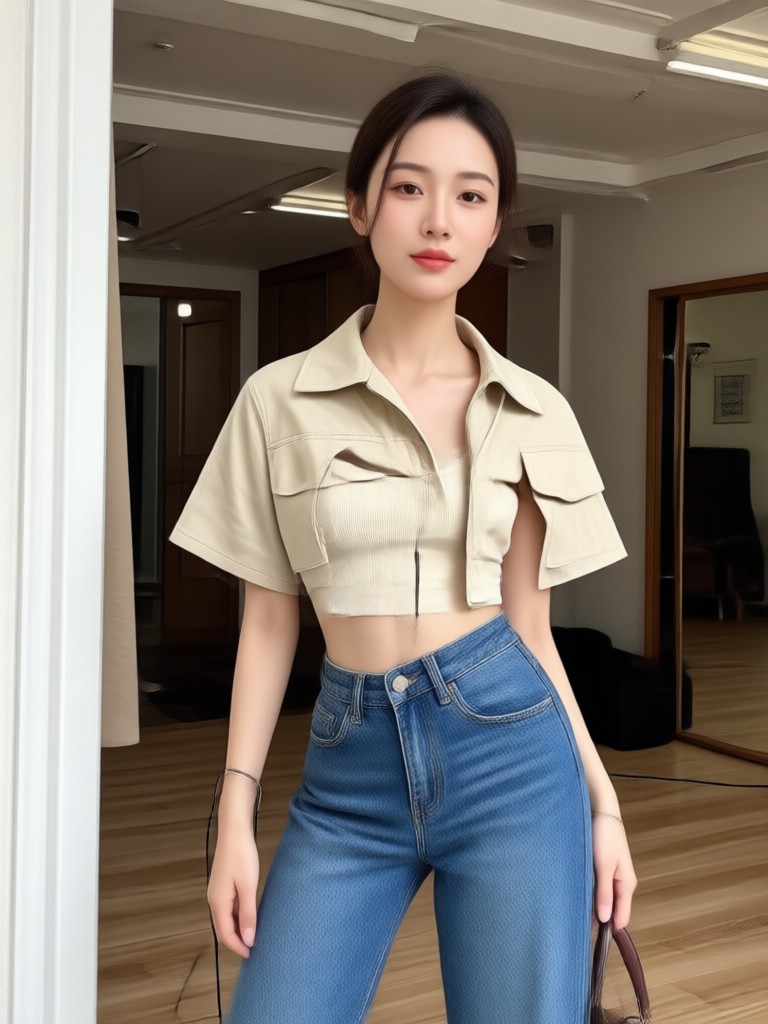
Body Reshaping Photo Editor for Android
AI enhances your natural shape while keeping every detail realistic. Download the app and reshape your photos anywhere, anytime.

What Users Say About Body Reshaping Editor
Finally a natural looking slimming tool
I tried other apps and the results always looked warped. pixpop keeps my face and background intact while making my waist look slimmer. It is incredibly easy to use.
Perfect for my online store photos
I need product photos with models wearing our clothes. The body reshaping editor lets me adjust fit and proportions without expensive reshoots. Huge time saver.
I love the arms and legs toning
As a fitness coach, I use this to show clients potential results. The AI is smart enough to keep muscle definition realistic. Highly recommend.
Body Reshaping Photo Editor FAQs
Find clear answers to common questions about using our AI body reshaping photo editor.
More Topics You May Like
Explore more topics you may like and discover fresh ideas tailored to your interests.
Add Bangs To Photo: Virtual Bangs Try On
Convert Video To Mp3: Quick Audio Extraction Tool
Crayon AI Generator: Turn Photos into Crayon Art
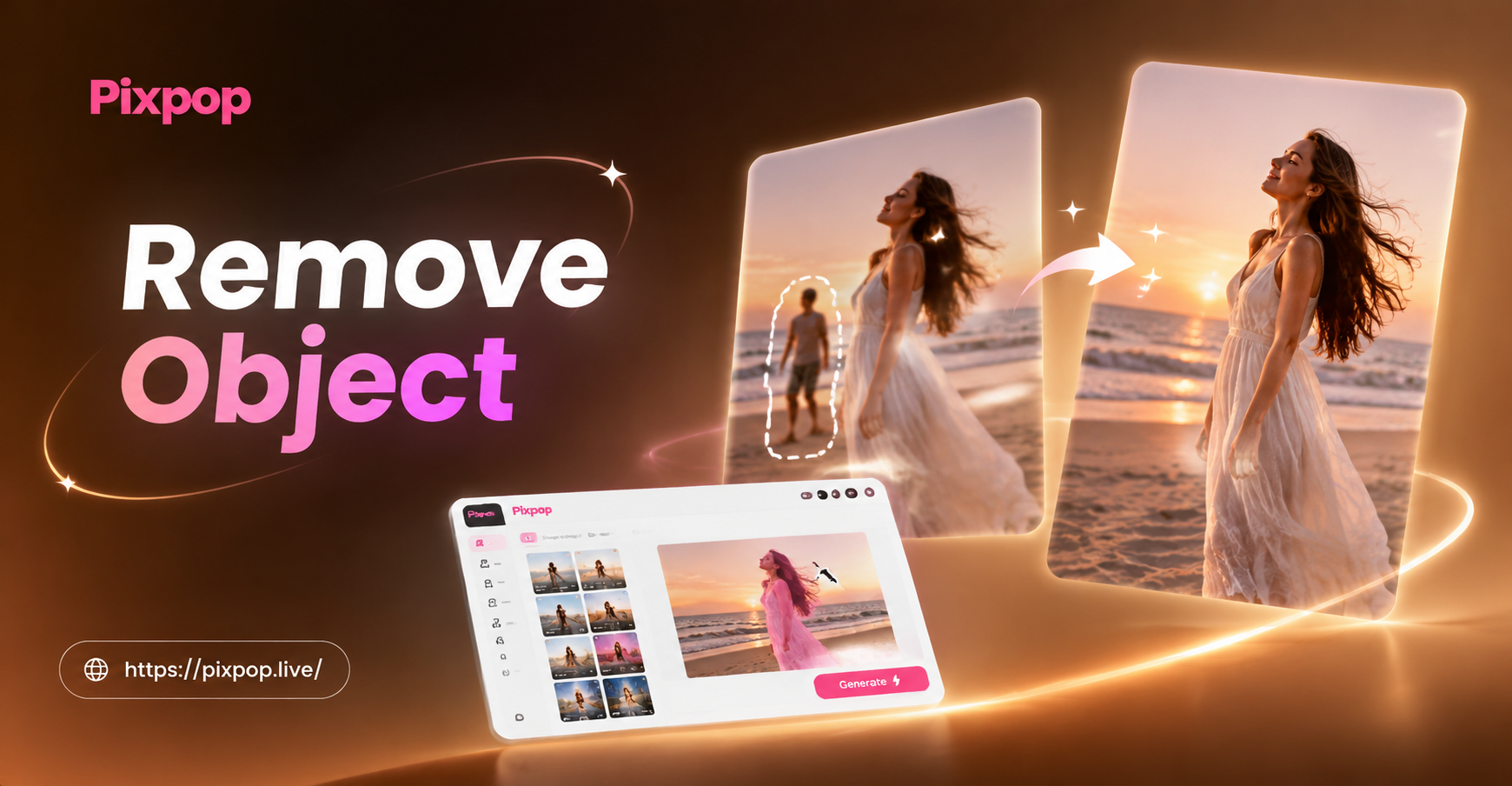
Remove Object Video with AI: Clean Clips in Seconds
Add Bangs To Photo: Virtual Bangs Try On
Convert Video To Mp3: Quick Audio Extraction Tool
Crayon AI Generator: Turn Photos into Crayon Art
Remove Object Video with AI: Clean Clips in Seconds
Ready to Reshape Your Photos?
Download the pixpop app and start creating natural body transformations in seconds. Your best look is just a tap away.
Ready to Reshape Your Photos?
Download the pixpop app and start creating natural body transformations in seconds. Your best look is just a tap away.