Add Bangs To Photo
Cute Figurine

Why Use AI to Add Bangs To Photo
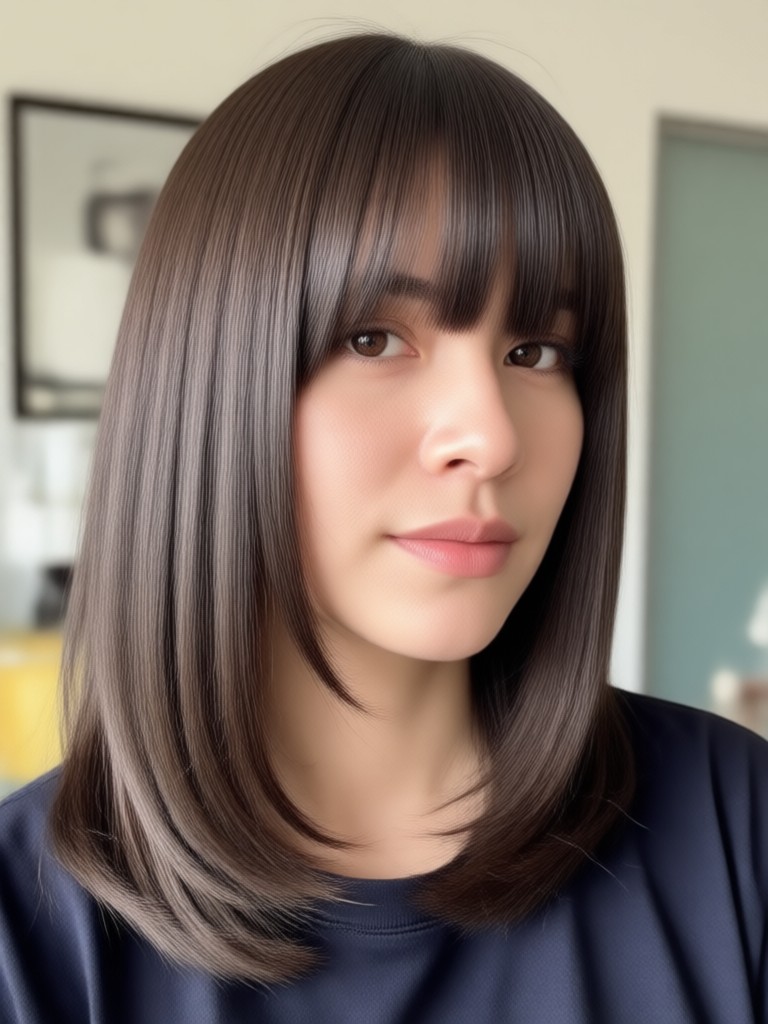
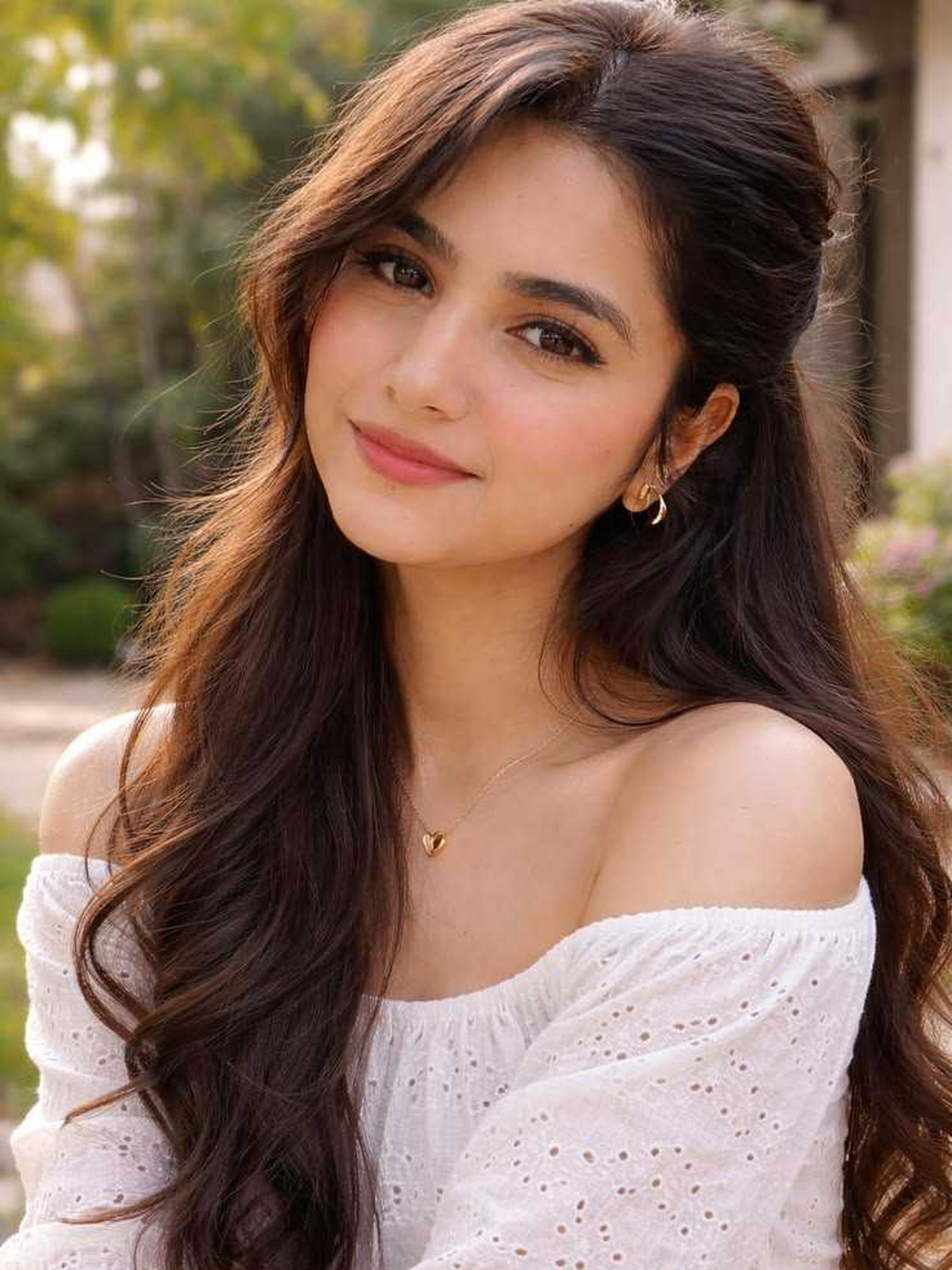
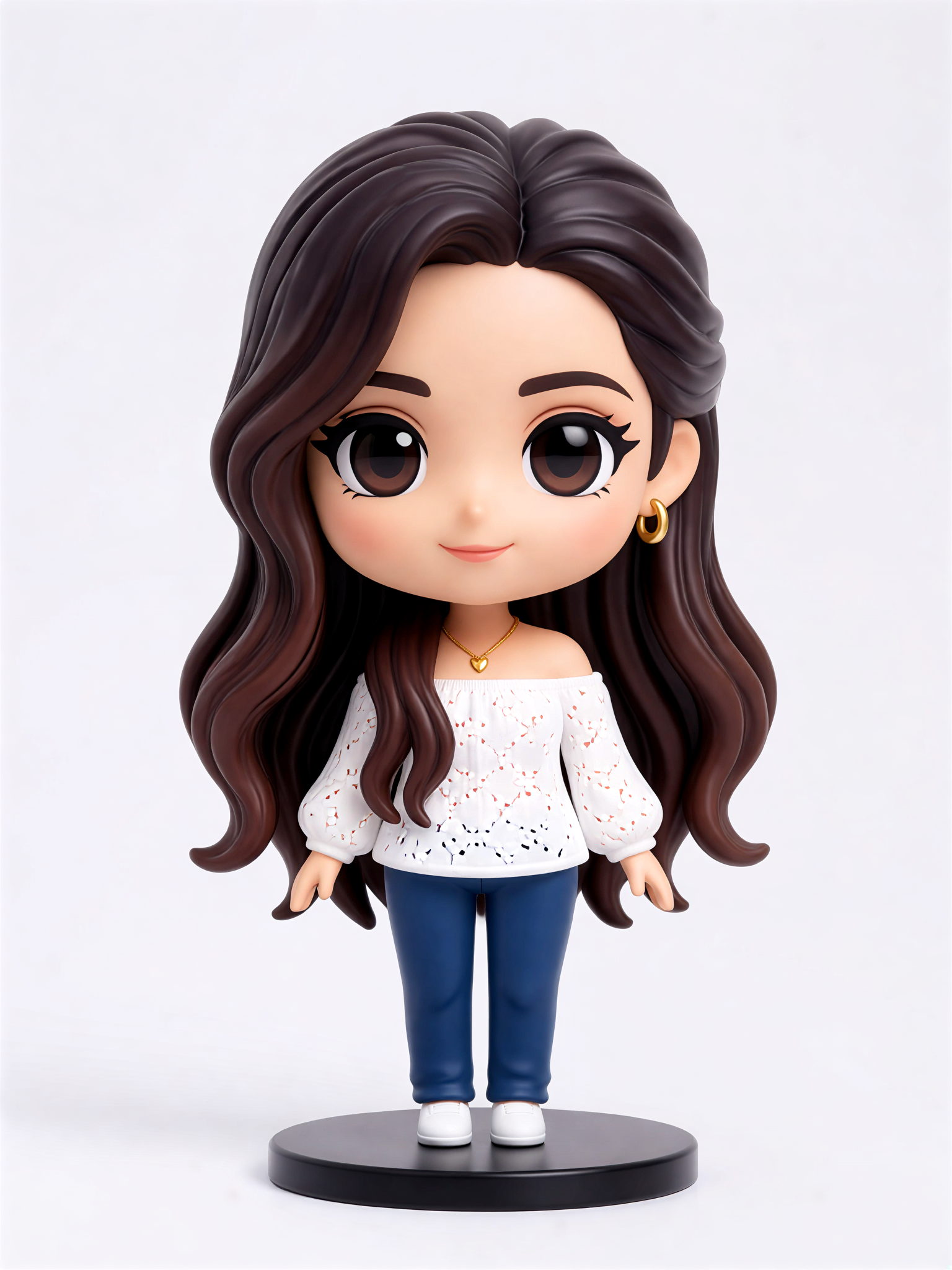
Discover the easiest way to try bangs before you cut. pixpop uses advanced AI to map your face shape and hair texture, creating photorealistic bangs that blend naturally with your existing style.
Realistic Bang Simulation
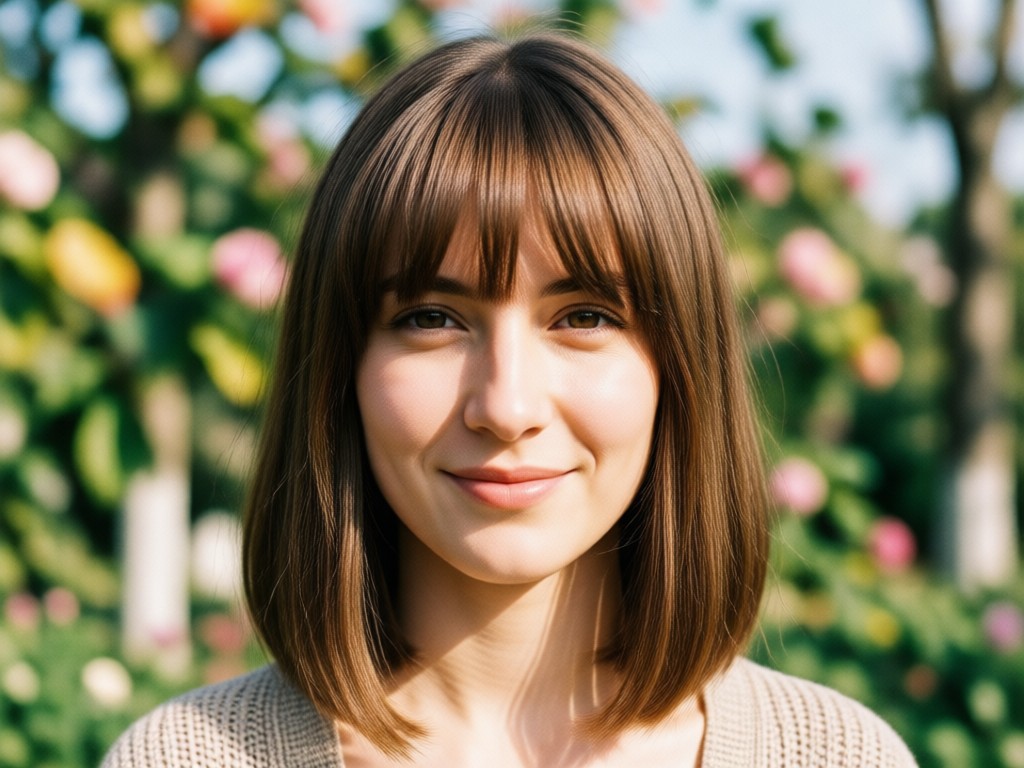
The AI maps your face shape, hairline, and lighting conditions to place bangs naturally. See exactly how curtain, blunt, or wispy bangs will frame your face with photorealistic detail.
Realistic Bang Simulation
The AI maps your face shape, hairline, and lighting conditions to place bangs naturally. See exactly how curtain, blunt, or wispy bangs will frame your face with photorealistic detail.
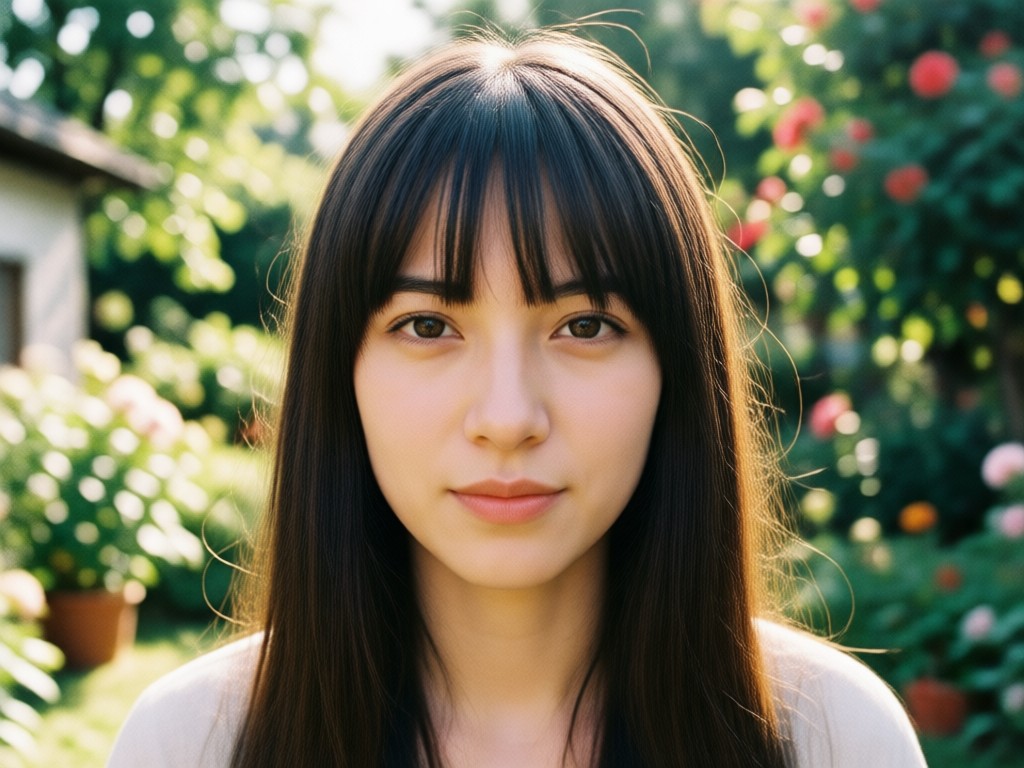
Multiple Bang Styles
Explore dozens of bang styles including side-swept, feathered, baby bangs, and curtain bangs. Mix and match until you find your perfect look without any commitment.
Multiple Bang Styles
Explore dozens of bang styles including side-swept, feathered, baby bangs, and curtain bangs. Mix and match until you find your perfect look without any commitment.
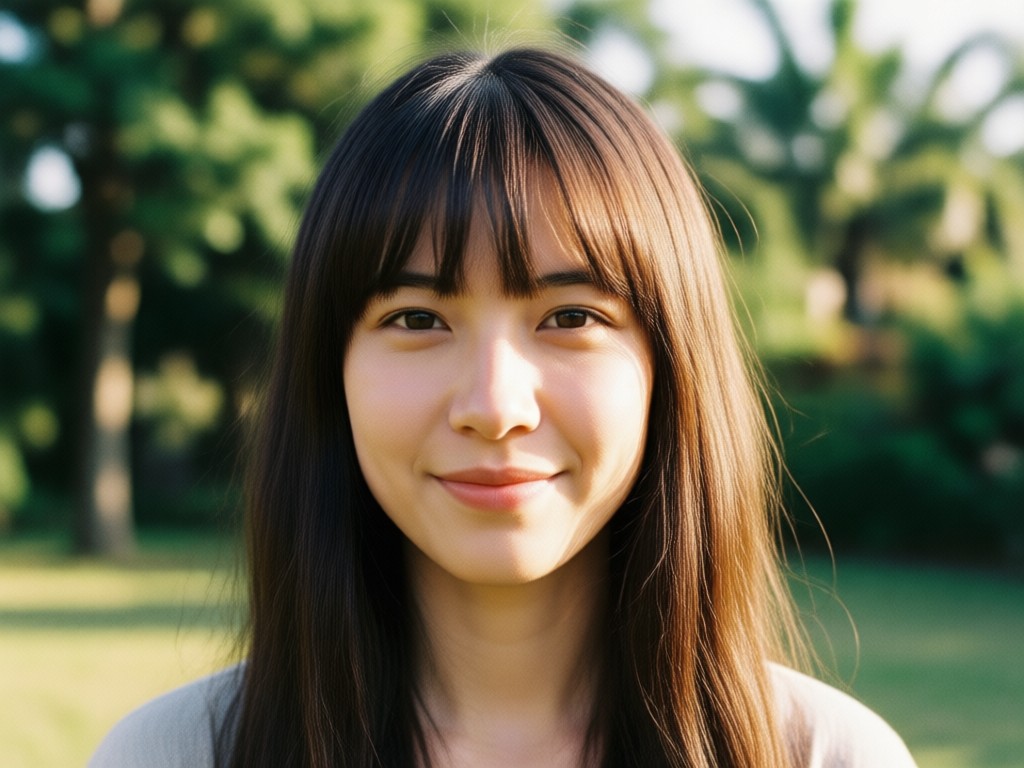
Instant Preview Before Cutting
Avoid haircut regrets. Try bangs on multiple photos and angles before booking a salon appointment or picking up scissors. See your future hairstyle today.
Instant Preview Before Cutting
Avoid haircut regrets. Try bangs on multiple photos and angles before booking a salon appointment or picking up scissors. See your future hairstyle today.
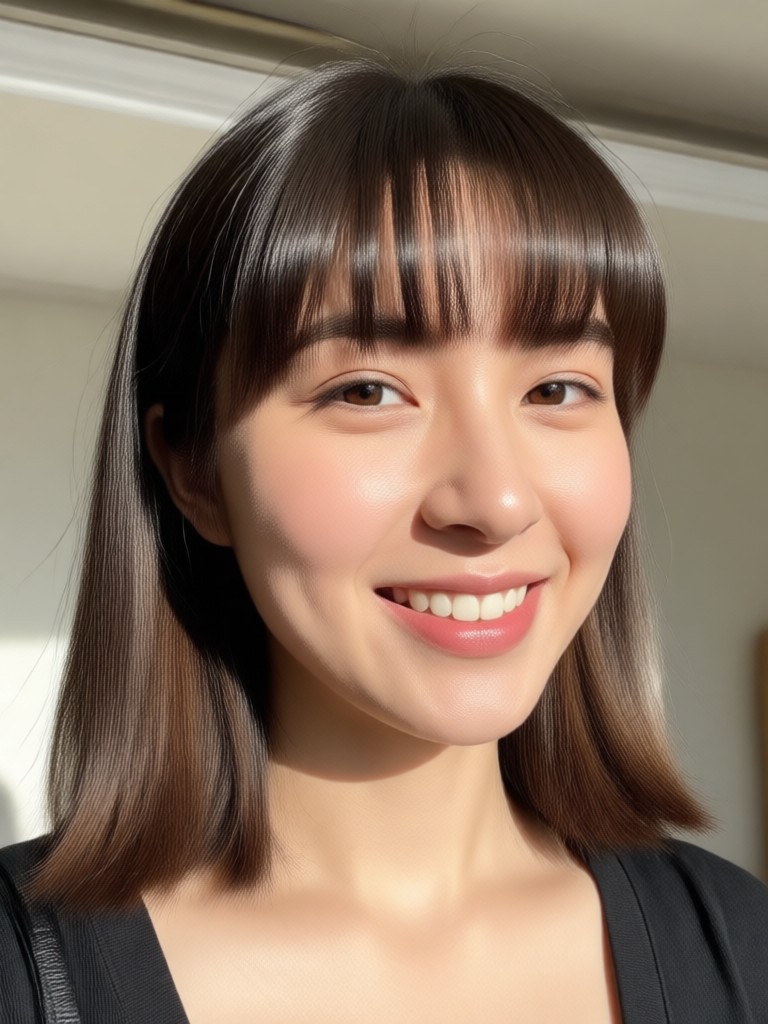
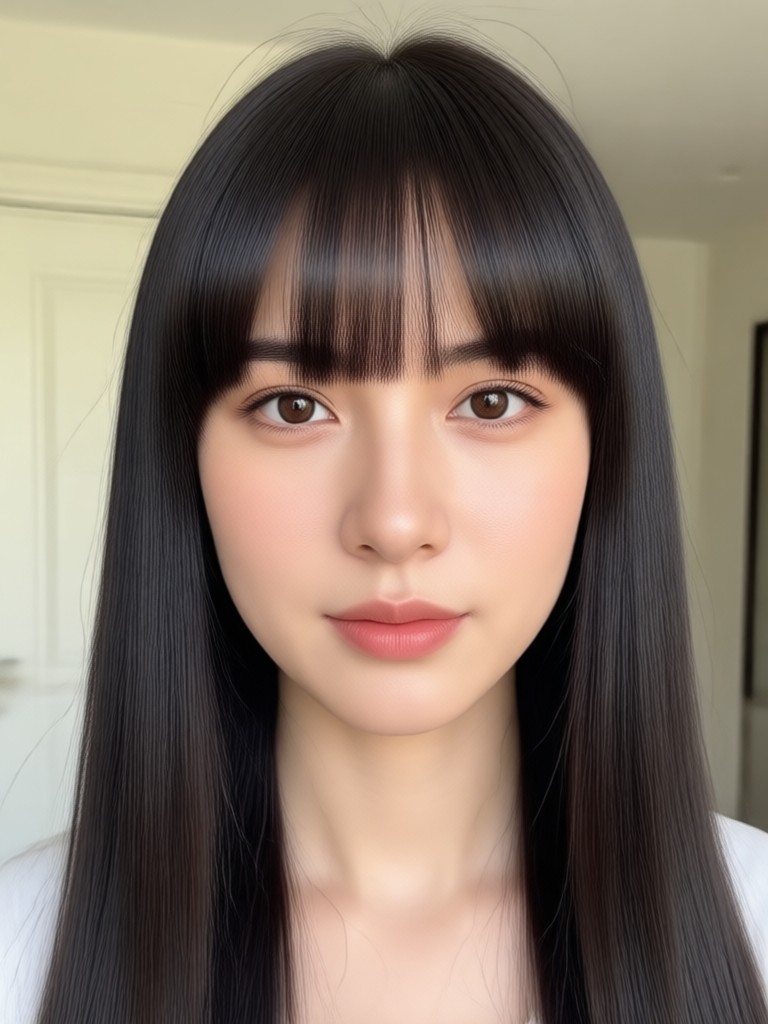
Real Results: AI Bangs Styles Gallery
Browse real examples of AI-added bangs on different face shapes. From soft curtain bangs to bold blunt styles, see what your hair could look like with pixpop.
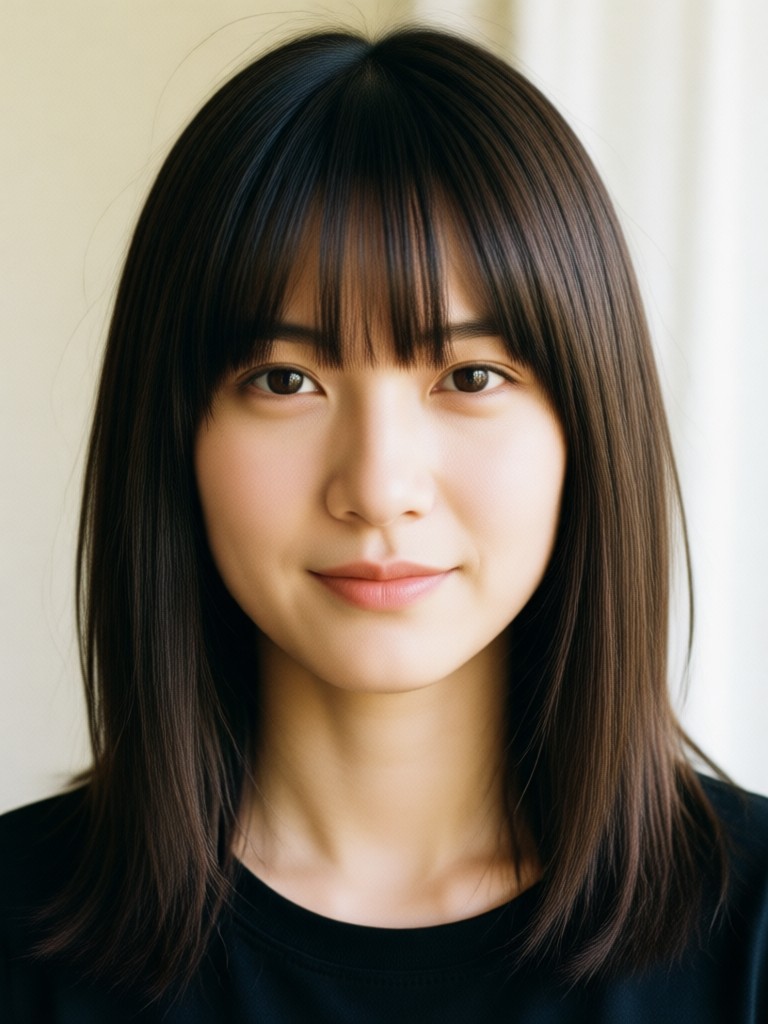
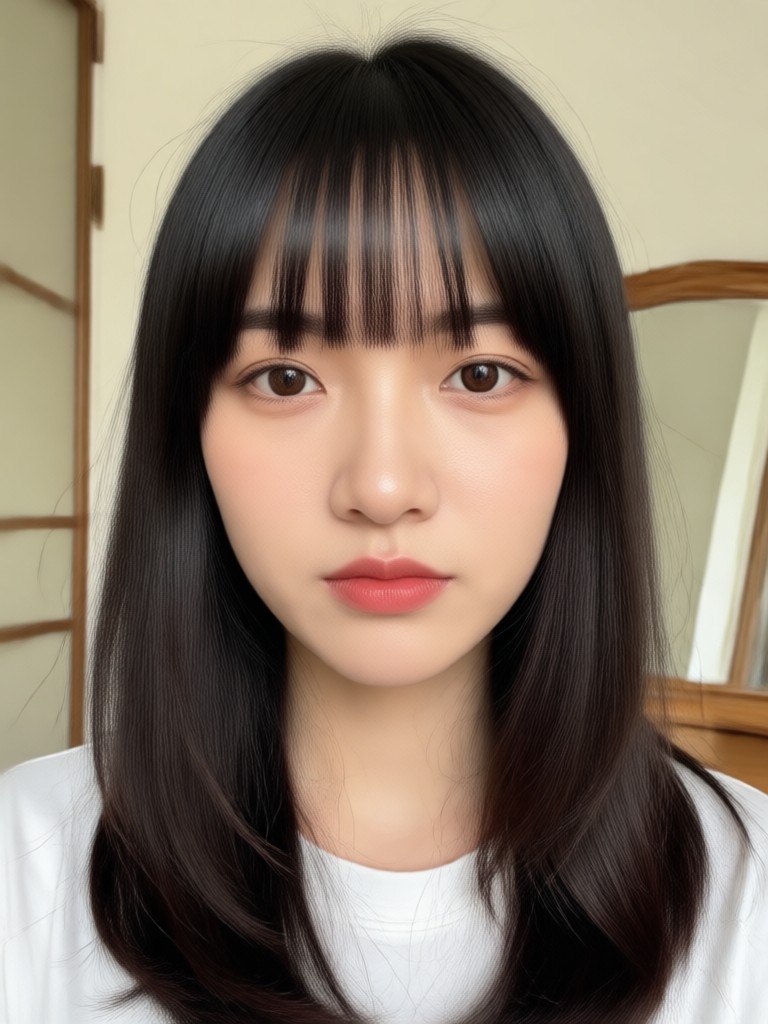
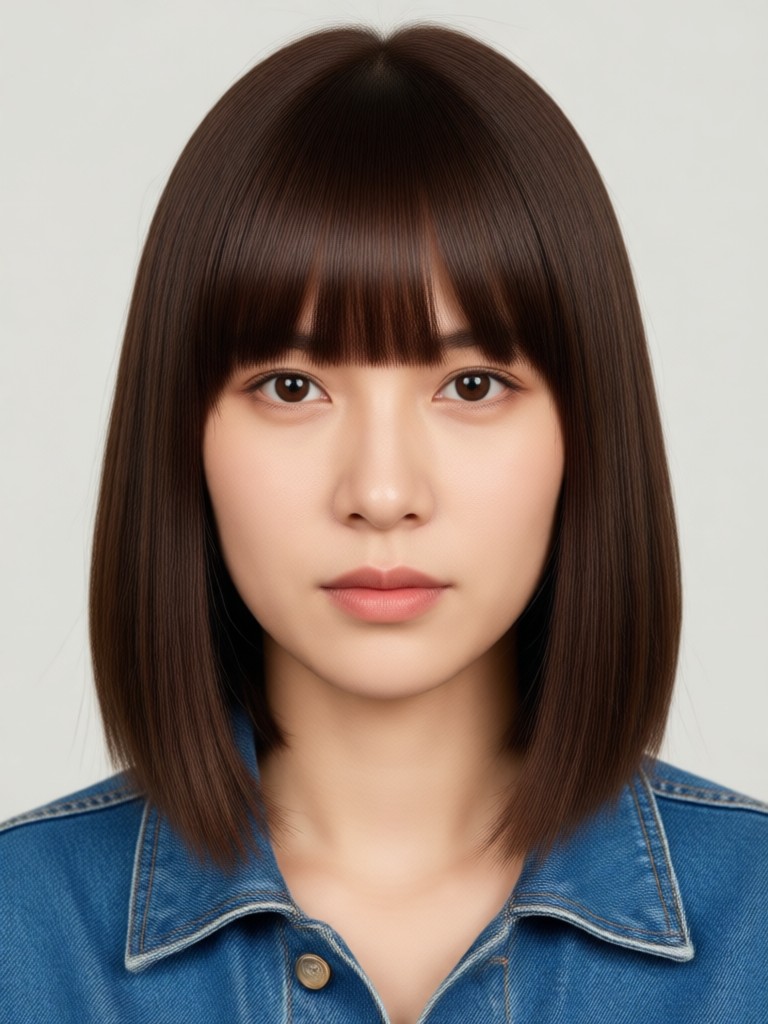
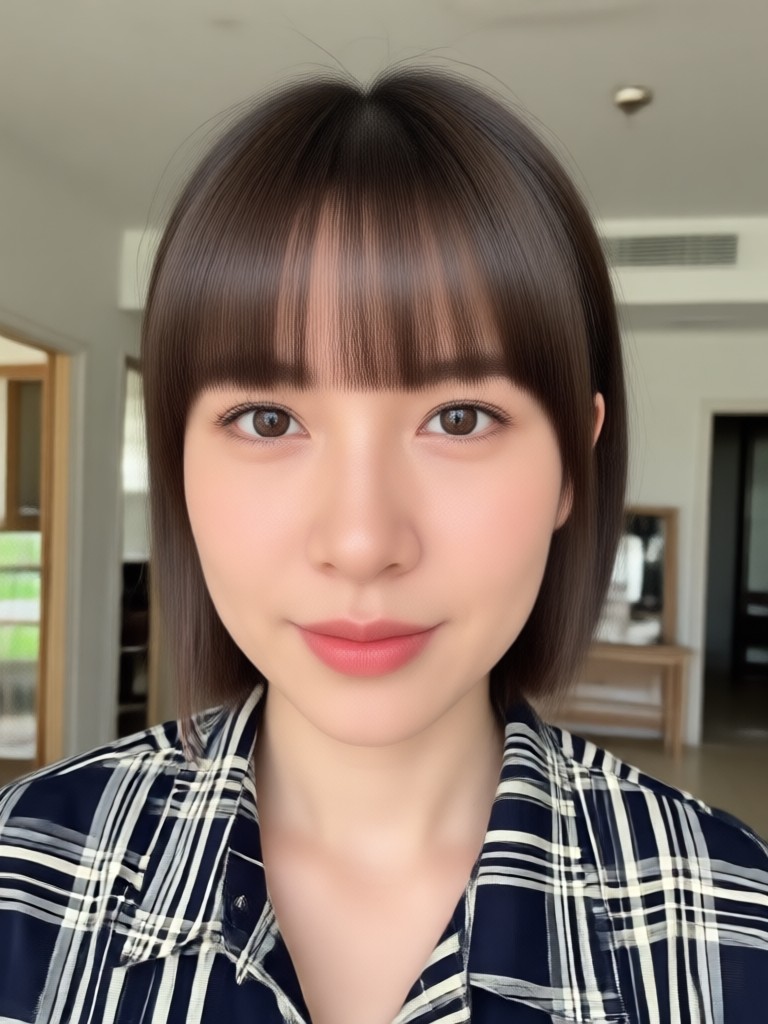
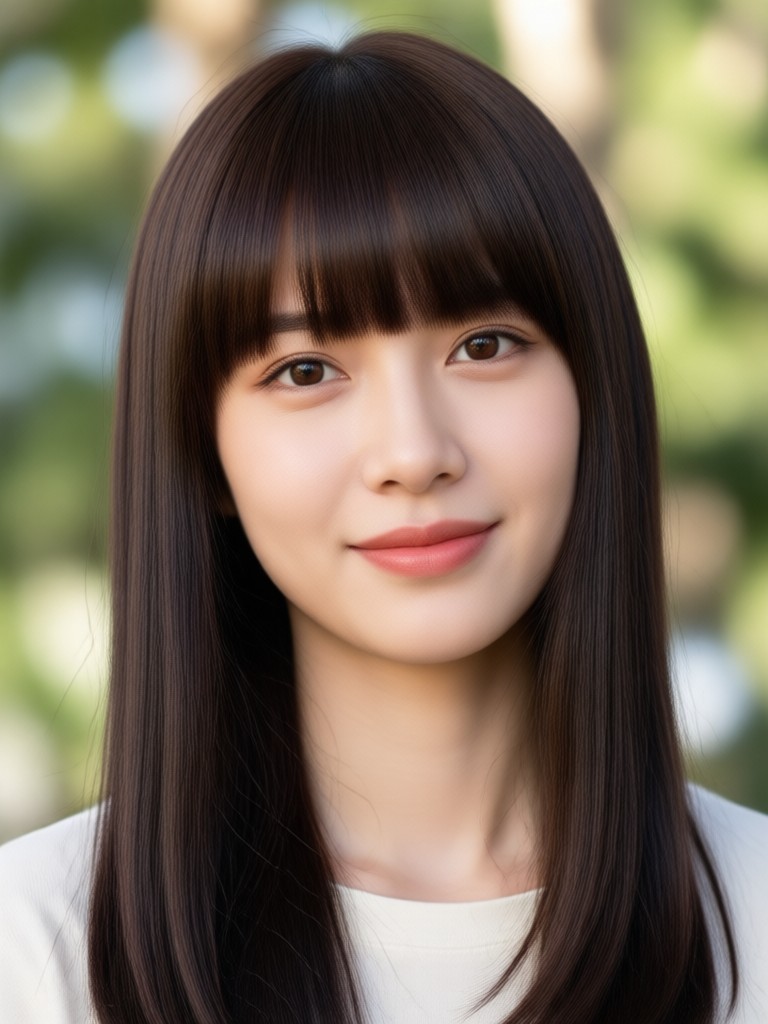
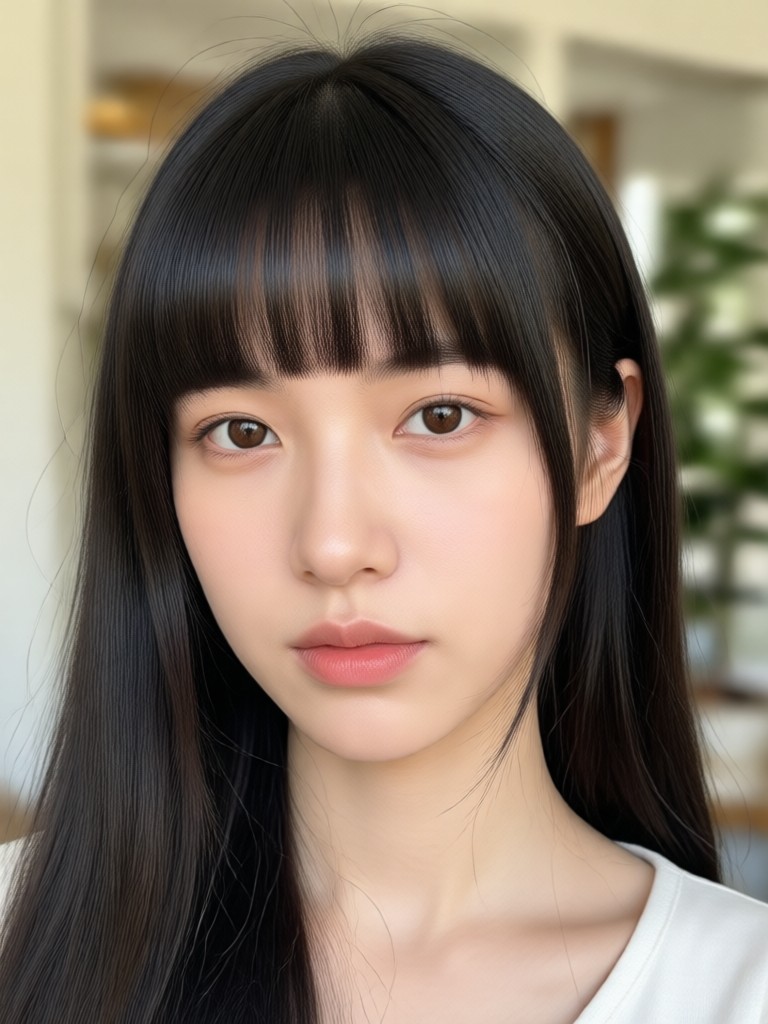
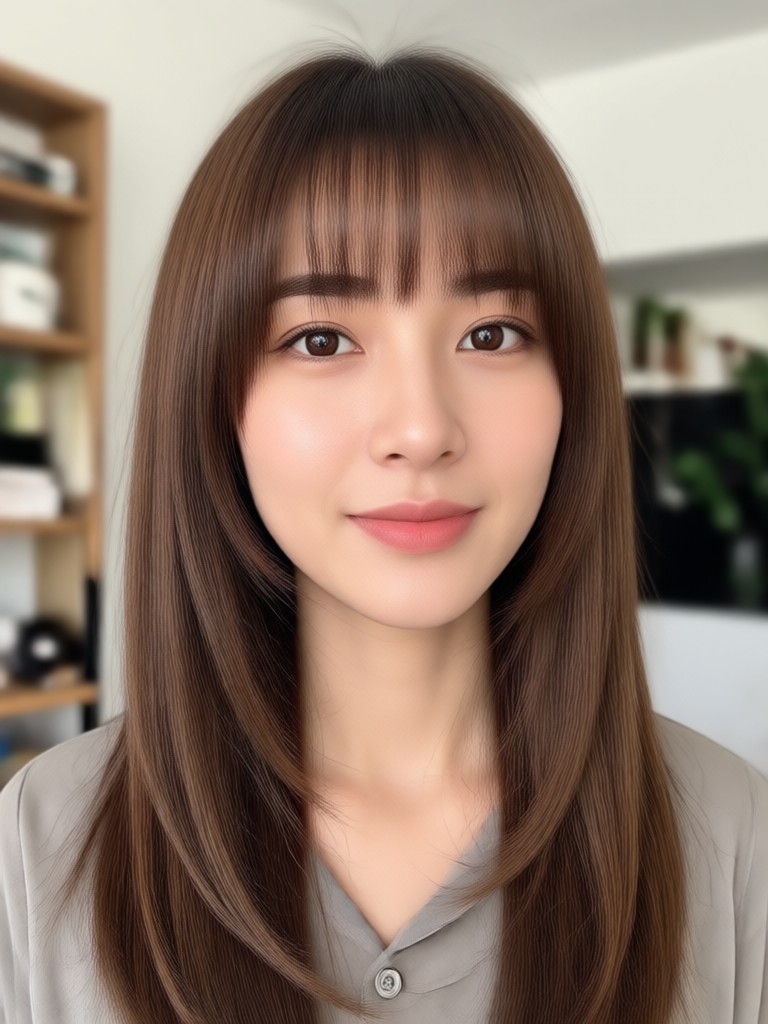
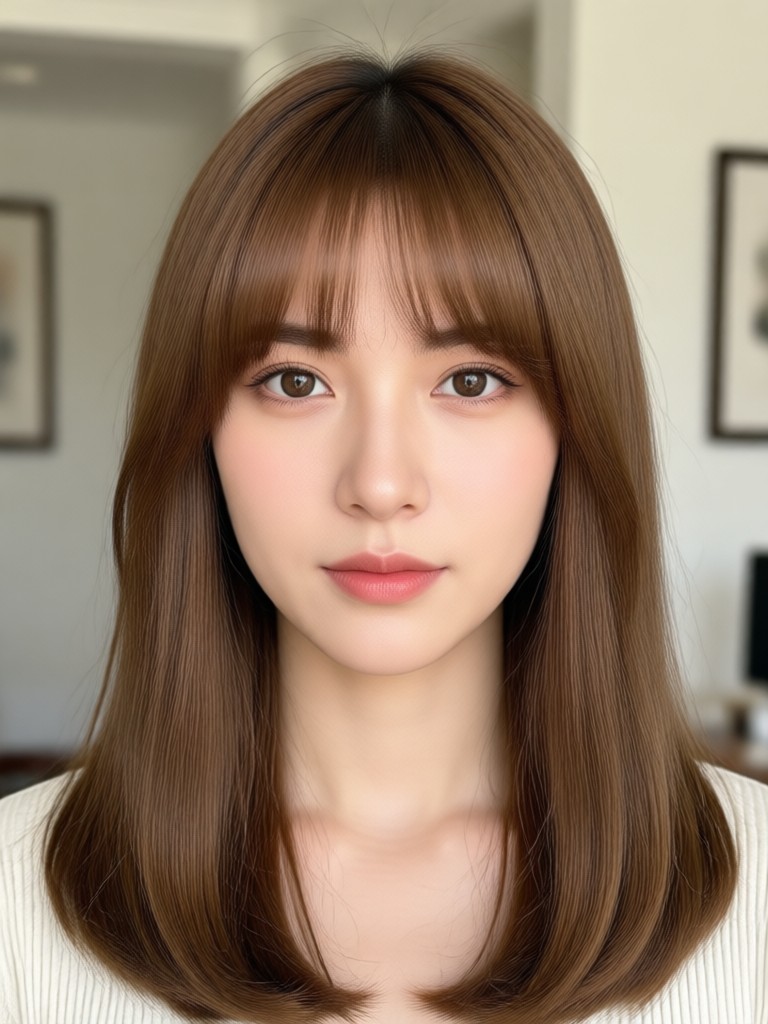
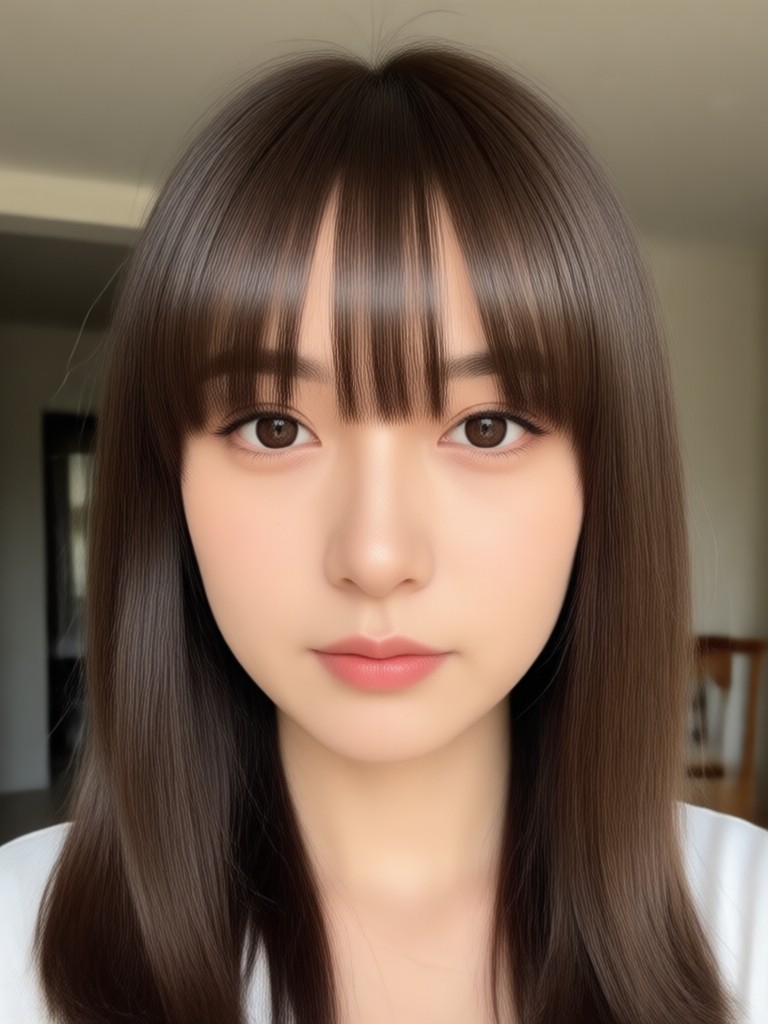
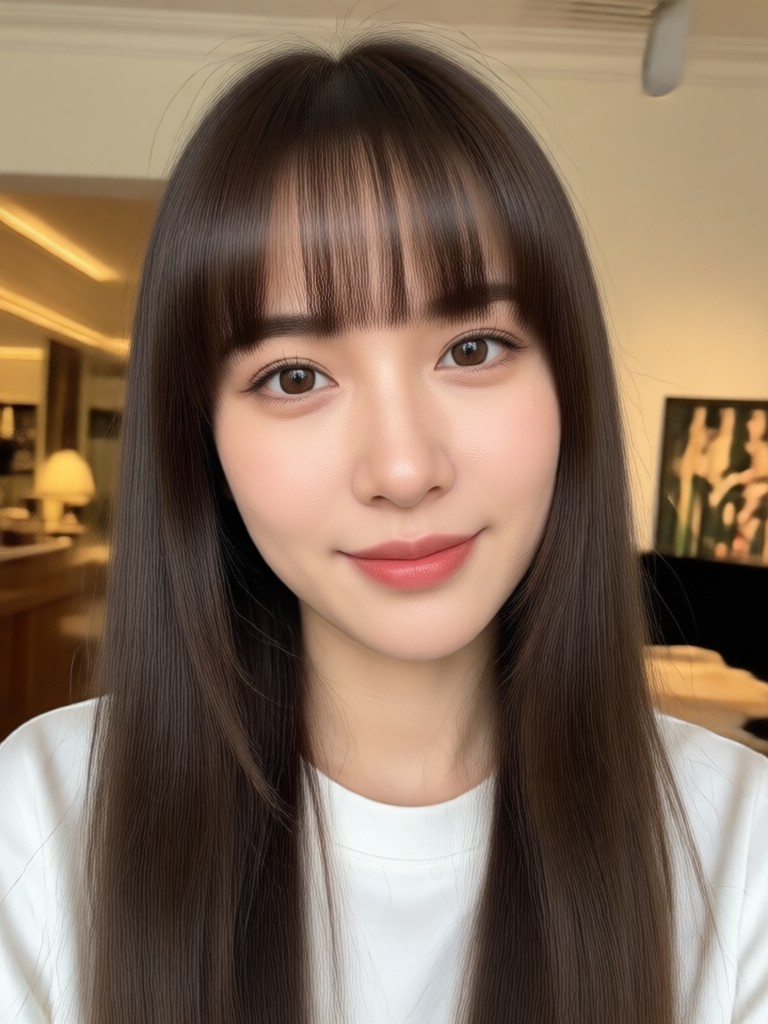
How to Add Bangs To Your Photo
Adding bangs to your photo takes less than a minute with pixpop. Follow these three simple steps and see yourself with bangs instantly.

Step 01.
Download pixpop from Google Play and open the app on your phone.

Step 02.
Upload a clear front-facing photo and choose from the AI bangs filter collection.

Step 03.
Generate your new look, fine-tune the style, and share your bangs photo with friends.
Avoid Bad Bang Decisions
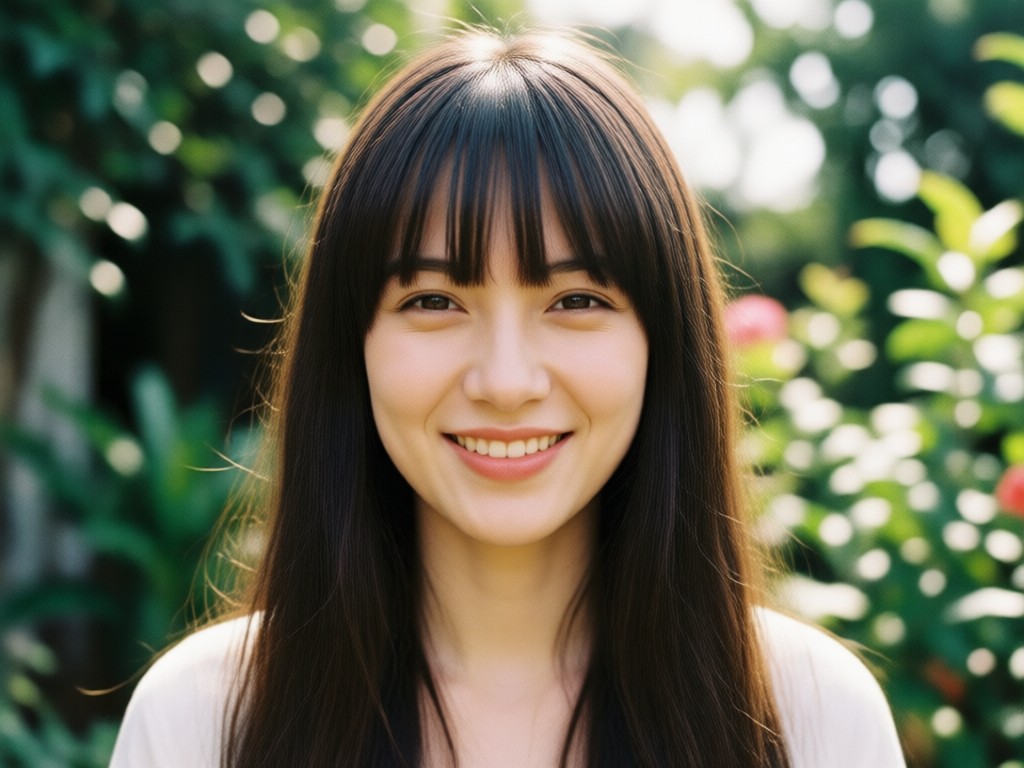
A bad bang cut can take months to grow out. With pixpop you can preview different bang styles on your own face before making any commitment. See what works with your hair texture, face shape, and personal style. Download the app today and experiment risk-free.
Avoid Bad Bang Decisions
A bad bang cut can take months to grow out. With pixpop you can preview different bang styles on your own face before making any commitment. See what works with your hair texture, face shape, and personal style. Download the app today and experiment risk-free.
What Users Say About AI Bangs
Saved me from a haircut disaster
I was two seconds away from cutting curtain bangs myself. I tried it in the app first and realized it didn't suit my face shape at all. This app saved my hair.
Found my perfect fringe style
I tested blunt bangs, side bangs, and wispy bangs on my photo before my salon visit. I showed my stylist the exact screenshot. My hair looks amazing.
So realistic it looks like me
The AI bangs actually blend with my hairline and hair texture. I finally know what I would look like with fringe before committing. Highly recommend.
Frequently Asked Questions About Adding Bangs
Find clear answers to common questions about adding bangs to photos, choosing the right bang style, and how pixpop's AI works.
More Topics You May Like
Explore more topics you may like and discover fresh ideas tailored to your interests.

Convert Video To Mp3: Quick Audio Extraction Tool
Download Pixpop to convert video to MP3 in seconds. Extract audio from any clip, choose quality settings, and save high-quality MP3 files. Works on Android. Simple, fast, and free.
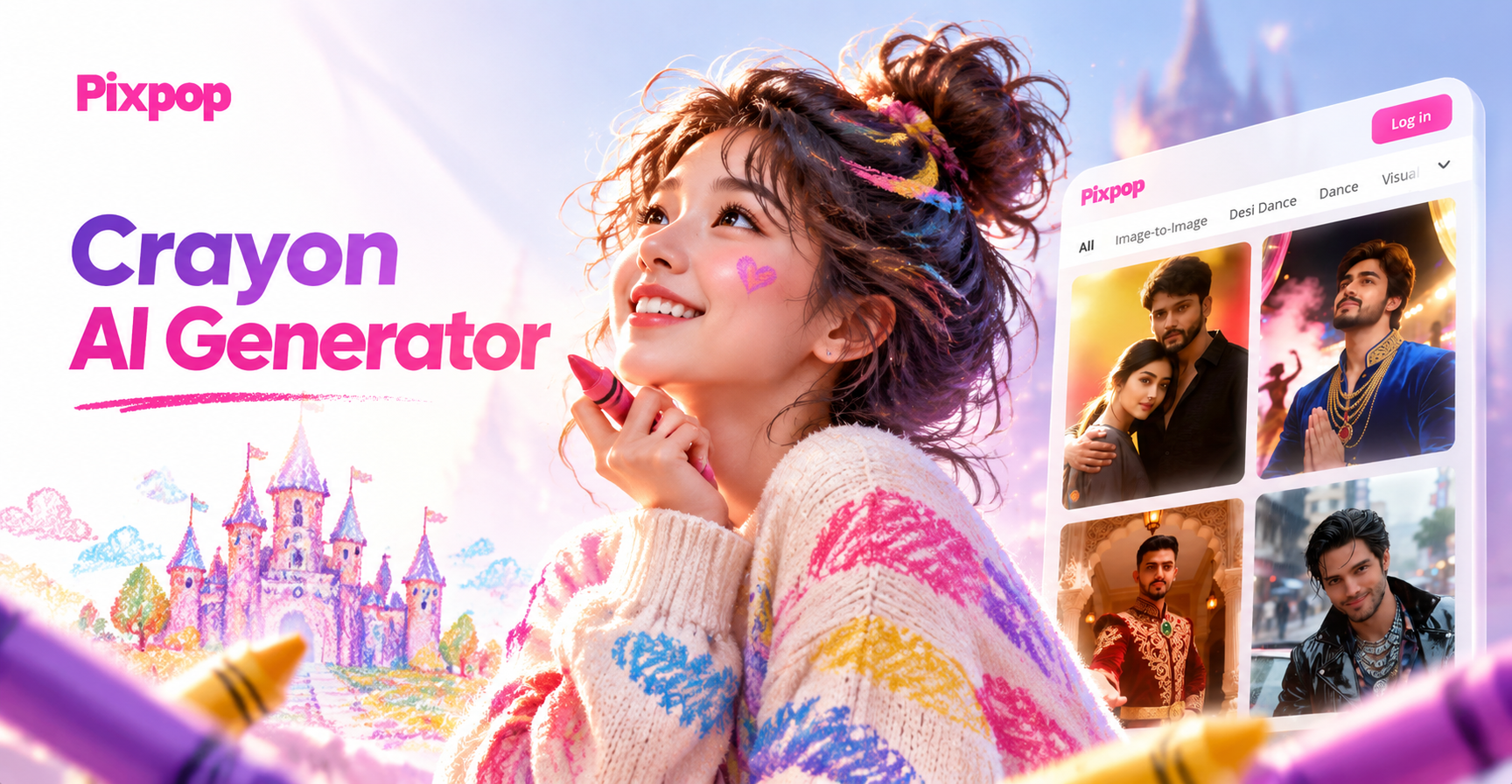
Crayon AI Generator: Turn Photos into Crayon Art
Transform photos into playful crayon drawings with the Crayon AI Generator. Upload an image, choose wax crayon filters, and get hand drawn art in seconds. No design skills needed.
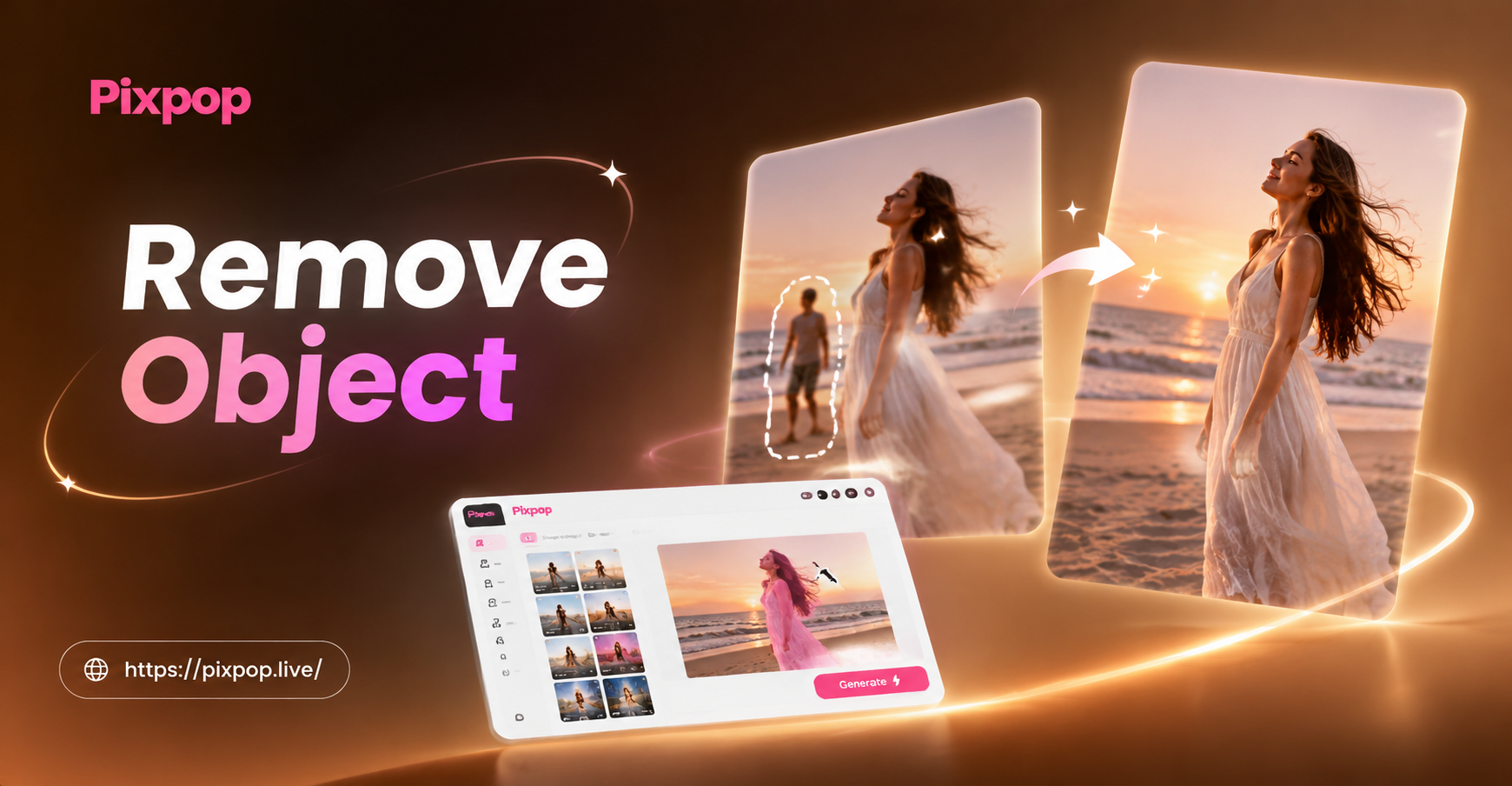
Remove Object Video with AI: Clean Clips in Seconds
Remove unwanted objects, people, text, or watermarks from any video using pixpop AI. Download the app, mark the object, and get seamless results in seconds.
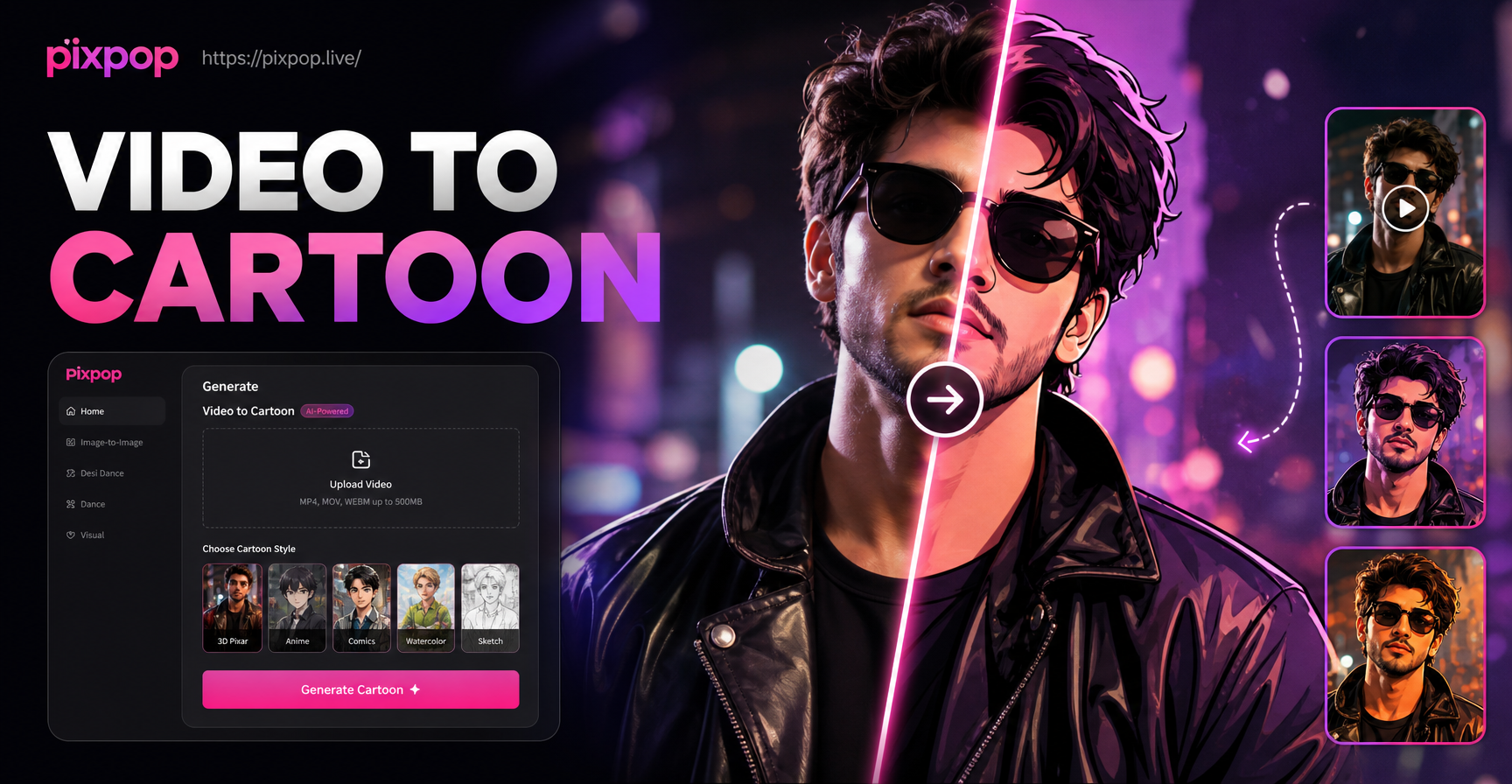
Convert Video Into Cartoon with AI Cartoon Video App
Turn any video into a cartoon with pixpop. Upload a clip, pick anime, 3D clay, Ghibli, or sketch styles. No editing skills needed. Download the app and transform videos instantly.
Ready to See Yourself With Bangs?
Download pixpop today and try hundreds of bang styles on your own photo. Realistic results in seconds. No commitment, no scissors needed.
Ready to See Yourself With Bangs?
Download pixpop today and try hundreds of bang styles on your own photo. Realistic results in seconds. No commitment, no scissors needed.