Anime to Real Life Converter
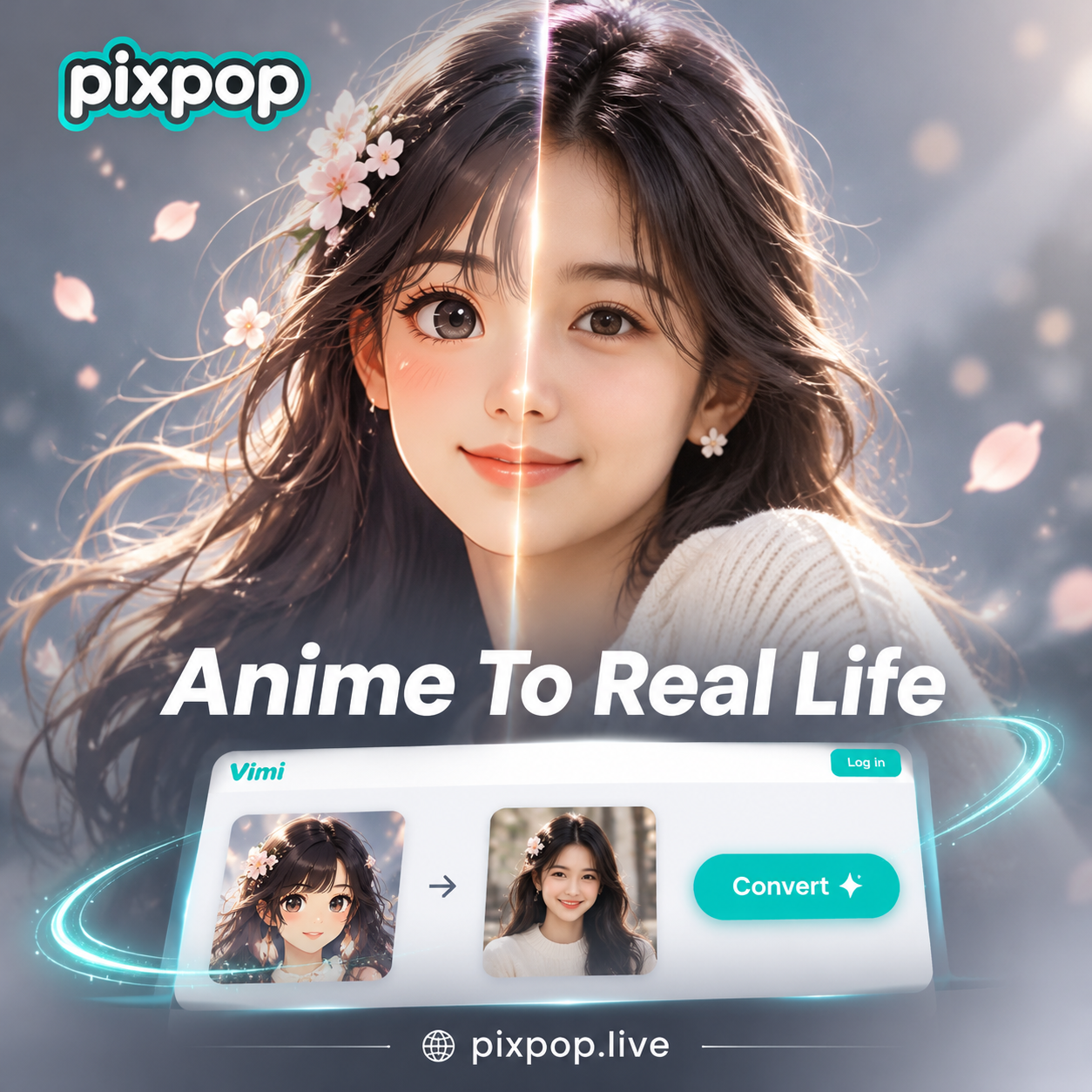
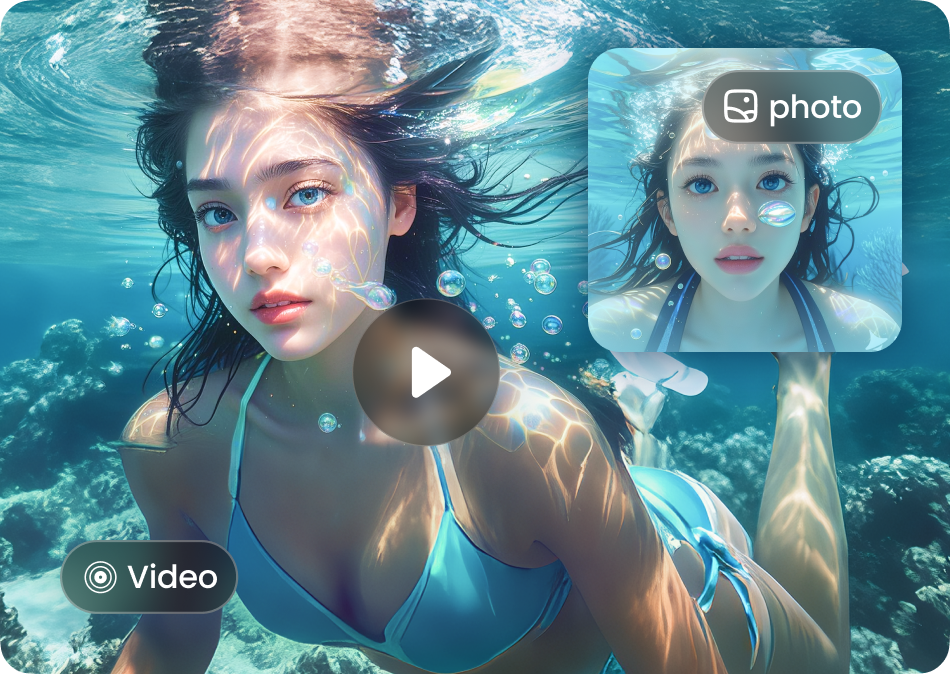
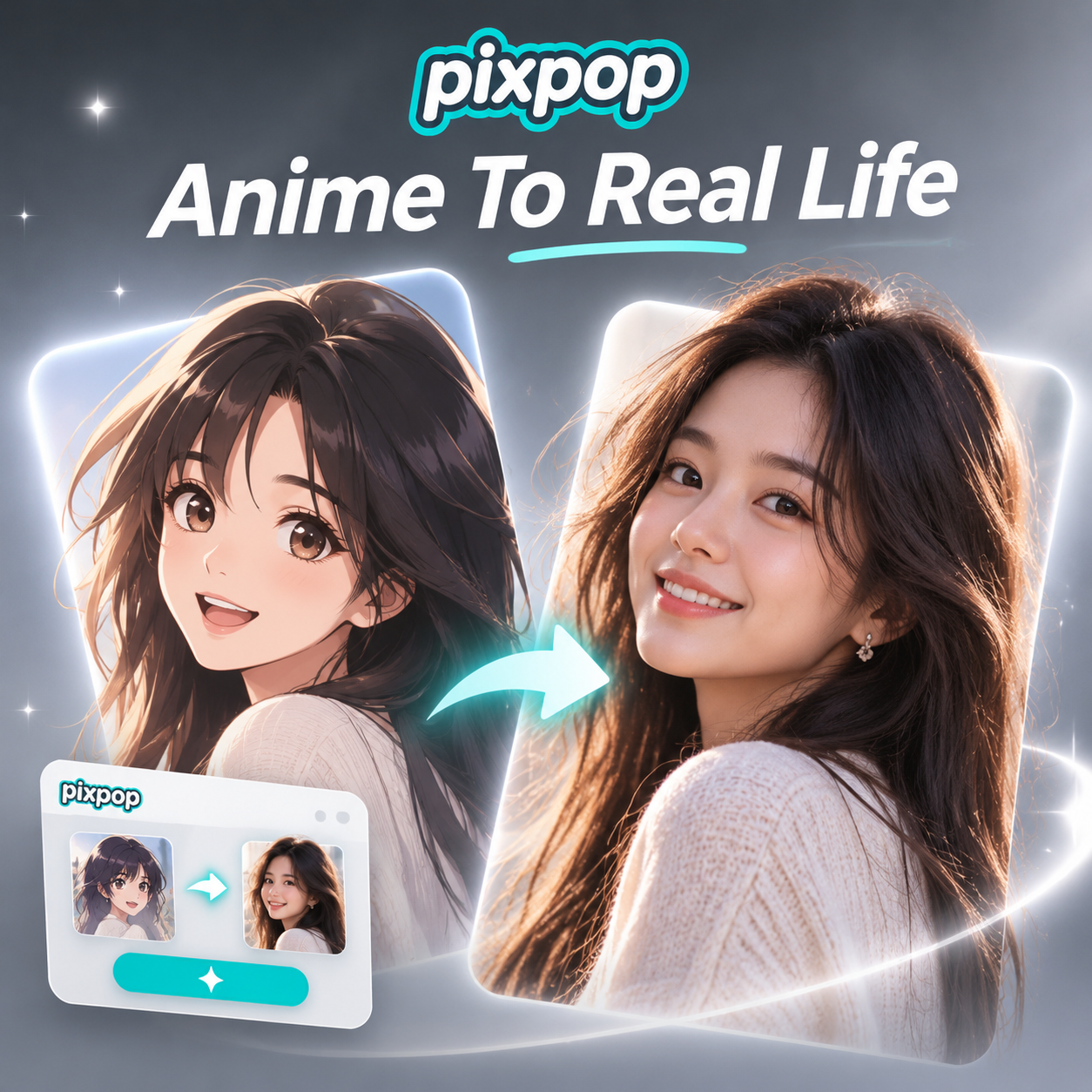
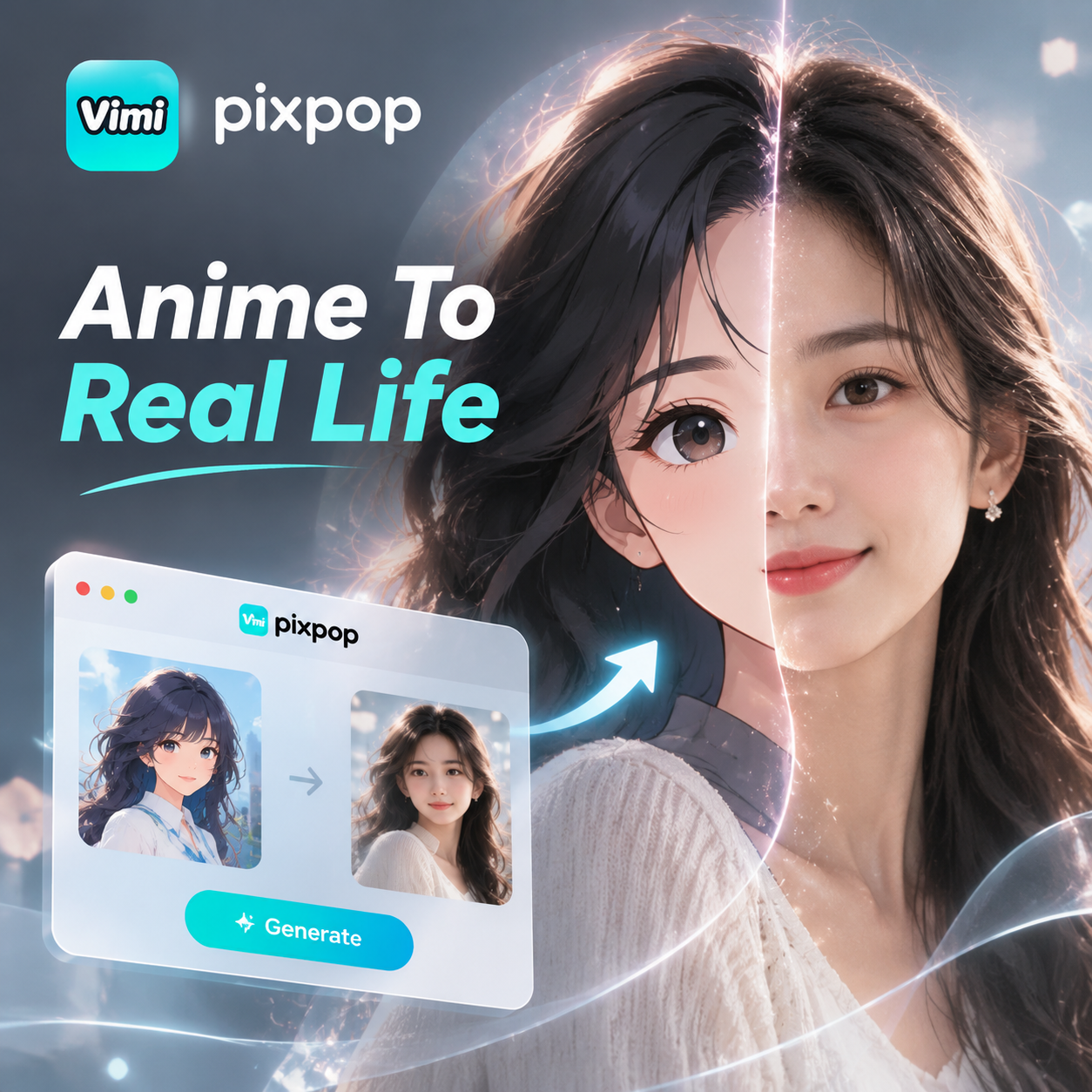
Choose the Best Anime to Real Life Style
Try different AI converter filters to match your character's look. Whether you want a natural portrait, a cinematic finish, or a soft realistic selfie, there is a style for every anime image.
Why Creators Love This Anime to Real Life Converter
Pixpop turns flat anime art into realistic human portraits while keeping the original character's identity. It is fast, mobile friendly, and designed for creators who want striking before and after results.
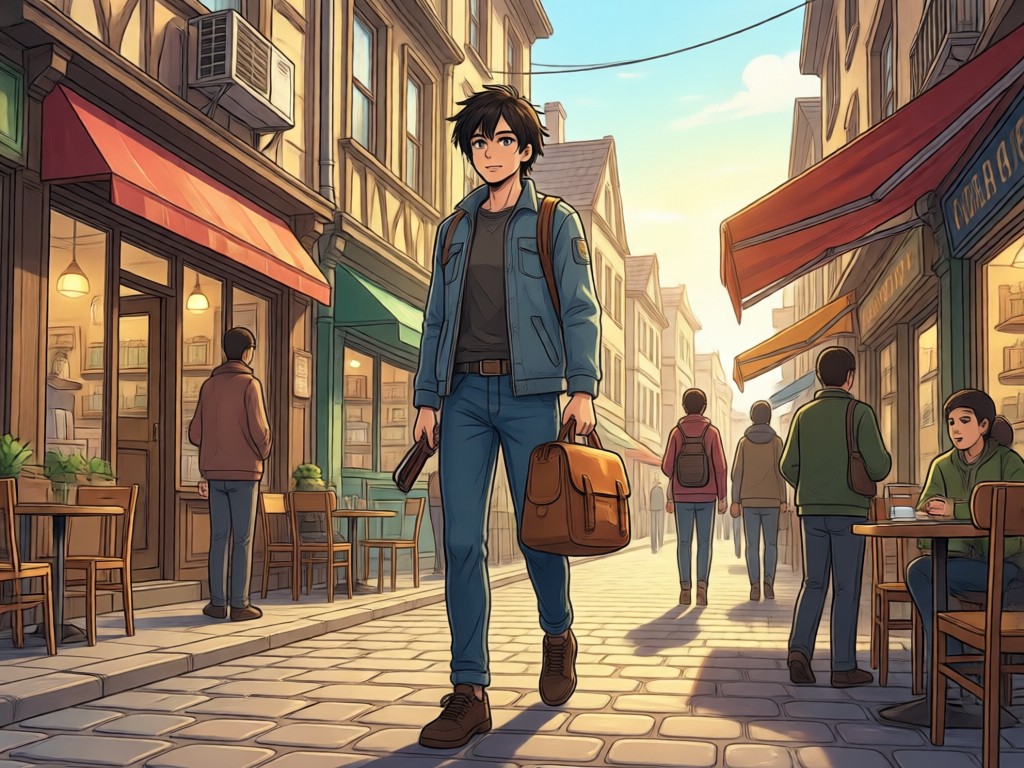
Faithful Character Recognition
The AI reads hair color, eye shape, expression, accessories and clothing clues from your anime image, then builds a realistic face that still feels like the same character.
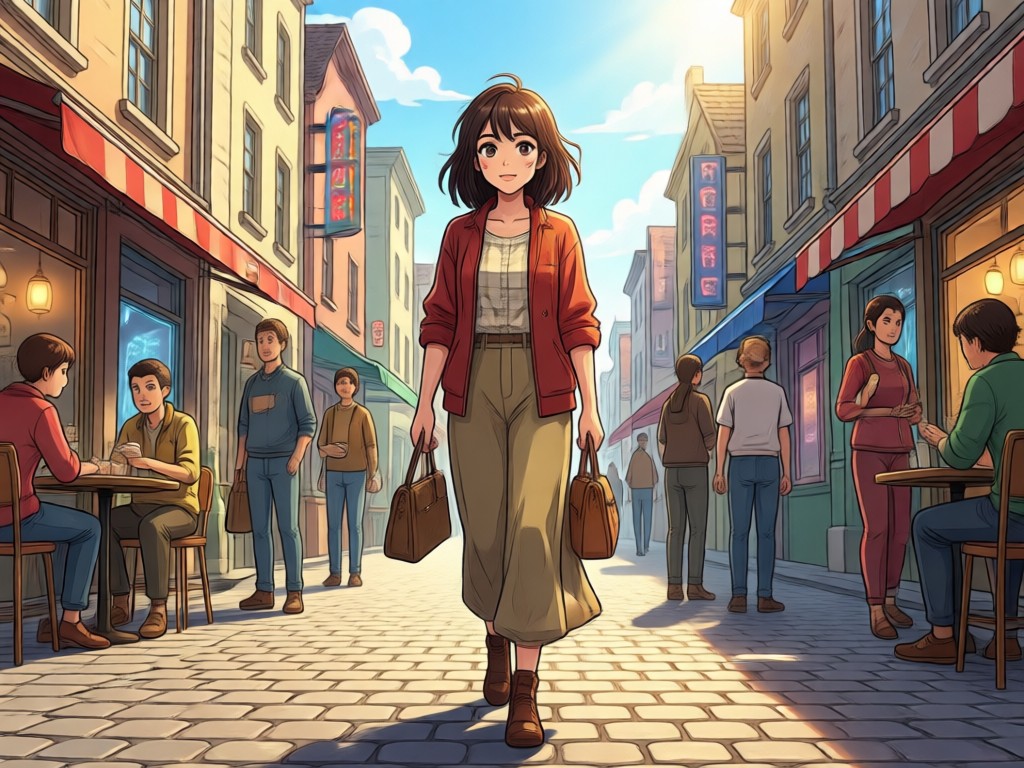
Natural Skin and Light
Flat anime shading becomes soft skin texture, depth and natural light. The result looks like a real photo rather than an edited cartoon.
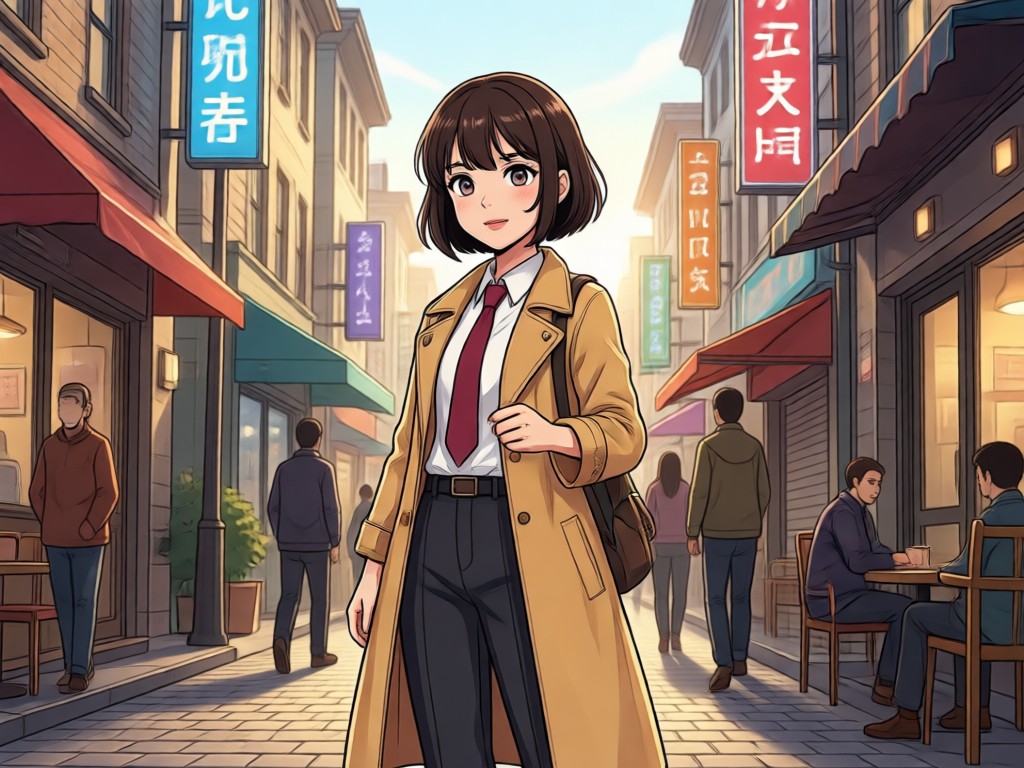
No Editing Skills Needed
Open the app, upload your image, tap a converter filter and let AI do the rest. It works on your phone and delivers high resolution files for sharing.
Anime to Real Life Conversion Gallery
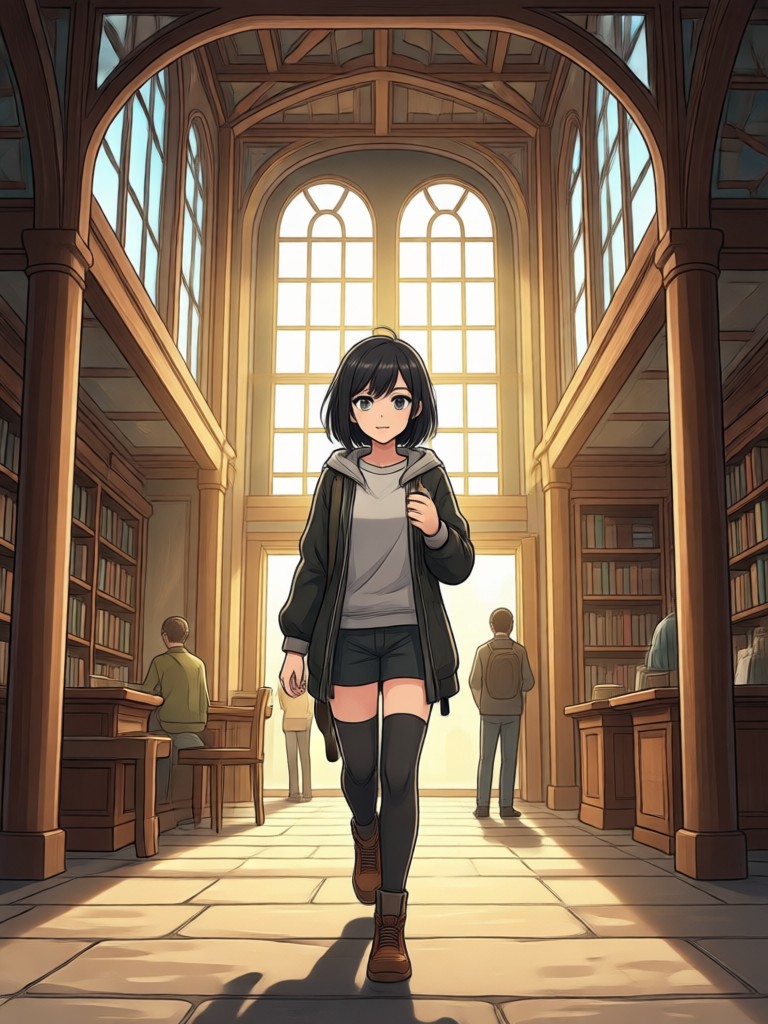
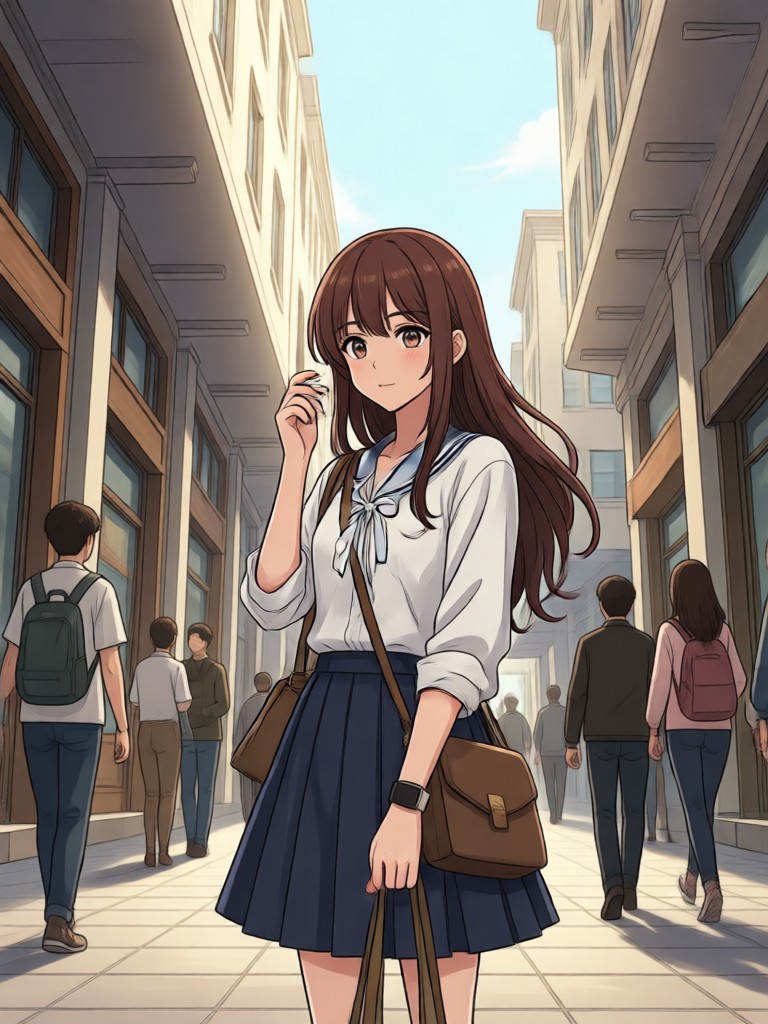
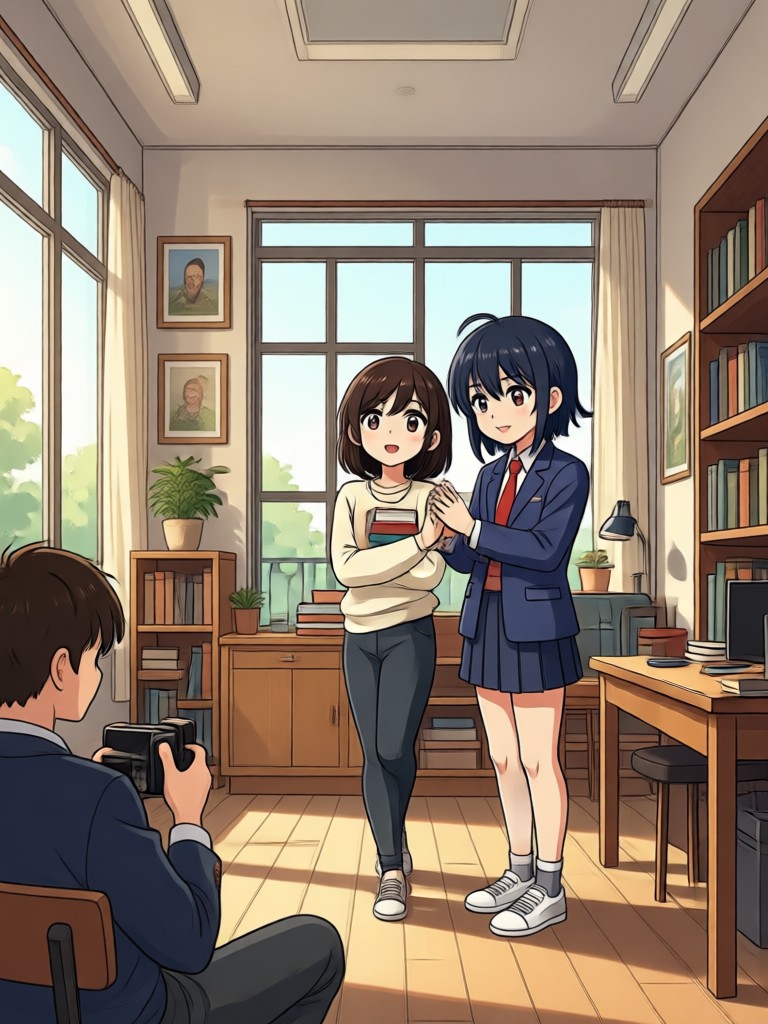
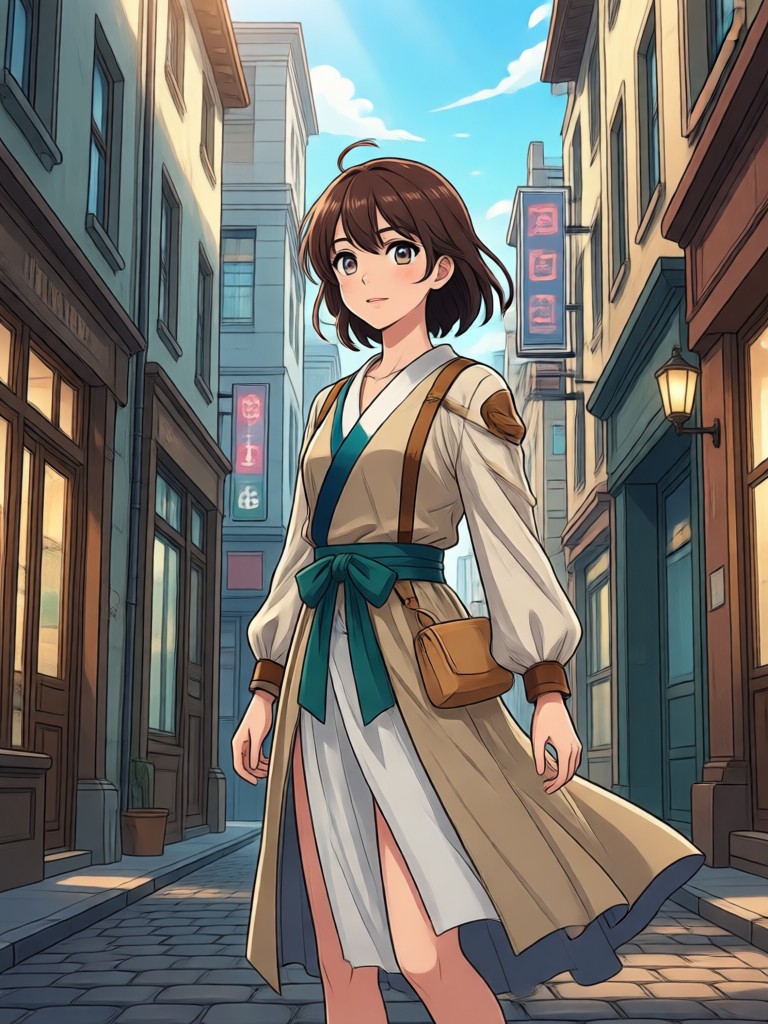
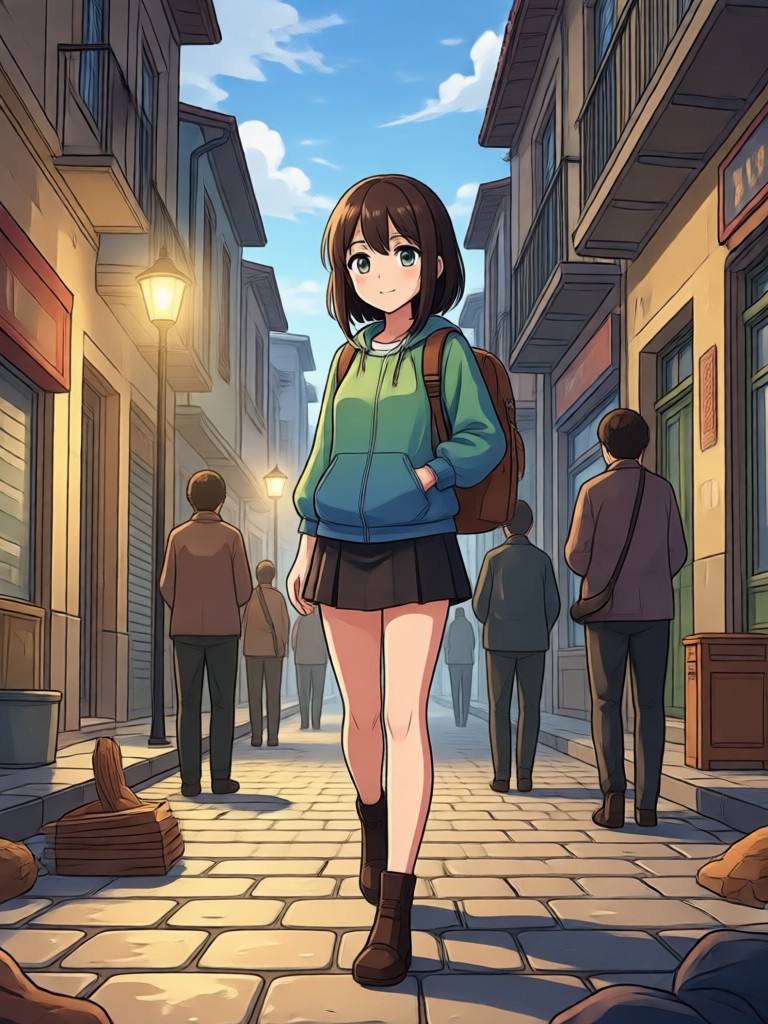
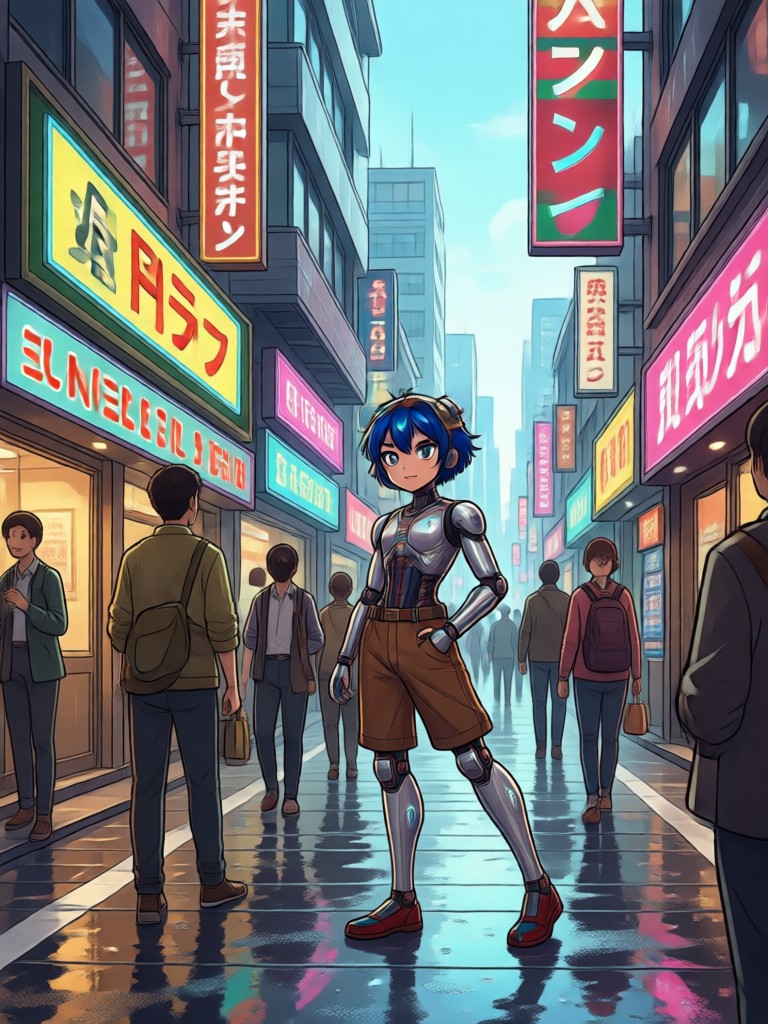
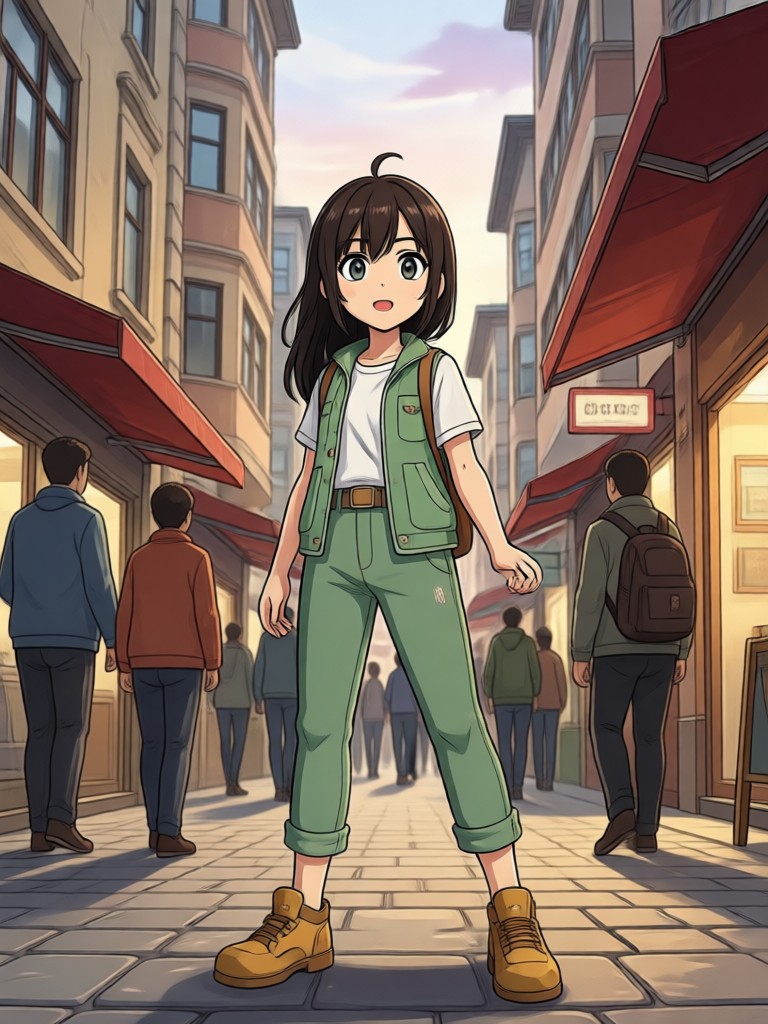
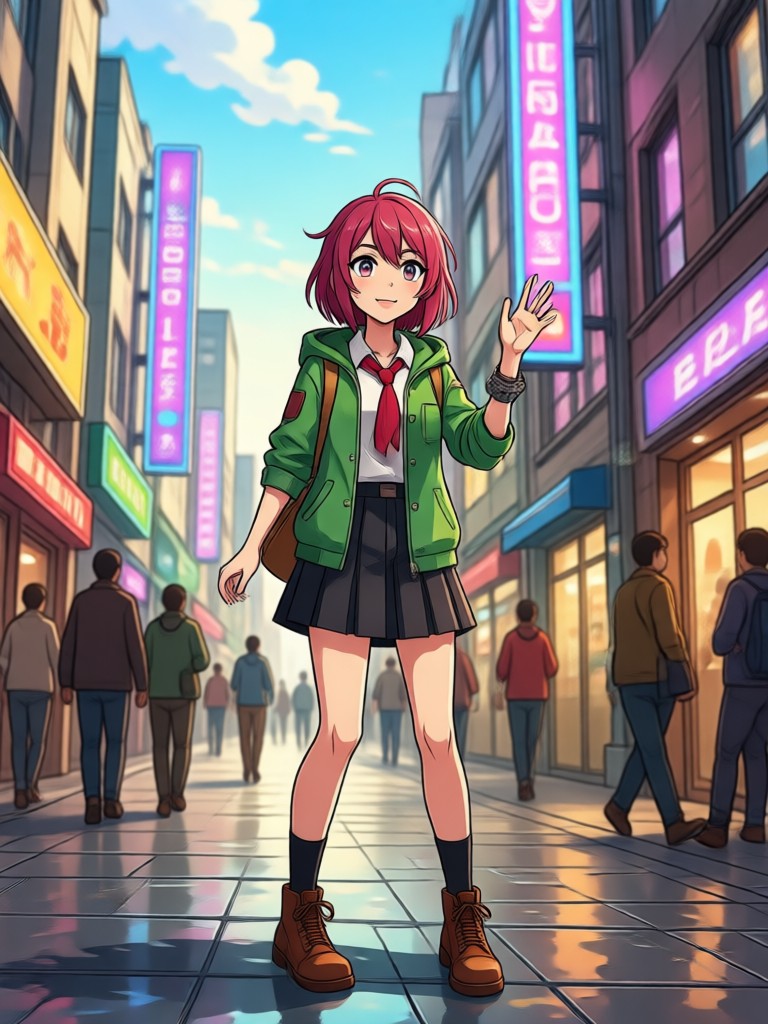
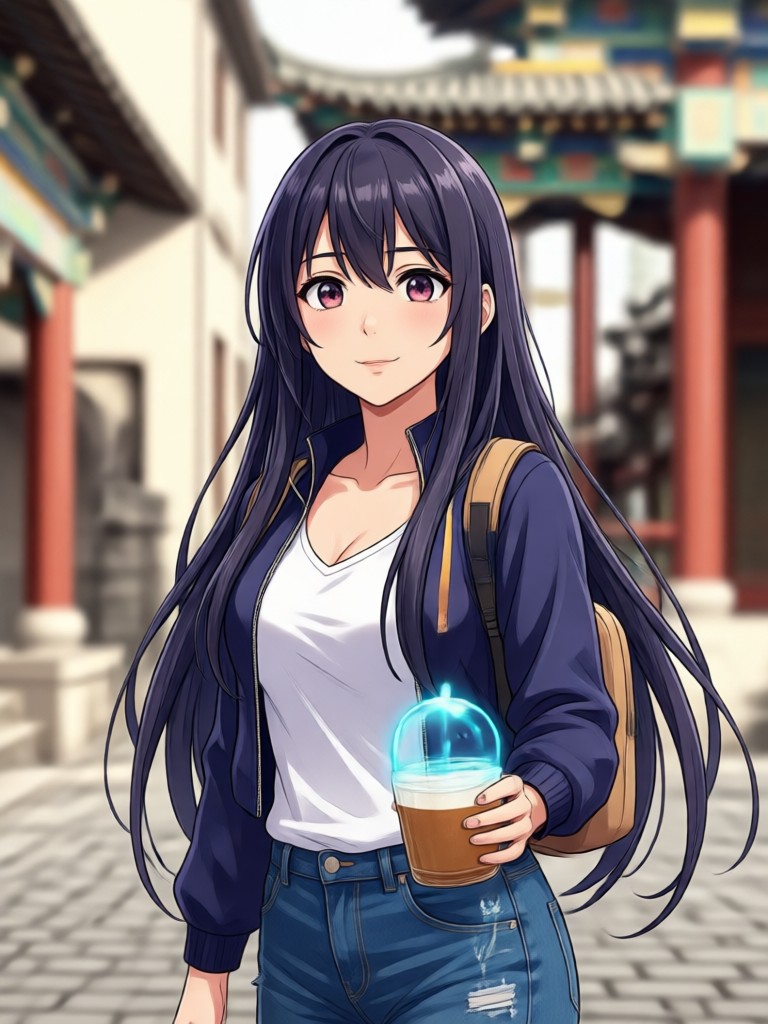
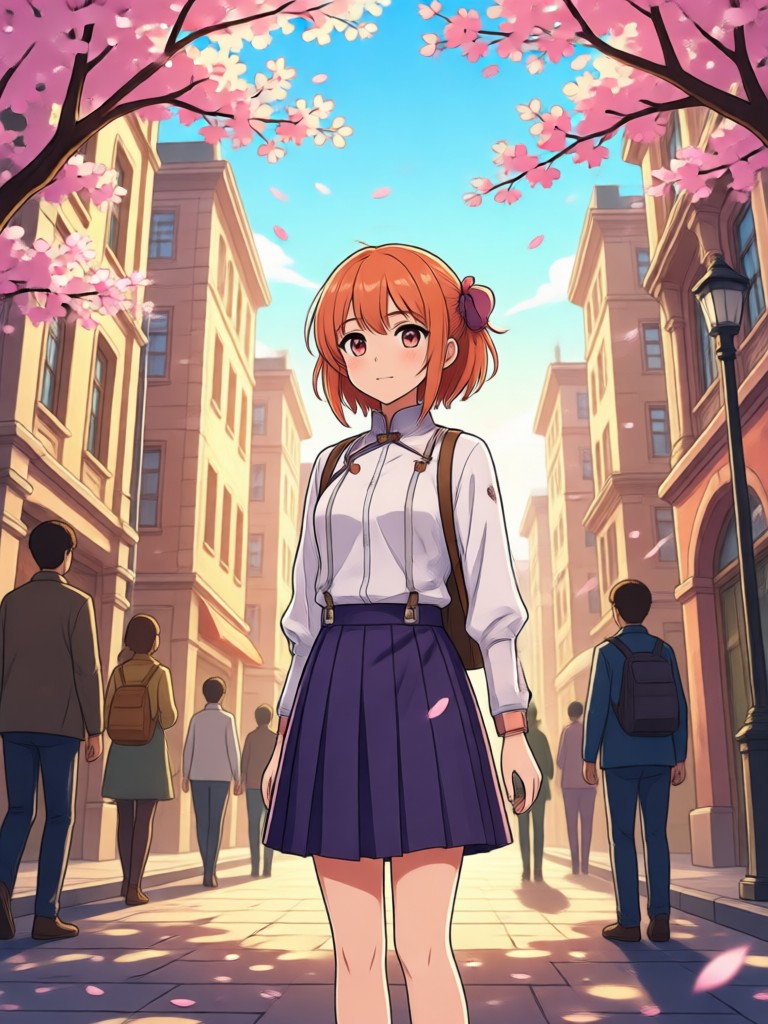
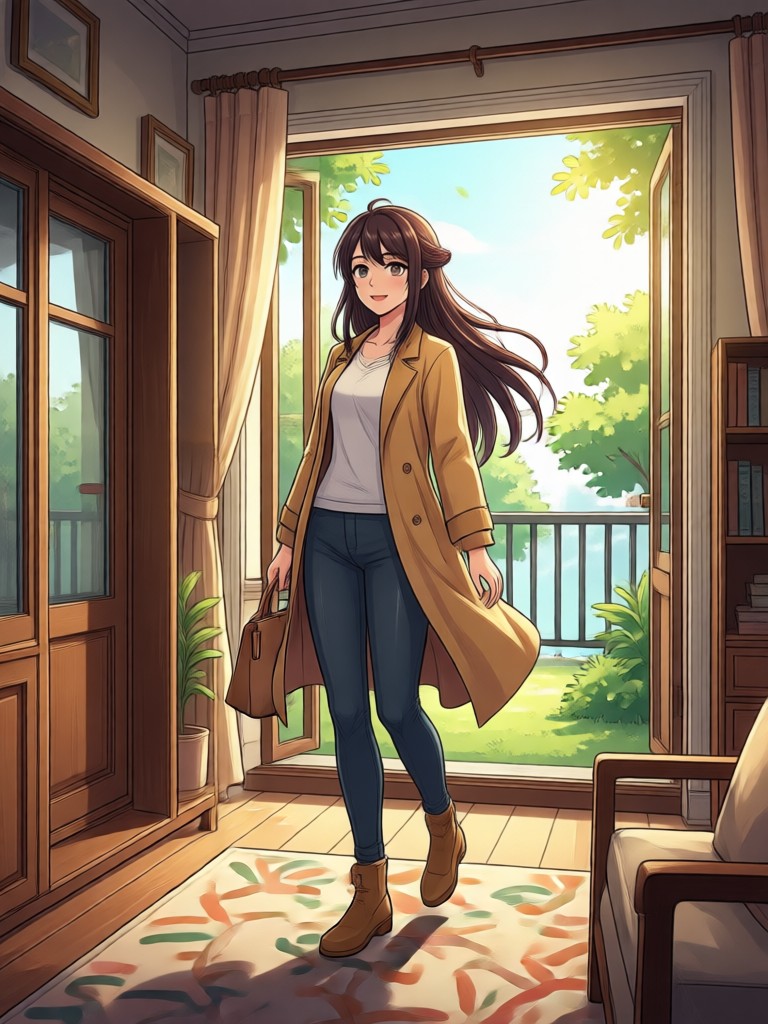
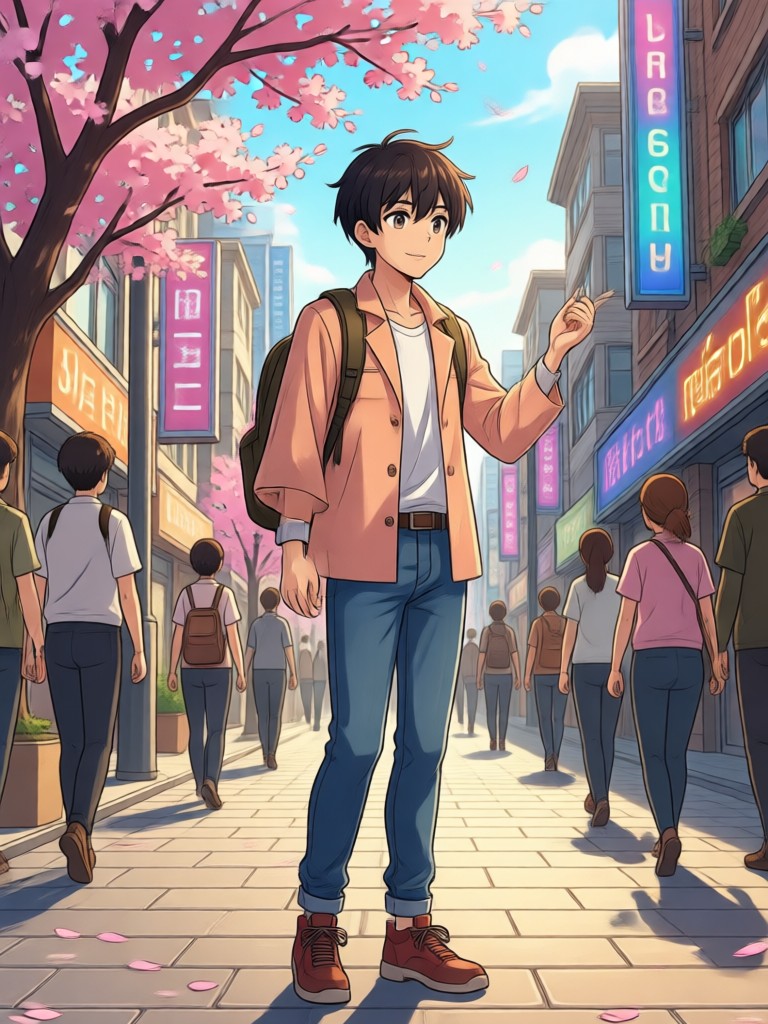
See how different anime styles transform into realistic people. From classic shonen portraits to soft shojo faces, these examples show the level of detail Pixpop can achieve.
How to Convert Anime to Real Life in 3 Steps
Turn your favorite anime character into a realistic human portrait using the Pixpop app. The whole process takes less than a minute.
Step 01.
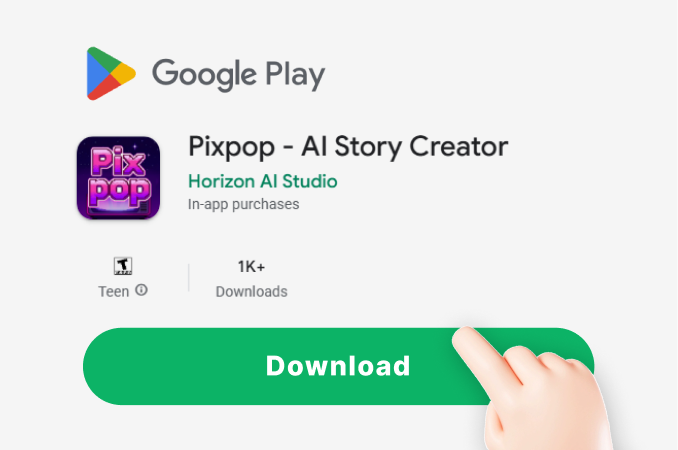
Download the Pixpop app from Google Play and open it on your phone.
Step 02.
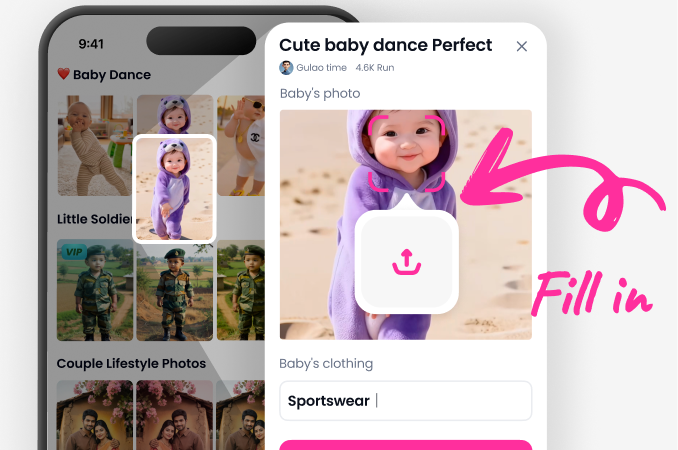
Upload an anime image from your gallery or choose a built in anime style template to begin.
Step 03.
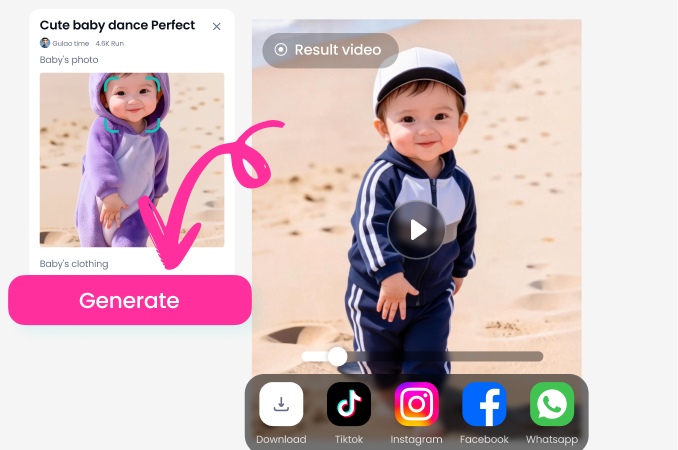
Tap generate and watch the AI replace flat anime features with realistic skin, hair and light. Save or share your result.
Why Use Pixpop for Anime to Real Life Conversion
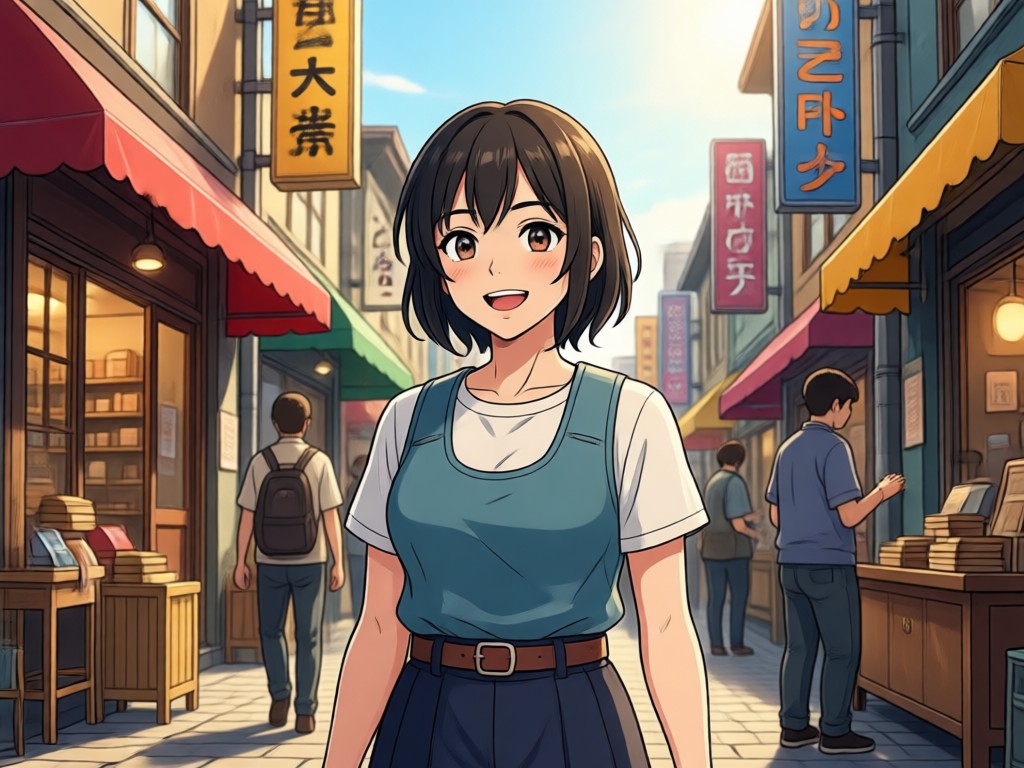
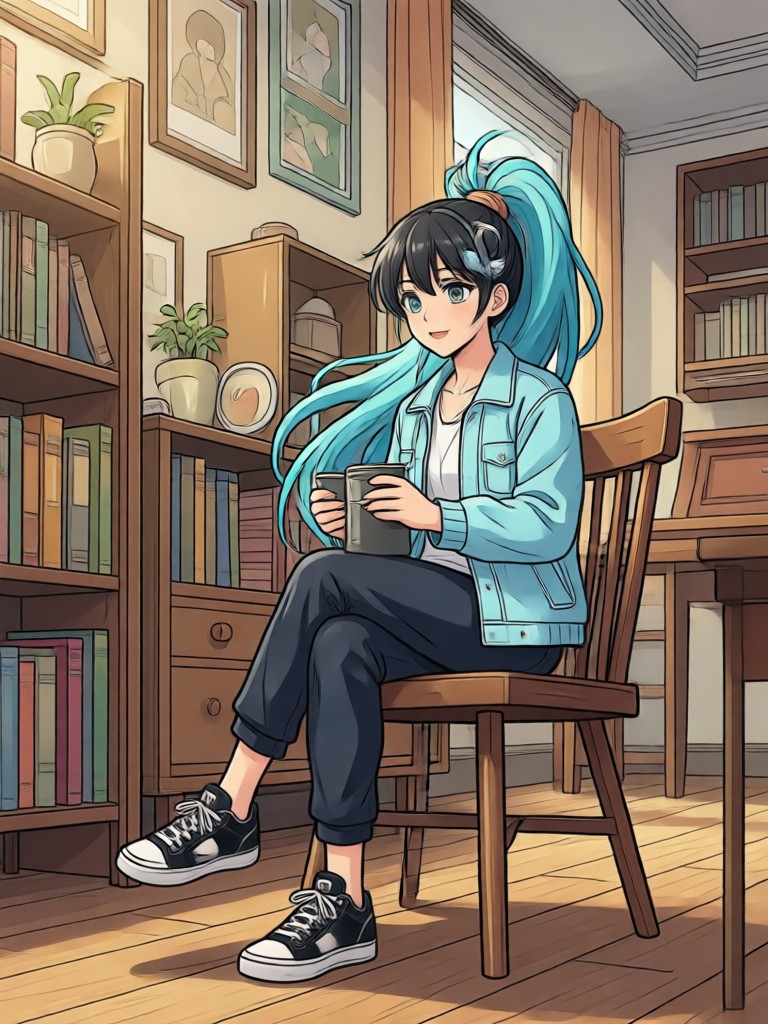
Many converters blur the original character's identity or produce uncanny results. Pixpop uses face mapping and texture synthesis to create natural portraits that still resemble the anime source. You get instant previews and high resolution exports without any design background.
Turn Anime Into Real Life on Your Phone
Pixpop runs entirely on your Android device. No desktop software or complicated web tool needed. Download the app, upload your anime art, and get a realistic human portrait in seconds.

What Anime Fans Say About the Converter
My favorite character finally looks real
I uploaded a screenshot from my favorite anime and the result looked like a real person, not a weird mix. Pixpop kept the original colors and expression perfectly.
Perfect for cosplay planning
I use it to see what a character would look like in real life before making a costume. It helps me choose wigs and makeup more accurately.
Simple and surprisingly realistic
I am not technical at all. I just opened the app, picked a filter and got a realistic portrait in a few seconds. The quality is great for social media.
Frequently Asked Questions About Anime to Real Life Conversion
Get clear answers about turning anime characters into realistic human photos with Pixpop.
More Topics You May Like
Explore more AI image and video tools for your creative projects.
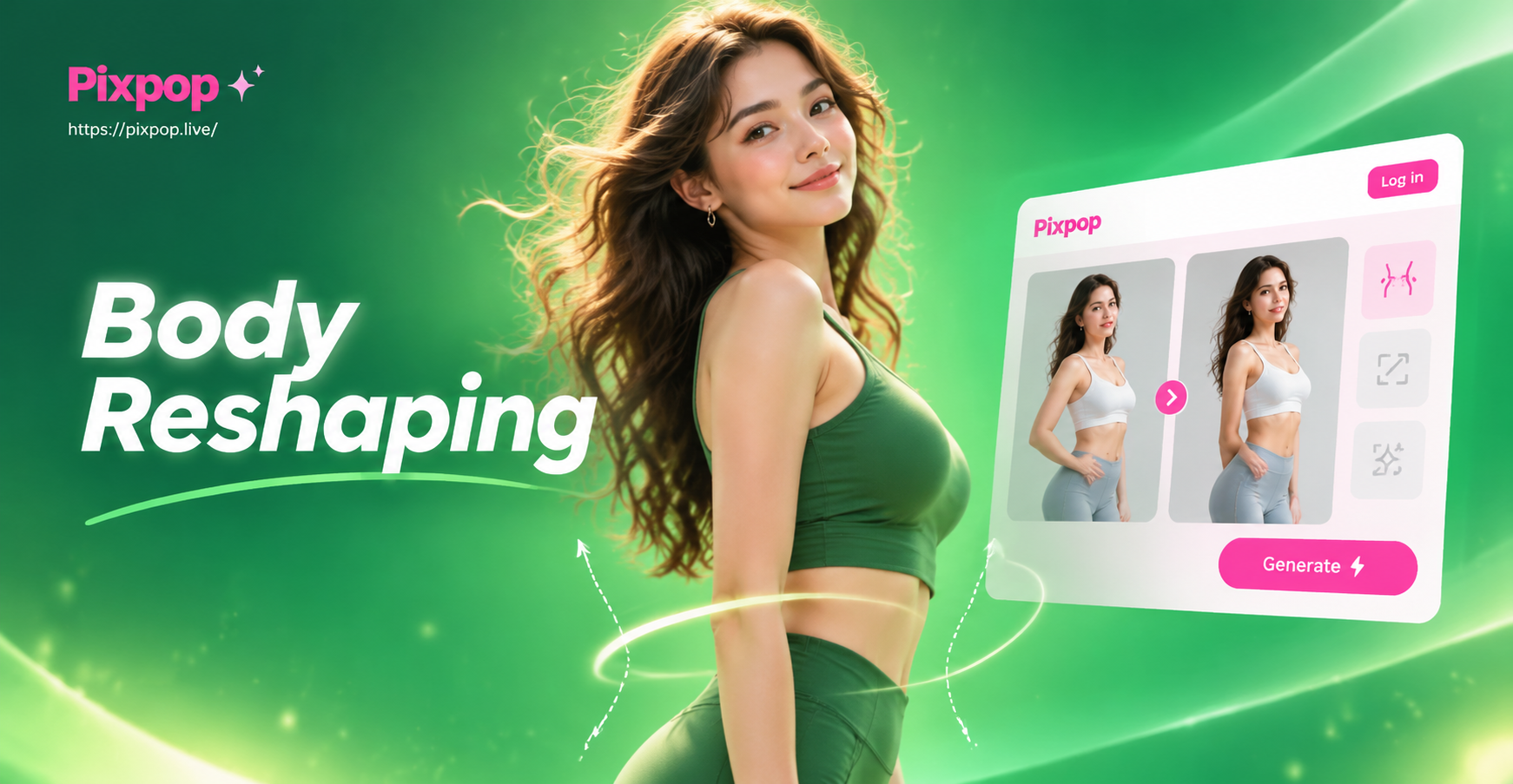
Reshape Your Body in Photos Instantly with AI
Body Reshaping Photo Editor lets you slim waist, tone arms, and adjust proportions naturally. Upload a photo, pick a style, see results in seconds.
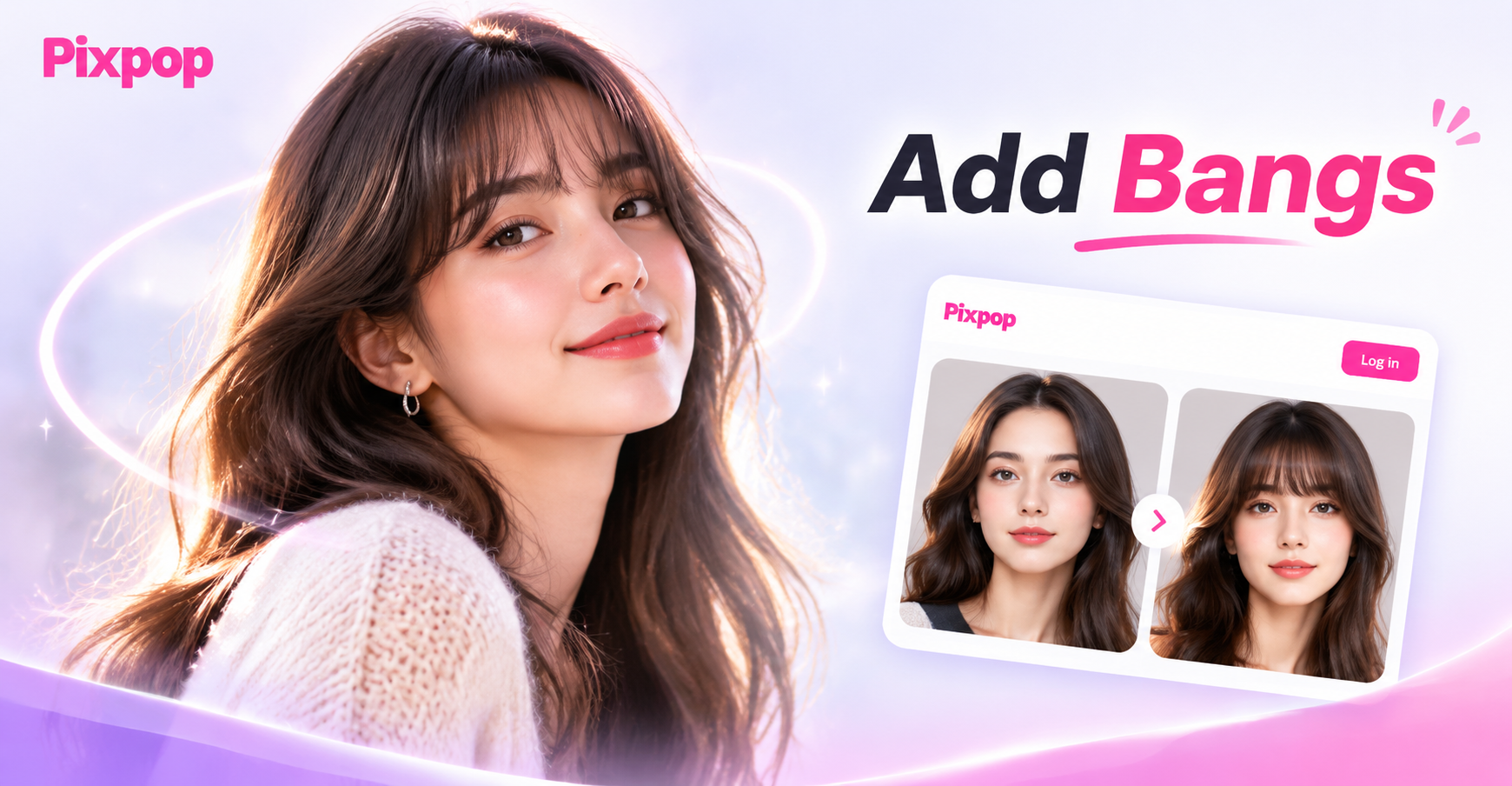
Add Bangs To Photo: Virtual Bangs Try On
Upload a photo and try bangs instantly with AI. Choose curtain, blunt, side, or wispy styles. Realistic results in seconds. No salon visit needed.

Convert Video To Mp3: Quick Audio Extraction Tool
Download Pixpop to convert video to MP3 in seconds. Extract audio from any clip, choose quality settings, and save high-quality MP3 files. Works on Android. Simple, fast, and free.
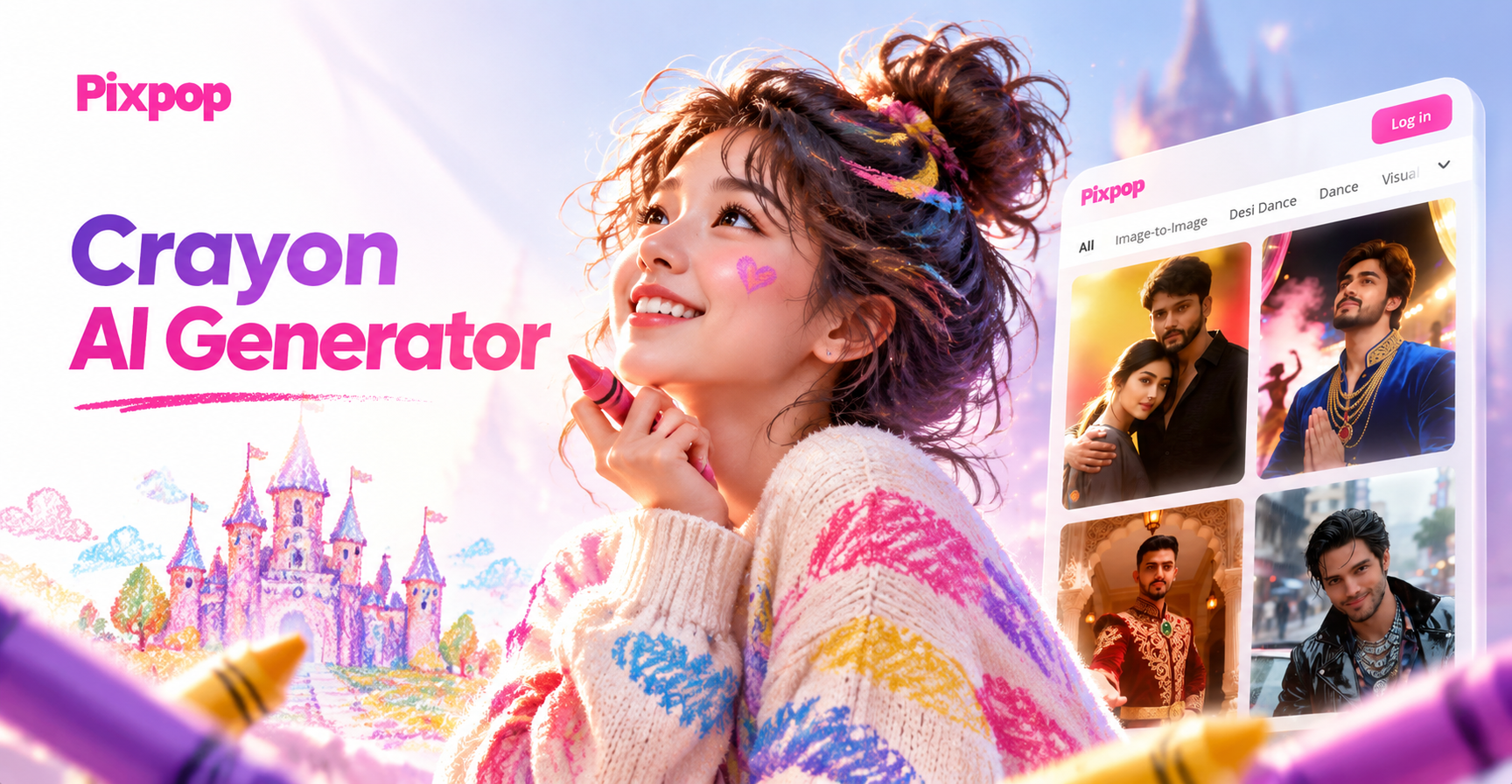
Crayon AI Generator: Turn Photos into Crayon Art
Transform photos into playful crayon drawings with the Crayon AI Generator. Upload an image, choose wax crayon filters, and get hand drawn art in seconds. No design skills needed.
Turn Anime Into Real Life Today
Download Pixpop and see your favorite anime characters as realistic people. It takes seconds, works on Android, and gives you share ready portraits every time.

Turn Anime Into Real Life Today
Download Pixpop and see your favorite anime characters as realistic people. It takes seconds, works on Android, and gives you share ready portraits every time.