AI Video Transition Prompts
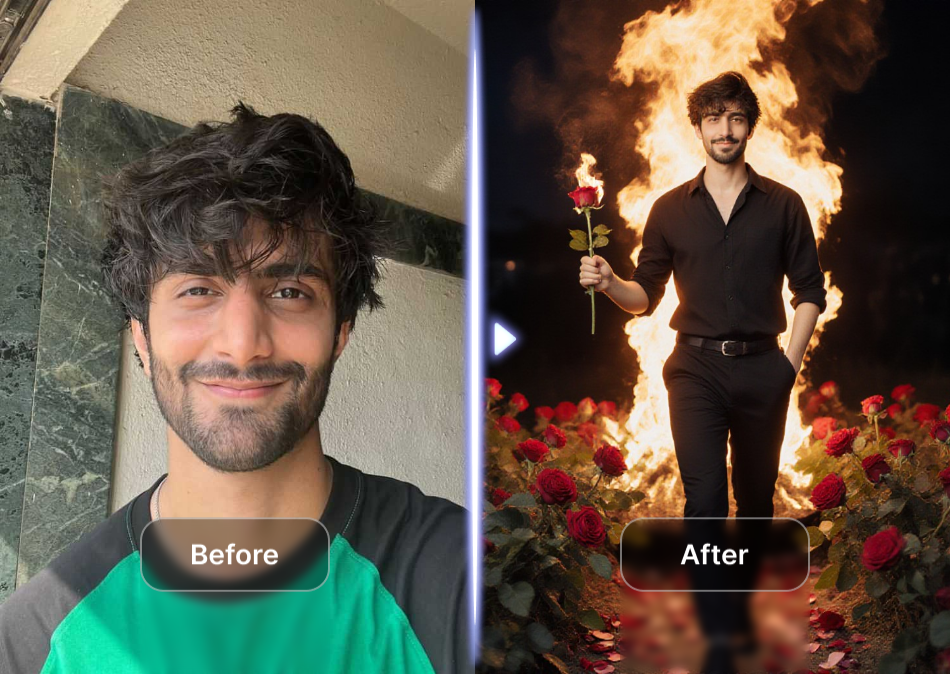
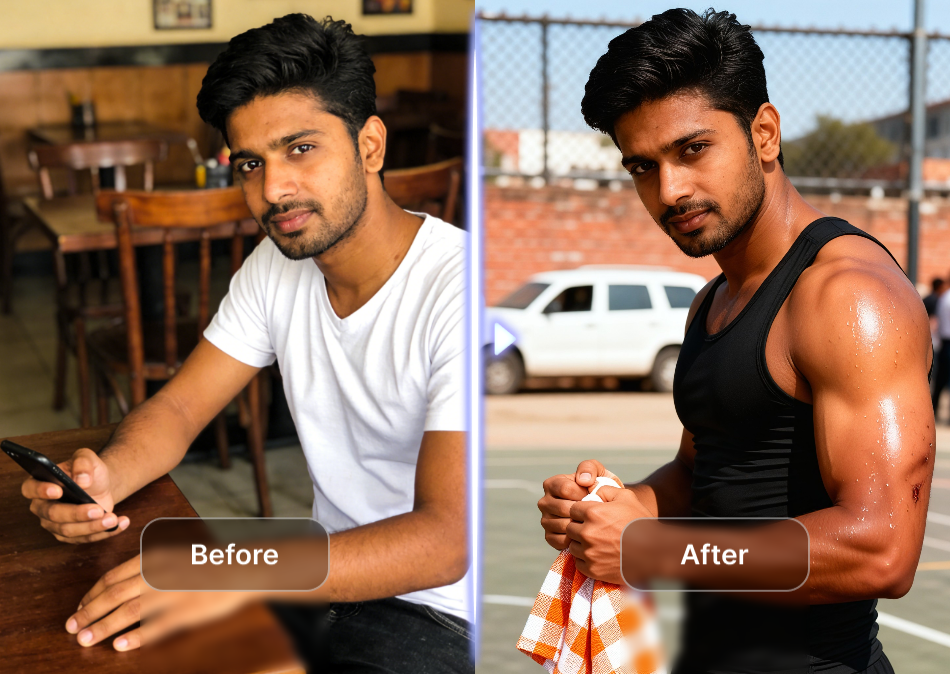
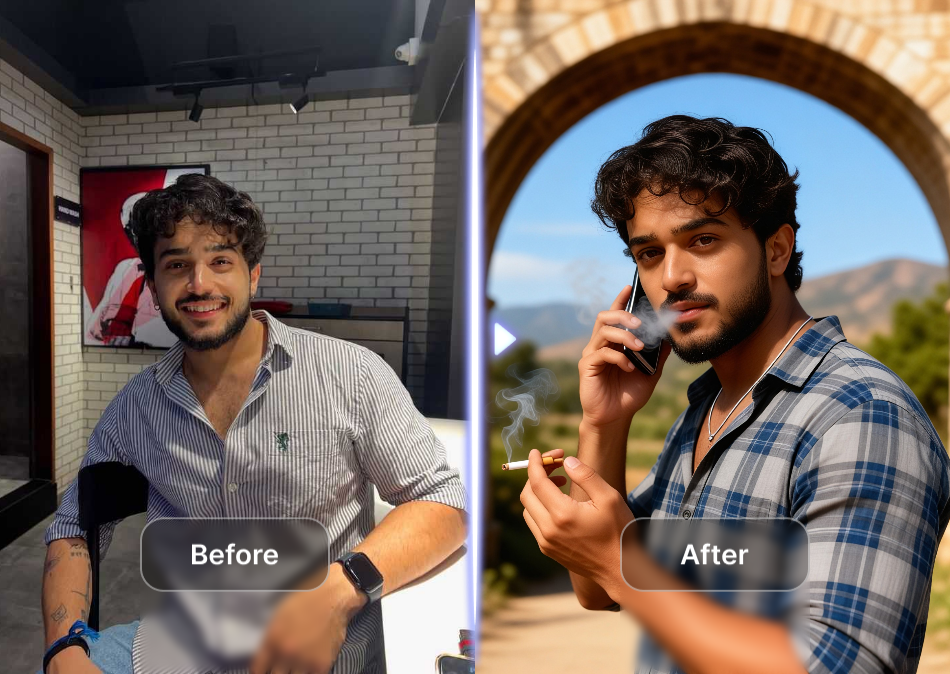
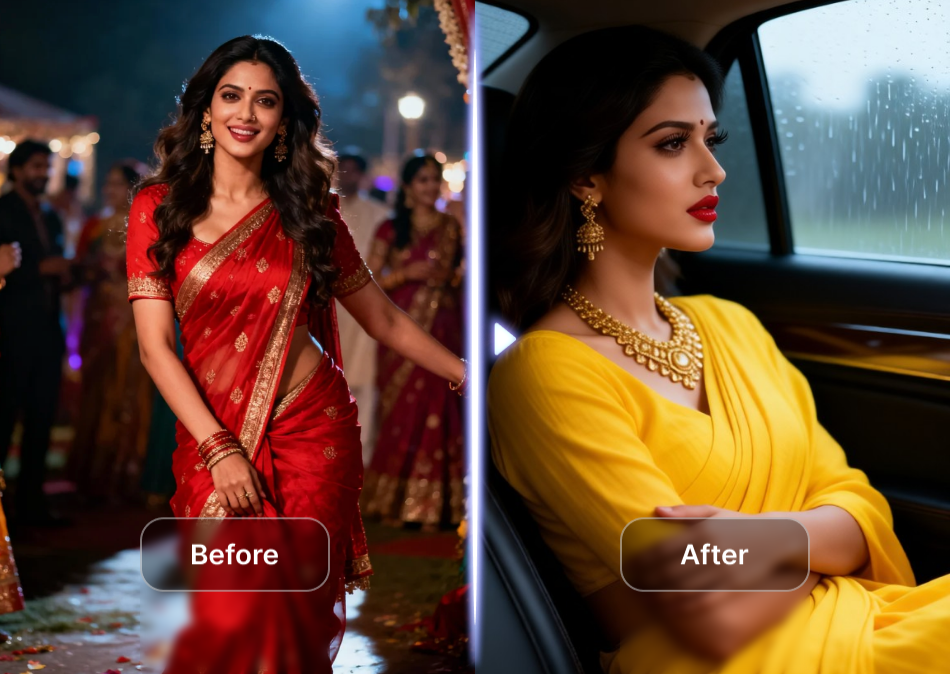
Choose the Perfect Transition Style Filter
Explore a variety of AI filters designed for seamless video transitions. From cinematic fades to dynamic glitches, find the effect that matches your creative vision.
Key Features of AI Video Transition Prompts
Unlock the full potential of AI video transitions with pixpop. Generate smooth scene changes, apply style morphing, and add dynamic motion blur using simple text prompts.
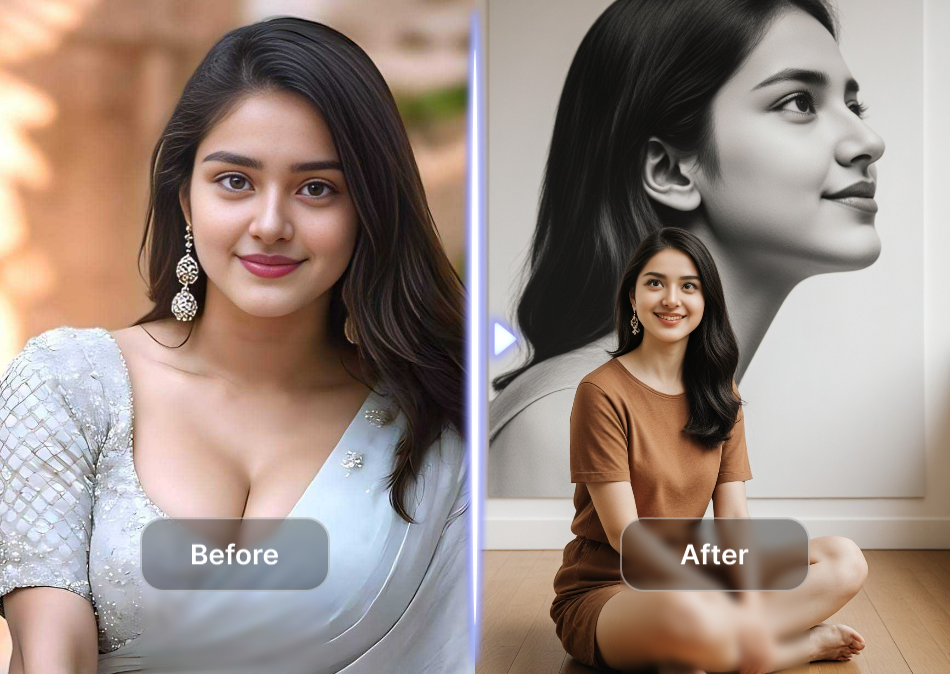
Seamless Scene Changes
Blend two clips together with natural, professional transitions. Our AI intelligently matches motion and lighting for a flawless cut.
Seamless Scene Changes
Blend two clips together with natural, professional transitions. Our AI intelligently matches motion and lighting for a flawless cut.
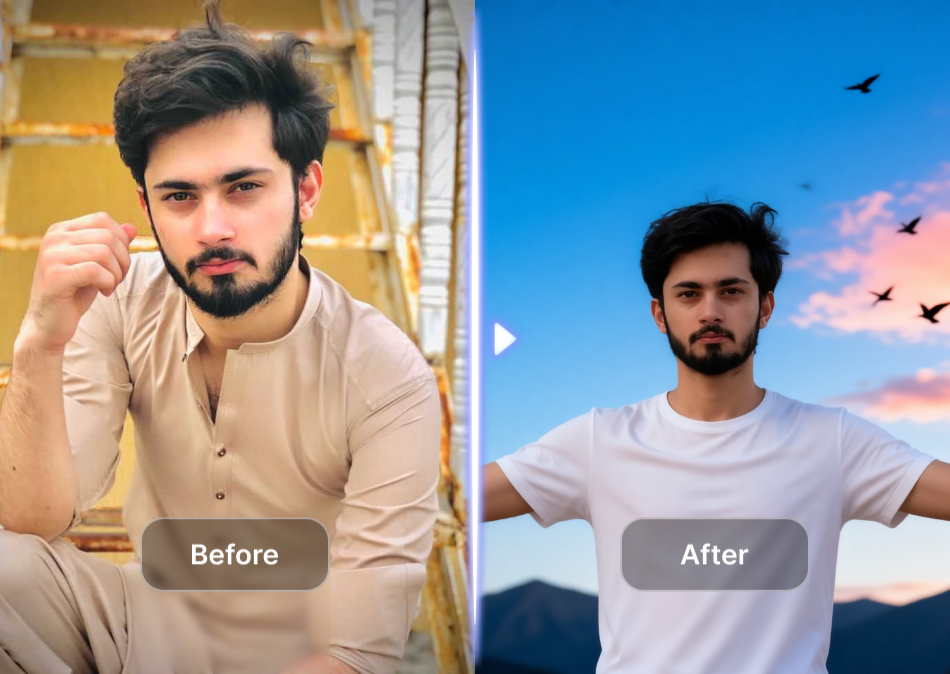
Style Morphing Effects
Transform one image into another with creative morphing. Watch objects, faces, or landscapes smoothly change shape and color.
Style Morphing Effects
Transform one image into another with creative morphing. Watch objects, faces, or landscapes smoothly change shape and color.

Dynamic Motion Blur
Add realistic motion blur to simulate camera movement, speed, or dreamy transitions. Create cinematic energy in every clip.
Dynamic Motion Blur
Add realistic motion blur to simulate camera movement, speed, or dreamy transitions. Create cinematic energy in every clip.
Explore AI Video Transition Results
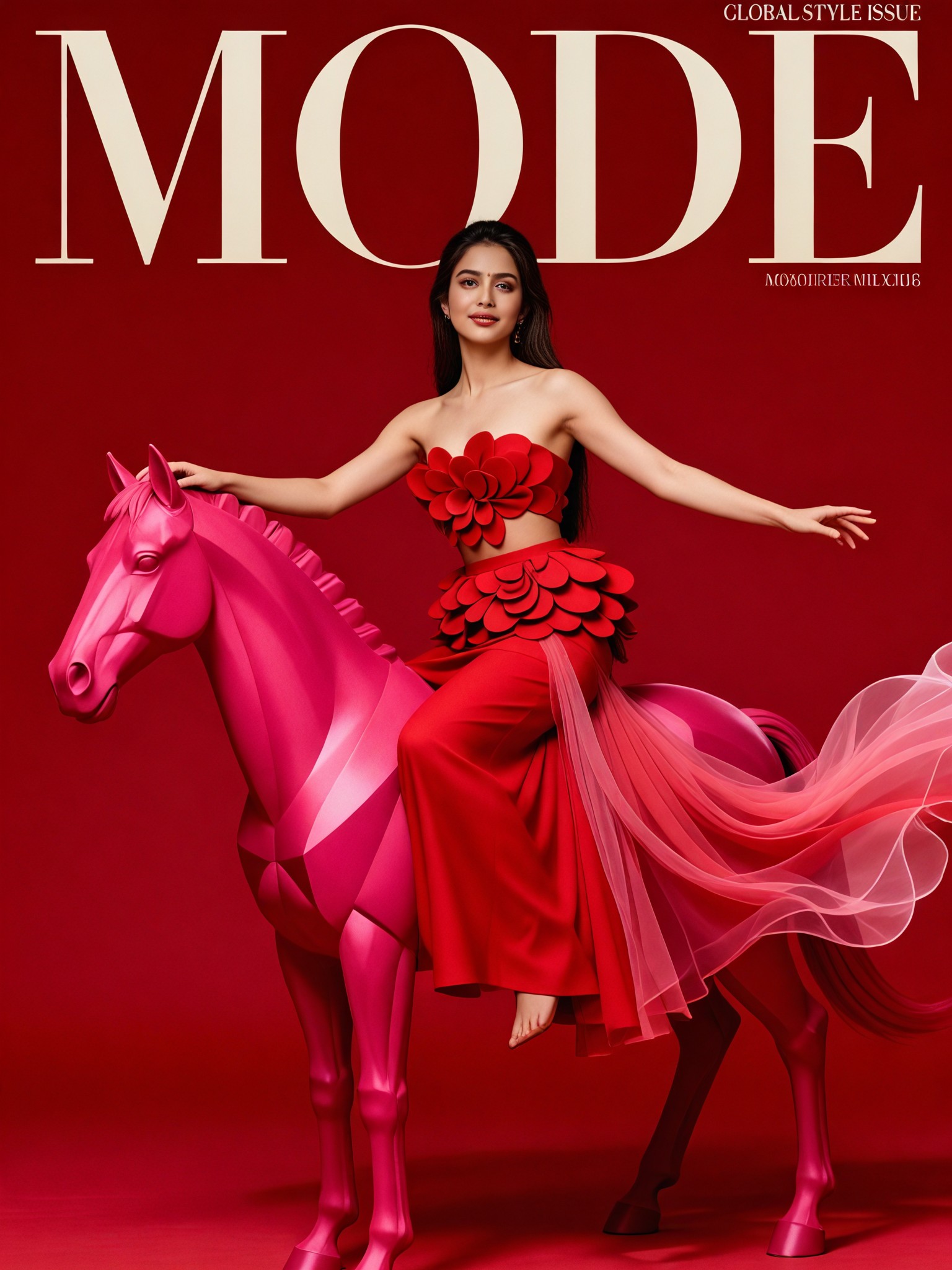
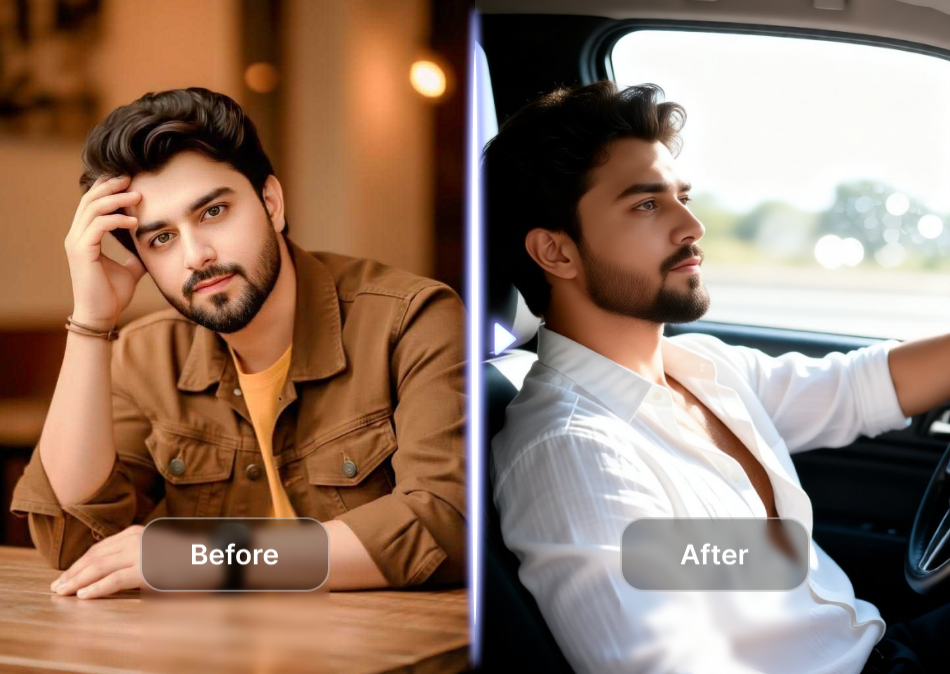
Browse stunning transition frames created by our AI using the prompts you provide. Each image represents a key moment in a smooth video transition sequence.







Why Use AI Video Transition Prompts?
Traditional video editing takes hours. AI video transition prompts let you create professional transitions in seconds. Just type what you want, and pixpop generates a smooth, cinematic transition between your clips. Perfect for social media, marketing, or personal projects.
Why Use AI Video Transition Prompts?
Traditional video editing takes hours. AI video transition prompts let you create professional transitions in seconds. Just type what you want, and pixpop generates a smooth, cinematic transition between your clips. Perfect for social media, marketing, or personal projects.
How to Create AI Video Transitions?
Create stunning AI video transitions in three simple steps using pixpop. Download the app, choose a transition filter, and generate your video with a prompt.

Step 01.
Get started by downloading the pixpop app from Google Play. It is free and works on any Android device.

Step 02.
Select a transition style filter from over one million options. You can also type a custom prompt to describe your desired effect.

Step 03.
Generate your video transition, preview the result, and save it to your device. Share it directly to social media.
AI Video Transition Prompts at Your Fingertips
Download pixpop and turn simple clips into professional-looking videos with AI-powered transitions. Choose from over a million style filters and prompts.

What Creators Say About AI Video Transitions
Transitions that look professionally edited
I used to spend hours in Premiere Pro to create smooth transitions. With pixpop, I just type a prompt and get a stunning result in seconds. It has completely changed my workflow.
Perfect for social media content
The AI video transition prompts are a game changer for my Instagram Reels. My engagement has doubled because the transitions are so eye-catching and unique.
No editing skills required
I am not a video editor, but pixpop makes it so easy to create cinematic transitions. The app is intuitive and the results are always impressive.
Frequently Asked Questions
Find clear answers to common questions about AI video transition prompts and how to use them in pixpop.
More Topics You May Like
Explore more topics you may like and discover fresh ideas tailored to your interests.

AI Wall Art Prompt: Stunning Ideas for Unique Decor

AI Wallpaper Prompt Ideas for Stunning Phone Screens
AI Video Dialogue Prompts: Create Captivating Conversations
Turn Ideas Into Video With AI JSON Prompts
AI Wall Art Prompt: Stunning Ideas for Unique Decor
AI Wallpaper Prompt Ideas for Stunning Phone Screens
AI Video Dialogue Prompts: Create Captivating Conversations
Turn Ideas Into Video With AI JSON Prompts
Create Stunning Video Transitions Now
Download pixpop and start transforming your videos with AI-powered transitions. Hundreds of style filters and prompts await.

Create Stunning Video Transitions Now
Download pixpop and start transforming your videos with AI-powered transitions. Hundreds of style filters and prompts await.