AI Wallpaper Prompt

Choose a Wallpaper Style Filter That Fits Your Mood
Explore thousands of AI wallpaper styles, from realistic photography to anime, watercolor, and 3D clay art. Pick a filter and pair it with any prompt for instant results.
Why Use AI Wallpaper Prompts on pixpop
Turn simple text ideas into polished wallpapers for any screen. pixpop gives you the flexibility to generate, refine, and save designs in minutes.

HD Wallpaper Generation
Create sharp, high resolution wallpapers for phones, tablets, and desktops. pixpop optimizes each output so your background looks crisp on any display.
HD Wallpaper Generation
Create sharp, high resolution wallpapers for phones, tablets, and desktops. pixpop optimizes each output so your background looks crisp on any display.

Style Variety for Every Taste
Switch between realistic photography, anime, watercolor, cyberpunk, and Ghibli styles without rewriting your prompt. Find the perfect visual mood instantly.
Style Variety for Every Taste
Switch between realistic photography, anime, watercolor, cyberpunk, and Ghibli styles without rewriting your prompt. Find the perfect visual mood instantly.

No Design Skills Needed
Just type what you want to see. pixpop handles color, lighting, and composition, so you get professional looking wallpapers without touching complex tools.
No Design Skills Needed
Just type what you want to see. pixpop handles color, lighting, and composition, so you get professional looking wallpapers without touching complex tools.
AI Wallpaper Prompt Inspiration Gallery
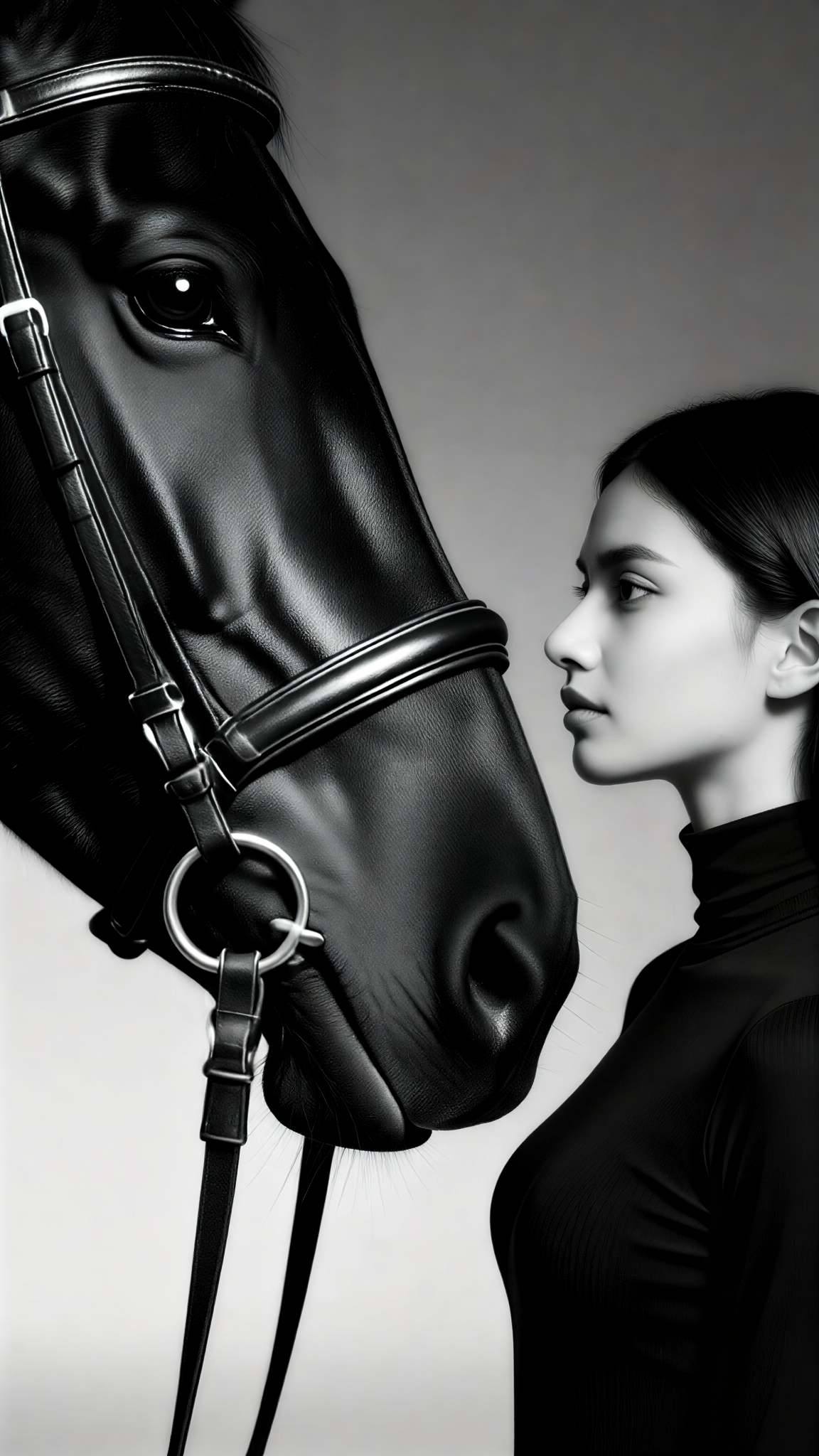
Browse a selection of AI generated wallpapers made with simple text prompts. These examples show how a single idea can become a polished background for any device.










How to Use an AI Wallpaper Prompt
Download the pixpop app and turn your favorite wallpaper idea into a high quality background in three simple steps.

Step 01.
Download the pixpop app from Google Play and open it on your phone. No account setup is required to start exploring wallpaper prompts.

Step 02.
Type your AI wallpaper prompt into the text box and choose a style filter. You can pick from categories like anime, realistic, watercolor, or 3D clay.

Step 03.
Generate your wallpaper, preview it, and save the high definition image directly to your device. Set it as your home or lock screen instantly.

Turn Any AI Wallpaper Prompt Into Reality
Download pixpop and generate original wallpapers for your phone, tablet, or desktop. Pick a prompt, choose a style, and get a unique background in seconds.

What Creators Say About pixpop Wallpaper Prompts
Incredible variety for phone backgrounds
I typed a simple AI wallpaper prompt about a neon forest and got four completely different but gorgeous results. Switching styles is fast and the images are always sharp.
No more boring stock wallpapers
I wanted a custom desktop background for my setup. I used a prompt about a minimal mountain scene and the watercolor filter nailed exactly what I imagined.
Perfect for quick creative inspiration
Whenever I need a fresh phone background, I just open pixpop and type a short prompt. The style filters make every idea look polished without extra effort.
Frequently Asked Questions About AI Wallpaper Prompts
Find clear answers about creating AI wallpapers from text prompts on pixpop.
More AI Art Ideas You May Like
Explore more topics and discover fresh ideas for AI generated images, videos, and wallpapers.

AI Video Dialogue Prompts: Create Captivating Conversations

Turn Ideas Into Video With AI JSON Prompts

AI Video Loop Prompts: Create Seamless Loops Instantly
Juicy Raspberry Photo Prompts for Stunning AI Images
AI Video Dialogue Prompts: Create Captivating Conversations
Turn Ideas Into Video With AI JSON Prompts
AI Video Loop Prompts: Create Seamless Loops Instantly
Juicy Raspberry Photo Prompts for Stunning AI Images
Get Stunning AI Wallpapers With a Simple Prompt
Download pixpop, enter your AI wallpaper prompt, and choose from over a million styles. Turn any idea into a beautiful background in seconds.

Get Stunning AI Wallpapers With a Simple Prompt
Download pixpop, enter your AI wallpaper prompt, and choose from over a million styles. Turn any idea into a beautiful background in seconds.