AI Video JSON Prompts That Turn Text Into Motion
Explore AI Video Styles That Work With JSON Prompts
Pick a filter template and pair it with your JSON prompt to generate cinematic, anime, 3D, or realistic videos in seconds. No complex editing needed.
Why AI Video JSON Prompts Work Better in pixpop
Write a simple JSON prompt, choose a style template, and generate a polished video on your phone. pixpop handles lighting, motion, and scene composition automatically, so you can focus on the creative idea instead of technical details.
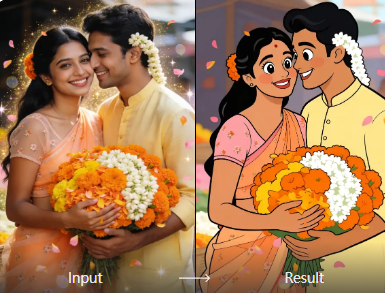
Prompt to Video Engine
Describe scenes, camera moves, and actions in a JSON prompt. pixpop converts your description into a smooth, high quality video clip within seconds.
Prompt to Video Engine
Describe scenes, camera moves, and actions in a JSON prompt. pixpop converts your description into a smooth, high quality video clip within seconds.
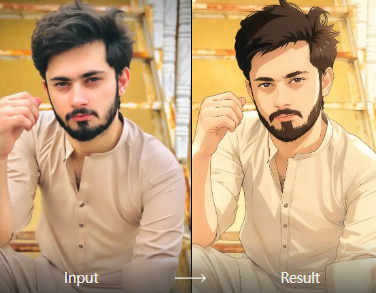
Built in Style Library
Switch between realistic, anime, 3D clay, cyberpunk, and cinematic styles without rewriting your prompt. The style field controls the entire visual tone.
Built in Style Library
Switch between realistic, anime, 3D clay, cyberpunk, and cinematic styles without rewriting your prompt. The style field controls the entire visual tone.
Mobile Generation
No desktop computer or coding environment required. Download the app, paste your JSON prompt, and generate or share your video from anywhere.
Mobile Generation
No desktop computer or coding environment required. Download the app, paste your JSON prompt, and generate or share your video from anywhere.
AI Video JSON Prompt Style Samples
Preview five popular styles generated from the same JSON prompt structure. Use these labels as style values in your own prompts to control the final look.
How to Create Videos with AI Video JSON Prompts
Follow three simple steps to turn a JSON prompt into a polished AI video using the pixpop app.

Step 01.
Download the pixpop app from Google Play and open the AI video generator on your phone.

Step 02.
Type or paste your AI video JSON prompt and select a style template from the built in library.

Step 03.
Generate the video, preview the result, then save or share it directly to social media.
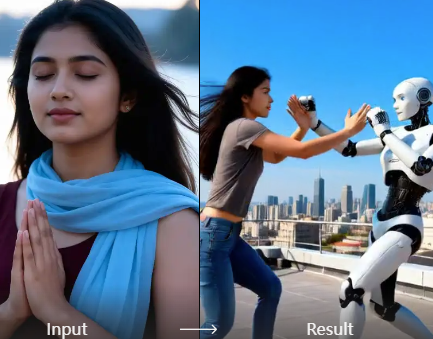
Why Use JSON Prompts for AI Video Generation?
JSON prompts keep your creative input structured and repeatable. You can define scene, subject, action, camera, style, and duration in one compact format, then reuse or tweak individual fields to produce consistent results across multiple videos.
Why Use JSON Prompts for AI Video Generation?
JSON prompts keep your creative input structured and repeatable. You can define scene, subject, action, camera, style, and duration in one compact format, then reuse or tweak individual fields to produce consistent results across multiple videos.
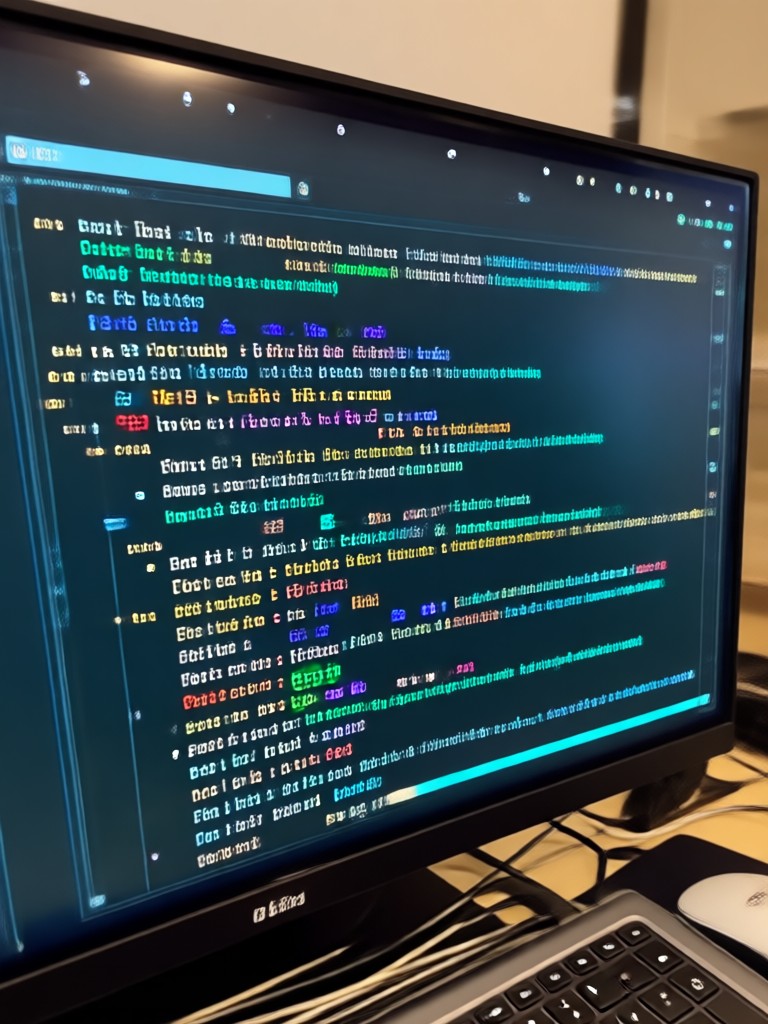
AI Video JSON Prompts on Your Phone
pixpop turns structured prompts into ready to share videos on Android. No desktop, no complicated software. Download the app and generate your first clip in minutes.

What Creators Say About AI Video JSON Prompts
Finally a prompt format that makes sense
I write JSON prompts for freelance explainer videos. pixpop reads my scene and camera fields exactly how I expect. The style library saves me hours of trial and error.
Perfect for quick client drafts
I use JSON prompts to generate concept videos for clients. The mobile app is fast, the style presets look polished, and I can share previews straight from my phone.
Great for social media content
I know basic JSON but not video editing. pixpop handles the animation and lighting for me. I just describe the scene and pick a style. My reels have never looked better.
AI Video JSON Prompts FAQ
Get clear answers about writing and using AI video JSON prompts in pixpop.
More Topics You May Like
Explore more topics you may like and discover fresh ideas tailored to your interests.
AI Pink Hair Prompt: Transform Your Look in Seconds
Use the best AI pink hair prompt to see yourself with vibrant pink locks. Upload a photo, pick a template, and get realistic results instantly. No editing skills needed.
AI Old Money Photo Prompts for Timeless Style Photos
Create elegant, old money aesthetic photos with AI. Use curated old money photo prompts for classic wardrobe, vintage interiors, and timeless luxury looks. Download the app now.
Create Viral AI Nightclub Video Prompts in Minutes
Turn nightclub ideas into AI videos. Pick a prompt, choose a neon or club style, and generate dance floor scenes, DJ shots, and crowd clips in seconds. No skills needed.
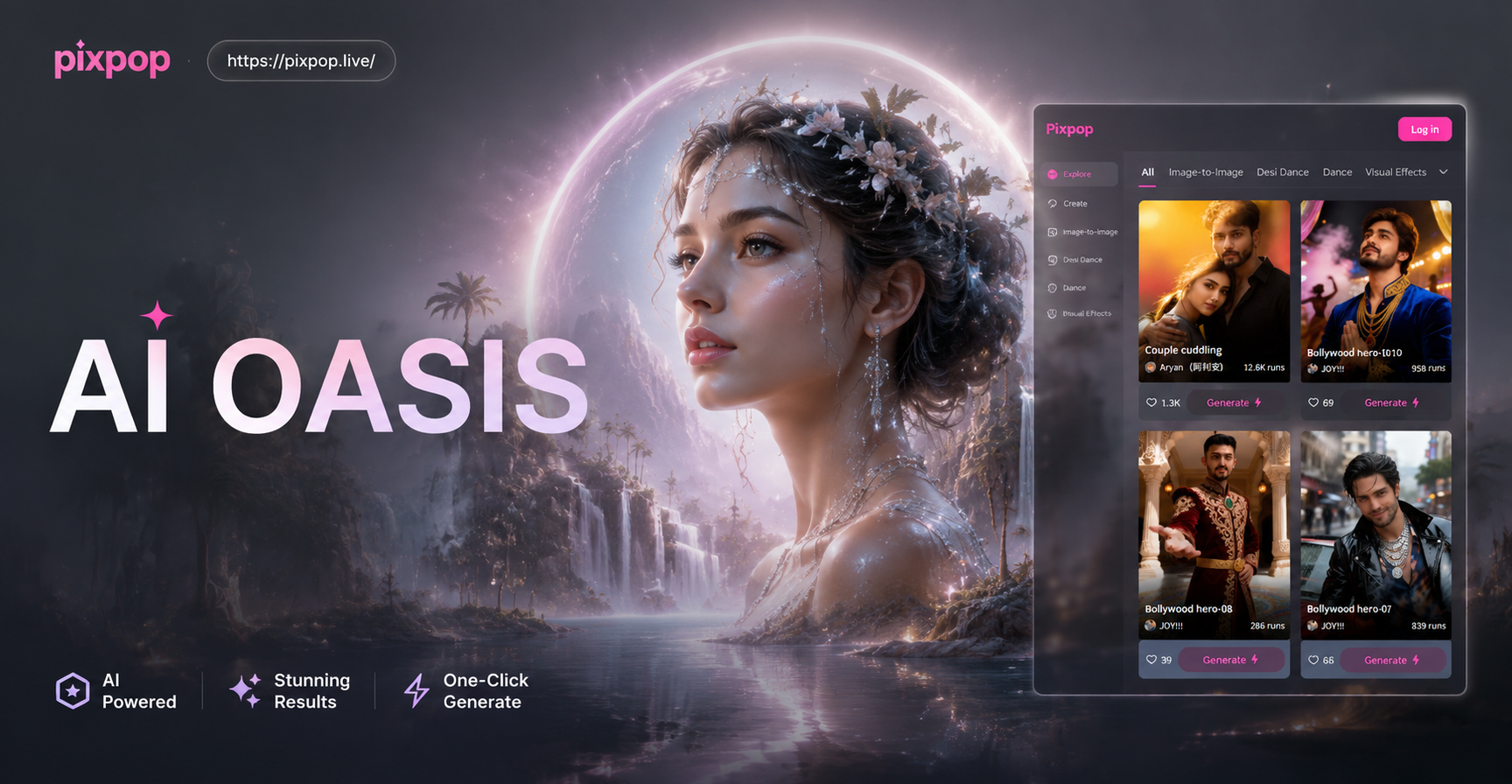
AI Oasis Image Prompt: Create Desert Paradise Art
Turn words into stunning desert oasis art with AI image prompts. Generate palm trees, turquoise water, golden dunes, and mirage scenes in seconds. Download the app.
Ready to Turn JSON Prompts Into Videos?
Download pixpop and start generating AI videos from your own structured prompts. No coding, no editing skills, just creative ideas.
Ready to Turn JSON Prompts Into Videos?
Download pixpop and start generating AI videos from your own structured prompts. No coding, no editing skills, just creative ideas.