AI Video Dialogue Prompts
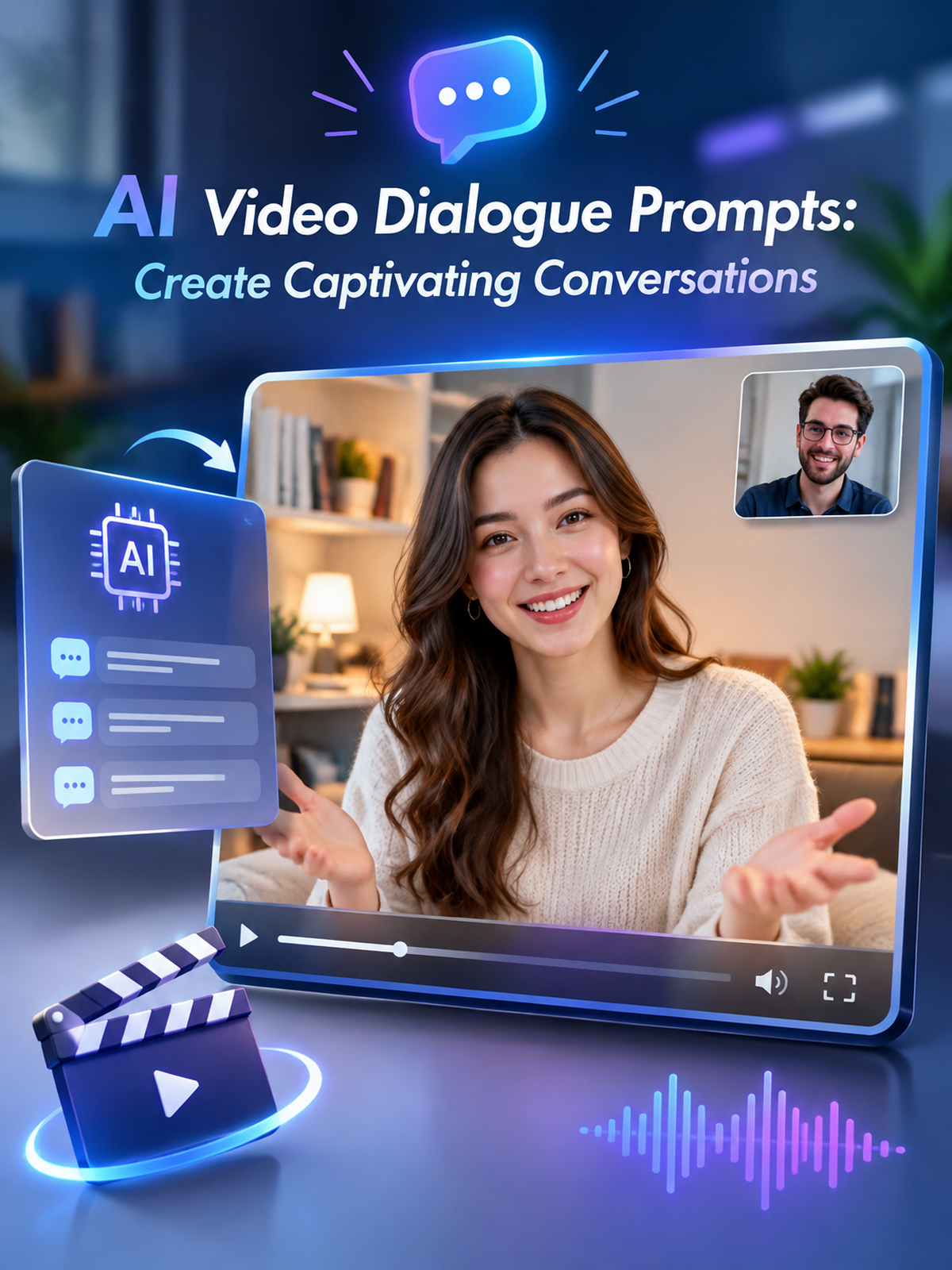
Choose Dialogue Styles That Fit Your Story
Explore multiple AI video dialogue styles, from realistic conversations to animated character interactions. Find the perfect template to bring your dialogue scripts to life.
Key Capabilities of AI Video Dialogue Prompts
Create compelling video dialogues using pixpop's powerful AI tools. Whether you start from text or an image, our prompts help you achieve natural, engaging conversations.
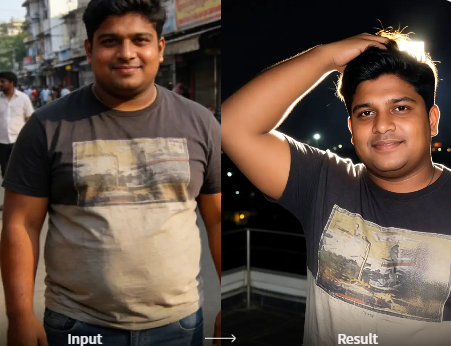
Text to Video Dialogue
Type a dialogue scene description, choose a style, and generate a video with realistic speech and interactions. No complex prompt engineering required.
Text to Video Dialogue
Type a dialogue scene description, choose a style, and generate a video with realistic speech and interactions. No complex prompt engineering required.
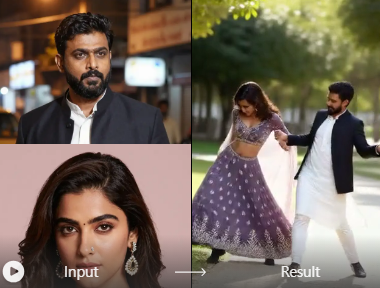
Image to Video Dialogue
Upload a photo of people or characters, add dialogue prompts, and see them come alive with natural conversation, gestures, and motion.
Image to Video Dialogue
Upload a photo of people or characters, add dialogue prompts, and see them come alive with natural conversation, gestures, and motion.
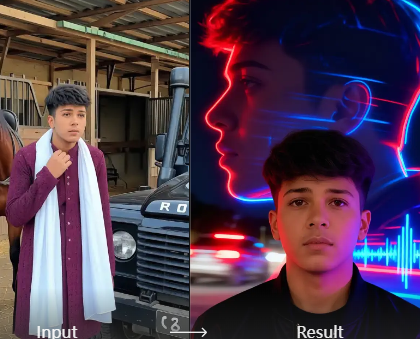
Multi-Person Dialogue Scenes
Generate videos with multiple characters interacting. pixpop accurately identifies faces and maintains consistent identities, enabling rich, multi-person conversations.
Multi-Person Dialogue Scenes
Generate videos with multiple characters interacting. pixpop accurately identifies faces and maintains consistent identities, enabling rich, multi-person conversations.
Inspiring AI Video Dialogue Results
Browse a collection of AI-generated dialogue videos created with pixpop. See how prompts transform into lifelike conversations across different styles and settings.

How to Create AI Video Dialogue with Prompts
Follow three simple steps to generate realistic dialogue videos using pixpop. No editing experience needed.

Step 01.
Download the pixpop app from Google Play and open it on your mobile device.

Step 02.
Choose a dialogue style template or enter your own text prompt describing the conversation scene.

Step 03.
Tap generate and watch your AI video dialogue come to life. Download and share on social media.
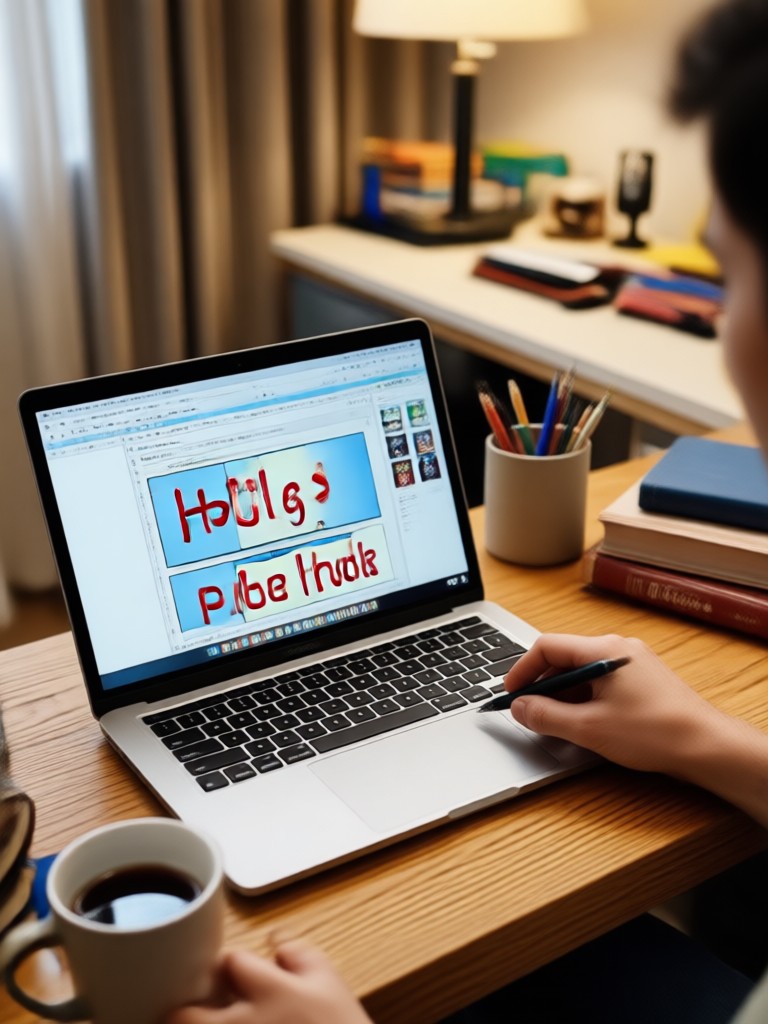
Ready to Turn Dialogue Prompts into Videos?
Download pixpop and start creating AI video dialogues with natural speech and realistic interactions. Available on Google Play.

What Creators Say About AI Video Dialogue Prompts
Finally, dialogue videos without filming
I used pixpop to create a short film with two characters talking. The dialogue felt natural and the gestures looked real. Saved me days of production.
Perfect for social media storytelling
The dialogue prompts are so easy to use. I turned a photo into a conversation scene and posted it. Engagement went through the roof.
Great for training videos
I create instructional videos with realistic dialogues between a trainer and trainee. The AI handles lip sync and expressions surprisingly well.
Frequently Asked Questions About AI Video Dialogue Prompts
Get quick answers about creating dialogue videos with pixpop. Learn how prompts work, what you need, and how to achieve the best results.
AI Video Dialogue Prompt Tutorials
Watch step-by-step tutorials and creative examples that show how to use dialogue prompts effectively with pixpop.
More Topics You May Like
Explore more topics you may like and discover fresh ideas tailored to your interests.
AI Video Loop Prompts: Create Seamless Loops Instantly
Explore AI video loop prompts and turn text or images into seamless looping videos. Download pixpop and access 1M+ style templates for endless motion.
Turn Ideas Into Video With AI JSON Prompts
Create polished videos from AI video JSON prompts. Download pixpop, pick a style template, and generate cinematic, anime, or realistic clips on your phone.
AI Pink Hair Prompt: Transform Your Look in Seconds
Use the best AI pink hair prompt to see yourself with vibrant pink locks. Upload a photo, pick a template, and get realistic results instantly. No editing skills needed.
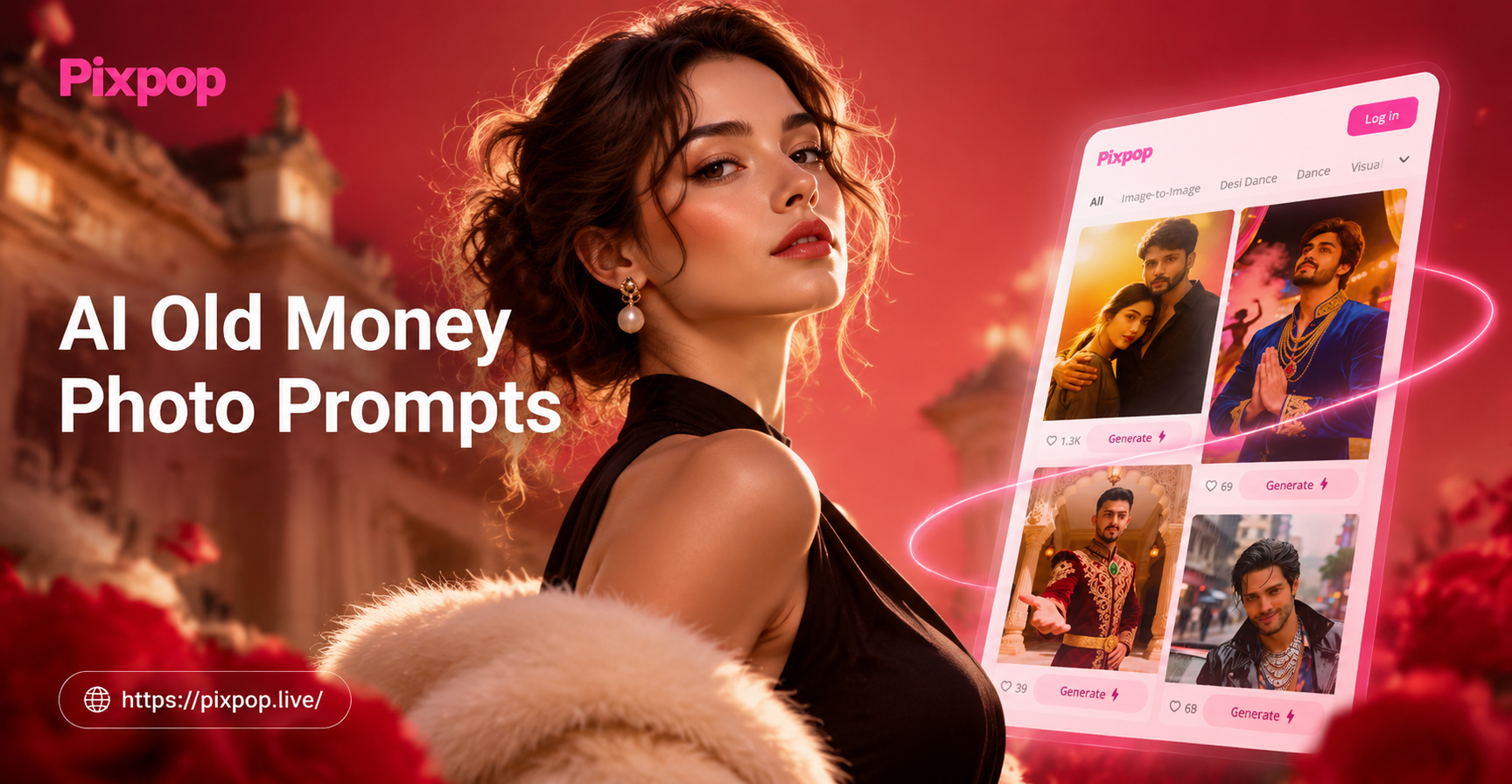
AI Old Money Photo Prompts for Timeless Style Photos
Create elegant, old money aesthetic photos with AI. Use curated old money photo prompts for classic wardrobe, vintage interiors, and timeless luxury looks. Download the app now.
Start Creating Dialogue Videos Today
Turn your dialogue ideas into stunning AI videos with pixpop. Download the app and start generating conversations that captivate your audience.
Start Creating Dialogue Videos Today
Turn your dialogue ideas into stunning AI videos with pixpop. Download the app and start generating conversations that captivate your audience.