Pika AI Generator: Where Text Becomes Motion
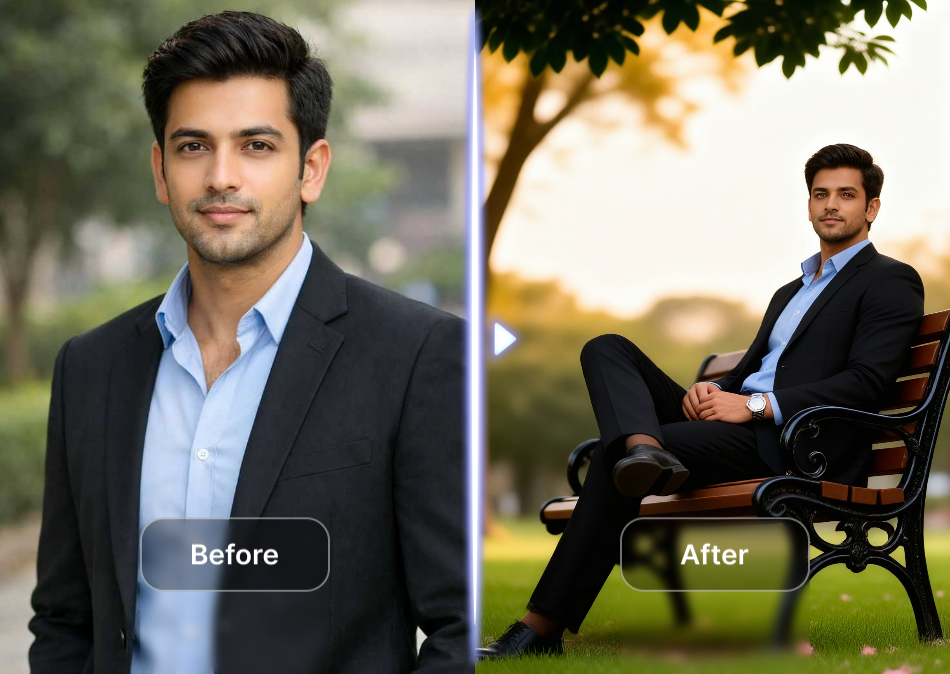
Choose Your AI Video Style
Match your mood with the right visual language. From hyperrealistic cinematic clips to playful Ghibli style scenes, every filter transforms your prompt into a distinct piece of motion art.
Why Pika AI Generator Stands Out
This is not just another video tool. Pika AI Generator combines intuitive controls with a massive filter library, giving you studio level output without the studio learning curve.
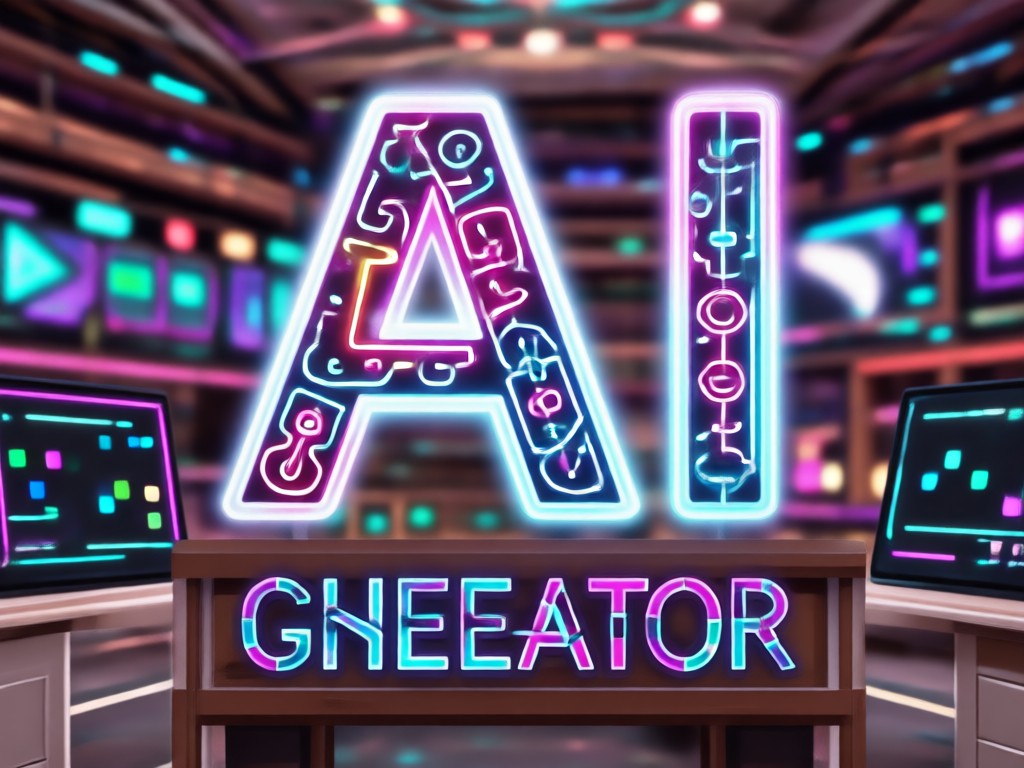
Powerful Text to Video Engine
Describe a rainy Tokyo street, a dancing astronaut, or a talking cat. The Pika AI Generator translates natural language into fluid, dynamic video clips with realistic motion and coherent storytelling. No complex prompt engineering required. Just type what you see in your head and let the AI fill in the details.
Powerful Text to Video Engine
Describe a rainy Tokyo street, a dancing astronaut, or a talking cat. The Pika AI Generator translates natural language into fluid, dynamic video clips with realistic motion and coherent storytelling. No complex prompt engineering required. Just type what you see in your head and let the AI fill in the details.
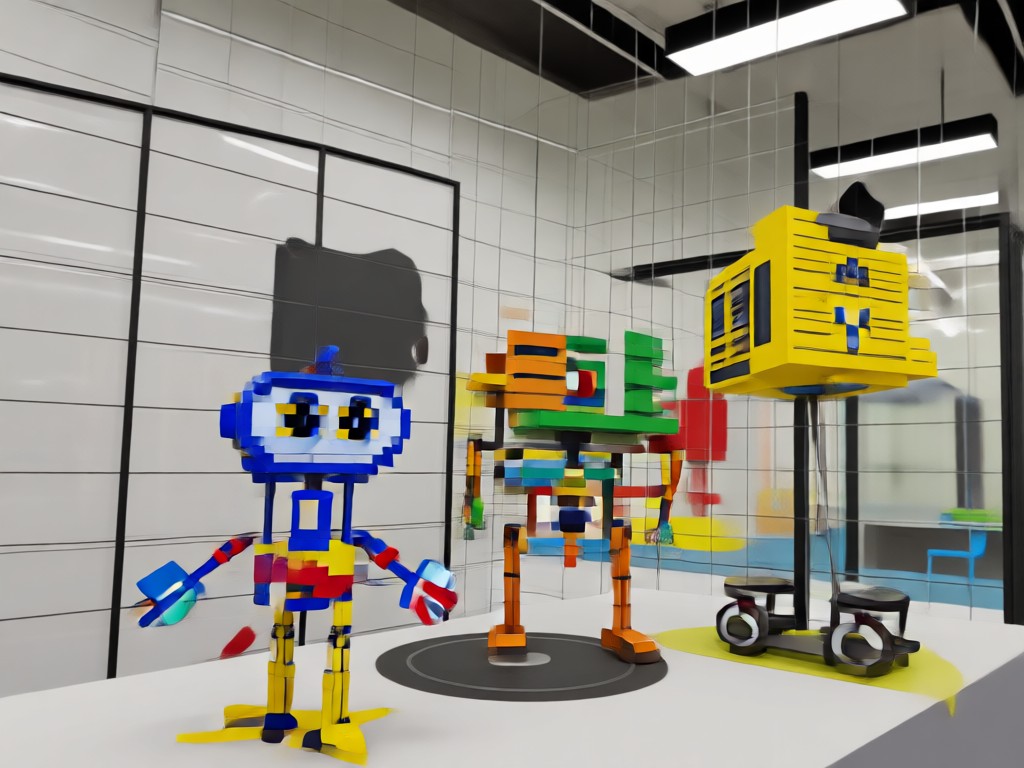
Animate Any Photo Instantly
Turn static images into living moments. Upload a portrait and make it blink, smile, or turn its head. Upload a landscape and watch the water flow or trees sway. The Pika AI Generator gives every still image a heartbeat, perfect for reviving family photos or creating eye catching social media content.
Animate Any Photo Instantly
Turn static images into living moments. Upload a portrait and make it blink, smile, or turn its head. Upload a landscape and watch the water flow or trees sway. The Pika AI Generator gives every still image a heartbeat, perfect for reviving family photos or creating eye catching social media content.
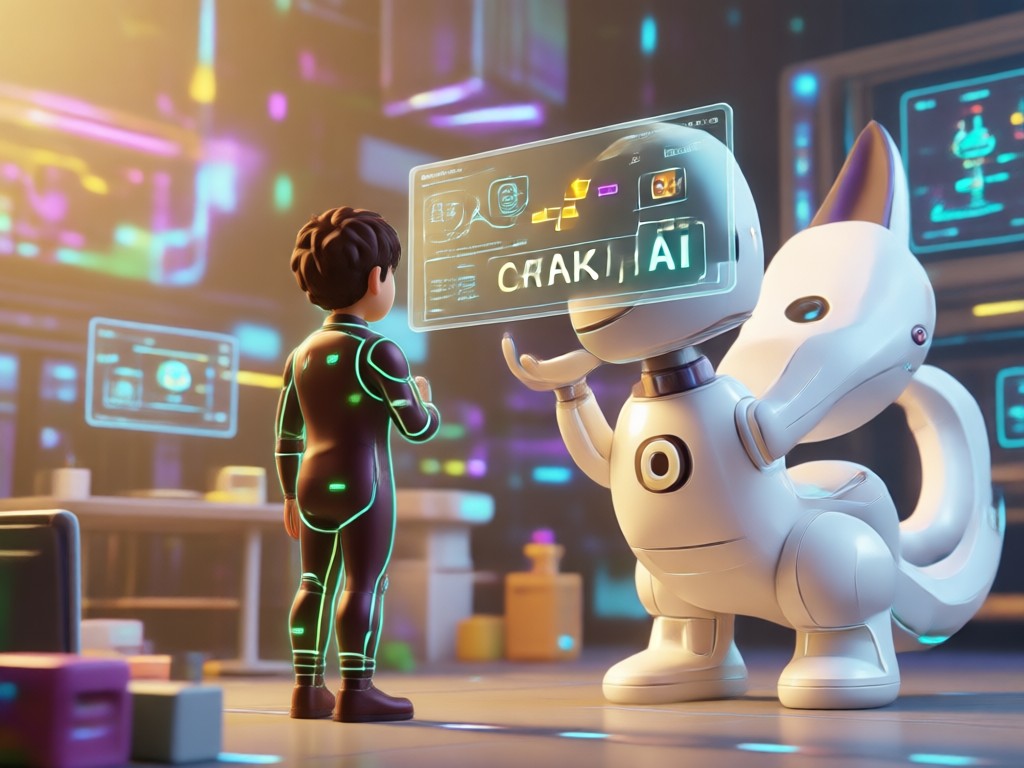
Trending Effects and Style Filters
Stay ahead of the curve with viral effects like AI Hug, AI Kiss, and Old Photo Revival. The Pika AI Generator library is updated with fresh filters constantly, so you always have the latest visual trends at your fingertips. Apply a Ghibli style, cyberpunk look, or 3D clay transformation with a single tap.
Trending Effects and Style Filters
Stay ahead of the curve with viral effects like AI Hug, AI Kiss, and Old Photo Revival. The Pika AI Generator library is updated with fresh filters constantly, so you always have the latest visual trends at your fingertips. Apply a Ghibli style, cyberpunk look, or 3D clay transformation with a single tap.
How to Use Pika AI Generator
Creating your first AI video takes less than a minute. Follow these three simple steps to turn your idea into a shareable clip.

Step 01.
Download the Pika AI Generator app from Google Play and open it on your mobile device. The interface is designed for instant access, no account setup hurdles.

Step 02.
Type your scene or upload a photo. Browse the massive filter library to pick a style that matches your vision, from realistic cinematic to anime or watercolor.

Step 03.
Tap generate and watch the AI render your video in seconds. Preview the motion, make quick adjustments if needed, then save or share directly to social platforms.
See What Pika AI Generator Can Create
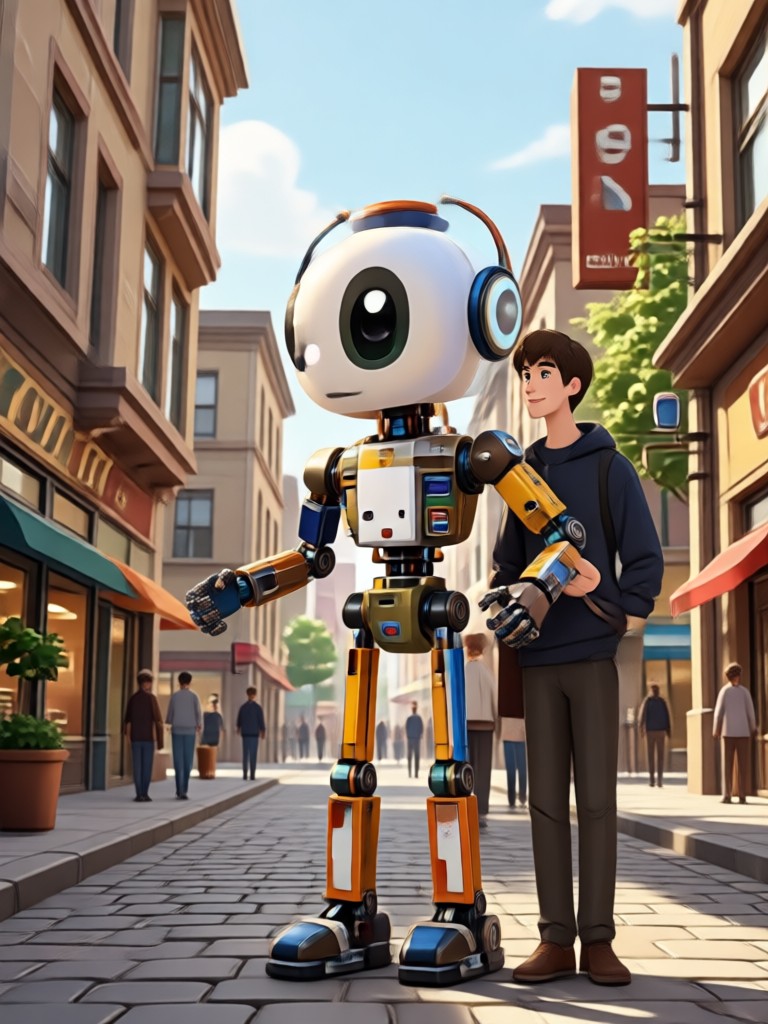
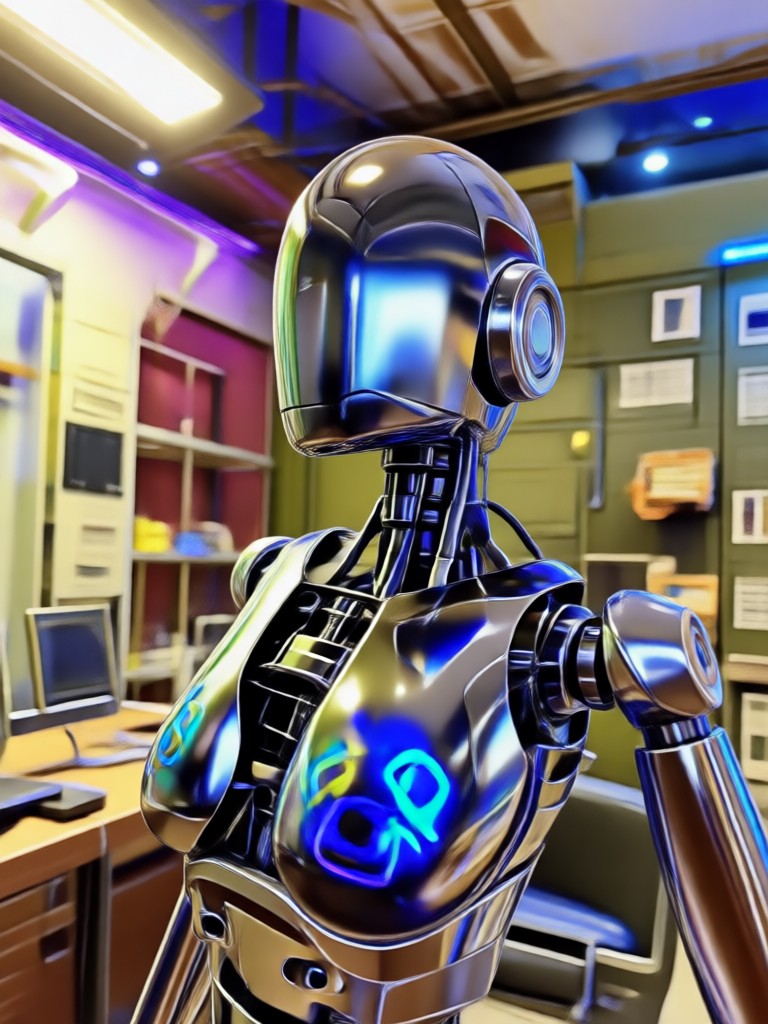
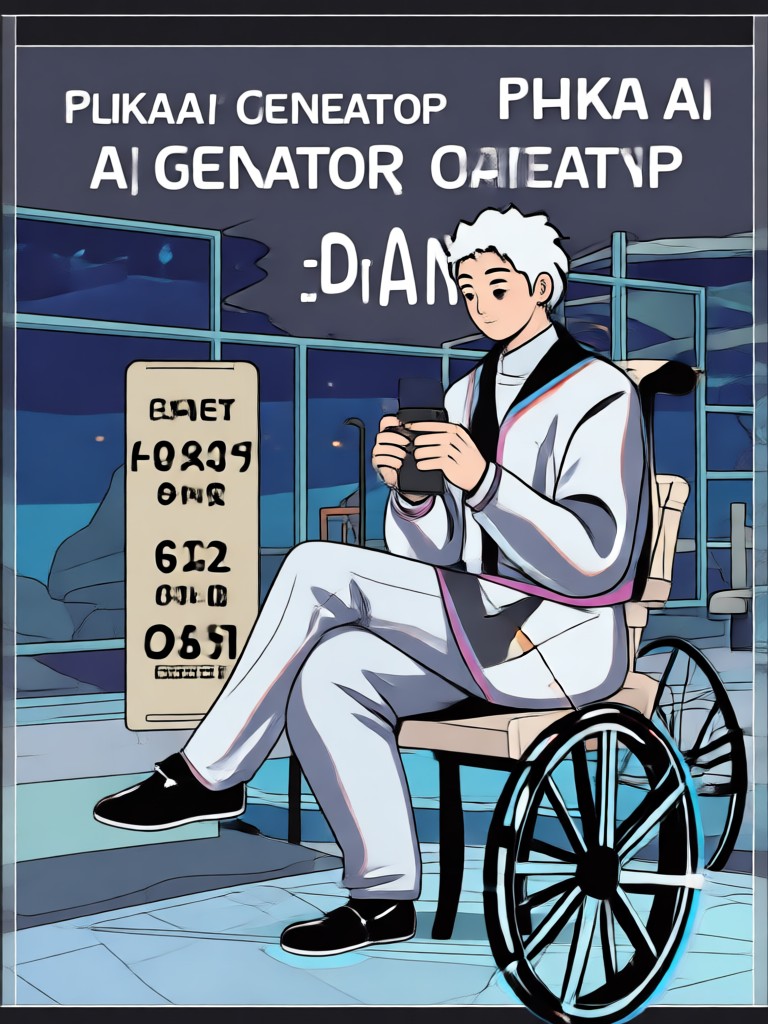
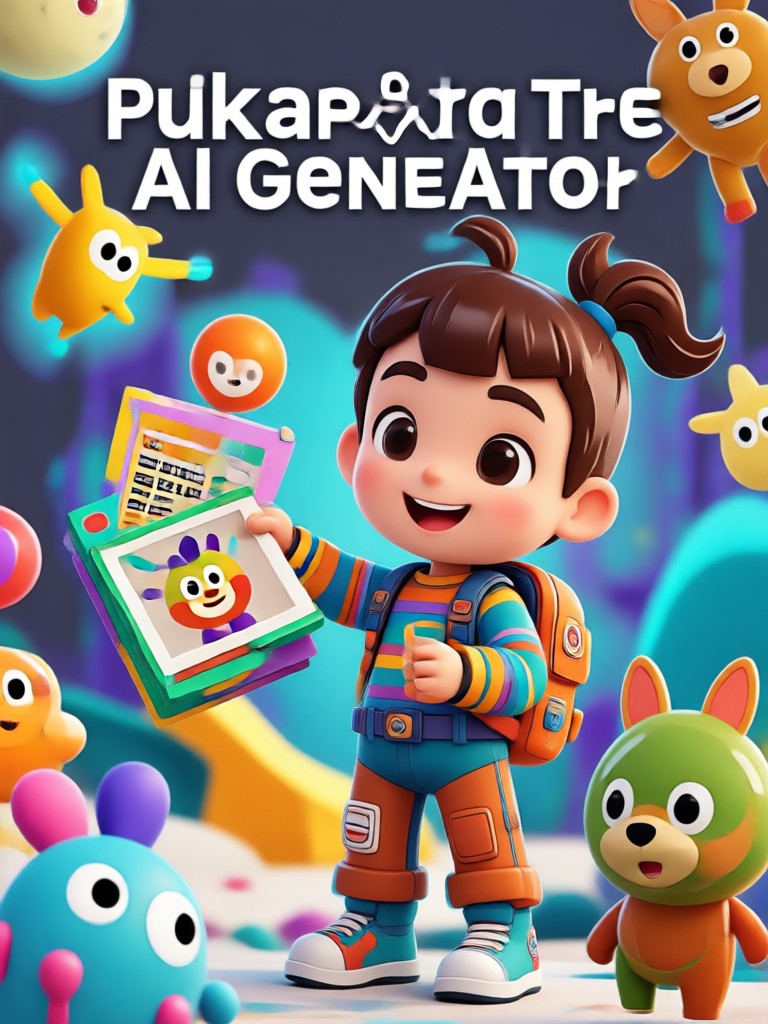
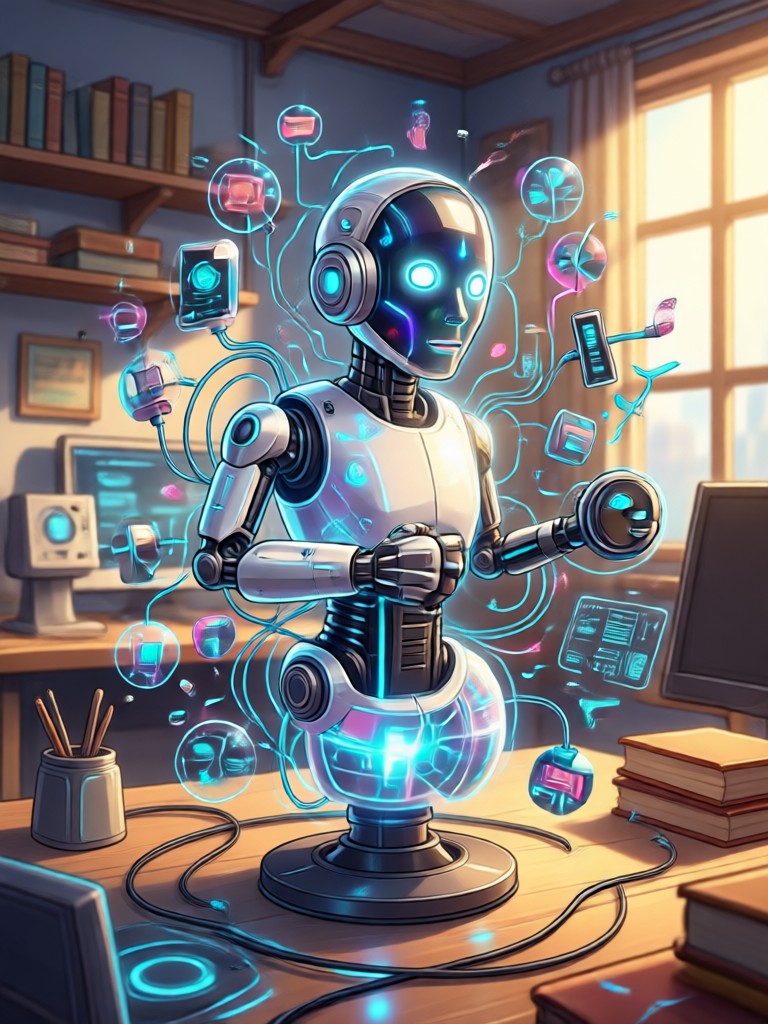
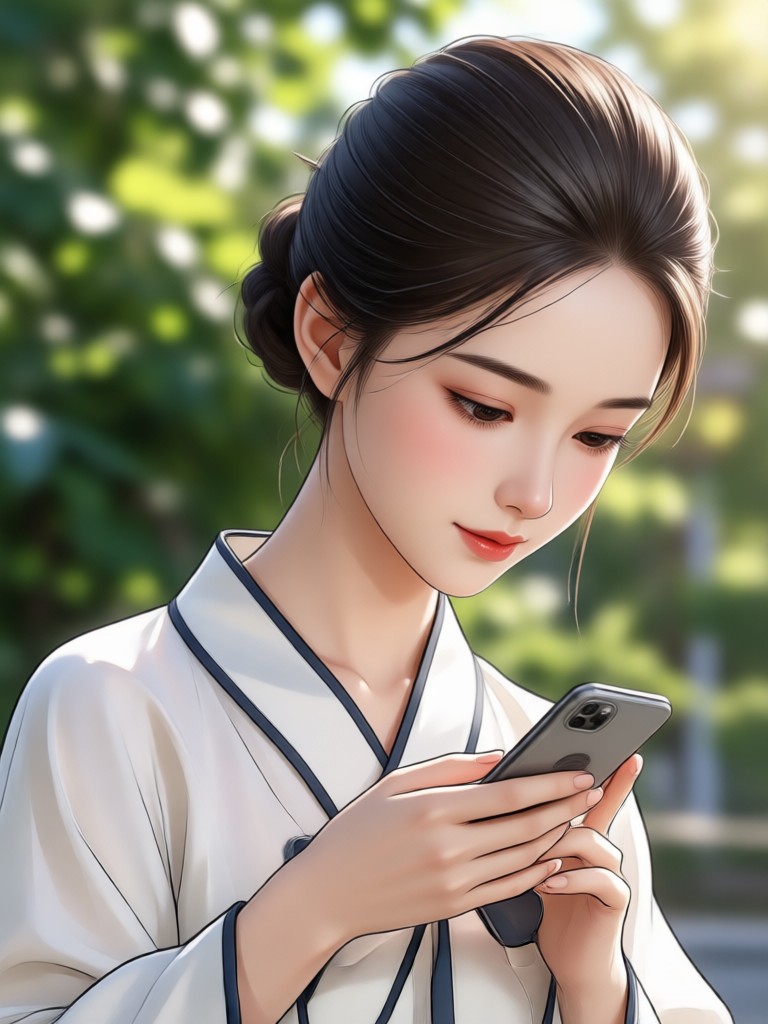
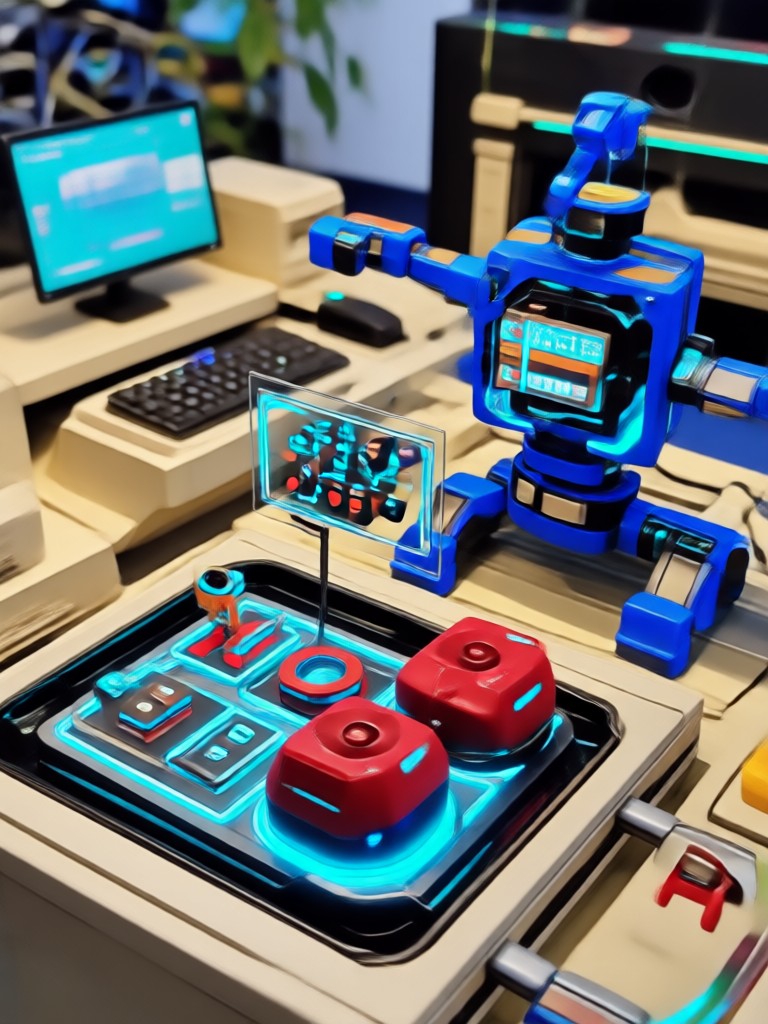
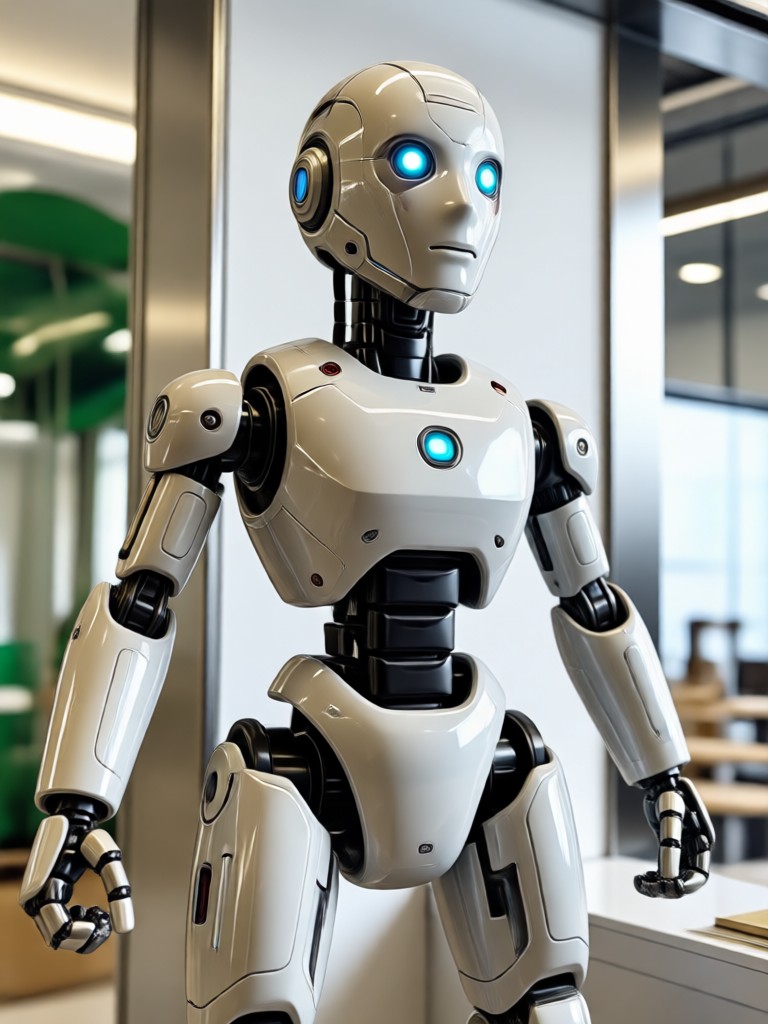
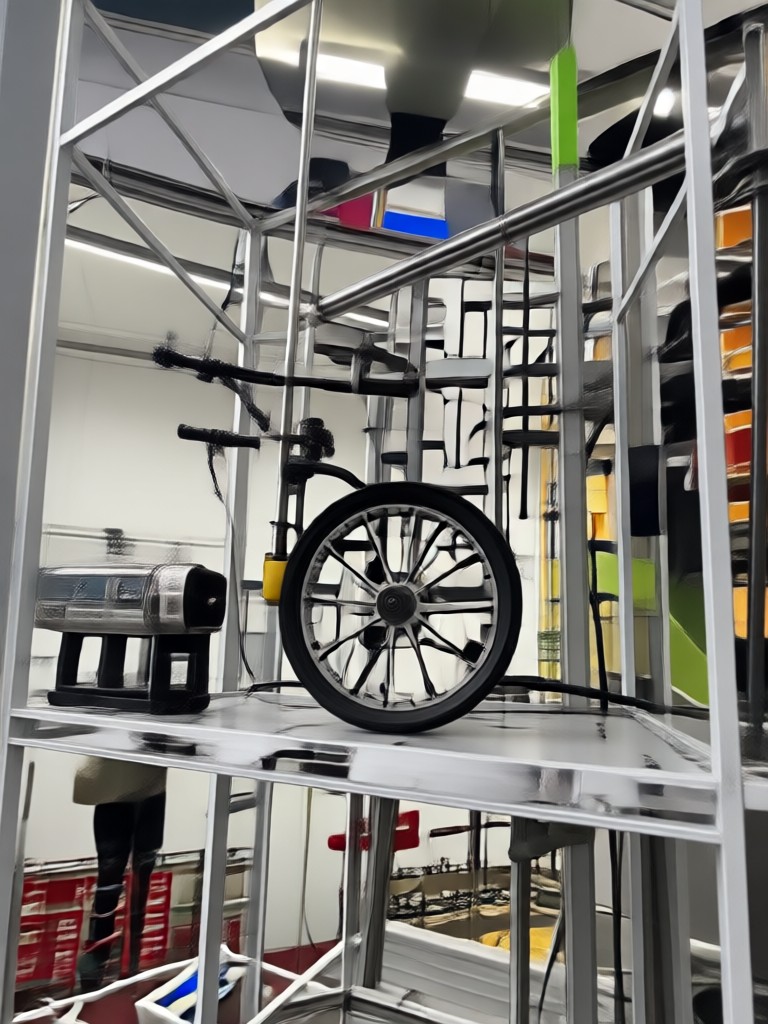
Browse a collection of AI generated video frames and stylized images produced with the Pika AI Generator. Each thumbnail represents a unique prompt, style filter, and creative vision.

Built for Mobile Creativity
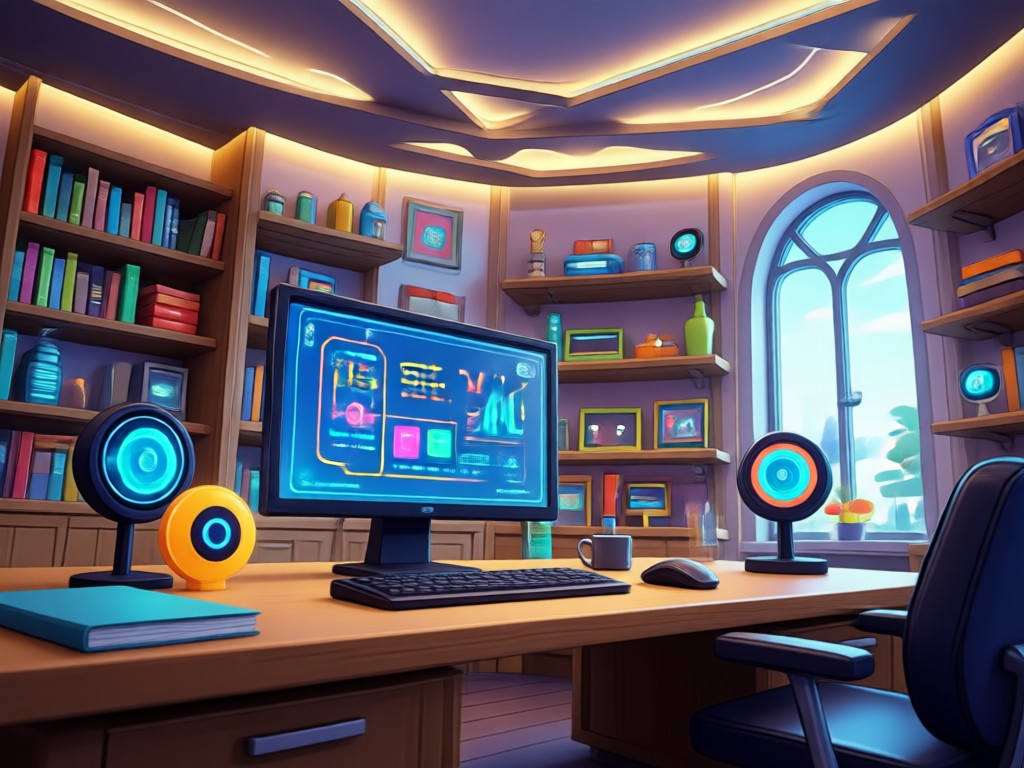
You do not need a high end PC or expensive editing suite. The Pika AI Generator runs entirely on your phone, giving you professional video generation power in your pocket.
Democratizing AI Video Creation
The Pika AI Generator removes the technical barriers that usually stop people from making videos. There are no rendering queues that take hours and no confusing timeline editors. The app handles motion prediction, scene composition, and style consistency automatically. You focus on the idea. The AI focuses on the execution. Whether you are a social media manager producing daily content, a hobbyist exploring digital art, or a small business owner creating product demos, the tool adapts to your creative flow. The result is a fast, satisfying experience that turns a vague concept into a polished video clip before your coffee gets cold.
Democratizing AI Video Creation
The Pika AI Generator removes the technical barriers that usually stop people from making videos. There are no rendering queues that take hours and no confusing timeline editors. The app handles motion prediction, scene composition, and style consistency automatically. You focus on the idea. The AI focuses on the execution. Whether you are a social media manager producing daily content, a hobbyist exploring digital art, or a small business owner creating product demos, the tool adapts to your creative flow. The result is a fast, satisfying experience that turns a vague concept into a polished video clip before your coffee gets cold.
What Creators Say About Pika AI Generator
The fastest way to test video ideas
I use the Pika AI Generator to mock up ad concepts before pitching clients. What used to take a full day with a storyboard artist now takes me fifteen minutes on my phone. The style filters are shockingly good.
My Instagram reels finally stand out
I was stuck making the same boring slideshow posts. Now I animate my travel photos and generate custom backgrounds with the text to video feature. My engagement rate has doubled since I started posting these clips.
So easy my dad uses it
He revived an old photo of his parents for their anniversary. The app animated their faces to smile and blink. It was simple enough for him to do alone and the result made everyone cry. Highly recommend the Pika AI Generator.
Frequently Asked Questions
Quick answers to common questions about using the Pika AI Generator for text to video and photo animation.
More Topics You May Like
Explore more AI creation topics and discover fresh ideas for videos, images, and animations.

Find Snapchat Filter From Photo: Identify Effects Instantly
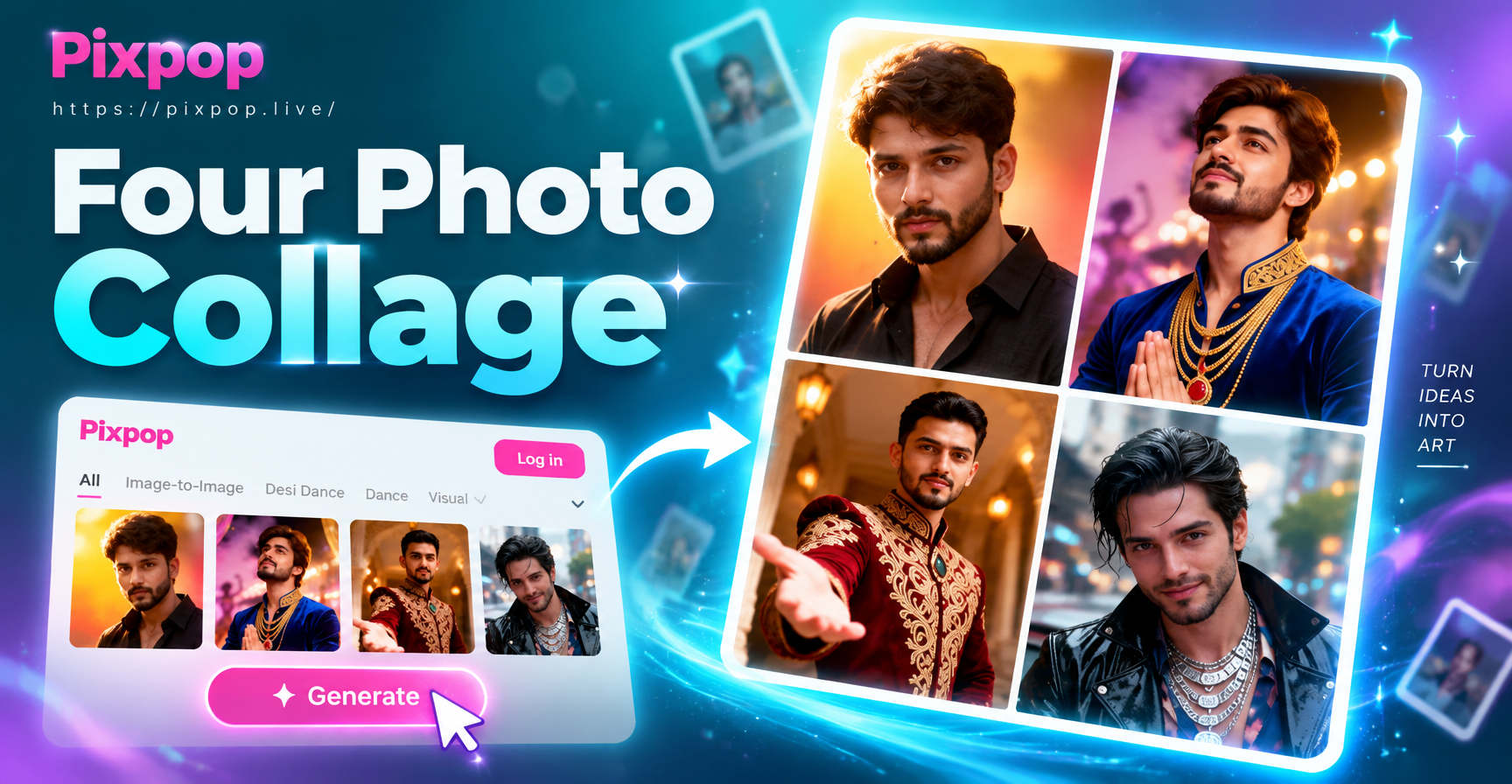
Make a Four Photo Portrait Collage in Seconds with AI

Castle Kiss Video Generator: Create Romantic AI Videos
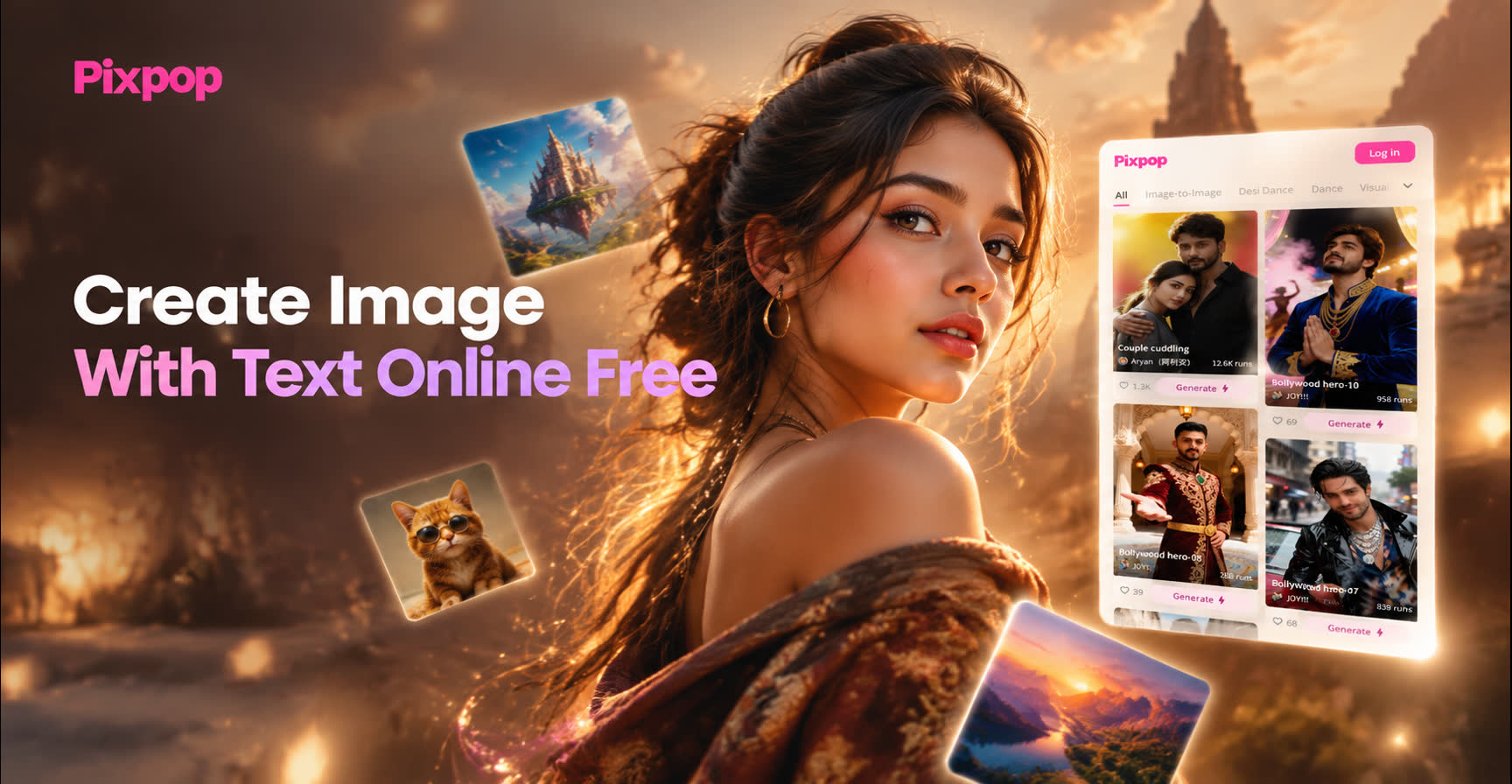
Create Image With Text Online Free - AI Powered Creative Tool | Pixpop
Find Snapchat Filter From Photo: Identify Effects Instantly
Make a Four Photo Portrait Collage in Seconds with AI
Castle Kiss Video Generator: Create Romantic AI Videos
Create Image With Text Online Free - AI Powered Creative Tool | Pixpop
Ready to Create with Pika AI Generator?
Download the app now and turn your next idea into a stunning AI video. No design skills needed. Just imagination.

Ready to Create with Pika AI Generator?
Download the app now and turn your next idea into a stunning AI video. No design skills needed. Just imagination.