Japanese Photo Booth Filter
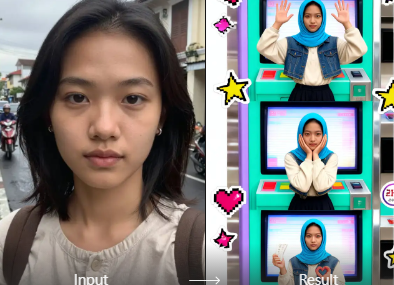
Choose Your Favorite Japanese Photo Booth Style
Explore AI filters that reproduce popular Japanese photo booth looks, from soft glam purikura to retro film deco and kawaii sticker effects.
Key Features of Japanese Photo Booth Filter
Pixpop brings the charm of Tokyo photo booths to your phone. Create authentic purikura style selfies with accurate face mapping, layered deco elements, and one-tap sharing.
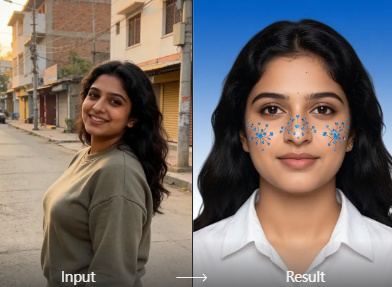
AI Purikura Sticker Overlays
Add kawaii hearts, stars, ribbons, and sparkles to your photo automatically. The filter recognizes faces and places deco elements without covering your main features.
AI Purikura Sticker Overlays
Add kawaii hearts, stars, ribbons, and sparkles to your photo automatically. The filter recognizes faces and places deco elements without covering your main features.
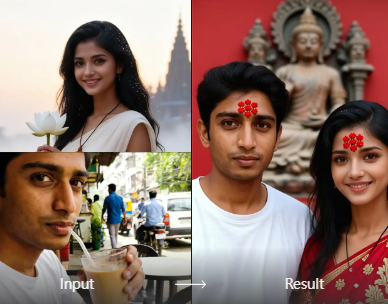
Soft Glam Skin and Eye Effects
Get the smooth, brightened skin and gentle eye enlargement common in Japanese photo booth edits. The filter preserves your natural face shape while adding a cute finish.
Soft Glam Skin and Eye Effects
Get the smooth, brightened skin and gentle eye enlargement common in Japanese photo booth edits. The filter preserves your natural face shape while adding a cute finish.
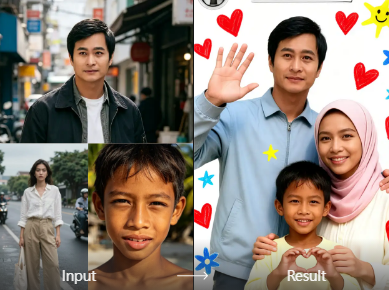
Retro Deco Frame Styles
Apply colorful booth frames, date stamps, and pastel backgrounds inspired by Shibuya purikura machines. Choose a full scene or a minimalist border for a modern look.
Retro Deco Frame Styles
Apply colorful booth frames, date stamps, and pastel backgrounds inspired by Shibuya purikura machines. Choose a full scene or a minimalist border for a modern look.
How to Use Japanese Photo Booth Filter
Create adorable purikura style photos in three simple steps with Pixpop.

Step 01.
Download Pixpop from Google Play and open the AI photo editor on your phone.

Step 02.
Select the Japanese Photo Booth Filter or browse related kawaii and purikura style templates.

Step 03.
Upload your selfie, generate the effect, then save or share your cute result on social media.
Japanese Photo Booth Filter Results
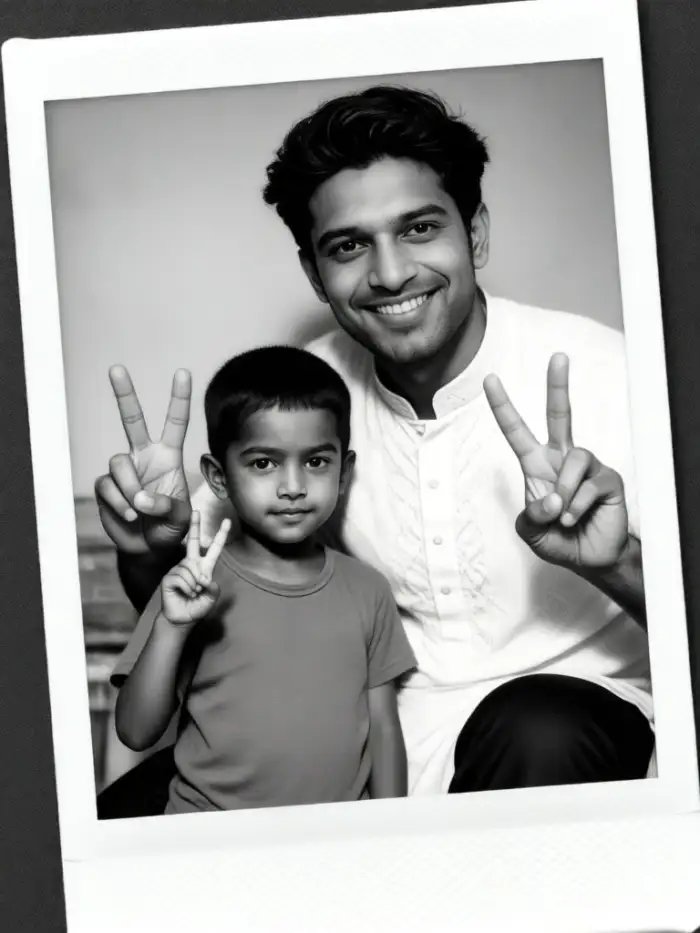
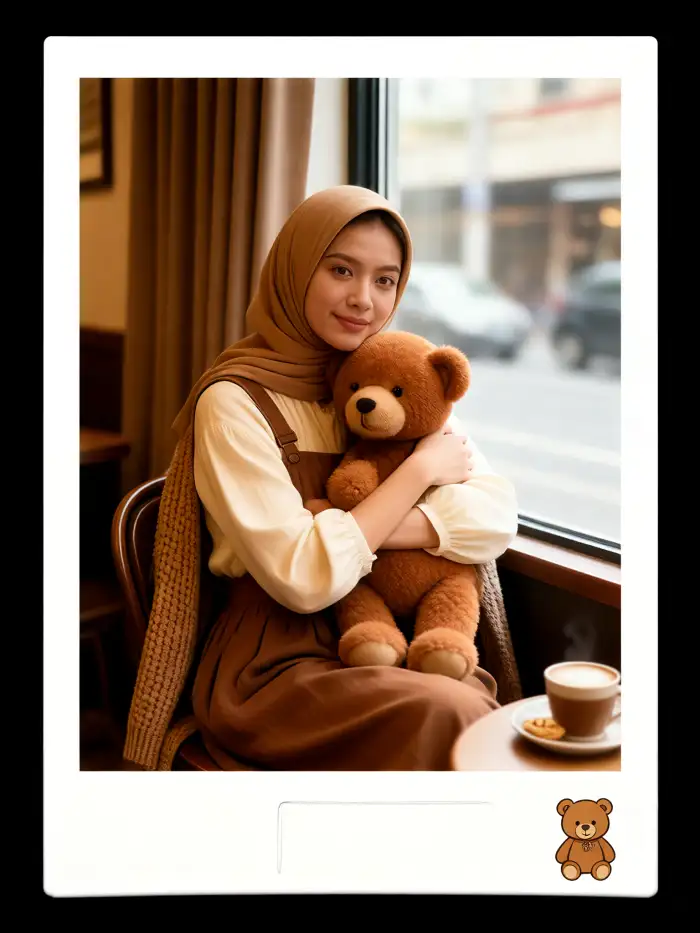
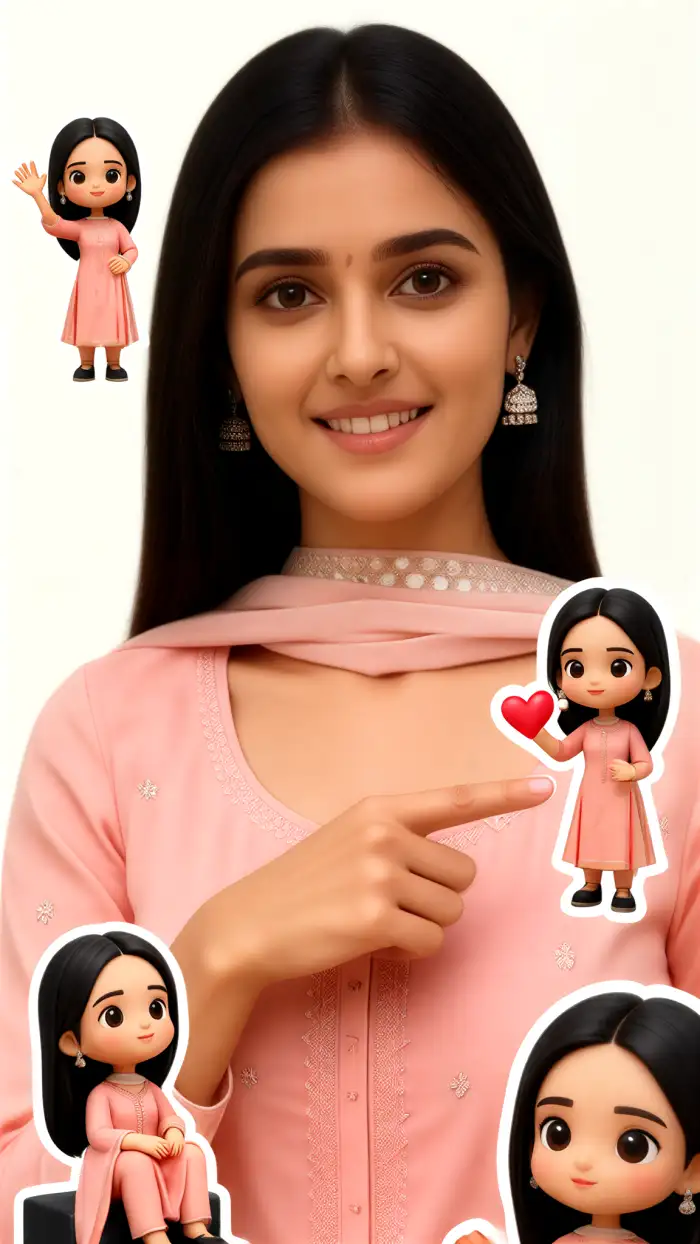
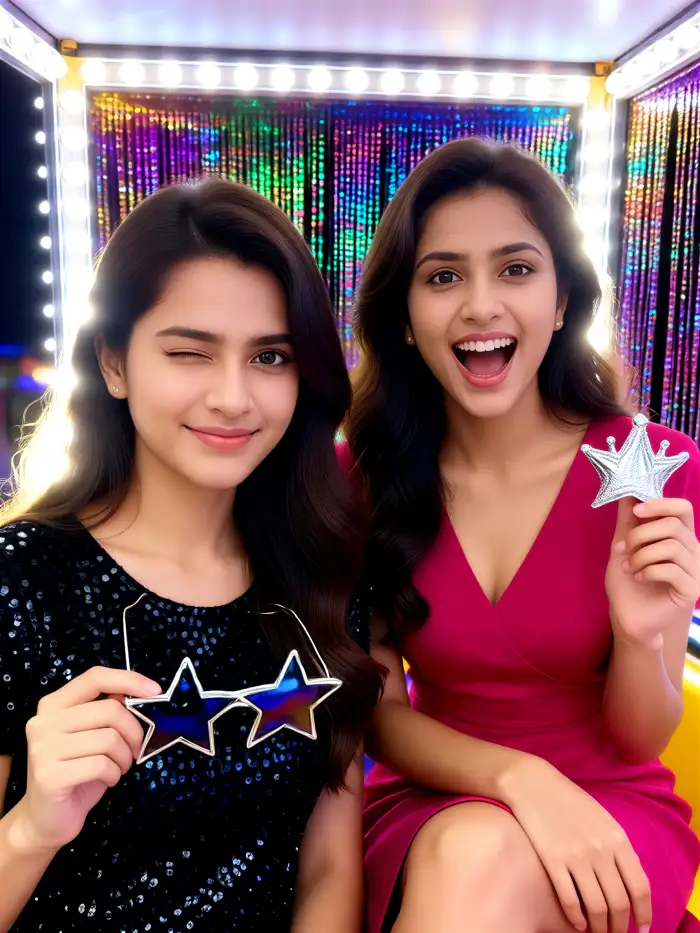
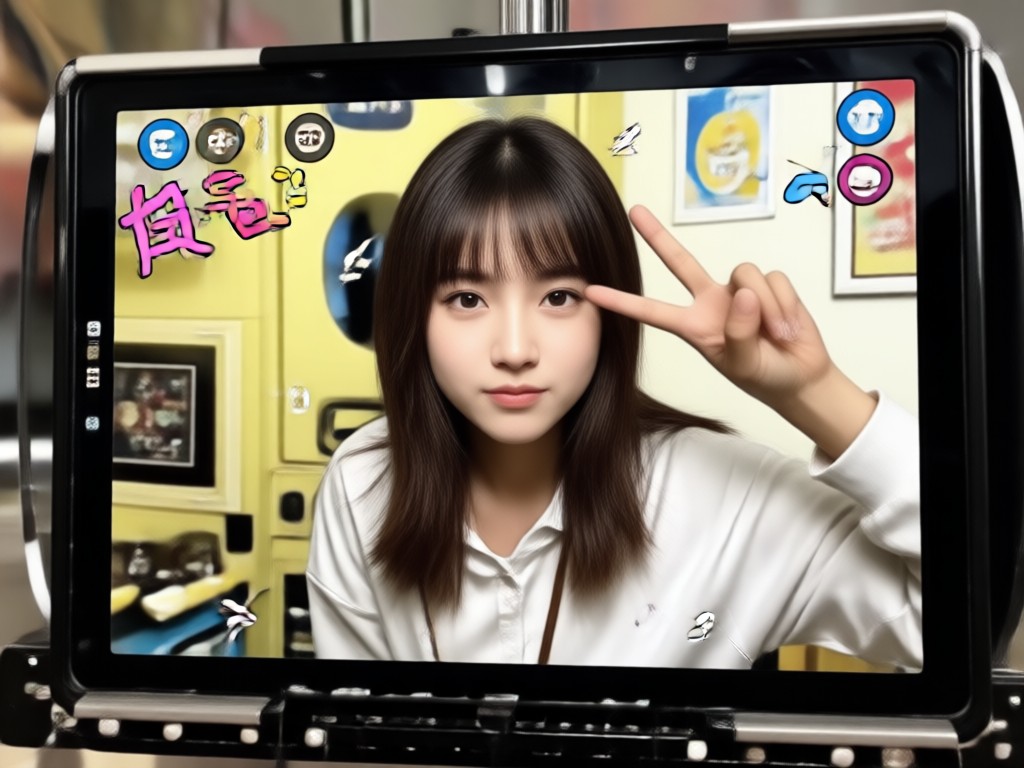
See the cute purikura effects you can create with Pixpop. These examples show soft skin, big sparkly eyes, and colorful deco frames inspired by Tokyo photo booths.

Why Use a Japanese Photo Booth Filter
Turn an ordinary selfie into a stylized purikura portrait without visiting a photo booth. Pixpop gives you the same layered deco, soft glam, and kawaii finish in seconds, with face aware placement that keeps your features clear.
Why Use a Japanese Photo Booth Filter
Turn an ordinary selfie into a stylized purikura portrait without visiting a photo booth. Pixpop gives you the same layered deco, soft glam, and kawaii finish in seconds, with face aware placement that keeps your features clear.
Get the Japanese Photo Booth Filter on Android
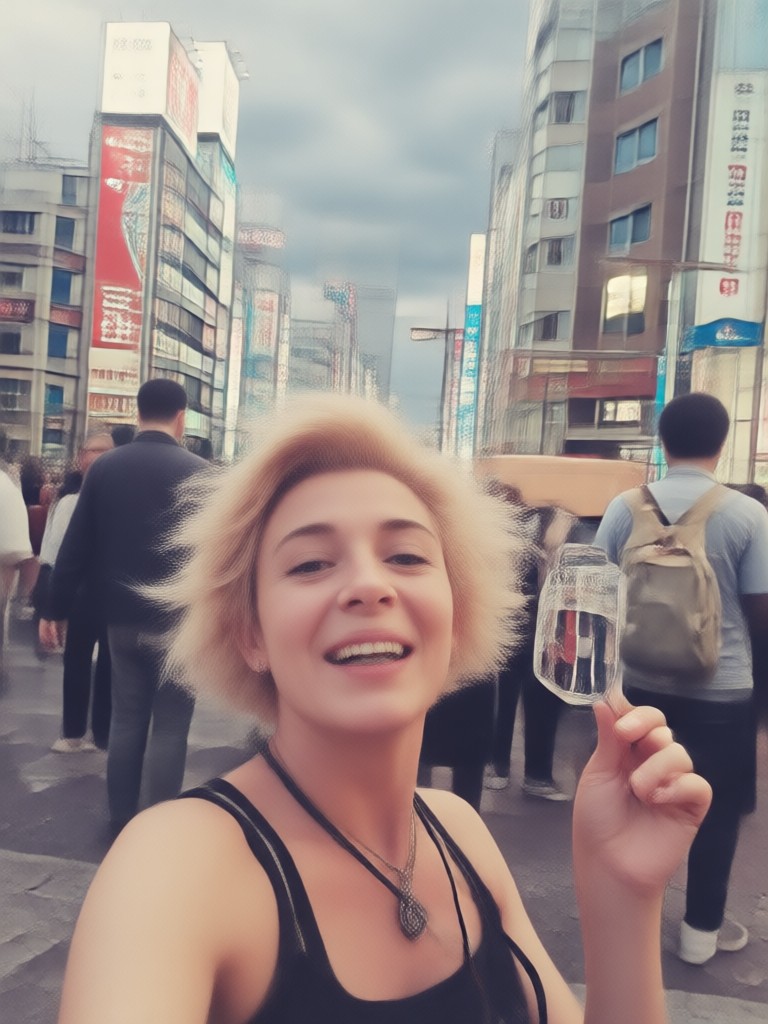
Download Pixpop for free and start turning selfies into kawaii purikura portraits with deco frames, soft glam, and sparkly effects.

Frequently Asked Questions About Japanese Photo Booth Filter
Find answers about creating purikura style photos, the best filters, and how Pixpop makes Japanese photo booth edits quick and simple.
What Users Are Saying About the Japanese Photo Booth Filter
It feels like a real Tokyo photo booth
I used the purikura filter on my selfie and the deco stickers placed themselves perfectly around my face. Soft skin and heart frames looked so cute on Instagram.
Best kawaii filter for group shots
We took a four person photo and the app kept all our faces clear. The Japanese booth background and date stamp made it look like we were in Shibuya.
Super easy and really cute
I know nothing about photo editing, but I got a dreamy pink purikura selfie in under a minute. I now use it every time I post a profile picture.
More Styles You May Like
Explore related filters and AI photo trends for your next creative project.

Create Stunning AI Generated Goth Girl Portraits in Seconds

Pika AI Generator: Turn Text into Stunning AI Videos

Background Change Prompt For Gemini: Easy AI Photo Edits

Find Snapchat Filter From Photo: Identify Effects Instantly
Create Stunning AI Generated Goth Girl Portraits in Seconds
Pika AI Generator: Turn Text into Stunning AI Videos
Background Change Prompt For Gemini: Easy AI Photo Edits
Find Snapchat Filter From Photo: Identify Effects Instantly
Ready to Try the Japanese Photo Booth Filter?
Download Pixpop, pick a purikura template, and turn any selfie into a cute Japanese photo booth portrait in seconds.
Ready to Try the Japanese Photo Booth Filter?
Download Pixpop, pick a purikura template, and turn any selfie into a cute Japanese photo booth portrait in seconds.