Find Snapchat Filter From Photo

Top Matching Filters for Your Photo
Browse popular Snapchat style filters that match common photo effects. Upload your photo and let AI suggest the closest matches from these trending looks.
How pixpop Identifies Snapchat Filters
Our AI powered platform uses advanced image recognition to detect filter patterns, facial effects, color tones, and overlay styles from any photo you upload.

Visual Pattern Recognition
The AI scans the photo for distinctive filter markers such as lens flares, face morphs, color grading, grain, and overlay elements to narrow down potential matches.

Style Matching Engine
Once patterns are detected, the engine compares them against over one million style templates to find the closest Snapchat filter equivalents and similar alternatives.
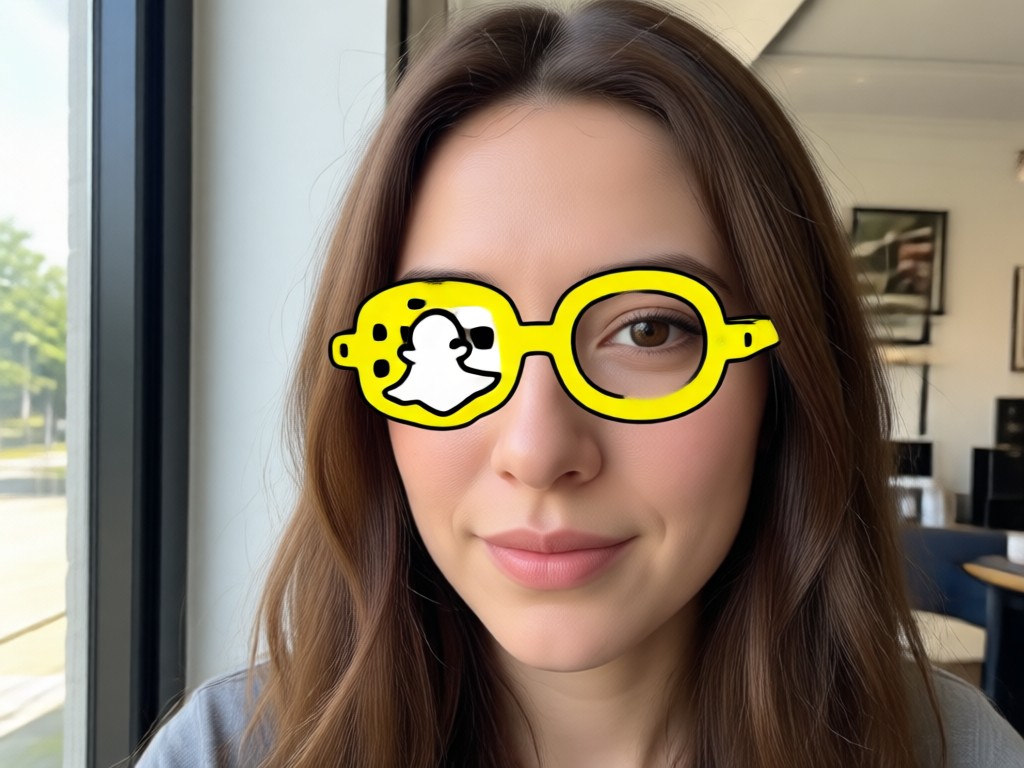
One Tap Recreation
After identifying the filter, apply the matched style to your own photo with a single tap. No complex editing or manual adjustments required at all.
Photo Filter Matches Found by AI
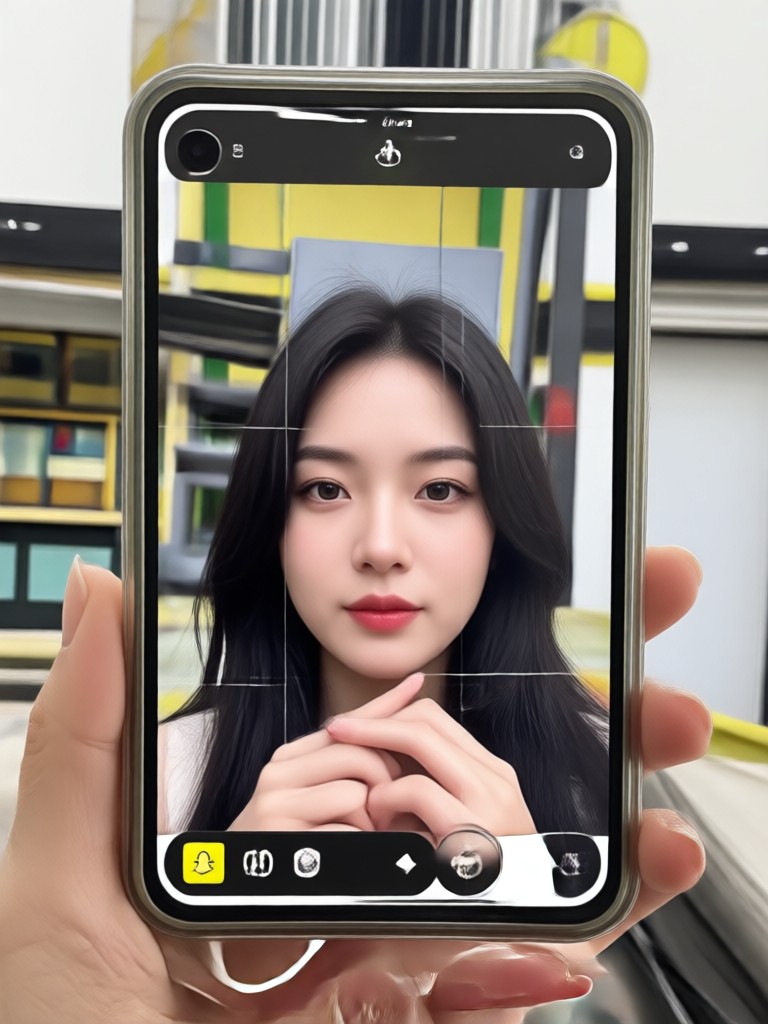
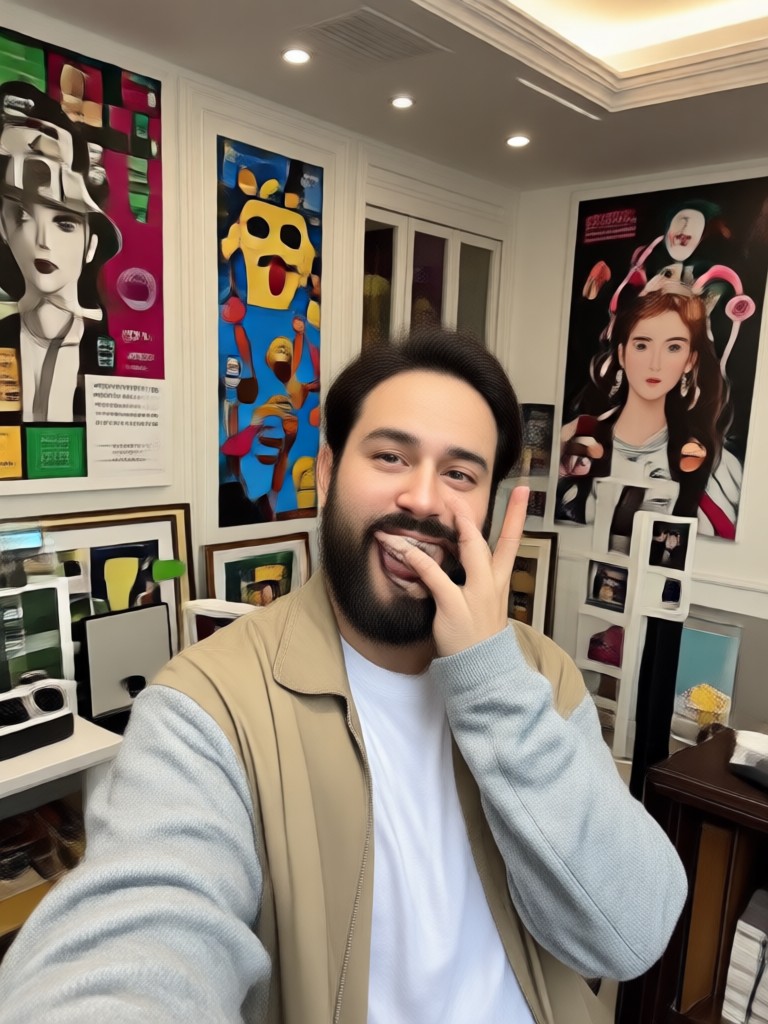
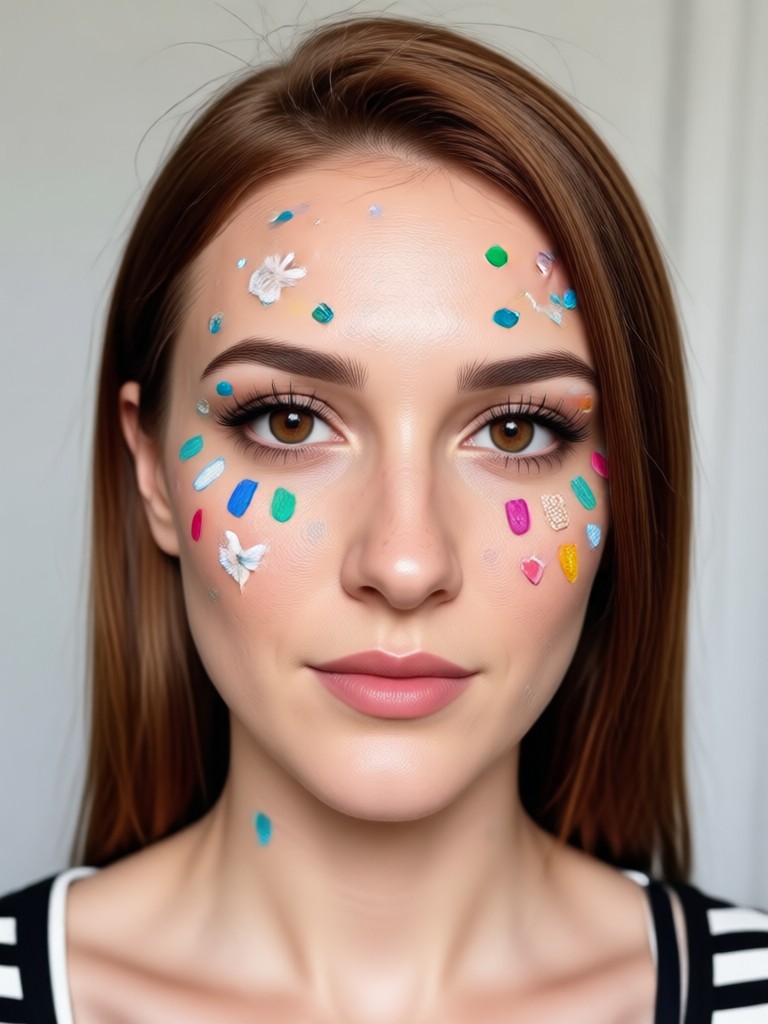
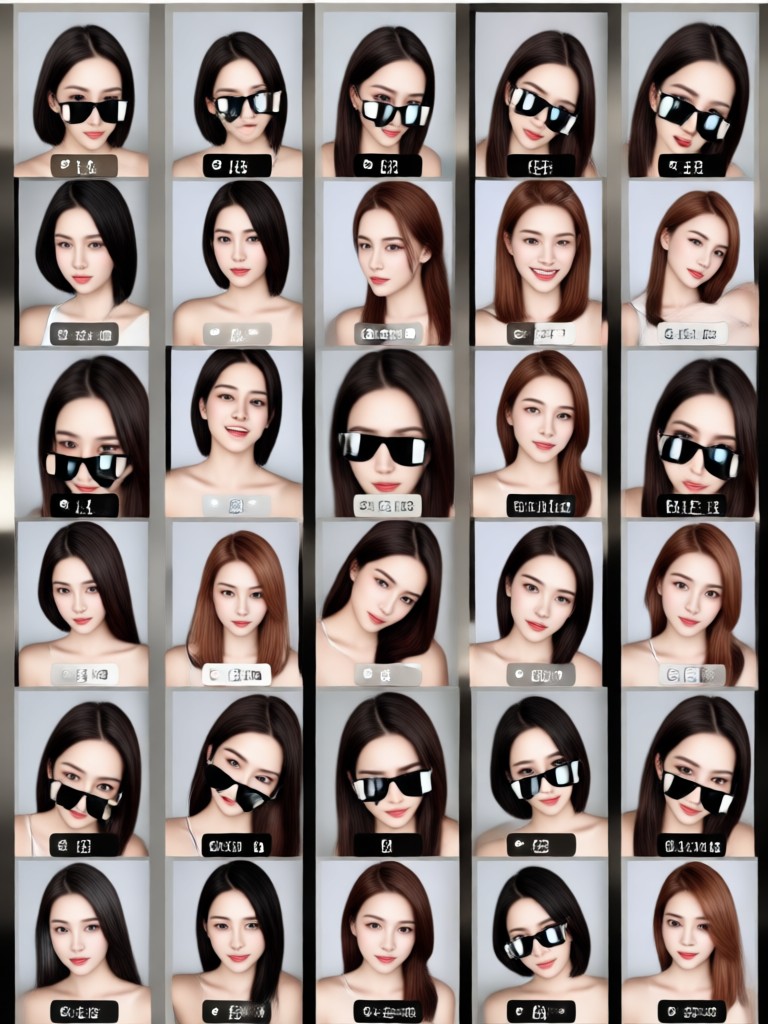
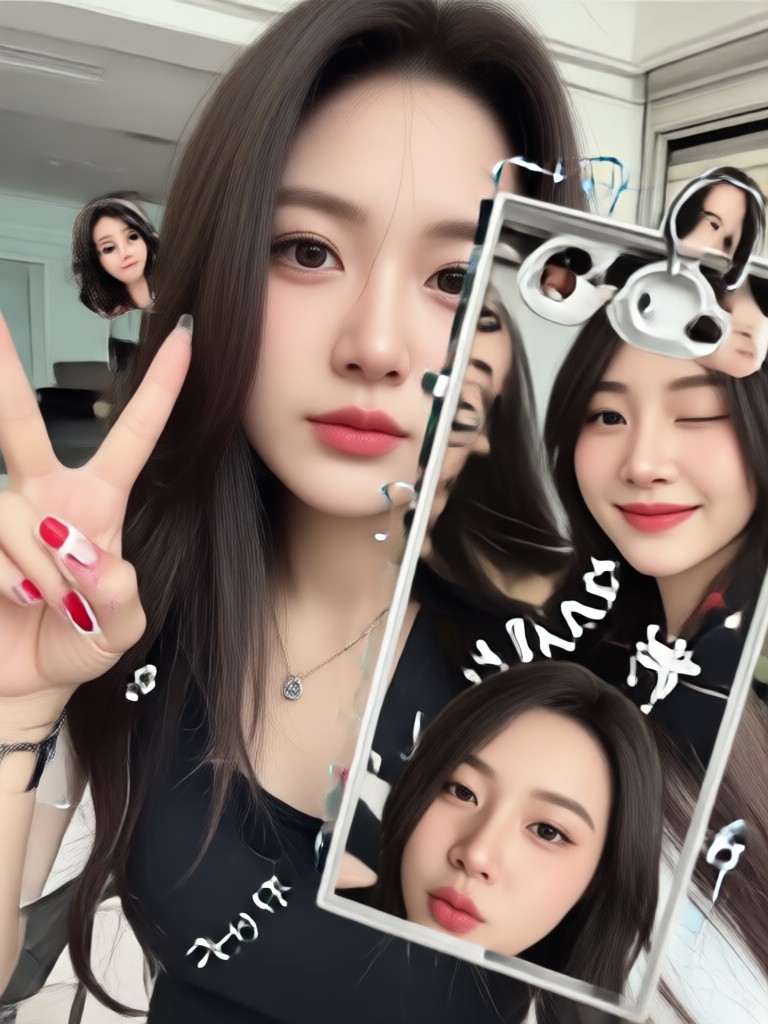
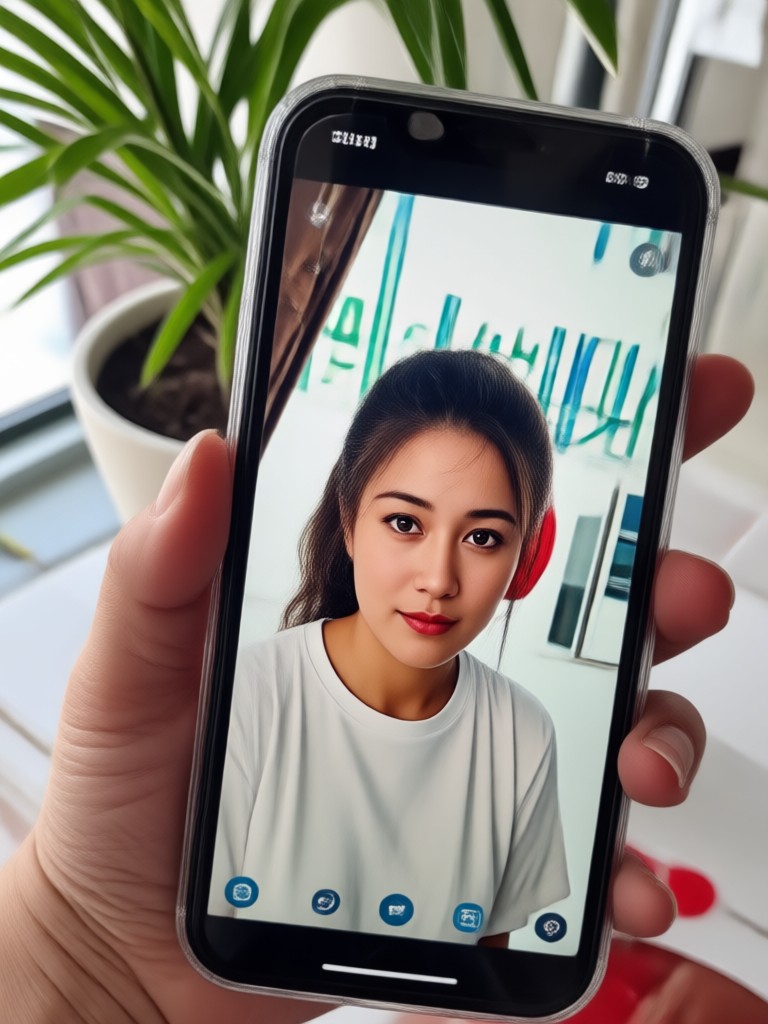
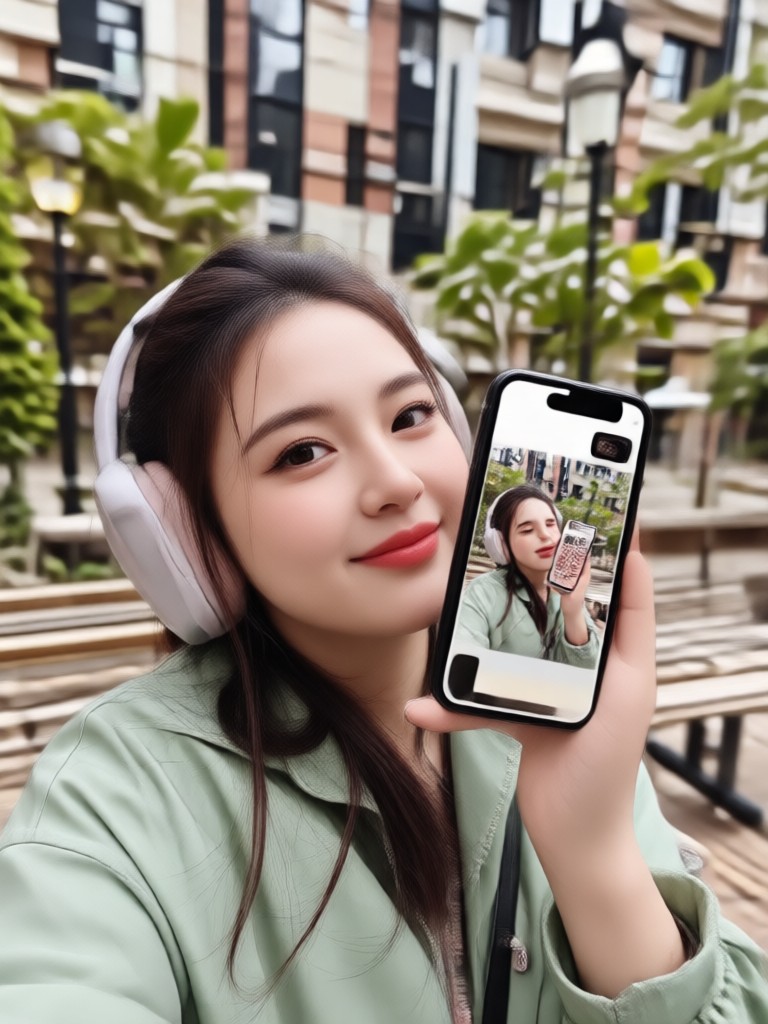
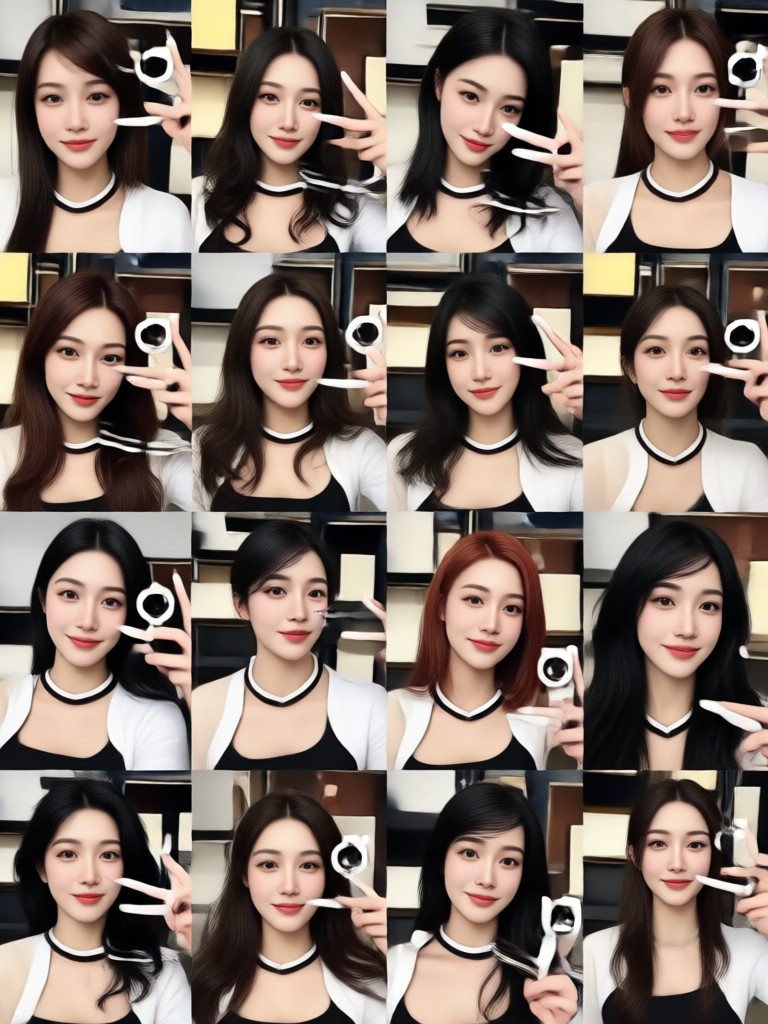
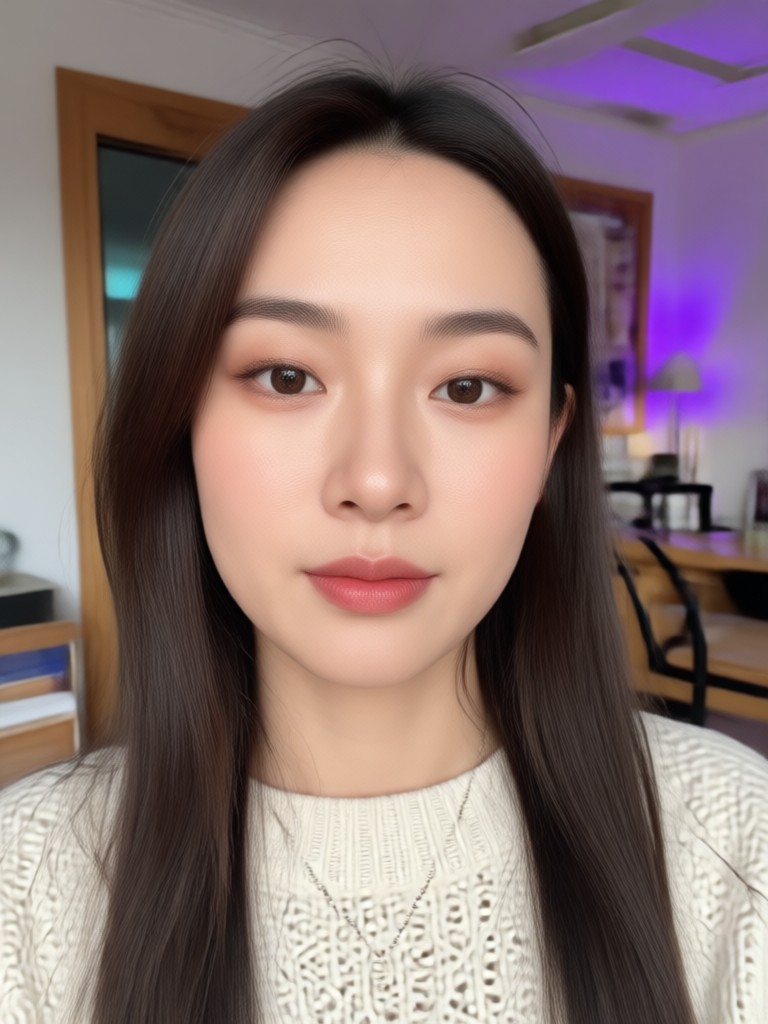
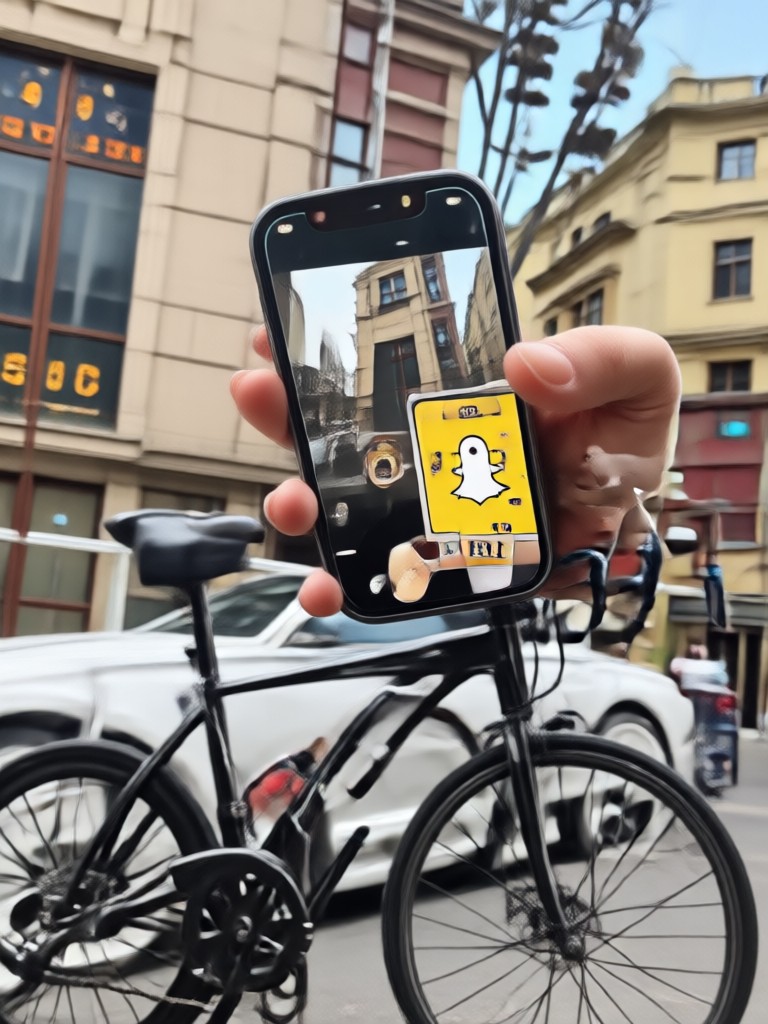
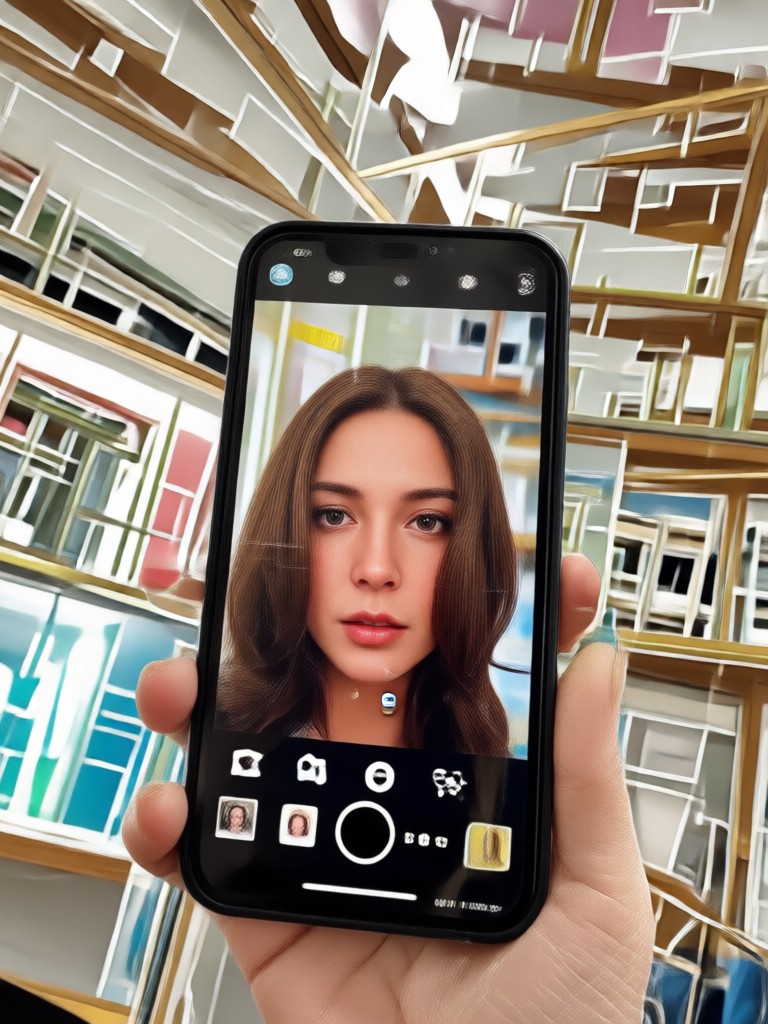
See examples of photos uploaded to pixpop where the AI successfully identified and recreated popular Snapchat filter styles. From beauty filters to anime effects, our engine finds the right match every time.

How to Find Snapchat Filter From Photo?
Follow these three simple steps to identify any Snapchat filter from a photo using pixpop.

Step 01.
Download the pixpop app from Google Play and open it on your mobile device. The app is designed for quick and easy photo uploads.

Step 02.
Upload the photo with the unknown filter. The AI will automatically analyze it and suggest matching filters from over one million style templates.

Step 03.
Review the suggested filter matches, apply the one you like best to your own photo, and save or share the result instantly.

Why Use pixpop to Find Snapchat Filters?
Unlike searching manually through endless filter lists or asking friends, pixpop uses AI to identify photo effects from a single image. You save hours of trial and error, get accurate matches from over one million templates, and can immediately apply the filter to your own content. Perfect for content creators, social media enthusiasts, and anyone who wants to recreate a viral look. The app works entirely on mobile, so you can find filters on the go wherever inspiration strikes.
Why Use pixpop to Find Snapchat Filters?
Unlike searching manually through endless filter lists or asking friends, pixpop uses AI to identify photo effects from a single image. You save hours of trial and error, get accurate matches from over one million templates, and can immediately apply the filter to your own content. Perfect for content creators, social media enthusiasts, and anyone who wants to recreate a viral look. The app works entirely on mobile, so you can find filters on the go wherever inspiration strikes.
What Users Say About Finding Filters
Finally found that dreamy filter my friend used
I saw a photo on Instagram with this beautiful soft glow effect and had no idea what filter it was. I uploaded it to pixpop and within seconds it told me the match. Now I use it on all my selfies. Absolutely brilliant app.
Saved me so much time searching
I used to scroll through Snapchat filter carousels for 20 minutes trying to find a specific look. Now I just take a screenshot, upload it, and pixpop tells me exactly what matches. The one tap recreation feature is a game changer for my content workflow.
Works surprisingly well on anime filters
I wanted to recreate an anime style filter I saw on TikTok. The AI recognized it as a Ghibli style effect and matched it perfectly. I was skeptical at first but the accuracy is incredible. Highly recommend for filter hunting.
Frequently Asked Questions About Finding Snapchat Filters
Get clear answers to common questions about identifying and recreating Snapchat filters from photos using pixpop.
Ready to Find Snapchat Filters From Any Photo?
Download pixpop now and let AI identify any filter style in seconds. Over one million templates are waiting for you to explore and recreate.

Ready to Find Snapchat Filters From Any Photo?
Download pixpop now and let AI identify any filter style in seconds. Over one million templates are waiting for you to explore and recreate.