How To Create A Talking Avatar
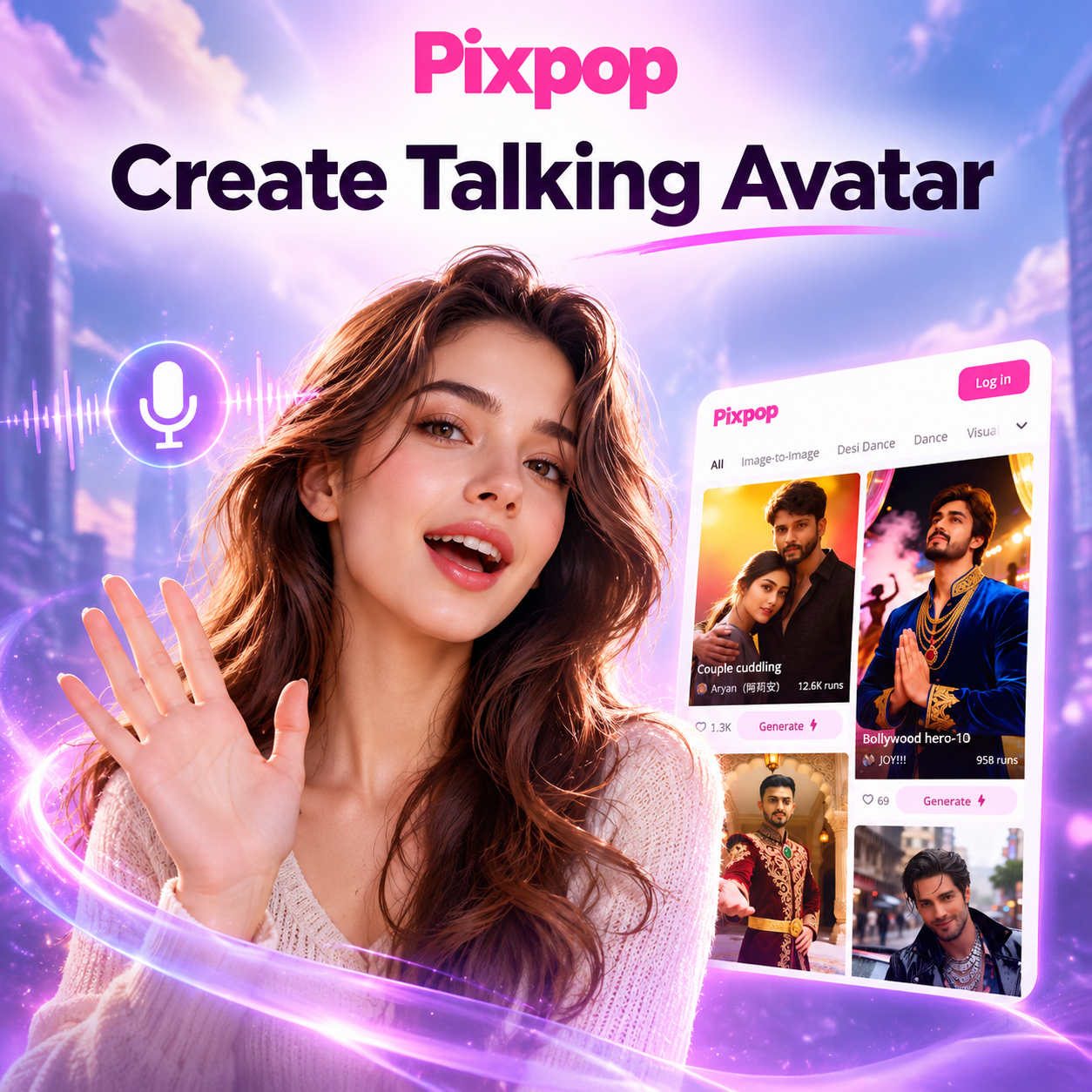
Choose the Talking Avatar Filter That Suits You Best
Explore popular AI avatar styles for talking avatars, from realistic human clones to anime, 3D clay, and cinematic characters.
Key Features of the Pixpop Talking Avatar Maker
Create lifelike talking avatars with powerful AI tools. Use photo uploads, text to speech, and style filters to produce polished videos for social media, business, or fun.
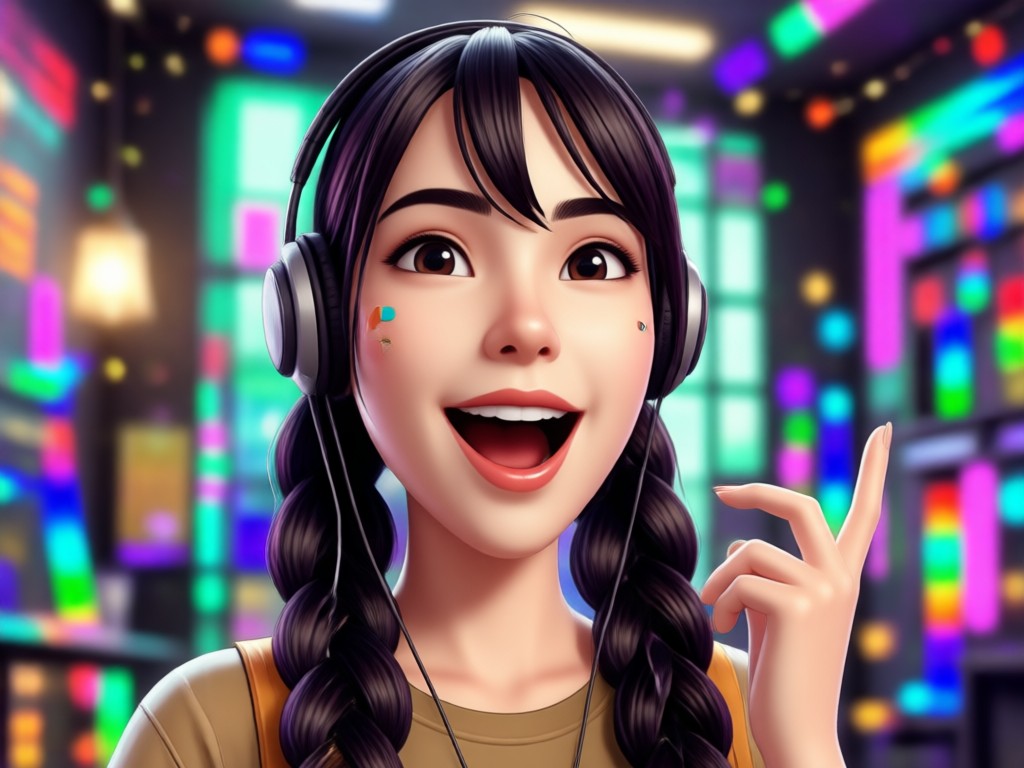
Realistic Lip Sync and Voice
Upload a portrait and add text or audio. Pixpop syncs mouth movements to the script so your avatar speaks naturally with accurate facial expressions and head motion.
Realistic Lip Sync and Voice
Upload a portrait and add text or audio. Pixpop syncs mouth movements to the script so your avatar speaks naturally with accurate facial expressions and head motion.
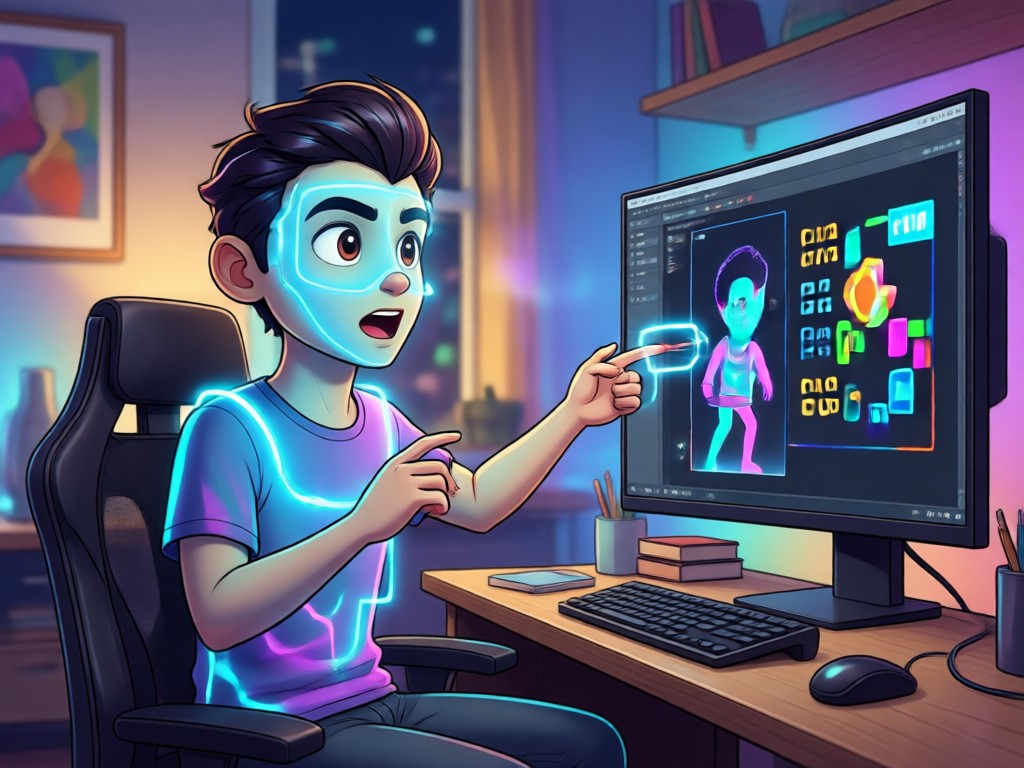
Massive Style Library
Choose from over a million filters including realistic, anime, 3D clay, Ghibli, cyberpunk, and oil painting to give your talking avatar a unique visual identity.
Massive Style Library
Choose from over a million filters including realistic, anime, 3D clay, Ghibli, cyberpunk, and oil painting to give your talking avatar a unique visual identity.
One Tap Video Export
Generate a complete talking avatar video in HD and save it directly to your phone. No editing or complex prompt engineering required. Ready to post on Instagram, TikTok, or YouTube.
One Tap Video Export
Generate a complete talking avatar video in HD and save it directly to your phone. No editing or complex prompt engineering required. Ready to post on Instagram, TikTok, or YouTube.
How to Create a Talking Avatar in 3 Simple Steps
Follow these steps to turn a photo into a talking avatar video with the pixpop mobile app.

Step 01.
Download the pixpop app from Google Play and open it on your phone.

Step 02.
Upload a clear portrait photo and choose your preferred avatar style from the filter library.

Step 03.
Type a script or upload audio, then tap Generate. Save your talking avatar video and share it on social media.
Talking Avatar Examples Created with Pixpop
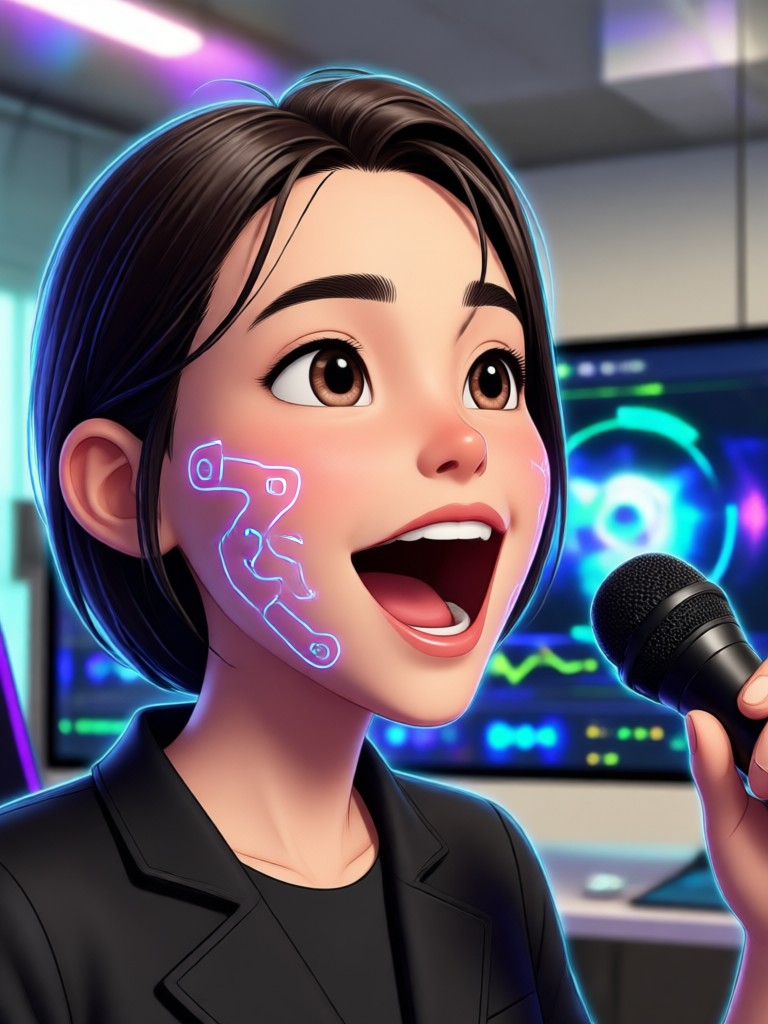
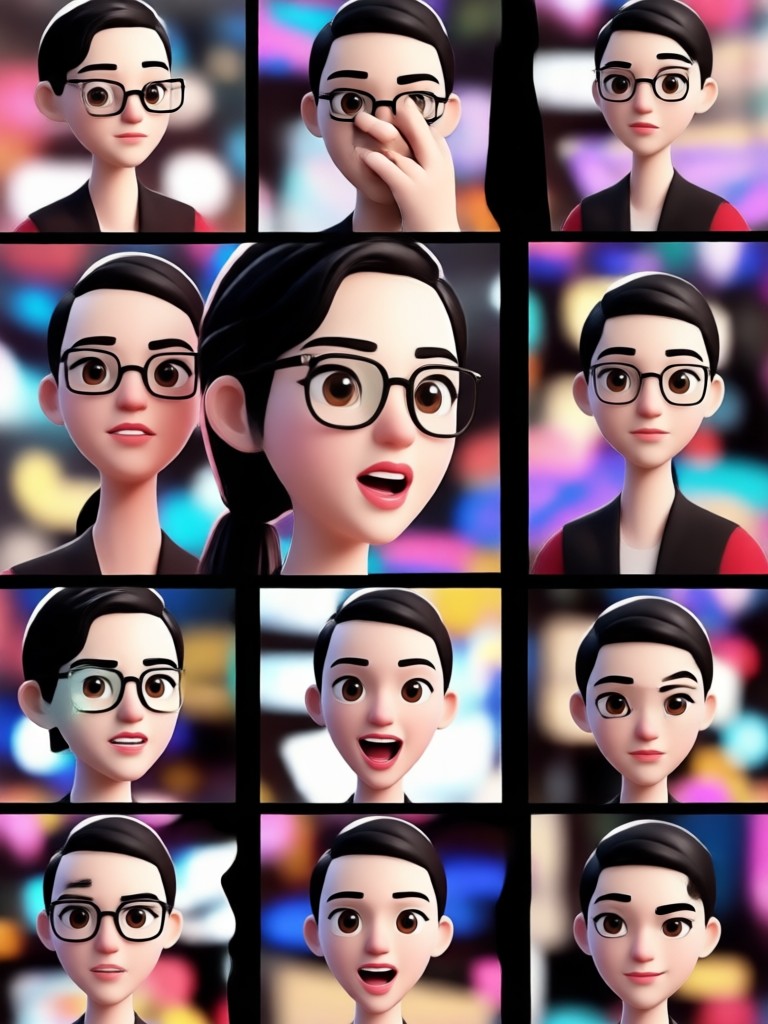
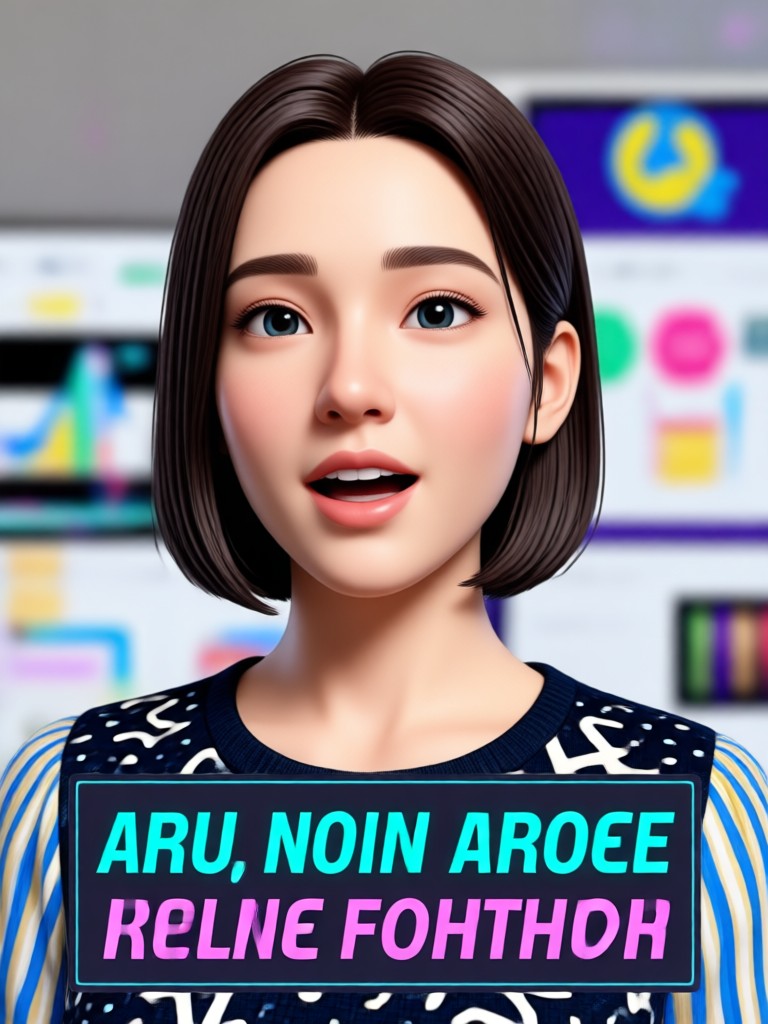
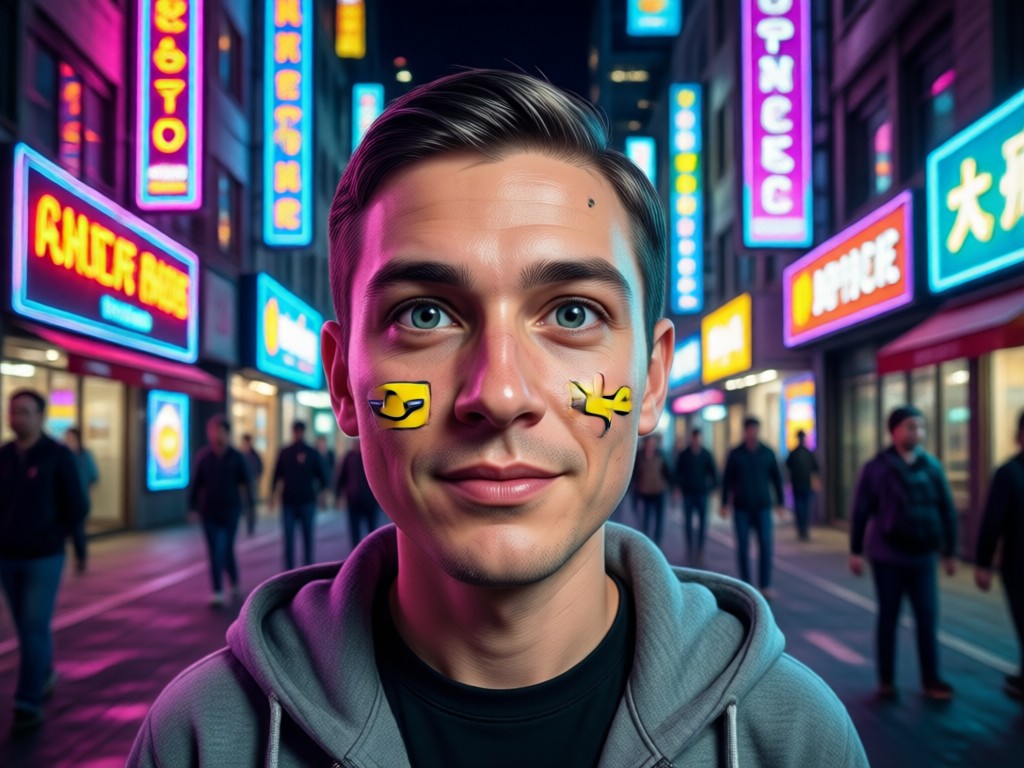
See what real users created with pixpop. These examples showcase realistic lip sync, expressive eyes, natural head turns, and a variety of visual styles. Generate your own talking avatar in minutes.


Why Use Pixpop to Create Talking Avatars
Pixpop combines professional avatar generation, realistic lip sync, and an easy mobile workflow. You get studio-quality results without installing desktop software or learning complex prompts. The app handles face tracking, voice sync, and style rendering automatically.
Why Use Pixpop to Create Talking Avatars
Pixpop combines professional avatar generation, realistic lip sync, and an easy mobile workflow. You get studio-quality results without installing desktop software or learning complex prompts. The app handles face tracking, voice sync, and style rendering automatically.
Who Uses Pixpop to Create Talking Avatars

Maya Chen
I turned my product photo into a talking avatar for Instagram Reels. The lip sync is scary good and it took under five minutes from download to final video.

Diego Alvarez
As an online teacher, I created a friendly cartoon avatar to deliver lessons. Students loved it and my engagement doubled. Pixpop makes it simple and fast.

Priya Nair
I used the anime style filter to make a talking avatar for my YouTube channel intro. The quality is impressive and no watermark on exported videos.

Tom Becker
I made a realistic avatar for a work presentation and it looked like a professional video. Pixpop saves me hiring a designer or actor for quick explainers.
Maya Chen
I turned my product photo into a talking avatar for Instagram Reels. The lip sync is scary good and it took under five minutes from download to final video.
Diego Alvarez
As an online teacher, I created a friendly cartoon avatar to deliver lessons. Students loved it and my engagement doubled. Pixpop makes it simple and fast.
Priya Nair
I used the anime style filter to make a talking avatar for my YouTube channel intro. The quality is impressive and no watermark on exported videos.
Tom Becker
I made a realistic avatar for a work presentation and it looked like a professional video. Pixpop saves me hiring a designer or actor for quick explainers.
Maya Chen
I turned my product photo into a talking avatar for Instagram Reels. The lip sync is scary good and it took under five minutes from download to final video.
Diego Alvarez
As an online teacher, I created a friendly cartoon avatar to deliver lessons. Students loved it and my engagement doubled. Pixpop makes it simple and fast.
Priya Nair
I used the anime style filter to make a talking avatar for my YouTube channel intro. The quality is impressive and no watermark on exported videos.
Tom Becker
I made a realistic avatar for a work presentation and it looked like a professional video. Pixpop saves me hiring a designer or actor for quick explainers.
Frequently Asked Questions About Creating Talking Avatars
Find answers to common questions about making AI talking avatars with the pixpop mobile app.
Create Your Talking Avatar Today
Download pixpop now and turn any photo into a lifelike talking avatar. Pick a style, add your message, and generate an HD video in minutes. Start creating on your Android phone.
Create Your Talking Avatar Today
Download pixpop now and turn any photo into a lifelike talking avatar. Pick a style, add your message, and generate an HD video in minutes. Start creating on your Android phone.