Add Someone To A Picture
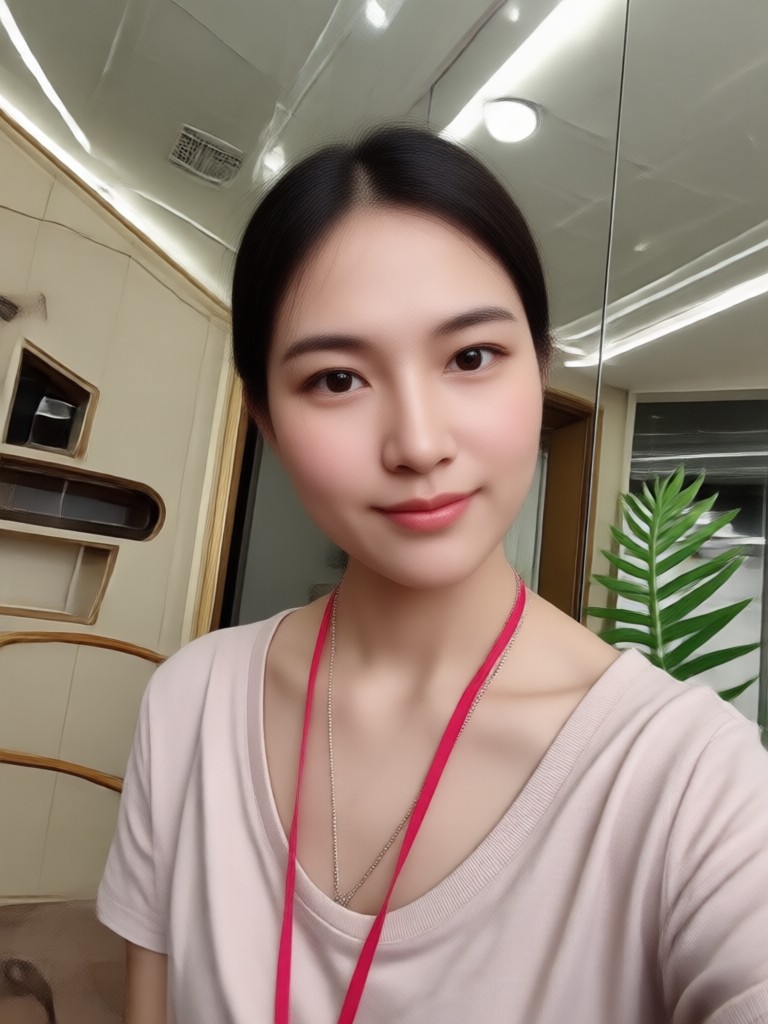
Choose the Perfect Style for Your Photo Edit
Discover AI filters that help you add people, enhance group photos, and create realistic composites with ease.
Key Features for Adding Someone To A Picture
Our AI tools make it simple to add a person to any photo while keeping the result looking natural and professional.
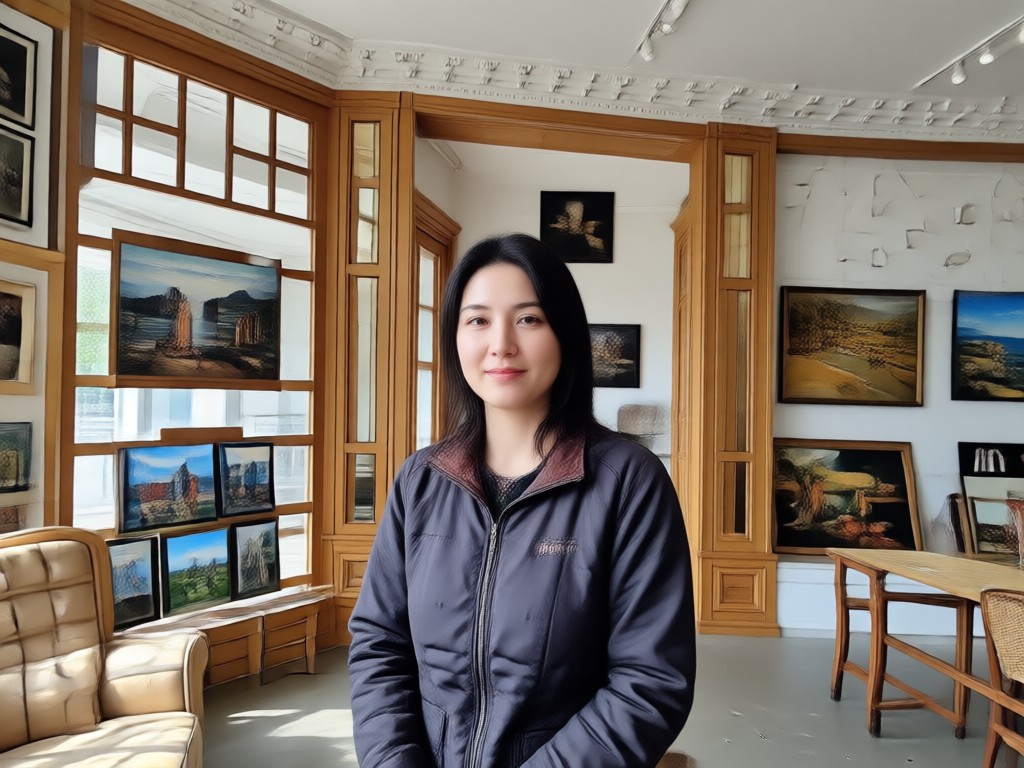
Realistic Face Blending
Our AI automatically matches skin tone, lighting, and shadows when you add someone to a picture. The result looks like the person was there all along, not pasted in afterwards.
Realistic Face Blending
Our AI automatically matches skin tone, lighting, and shadows when you add someone to a picture. The result looks like the person was there all along, not pasted in afterwards.
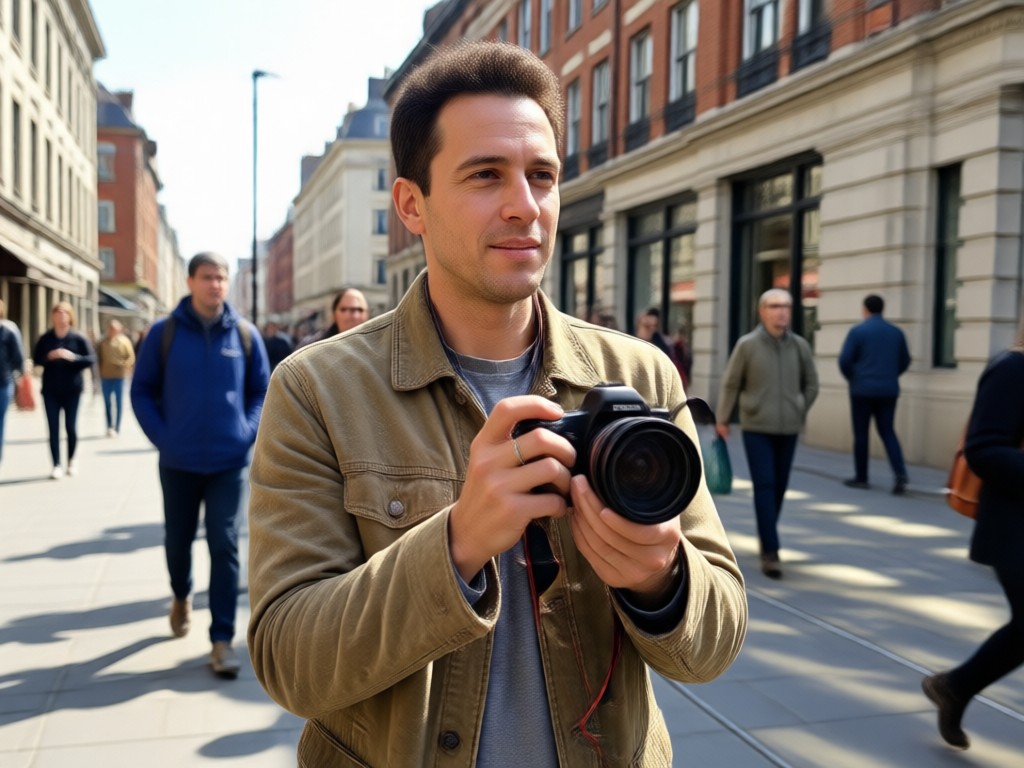
Group Photo Enhancement
Perfect for weddings, reunions, or team photos. Add missing members to group shots without stretching or distorting the original image quality.
Group Photo Enhancement
Perfect for weddings, reunions, or team photos. Add missing members to group shots without stretching or distorting the original image quality.
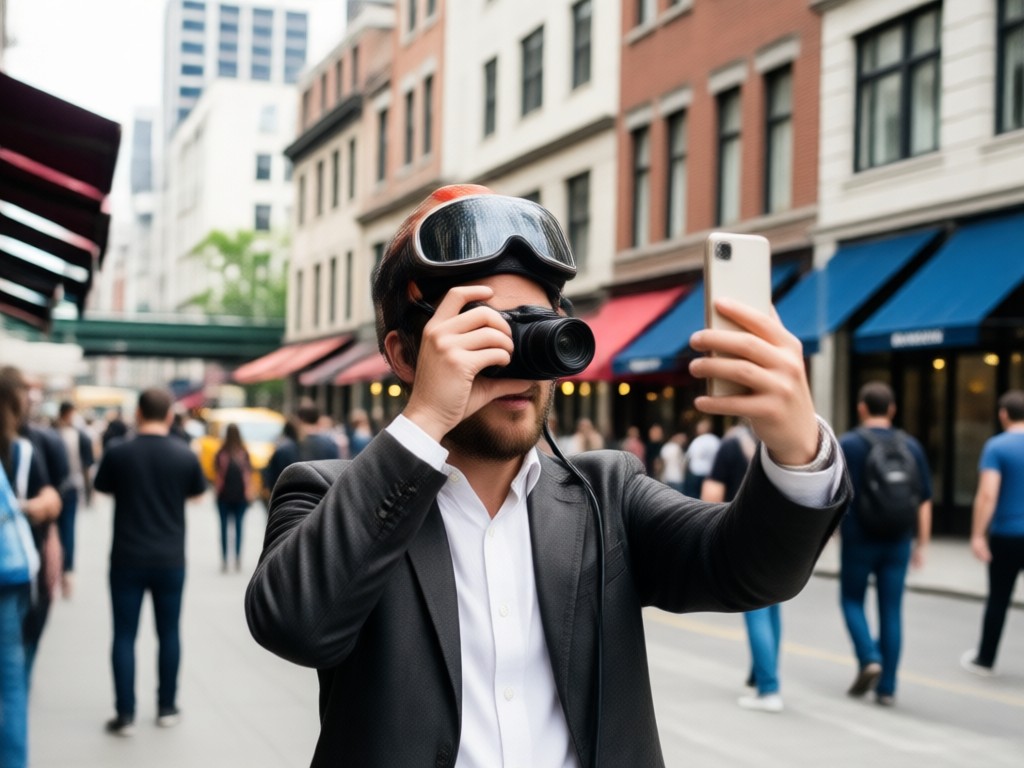
Style Preserving Technology
Whether your photo is a vintage print or a modern selfie, our AI preserves the original texture, grain, and color grading while adding new people seamlessly.
Style Preserving Technology
Whether your photo is a vintage print or a modern selfie, our AI preserves the original texture, grain, and color grading while adding new people seamlessly.
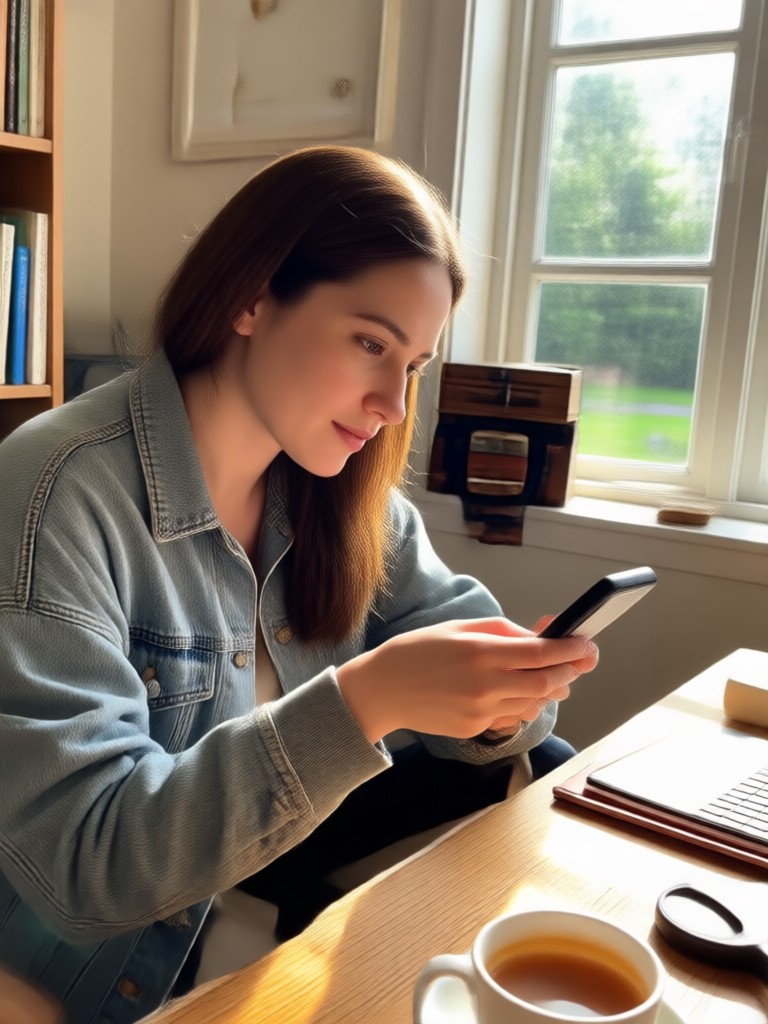
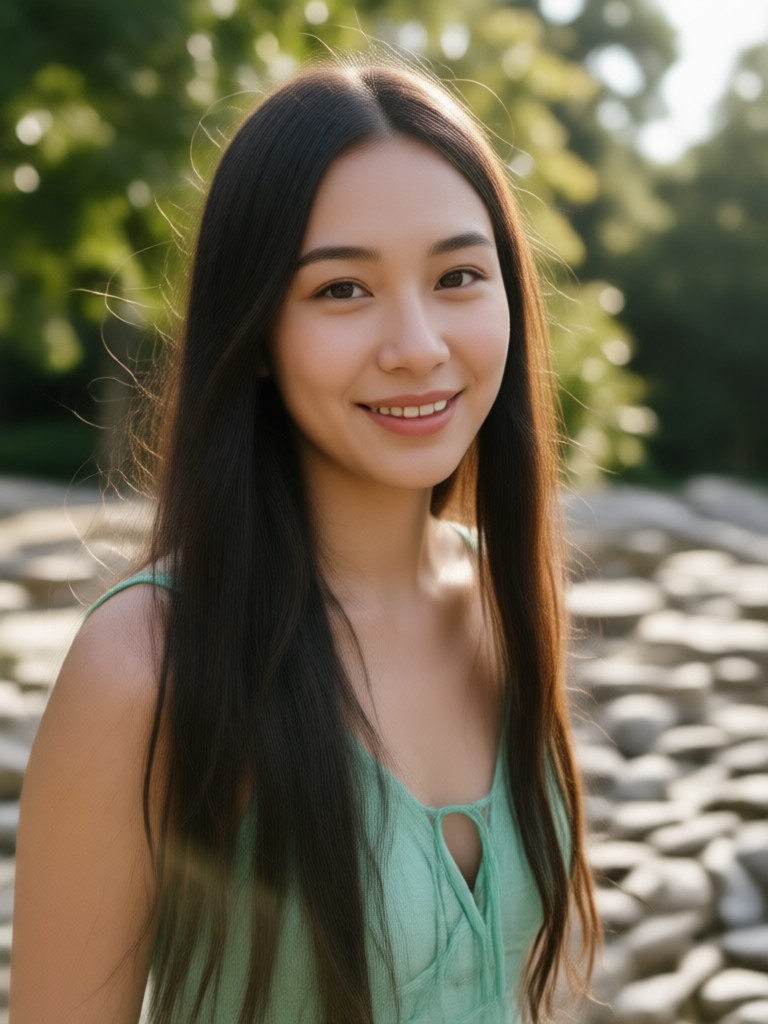
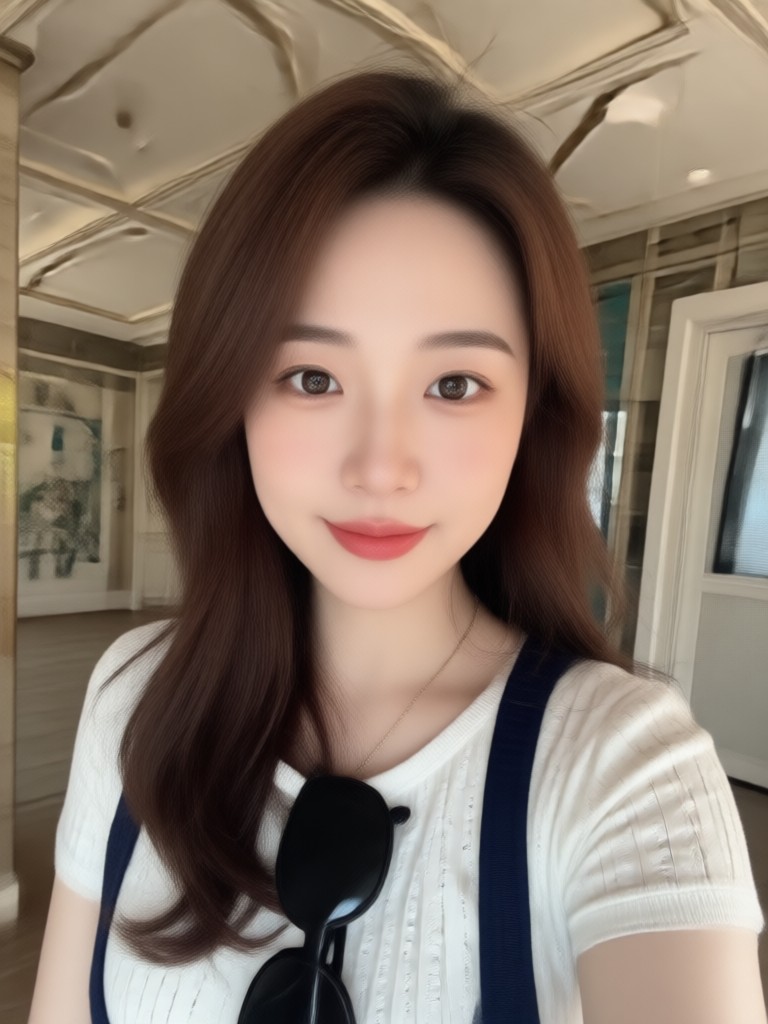
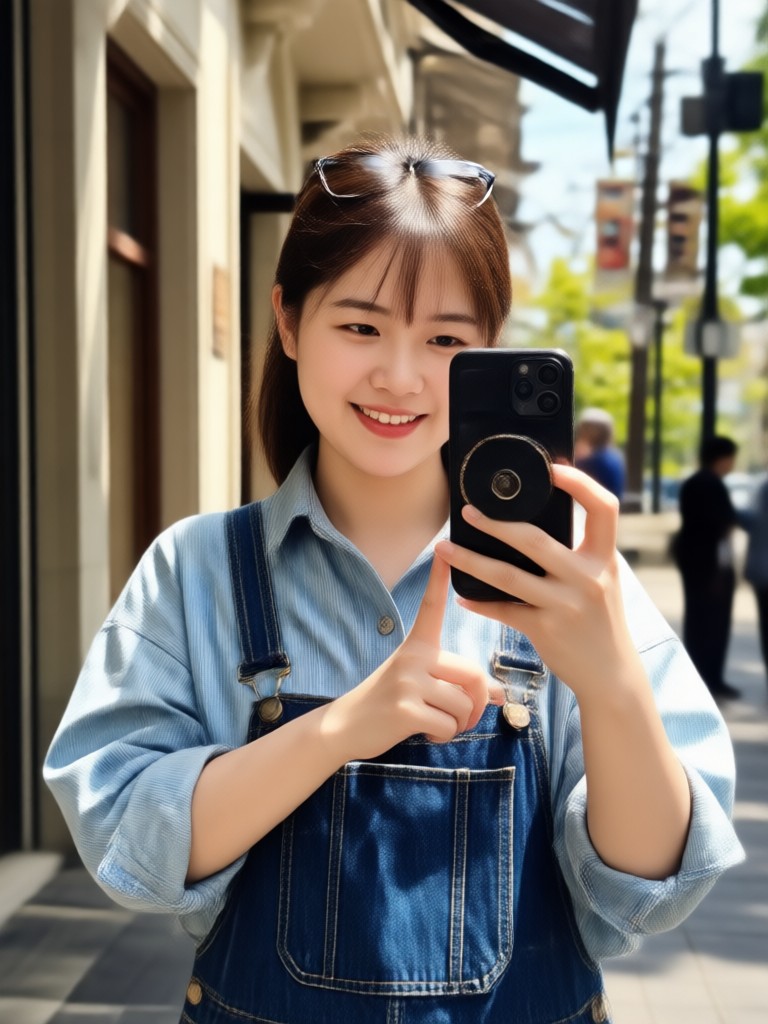
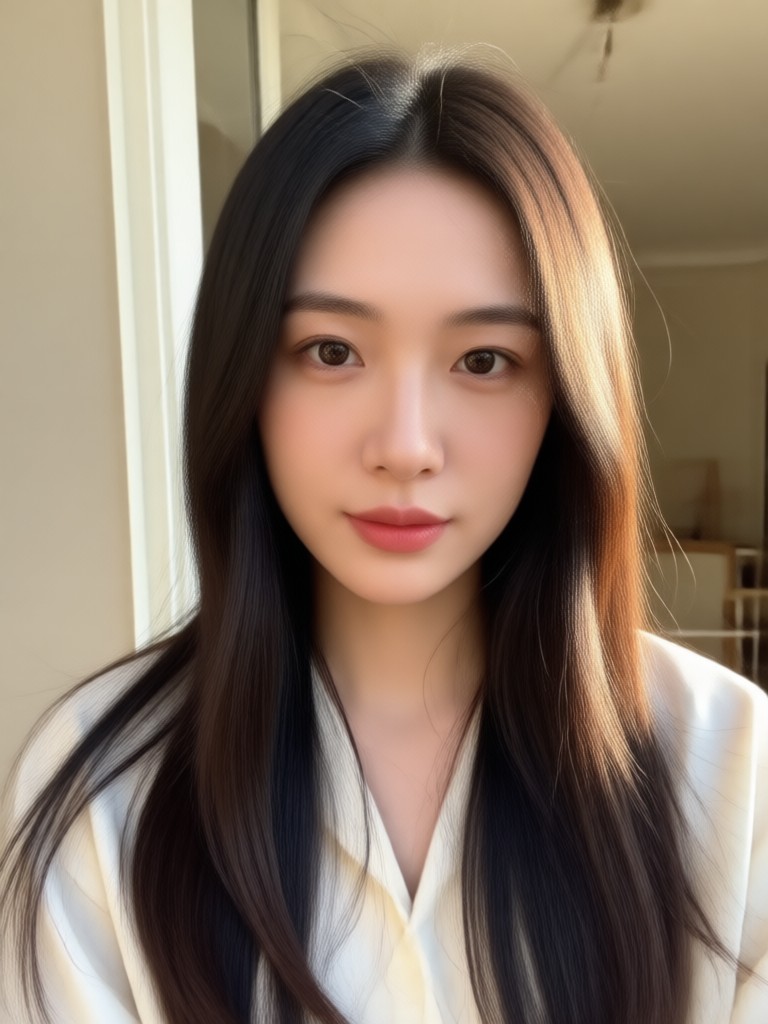
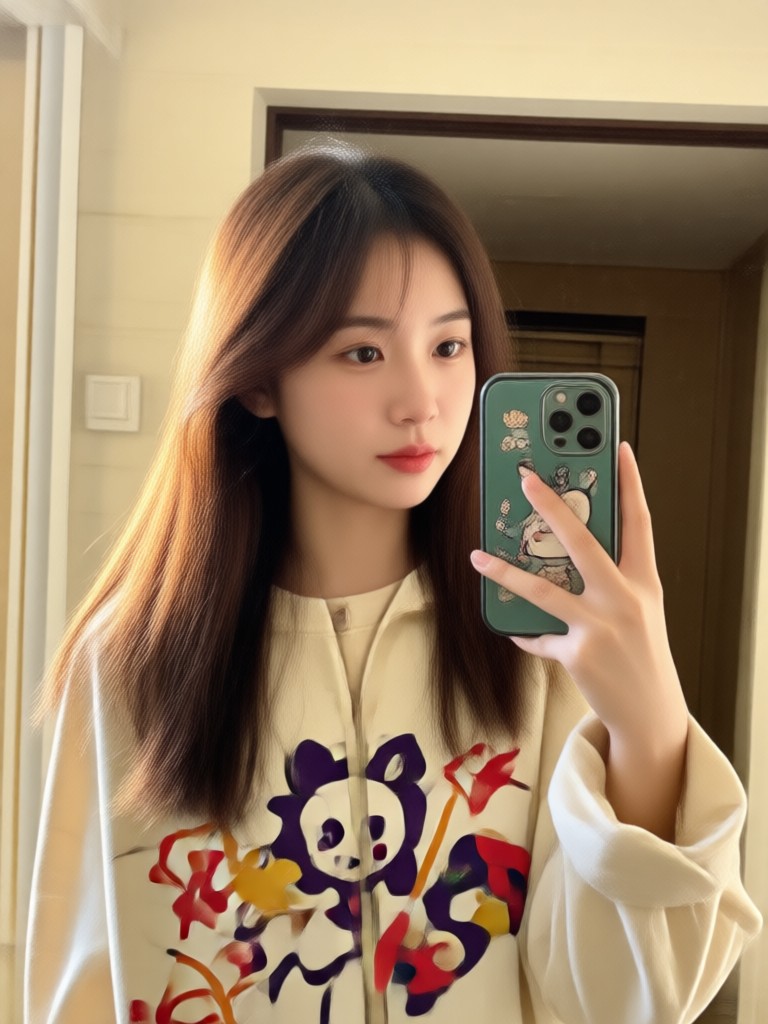
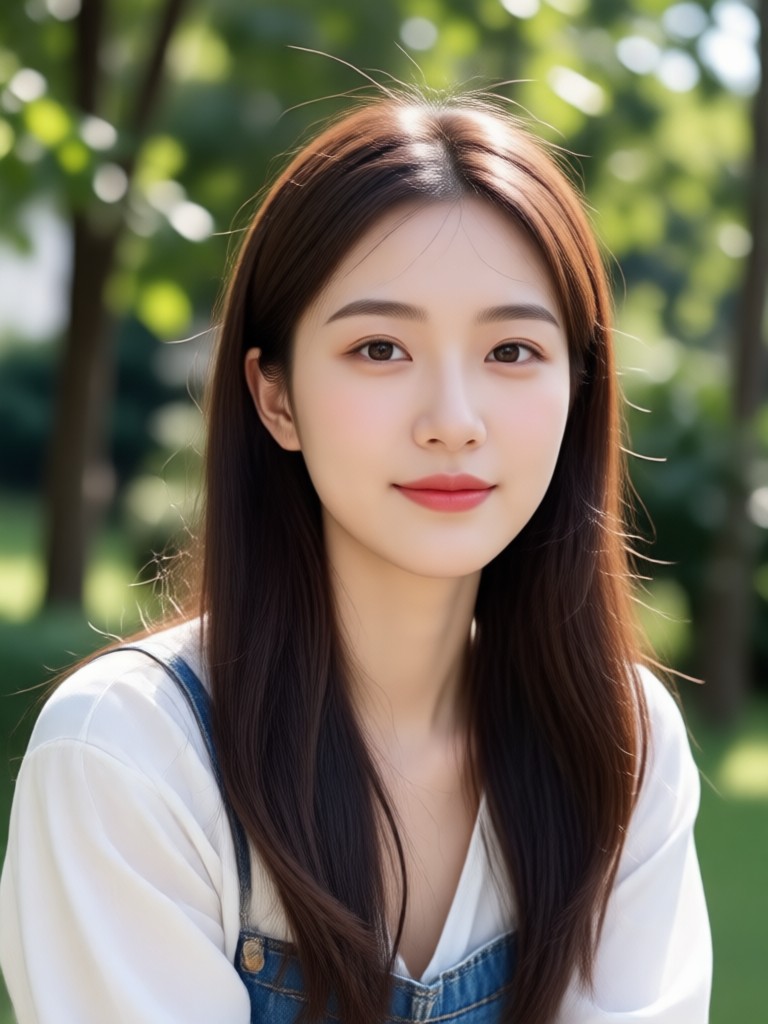
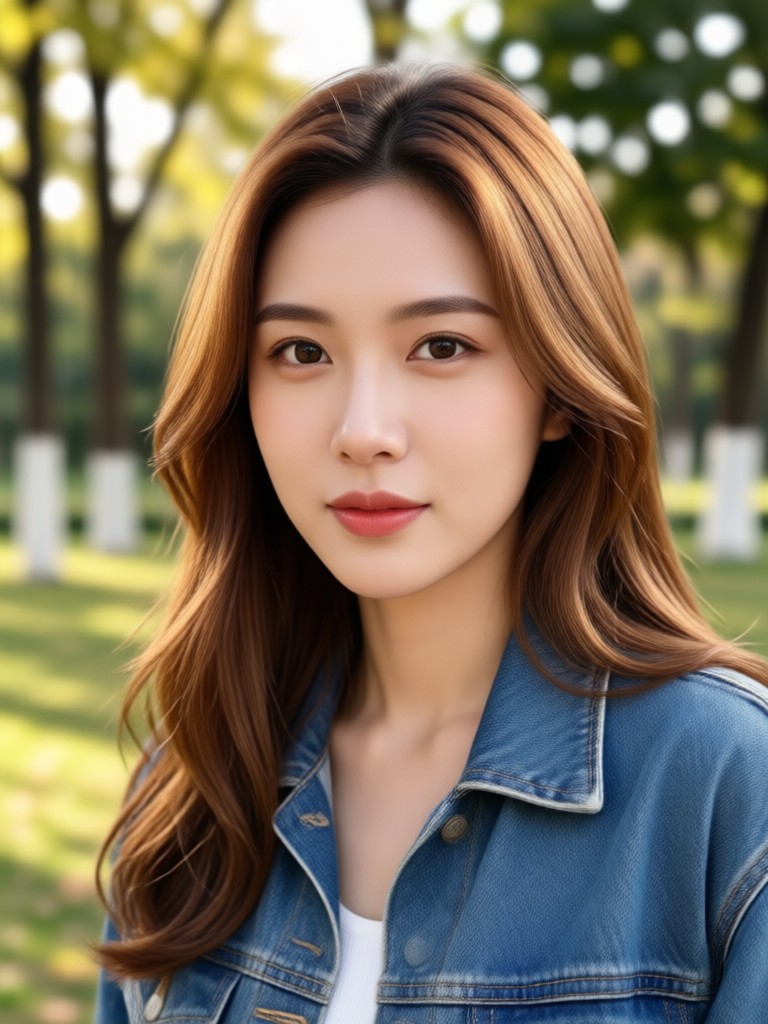
Explore AI Photo Addition Gallery
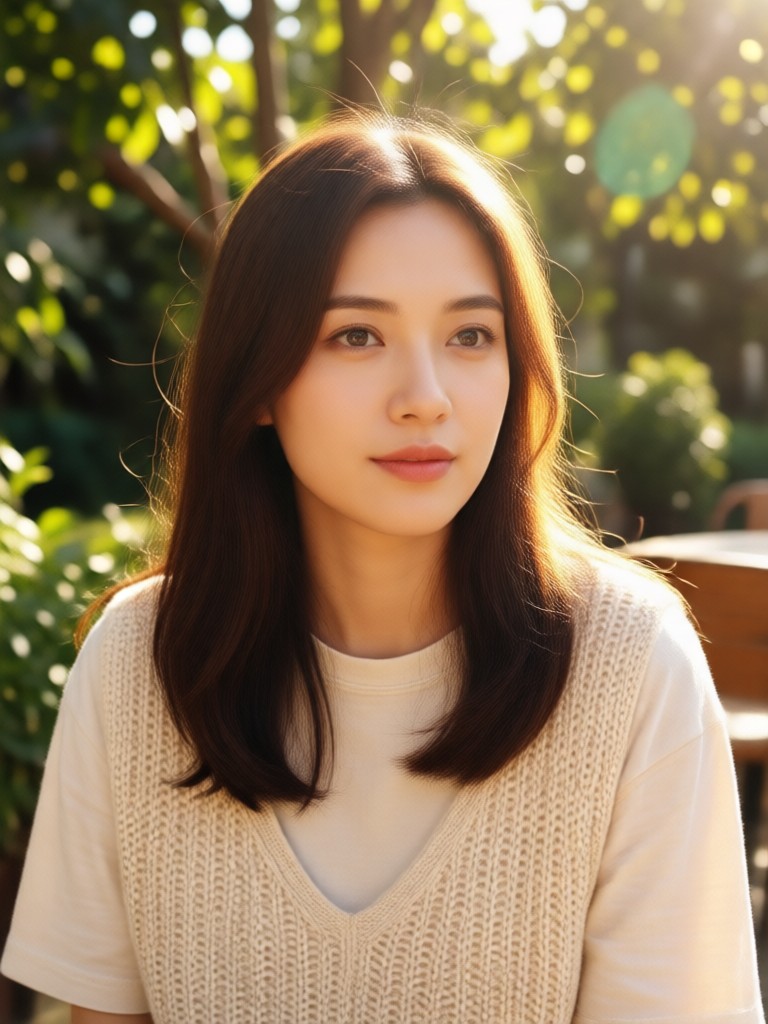
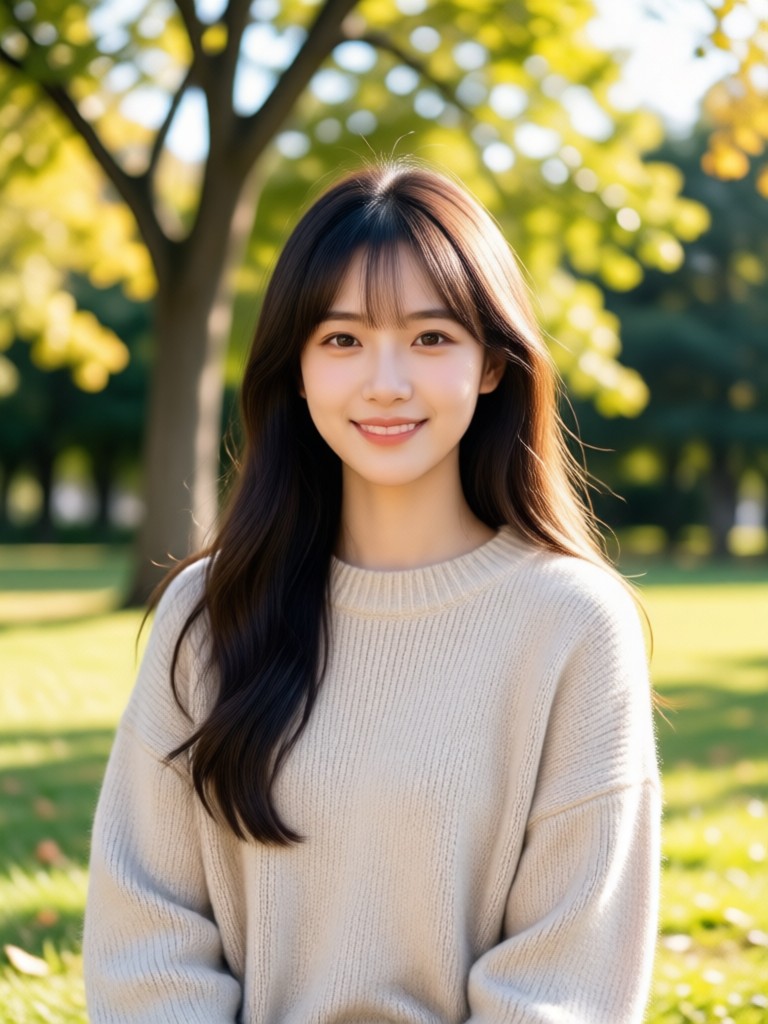
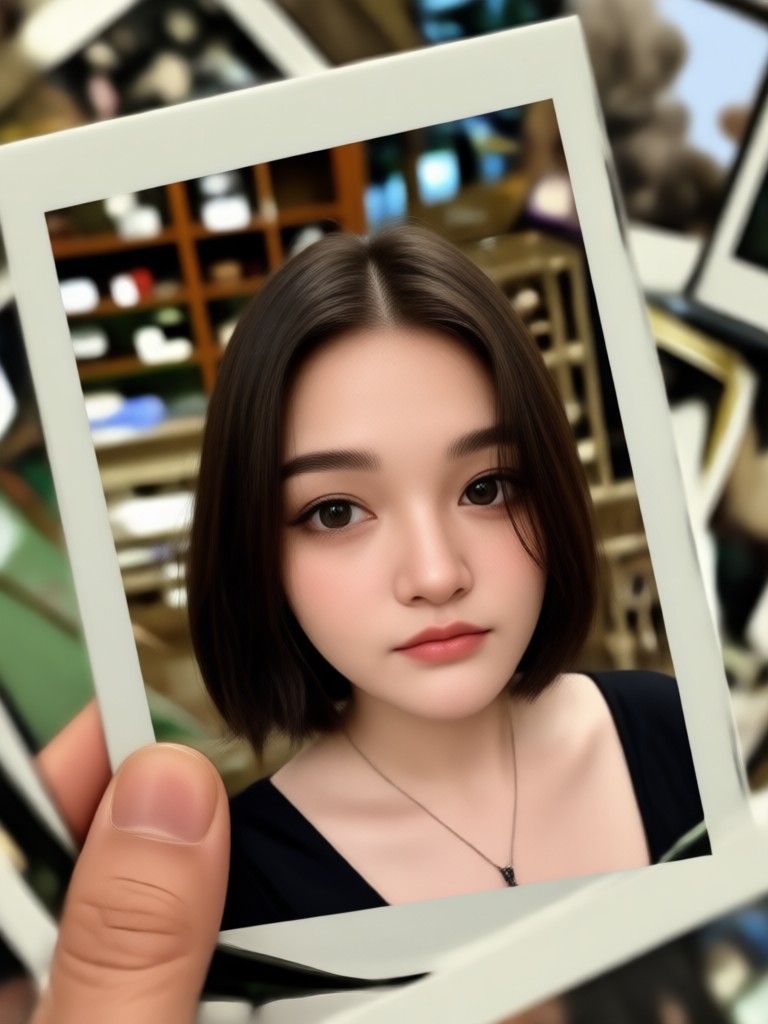
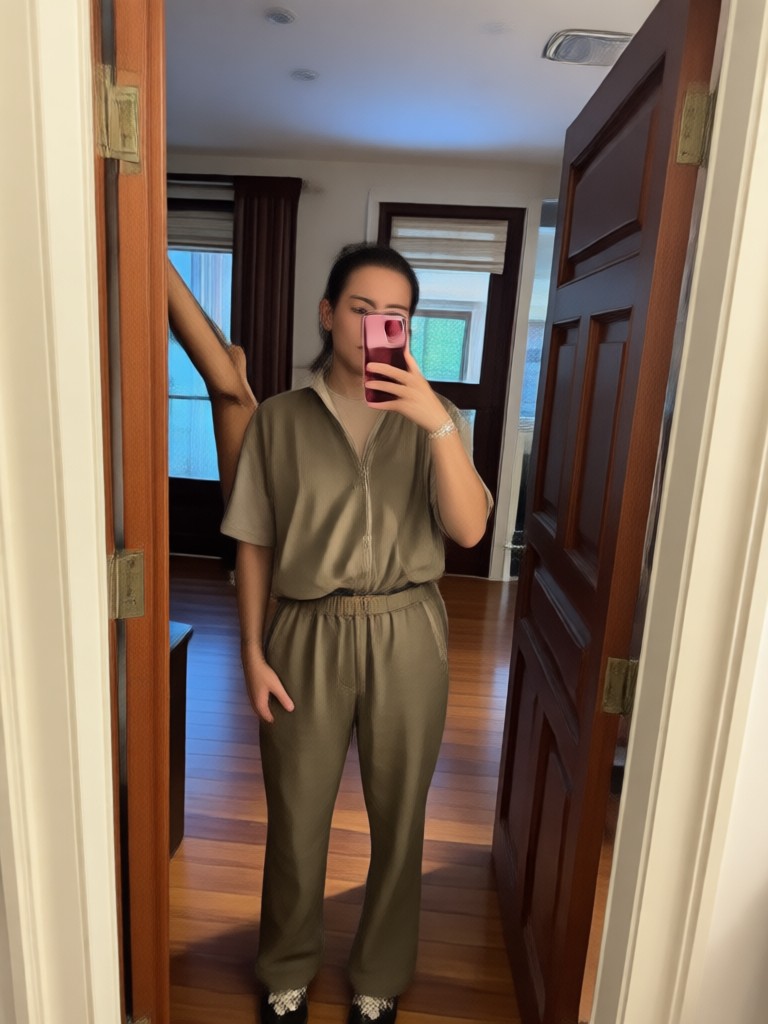
Browse stunning examples of people added to photos using our AI generator. See how realistic the results can be and imagine what you can create.
Why Use AI to Add Someone To A Picture?
Traditional photo editing requires hours of careful masking and blending. AI makes the process instant and accessible to everyone.
From Impossible to Instant
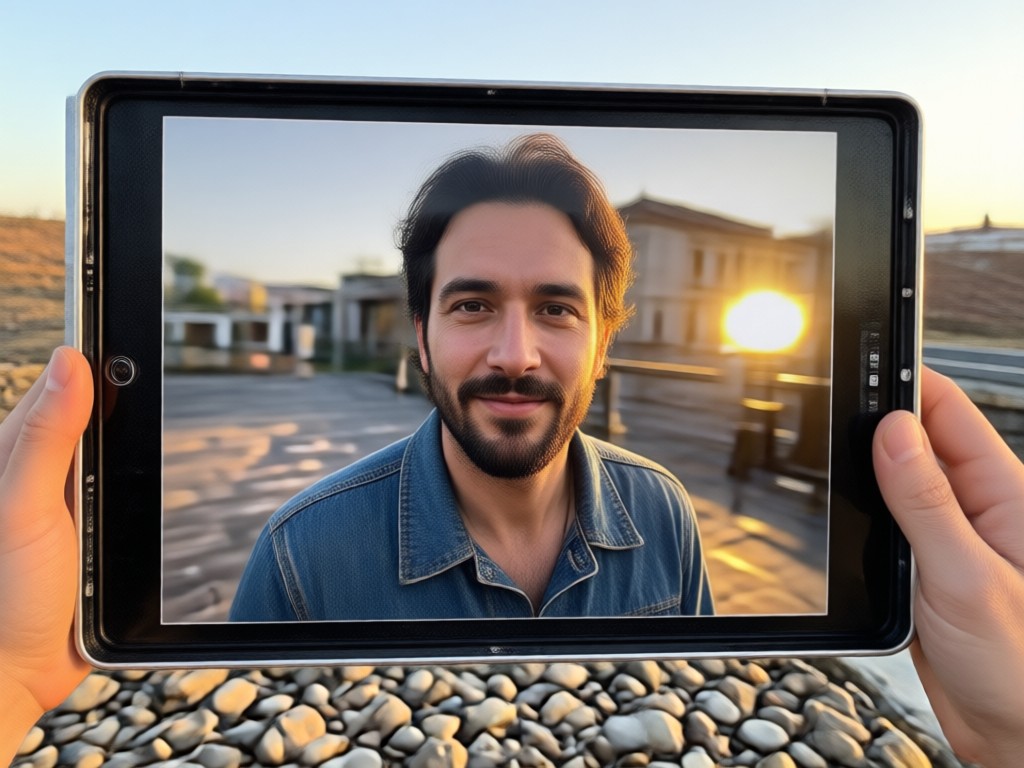
In the past, adding a person to a photo meant complex Photoshop tutorials and often disappointing results. With pixpop, the AI understands depth, lighting, and perspective automatically. It adjusts the new person's size to match the scene, matches the color temperature, and even generates realistic shadows. You can add someone to a picture whether it is a recent smartphone snap or a scanned family heirloom. The technology handles the hard work while you focus on the memory you want to create.
From Impossible to Instant
In the past, adding a person to a photo meant complex Photoshop tutorials and often disappointing results. With pixpop, the AI understands depth, lighting, and perspective automatically. It adjusts the new person's size to match the scene, matches the color temperature, and even generates realistic shadows. You can add someone to a picture whether it is a recent smartphone snap or a scanned family heirloom. The technology handles the hard work while you focus on the memory you want to create.
How to Add Someone To A Picture?
Follow these three simple steps to add a person to your photo using the pixpop mobile app.

Step 01.
Download the pixpop app from Google Play. Open it and select the 'Image to Image' feature from the main menu.

Step 02.
Upload the base photo where you want to add someone. Then upload a clear photo of the person you want to insert.

Step 03.
Tap Generate. The AI will blend the new person into the picture with realistic lighting and shadows. Download and share your result.
Add Someone to Old Family Photos
Have a cherished old photo missing a loved one? Our AI can add someone to a picture even if the original is faded, scratched, or low resolution. The style preserving technology matches the vintage look perfectly, making the new addition look like part of the original memory. Scan your photo, upload it, and bring your family history together in one frame.
Who Uses AI to Add Someone To A Picture
Sarah Mitchell
My husband was deployed during our family reunion. I used this app to add him to our group photo, and everyone thought he was actually there. The lighting matched perfectly.
David Chen
I run a small business and needed a team photo for our website. One employee was out sick, so I added them using the app. It saved the photoshoot and looked completely professional.

Emily Rodriguez
My grandmother passed away before my wedding. I wanted her in the family portrait, so I scanned an old photo and the AI added her beautifully. It made the whole family cry happy tears.
Tom Walker
I'm a content creator and often need thumbnail images with specific people. This tool saves me hours of editing. I can add anyone to any background in less than a minute.
Sarah Mitchell
My husband was deployed during our family reunion. I used this app to add him to our group photo, and everyone thought he was actually there. The lighting matched perfectly.
David Chen
I run a small business and needed a team photo for our website. One employee was out sick, so I added them using the app. It saved the photoshoot and looked completely professional.
Emily Rodriguez
My grandmother passed away before my wedding. I wanted her in the family portrait, so I scanned an old photo and the AI added her beautifully. It made the whole family cry happy tears.
Tom Walker
I'm a content creator and often need thumbnail images with specific people. This tool saves me hours of editing. I can add anyone to any background in less than a minute.
Sarah Mitchell
My husband was deployed during our family reunion. I used this app to add him to our group photo, and everyone thought he was actually there. The lighting matched perfectly.
David Chen
I run a small business and needed a team photo for our website. One employee was out sick, so I added them using the app. It saved the photoshoot and looked completely professional.
Emily Rodriguez
My grandmother passed away before my wedding. I wanted her in the family portrait, so I scanned an old photo and the AI added her beautifully. It made the whole family cry happy tears.
Tom Walker
I'm a content creator and often need thumbnail images with specific people. This tool saves me hours of editing. I can add anyone to any background in less than a minute.
Frequently Asked Questions
Find clear answers to common questions about adding someone to a picture with AI.
Ready to Add Someone To A Picture?
Download the pixpop app now and start creating realistic photo edits in seconds. No skills required. Just upload, generate, and share.
Ready to Add Someone To A Picture?
Download the pixpop app now and start creating realistic photo edits in seconds. No skills required. Just upload, generate, and share.