How To Remove Watermark From Instagram Video
Choose the AI Tool for Watermark Removal
Explore our AI filters designed to clean up videos, remove unwanted objects, and generate fresh content without watermarks.
Key Features for Removing Watermarks from Instagram Videos
Turn your videos into clean, professional content with our AI-powered tools. Upload, select a filter, and watch watermarks disappear effortlessly.
AI Inpainting
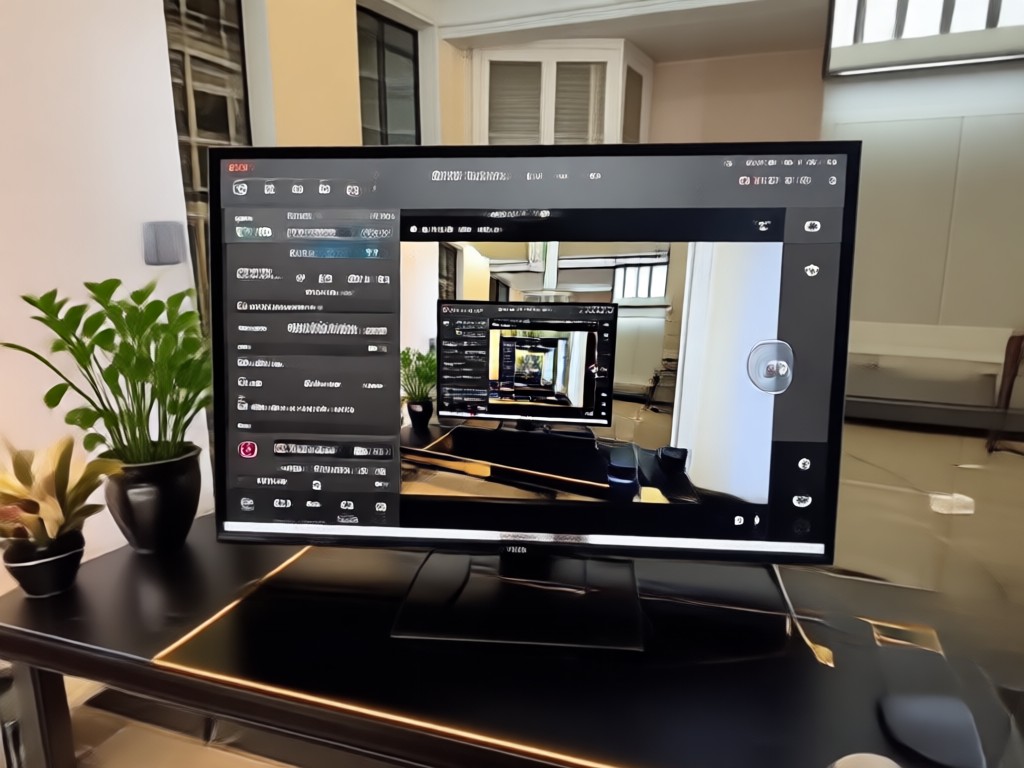
Automatically fill in the area where the watermark was, seamlessly blending surrounding pixels for a clean result. Perfect for Instagram videos with logos or text overlays. The AI understands context and preserves natural motion.
AI Inpainting
Automatically fill in the area where the watermark was, seamlessly blending surrounding pixels for a clean result. Perfect for Instagram videos with logos or text overlays. The AI understands context and preserves natural motion.
Video Regeneration
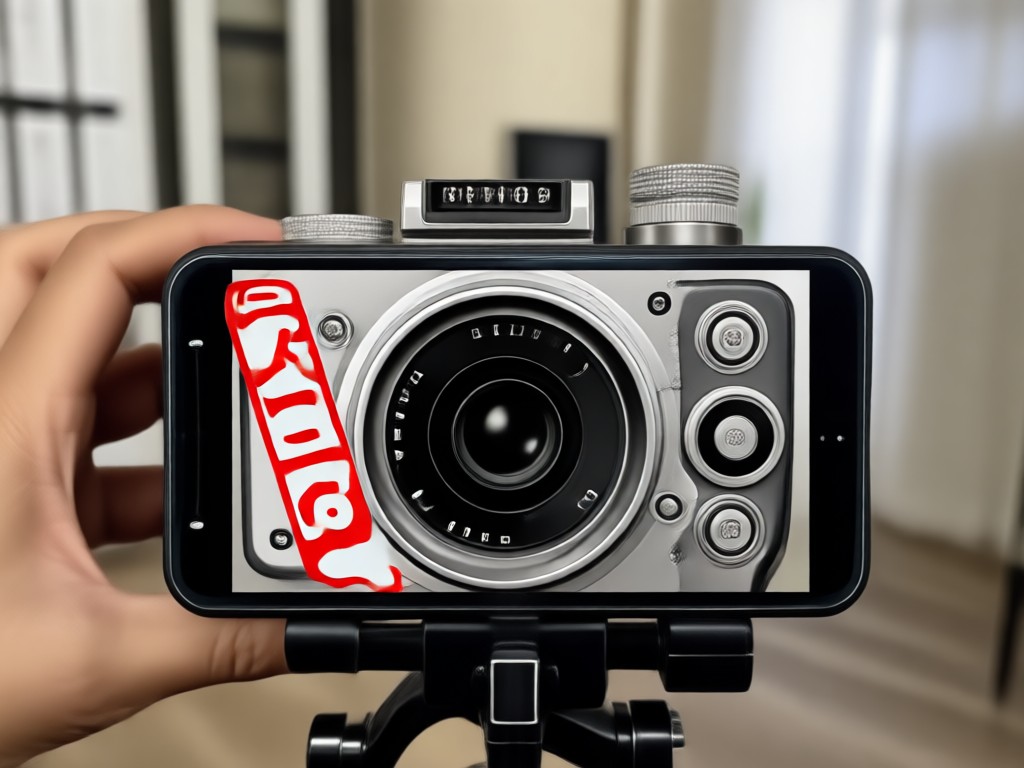
Generate a brand new version of your video without the watermark using our text-to-video or image-to-video tools. Describe the scene or upload a reference frame, and the AI recreates the content cleanly. No editing skills required.
Video Regeneration
Generate a brand new version of your video without the watermark using our text-to-video or image-to-video tools. Describe the scene or upload a reference frame, and the AI recreates the content cleanly. No editing skills required.
Style Transfer
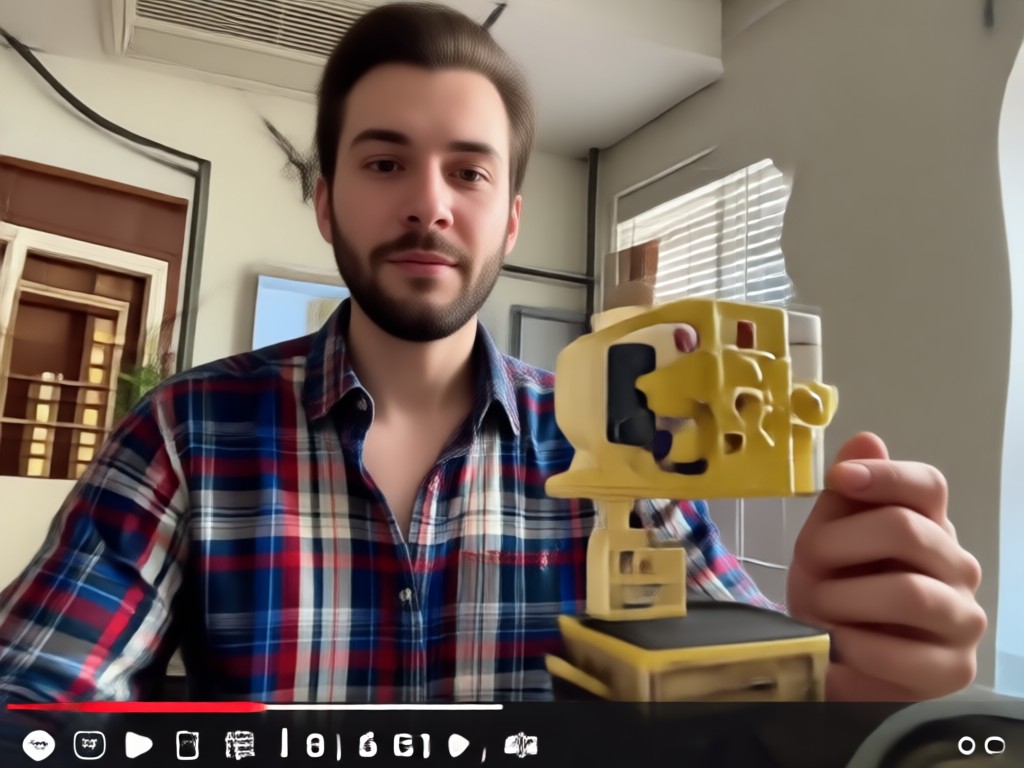
Apply a creative filter that naturally covers or distracts from the watermark, turning an imperfection into a stylistic choice. Choose from thousands of styles to make your Instagram video stand out while hiding unwanted marks.
Style Transfer
Apply a creative filter that naturally covers or distracts from the watermark, turning an imperfection into a stylistic choice. Choose from thousands of styles to make your Instagram video stand out while hiding unwanted marks.
How to Remove Watermark from Instagram Video in 3 Steps
Remove watermarks from your Instagram videos quickly and easily with our mobile app. Follow these simple steps.

Step 01.
Download the pixpop app from Google Play and open it on your phone. The app is free to install and works on Android devices.

Step 02.
Choose an AI filter like Inpaint, Video Regeneration, or Style Transfer from the style library. Select the one that best fits your watermark removal need.

Step 03.
Upload your Instagram video, let the AI process it, then save and share your watermark-free video. The result will be clean and ready to post.
See the Watermark Removal Results
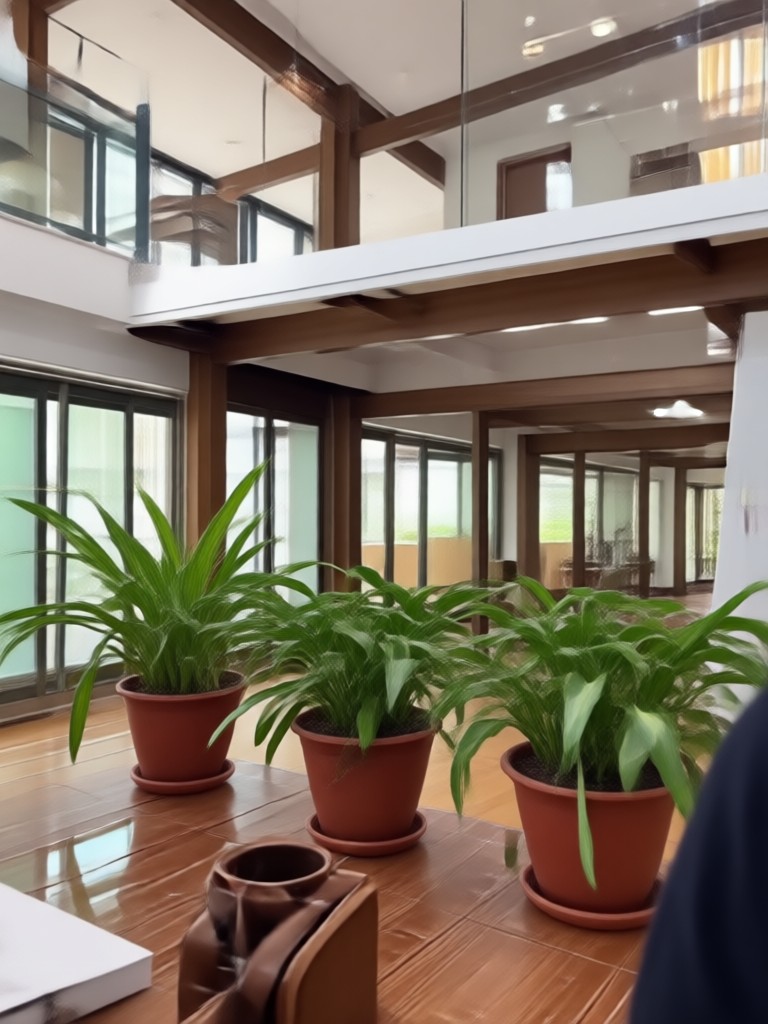
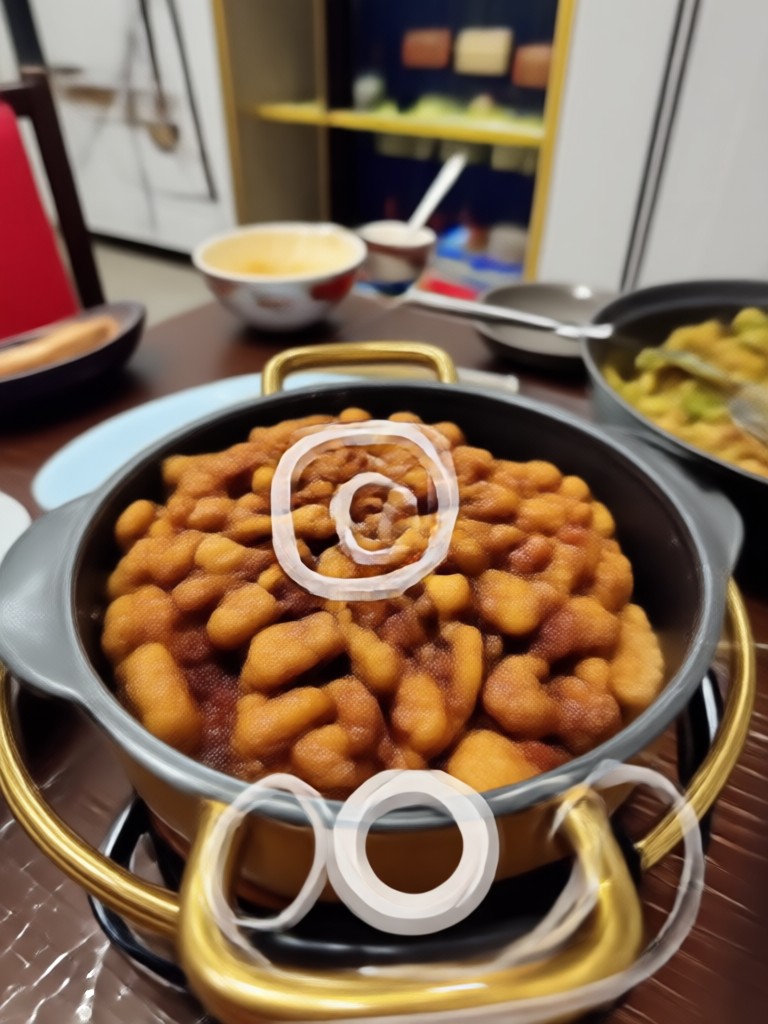
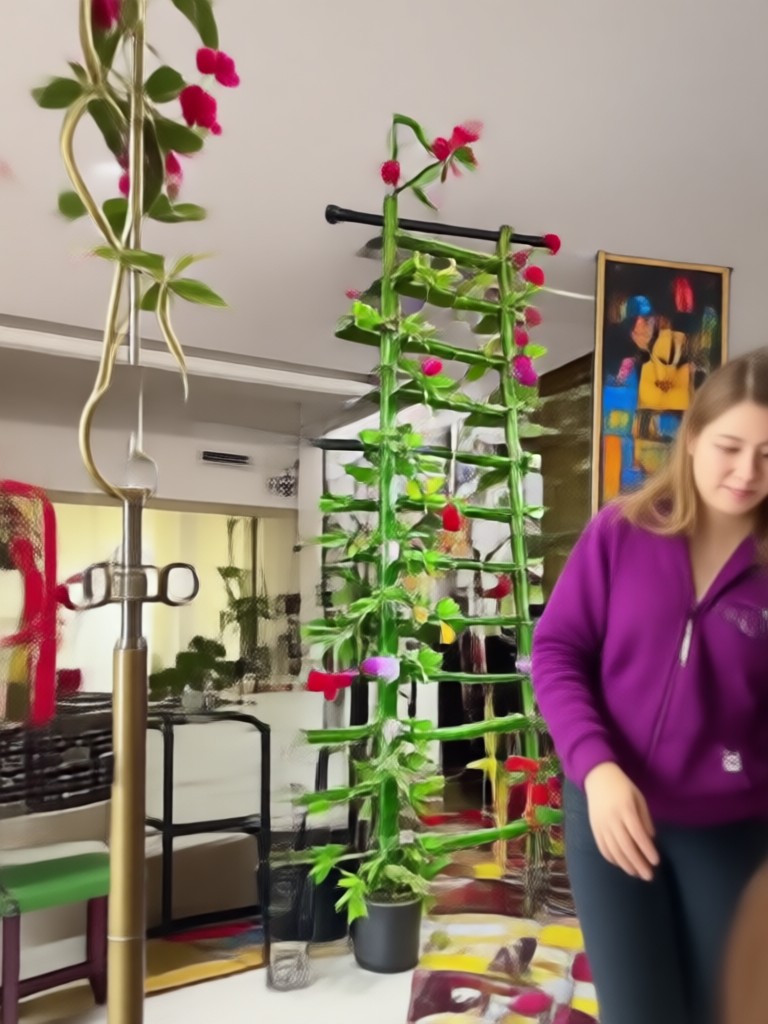
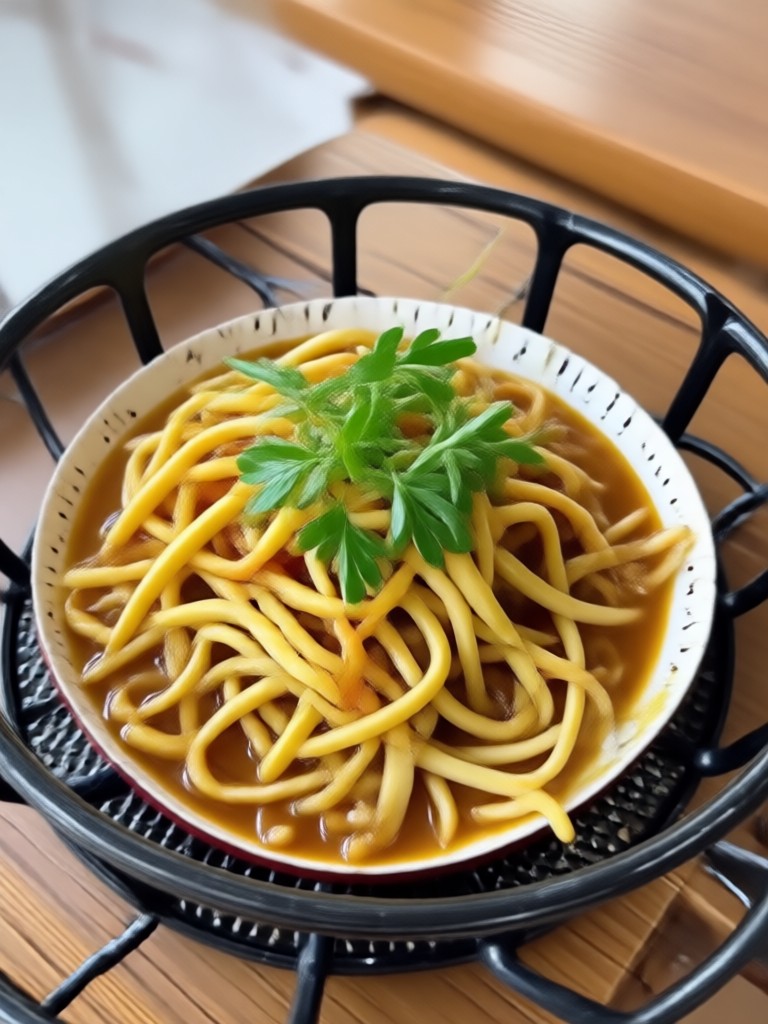
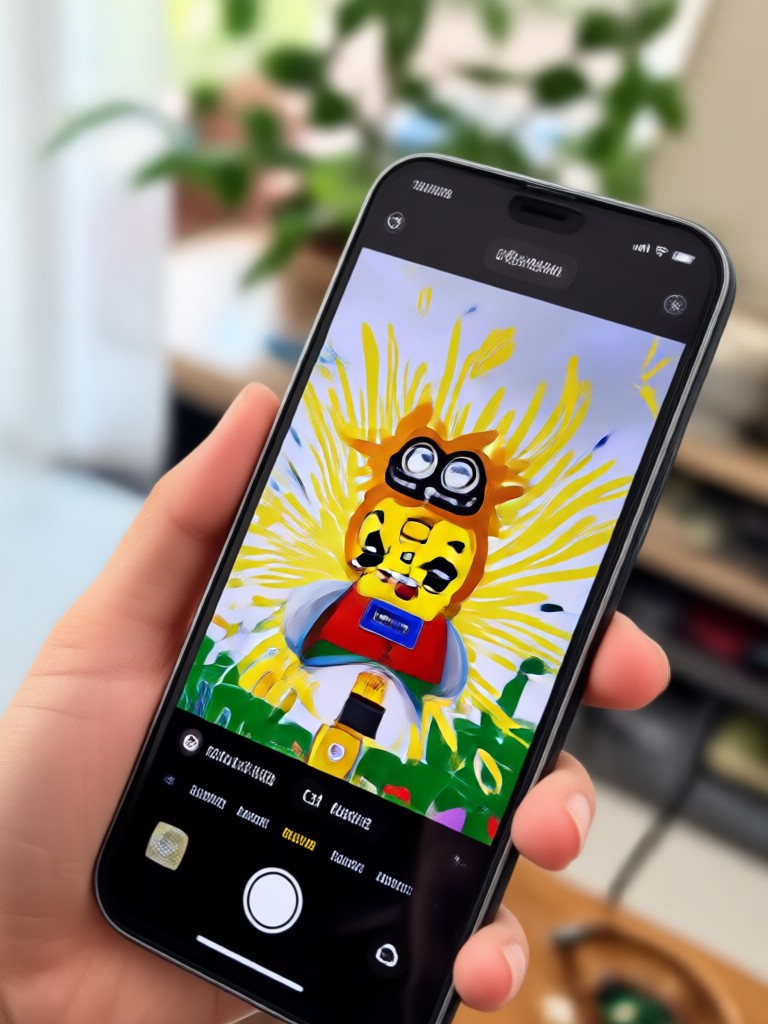
Browse examples of Instagram videos cleaned with our AI tools. Notice how watermarks, logos, and text overlays disappear seamlessly.






Why Use pixpop for Watermark Removal?
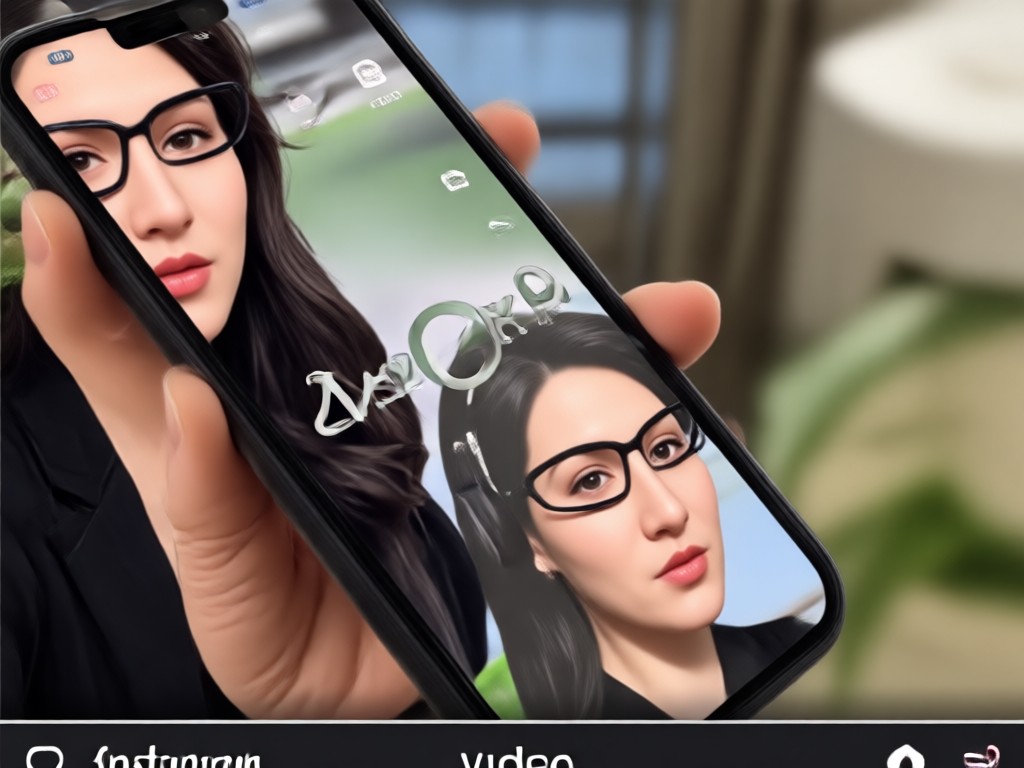
Discover why thousands of creators trust pixpop to clean their Instagram videos. Fast processing, high-quality results, and an intuitive mobile experience.
Fast, Simple, Effective
pixpop runs entirely on your phone, so you can remove watermarks anytime, anywhere. The AI understands video context and reconstructs missing pixels naturally, avoiding blurry patches. No desktop software or complex tutorials required. Whether you are a casual poster or a professional content creator, you will get clean, share-ready videos in under a minute. Plus, with over one million style filters, you can also enhance the look of your video while cleaning it.
Fast, Simple, Effective
pixpop runs entirely on your phone, so you can remove watermarks anytime, anywhere. The AI understands video context and reconstructs missing pixels naturally, avoiding blurry patches. No desktop software or complex tutorials required. Whether you are a casual poster or a professional content creator, you will get clean, share-ready videos in under a minute. Plus, with over one million style filters, you can also enhance the look of your video while cleaning it.
What Users Say About Removing Watermarks

Louis Yule
I had a great Instagram reel but the watermark from another app was ruining it. pixpop removed it perfectly and kept the original quality. Highly recommend.

Mandy Sander
As a small business owner, I repurpose videos often. This app lets me clean up logos and text overlays without paying for expensive editing software.

Orville Garcia
The video regeneration tool is amazing. I just describe the scene and it creates a clean version with no watermark. It saved me hours of manual editing.

Sam Green
I was skeptical at first, but the AI inpaint feature works incredibly well. The watermark area is blended so smoothly you can't tell it was ever there.
Louis Yule
I had a great Instagram reel but the watermark from another app was ruining it. pixpop removed it perfectly and kept the original quality. Highly recommend.
Mandy Sander
As a small business owner, I repurpose videos often. This app lets me clean up logos and text overlays without paying for expensive editing software.
Orville Garcia
The video regeneration tool is amazing. I just describe the scene and it creates a clean version with no watermark. It saved me hours of manual editing.
Sam Green
I was skeptical at first, but the AI inpaint feature works incredibly well. The watermark area is blended so smoothly you can't tell it was ever there.
Louis Yule
I had a great Instagram reel but the watermark from another app was ruining it. pixpop removed it perfectly and kept the original quality. Highly recommend.
Mandy Sander
As a small business owner, I repurpose videos often. This app lets me clean up logos and text overlays without paying for expensive editing software.
Orville Garcia
The video regeneration tool is amazing. I just describe the scene and it creates a clean version with no watermark. It saved me hours of manual editing.
Sam Green
I was skeptical at first, but the AI inpaint feature works incredibly well. The watermark area is blended so smoothly you can't tell it was ever there.
Frequently Asked Questions
Find clear answers to common questions about removing watermarks from Instagram videos with our AI app.
More Topics You May Like
Explore more topics you may like and discover fresh ideas tailored to your interests.

80s AI Generator: Retro 1980s Photo and Video Effects
Turn photos into retro 1980s masterpieces. Upload a picture, pick a neon synthwave, VHS, arcade or vintage film filter, and generate images or videos in seconds.

Turn Ordinary Photos Into HDR Masterpieces
Convert any photo to HDR style with AI. Upload an image, pick an HDR filter, and get dramatic high dynamic range results in seconds. No editing skills needed.

Clothes Remover Filter: AI Outfit Swap & Fashion Edit
Try the clothes remover filter to swap outfits, preview fashion looks, and create stunning style edits. Upload a photo, pick a template, and generate new looks in seconds.

Editing Photo Prompt: Turn Words Into Stunning Edits
Editing Photo Prompt lets you type instructions and transform photos instantly. Upload an image, pick a style filter, and get realistic edits in seconds. No design skills needed.
Ready to Clean Your Instagram Videos?
Download pixpop now and remove watermarks from your videos in just a few taps. Get professional results without any editing skills.
Ready to Clean Your Instagram Videos?
Download pixpop now and remove watermarks from your videos in just a few taps. Get professional results without any editing skills.