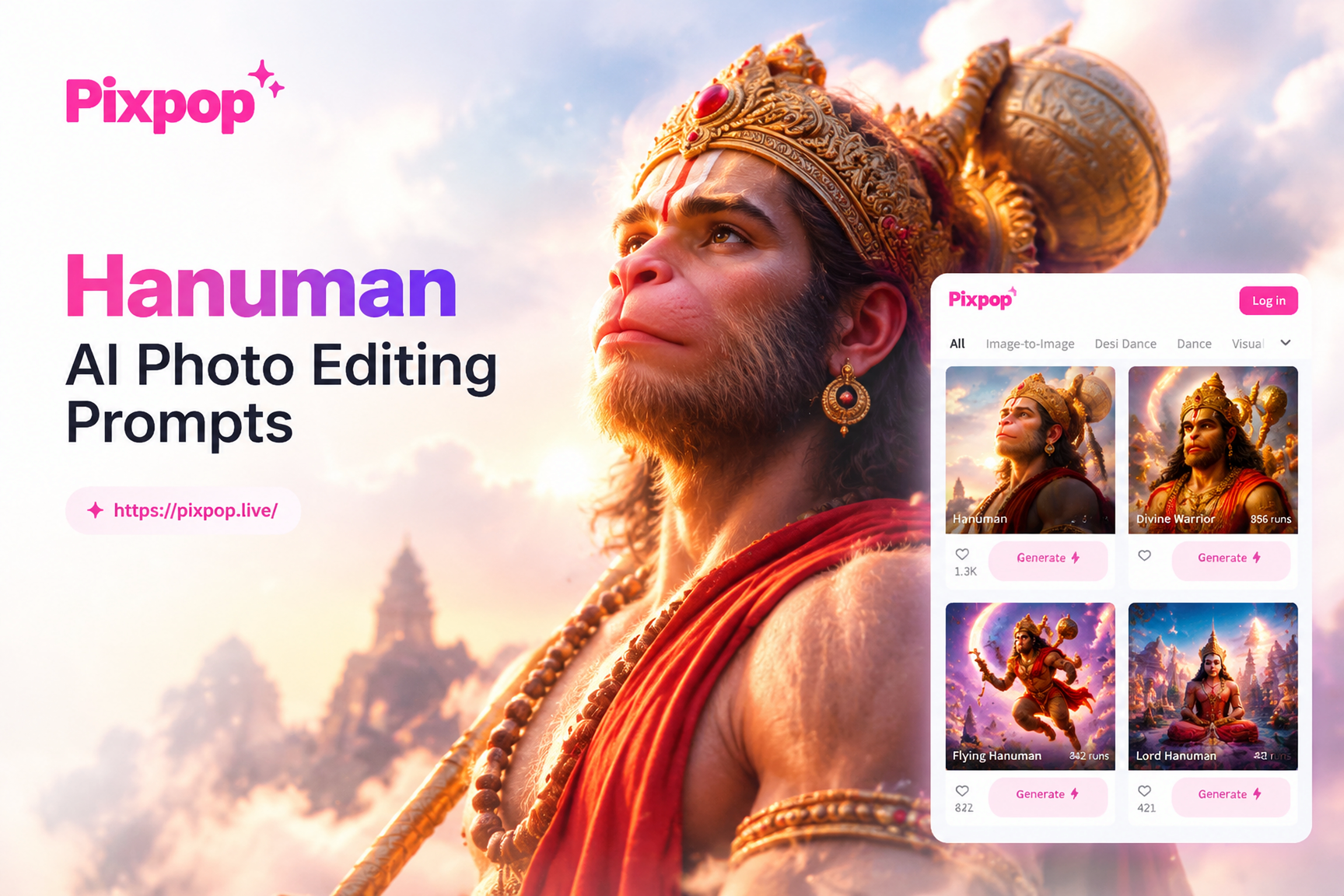
Introduction to Hanuman AI Photo Editing Prompts
Lord Hanuman is one of the most beloved deities in Hindu tradition, known for his strength, devotion, and unwavering loyalty. With the rise of AI image generation and photo editing, creating high-quality Hanuman images has become easier than ever. Whether you want to generate a brand new portrait from text, transform an existing photo into a devotional artwork, or design a festival poster, the right AI prompts make all the difference.
This guide provides a comprehensive collection of Hanuman AI photo editing prompts that you can use immediately. We cover prompts for text-to-image generation, image-to-image editing, different art styles, and devotional themes. You will also learn how to refine your prompts to get better results, avoid common mistakes, and use the pixpop app to bring your Hanuman creations to life.
Understanding Hanuman AI Photo Editing Prompts
An AI prompt is a text instruction that tells the AI what kind of image you want to create or how you want to edit a photo. For Hanuman-themed images, prompts need to include specific visual details such as the deity's appearance, clothing, posture, background, lighting, and artistic style. The more precise your prompt, the more accurate the generated image will be.
When working with Lord Hanuman imagery, you should describe his iconic features clearly: a monkey-like face with a calm or fierce expression, orange or red skin, a muscular body, a long tail, and traditional clothing such as a dhoti and gold jewelry. He often holds a gada (mace) and sometimes carries a mountain or the Sanjeevani herb. Including these details helps the AI understand the subject correctly.
For photo editing, prompts can instruct the AI to modify an existing portrait or photo by applying Hanuman-like features, changing the background to a temple or sky, or adding symbolic elements like a golden aura or flying pose.
How to Write Effective Hanuman AI Prompts
Writing a good prompt is both an art and a science. Here are key elements to include:
- Subject details: Describe Lord Hanuman's face, body, clothing, and accessories. For example, "a muscular monkey-faced deity with orange skin, wearing a golden crown and red dhoti."
- Action or pose: Specify whether he is standing, flying, meditating, or holding a mace.
- Background: Mention the setting, such as a mountain, forest, temple, or sky with clouds.
- Style: Choose an art style like photorealistic, oil painting, anime, 3D render, watercolor, or minimalist.
- Lighting and mood: Use words like divine light, sunrise, golden hour, dramatic shadows, or serene glow.
- Quality keywords: Add terms like 8k, highly detailed, cinematic, or ultra-realistic to improve output quality.
Below are ready-to-use prompts organized by category. You can copy them directly into an AI image generator or use them as inspiration to create your own.
Hanuman AI Photo Prompts for Text-to-Image Generation
These prompts generate a new image from scratch using only text. They work best with AI tools that support text-to-image generation, such as the pixpop app.
Photorealistic Hanuman Portraits
- A photorealistic portrait of Lord Hanuman standing on a rocky mountain at sunrise, wearing an orange dhoti and gold jewelry, holding a gada in his right hand, left hand raised in blessing, detailed facial features with a serene expression, cinematic lighting, 8k resolution.
- Realistic full body image of Hanuman flying through the sky carrying a mountain in his palm, orange skin, golden crown, red dhoti, wings of light behind him, dramatic clouds and blue sky, ultra detailed, professional photography.
- Close-up portrait of Hanuman with folded hands in prayer, intense devotional eyes, orange face with subtle fur texture, golden tilak on forehead, garland of red flowers, blurred temple background, soft divine glow, 8k.
- Hanuman sitting in meditation on a large rock, eyes closed, tail curled around his legs, wearing minimal clothing, jungle background with soft morning fog, photorealistic, high detail, natural lighting.
- Lord Hanuman in a battle stance, lifting a massive gada, fiery background with embers, muscular physique, orange skin with sweat, fierce expression, motion blur on the mace, cinematic composition, ultra realistic.
Artistic and Stylized Hanuman Images
- Oil painting of Hanuman in the style of Raja Ravi Varma, standing in a palace courtyard, rich colors, intricate gold jewelry, traditional royal attire, dramatic lighting, canvas texture, masterpiece quality.
- Watercolor illustration of Hanuman flying over the ocean at sunset, soft pastel colors, flowing tail, gentle waves below, minimal background, artistic composition, hand painted look.
- Anime style Hanuman character with large expressive eyes, orange hair and tail, wearing a modern orange jacket over traditional dhoti, dynamic action pose, vibrant colors, cel shading, detailed background of a futuristic city.
- 3D rendered Hanuman statue made of bronze, standing on a lotus pedestal, golden patina, intricate carvings, soft studio lighting, shallow depth of field, photorealistic material.
- Minimalist vector art of Hanuman's face, geometric shapes, flat colors, orange and gold palette, simple background, modern poster design, clean lines, high contrast.
Hanuman AI Photo Editing Prompts for Image-to-Image Transformation
These prompts are designed to be used with an existing photo that you upload to an AI editing tool. They instruct the AI to transform your photo into a Hanuman-themed image while preserving certain elements like pose or composition.
Transform a Portrait into Hanuman
- Transform this portrait photo into Lord Hanuman, keep the same pose and background, replace the face with a monkey-like divine face, add orange skin tone, golden crown, red dhoti, and a gada in hand, photorealistic, high detail.
- Apply a Hanuman style to this photo, change the clothing to traditional orange dhoti, add a long tail, give the person a muscular build, include a golden aura, place a temple in the background, devotional poster style.
- Edit this image to make the person look like Hanuman flying in the sky, add a mountain in one palm, replace the background with clouds and sunlight, keep the original face shape but alter skin to orange and add monkey features, cinematic lighting.
Edit a Landscape or Object Photo
- Add a majestic Hanuman statue to this mountain landscape photo, place the statue on the highest peak, make it look ancient and weathered, golden hour light, photorealistic composition.
- Change this photo of a temple courtyard to include a large Hanuman mural on the wall, realistic painting style, bright colors, devotional atmosphere.
- Turn this photo of a tree into a scene where Hanuman is sitting under it reading a palm leaf manuscript, add the deity and soften the background, serene mood, cinematic.
Hanuman AI Prompts for Different Art Styles
Different art styles can give your Hanuman images a unique feel. Use these prompts to explore various visual languages.
Traditional Indian Art Styles
- Pattachitra style Hanuman painting, intricate border designs, flat perspective, bold outlines, natural pigments, traditional Odisha art.
- Madhubani style Hanuman, fish shaped eyes, double lines, geometric patterns, bright colors, folk art from Bihar.
- Tanjore painting of Hanuman, gold foil embellishments, rich red and green background, semi precious stones, traditional South Indian classical art.
Modern and Digital Art Styles
- Cyberpunk Hanuman, neon orange and blue lighting, futuristic armor, holographic tail, city street background, high tech vibe, digital art.
- Low poly 3D Hanuman, geometric facets, smooth shading, vibrant orange and gold, simple background, video game asset style.
- Ghibli inspired Hanuman, soft watercolor backgrounds, gentle expression, pastel colors, whimsical forest setting, hand drawn feel.
Hanuman AI Prompts for Devotional and Festival Posters
These prompts are perfect for creating posters for Hanuman Jayanti, Diwali, or personal devotional use.
- Hanuman Jayanti poster, large image of Hanuman carrying the Sanjeevani mountain, bold Hindi text space at the top, bright orange and yellow gradient background, floral borders, festive design.
- Diwali greeting card with Hanuman holding a diya (oil lamp), warm golden light, marigold garlands, fireworks in the sky, text space for message, elegant layout.
- Devotional wallpaper for mobile phone, vertical composition, Hanuman in a meditative pose, soft glowing aura, blue sky with clouds, minimal text "Jai Hanuman", high resolution.
- Poster for a temple event, Hanuman standing in front of a temple, crowd of devotees below, bright morning light, saffron flags, clear space for event details.
Tips for Getting Better Results with Hanuman Prompts
Even with great prompts, the AI output can sometimes miss the mark. Here are practical tips to improve your Hanuman image generation and editing.
- Be specific about the face: If the AI gives a normal human face, add "monkey-like face with orange fur and human eyes" to the prompt.
- Mention the tail: Many AIs forget the tail because it is not visible in all references. Add "long tail curling behind" to ensure it appears.
- Use reference images for editing: When using image-to-image editing, upload a clear photo with good lighting and a simple background. The AI will preserve the pose better.
- Iterate with variations: If the first result is not perfect, change one detail at a time. For example, adjust the background from "mountain" to "temple" and regenerate.
- Add style modifiers: Words like "masterpiece", "highly detailed", "award winning", or "trending on artstation" can push the AI to produce more polished images.
- Use negative prompts if available: Some tools allow you to specify what to avoid. Use terms like "extra fingers", "blurry", "distorted face", "human ears" to reduce errors.
Using Pixpop for Hanuman AI Photo Editing
The pixpop app is a powerful all-in-one AI design tool that supports text-to-image and image-to-image generation. You can use all the prompts from this article directly inside the app. Pixpop offers over one million style filters, so you can instantly apply a traditional Indian art style, a photorealistic look, or an anime aesthetic to your Hanuman images. Simply download the app from Google Play, choose a style template, enter your prompt or upload a photo, and generate stunning results in seconds. No complex prompt engineering is required because the style filters handle the artistic details while your prompt guides the subject and composition.
Because pixpop is mobile only, you can create Hanuman images on the go, perfect for festival preparations or personal devotional practice. The app also supports multi-person photo processing, so you can include Hanuman alongside other figures in a group scene if needed.
Common Mistakes to Avoid When Using Hanuman AI Prompts
Avoid these pitfalls to get the best Hanuman images every time.
- Vague descriptions: Saying "Hanuman image" is too generic. Always include at least three specific details: appearance, action, and background.
- Ignoring cultural accuracy: Hanuman is a revered deity. Avoid prompts that place him in disrespectful or inappropriate contexts. Keep the tone devotional and respectful.
- Overloading the prompt: Too many contradictory details can confuse the AI. Keep prompts focused on one main idea per image.
- Skipping image dimensions: If you need a poster or wallpaper, specify aspect ratio in the prompt (e.g., "vertical 9:16", "square 1:1") or use the app's preset sizes.
- Not using the style filters: When using pixpop, always pick a style filter that matches your desired art style. This dramatically improves output quality without extra prompt words.
Conclusion
Creating beautiful Hanuman images with AI is now accessible to everyone, thanks to ready-to-use prompts and user-friendly apps like pixpop. Whether you need a photorealistic portrait for personal worship, an artistic illustration for a project, or a festival poster, the prompts in this guide give you a strong starting point. Remember to experiment with different styles, refine your prompts based on results, and always approach the subject with respect. Download the pixpop app today and start bringing your Hanuman AI photo editing ideas to life.