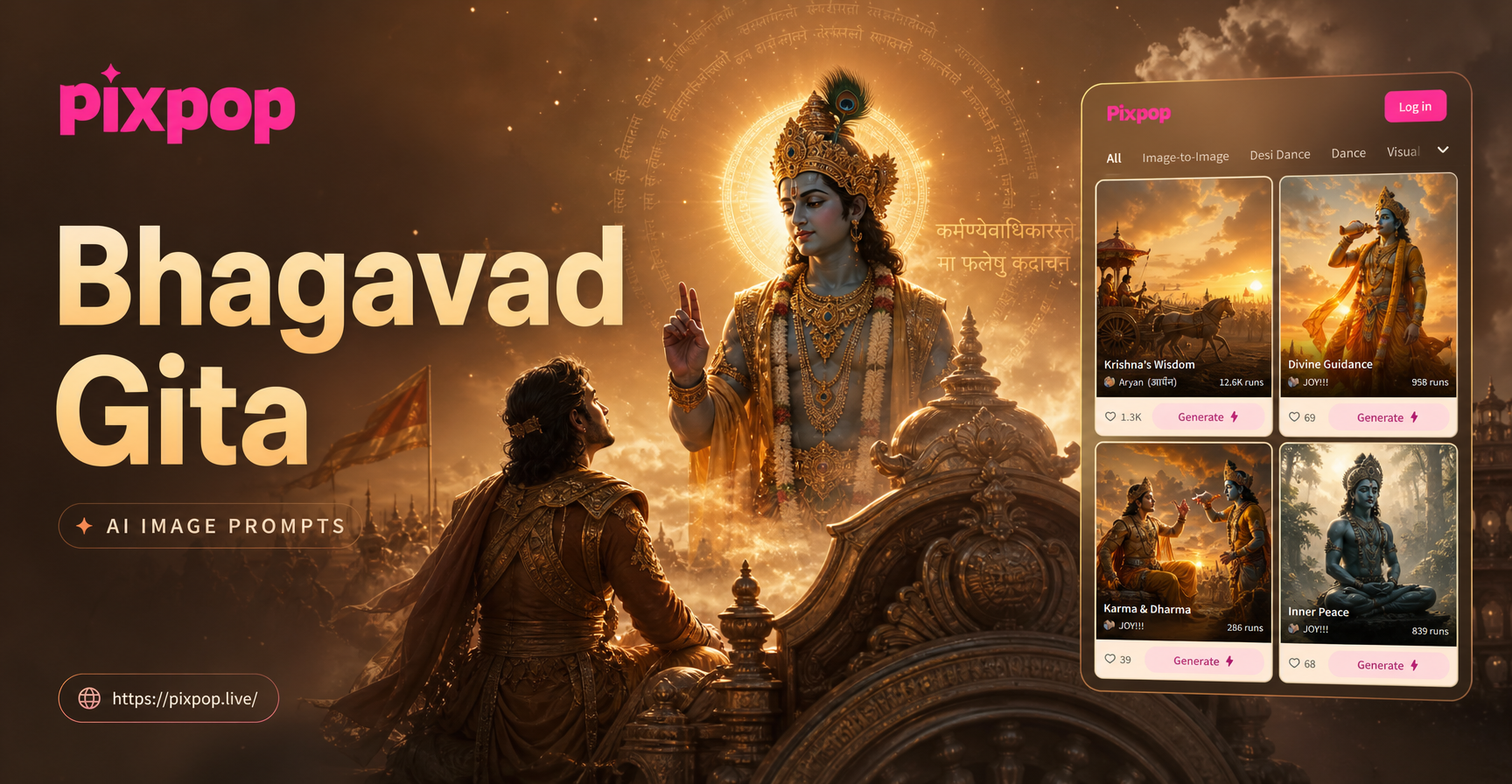
The search for Bhagavad Gita AI image prompts usually begins with one clear desire. People want to see Krishna, Arjuna, and the battlefield of Kurukshetra the way the sacred text describes them. But a vague prompt produces a generic spiritual image. A precise prompt produces a chariot scene, a cosmic revelation, or a quiet teaching moment that feels worthy of the Gita. This guide gives you a large set of ready to use Bhagavad Gita AI image prompts. It also shows how to adjust them for different art styles and how to fix the most common weak results.
You can use these prompts inside any AI image generator that accepts detailed text descriptions. If you prefer a mobile workflow, PixPop is an AI design app with text to image generation and a large library of style filters. The prompts below focus on the imagery itself, so you can paste them into your preferred tool or use them as direct starting points inside PixPop.
How to Build a Strong Bhagavad Gita AI Image Prompt
A useful prompt needs more than a character name. It should describe the subject, the scene, the action, the feeling, the art style, the lighting, and the color palette. When any of these pieces is missing, the AI fills the gap with something generic. For Bhagavad Gita imagery, iconography matters. Krishna's blue skin, the peacock feather, the white horses, the conch, and the Gandiva bow all help the model understand exactly which divine figure it should render.
A weak prompt says something like "Krishna and Arjuna on a chariot." A stronger prompt says "Krishna with blue skin, wearing a yellow silk garment and a golden crown with a peacock feather, drives a golden chariot pulled by four white horses. Arjuna stands beside him in silver armor with a long bow, looking troubled. The red earth of Kurukshetra stretches behind them under a golden dawn sky. Painted in the style of a 19th century Indian miniature, with fine linework, warm saffron tones, and a wide cinematic composition." The second version gives the model enough visual information to avoid guesswork.
Use this formula when you write your own prompt. Start with the main subject and its physical details. Add the action or interaction. Add the setting and time of day. Add the emotional tone. End with the medium or style, lighting direction, and composition. You do not need every element in every prompt, but the more specific you are, the more consistent the result will be.
15 Bhagavad Gita AI Image Prompts You Can Copy and Modify
Each prompt below is written as a standalone text. Copy one, paste it into your generator, and change the last phrase if you want a different style. The prompts cover battlefield scenes, quiet teaching moments, symbolic compositions, and the cosmic form.
- Prompt 1: Lord Krishna with blue skin and a gentle expression holds the reins of a golden chariot pulled by four white horses. Arjuna stands beside him in ornate armor, holding the Gandiva bow. The Kurukshetra battlefield stretches behind them under a vast dawn sky. Painted in the style of a traditional Indian miniature, detailed linework, saffron and gold tones, wide cinematic composition.
- Prompt 2: Krishna reveals his Vishvarupa, a towering cosmic form with many faces, many arms, and countless eyes, radiant like a thousand suns. Arjuna kneels at the bottom, shielding his eyes with one hand. The sky is filled with celestial beings and swirling galaxies. Hyper detailed digital art, divine light, gold, blue, and orange palette, epic scale.
- Prompt 3: A close up portrait of Arjuna in metal armor, his face filled with sorrow and doubt, holding a bow loosely, soft morning light, dust in the air, blurred battlefield behind him. Cinematic realism, shallow depth of field, muted earth tones, devotional expression.
- Prompt 4: Seated under a large banyan tree, Krishna with blue skin speaks calmly to Arjuna, who sits with folded hands and bowed head. A conch, a lotus, and a sacred text rest on the ground between them. Soft forest light, peaceful mood, oil painting style, warm green and gold colors, balanced composition.
- Prompt 5: A close up of Krishna holding a white conch shell to his lips, eyes focused, golden crown and peacock feather, dark background with soft smoke. Dramatic Rembrandt lighting, photorealistic, rich saffron and deep blue accents.
- Prompt 6: A symbolic image of a large golden chariot wheel resting on the red earth of Kurukshetra, with a faint silhouette of two figures in the background. Sunset light, dust particles, cinematic wide shot, moody atmosphere, digital painting.
- Prompt 7: Rear view from inside the chariot, looking forward at five white horses galloping across a field. Krishna holds the reins with his blue hands, his yellow shawl blowing in the wind. Arjuna is a blurred figure behind him. Cinematic photography, motion blur, golden hour, epic action.
- Prompt 8: A still life of an ancient Bhagavad Gita manuscript with Sanskrit verses on palm leaves, surrounded by marigold flowers, a small oil lamp, and sandalwood incense. Warm candlelight, dark background, highly detailed, macro photography style.
- Prompt 9: An aerial view of the Kurukshetra battlefield at dawn, two armies arranged in formation, dust rising from horses and elephants, tiny banners and chariots. Epic scale, historical painting style, muted browns and reds, soft atmospheric haze.
- Prompt 10: Krishna and Arjuna stand together on the chariot under heavy rain, water droplets on armor. Krishna's face is calm, Arjuna's face is determined. Dark storm clouds, silver and blue tone, cinematic digital art, emotional contrast.
- Prompt 11: A symbolic image of a lotus emerging from a still pond with the reflection of Krishna and Arjuna in the water. Soft golden haze, meditative mood, minimal composition, Indian classical painting style, gentle pastel colors.
- Prompt 12: Arjuna sits on the ground outside the chariot, bow placed beside him, head bowed in thought. Krishna stands behind him with one hand raised in blessing. Dusk light, long shadows, devotional atmosphere, oil on canvas, deep amber and brown tones.
- Prompt 13: A bold flat illustration of Krishna and Arjuna on the chariot, with oversized geometric shapes, a rising sun behind them, and Sanskrit inspired patterns in the background. Modern vector art, vibrant orange, deep blue, and gold, clean lines.
- Prompt 14: A surreal image of a single large divine eye in the sky made of galaxies, with a tiny chariot below and rays of golden light. Mystical atmosphere, digital matte painting, deep space colors, meditative composition.
- Prompt 15: Krishna places a gentle hand on Arjuna's shoulder, handing him a glowing lotus flower. The battlefield fades into a soft bokeh background. Warm golden light, spiritual illustration, gentle facial features, soft focus.
Adapting These Prompts to Different AI Styles
The easiest way to change a prompt is to replace the style phrase at the end. For example, replace "oil painting style" with "realistic photography" to make the scene feel like a film still. Replace it with "3D clay" for a playful, tactile look. Replace it with "Ghibli style" for soft, animated warmth. You can also use "cyberpunk" if you want a futuristic devotional poster. Keep the subject and scene details fixed while changing only the medium and color language.
For a traditional Indian aesthetic, use phrases like "Pahari miniature painting," "Tanjore painting with gold leaf," or "Ajanta fresco style." For a contemporary poster, use "vector art," "flat illustration," "high contrast graphic design," or "minimal symbol poster." If you plan to animate the image later, start with a strong still prompt and then use an image to video effect to add subtle movement, such as horses stepping forward or a shawl moving in the wind.
PixPop makes this step simpler because it includes a large set of built in style templates. After you paste a prompt, you can apply a filter without rewriting the entire description. This is useful when you want to compare the same scene as a realistic photograph, a traditional painting, and a stylized illustration.
How to Fix Weak or Inaccurate Results
Some failures happen because the AI does not recognize rare iconography. Others happen because the prompt asks for too much at once. Here are the most common problems and how to correct them.
- Distorted or crowded arms in the cosmic form: Instead of "a thousand arms," ask for a clear number, such as "eight arms, clearly separated." Add "each arm in a different gesture" to reduce tangling.
- Mangled Sanskrit text: AI image generators often create unreadable script. If you want a manuscript, write "decorative Sanskrit like calligraphy" or "symbolic script shapes," not "readable Sanskrit verses."
- Generic battlefield: Add one specific detail, such as "red earth," "white horses," "broken chariot wheel," or "marigold garland." One strong detail can anchor the whole scene.
- Wrong skin color for Krishna: Clearly state "blue skin with a soft glow" every time. Add "peacock feather in his golden crown" as a second strong identifier. If the model still renders normal skin, separate Krishna from Arjuna by saying "one blue skinned figure in yellow silk, one human skinned figure in silver armor."
- Faces blending together: Use explicit positions. Write "Krishna on the left, Arjuna on the right." Add distinct clothing and hair. The model needs contrast between the two figures.
Composition and Symbolism Tips for Bhagavad Gita Imagery
Symbols help the image feel authentic and focused. The conch represents the call to action. The chariot wheel represents the turning of dharma and time. The bow represents inner strength and duty. The lotus represents detachment and spiritual awakening. The peacock feather identifies Krishna and suggests beauty and divine grace. When you include one or two of these symbols, the image immediately reads as Bhagavad Gita inspired instead of a generic spiritual scene.
Think about composition before you write the prompt. A close up works well for emotional moments, such as Arjuna's doubt or Krishna's compassionate gaze. A wide shot works well for the battlefield, the armies, and the cosmic form. A rear view from inside the chariot creates a feeling of motion and urgency. A still life works well for the manuscript, the conch, or the lotus. By naming the composition in the prompt, you control where the viewer looks.
Lighting also shapes the mood. Golden dawn light creates hope and divine presence. Dusk light creates reflection and solemnity. Stormy light creates emotional conflict. Soft forest light creates intimacy and teaching. Choose the light that matches the verse or feeling you want to express.
Using PixPop to Generate Bhagavad Gita Images
PixPop is a mobile AI design app available on Google Play. It combines text to image generation with a large library of style filters, so you can paste one of the prompts above, choose a template, and generate a detailed image without complex prompt engineering. If you already have a reference photo, you can use the app's image to image options to keep the character's face while changing the background, lighting, and art style to match a Bhagavad Gita scene.
The workflow is straightforward. Download PixPop, open the AI image tool, paste a prompt from this list, choose a style filter, and generate. You can then adjust the prompt slightly and generate again to compare variations. Because the app keeps everything in one place, you do not need to switch between a separate prompt builder and an image editor.
Bhagavad Gita AI image prompts work best when they combine clear iconography, a specific scene, and a deliberate art style. Use the prompts above as a foundation. Change the style phrase, adjust the composition, and add a symbol or two to make the image feel personal. In a few attempts, you can move from a vague spiritual image to a focused, evocative scene that reflects the text you are illustrating.