Why Mirror Selfies Need Special AI Prompts
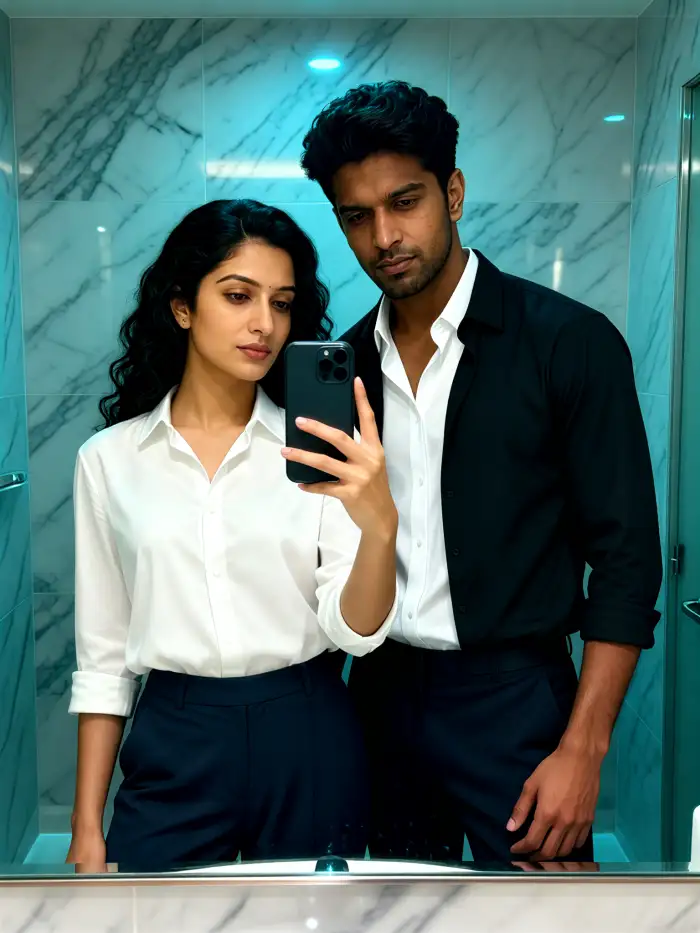
Mirror selfies are trickier than ordinary portraits. The reflection adds depth, the phone often covers part of the face, and the mirror itself can introduce glare, smudges, or distracting backgrounds. Generic prompts like make this photo better rarely work. A good mirror selfie prompt tells the AI exactly what to keep, what to remove, and what mood to create. These prompts below do that heavy lifting for you.
How to Use These Prompts Effectively
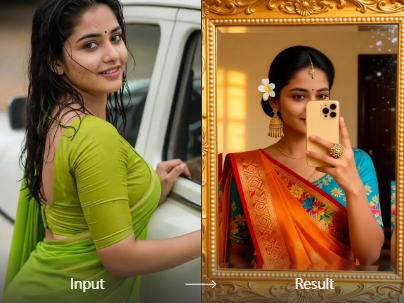
Open your AI photo editor, such as the pixpop app on Android, and upload your mirror selfie. Choose the image to image or style transfer mode. Paste any prompt from the list below into the text field. Adjust the intensity slider if available. You can also combine two prompts, for example, start with a lighting prompt then add a color grading prompt. Always keep the original photo handy so you can compare details before saving.
Adaptation tip: replace any location, clothing, or color mention with your own. If a prompt says hotel room mirror but you are in a bathroom, just change the location. If it says flowing dress but you are wearing jeans, change the outfit. The structure of the prompt matters more than the exact words.
30 Mirror Selfie AI Photo Editing Prompts
Natural Light Mirror Selfies
- Soft morning sunlight through sheer curtains, clean mirror, natural skin texture, subtle blush, airy and fresh mood
- Golden hour reflection, warm rim light on hair, slight lens flare, cozy bedroom background with plants
- Overcast window light, no harsh shadows, clear reflection, casual outfit, neutral color palette
- Bright bathroom light, dewy skin, white tiles, crisp details, minimal shadows
- Sunbeams across the floor, mirrored reflection partially lit, relaxed pose, linen clothing, effortless vibe
- Window seat with city view behind, soft daylight, mirror leaning against wall, natural hair movement
Aesthetic and Moody Mirror Selfies
- Low light bedroom, single warm lamp behind the mirror, deep shadows, cinematic grain, soft focus edges
- Neon sign reflection in the mirror, dark room, cool color temperature, cyberpunk mood, high contrast
- Rainy window behind the mirror, blurred city lights outside, melancholic atmosphere, muted tones
- Candlelight glow, intimate warm light, dark background, shallow depth of field, romantic vintage mood
- Blue hour lighting, mirror near a window, soft cool tones, quiet mood, reflection slightly underexposed
- Smoke or haze in the room, mirror reflection partially obscured, moody and mysterious, film grain
Creative and Artistic Mirror Selfies
- Double exposure effect, city skyline overlapping the reflection, surreal composition, black and white with selective color
- Replace the phone with a vintage film camera, retro styling, 70s color palette, slight film grain
- Turn the reflection into a watercolor painting, soft brush strokes, pastel colors, dreamy texture
- Symmetry disruption, one side realistic and one side glitch art, fragmented reflection, bold artistic statement
- Multiple reflections of the same person in different poses, impossible mirror effect, clean execution
- Reflection replaced with a starry night sky, phone stays in hand, surreal and imaginative composition
Vintage Film Mirror Selfies
- 90s disposable camera look, heavy grain, slightly blurred focus, faded colors, handwritten date stamp
- Polaroid style, white border around the image, soft warm flash, nostalgic 80s bedroom setting
- Black and white film noir, high contrast shadows, sharp reflection, mysterious atmosphere
- Old photo revival, cracked paper texture, sepia tone, worn edges, antique mirror frame
- Super 8 film still, motion blur on the edges, grainy color shifts, retro home movie feel
- Early 2000s digital camera aesthetic, slight overexposure, silver jewelry, Y2K style outfit
Minimalist Mirror Selfies
- Plain white wall, centered composition, simple outfit, no clutter, bright even lighting, clean reflection
- Empty room with a single standing mirror, natural side light, neutral tones, Scandinavian style simplicity
- Mirror leaning against a wall, soft shadows, concrete floor, monochrome outfit, calm and modern
- Close up of hands holding the phone, simple jewelry, blurred background, focus on reflection details
- Full length mirror in an empty hallway, symmetrical architecture, soft daylight, minimal color accents
- Mirror with a thin black frame, clean lines, one plant in the corner, simple composition, airy light
How to Adapt These Prompts for Your Own Photos
These prompts are starting points. Swap out specific details to match your photo and your vision.
Location: if the prompt mentions a bedroom but you are in a gym, replace that word. For example, change low light bedroom to low light gym mirror. Lighting: change warm lamp to fluorescent strip to shift the mood completely. Clothing: replace flowing dress with hoodie and sneakers to make the prompt fit your style. Props: add or remove items like a coffee cup, a book, or headphones to personalize the scene. Color grade: add your own color keywords such as teal and orange, pastel pink, or earthy brown. The AI will follow the new details while keeping the overall composition of the original prompt.
Advanced Prompt Combinations
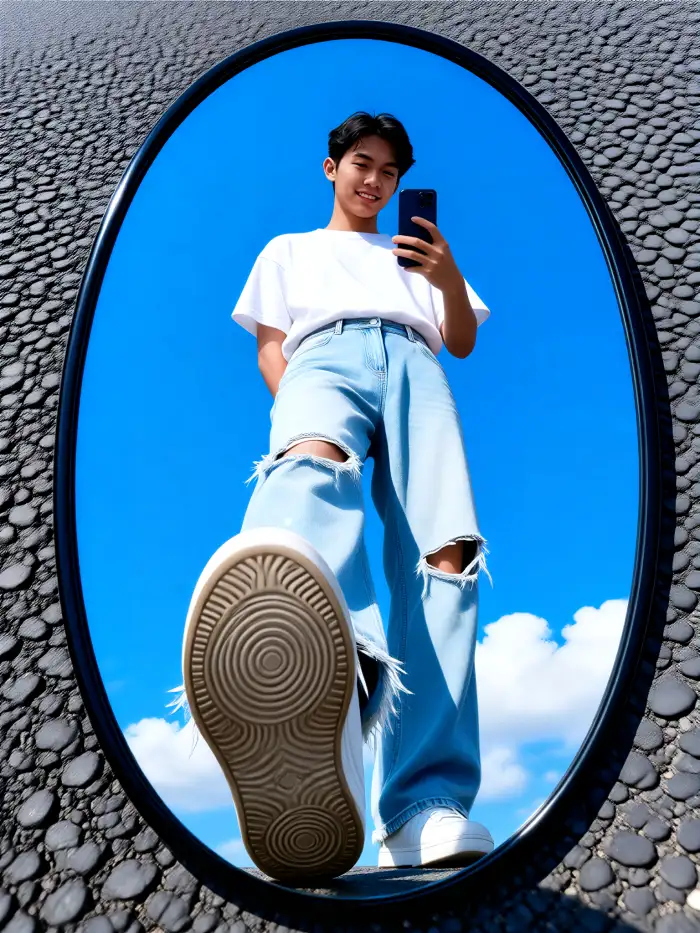
You can combine two or three prompts for a more specific result. For example, start with a lighting prompt from the moody section, then add a color grade phrase like muted green tones, then finish with a texture request like subtle film grain. Another combination is to take a minimalist prompt and add a surreal element from the creative section, such as reflection replaced with a starry sky. The pixpop app lets you stack style filters on top of text prompts, so you can apply a vintage template and still use a natural light prompt. Experiment with the order of phrases. Sometimes putting the setting first produces better results than putting the lighting first.
Common Mistakes and How to Fix Them
AI sometimes struggles with mirror selfies. Here are the most common issues and the exact phrases to add to your prompt to correct them.
- Distorted or duplicated face: add accurate reflection, no duplicate face, single reflection only.
- Phone covering too much of the face: add move phone slightly to the side, full face visible in reflection, or crop phone out entirely.
- Overly smooth skin: add natural skin texture, visible pores, realistic hair strands, no plastic skin.
- Flat or unrealistic lighting: specify light direction and color, for example side light from left, cool blue cast, or soft overhead warm light.
- Cluttered or distracting background: add simple background, remove clutter, plain wall behind mirror, or blurred background.
- Inaccurate mirror frame or shape: describe the frame, for example thin black metal frame, round mirror, or vintage wooden frame.
Do not hesitate to run the same prompt twice or slightly reword it. Small changes often fix big problems. If a prompt still gives a poor result, try changing the order of the details or removing one element. The AI may be focusing on the wrong part of the scene.
Write Your Own Mirror Selfie Prompts
Once you are comfortable with the prompts above, try writing your own. Start with the setting: describe the room, the mirror, and the background. Then add lighting: name the light source, its direction, and its color. Next, describe the subject: what you are wearing, your pose, and facial expression. Finally, add any style or mood words like vintage, surreal, minimal, or cinematic. For example, a complete prompt might look like this: bedroom mirror, warm bedside lamp, soft yellow light, sitting on the floor, oversized sweater, relaxed smile, 90s film grain. The more specific you are, the closer the result will match your vision. But do not overload the prompt with too many details, because the AI may ignore some. Three to five key details per prompt is the sweet spot.
Use pixpop for These Mirror Selfie Prompts
pixpop is an all in one AI design app for Android that handles text to image, image to image, and style transfer. It includes over one million style filters, so you do not need to write complex negative prompts. Just upload your mirror selfie, choose a style template, or paste one of the prompts above, and the app does the rest. Download pixpop from Google Play and start editing your mirror selfies today. Your next stunning photo is only a prompt away.