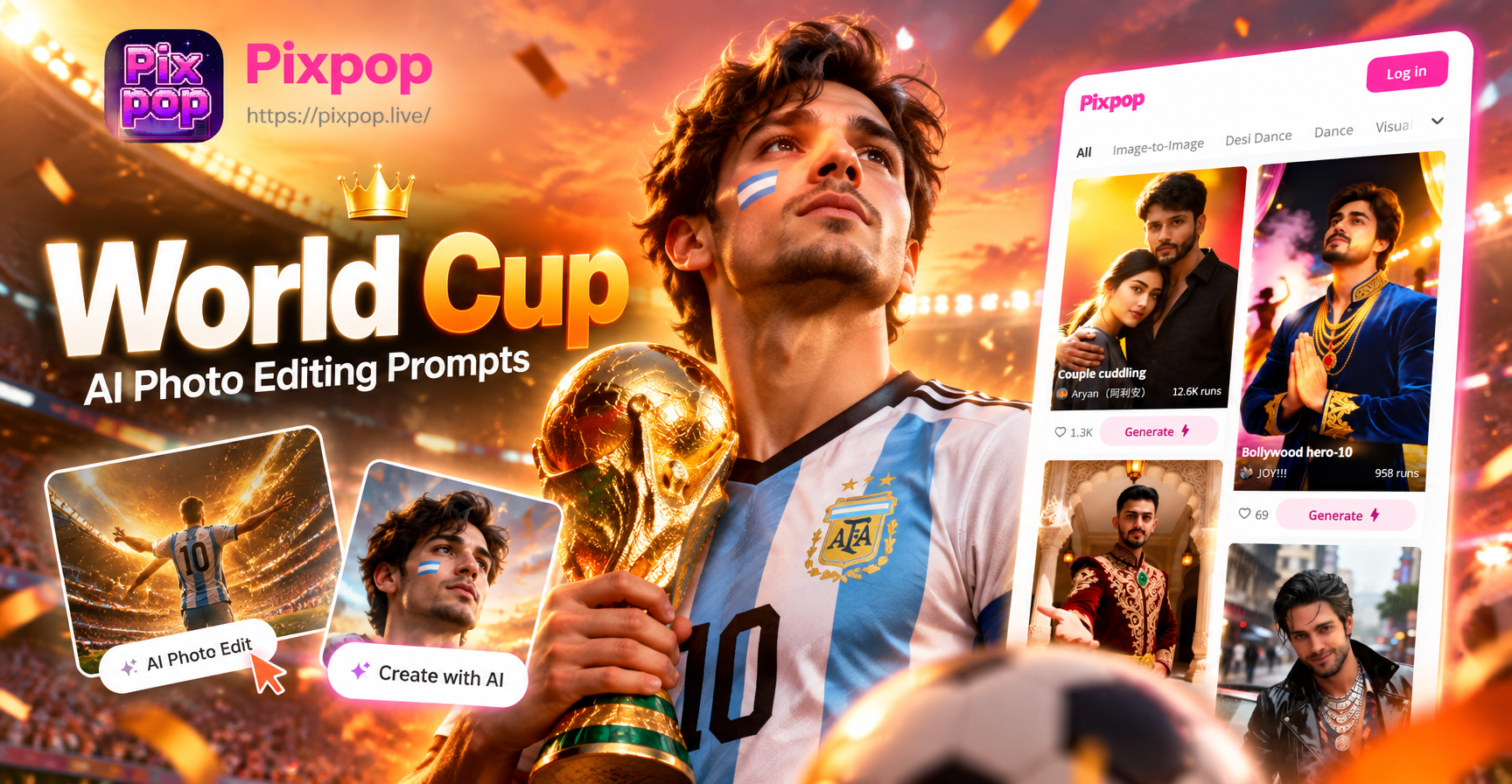
World Cup AI photo editing prompts are detailed text instructions that tell an AI image editor exactly how to turn your portrait or selfie into a football scene. You upload a clear photo, paste one of these prompts into an app like pixpop, and the AI applies the scene, outfit, lighting and atmosphere you described. This works for jersey swaps, stadium backgrounds, trophy celebrations, fan face paint and full action shots.
Because the World Cup is packed with instantly recognizable visual language, flags, jerseys, green pitches, golden trophies, floodlights and roaring crowds, your prompts can be very specific. The more visual details you include, the more believable the edit becomes.
20 World Cup AI Photo Editing Prompts to Copy and Adapt
Match Day Hero Prompts
- Prompt 1. Turn this photo into a match day portrait of a person wearing a red number 10 national team jersey on a grass pitch at night. Use stadium floodlights, light sweat on the face, dramatic rim light, photorealistic, 8k.
- Prompt 2. Edit this portrait into a striker celebrating a goal in a packed World Cup stadium. Show arms spread wide, a green pitch blurred behind, confetti falling, golden hour light, cinematic color grading.
- Prompt 3. Place this person in a goal celebration jump with two teammates around them. Give the team blue and white striped jerseys, show a roaring stadium crowd, add motion blur on the arms, night match lighting.
Stadium Atmosphere Prompts
- Prompt 4. Make this photo look like I am in the front row of a World Cup final. Paint my face green and yellow, add a blurred colorful crowd behind me, bokeh, night match lighting, photorealistic.
- Prompt 5. Transform this selfie into a fan holding a giant foam finger and waving a national scarf inside a roaring stadium. Add red smoke in the background, cinematic color grading, medium shot.
- Prompt 6. Edit this image so the person is leaning over the railing of a World Cup press box looking down at the pitch. Give them a navy blazer and TV broadcast lighting, shallow depth of field.
Fan Celebration Prompts
- Prompt 7. Turn this portrait into a street celebration after a World Cup win. Dress the person in a jersey raising a scarf, add confetti in the air, a city square at dusk, lanterns and flags, photorealistic.
- Prompt 8. Make this image look like a fan blowing a vuvuzela at a World Cup match. Show cheeks puffed, a colorful hat, an energetic crowd in the background, bright stadium lights.
- Prompt 9. Edit this photo into a living room watch party. Put the person in a team jersey jumping off the sofa, friends cheering around them, a large TV with a match on screen, warm indoor lighting.
Trophy and Glory Prompts
- Prompt 10. Place this person in a World Cup trophy lift scene. Add a captain's armband, gold confetti raining down, fireworks in a night sky, photographers in the background.
- Prompt 11. Turn this portrait into a player kissing the trophy with sweat and tears. Add a medal around the neck, blurred fans behind, shallow depth of field, dramatic side light.
- Prompt 12. Edit this image so the person is holding the World Cup trophy above their head on an open top bus parade. Add streamers and flags, a daylight crowd, joyful expression.
Retro World Cup Prompts
- Prompt 13. Give this photo a retro 1990s World Cup magazine cover look. Use grainy film, faded colors, a classic long sleeve jersey, bold sans serif headline text behind the person.
- Prompt 14. Turn this portrait into a black and white vintage World Cup photo. Dress the person in an old style leather football shirt, add sepia tint, film grain, soft focus.
National Pride Prompts
- Prompt 15. Edit this selfie into a World Cup supporter portrait. Paint the person's face in the colors of the Brazil flag, give them a yellow jersey, add stadium lights and a blurry crowd.
- Prompt 16. Place this person in a fan crowd wearing a French blue jersey and holding a rooster mascot. Add tricolor face paint, confetti, bright stadium lighting.
Action Shot Prompts
- Prompt 17. Turn this photo into an action shot of the person striking a football with the outside of their boot. Add grass particles flying, sweat and intensity, a World Cup pitch background.
- Prompt 18. Make this portrait look like a goalkeeper diving to save a penalty in a World Cup shootout. Show arms extended, a ball in the frame, dramatic motion blur, night match.
Extra Match Day Moments
- Prompt 19. Edit this image into a World Cup post match interview scene. Put the person in the stadium tunnel background, add a microphone badge, broadcast lighting.
- Prompt 20. Turn this selfie into a dramatic World Cup poster. Use a half body portrait, dramatic side lighting, team colors, bold graphic lines and the word FINAL behind the person.
How to Adapt These Prompts to Your Own Photos
Each prompt above works best when you replace the generic details with your own identity. Change the team color, jersey number, national flag, and even the stadium mood to match the game you remember or the team you support. Keep the structure of the prompt intact. Start with the subject, then the outfit, then the location, then the lighting, then the style. This keeps the AI focused on what matters.
Upload a high resolution front facing photo with the person clearly visible. Avoid hats, heavy shadows across the face, and group shots unless you want multiple people edited. Cropping close to the shoulders often produces cleaner jersey and face paint swaps. If the original photo has a busy background, use a prompt that asks for a full scene replacement rather than a subtle edit.
Common Weak Results and How to Fix Them
- Vague outfit. Saying football jersey is not enough. Include the team color, number, and whether it is home or away. Example: white home jersey with a blue collar and number 7.
- Wrong lighting. If the original photo was taken indoors and the prompt says stadium floodlights, the AI may produce a flat image. Match the prompt lighting to the original or ask the AI to relight the scene.
- Too many elements. Asking for a crowd, confetti, trophy, fireworks and a mascot in one prompt can create visual noise. Keep one main action and two background details.
- Unrealistic proportions. If the trophy looks too small or the face looks stretched, add correct proportions, natural face shape, consistent anatomy at the end.
- Mismatched jersey. Some AI tools mix team colors or add random logos. Be specific with color, pattern, and sleeve length to reduce errors.
Using pixpop for World Cup Edits
pixpop is a mobile AI design app that includes text to image, image to image, and over one million style filters. You can use these prompts in the image to image tool. Upload your photo, paste a prompt like the ones above, pick a style such as photorealistic, cinematic or 3D, and generate. No complex prompt engineering needed. The app is available on Google Play and works entirely on your phone.
Quick Prompt Formula for World Cup Edits
Use this sentence pattern when you want to create your own prompt: Subject wearing specific jersey with color and number in stadium, street, or celebration scene with lighting and style, extra detail. For example: A young woman wearing a yellow Brazil number 10 jersey standing in a packed Maracana stadium at sunset with golden light, photorealistic, 8k.
Switch the subject, team colors, and location to create infinite variations. The more you reuse the same structure, the faster you will see what works for your face shape and your photo quality.