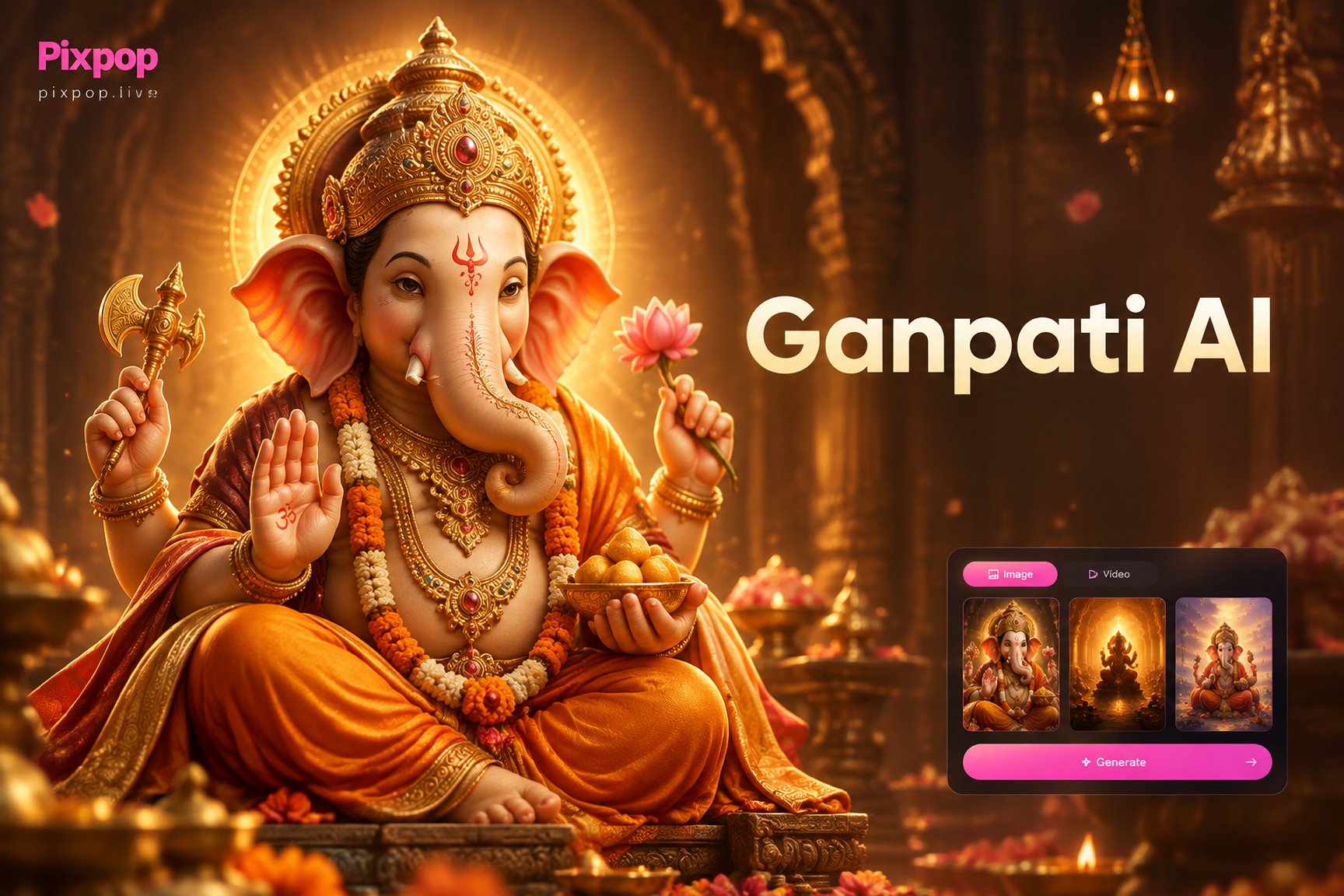
Ganpati Bappa AI video prompts help you generate respectful, visually rich videos of Lord Ganesha using text to video or image to video tools. This guide provides ready to use prompts for different styles, from cinematic realism to 3D animation and anime, so you can create Ganesh Chaturthi reels, devotional posts, and festive greetings without writing complex prompt engineering from scratch.
What Makes a Strong Ganpati Bappa AI Video Prompt?
A good prompt describes the subject clearly, then adds motion, lighting, and camera details. For Ganpati Bappa, that means naming the pose, ornaments, trunk direction, background, and the mood you want. Vague prompts produce generic or distorted results. Specific prompts help the model keep the idol or animated form stable and respectful.
Essential Details to Include
- Form and face: mention the single elephant head, large ears, two symmetrical tusks, and the trunk curve.
- Dress and jewelry: describe the silk dhoti, gold crown, necklace, and sacred thread.
- Action: ask for gentle motion like trunk sway, blessing hand, blinking eyes, or walking.
- Scene: add a temple, pandal, lotus pond, terrace, or festival procession.
- Light and camera: specify oil lamps, golden hour, soft shadows, and slow push in or orbit movement.
10 Ready to Use Ganpati Bappa AI Video Prompts
Paste these prompts into a text to video generator. You can also use an image of your Ganpati idol as a reference and shorten the prompt to the action and camera details.
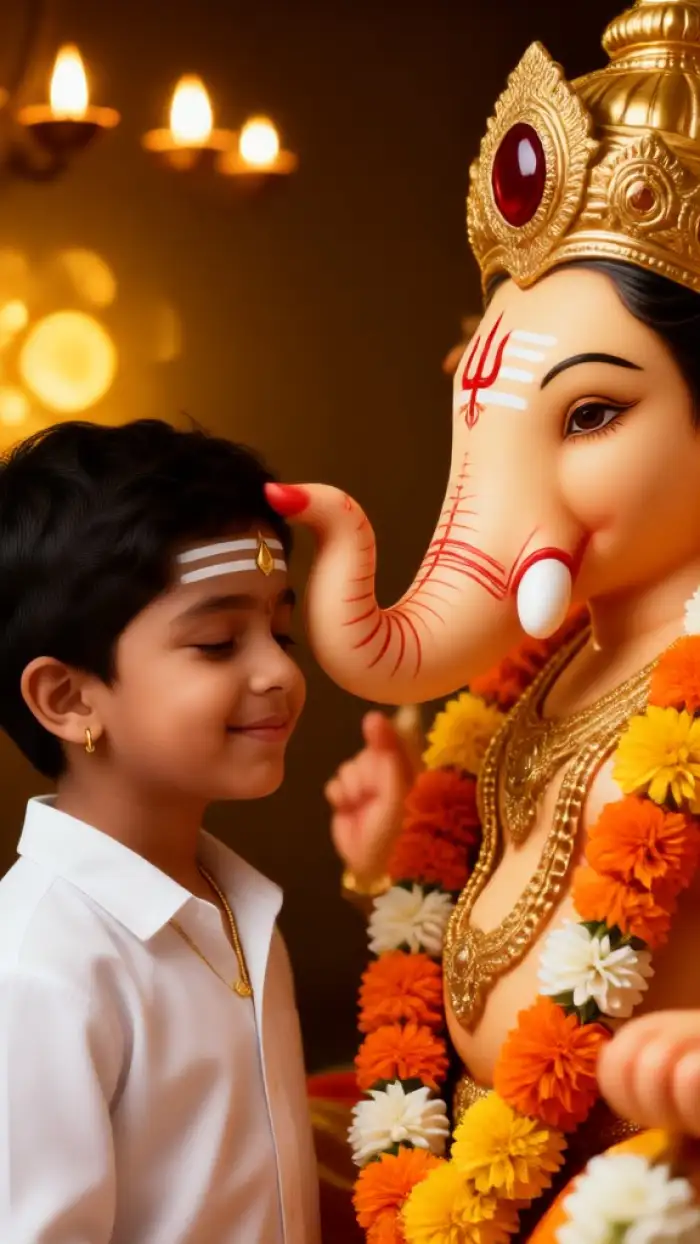
- Traditional Blessing Pose: Lord Ganesha sits on a golden lotus in a dim temple hall, one hand raised in abhaya mudra, the other holding a modak. He wears an orange silk dhoti and a jeweled crown. Soft oil lamps flicker around him, marigold petals float in the air, slow motion camera push in, warm cinematic light, ultra realistic 4k devotional video.
- Ganesh Chaturthi Morning Aarti: An idol of Ganpati Bappa decorated with red hibiscus garlands stands on a stage during Ganesh Chaturthi. A priest waves a brass lamp in a circular motion, incense smoke rises, devotees clap and chant softly in the background. Camera orbits slowly around the idol, golden hour light through temple windows, realistic cinematic style.
- Dreamy Cinematic: A close up of Lord Ganesha's face with gentle eyes and a slight smile, a small mouse sits near his feet. Soft blue and gold bokeh lights fill the background. Ganesha slowly blinks and turns his head toward the camera, his trunk sways gently, ethereal mist and floating flower petals, 8k cinematic video, shallow depth of field.
- 3D Animation: A stylized 3D animated Ganpati Bappa dances joyfully on a terrace during sunset, wearing a turquoise and gold outfit. His body moves in a smooth rhythmic loop, hands clap, feet step side to side, colorful confetti and diya lights surround him, playful children watch from the side, Pixar style animation, warm cheerful lighting.
- Anime Style: An anime style Lord Ganesha stands under a blooming palash tree, long orange silk scarf flowing in the wind. He holds a golden axe and a rope in two hands, a small blue mouse companion runs beside him. Cherry blossom petals drift across the frame, dramatic sky with soft clouds, vibrant colors, Japanese anime movie background art style.
- Festive Dhol and Dance: A life size Ganpati Bappa idol sits on a decorated truck during a visarjan procession. A group of people dances with dhol drums, colored powder flies in the air, confetti falls like rain, camera moves through the crowd toward the idol. Shallow depth of field on the idol face, high energy, cinematic festival video, vivid color grading.
- Ultra Realistic Close Up: Macro shot of a decorated Ganpati idol's face, intricate gold crown and pearl ornaments, white sandalwood paste markings on the forehead, a fresh red rose rests near the trunk. The idol seems to breathe gently, the trunk lifts slightly, a single oil lamp flame flickers in the reflection of the eyes, hyper realistic 4k, slow motion.
- Monsoon Bliss: Lord Ganesha stands under a carved stone arch in a rain washed garden, wearing a deep green silk dhoti and gold jewelry. Rain drops fall softly around him but do not touch him, droplets glide off lotus leaves, his trunk curls toward a small bowl of modak. The camera dollies left to right, soft overcast light, realistic cinematic nature video.
- Minimalist White Background: Studio shot of a small clay Ganpati idol on a white marble surface, simple red tilak on the forehead, one green leaf and a few rice grains placed nearby. The idol slowly rotates 180 degrees, cast soft single shadow, clean minimal composition, soft even lighting, high quality product style video, 4k.
- Night Aarti with Fireflies: An outdoor pandal at night, a large Ganpati idol illuminated by warm golden lights, hundreds of small oil lamps form a path to the idol. Fireflies drift through the humid air, the camera slowly rises from ground level to face level of Ganpati Bappa, the idol's eyes appear calm and compassionate, cinematic wide angle, deep blue night sky.
How to Use These Prompts in an AI Video App
Open an app that supports text to video and image to video generation. Paste any prompt into the text field, choose a style template if available, and let the model generate the first clip. If you have a photo of a Ganpati idol or a Ganesh Chaturthi pandal, upload it as an image reference and add a shorter motion prompt, such as slow camera push in, flickering oil lamps, gentle trunk movement.
In pixpop, you can paste these prompts directly, select a realistic, cinematic, 3D, or anime style, and generate a short video clip from text or an uploaded photo. The app is designed for simple operation, so you do not need to write long prompt engineering commands.
Tips to Improve Weak or Generic Results
Specify Camera Movement and Duration
Generic prompts often return static looking clips. Add camera direction like slow push in, orbit left, or dolly from ground to eye level, and mention action like trunk sways, hands clap, or garland swings. The more movement you describe, the more dynamic the video becomes.
Avoid Visual Errors with Clear Anatomy Cues
AI models can sometimes add extra arms or distort ornaments. Include cues such as four arms arranged naturally, single elephant head, two symmetrical white tusks, and slender trunk curling to the left. This keeps the generated form close to traditional depictions.
Keep Lighting and Mood Consistent
Choose one lighting source and stick to it. If you want a temple scene, use warm oil lamps and soft shadows. For an outdoor festival scene, use golden hour sunlight and vivid colors. Consistent lighting prevents muddy or confusing visuals.
Common Questions About Ganpati Bappa AI Video Prompts
Can I use these prompts for Ganesh Chaturthi reels? Yes. The festival themed prompts work well for short social media reels, status updates, and greeting videos. Pair them with devotional music for a stronger emotional impact.
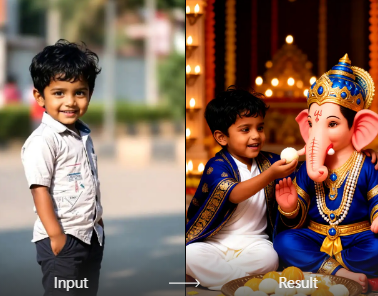
Should I add a reference image? It helps. Upload a clear front facing photo of a Ganpati idol or a decorated pandal, then use a shorter prompt that focuses on camera movement and motion. This improves consistency and reduces errors.
Which style works best? Realistic cinematic works best for aarti and close up shots. 3D and anime styles work well for joyful dance and story based clips. Test one prompt in two styles to see which matches your audience.
Conclusion
These Ganpati Bappa AI video prompts give you a strong starting point for devotional and festive videos. Copy a prompt, paste it into your AI video app, and adjust the style or motion to suit your needs. With a few small edits, you can create consistent, respectful, and visually striking Ganpati Bappa clips for Ganesh Chaturthi or everyday worship.