What Is a Dall E Free Alternative?
A Dall E free alternative is any AI image generator that turns text prompts into images without forcing you to buy a subscription. Some alternatives are free forever with daily limits, others use ad-supported credit systems, and a few run on open-source models that you can host yourself.
When you compare free tools, pay attention to image quality, style variety, daily credits, commercial rights, and ease of use. A generator that creates beautiful art is not helpful if it is too slow or too hard to learn.
Why People Look for a Dall E Free Alternative
Dall E produces detailed images, but its free credits run out quickly. You may need a paid plan for regular use, and the browser interface is not always ideal for mobile creators. A free alternative gives you room to experiment without worrying about running out of credits.
Many creators also want different styles, faster feedback, or image-to-image editing. Free tools like PixPop, Craiyon, and Leonardo.Ai cover these needs without a subscription.
Best Free DALL-E Alternatives in 2025
Here are six options worth trying. Each one works differently, so test a few and keep the ones that match your workflow.
PixPop
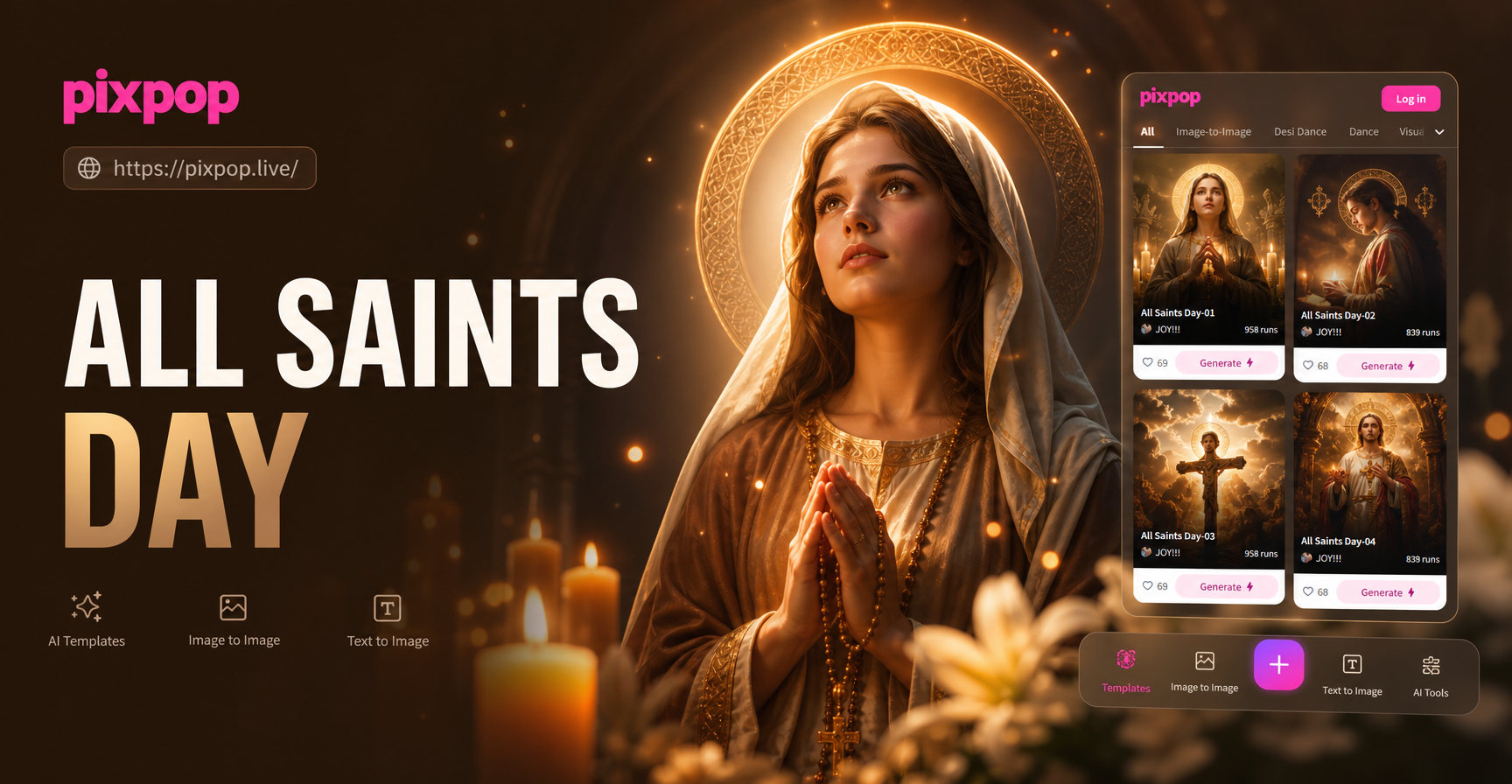
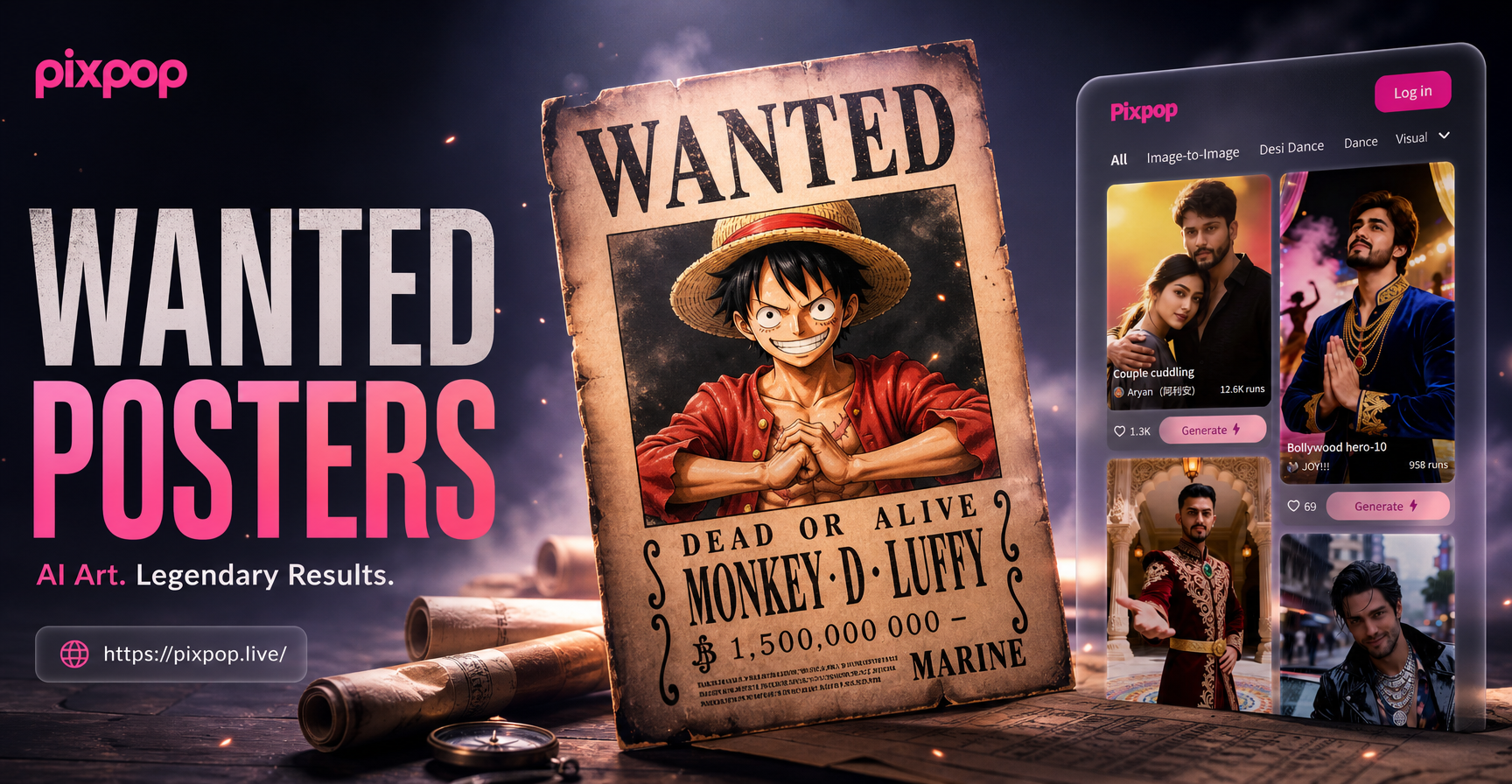
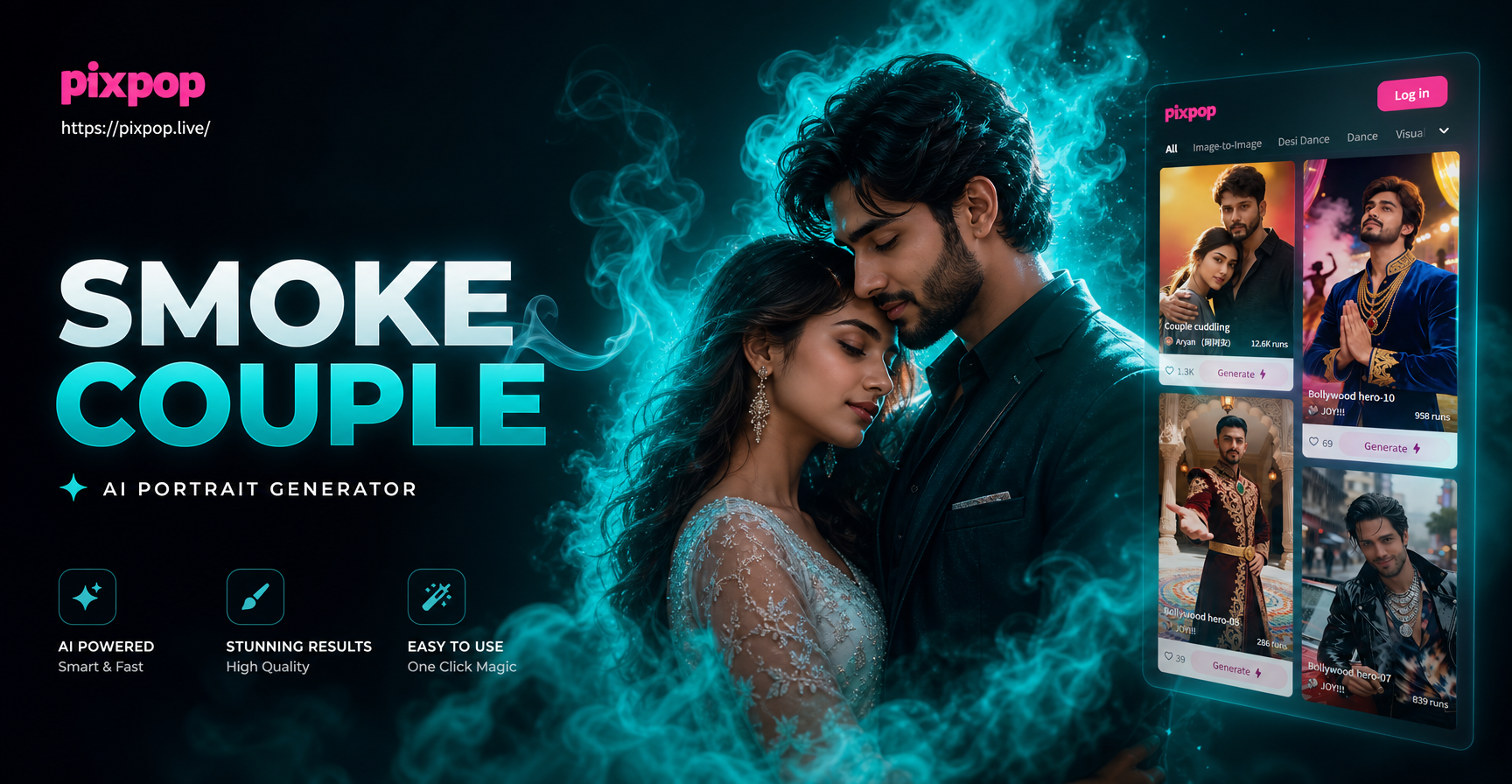
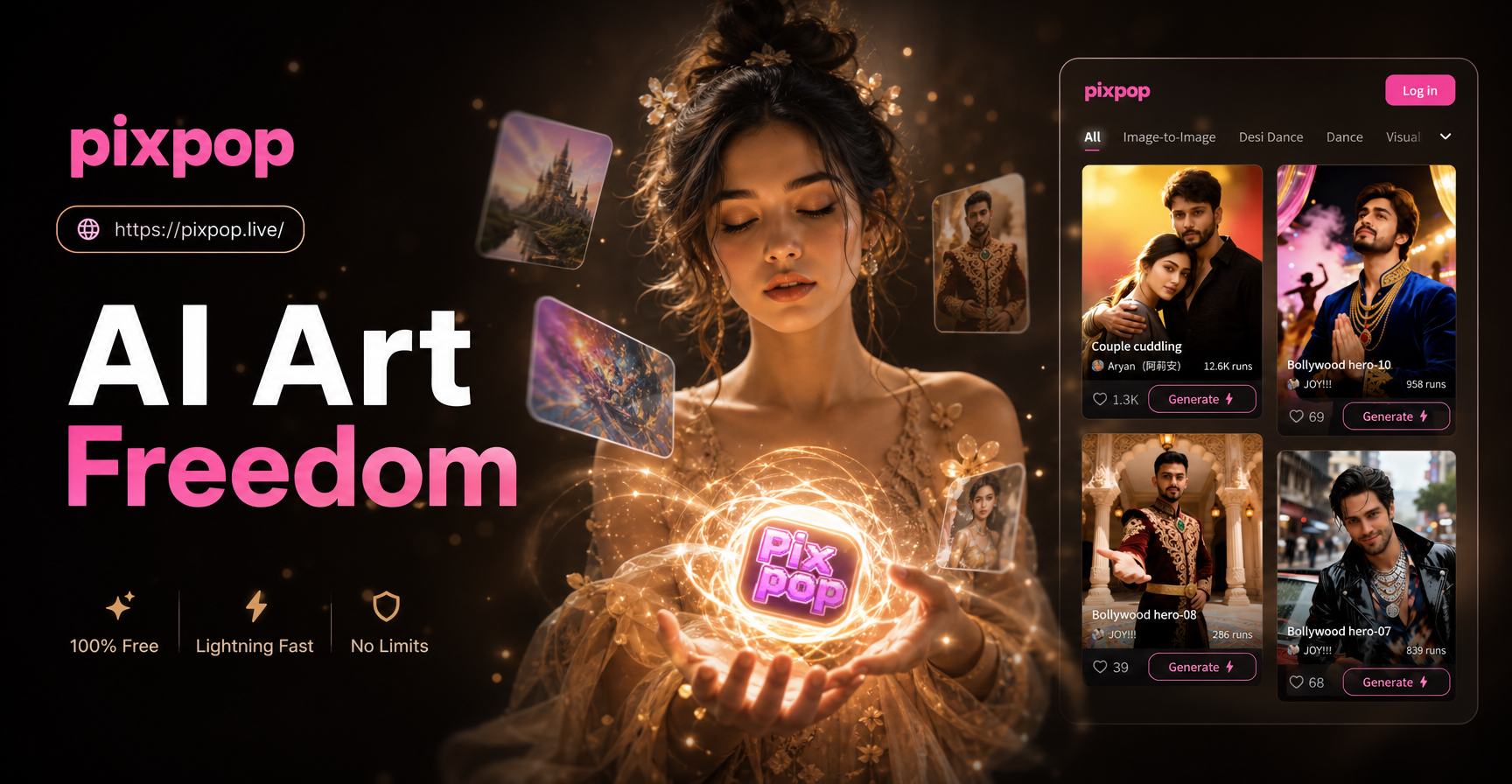
PixPop is a mobile AI design app for Android that combines text-to-image, image-to-image, and a library of more than one million style filters. Instead of writing a long prompt, you choose a template and let the app handle the style. You can create realistic photography, anime, 3D clay, watercolor, cyberpunk, and many other looks in seconds.
Because PixPop works entirely on your phone, it is a practical free alternative for creators who do not want to sit at a computer. You can upload a photo, pick a style, and generate a new image. The app is available on Google Play.
Bing Image Creator
Bing Image Creator runs on OpenAI technology and gives you free daily boosts through Microsoft Rewards. It works in a browser and requires a Microsoft account. The image quality is close to Dall E, but the free boosts can be used up quickly.
Craiyon
Craiyon is one of the most familiar free AI image generators. It lets you type a prompt and generate multiple images without paying. The images are smaller and less polished than Dall E, but the no-cost access makes it useful for rough drafts and brainstorming.
Leonardo.Ai
Leonardo.Ai offers a free tier with daily tokens. It includes many fine-tuned models and style controls, which makes it popular with concept artists and game developers. The free plan is enough for personal projects, but the daily reset is something to plan around.
Playground AI
Playground AI combines image generation with editing tools. You can generate an image and then expand, erase, or modify parts of it on a canvas. The free plan includes daily image limits, and the editor is useful for iterative prompting.
Stable Diffusion via Free Web UIs
Stable Diffusion is an open-source model that powers many free generators. You can run it locally if you have a capable computer, or use one of the many free web interfaces. The quality depends on the model and settings, but the flexibility is hard to beat.
Comparing Free DALL-E Alternatives at a Glance
| Tool | Free Plan | Best For |
|---|---|---|
| PixPop | Free app with style filters | Mobile creators who want simple text-to-image and image-to-image |
| Bing Image Creator | Daily boosts with Microsoft Rewards | Quick browser generation with Dall E technology |
| Craiyon | Unlimited free images with ads | Rough ideas and low-stakes experiments |
| Leonardo.Ai | Daily free tokens | Concept art and style control |
| Playground AI | Daily free images | Editing and iterative prompts |
How to Choose the Right Free Alternative
Start by asking where you create most often. If you are on an Android phone, PixPop is the most direct replacement because it is built for mobile. If you prefer a browser, Bing Image Creator or Craiyon are easier entry points. If you need fine-grained control, try Leonardo.Ai or a Stable Diffusion web UI.
Check the daily limits before you start a large batch. Free tools often cap the number of generations, and running out of credits halfway through is frustrating.
Free AI Image Prompts You Can Reuse
These prompts work well on most free generators. Change the subject and style to match your project.
- a cozy reading nook with warm afternoon light, soft blankets, and a cup of tea, photorealistic
- a friendly robot teaching a cooking class in a bright kitchen, 3D clay style
- a tiny fox walking through a snowy forest at sunrise, watercolor illustration
- a futuristic market street in Tokyo, neon signs and light rain, cyberpunk style
- an old family photo restored and colorized, everyone smiling naturally
- a dreamy anime landscape with floating islands and a pastel sky
In PixPop, you can simplify the prompt and choose a style template instead. Type a short subject like 'a fox in snow' and select the watercolor or anime filter.
Common Use Cases for Free AI Image Generators
- Social media posts and thumbnails
- Personal art and phone wallpapers
- Storyboards and concept sketches
- Product mockups and visual notes
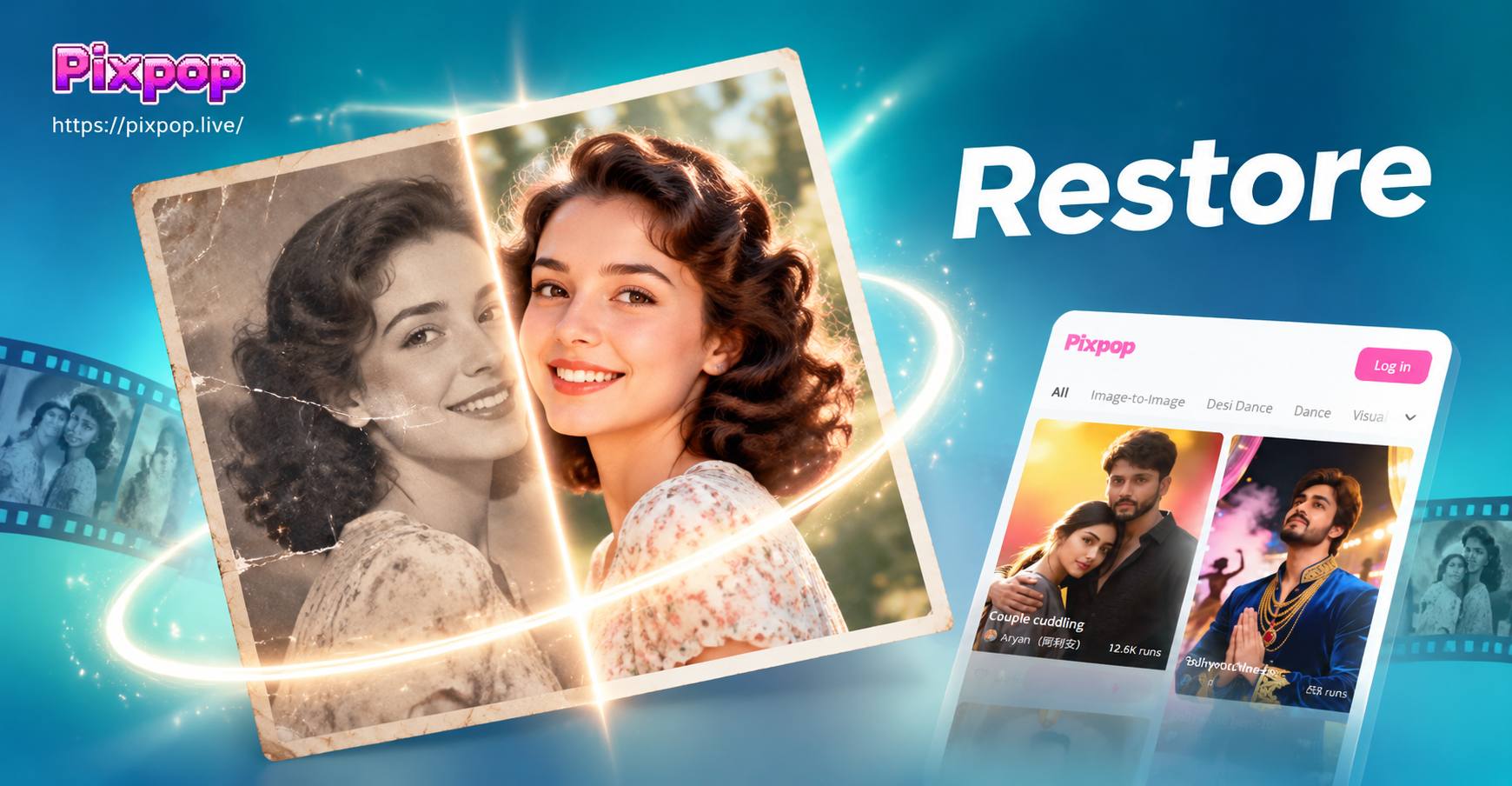
- Restoring old photos with image-to-image tools
- Creating personalized gifts or greeting cards
How to Fix Common Weak Results
Free tools sometimes produce blurry images, distorted hands, odd text, or colors that do not match the prompt. These fixes help you get better output.
- Be specific about light and setting. Instead of 'a portrait', try 'a portrait of a woman in soft window light, pale blue background, natural skin texture'.
- Mention the style. Words like 'watercolor', '3D render', or 'photorealistic' guide the model's edge and color behavior.
- Avoid crowded scenes. One subject and one clear action usually works better than a long list of characters.
- Run a second pass. If the first image is close, use an image-to-image feature to refine it. PixPop and Playground AI support this workflow.
- Check the aspect ratio. Square images are safer for general use. Choose a specific ratio before generating if you need a different shape.
What to Know About Commercial Rights
Free plans do not always include commercial usage rights. Before using generated images for a business, check the tool's terms. Some free tiers restrict commercial use, while others allow it with attribution. For personal and social media projects, free alternatives are usually safe.
If you plan to sell prints or use images in ads, review the license in the app or on the provider's website. PixPop and many mobile apps keep personal projects simple, but it is worth checking before you start a commercial project.
Step-by-Step: Start with a Free Alternative Today
- Choose a tool based on your device. For Android, download PixPop from Google Play.
- Open the generator and type a short subject, such as 'a lighthouse at sunset'.
- Pick a style filter or preset if available. In PixPop, choose from realistic, anime, 3D clay, or watercolor.
- Generate one image, review the result, then adjust the prompt or style and try again.
- Save the image to your phone or share it directly.
Final Verdict
Your best Dall E free alternative depends on where you create. PixPop is the easiest mobile option for style-driven image generation. Bing Image Creator gives you near-Dall E quality in a browser, and Craiyon remains a dependable no-account option for quick tests. Try one or two tools this week, use the prompts above, and compare the results side by side.
No single tool is perfect for everyone, but you do not need to pay for Dall E to make striking AI images. Download PixPop or open another free generator, type a clear prompt, and start creating.