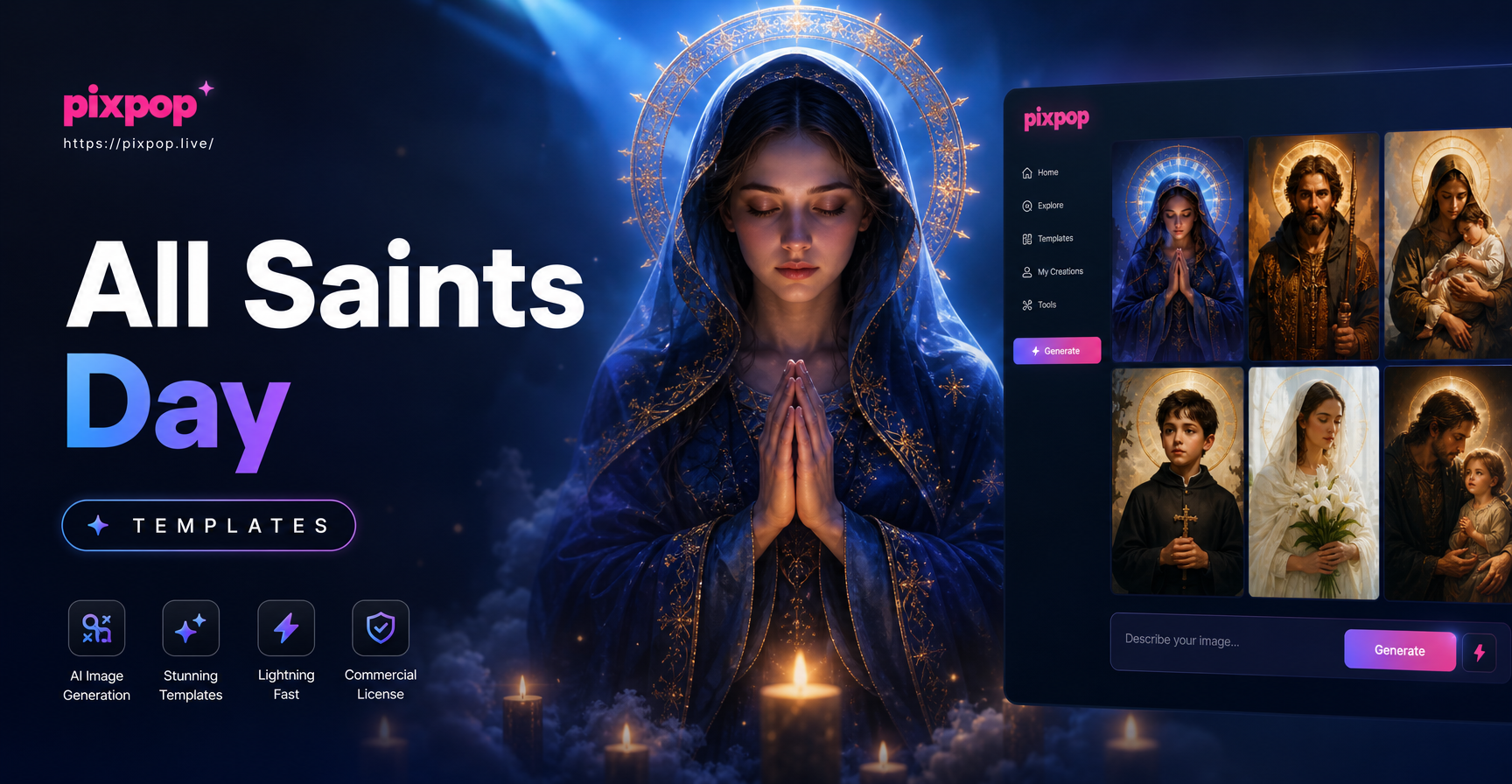
What Are All Saints Day Templates?
All Saints Day templates are ready made starting points for creating reverent, saint inspired images. They can be visual style presets, prompt examples, or filter combinations that guide an AI image generator toward the right look for November 1. Common elements include white candles, golden halos, white robes, stained glass windows, autumn leaves, lilies, and quiet church interiors. These templates help you avoid generic results and produce artwork that feels appropriate for prayer cards, parish announcements, and family remembrance posts.
With pixpop, you do not need design experience. You open the app on your phone, choose a style filter, type a short description, and generate a complete image. The template does the heavy lifting while you keep full control over the final detail.
Why Use AI Templates for All Saints Day?
All Saints Day has a distinct spiritual and visual character. A random AI prompt can miss the tone entirely. Templates keep your artwork focused on the right symbols and atmosphere. They save time, reduce guesswork, and produce consistent results across multiple images.
- Respectful tone: Start from prompts that emphasize prayer, silence, light, and remembrance instead of casual or commercial visuals.
- Consistent style: Use the same template family for a series of social posts or bulletin inserts.
- Fast production: Create a prayer card or post image in a few minutes from your phone.
Visual Styles That Fit All Saints Day
Different parishes and families prefer different aesthetics. These style directions work well as All Saints Day templates:
- Stained glass: Deep blues, reds, and golds with segmented light, halos, and gothic arches.
- Renaissance oil painting: Soft shadows, rich color, saint portraits with calm expressions.
- Candlelight photography: A single white candle, dark background, warm glow, and simple wooden surface.
- Gold leaf iconography: Flat or lightly textured gold backgrounds, halo rings, and symmetrical saint figures.
- Watercolor memorial cards: Gentle washes of cream, ivory, soft yellow, and pale blue with delicate flower accents.
All Saints Day Template Prompts to Try
Use these prompts as ready made template directions in pixpop. Change names, colors, and backgrounds to fit your own community.
- A quiet All Saints Day prayer table with a white candle, a small crucifix, a framed saint image, and autumn leaves, soft morning light, realistic photo style
- A stained glass window showing the communion of saints with golden halos, deep blue and red glass, gothic church interior, dramatic side light
- A vintage holy card template with an oval portrait of Saint Francis of Assisi, gold foil border, cream paper texture, and an empty space for a name
- A heavenly scene of saints in white robes standing in a field of white lilies, soft clouds, gentle rays of light, watercolor illustration
- A minimalist All Saints Day social media post with one lit candle on a dark background and clean space for a quote, elegant serif typography area
Each prompt works as a complete template. You can swap the saint name, change the flower type, or replace the background with your local church interior. The AI keeps the mood intact while adjusting the details.
How to Adapt All Saints Day Templates for Your Parish
Every community has its own devotional culture. A template becomes more meaningful when it reflects local saints, languages, and architectural details.
- Change the saint: Use your parish patron, a national saint, or a family name in the prompt.
- Add local language text: Many pixpop templates work best with an empty space for a name or verse. Add the text later in your photo editor or keep the space clear.
- Use your church interior: Upload a photo of your church as a reference image, then ask the AI to add candles or saint figures in the same style.
- Match your bulletin colors: Specify ivory, gold, deep blue, burgundy, or forest green to fit the season.
How to Create an All Saints Day Template in pixpop
The process is simple and mobile only. First, download pixpop from Google Play. Open the app and select an image generation mode. Second, choose a style filter that matches your template idea, such as realistic photo, watercolor, or stained glass. Third, enter one of the prompts above or write your own short description. Generate the image, review the result, and regenerate if a detail looks incorrect. Finally, save the image to your phone and use it in your church bulletin, social media, or printed prayer card.
All Saints Day Templates vs Halloween Images
All Saints Day is not Halloween. It is a Christian feast on November 1 that honors all saints, known and unknown. Templates for this day should avoid pumpkins, witches, and horror themes. Instead, focus on light, prayer, white robes, halos, candles, and saints. This distinction also helps your social posts reach the right audience.
Using Family Photos with All Saints Day Templates
You can also use pixpop to transform a family photograph into a saint inspired portrait. Upload a photo, choose a painterly or stained glass filter, and keep the person recognizable while adding a soft golden halo or heavenly light. This works especially well for remembrance posts on All Saints Day.
Tips for Better All Saints Day AI Results
- Use warm, low contrast light: Phrases like soft candlelight, gentle morning light, and warm gold tones produce a reverent mood.
- Keep backgrounds simple: A dark wood table or plain stone wall helps the candle and saint figure stand out.
- Check sacred symbols carefully: AI can distort crosses, halos, and hands. Regenerate or edit if a detail looks odd.
- Make a series: Use the same style filter and similar wording for matching prayer cards, cover images, and bulletin headers.
Project Ideas for All Saints Day Templates
- Prayer cards: Saint portrait on the front, prayer text on the back.
- Social media posts: A candle image with a verse or an invitation to Mass.
- Parish bulletin covers: A stained glass or gold leaf header with the date and parish name.
- Family remembrance photos: Add a soft halo or heavenly light around a loved one using the image to image feature.
- Printed banners: A wide heavenly scene with saints in white robes for a church entrance.
Common Questions About All Saints Day Templates
Do I need to be good at drawing or design?
No. The templates handle the composition and style. You only need to choose a filter and describe the scene in a sentence or two.
Can I use these templates for a specific saint?
Yes. Replace the prompt name with your parish patron or a family saint. For example, change Saint Francis of Assisi to Saint Therese of Lisieux or Saint Anthony.
Are the images respectful and appropriate for church use?
The templates focus on calm, reverent, and traditional visuals. You should still review the final image because AI can occasionally add a wrong detail.
Create Your All Saints Day Templates Today
All Saints Day templates save time and help you produce artwork that matches the solemn beauty of November 1. Download pixpop, open a saint inspired prompt, and generate your first prayer card or social post in minutes.