AI Pixel Art Photo Prompts
Choose the Pixel Art Filter That Matches Your Style
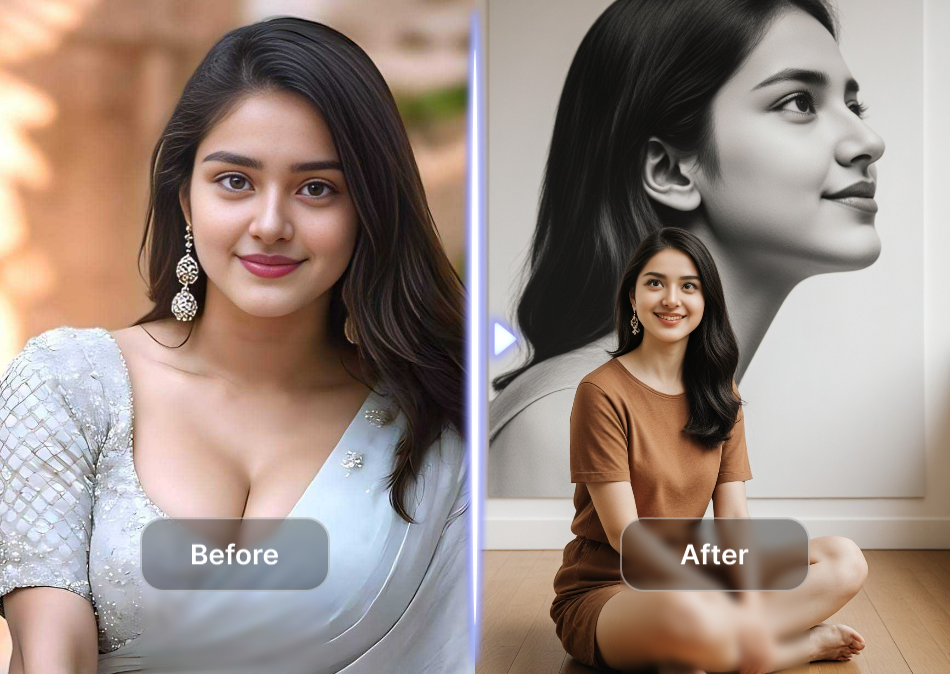
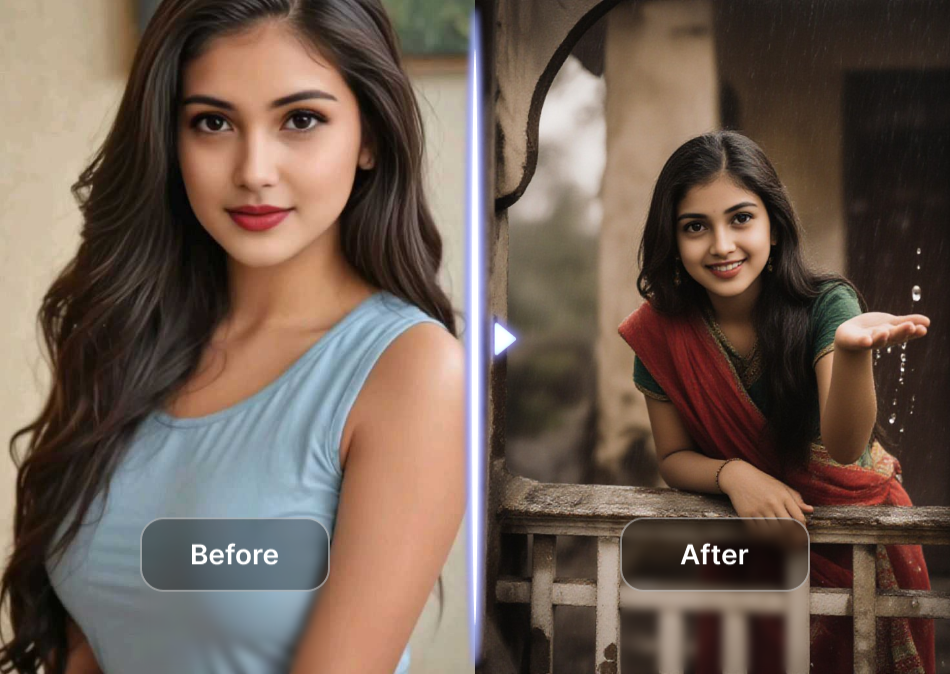
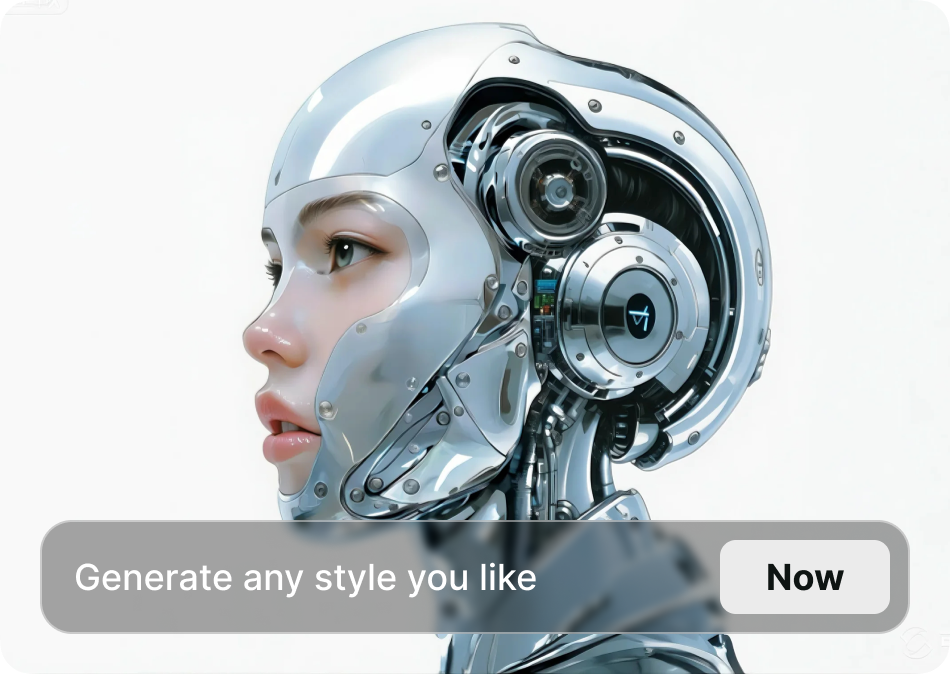
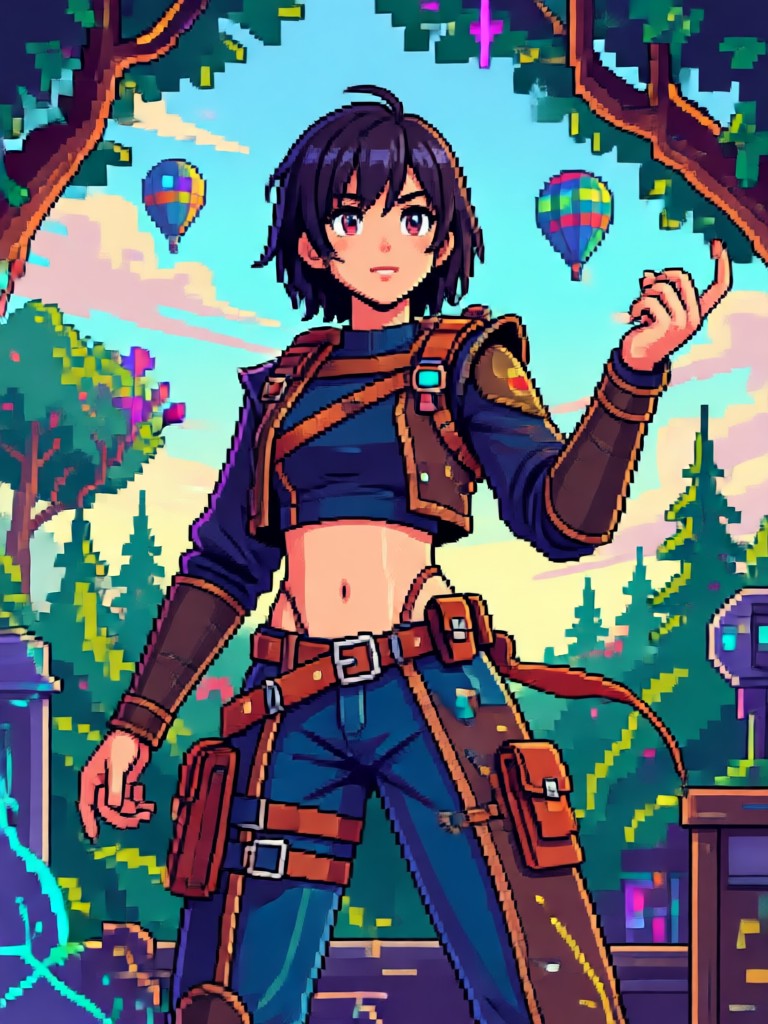
Discover multiple AI pixel art styles inside pixpop. Pick a classic 8 bit look, a detailed 16 bit scene, or a modern pixel illustration. Each filter works with your photo or text prompt.
Powerful AI Pixel Art Photo Prompt Tools
Create pixelated portraits, scenes, and characters with simple prompts. pixpop combines fast generation, millions of styles, and mobile convenience so you can produce retro art anywhere.
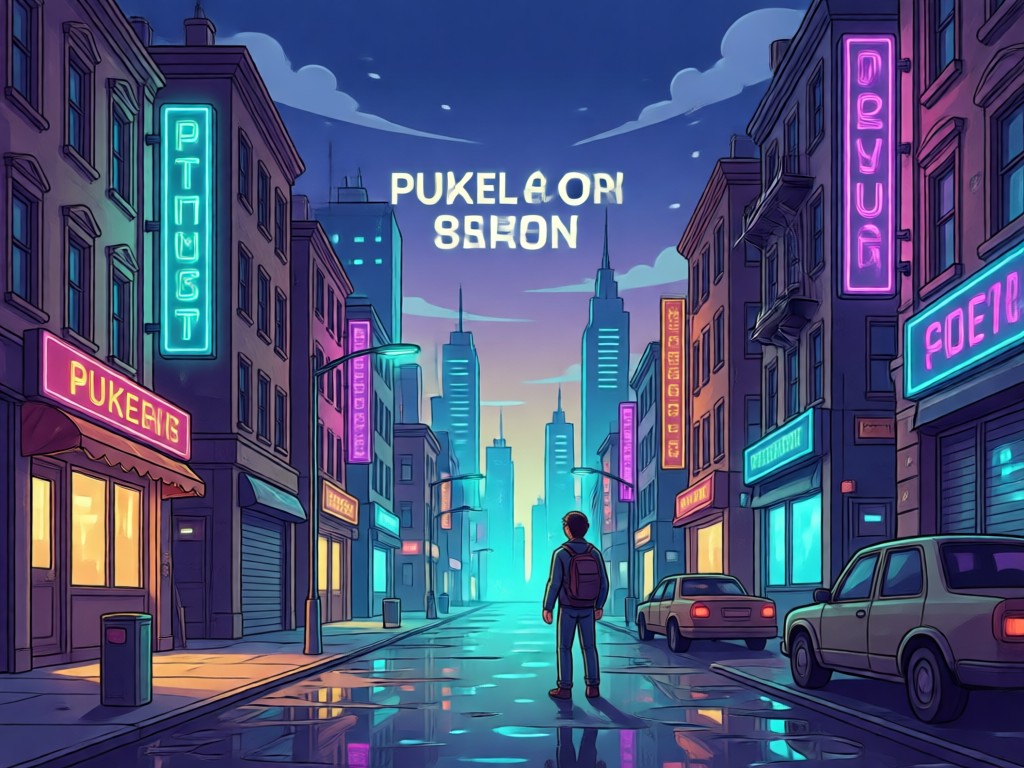
Photo to Pixel Art Conversion
Upload any portrait or landscape and transform it into authentic pixel art. The AI keeps facial features and composition while applying retro pixel grids and limited color palettes.
Text to Pixel Art Generation
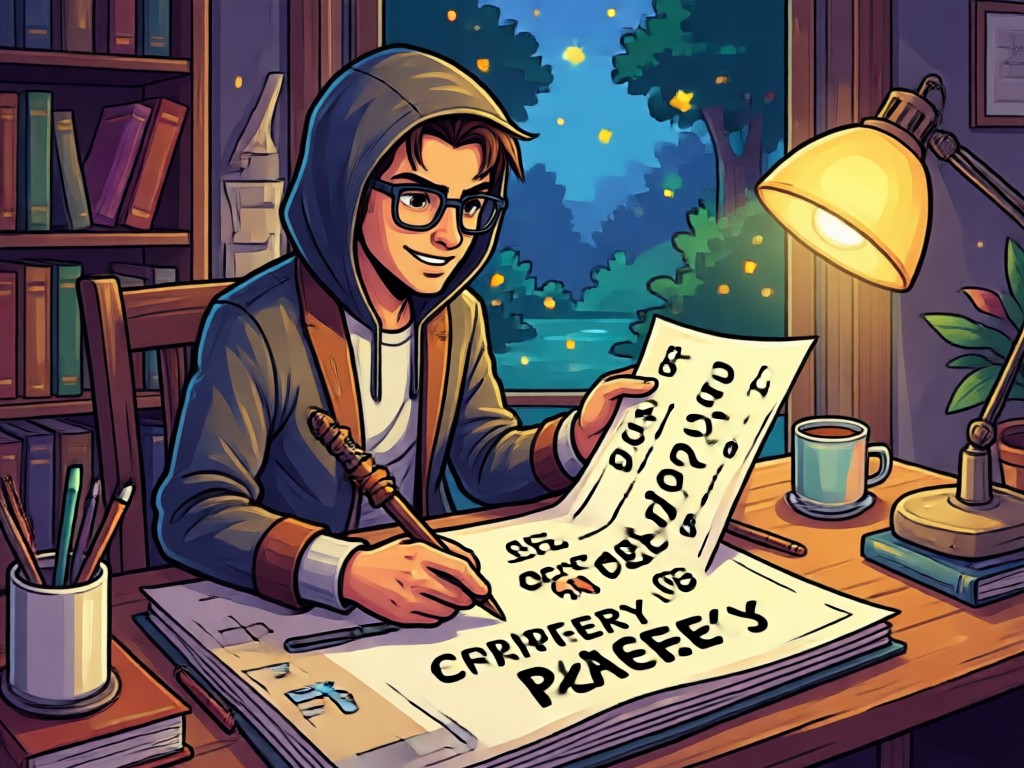
Describe a scene in plain words and watch it become a detailed pixel artwork. No complex prompt engineering needed. Choose from 8 bit, 16 bit, and illustrated styles.
Custom Style Control
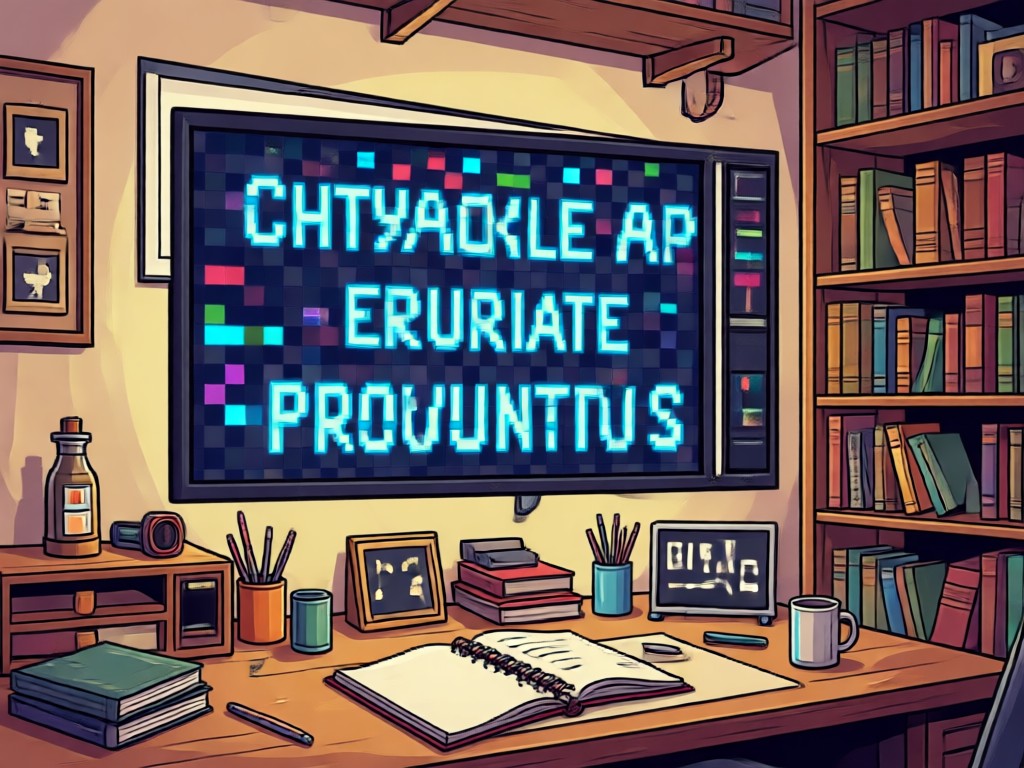
Adjust color depth, pixel size, and atmosphere with simple controls. Blend multiple prompts and reference images to create a unique retro result every time.
Explore AI Pixel Art Photo Creations
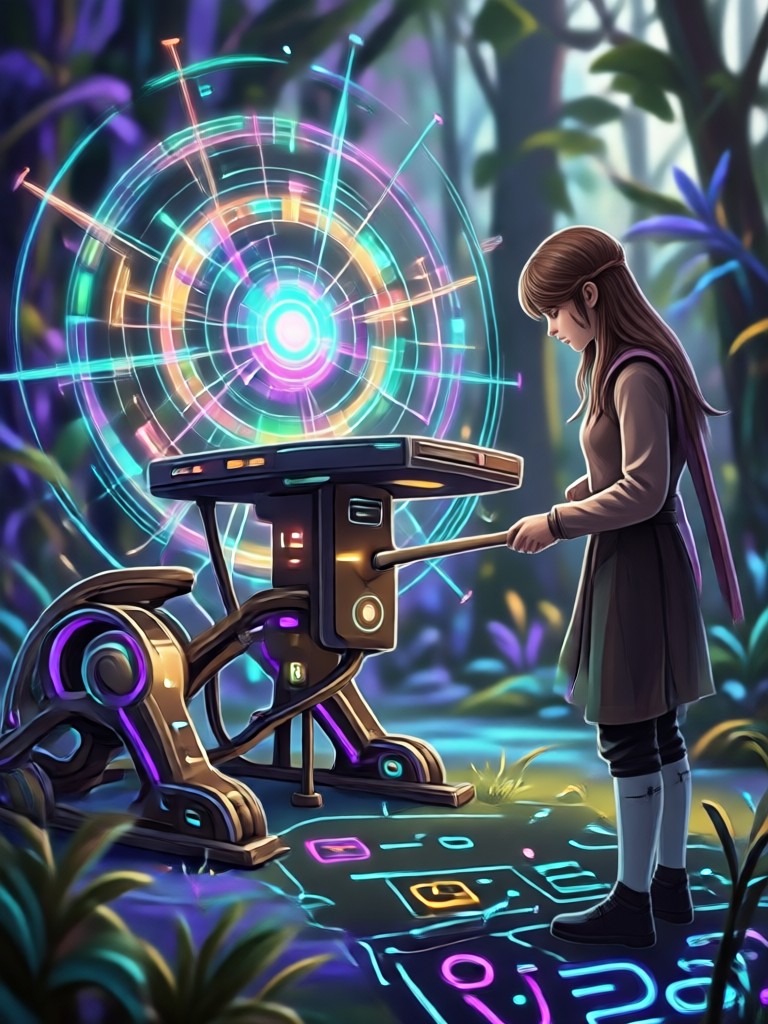
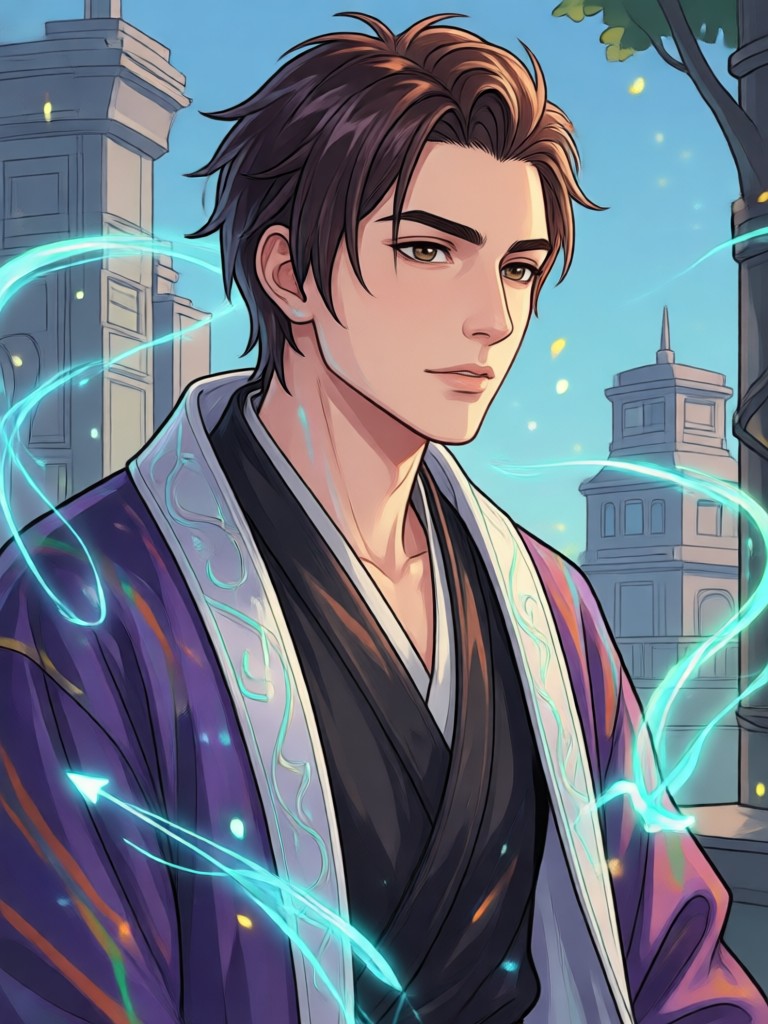
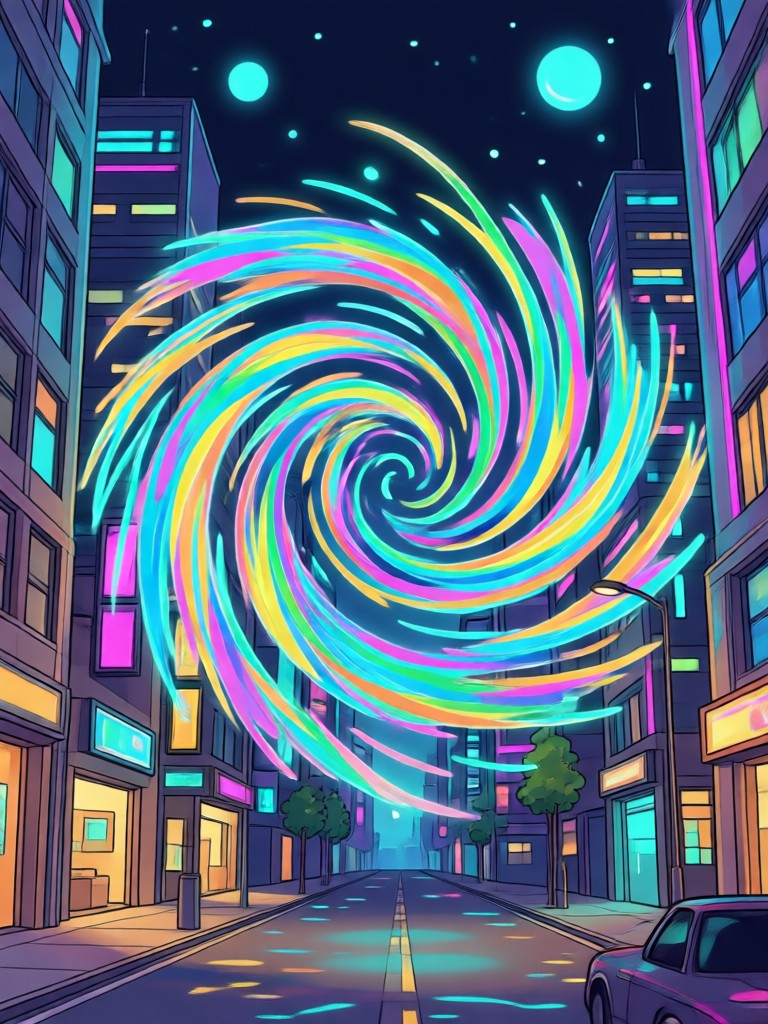
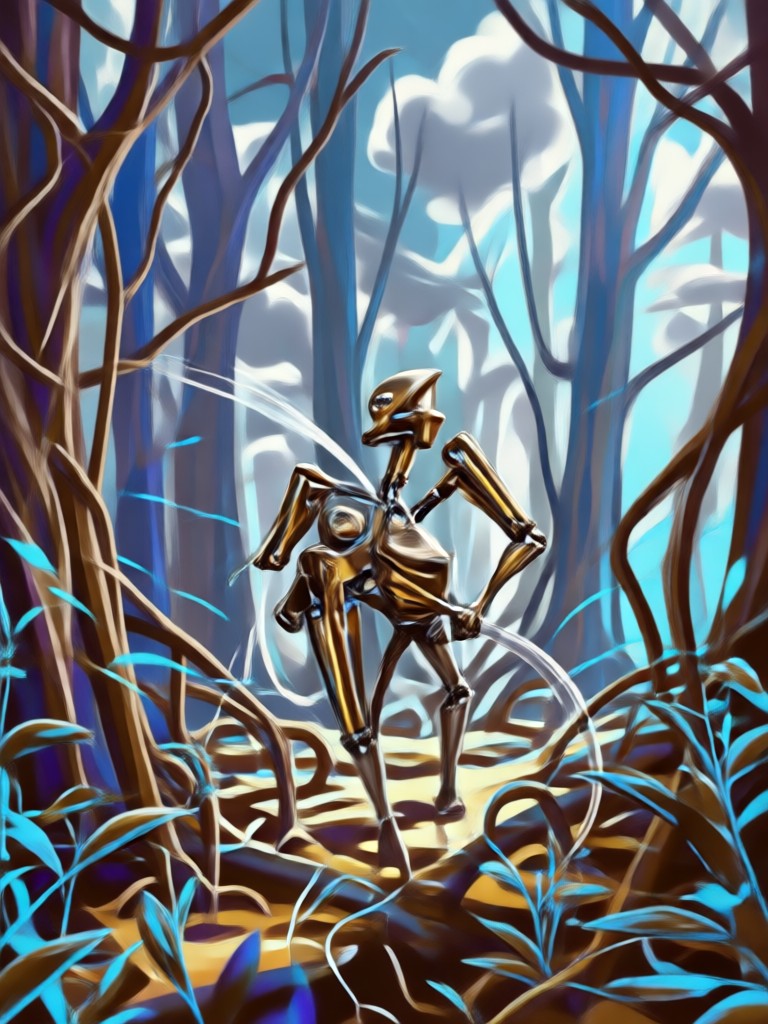
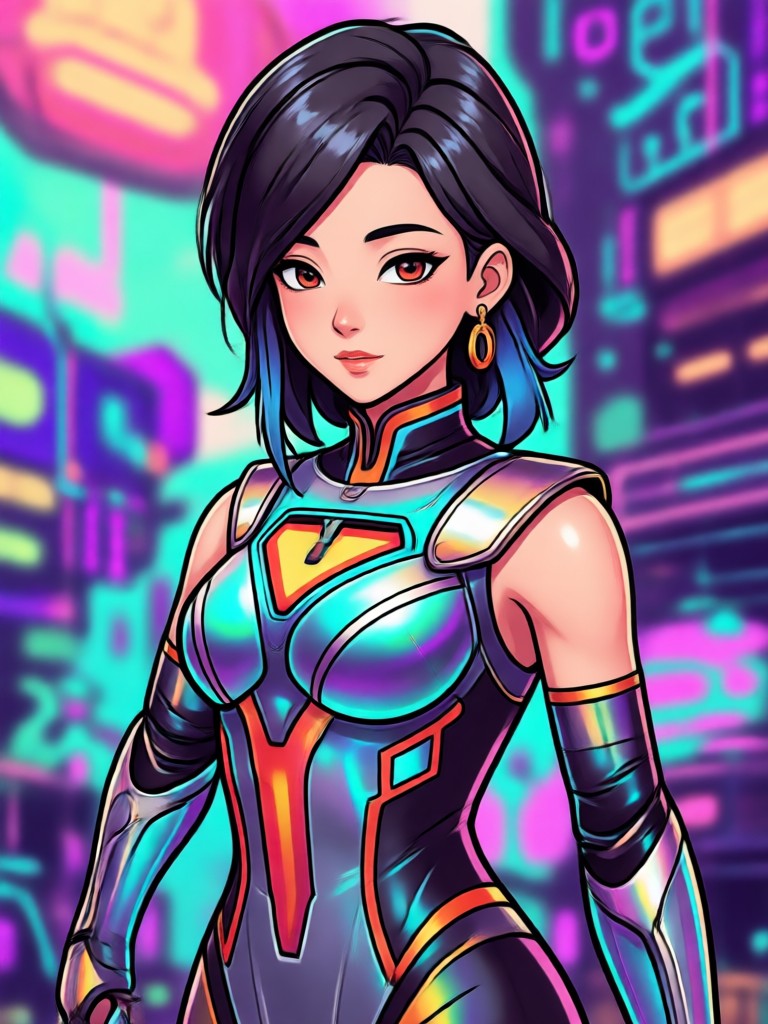
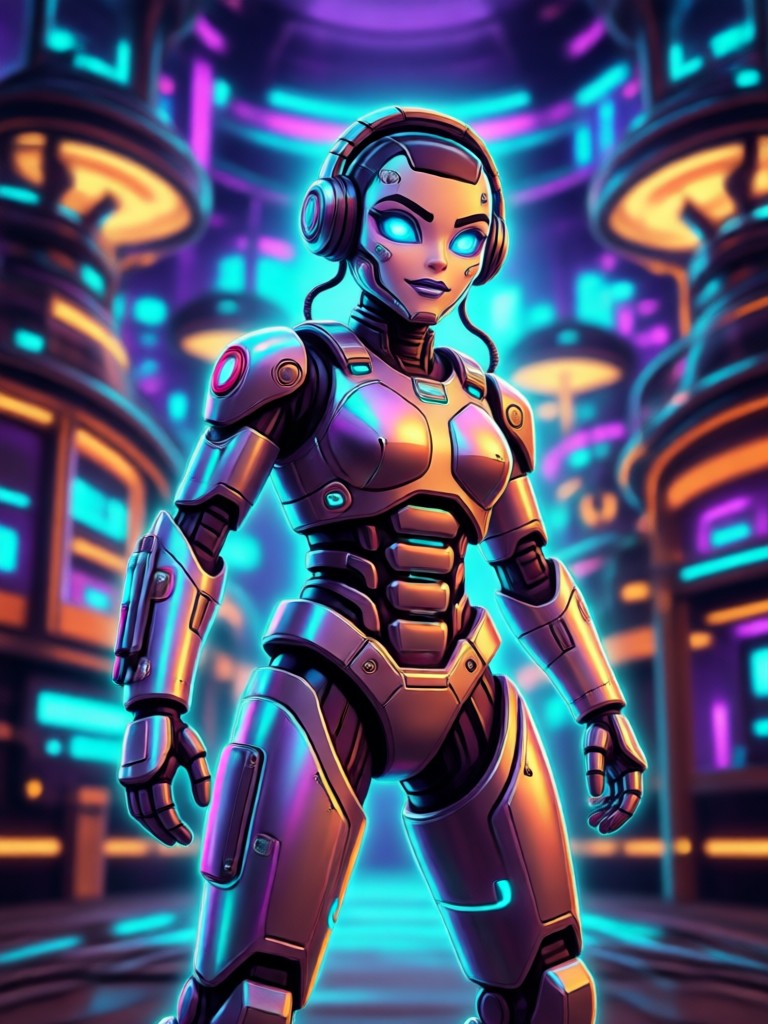
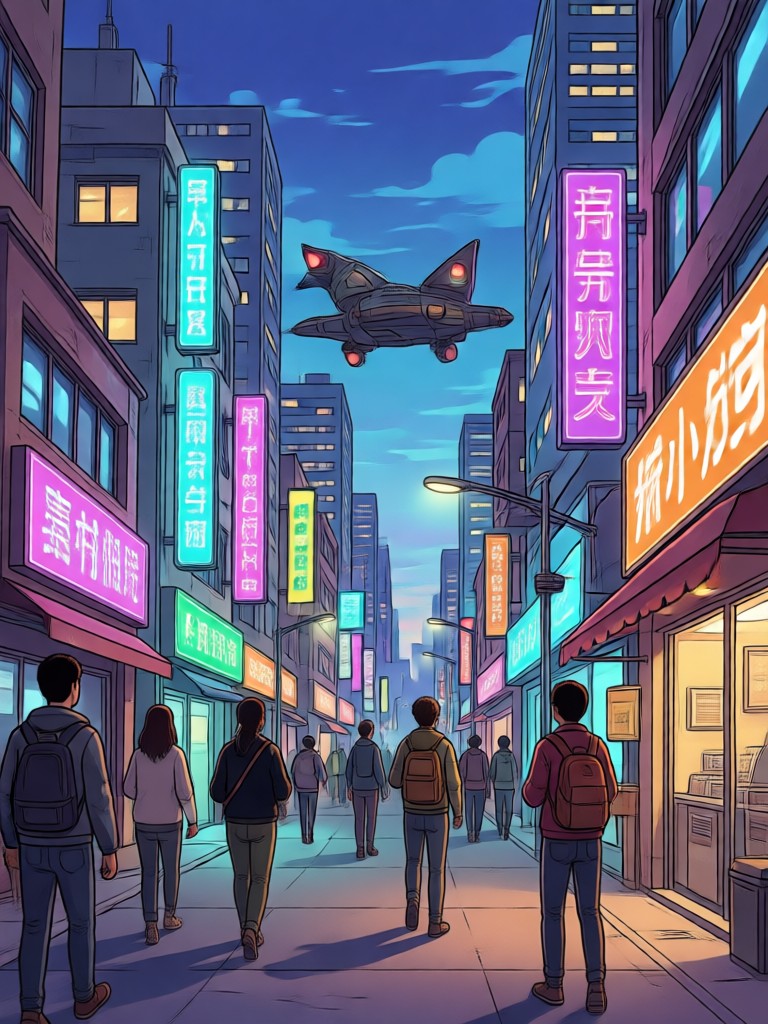
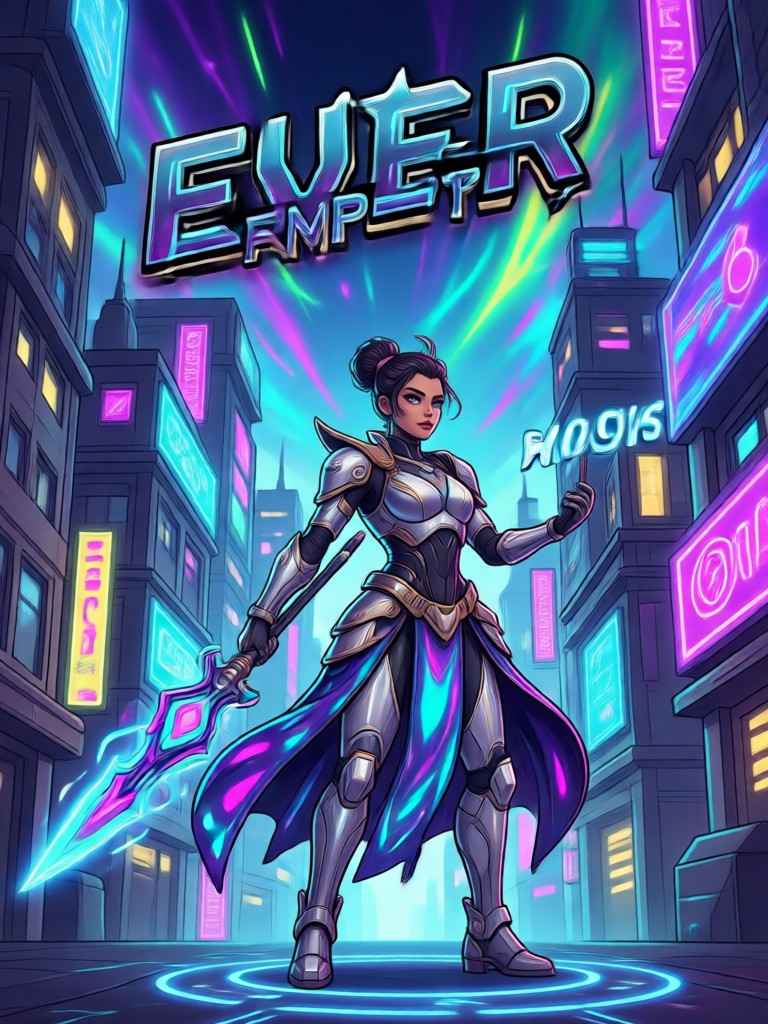
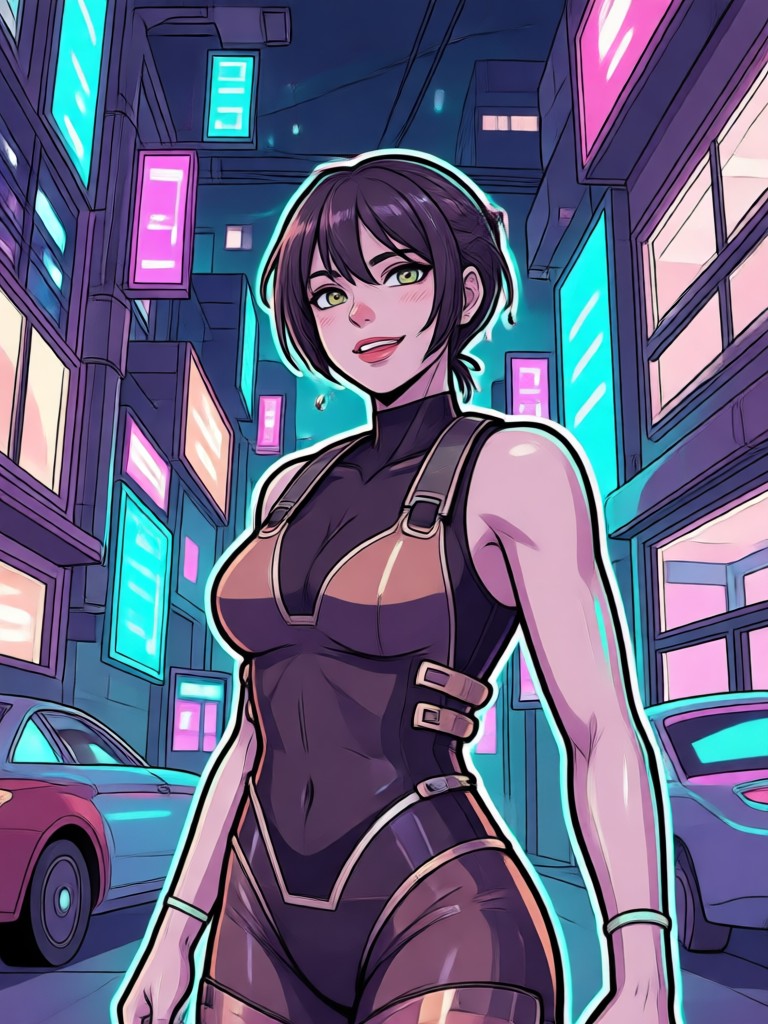
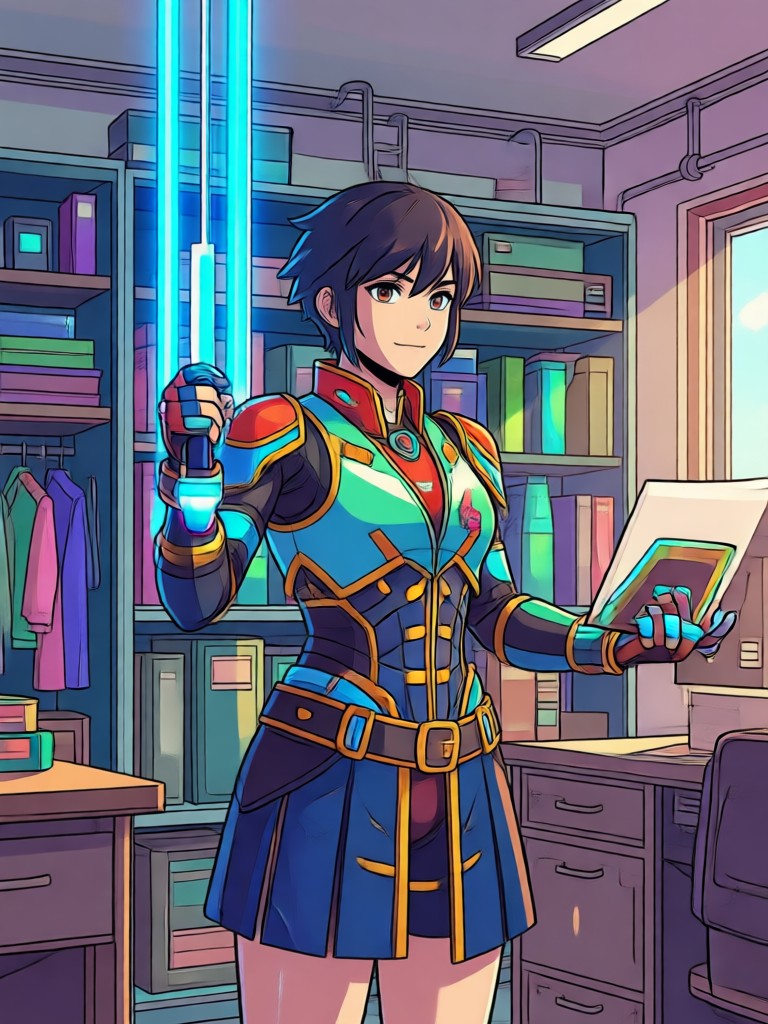
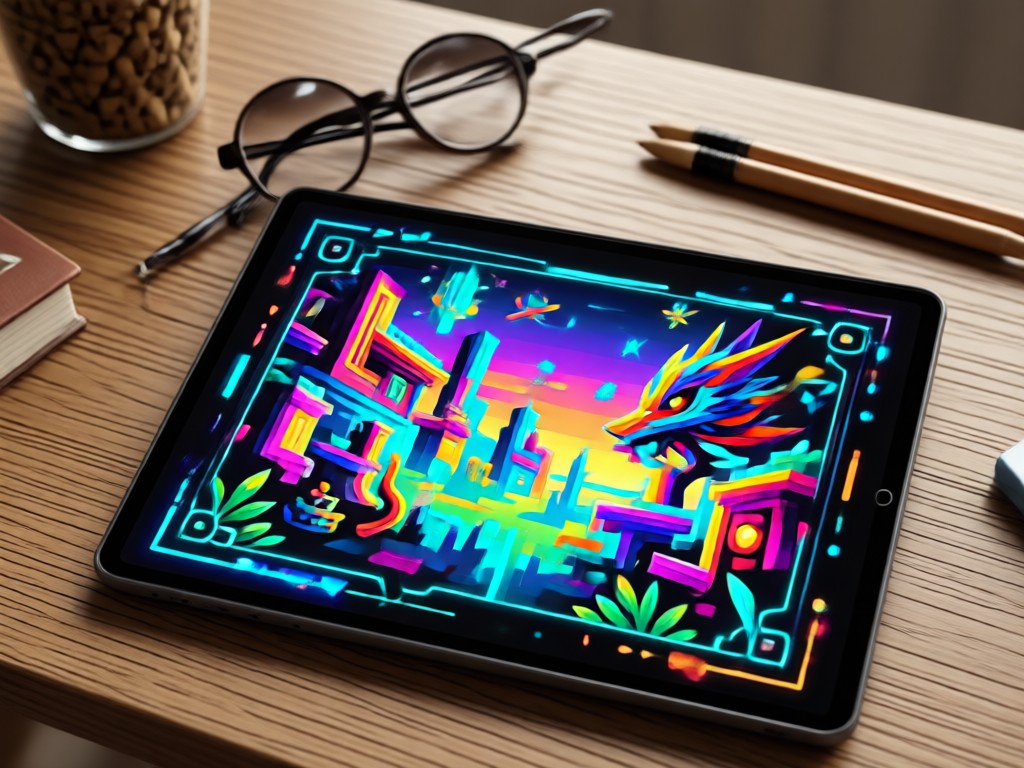
Browse example outputs from pixpop users who turned real photos and short prompts into stunning pixel art. Get inspired and start your own retro transformation today.
How to Use AI Pixel Art Photo Prompts
Create retro pixel art from any photo in three simple steps. No advanced design or prompt skills required, just download pixpop and start generating.

Step 01.
Download the pixpop app from Google Play and open it on your phone. The entire AI pixel art generator runs on mobile so you can create anywhere.

Step 02.
Upload a photo or type a short text prompt. Then choose a pixel art filter such as 8 bit, 16 bit, or illustrated retro style.

Step 03.
Tap generate and watch your image transform into pixel art. Save the result to your gallery or share it directly to social media.
Why pixpop Is the Best AI Pixel Art Prompt App
pixpop puts over one million style filters in your pocket. The mobile app makes it easy to turn photos into pixel art with simple prompts, no desktop software or design experience needed. Enjoy fast HD generation, multi person support, and viral effects in one place.
Why pixpop Is the Best AI Pixel Art Prompt App
pixpop puts over one million style filters in your pocket. The mobile app makes it easy to turn photos into pixel art with simple prompts, no desktop software or design experience needed. Enjoy fast HD generation, multi person support, and viral effects in one place.
Frequently Asked Questions About AI Pixel Art Photo Prompts
Find clear answers about using pixpop to generate pixel art from photos and text prompts. Learn how to get the best results and share your retro creations.
What Creators Say About pixpop Pixel Art
Effortless retro transformations
I uploaded a normal selfie and picked the 8 bit filter. In seconds I had a pixel art avatar that looked like it came from an old RPG. The prompt suggestions helped me try styles I never would have thought of.
Perfect for social media content
My engagement jumped when I started posting pixel art versions of my travel photos. The app is simple enough to use on my phone between shoots and the results always look polished.
No design skills needed
I am not an artist and I usually struggle with AI tools. pixpop made it easy. I typed a short phrase like pixel art dog in space and got exactly what I imagined. It is now my favorite creative app.
More Topics You May Like
Explore more AI photo and video tools that pair well with pixel art generation. Discover fresh ways to style your photos and create shareable content.
Turn Any Photo Into a Pixar Style 3D Movie Scene
Create Stunning AI Pineapple Images in Seconds
AI Pink Hair Prompt: Transform Your Look in Seconds

AI Paparazzi Video Prompts That Feel Shockingly Real
Turn Any Photo Into a Pixar Style 3D Movie Scene
Create Stunning AI Pineapple Images in Seconds
AI Pink Hair Prompt: Transform Your Look in Seconds
AI Paparazzi Video Prompts That Feel Shockingly Real
Trending AI Pixel Art Effects at Your Fingertips
Download pixpop and start turning your photos into stunning pixel art today. Access a huge library of retro filters, text prompts, and animation tools, all from your phone.

Trending AI Pixel Art Effects at Your Fingertips
Download pixpop and start turning your photos into stunning pixel art today. Access a huge library of retro filters, text prompts, and animation tools, all from your phone.