AI Paparazzi Video Prompts That Feel Shockingly Real
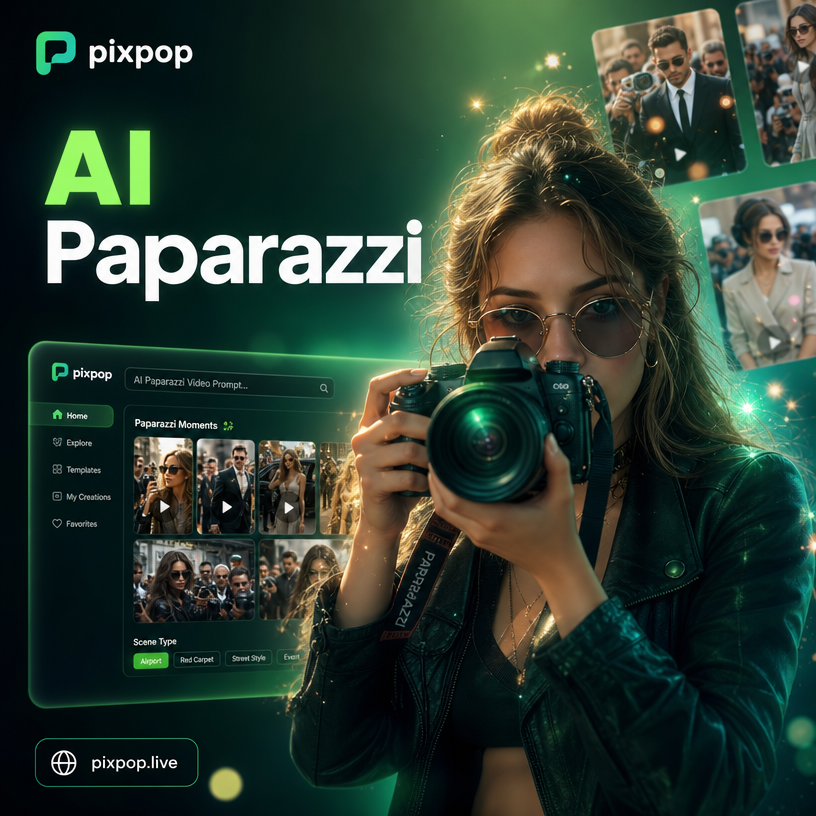
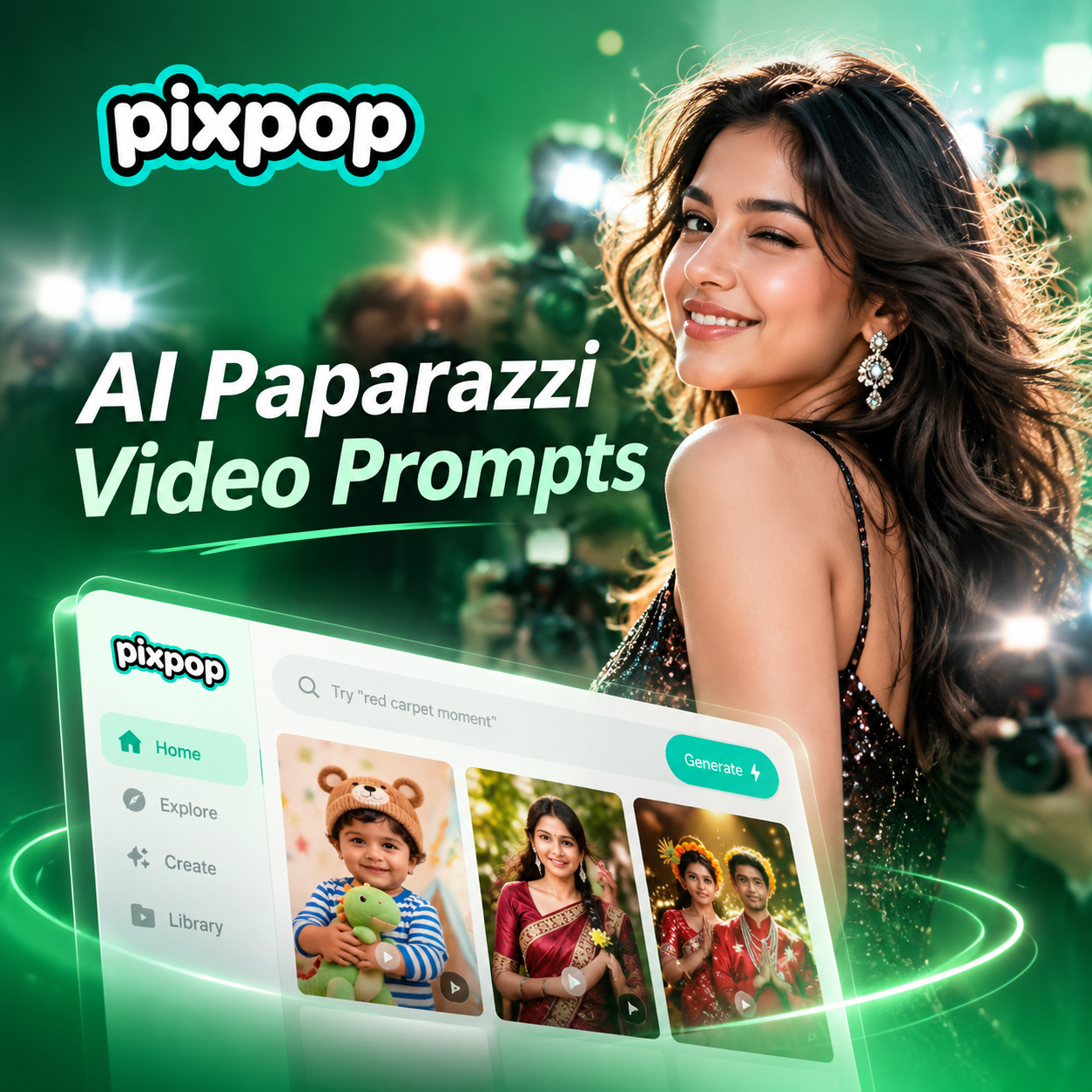


Choose the Paparazzi Style That Fits Your Video
Explore AI filters that recreate celebrity sightings, street photography, night flashes, and candid motion for your videos.
Key Features of AI Paparazzi Video Prompts
Turn your photos into high movement paparazzi style videos with realistic camera flashes, crowd reactions, and cinematic motion.
Realistic Flash Lighting
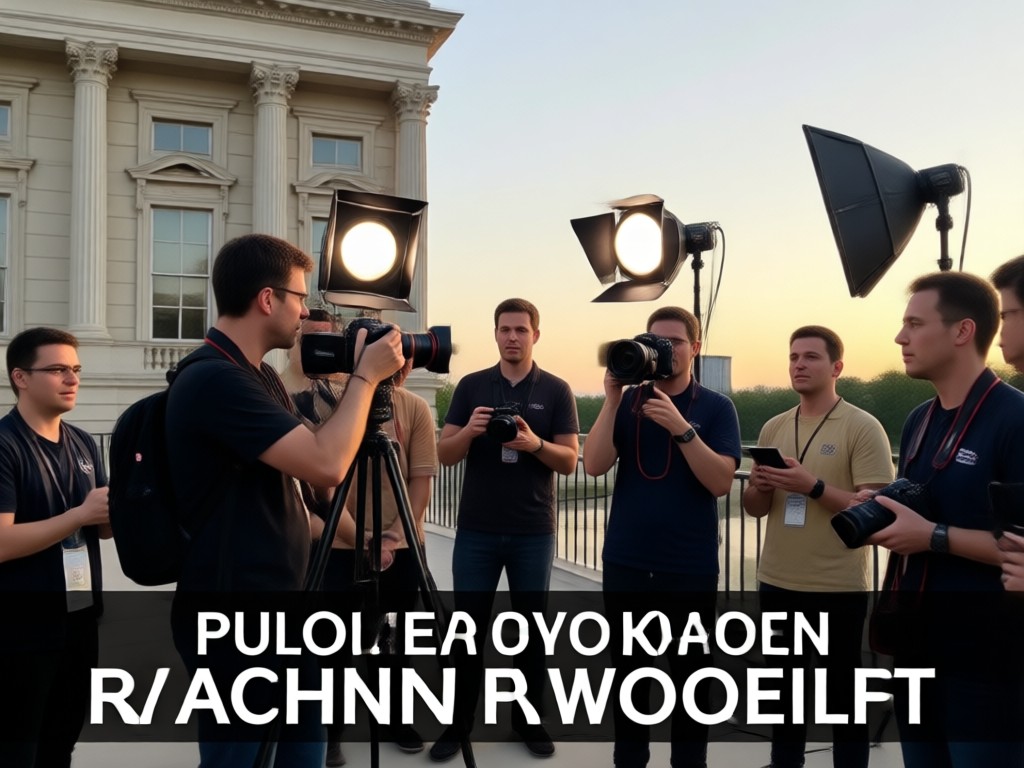
AI adds dynamic camera flashes, night street reflections, and high contrast lighting to make your video look like a real paparazzi shot.
Realistic Flash Lighting
AI adds dynamic camera flashes, night street reflections, and high contrast lighting to make your video look like a real paparazzi shot.
Candid Motion Templates
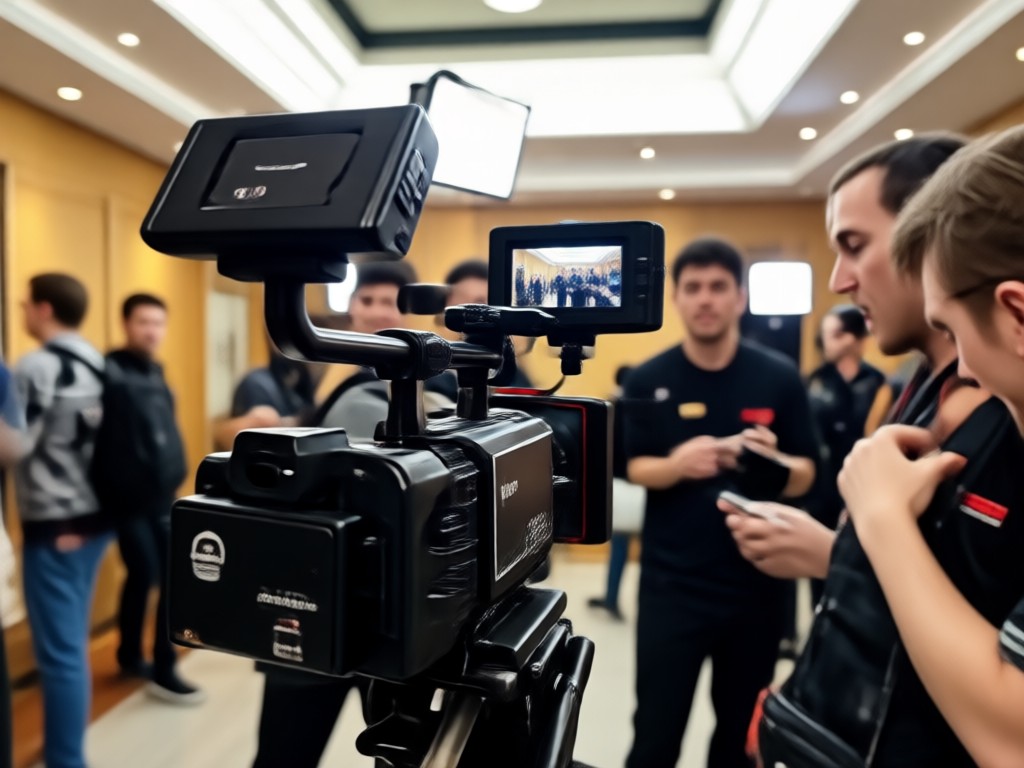
Choose from handheld shake, telephoto zoom, red carpet pan, and quick turn head movements to bring your photos to life naturally.
Candid Motion Templates
Choose from handheld shake, telephoto zoom, red carpet pan, and quick turn head movements to bring your photos to life naturally.
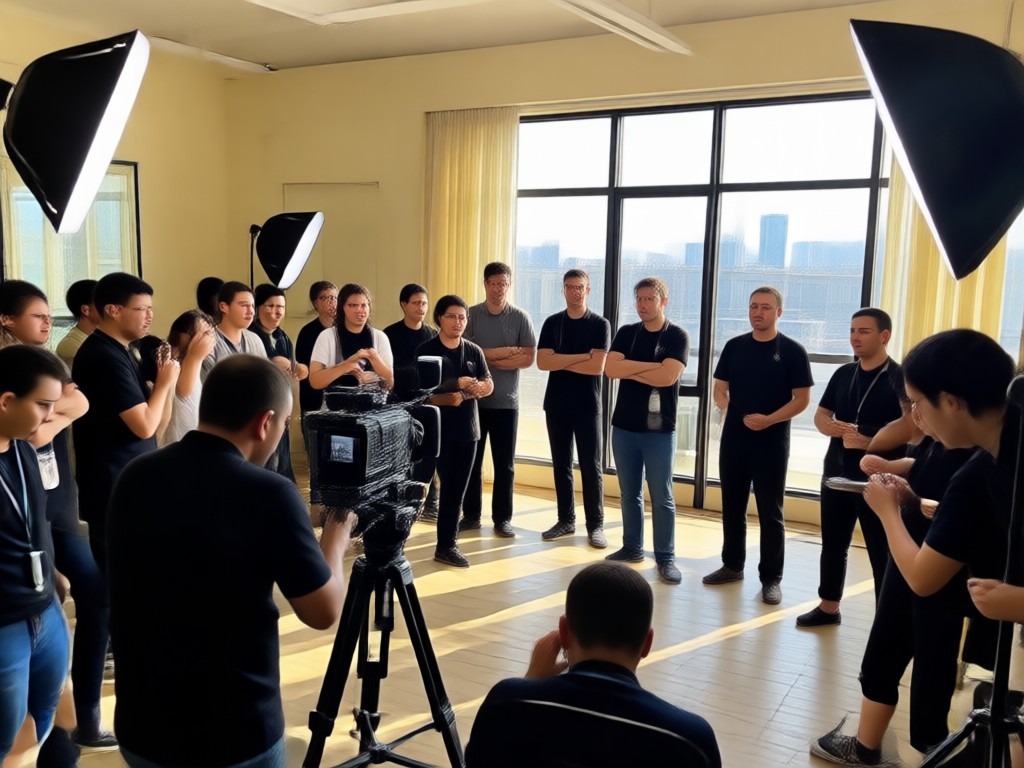
Celebrity Scene Effects
Add crowds, security guards, limousine backdrops, and airport terminals to create authentic celebrity sighting videos in seconds.
Celebrity Scene Effects
Add crowds, security guards, limousine backdrops, and airport terminals to create authentic celebrity sighting videos in seconds.
Ready to Use AI Paparazzi Video Templates
Browse AI paparazzi video prompt templates that turn static photos into flash lit celebrity clips. Pick a scene, apply motion, and download your video.
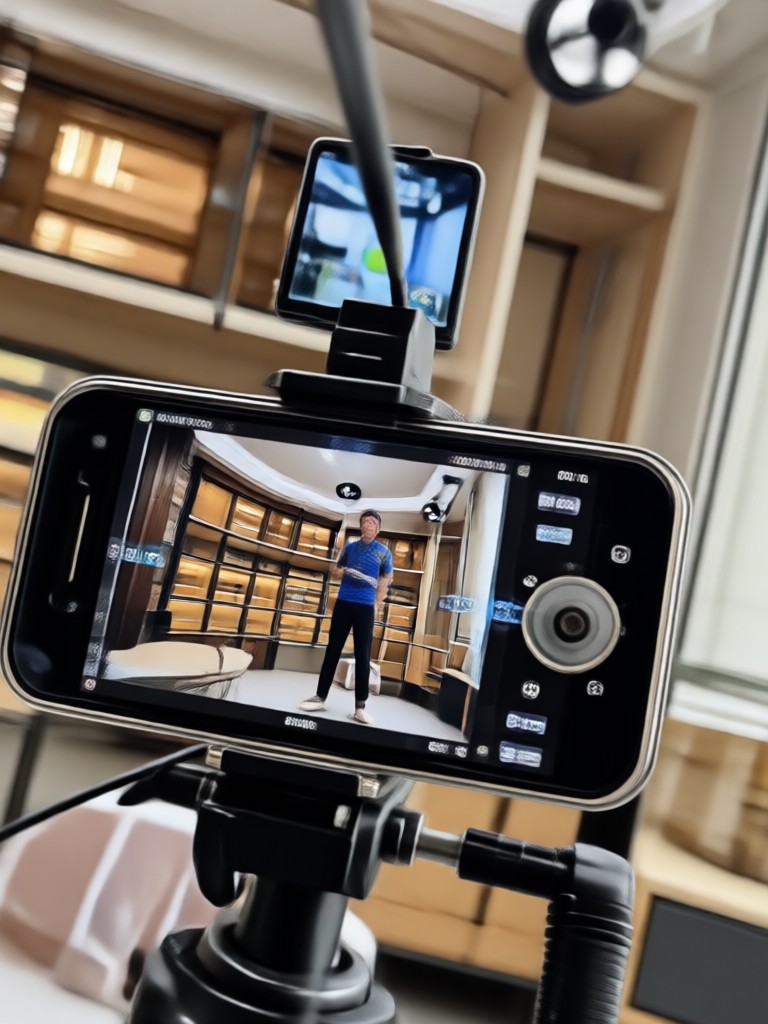
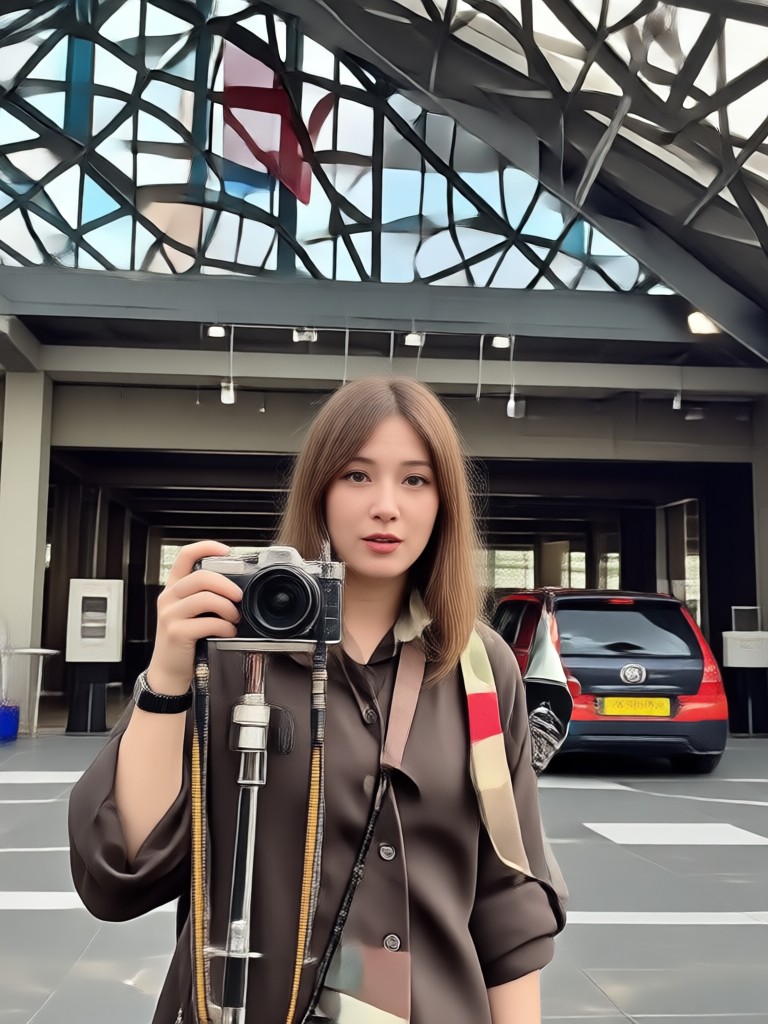
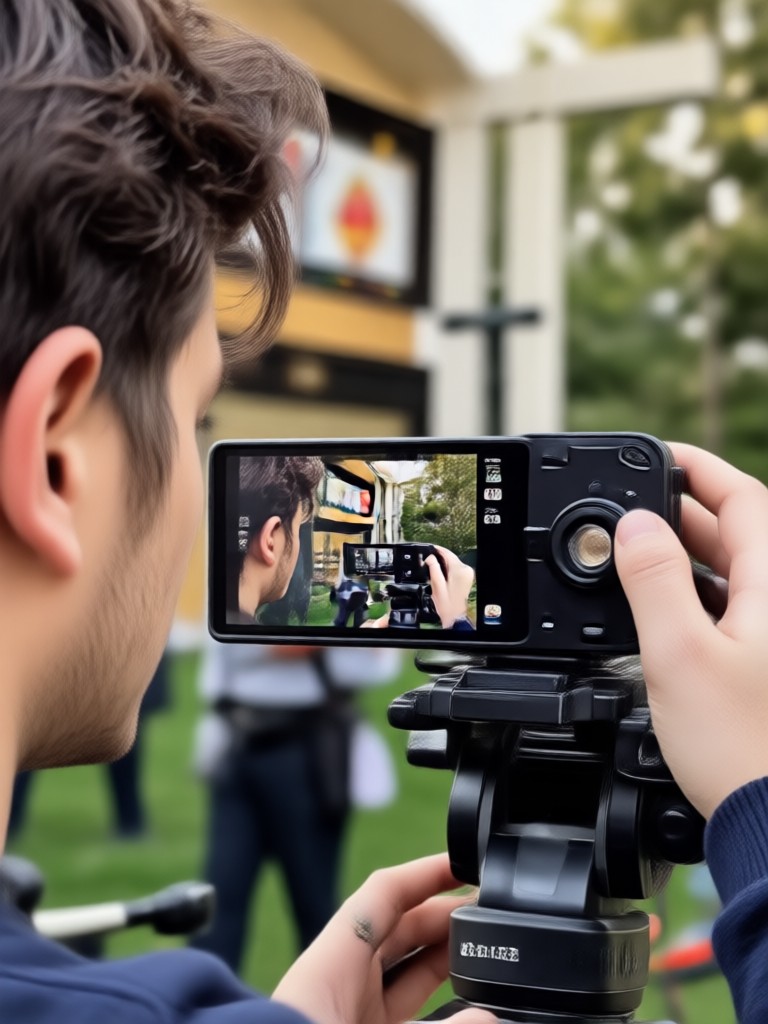
How to Make AI Paparazzi Videos
Create viral paparazzi style videos in three simple steps using the pixpop app.

Step 01.
Download the pixpop app from Google Play to get access to AI video prompts and templates.

Step 02.
Choose a paparazzi video prompt or upload your own photo, then select a flash lit scene, camera angle, and motion style.

Step 03.
Generate your AI video, review the candid motion, then download and share it directly to TikTok, Instagram, or YouTube.
Why Use AI Paparazzi Video Prompts
AI paparazzi video prompts let you create high energy celebrity style clips without filming in public, hiring actors, or using complex editing tools. The app handles lighting, motion, and scene composition so your photos look like genuine paparazzi footage.
Why Use AI Paparazzi Video Prompts
AI paparazzi video prompts let you create high energy celebrity style clips without filming in public, hiring actors, or using complex editing tools. The app handles lighting, motion, and scene composition so your photos look like genuine paparazzi footage.
What Creators Say About AI Paparazzi Videos
Turned my selfie into a red carpet moment
I used an AI paparazzi video prompt to make a funny clip for my fashion page. The flash effects and crowd noise text overlay made it look so real. My followers thought I actually got spotted by paparazzi.
Perfect for viral skits
The paparazzi templates saved me hours of setup. I uploaded a photo of my friend and the AI added camera shake, flashes, and a security guard background. It took less than a minute.
No editing skills needed
I love that I can type a simple prompt and get a paparazzi style video. The night street scene with wet pavement reflection is my favorite. It looks better than some music video shots.
Frequently Asked Questions About AI Paparazzi Video Prompts
Find clear answers about making candid celebrity style videos with pixpop AI.
Watch AI Paparazzi Video Prompt Tutorials
See how creators use pixpop prompts to make flash lit paparazzi videos and candid celebrity style clips.
More Topics You May Like
Explore more AI video prompts and creative ideas for your next project.

AI Orange Juice Ad Prompt: Juicy Visuals in Seconds

AI Pet Action Figure Prompt: Turn Pets Into Epic Toys
Create Viral AI Nightclub Video Prompts in Minutes
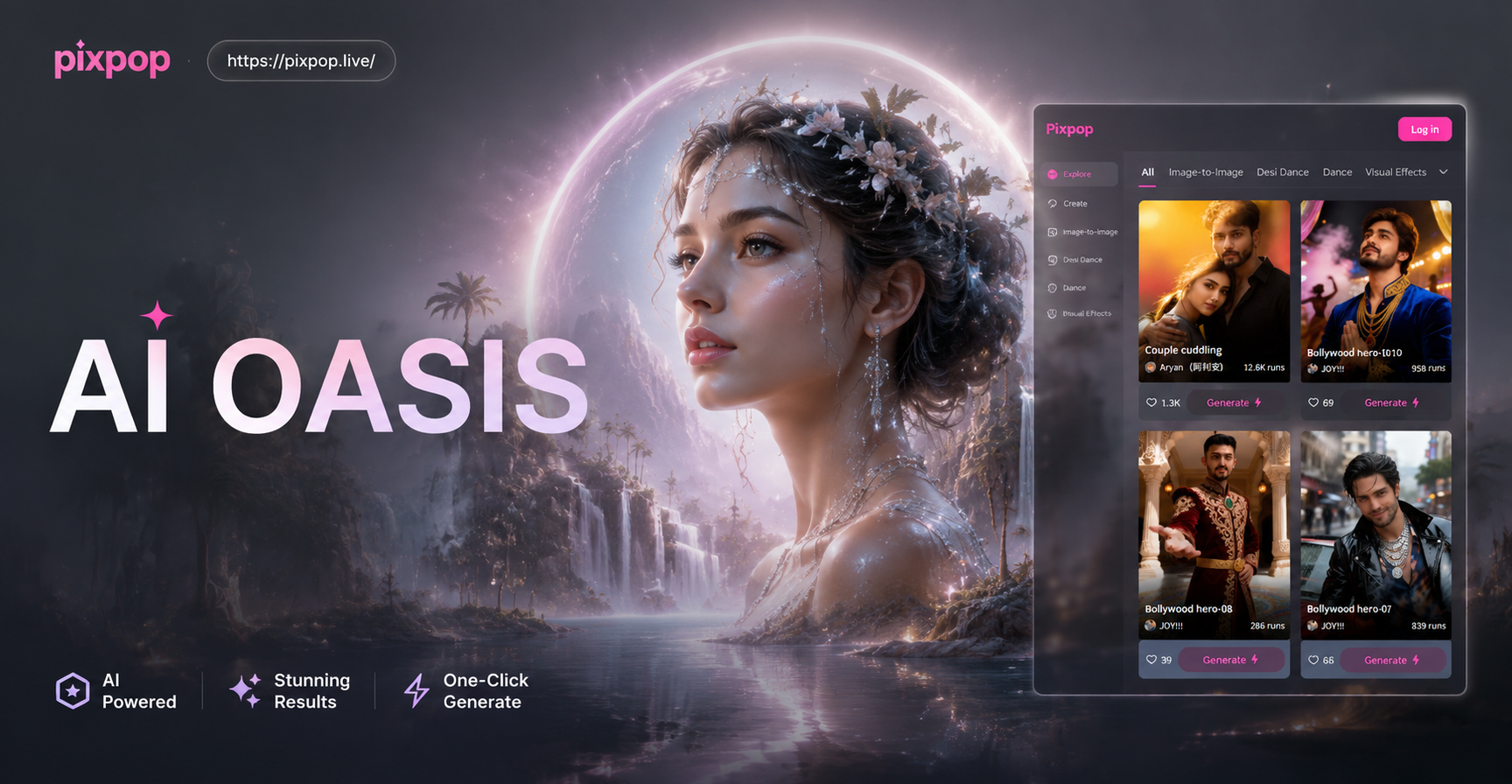
AI Oasis Image Prompt: Create Desert Paradise Art
AI Orange Juice Ad Prompt: Juicy Visuals in Seconds
AI Pet Action Figure Prompt: Turn Pets Into Epic Toys
Create Viral AI Nightclub Video Prompts in Minutes
AI Oasis Image Prompt: Create Desert Paradise Art
Turn Any Photo into a Paparazzi Video
Apply AI paparazzi video prompts to your photos and create flash lit celebrity style clips in minutes. Download pixpop and start making viral videos today.
Turn Any Photo into a Paparazzi Video
Apply AI paparazzi video prompts to your photos and create flash lit celebrity style clips in minutes. Download pixpop and start making viral videos today.