AI Pixar Style Photo Prompts
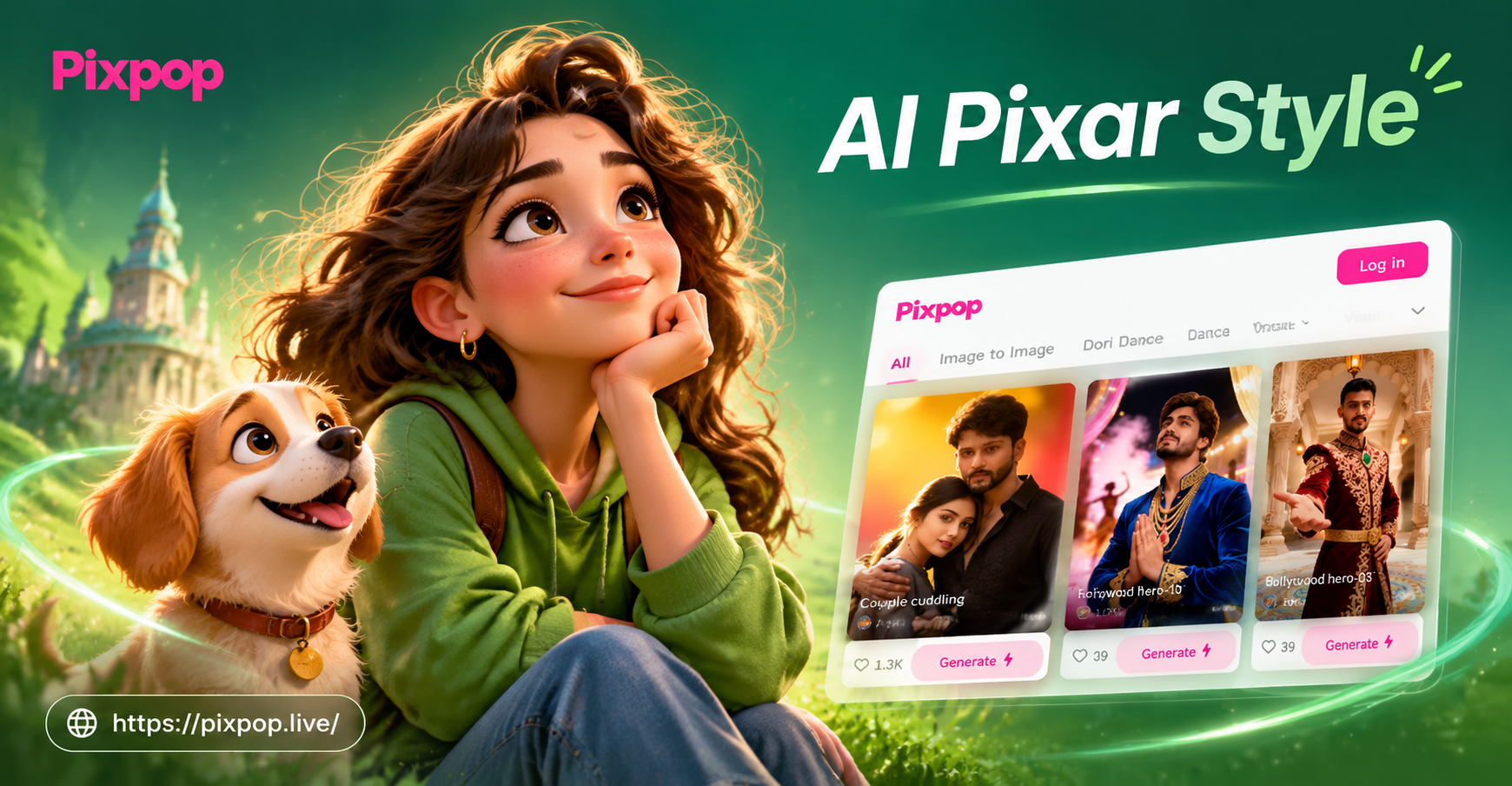
Choose the Pixar Style Filter That Fits Your Scene
Discover AI Pixar style photo prompts and matching filters for portraits, pets, families, and fantasy scenes. Pick one and create a 3D animated movie look in seconds.
Why AI Pixar Style Photo Prompts Feel So Real
Pixpop turns simple photos into expressive 3D Pixar style characters and cinematic movie scenes. Each prompt is tuned to preserve identity while adding storybook charm and rich visual detail.
3D Character Transformation
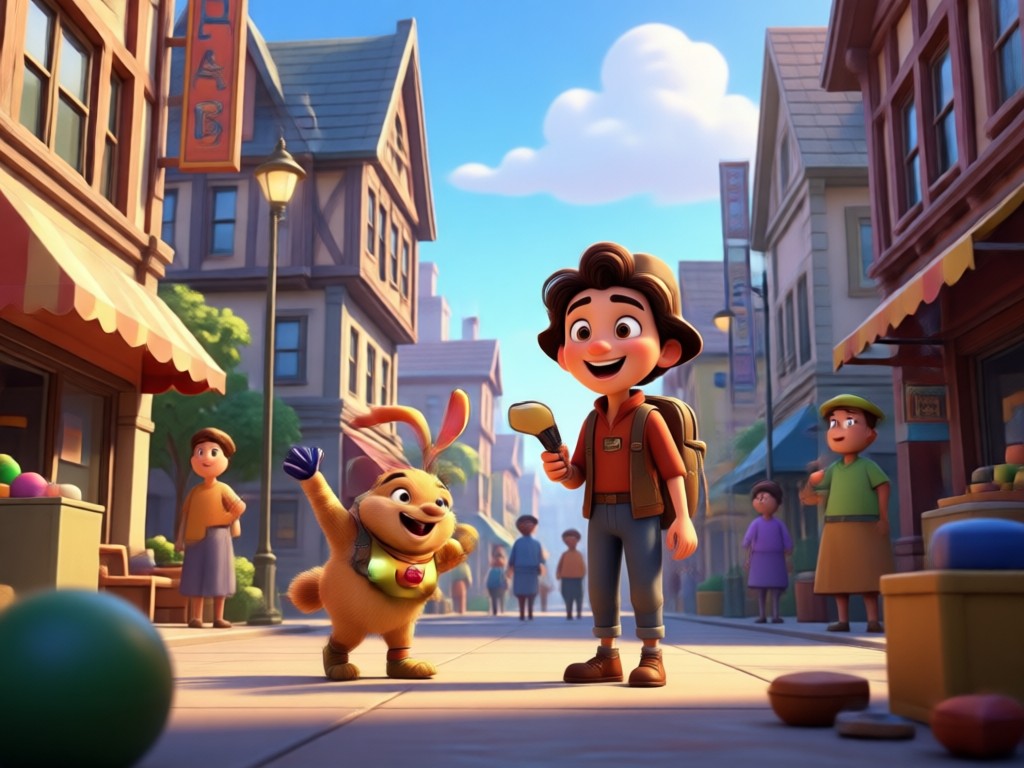
Upload any portrait and let pixpop reshape it into a soft 3D Pixar style character. Big expressive eyes, warm skin tones, and storybook proportions keep you recognizable while adding movie magic.
3D Character Transformation
Upload any portrait and let pixpop reshape it into a soft 3D Pixar style character. Big expressive eyes, warm skin tones, and storybook proportions keep you recognizable while adding movie magic.
Cinematic Scene Creator
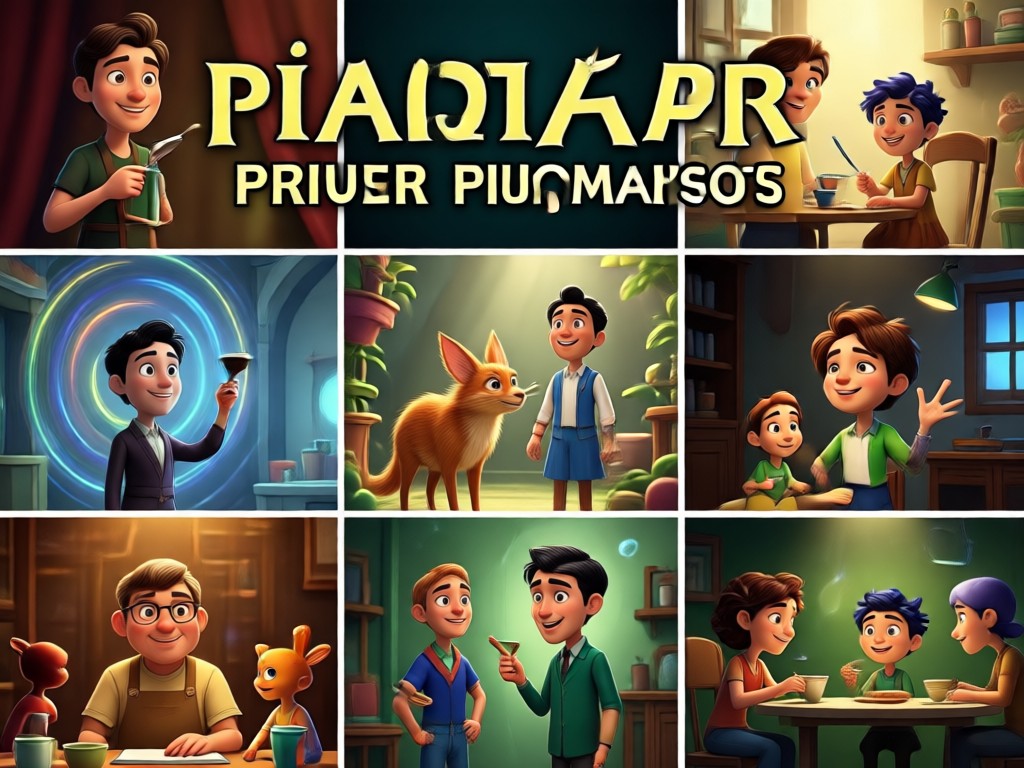
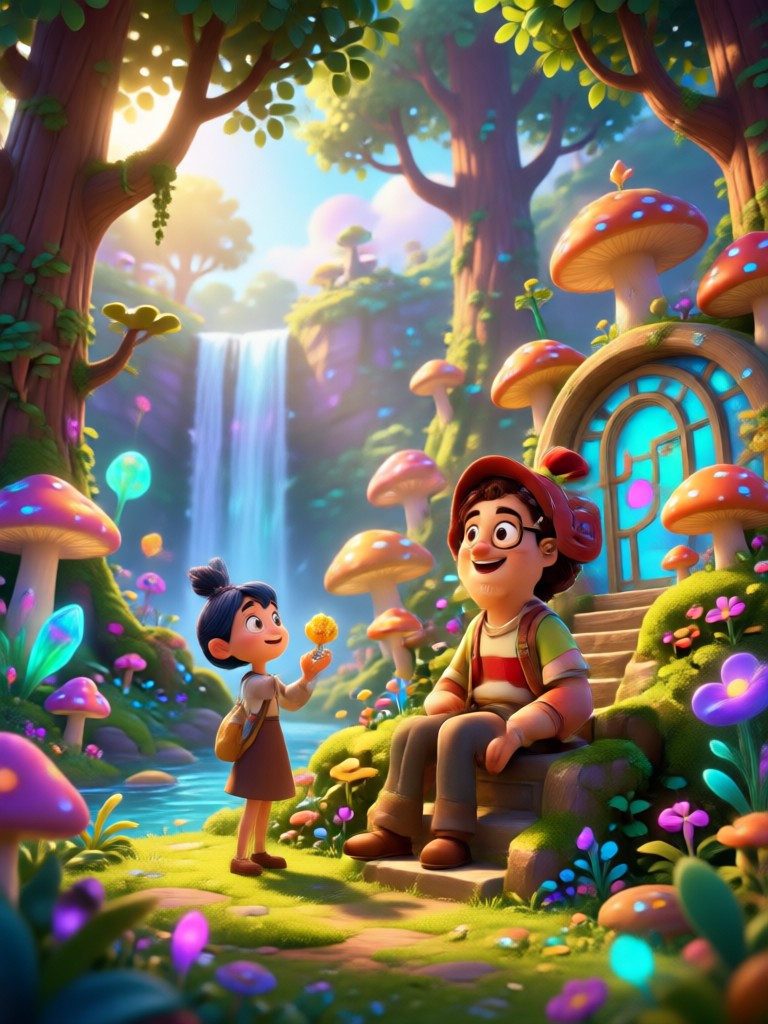
Turn a simple snapshot into a full Pixar movie scene. AI Pixar style photo prompts add detailed backgrounds, props, dramatic lighting, and rich color grading for a true animated film still.
Cinematic Scene Creator
Turn a simple snapshot into a full Pixar movie scene. AI Pixar style photo prompts add detailed backgrounds, props, dramatic lighting, and rich color grading for a true animated film still.
Ready Made Prompt Templates
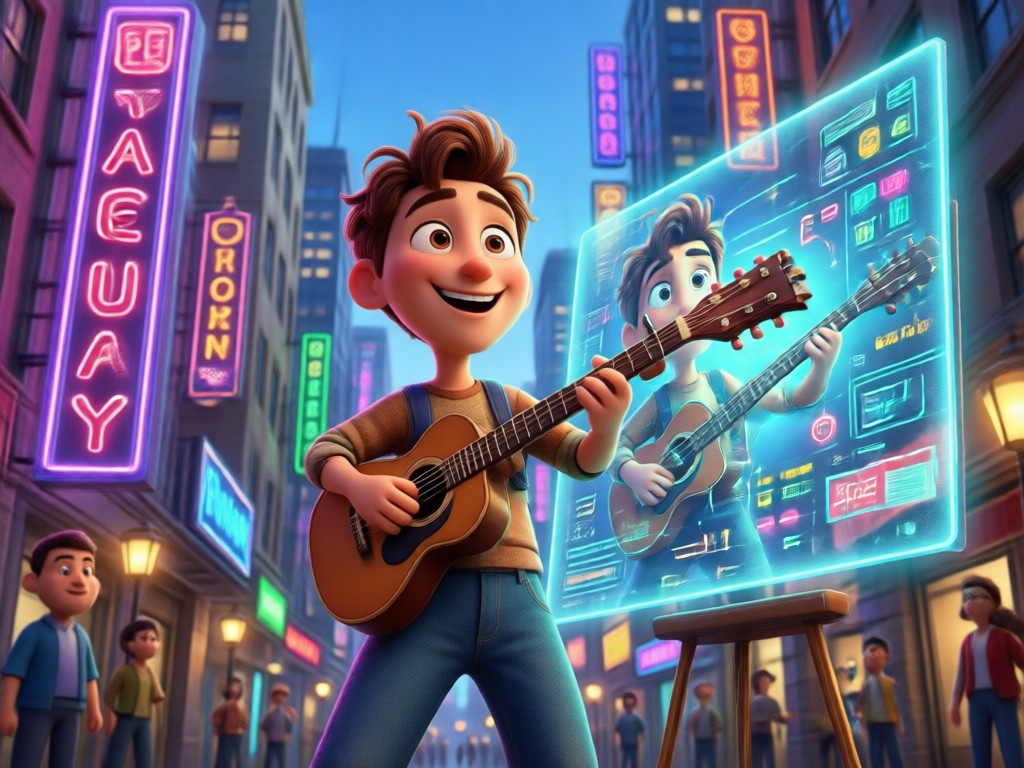
No need to write complex prompts. Choose from dozens of Pixar inspired templates, pick a style, and tap generate. Each template is tuned for portraits, pets, couples, and group photos.
Ready Made Prompt Templates
No need to write complex prompts. Choose from dozens of Pixar inspired templates, pick a style, and tap generate. Each template is tuned for portraits, pets, couples, and group photos.
AI Pixar Style Photo Prompt Inspiration Gallery
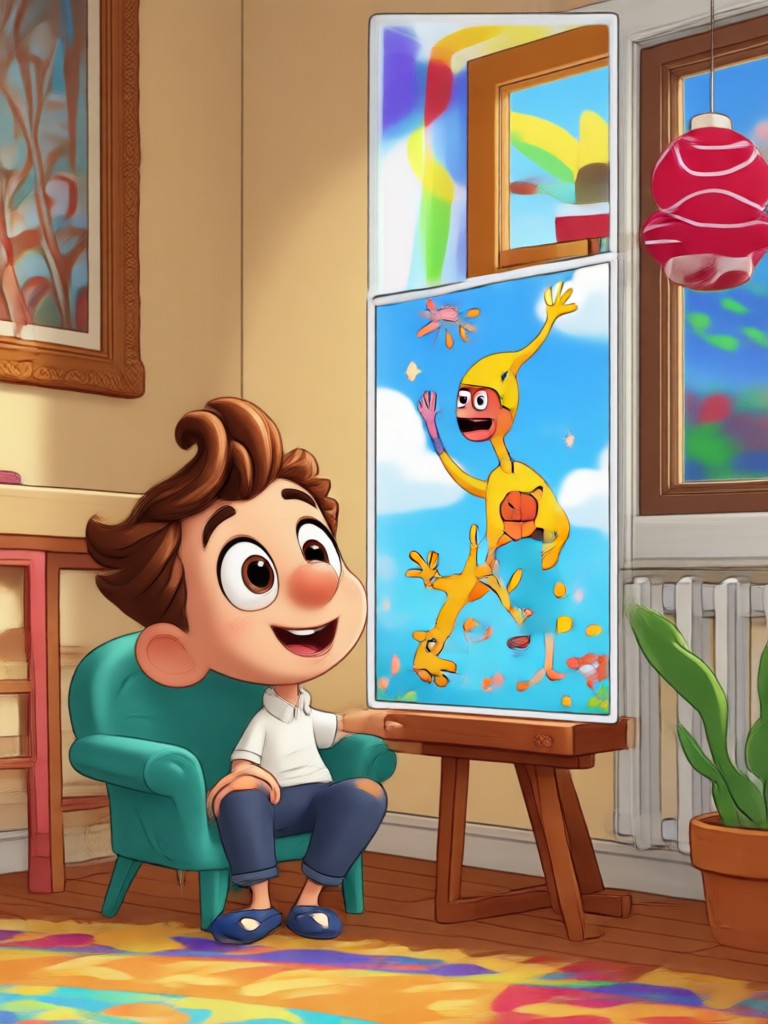
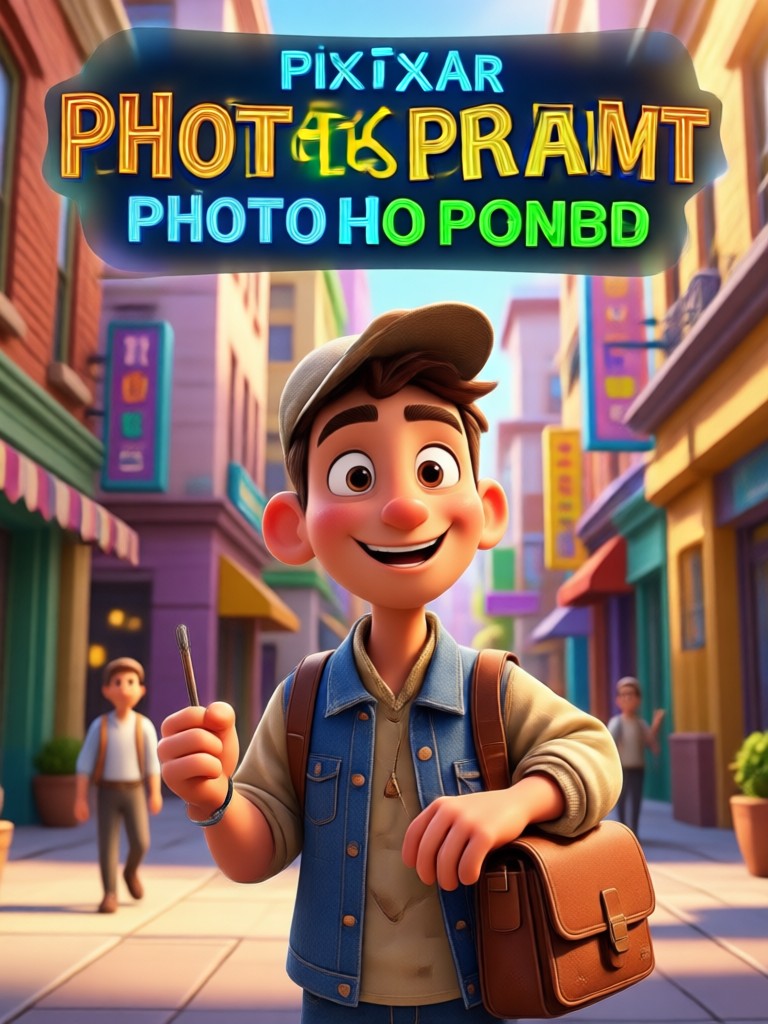
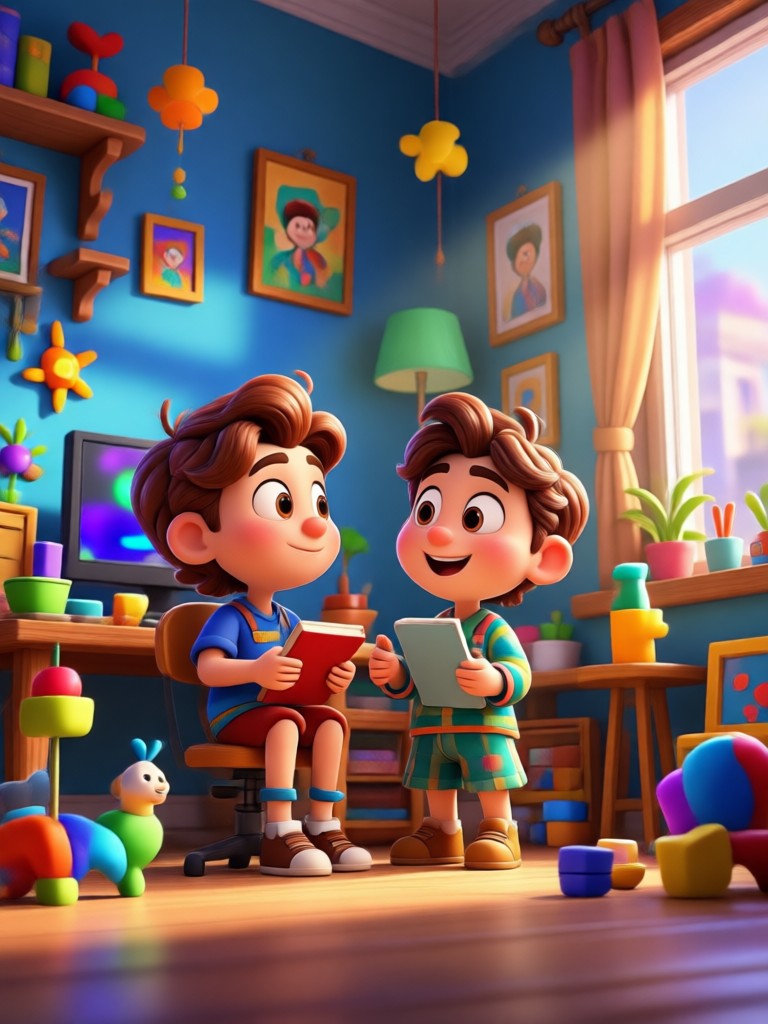
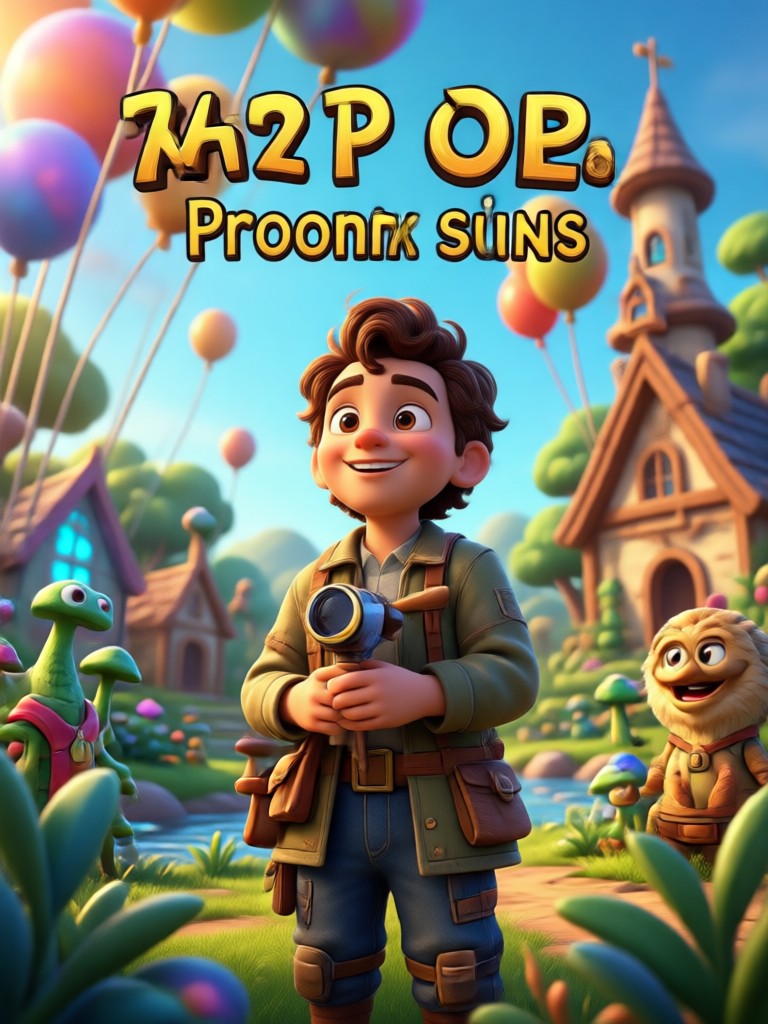
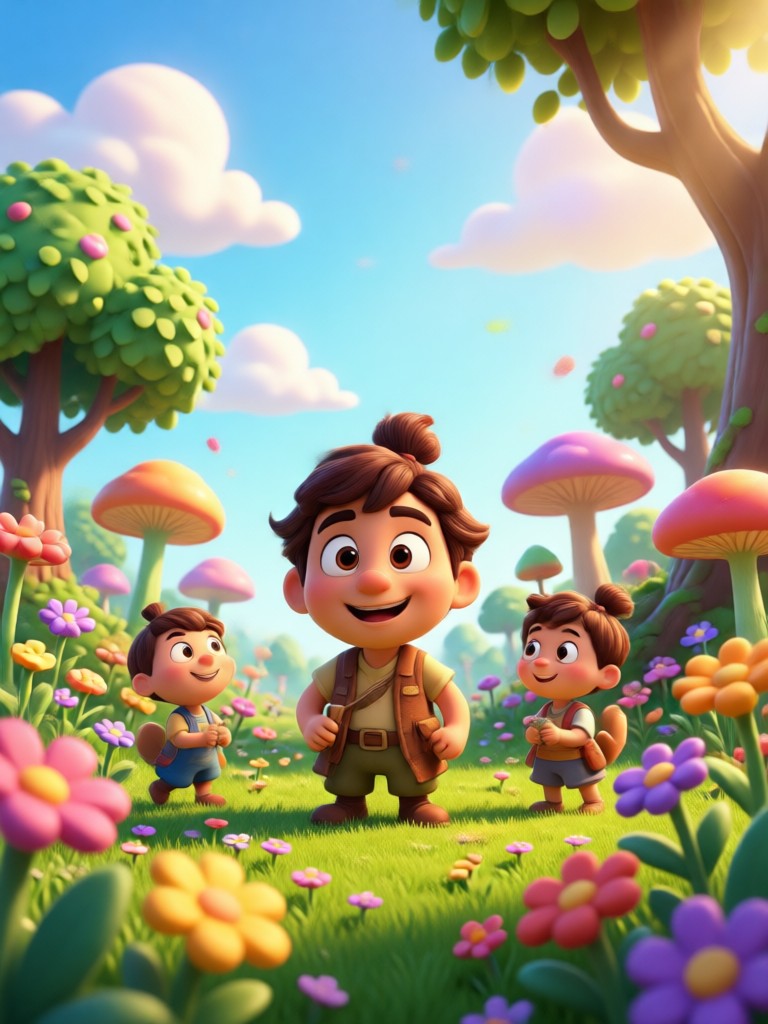
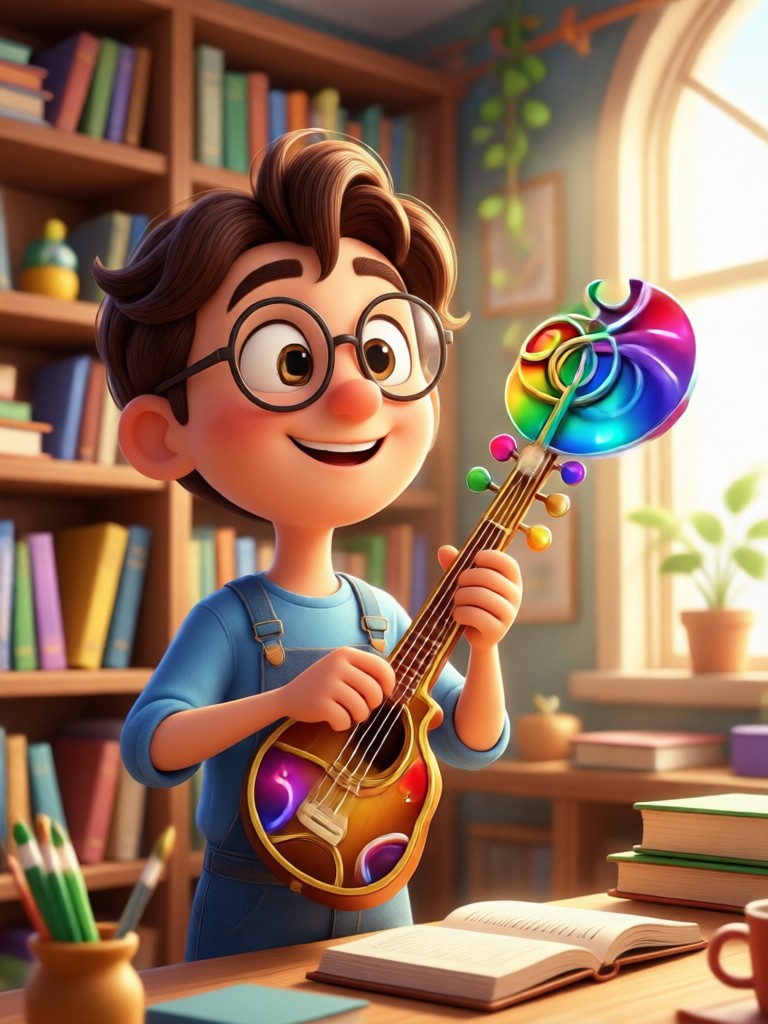
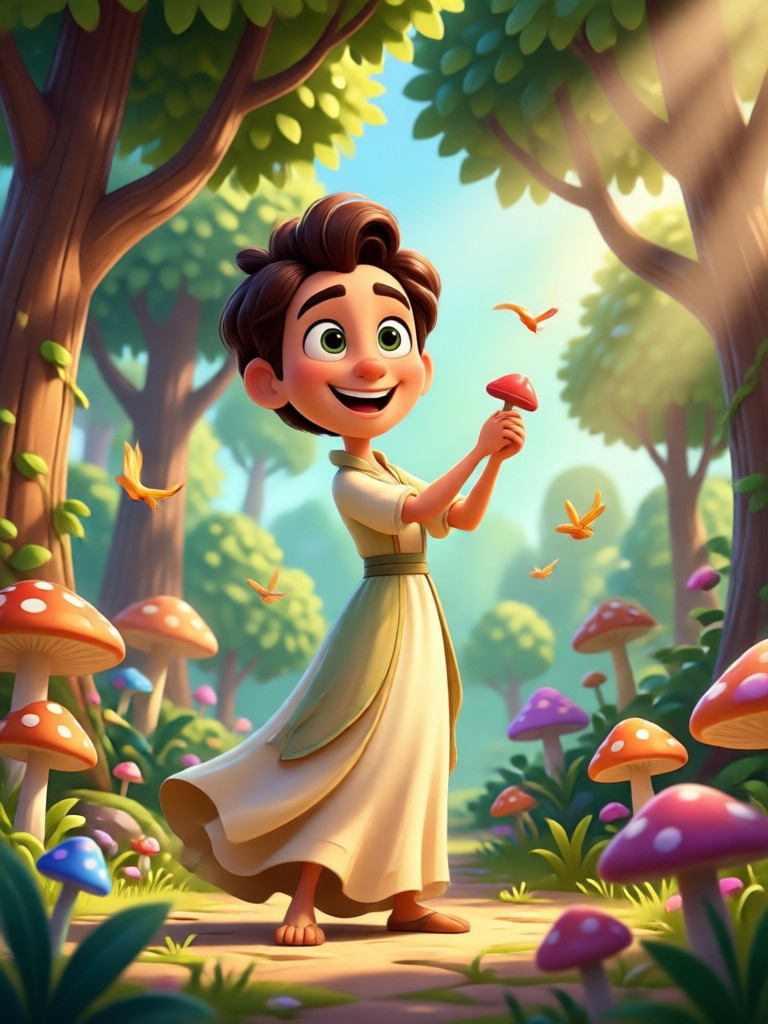
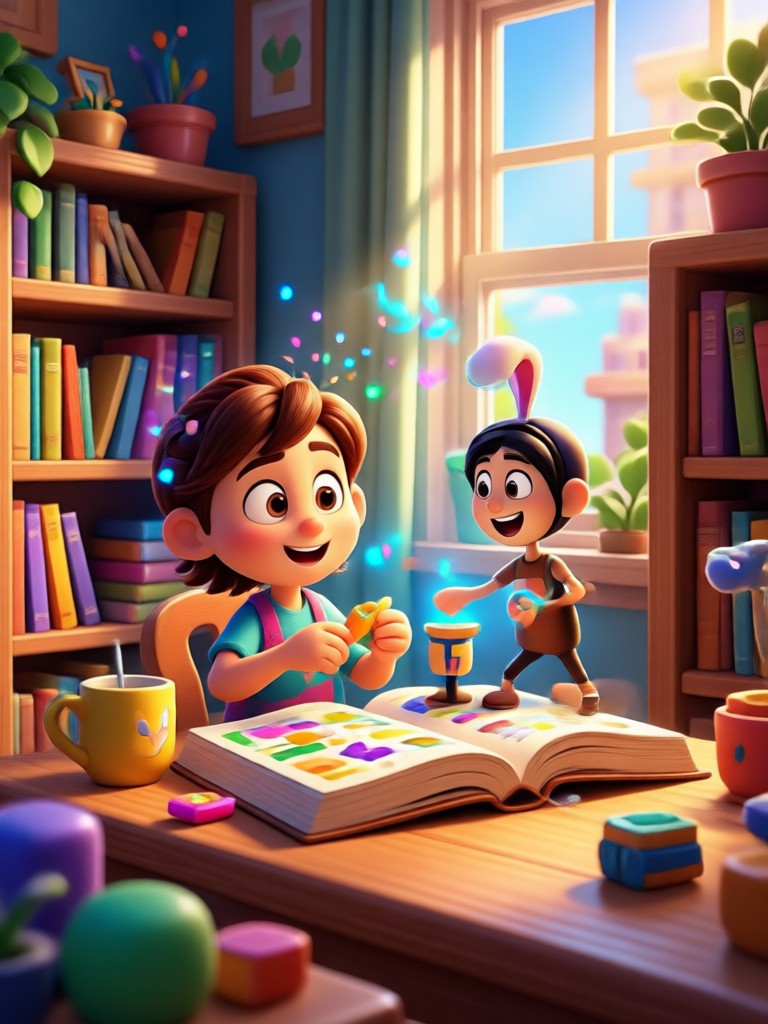
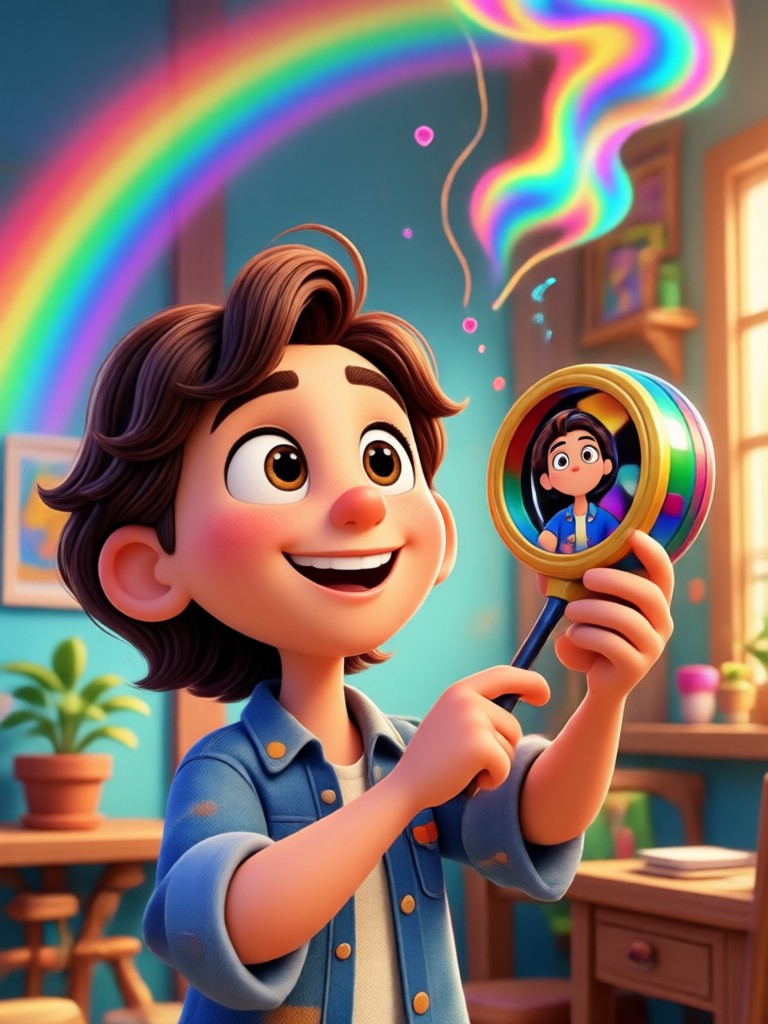
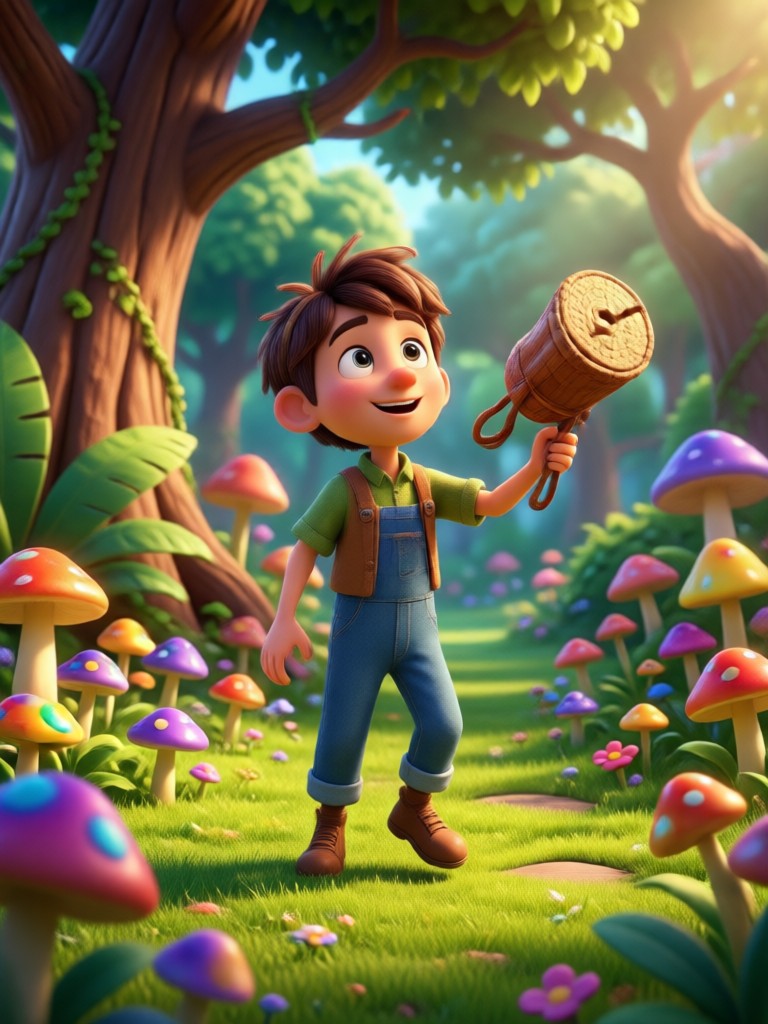
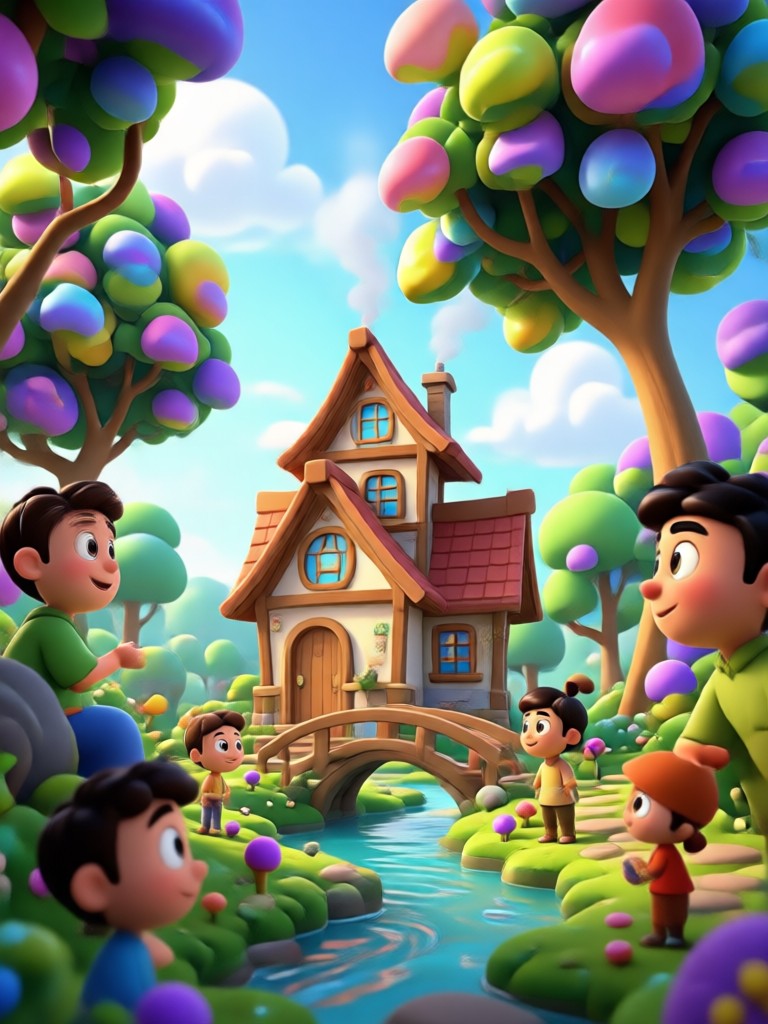
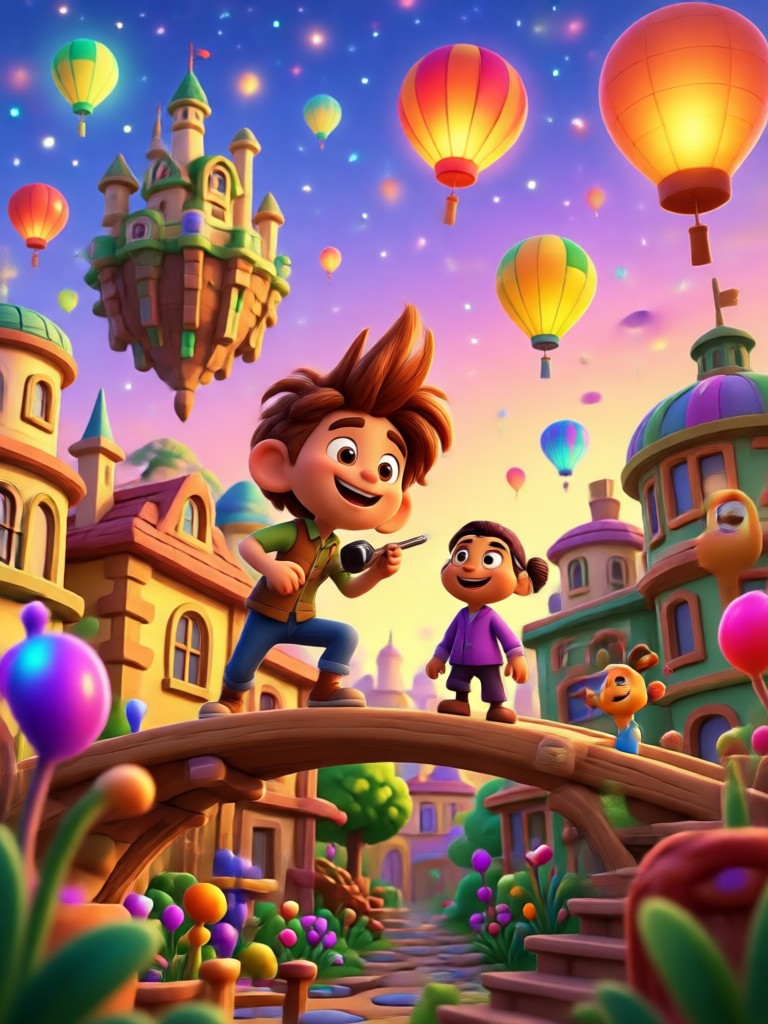
See the charming 3D Pixar style results generated from simple photo prompts. Portraits, pets, family scenes, and fantasy characters all created in the pixpop app.
How to Create AI Pixar Style Photos in 3 Steps
Turn any photo into a charming Pixar style 3D character using simple prompts and built in filters inside the pixpop app.

Step 01.
Download pixpop from Google Play. It is a mobile only app designed for quick AI photo generation without complex prompt setup.

Step 02.
Pick an AI Pixar style photo prompt or choose a Pixar filter template from the built in library.

Step 03.
Upload your photo and generate. Save the 3D Pixar style result and share it on social media.
Why Pixpop Handles Pixar Style Details Better
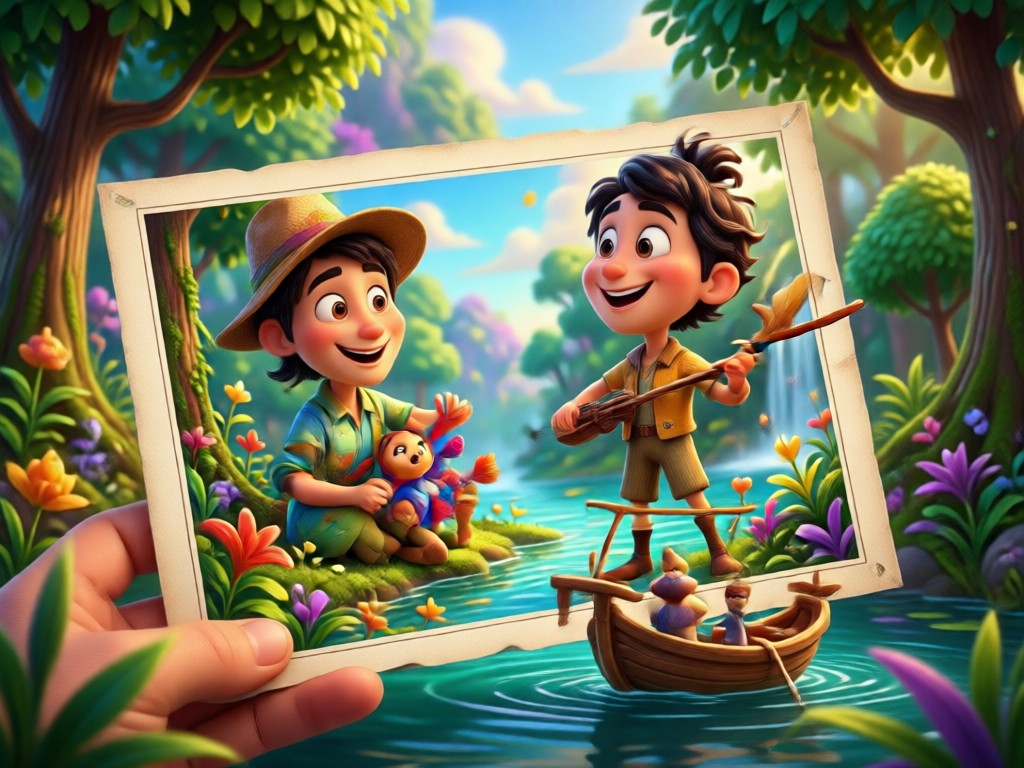
Many AI tools flatten faces or produce generic plastic looks. pixpop preserves facial identity while adding Pixar style proportions, expressive eyes, soft cinematic lighting, and rich background detail. It also works with multiple people in one photo, so group shots stay balanced and recognizable. The result feels like a true 3D animated movie still.
Why Pixpop Handles Pixar Style Details Better
Many AI tools flatten faces or produce generic plastic looks. pixpop preserves facial identity while adding Pixar style proportions, expressive eyes, soft cinematic lighting, and rich background detail. It also works with multiple people in one photo, so group shots stay balanced and recognizable. The result feels like a true 3D animated movie still.
Ready to Try AI Pixar Style Photo Prompts?
Download pixpop on Google Play and apply Pixar inspired 3D effects to your photos in minutes.

Who Uses AI Pixar Style Photo Prompts
Louis Yule
I used the 3D Pixar style photo prompts for my family portrait. The result looked like a real animated movie still, and everyone recognized themselves instantly.

Mandy Sander
The Pixar filter prompts saved me hours of editing. I uploaded a selfie and got a Disney Pixar inspired character with perfect lighting and expression.

Orville Garcia
I create Pixar poster style images for my social media. pixpop gives me studio quality 3D scenes without any design skills or prompt engineering.
Sam Green
My dog photos turned into adorable Pixar style movie characters. The app kept his face and fur details while making the whole scene feel magical.
Louis Yule
I used the 3D Pixar style photo prompts for my family portrait. The result looked like a real animated movie still, and everyone recognized themselves instantly.
Mandy Sander
The Pixar filter prompts saved me hours of editing. I uploaded a selfie and got a Disney Pixar inspired character with perfect lighting and expression.
Orville Garcia
I create Pixar poster style images for my social media. pixpop gives me studio quality 3D scenes without any design skills or prompt engineering.
Sam Green
My dog photos turned into adorable Pixar style movie characters. The app kept his face and fur details while making the whole scene feel magical.
Louis Yule
I used the 3D Pixar style photo prompts for my family portrait. The result looked like a real animated movie still, and everyone recognized themselves instantly.
Mandy Sander
The Pixar filter prompts saved me hours of editing. I uploaded a selfie and got a Disney Pixar inspired character with perfect lighting and expression.
Orville Garcia
I create Pixar poster style images for my social media. pixpop gives me studio quality 3D scenes without any design skills or prompt engineering.
Sam Green
My dog photos turned into adorable Pixar style movie characters. The app kept his face and fur details while making the whole scene feel magical.
Frequently Asked Questions
Find clear answers to common questions about AI Pixar style photo prompts and how to create Pixar inspired 3D images in pixpop.
AI Pixar Style Photo Prompt Video Tutorials
Watch step by step tutorials and demos that show how to create Pixar style 3D photos, use prompt templates, and share your animated movie scenes.
More Topics You May Like
Explore more Pixar style AI prompts and creative ideas for turning photos into animated movie scenes.
Create Stunning AI Pineapple Images in Seconds
Turn your ideas into vibrant AI pineapple image prompts. Upload a photo or enter text, pick a style, and generate tropical pineapple art in seconds. No design skills needed.
AI Pink Hair Prompt: Transform Your Look in Seconds
Use the best AI pink hair prompt to see yourself with vibrant pink locks. Upload a photo, pick a template, and get realistic results instantly. No editing skills needed.

AI Paparazzi Video Prompts That Feel Shockingly Real
Create AI paparazzi video prompts that turn photos into candid celebrity clips. Pick flash lit street scenes and motion templates, then download the app for viral videos.

AI Orange Juice Ad Prompt: Juicy Visuals in Seconds
Create fresh AI orange juice ad prompts for splash shots, bottle pours, and lifestyle scenes. Pick a style, describe your juice ad, and produce ready to share visuals on mobile.
Start Creating Pixar Style Photos Today
Download pixpop, open an AI Pixar style photo prompt, and transform your favorite photos into 3D animated movie magic. No design skills required.
Start Creating Pixar Style Photos Today
Download pixpop, open an AI Pixar style photo prompt, and transform your favorite photos into 3D animated movie magic. No design skills required.