Remove Water Mark From The Image

Choose the Best AI Filter for Watermark Removal
Discover powerful AI filters that clean watermarks, erase unwanted objects, and restore your images with stunning natural results.
Powerful Features for Watermark Removal
Turn cluttered photos into clean visuals with our AI-powered tools. Remove watermark from image, erase objects, and enhance quality with precision.

Precise Watermark Detection
Our AI clean algorithm intelligently identifies watermarks, logos, date stamps, and text overlays without damaging the original photo background.
Precise Watermark Detection
Our AI clean algorithm intelligently identifies watermarks, logos, date stamps, and text overlays without damaging the original photo background.

Clean Background Restoration
After removing watermarks, the AI seamlessly fills in missing pixels and textures so your image looks natural, polished, and professionally edited.
Clean Background Restoration
After removing watermarks, the AI seamlessly fills in missing pixels and textures so your image looks natural, polished, and professionally edited.

Batch Photo Processing
Remove watermark from multiple images in one session. Save time when cleaning product photos, portfolio shots, or any batch of pictures.
Batch Photo Processing
Remove watermark from multiple images in one session. Save time when cleaning product photos, portfolio shots, or any batch of pictures.
How to Remove Watermark From Image?
Follow three simple steps to clean any watermark, logo, or text overlay from your photos using our AI-powered mobile app.

Step 01.
Download the pixpop app from Google Play to access the AI watermark remover tool on your phone.

Step 02.
Upload your photo and choose the clean or object removal filter to target the watermark area precisely.

Step 03.
Generate a clean version of your image, then download high-quality results ready to share or publish anywhere.
Why Choose pixpop for Watermark Removal?
Remove watermark from image with unmatched accuracy. Unlike manual cropping or blur tools, our AI understands context and reconstructs the background behind watermarks naturally. You get clean, professional results in seconds without installing heavy desktop software or learning complicated editing workflows. Perfect for social media creators, online sellers, and anyone who needs spotless images fast.
Why Choose pixpop for Watermark Removal?
Remove watermark from image with unmatched accuracy. Unlike manual cropping or blur tools, our AI understands context and reconstructs the background behind watermarks naturally. You get clean, professional results in seconds without installing heavy desktop software or learning complicated editing workflows. Perfect for social media creators, online sellers, and anyone who needs spotless images fast.
Amazing Watermark Removal Results
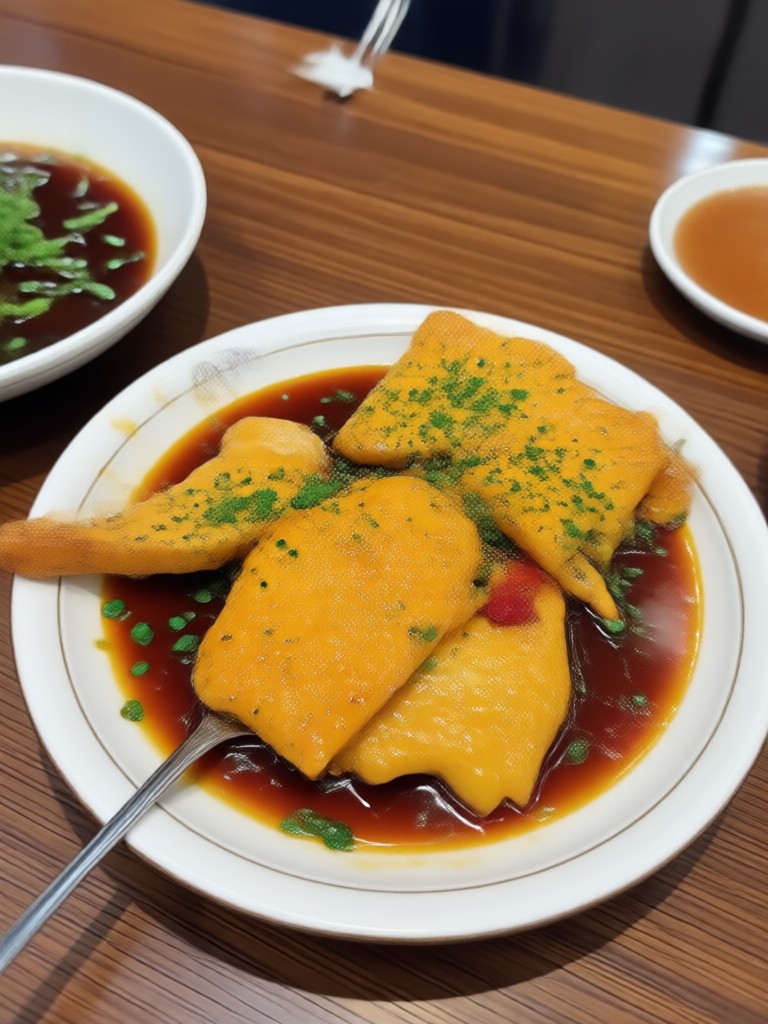
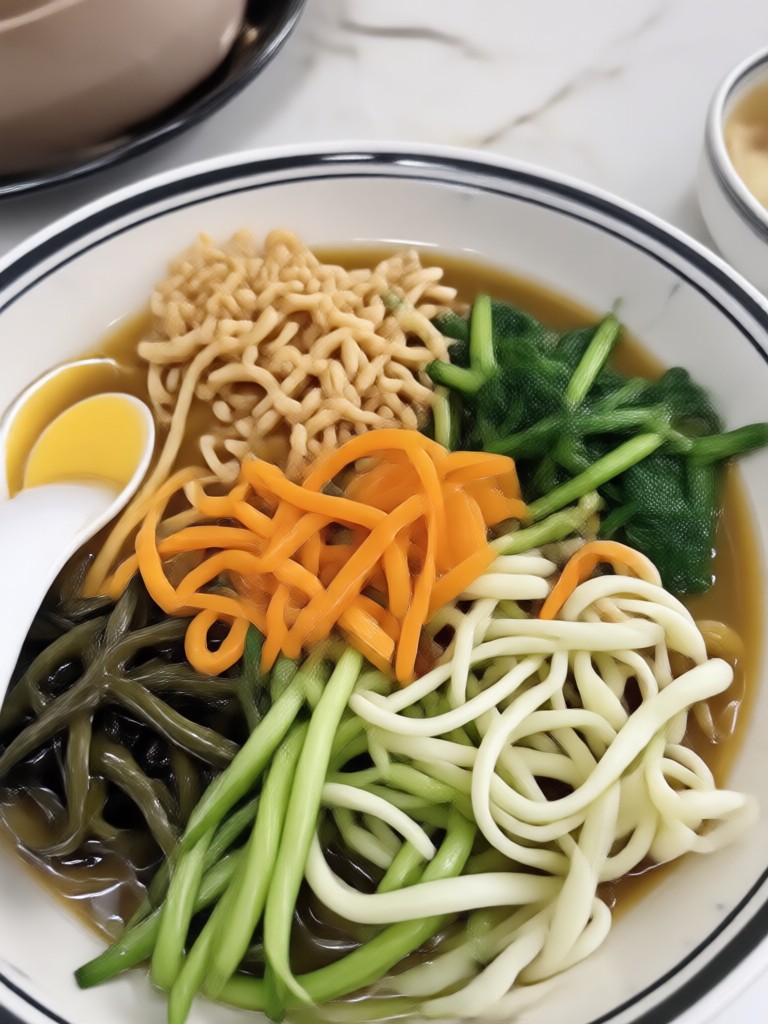
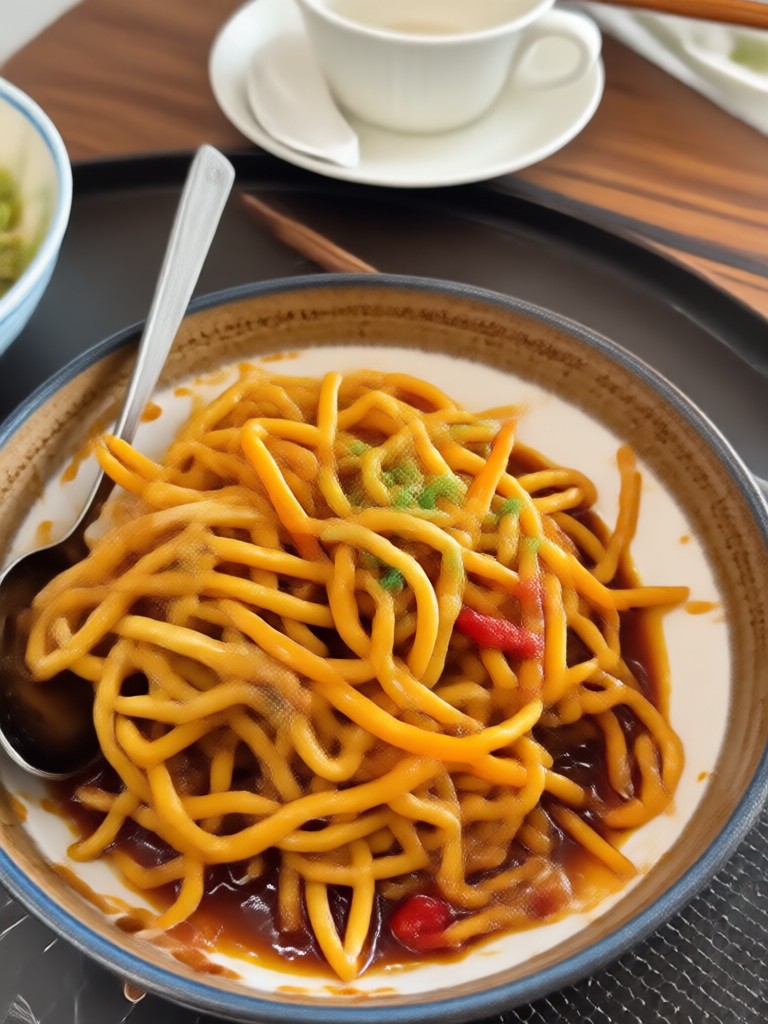
See how our AI clean tool removes watermarks, logos, and text from photos while keeping backgrounds clean and natural. Your photos can look this good too.









Who Uses Our Watermark Removal App

Louis Yule
Cleaned up dozens of product photos for my online store by removing supplier watermarks before publishing. The results look completely natural and professional.

Mandy Sander
As a content creator, I always deal with stock photo watermarks. This app removes them perfectly without any blurry patches or visible edits.

Orville Garcia
I removed old date stamps from family vacation photos. The AI restored the backgrounds so well that you cannot tell they were ever edited.

Sam Green
Batch processing is a lifesaver. I cleaned 50 portfolio images in one afternoon with consistent quality across every single photo.
Louis Yule
Cleaned up dozens of product photos for my online store by removing supplier watermarks before publishing. The results look completely natural and professional.
Mandy Sander
As a content creator, I always deal with stock photo watermarks. This app removes them perfectly without any blurry patches or visible edits.
Orville Garcia
I removed old date stamps from family vacation photos. The AI restored the backgrounds so well that you cannot tell they were ever edited.
Sam Green
Batch processing is a lifesaver. I cleaned 50 portfolio images in one afternoon with consistent quality across every single photo.
Louis Yule
Cleaned up dozens of product photos for my online store by removing supplier watermarks before publishing. The results look completely natural and professional.
Mandy Sander
As a content creator, I always deal with stock photo watermarks. This app removes them perfectly without any blurry patches or visible edits.
Orville Garcia
I removed old date stamps from family vacation photos. The AI restored the backgrounds so well that you cannot tell they were ever edited.
Sam Green
Batch processing is a lifesaver. I cleaned 50 portfolio images in one afternoon with consistent quality across every single photo.
Watermark Removal FAQs
Get answers to common questions about removing watermarks from images with AI and how our mobile app makes photo cleaning simple and fast.

Remove Watermark From Image on Your Phone
Download pixpop on Google Play and access advanced AI clean tools for watermark removal, object erasing, and photo restoration all in one mobile app.

More Topics You May Like
Explore more topics you may like and discover fresh ideas tailored to your interests.

Duke Photo Editing: Transform Your Look with AI Style
Beard Remover From Photo: Shave Your Look Virtually

AI Image Generator: No Watermark, Just Clean HD Art
Remove Photo Wrinkles Free: AI Face Smoothing App
Duke Photo Editing: Transform Your Look with AI Style
Beard Remover From Photo: Shave Your Look Virtually
AI Image Generator: No Watermark, Just Clean HD Art
Remove Photo Wrinkles Free: AI Face Smoothing App
Clean Your Photos with AI Watermark Remover
Remove watermark from image with one simple tap. Download pixpop now and turn cluttered pictures into polished, share-ready photos effortlessly.
Clean Your Photos with AI Watermark Remover
Remove watermark from image with one simple tap. Download pixpop now and turn cluttered pictures into polished, share-ready photos effortlessly.