Photoshop Unblur Image With AI: Sharp Results in One Tap
Choose the AI Unblur Filter That Fits Your Photo
From motion blur to soft focus, every blurry photo needs a different fix. Browse Pixpop's collection of AI unblur and sharpening filters to find the one that restores your image best.
Key Features of AI Image Unblur Technology
Pixpop replaces hours of manual Photoshop work with intelligent AI algorithms that restore sharpness, detail, and clarity to any blurry photo in seconds.
AI Powered Deblur Technology
Smart AI models analyze blur patterns, motion artifacts, and focus issues to restore lost detail automatically. Unlike manual Photoshop tools that require precise slider adjustments and layer masks, Pixpop handles all the technical work for you. Upload a blurry image, tap once, and watch the AI rebuild edges, textures, and facial features with remarkable accuracy.
AI Powered Deblur Technology
Smart AI models analyze blur patterns, motion artifacts, and focus issues to restore lost detail automatically. Unlike manual Photoshop tools that require precise slider adjustments and layer masks, Pixpop handles all the technical work for you. Upload a blurry image, tap once, and watch the AI rebuild edges, textures, and facial features with remarkable accuracy.
Multiple Unblur Style Filters
Different photos need different restoration approaches. Pixpop offers a wide range of sharpening filters tuned for portraits, landscapes, product shots, old photos, and low light images. Each filter targets specific blur types so you can match the tool to your photo's needs and get the best possible result without guesswork.
Multiple Unblur Style Filters
Different photos need different restoration approaches. Pixpop offers a wide range of sharpening filters tuned for portraits, landscapes, product shots, old photos, and low light images. Each filter targets specific blur types so you can match the tool to your photo's needs and get the best possible result without guesswork.
One Tap Photo Enhancement
No complex selections, no tedious layer work, and no steep learning curve. Pixpop's unblur feature works with a single tap. Upload your fuzzy image, preview the sharpened result side by side with the original, and download the restored version to your phone. The entire process takes less than 30 seconds from start to finish.
One Tap Photo Enhancement
No complex selections, no tedious layer work, and no steep learning curve. Pixpop's unblur feature works with a single tap. Upload your fuzzy image, preview the sharpened result side by side with the original, and download the restored version to your phone. The entire process takes less than 30 seconds from start to finish.
How to Unblur Images Without Photoshop?
Fix blurry photos in three simple steps using Pixpop's AI image sharpener. No editing experience required.

Step 01.
Download the Pixpop app from Google Play and open it on your phone to access the AI unblur tools.

Step 02.
Upload your blurry photo and browse the unblur filter collection to find the sharpening style that matches your image type.

Step 03.
Apply the filter, preview your restored image against the original, and download or share the sharpened photo instantly.
Before and After: AI Unblur Photo Results
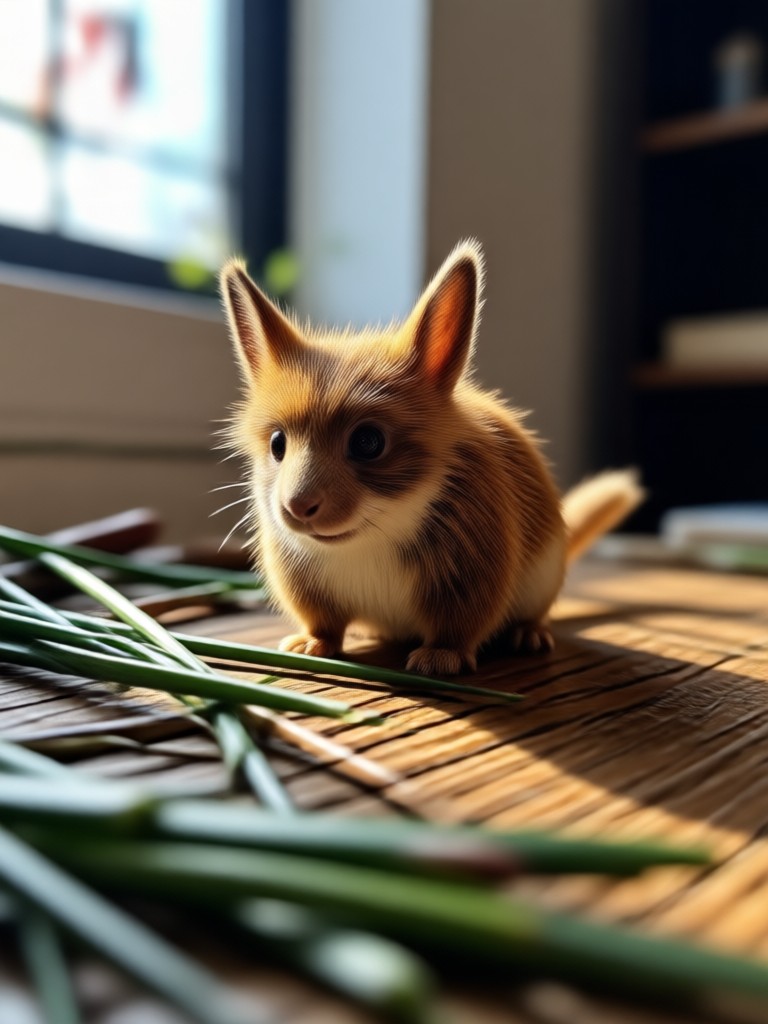
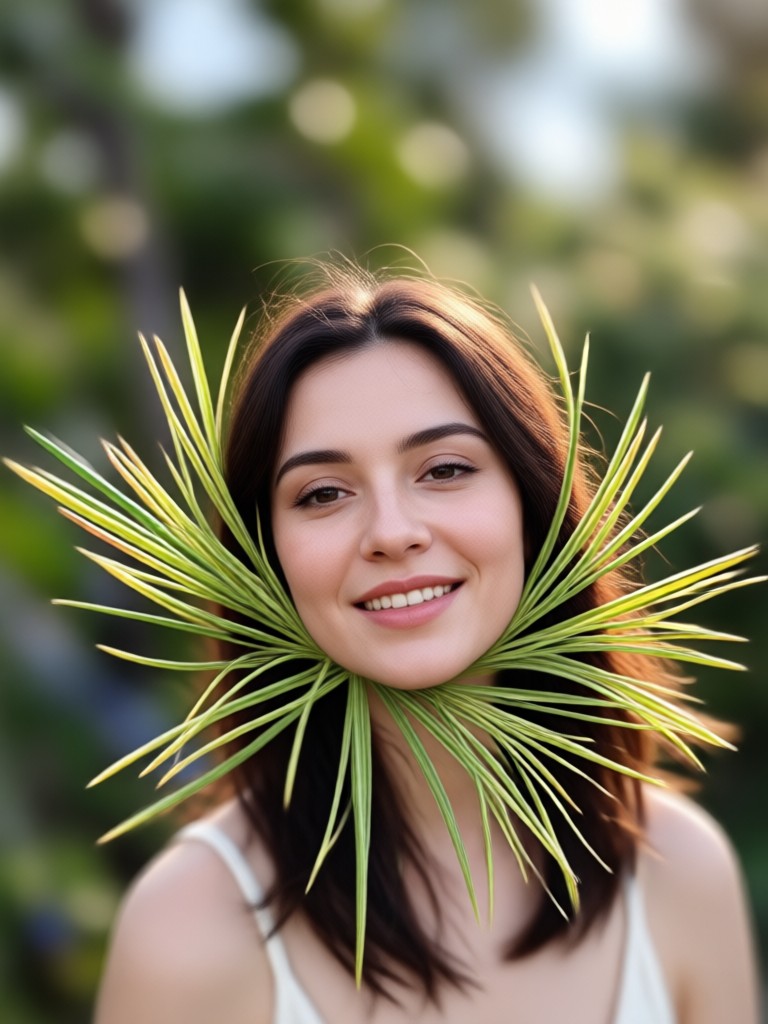
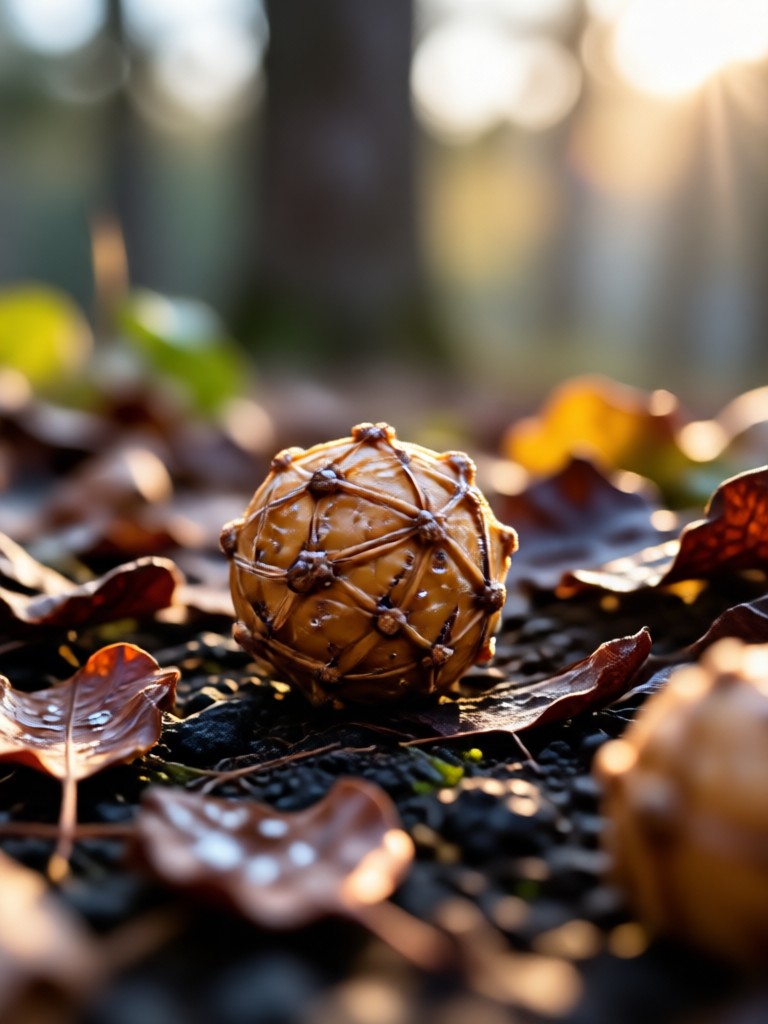
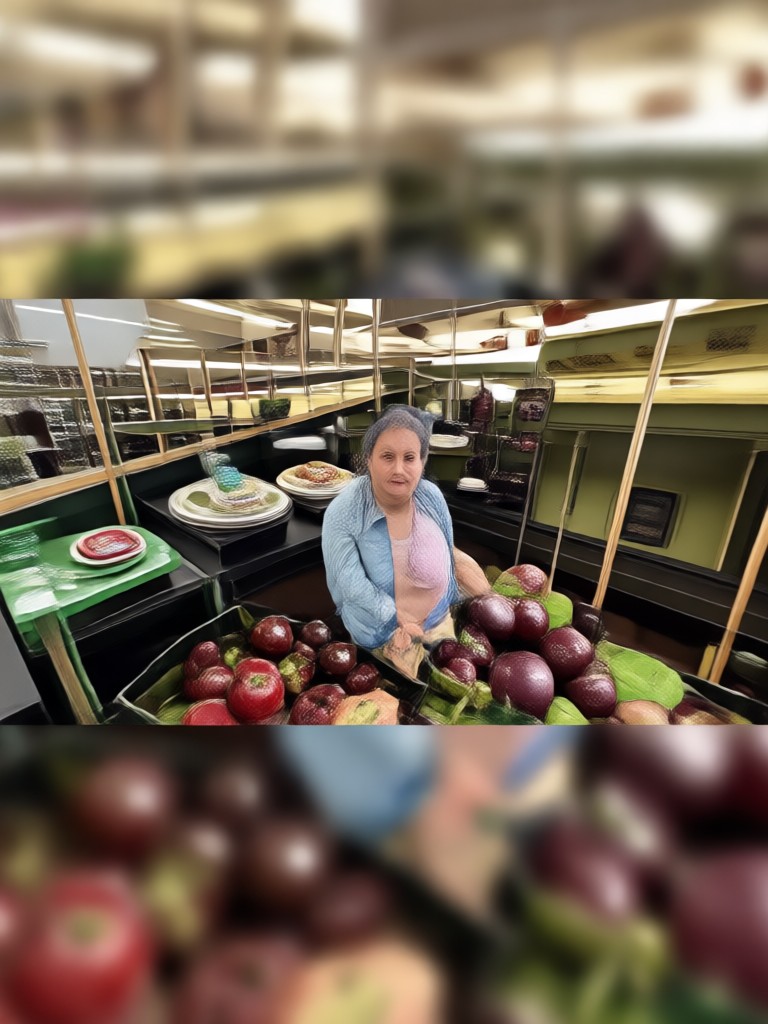
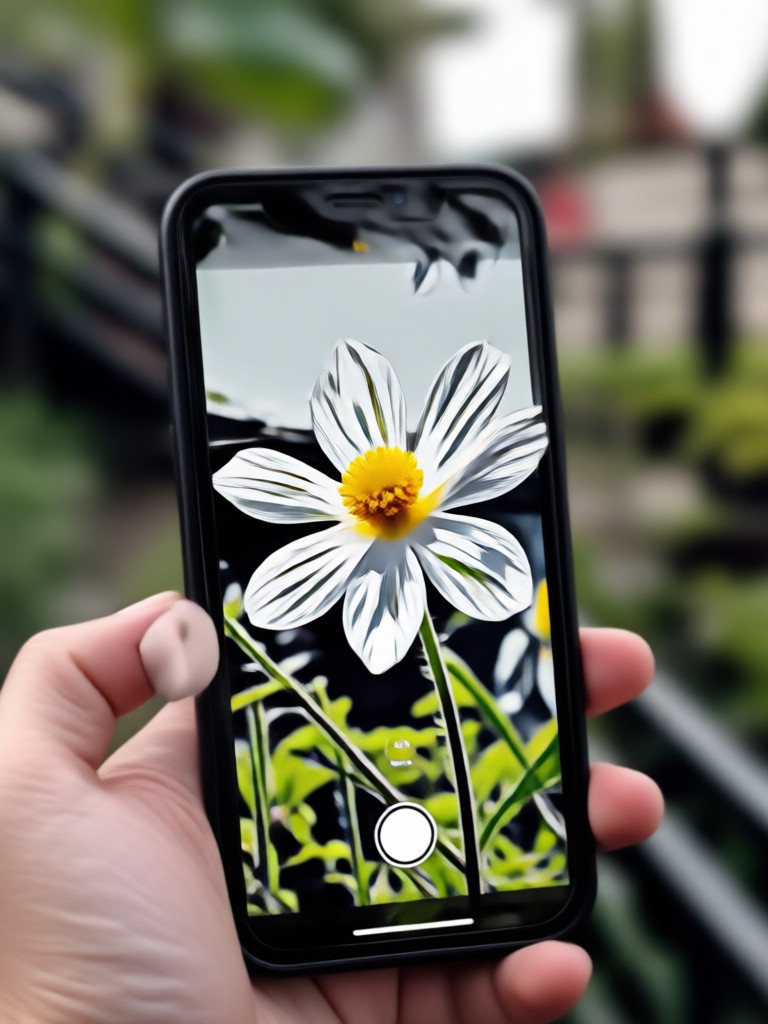
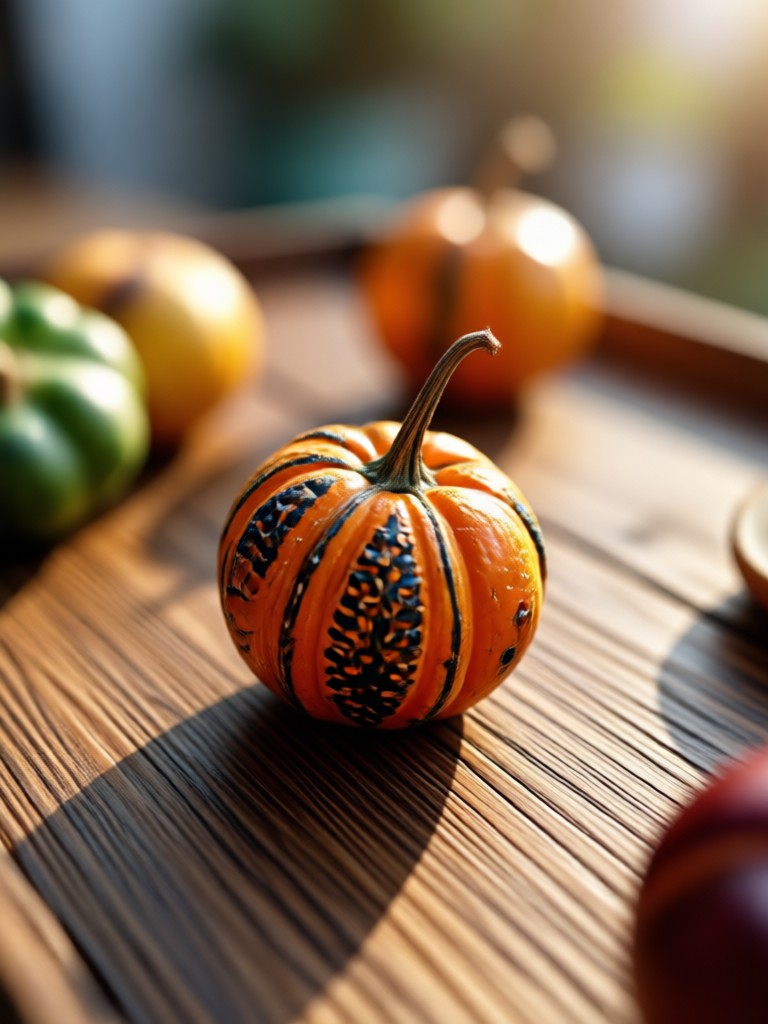
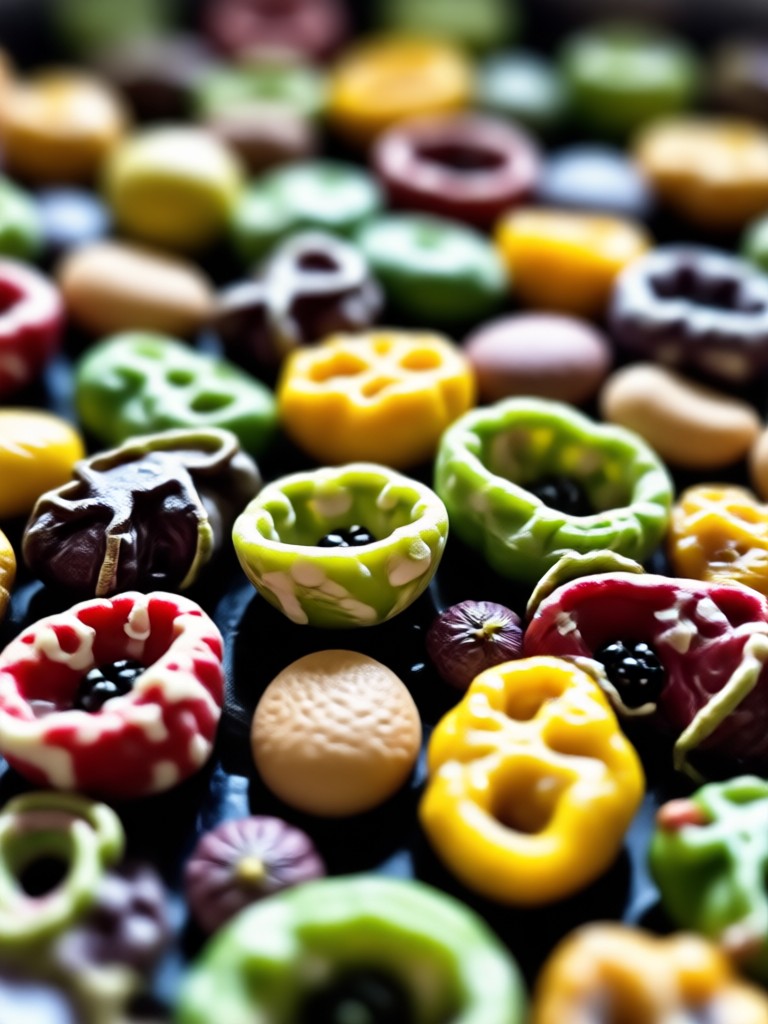
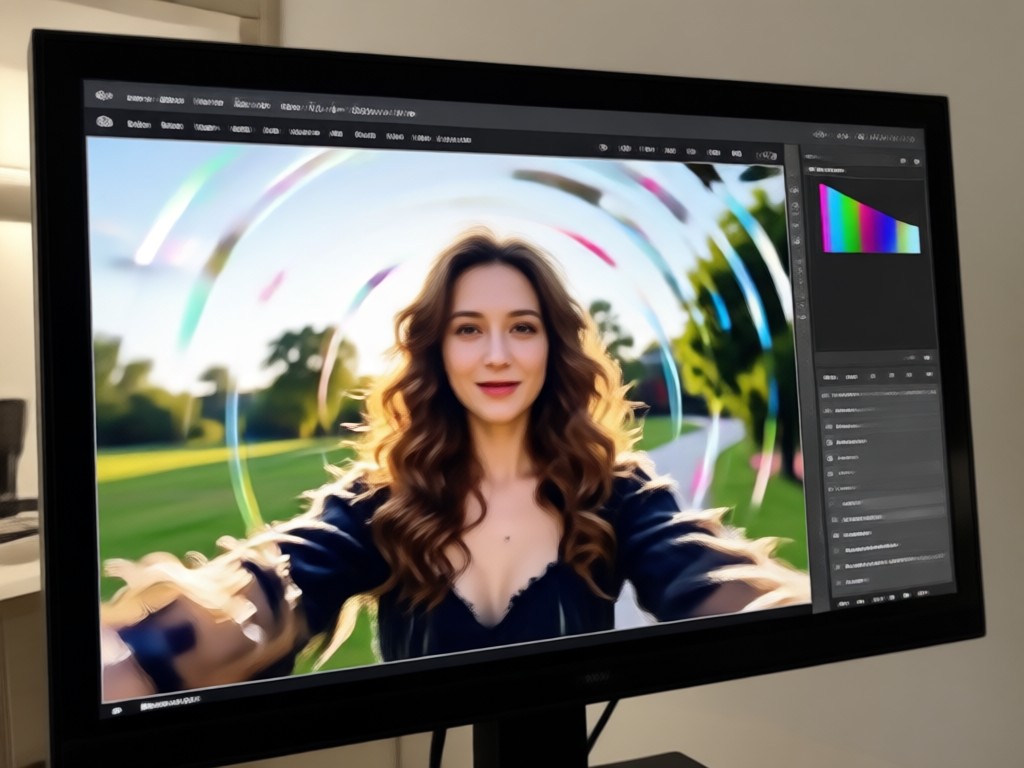
See how Pixpop's AI image sharpener transforms blurry, out-of-focus photos into crisp, detailed images. Each result below was generated in under 30 seconds using our unblur filters.

Why Use AI Instead of Photoshop to Unblur Images?
Photoshop demands smart sharpen filters, layer masks, and manual noise reduction that take years to master. Pixpop replaces all that complexity with one tap AI technology. You get professional level photo restoration without subscriptions, tutorials, or a steep learning curve. Upload a blurry image, apply an unblur filter, and download the sharpened result in seconds. No desktop software, no monthly fees, and no frustration.
Why Use AI Instead of Photoshop to Unblur Images?
Photoshop demands smart sharpen filters, layer masks, and manual noise reduction that take years to master. Pixpop replaces all that complexity with one tap AI technology. You get professional level photo restoration without subscriptions, tutorials, or a steep learning curve. Upload a blurry image, apply an unblur filter, and download the sharpened result in seconds. No desktop software, no monthly fees, and no frustration.
What Users Say About AI Image Unblurring
Louis Yule
I had a batch of blurry wedding photos I thought were completely ruined. Pixpop's unblur filter restored the faces and details almost perfectly, far better than my attempts following Photoshop tutorials for hours.
Mandy Sander
As a small business owner, I cannot afford professional photo editing. Pixpop lets me unblur product shots in seconds and they look sharp enough for my online store listing and social media.
Orville Garcia
My old phone took blurry photos constantly. Now I just run them through Pixpop and they come out looking like they were shot on a DSLR camera. The difference is honestly incredible.
Sam Green
I love how the AI unblur preserves natural skin texture instead of making everything look plastic and overprocessed. The results are clean, realistic, and ready to share every single time.
Louis Yule
I had a batch of blurry wedding photos I thought were completely ruined. Pixpop's unblur filter restored the faces and details almost perfectly, far better than my attempts following Photoshop tutorials for hours.
Mandy Sander
As a small business owner, I cannot afford professional photo editing. Pixpop lets me unblur product shots in seconds and they look sharp enough for my online store listing and social media.
Orville Garcia
My old phone took blurry photos constantly. Now I just run them through Pixpop and they come out looking like they were shot on a DSLR camera. The difference is honestly incredible.
Sam Green
I love how the AI unblur preserves natural skin texture instead of making everything look plastic and overprocessed. The results are clean, realistic, and ready to share every single time.
Louis Yule
I had a batch of blurry wedding photos I thought were completely ruined. Pixpop's unblur filter restored the faces and details almost perfectly, far better than my attempts following Photoshop tutorials for hours.
Mandy Sander
As a small business owner, I cannot afford professional photo editing. Pixpop lets me unblur product shots in seconds and they look sharp enough for my online store listing and social media.
Orville Garcia
My old phone took blurry photos constantly. Now I just run them through Pixpop and they come out looking like they were shot on a DSLR camera. The difference is honestly incredible.
Sam Green
I love how the AI unblur preserves natural skin texture instead of making everything look plastic and overprocessed. The results are clean, realistic, and ready to share every single time.
Frequently Asked Questions About Unblurring Images
Find clear answers to common questions about AI unblur technology, photo sharpening, and how Pixpop compares to traditional Photoshop methods.
More Topics You May Like
Explore more topics you may like and discover fresh ideas tailored to your interests.
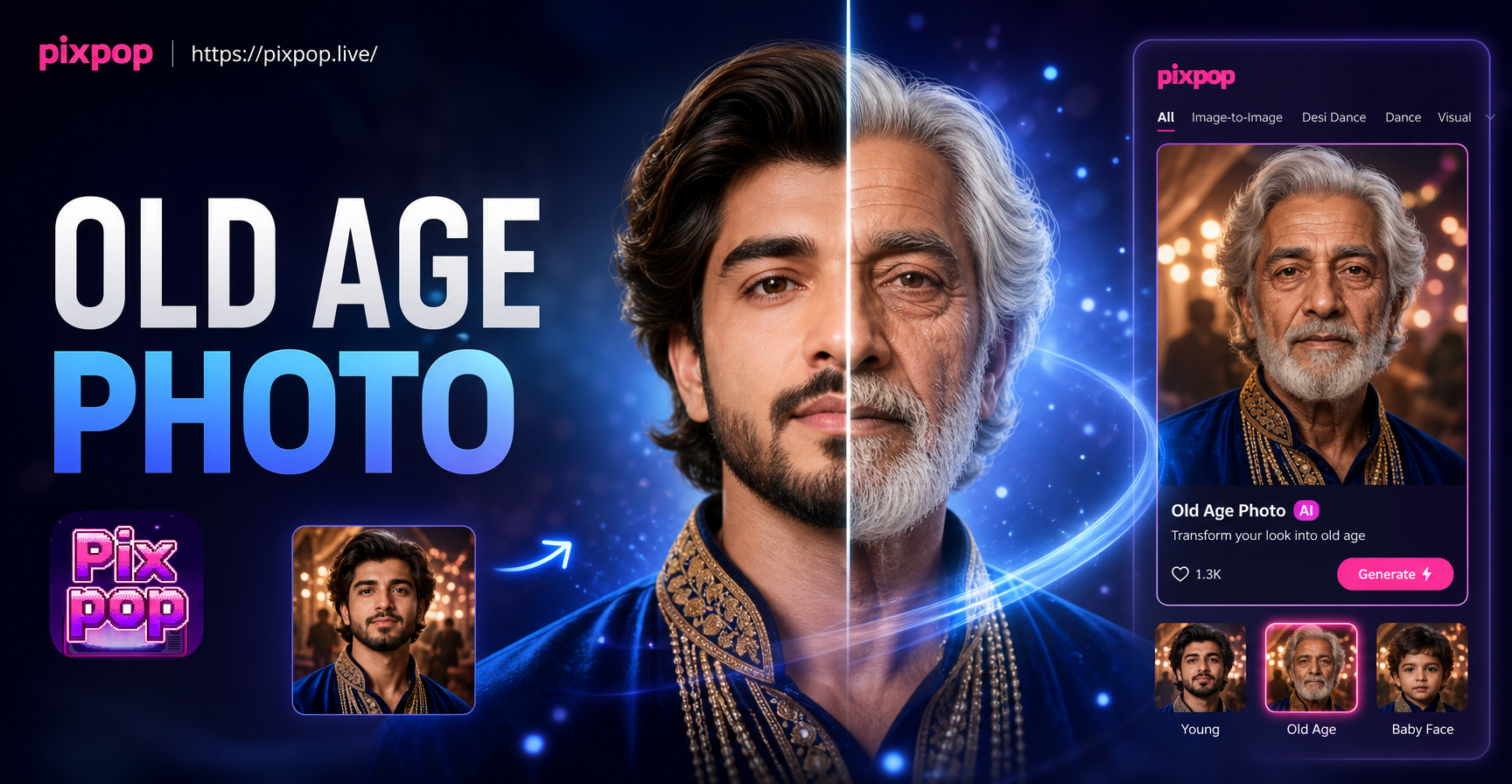
Old Age Photo Maker: See Your Future Self Today
See your future self with the Old Age Photo Maker. Upload a selfie and let AI add wrinkles, gray hair, and age spots for realistic elderly photos. Try it free today.

Ff Photo Edit: AI Photo Editor & Style Filters
Ff Photo Edit transforms photos with AI. Upload an image, apply style filters, retouch details, and create stunning edits in seconds. Try it free.
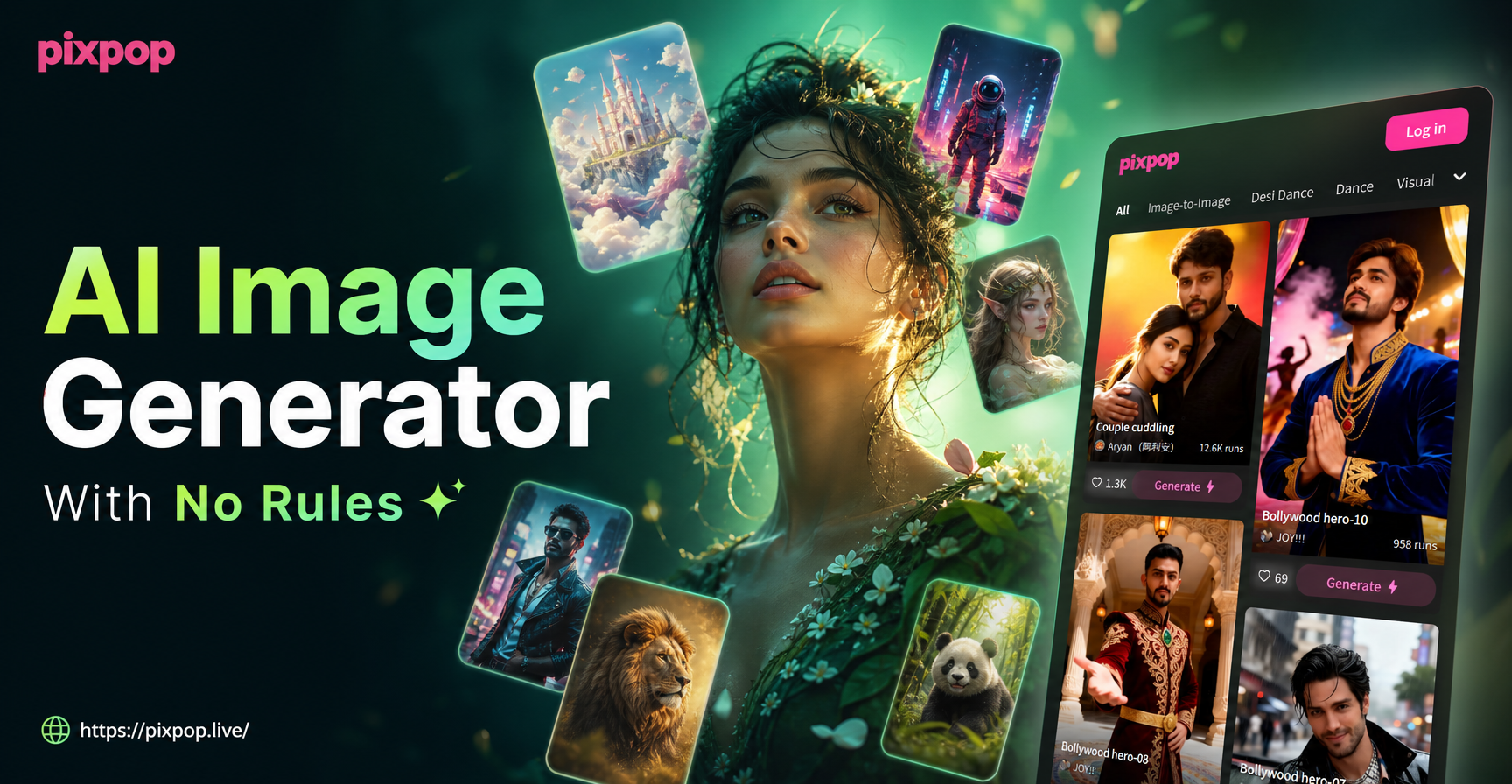
Unrestricted AI Image Generator: Create Without Limits
Discover the AI image generator with no rules. Turn any idea into stunning art without complex prompts or filters. Download the app and create freely.

Upscale Video to 4K with AI: Try It Free
Convert videos to 4K with pixpop AI. Upload a clip, choose an enhancement style, and get crisp 4K results in seconds. No editing skills needed.
Ready to Fix Your Blurry Photos?
Download Pixpop now and turn fuzzy, out of focus images into sharp, professional looking photos with AI powered unblur technology. No Photoshop skills required.
Ready to Fix Your Blurry Photos?
Download Pixpop now and turn fuzzy, out of focus images into sharp, professional looking photos with AI powered unblur technology. No Photoshop skills required.