Old Age Photo Maker: See Your Future Self
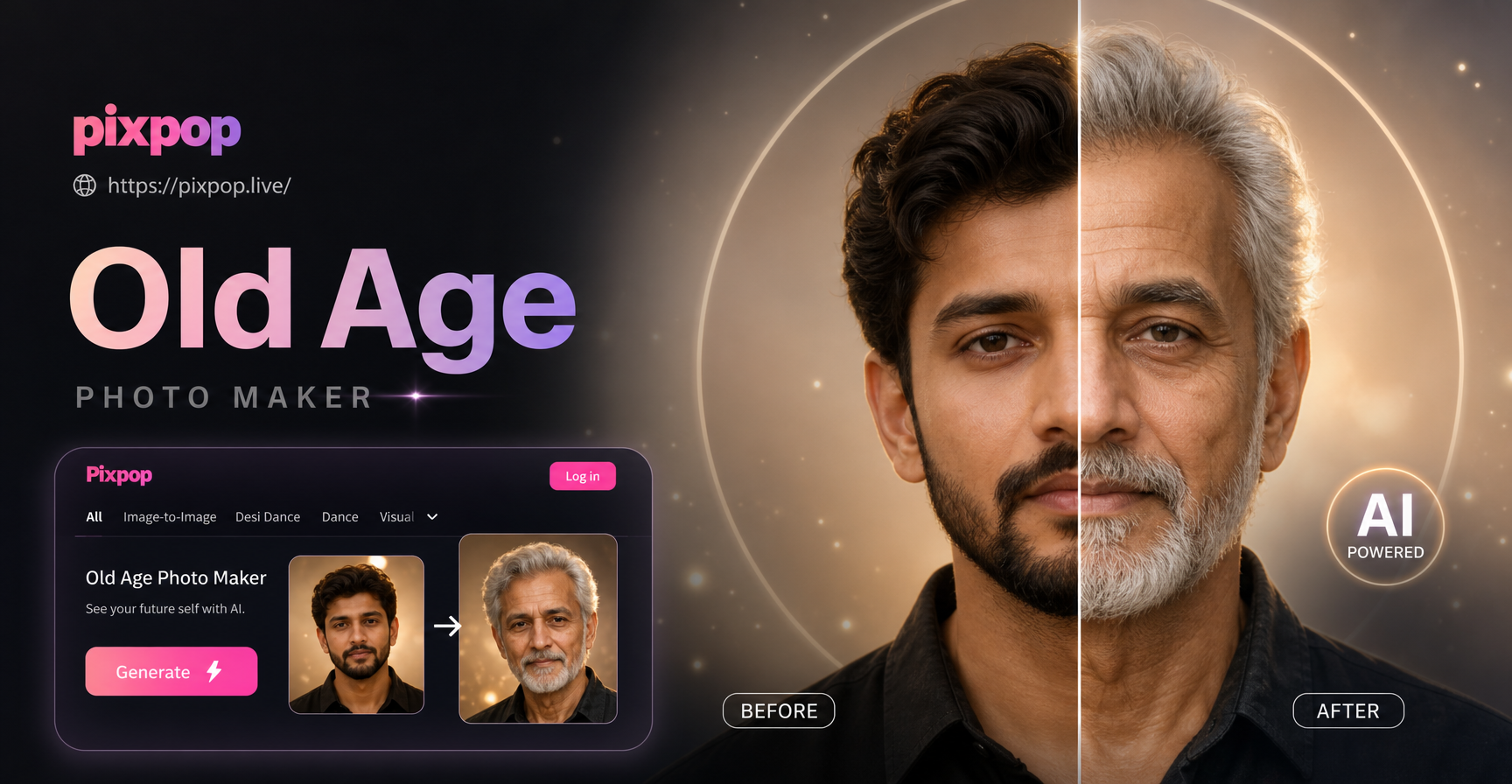
Choose Your Aging Filter
Explore our collection of aging effects, from subtle maturity to full elderly transformation. Pick the style that best matches the look you want to see.
What Can You Do with the Old Age Photo Maker?
From casual curiosity to heartfelt family projects, our AI aging tools open up creative possibilities that are fun, emotional, and incredibly realistic.
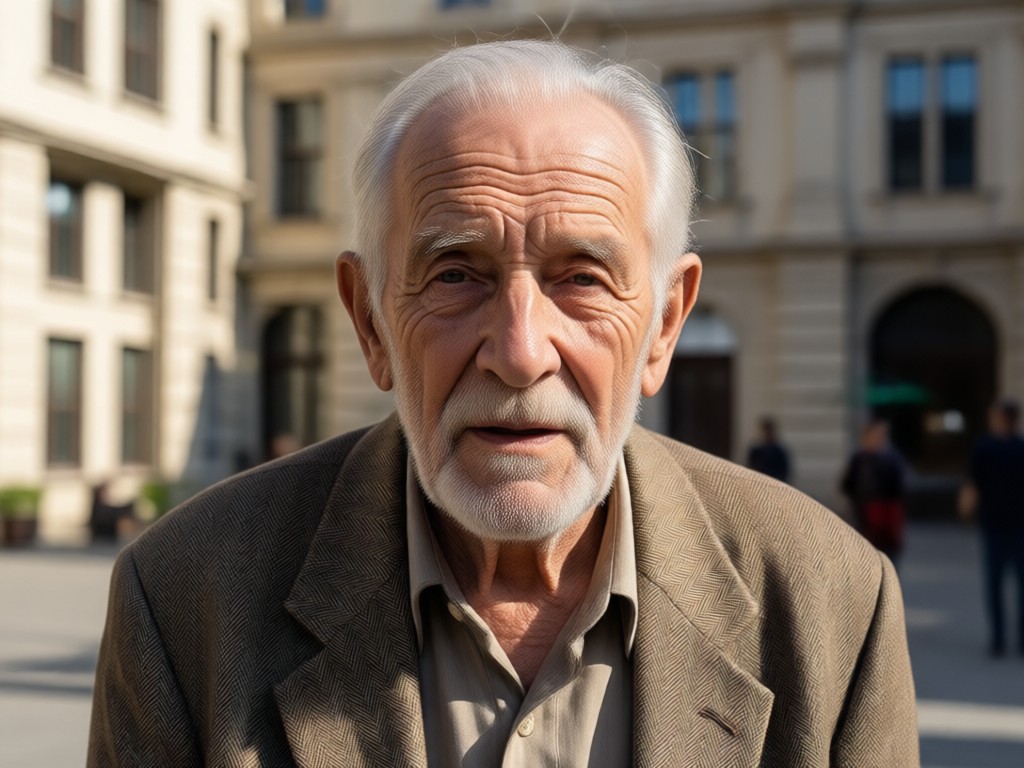
Realistic Face Aging
See your face transform with authentic wrinkles, fine lines, and changing skin texture. The AI preserves your identity while naturally adding decades.
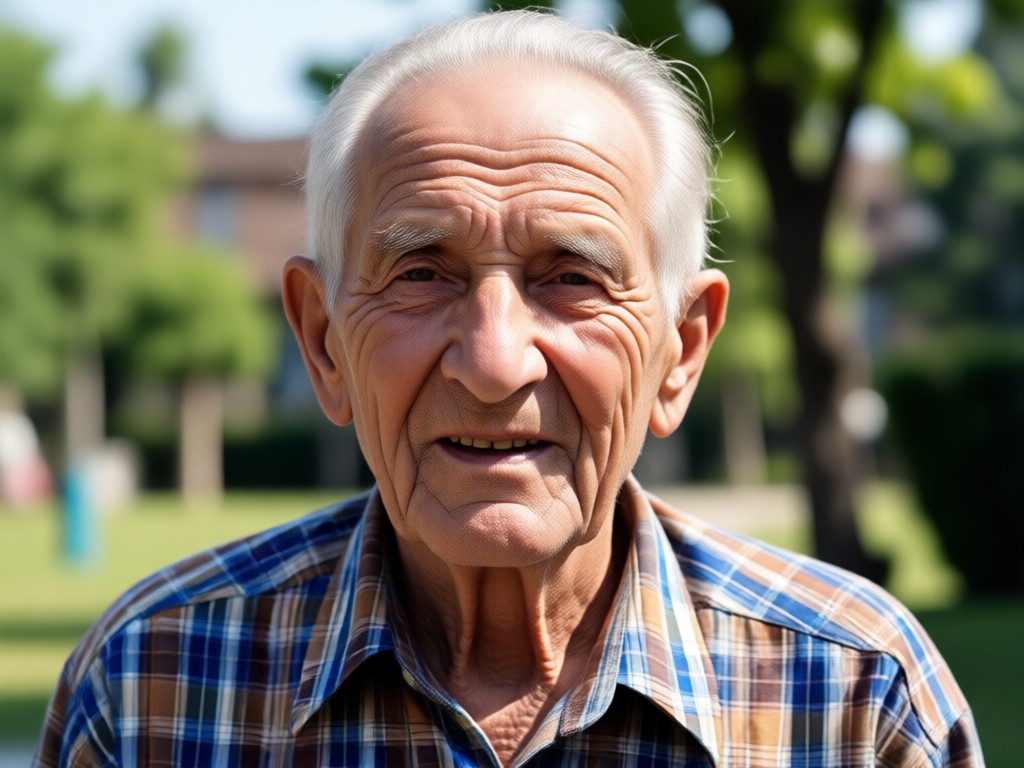
Gray Hair & Age Spots
Add silver strands, thinning hair, and subtle age spots for a convincing elderly look. Every detail is generated to match your facial structure naturally.
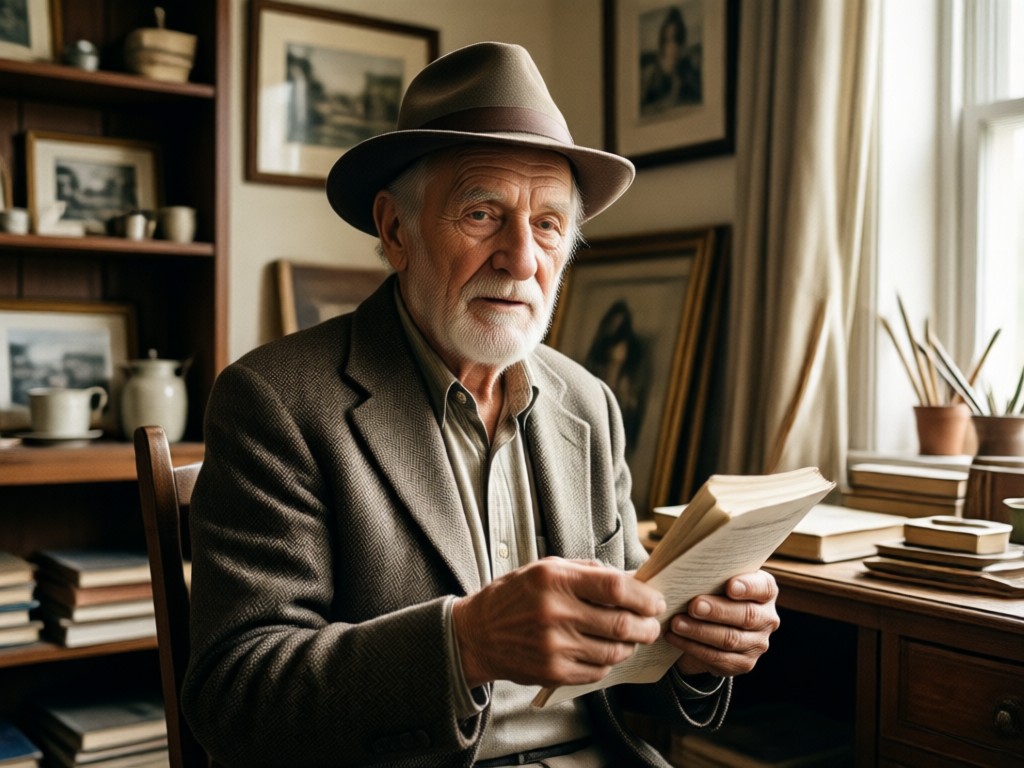
Family & Friendship Fun
Create aging photos of friends, family, or even pets. Share heartwarming moments, surprise loved ones, or imagine what your future reunion will look like.
How to Make Old Age Photos in 3 Steps
Turn your current selfie into a realistic elderly portrait with just a few taps. No editing experience needed.

Step 01.
Download the pixpop app from Google Play and open it on your phone to get started.

Step 02.
Upload a clear front facing photo of yourself or someone you want to age. Choose an old age filter from the library.

Step 03.
Tap generate and watch the AI add wrinkles, gray hair, and age lines in seconds. Save or share your aged photo instantly.
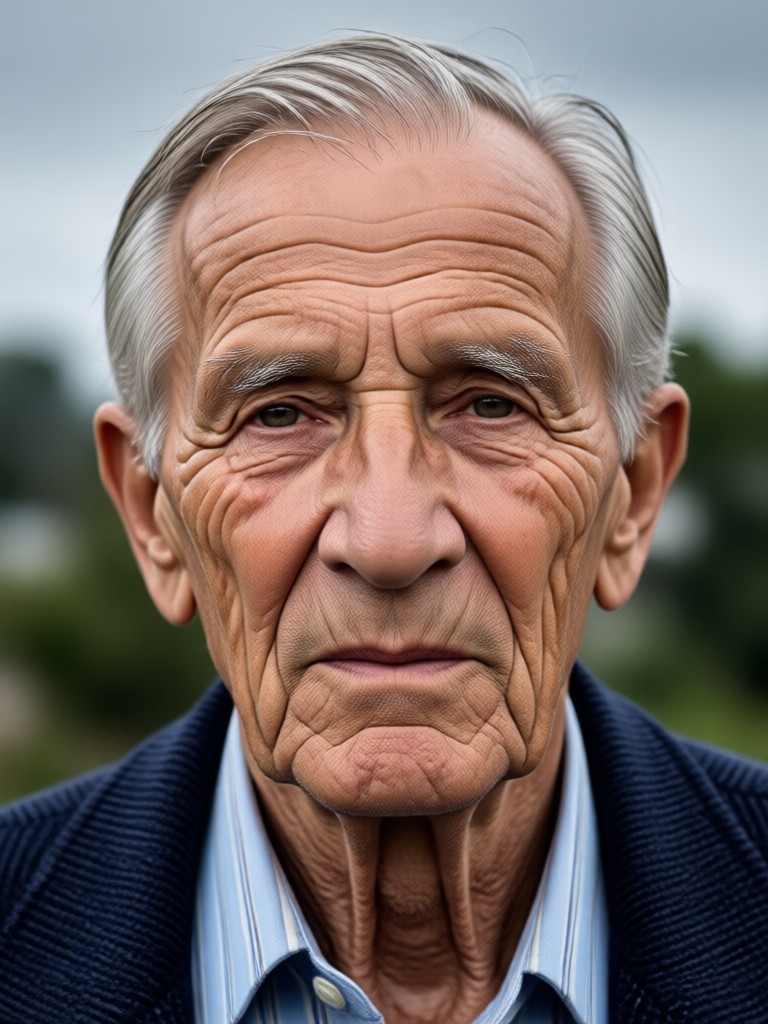
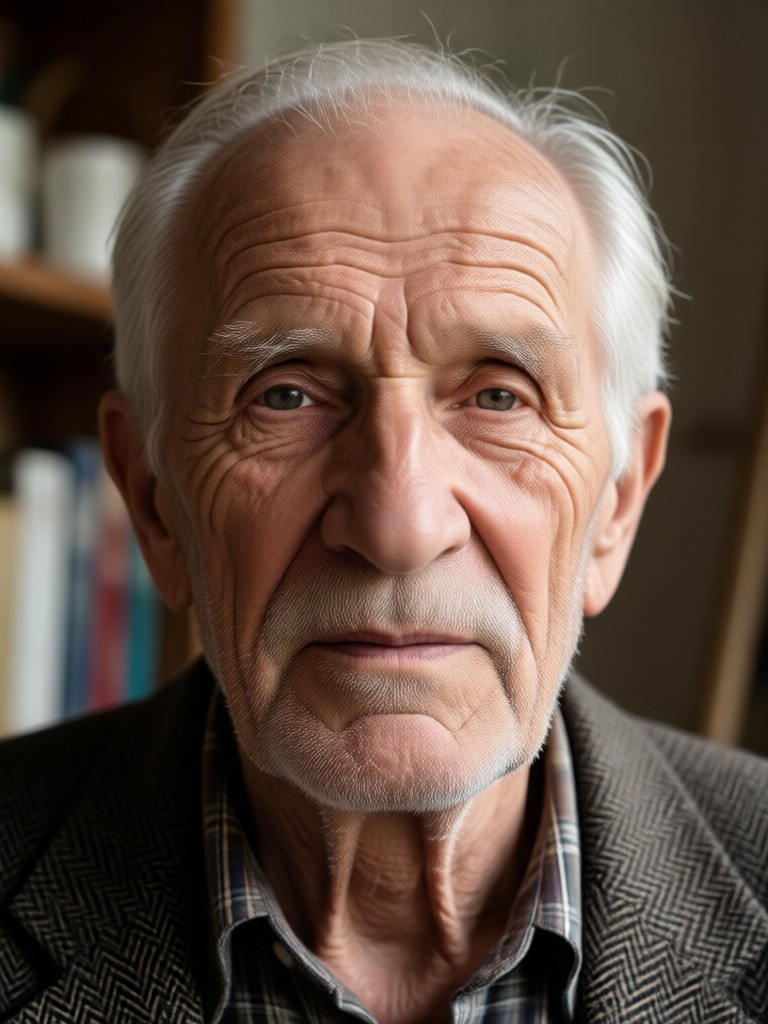
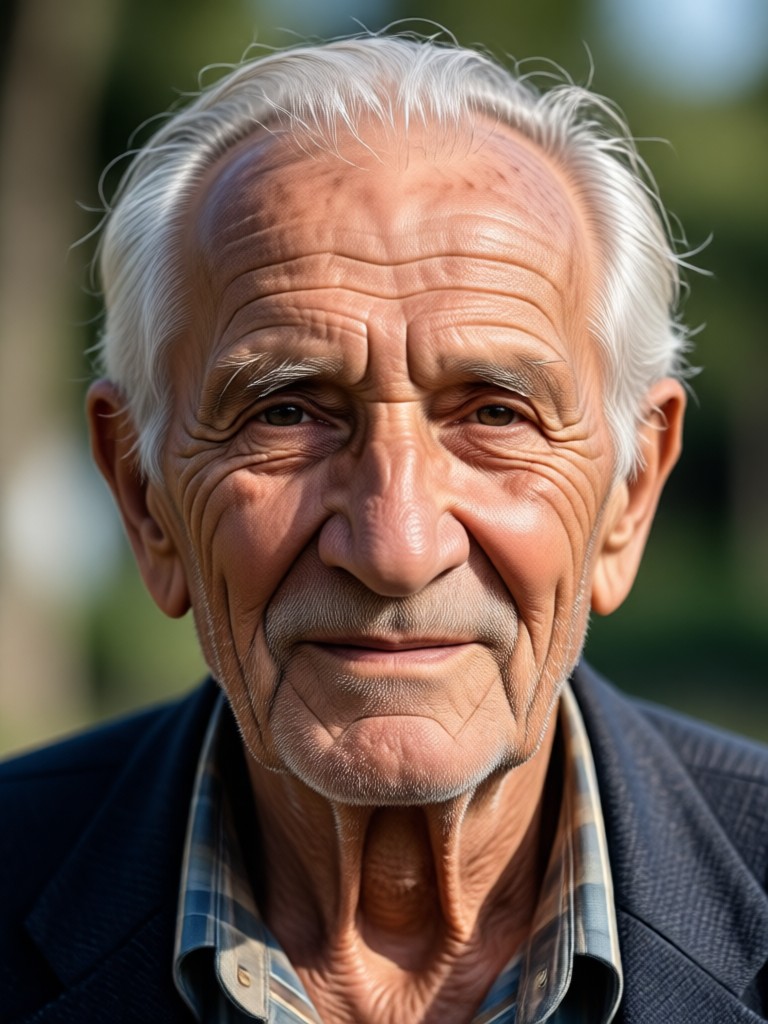
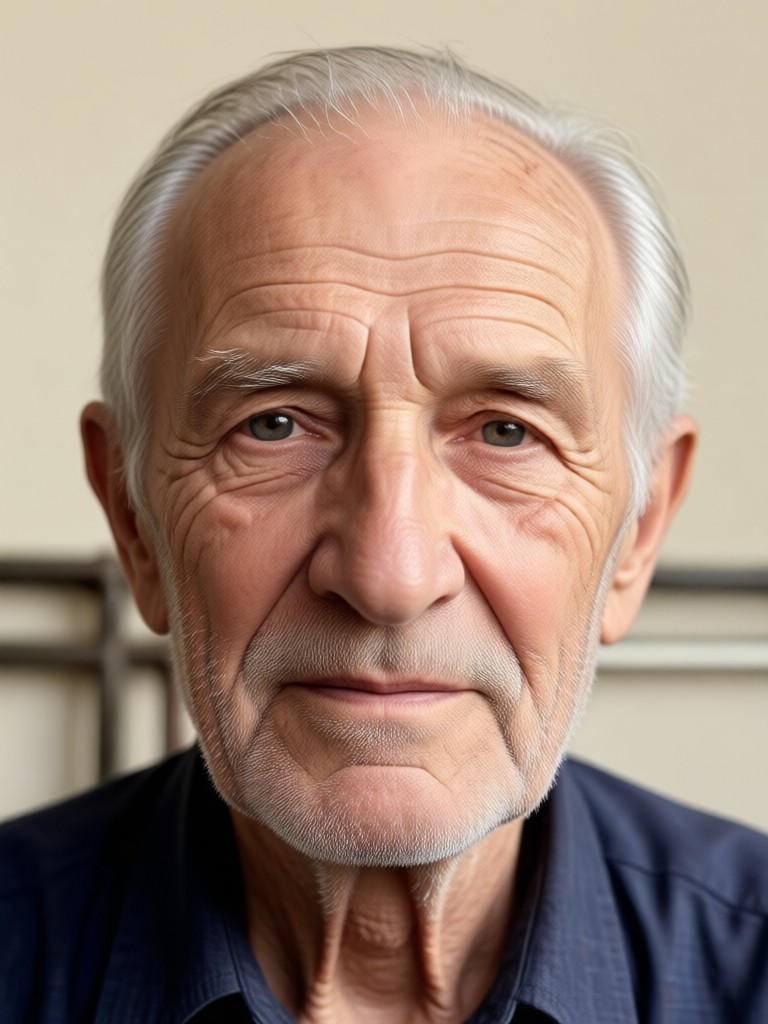
Real Old Age Photo Transformations
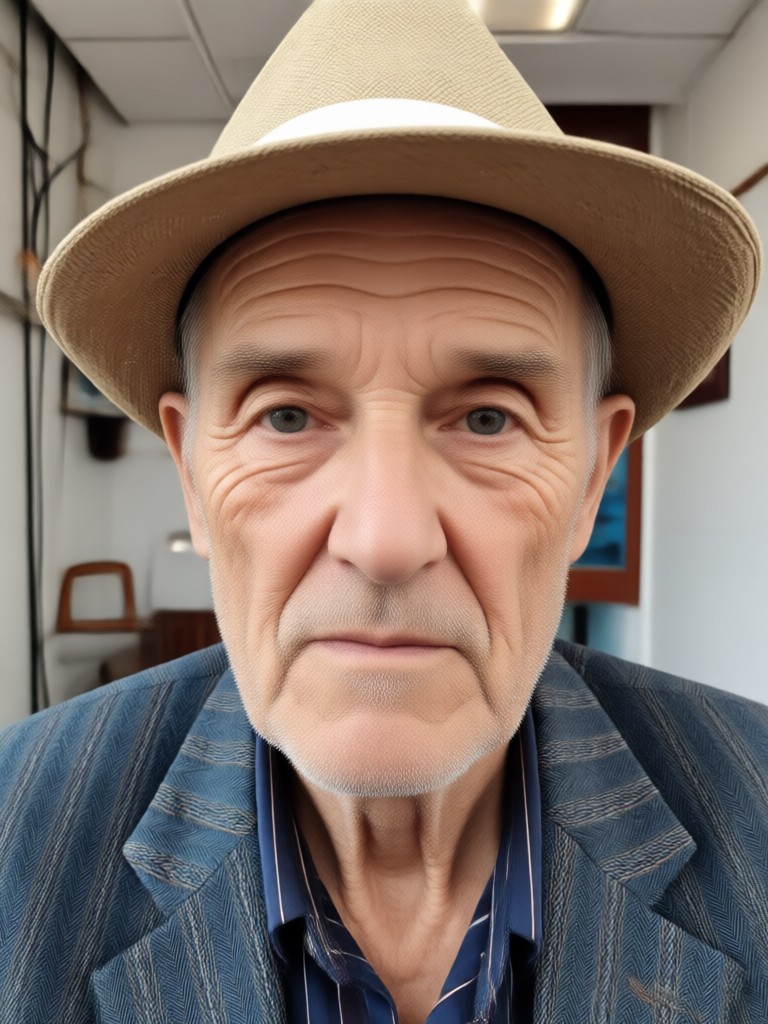
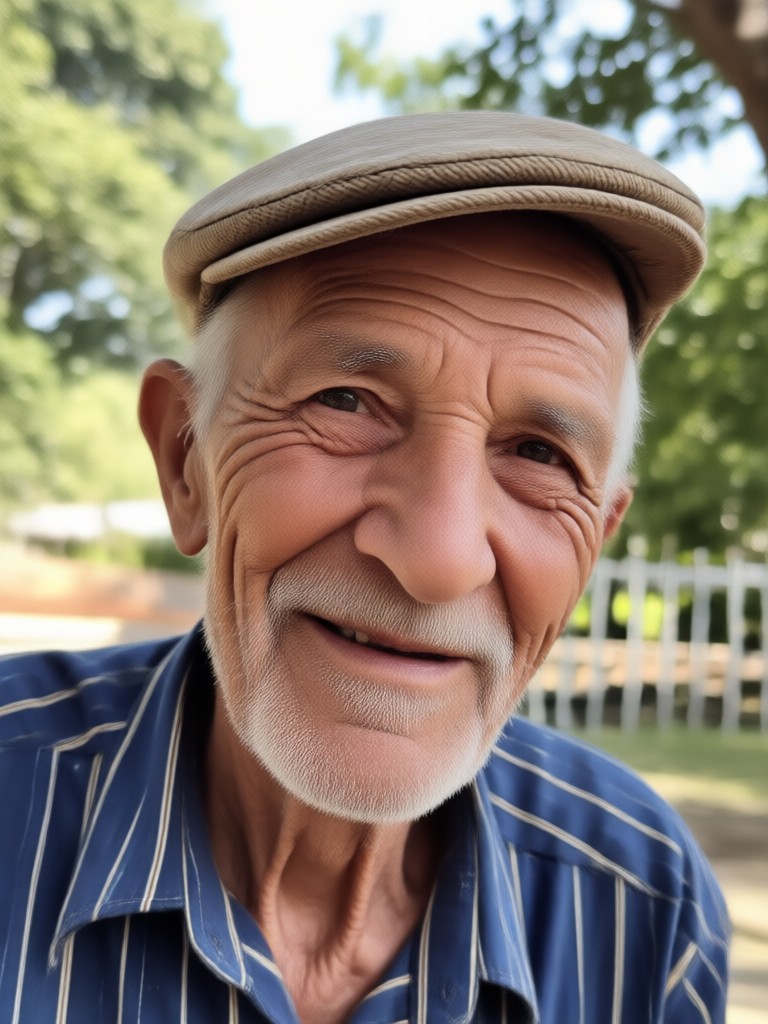
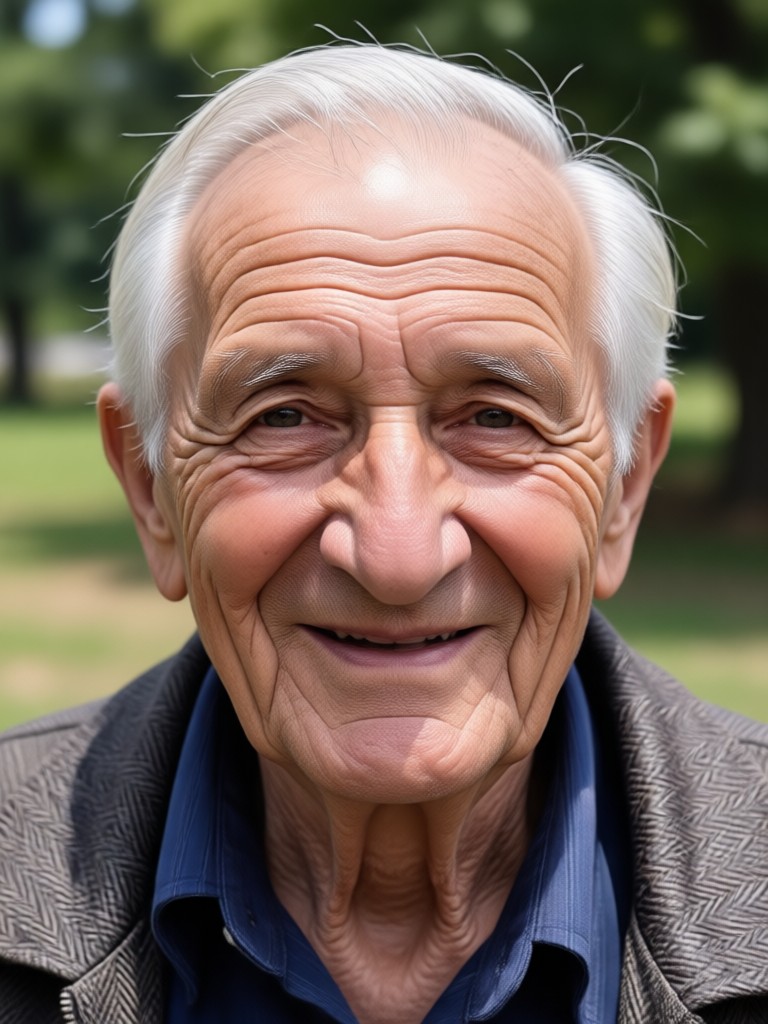
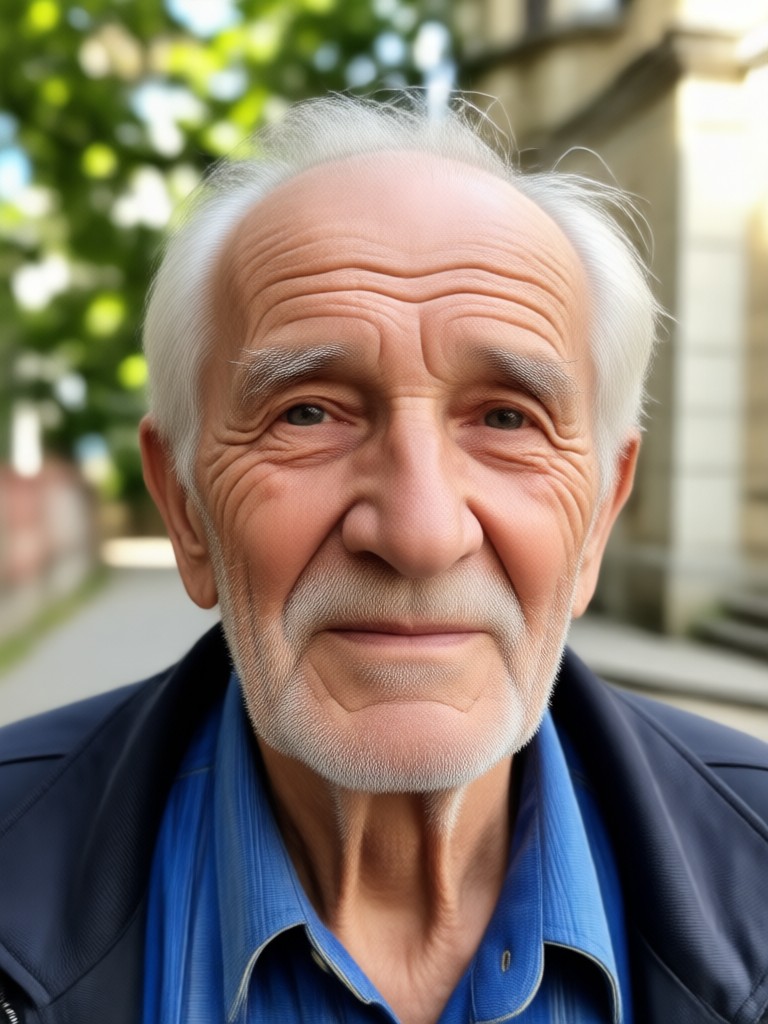
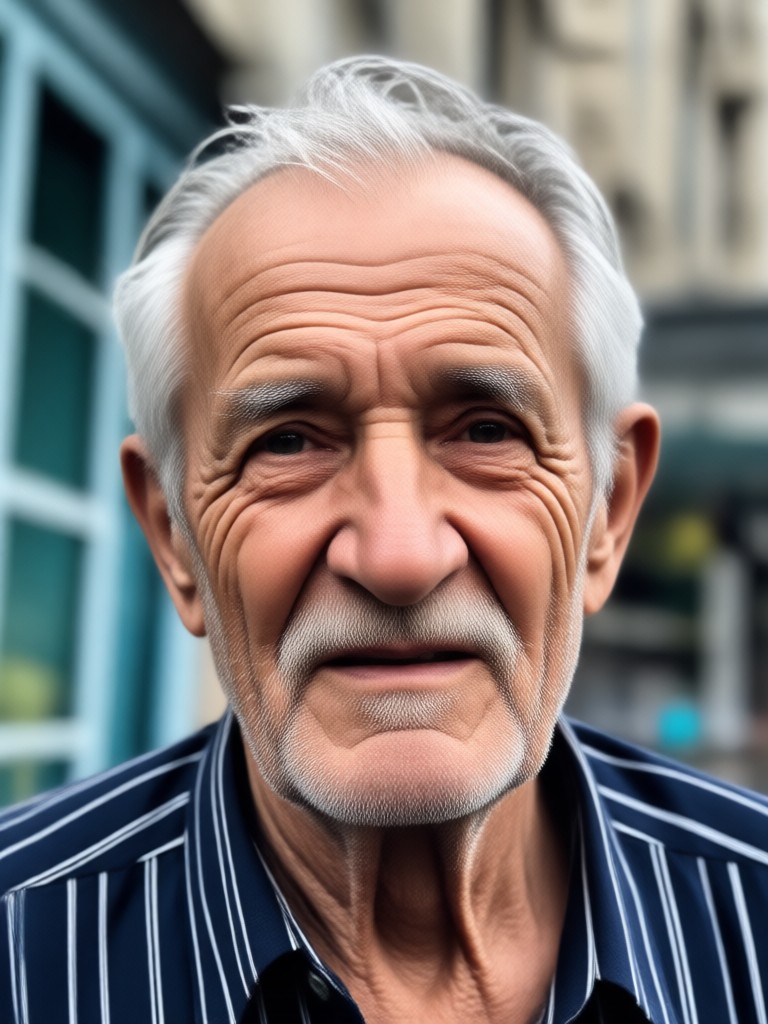
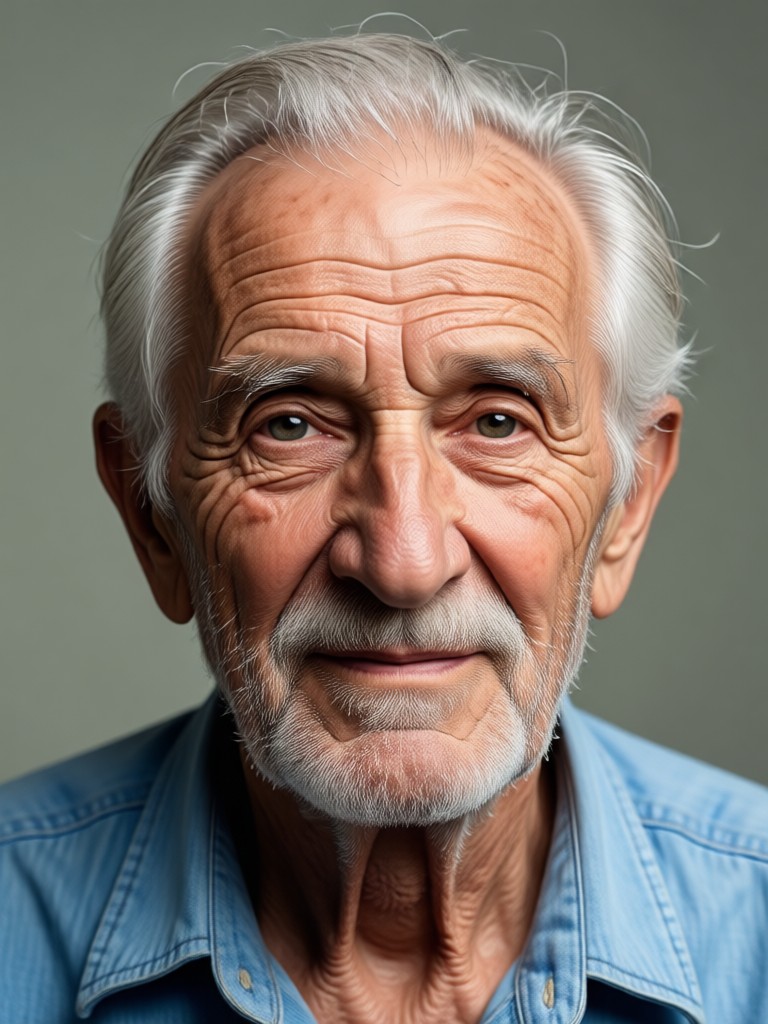
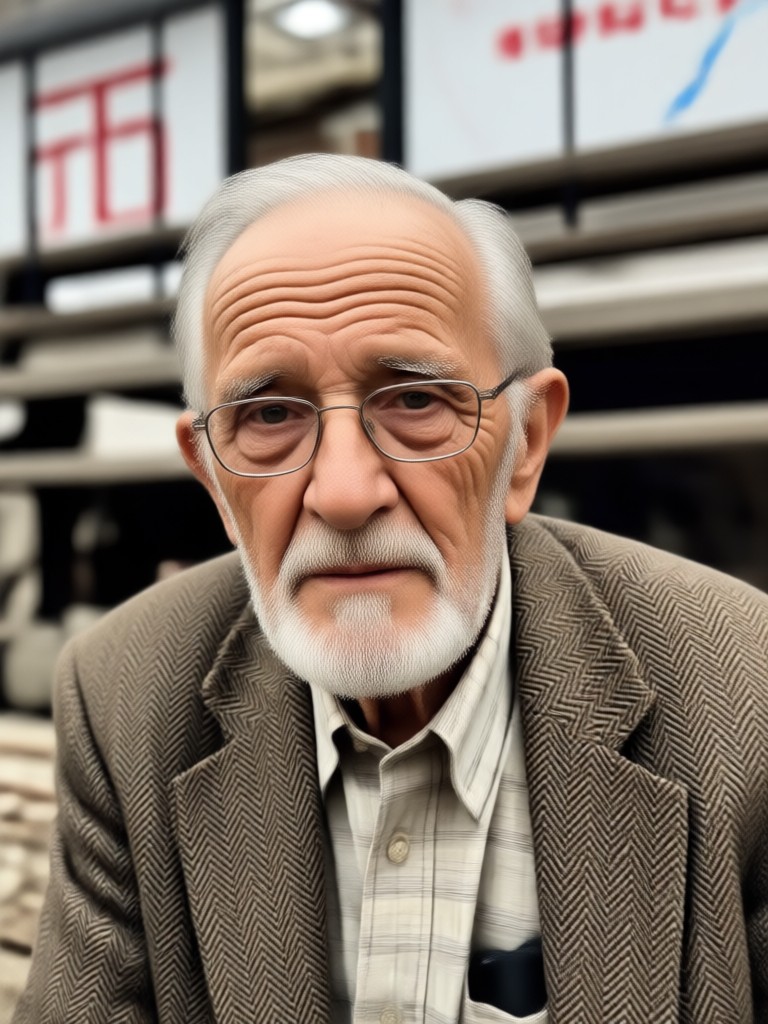
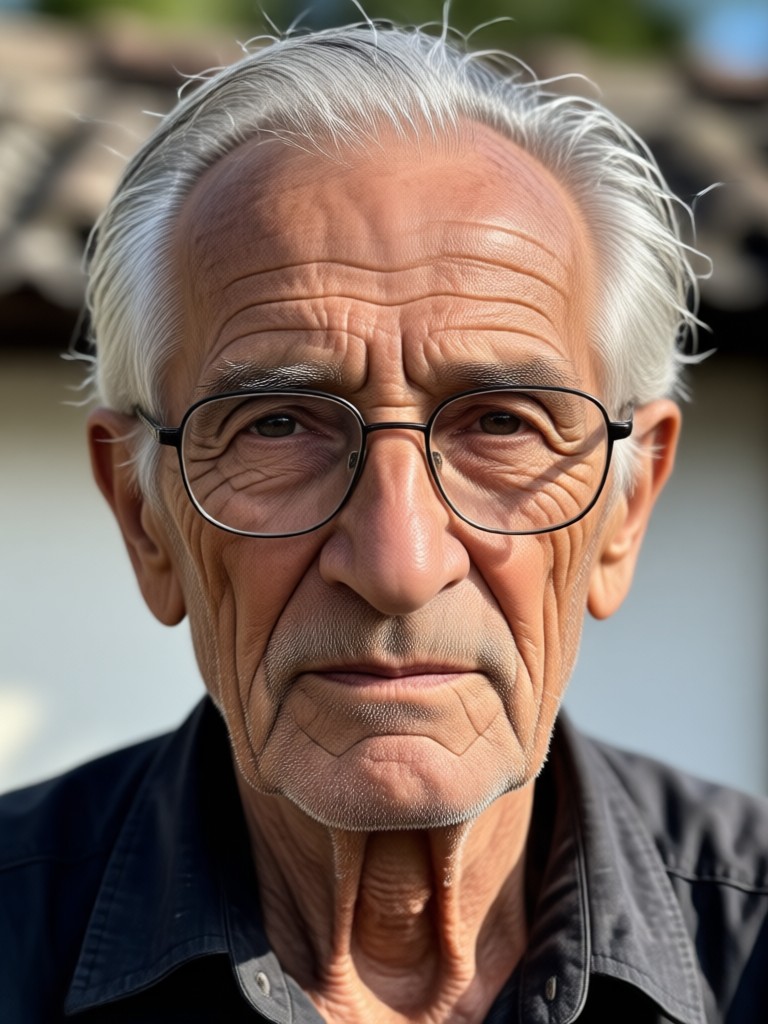
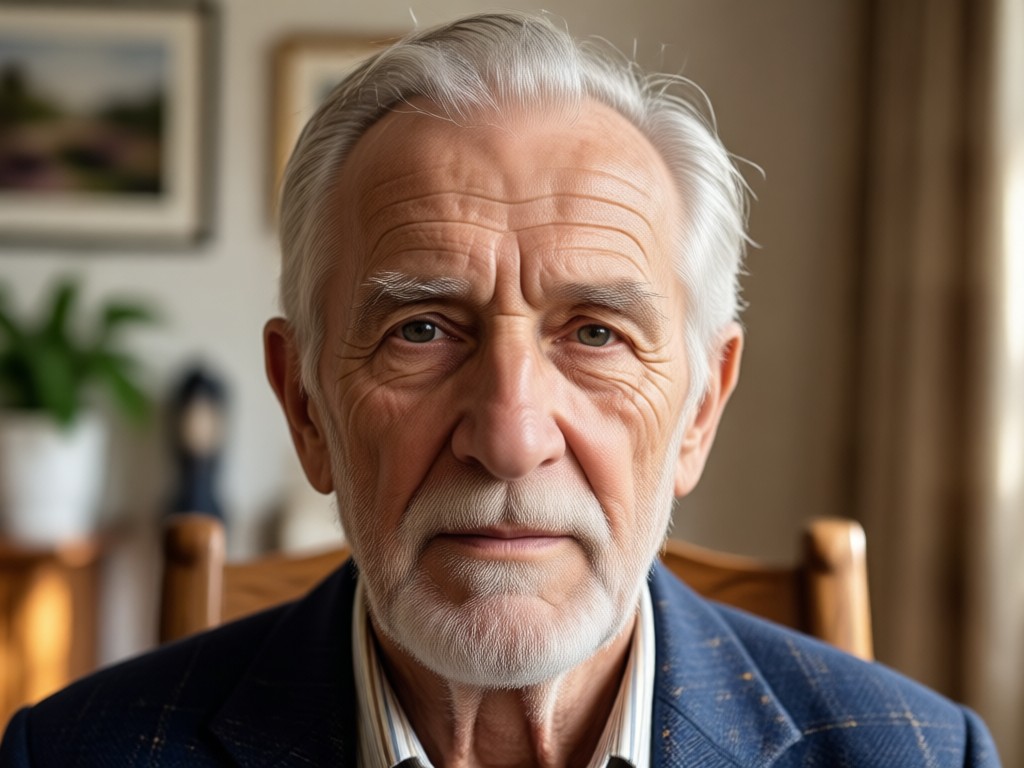
Browse real examples created with our Old Age Photo Maker. Each image shows a stunning before and after transformation that you can achieve in seconds.
Why Choose pixpop for Old Age Photos?
Most aging apps produce cartoonish or distorted results. pixpop uses advanced face preservation technology to deliver natural, believable transformations every time. See yourself aged gracefully with stunning realism.
Why Choose pixpop for Old Age Photos?
Most aging apps produce cartoonish or distorted results. pixpop uses advanced face preservation technology to deliver natural, believable transformations every time. See yourself aged gracefully with stunning realism.
What People Say About Our Aging Filters
It actually looks like me, just older
I was skeptical at first, but the result blew me away. The wrinkles and gray hair look so natural, and it genuinely feels like looking at a photo of my future self. My mom cried when I showed her.
Perfect for a surprise birthday gift
I made an old age photo of my husband for his 60th birthday. Everyone at the party thought it was a professional studio edit. So easy to use and the results are incredibly realistic.
Best aging filter I've tried
I've downloaded at least five different aging apps. This is the only one that keeps my facial features intact while making me look genuinely older. The details like crow's feet and age spots are spot on.
Old Age Photo Maker FAQs
Everything you need to know about creating realistic aging photos with pixpop AI.
More Topics You May Like
Explore more topics you may like and discover fresh ideas tailored to your interests.

Ff Photo Edit: AI Photo Editor & Style Filters
Ff Photo Edit transforms photos with AI. Upload an image, apply style filters, retouch details, and create stunning edits in seconds. Try it free.

Unrestricted AI Image Generator: Create Without Limits
Discover the AI image generator with no rules. Turn any idea into stunning art without complex prompts or filters. Download the app and create freely.

Upscale Video to 4K with AI: Try It Free
Convert videos to 4K with pixpop AI. Upload a clip, choose an enhancement style, and get crisp 4K results in seconds. No editing skills needed.

Remove Glare From Photo iPhone: AI Fix in One Tap
Remove glare from photo iPhone with Pixpop. Upload a photo, tap once, and erase reflections, light streaks, and shine. No editing skills needed. Get natural results in seconds.
See Your Future Self Today
Download pixpop now and transform your photos with the most realistic old age effects available. Wrinkles, gray hair, and age spots in seconds. Free to try.

See Your Future Self Today
Download pixpop now and transform your photos with the most realistic old age effects available. Wrinkles, gray hair, and age spots in seconds. Free to try.