Grinch Face Filter: Transform Into the Holiday Icon

Holiday Face Filters You Will Love
Discover a collection of festive filters that perfectly capture the holiday spirit. From the classic Grinch look to jolly Santa and playful elves, find the filter that matches your mood.
What Makes the Grinch Face Filter So Fun
The Grinch face filter on pixpop goes beyond a simple green tint. Our AI engine reconstructs facial features to match the Grinch's iconic grumpy expression, complete with textured fur, expressive brows, and that unforgettable smirk.
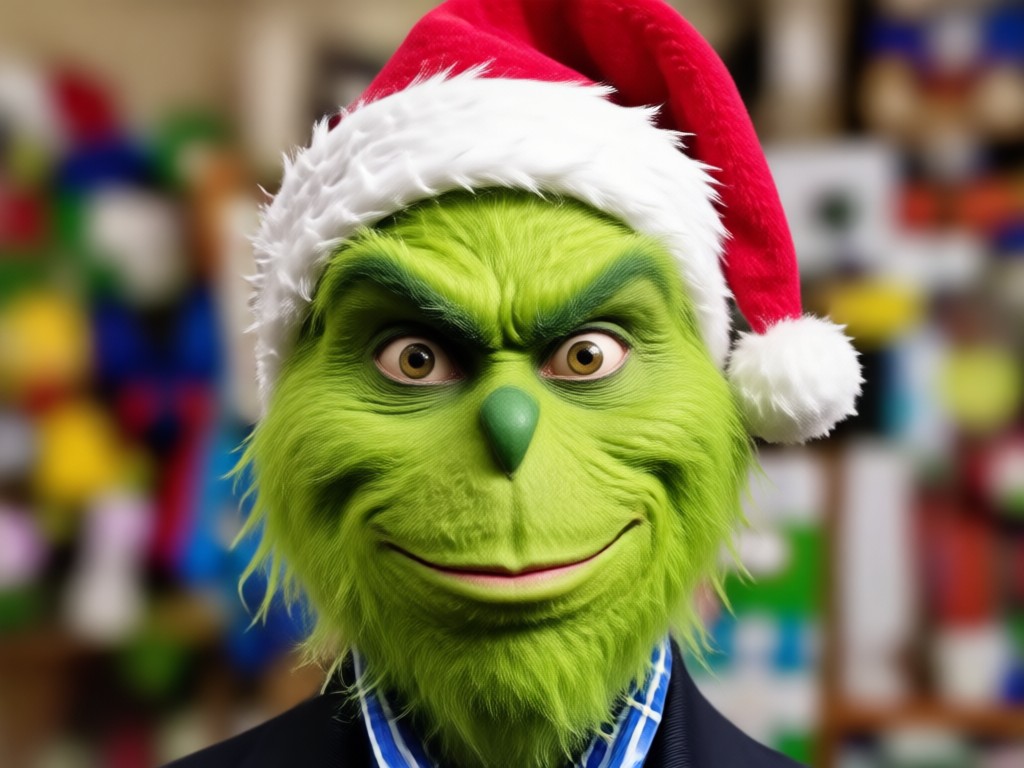
Realistic Green Transformation
Our AI does more than add a green overlay. It reshapes facial contours, adds Grinch style fur texture, and preserves your unique features so you still look like yourself, just as a Grinch. The result is a believable transformation that photoshop filters simply cannot match.
Realistic Green Transformation
Our AI does more than add a green overlay. It reshapes facial contours, adds Grinch style fur texture, and preserves your unique features so you still look like yourself, just as a Grinch. The result is a believable transformation that photoshop filters simply cannot match.
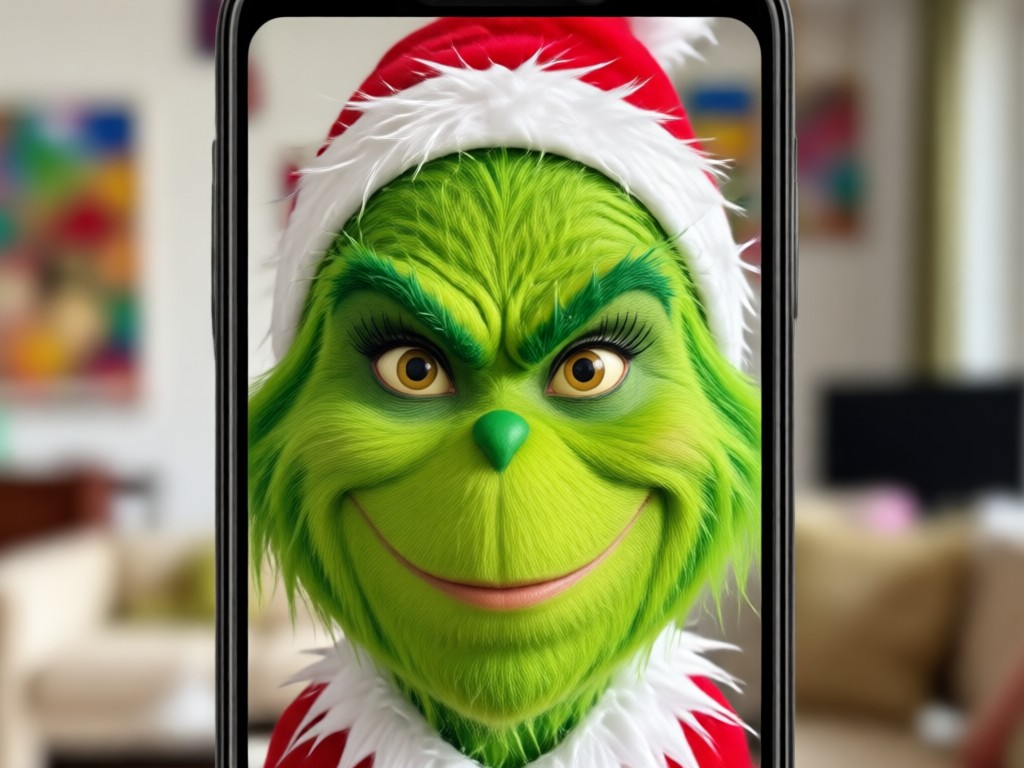
Animated Grinch Video Effects
Take your Grinch game to the next level with animated video filters. Upload a short clip and watch your face morph into the Grinch with blinking eyes, raised eyebrows, and a slow mischievous smile. These animated results are perfect for holiday TikToks and Instagram reels that demand attention.
Animated Grinch Video Effects
Take your Grinch game to the next level with animated video filters. Upload a short clip and watch your face morph into the Grinch with blinking eyes, raised eyebrows, and a slow mischievous smile. These animated results are perfect for holiday TikToks and Instagram reels that demand attention.
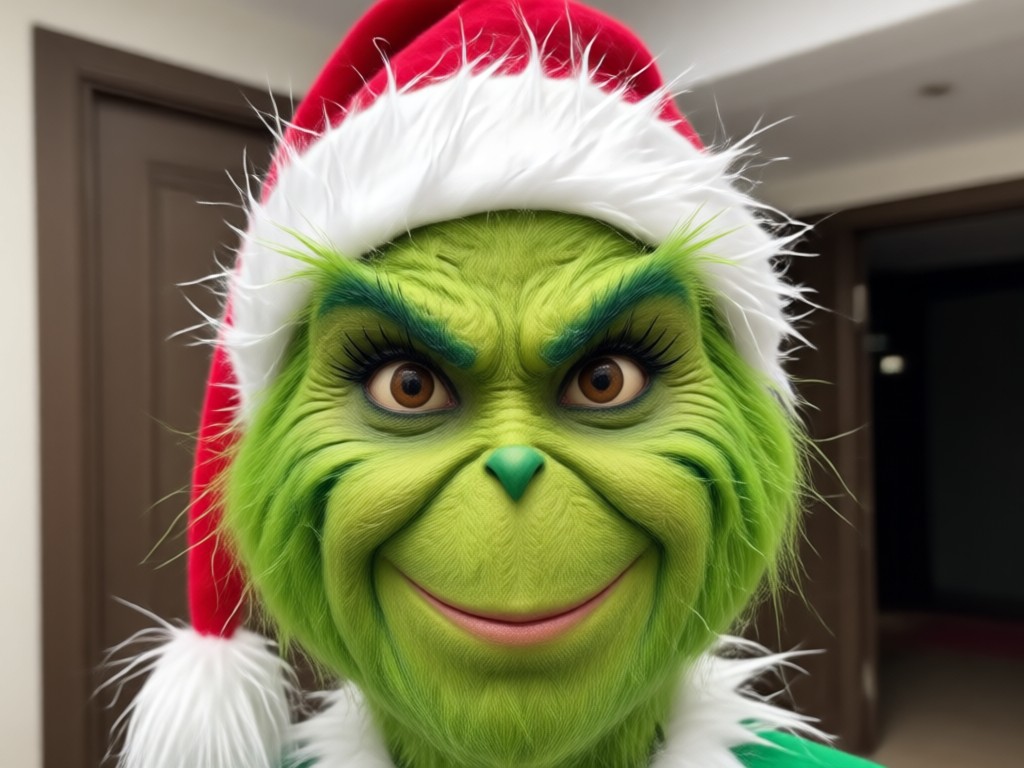
Multi Person Grinch Group Photos
Why be the only Grinch? Upload a group photo and pixpop identifies every face individually. Turn your entire crew into a band of Grinches for a holiday card that will crack everyone up. The AI keeps each person recognizable while giving everyone the same green, grumpy treatment.
Multi Person Grinch Group Photos
Why be the only Grinch? Upload a group photo and pixpop identifies every face individually. Turn your entire crew into a band of Grinches for a holiday card that will crack everyone up. The AI keeps each person recognizable while giving everyone the same green, grumpy treatment.
How to Apply the Grinch Face Filter
Creating your own Grinch face photo or video takes less than a minute. Follow these three simple steps and get ready to go green.

Step 01.
Download the pixpop app from Google Play and open it on your phone. No account creation required to browse filters.

Step 02.
Upload a clear front facing photo or choose a short video. Search for the Grinch filter in the holiday category and preview it on your face instantly.

Step 03.
Adjust the intensity if you want a subtle or extreme look, then hit generate. Save your Grinch creation and share it with friends or post it on social media.
Grinch Face Filter Results Gallery
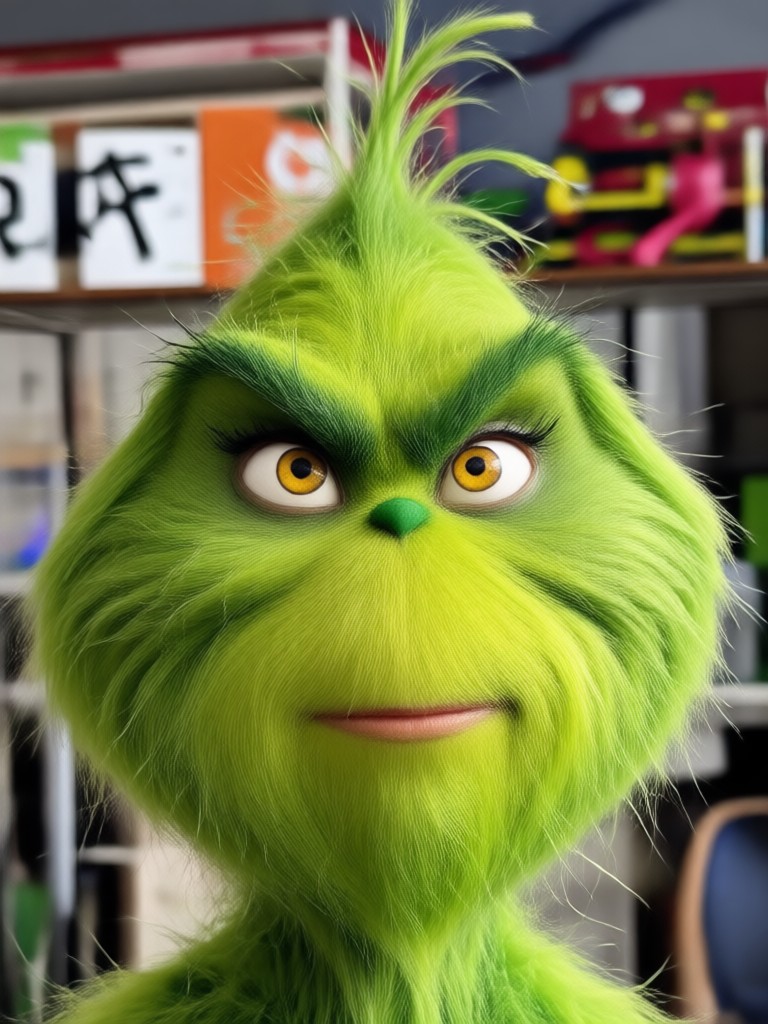
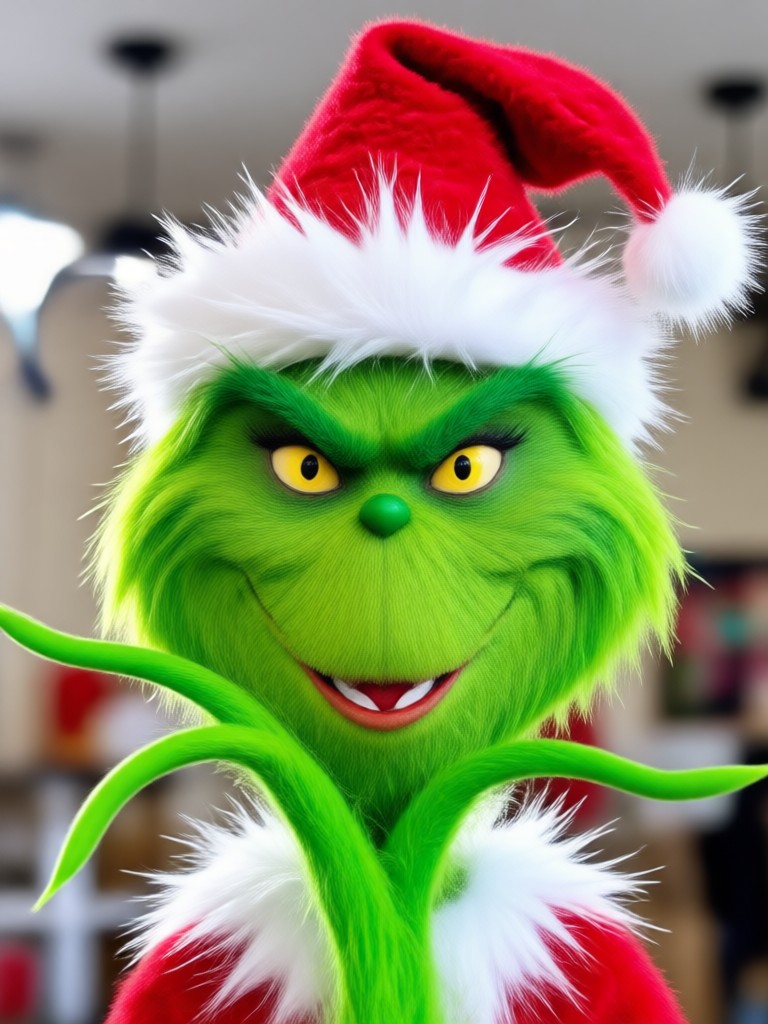
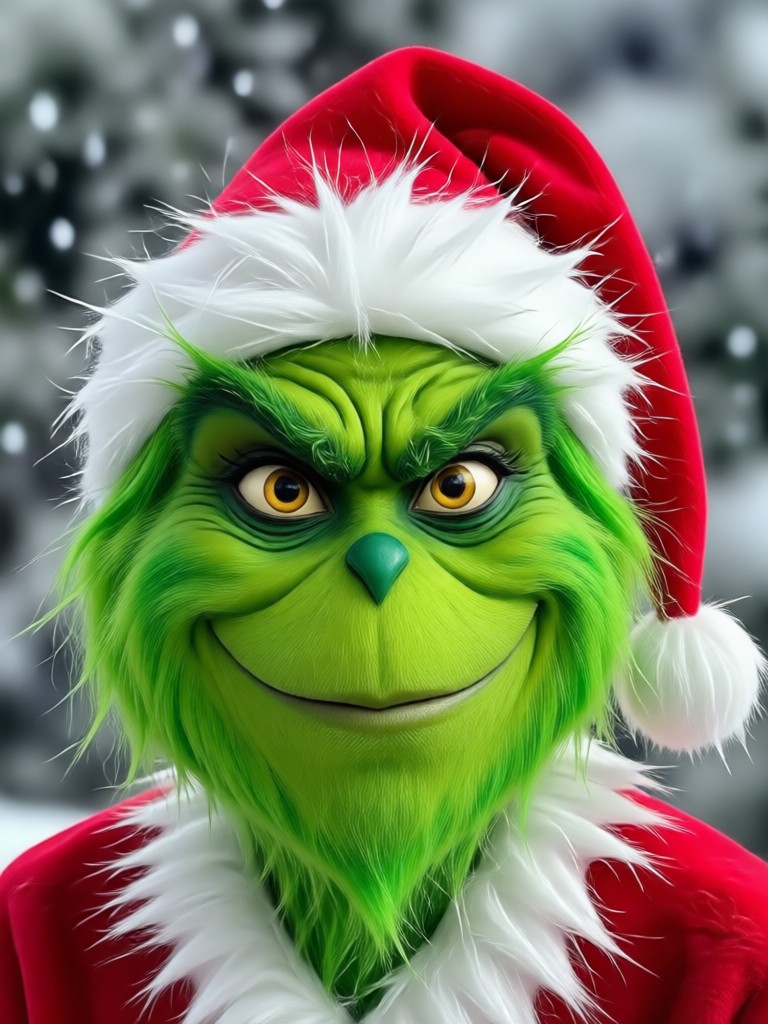
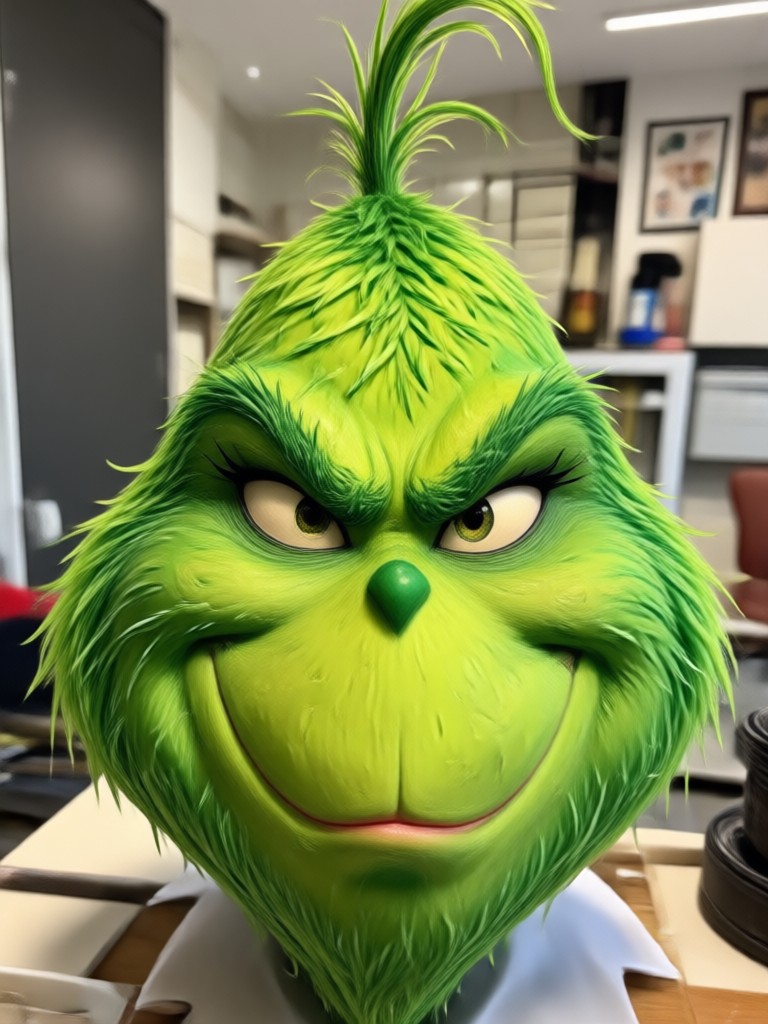
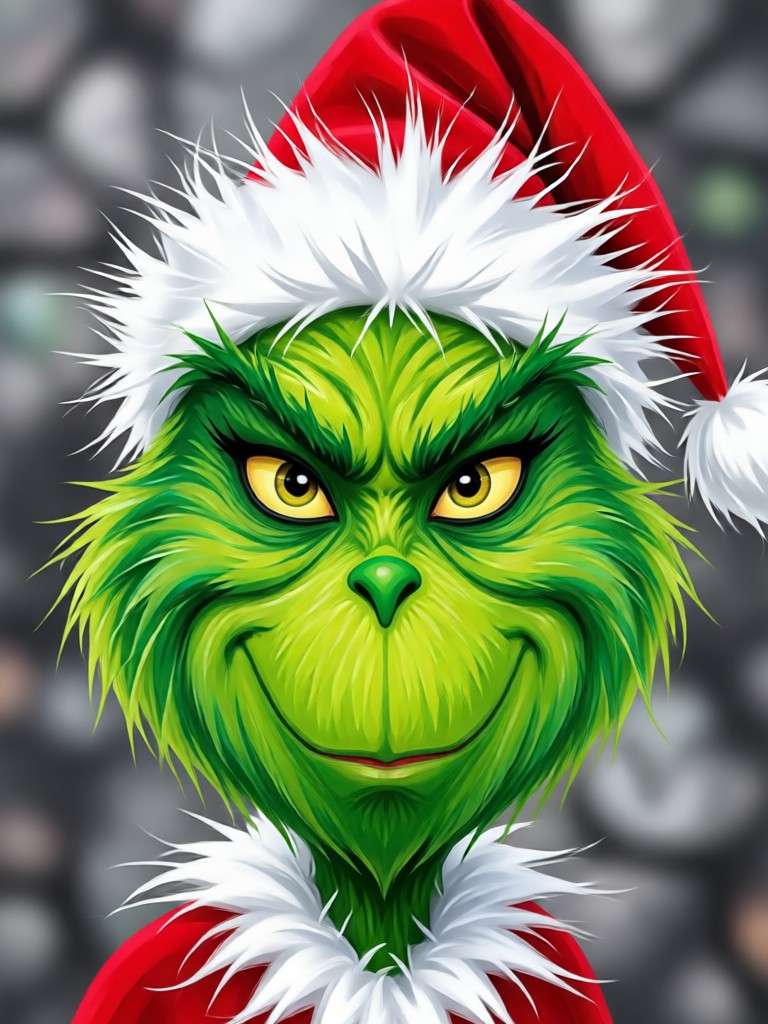
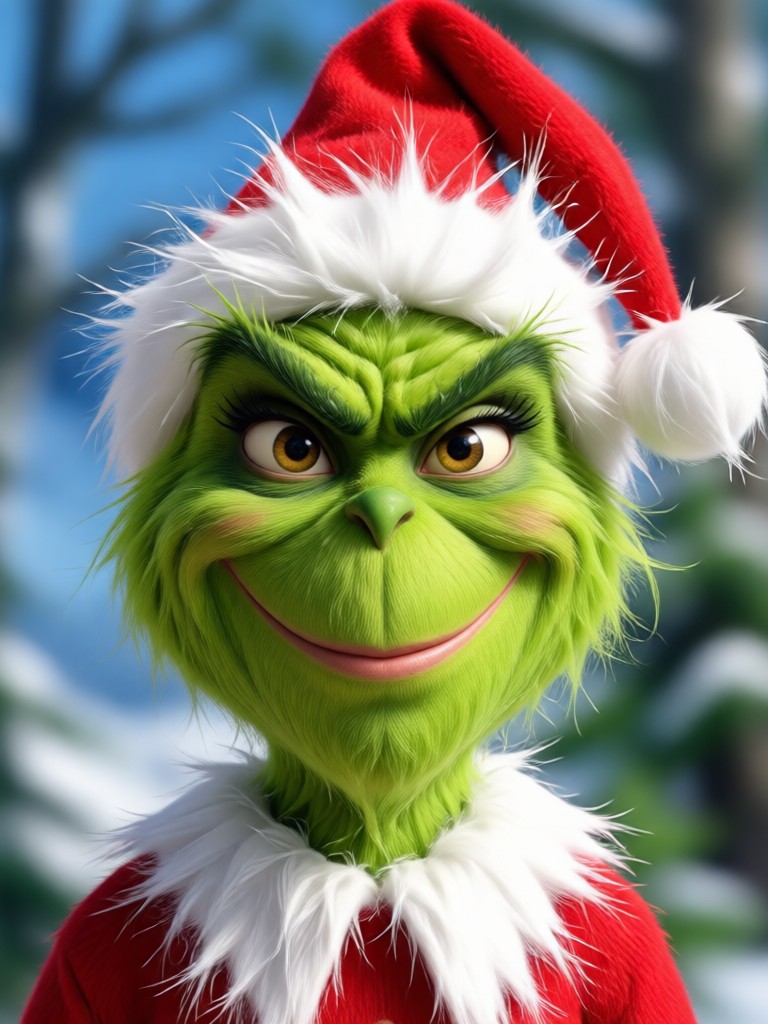
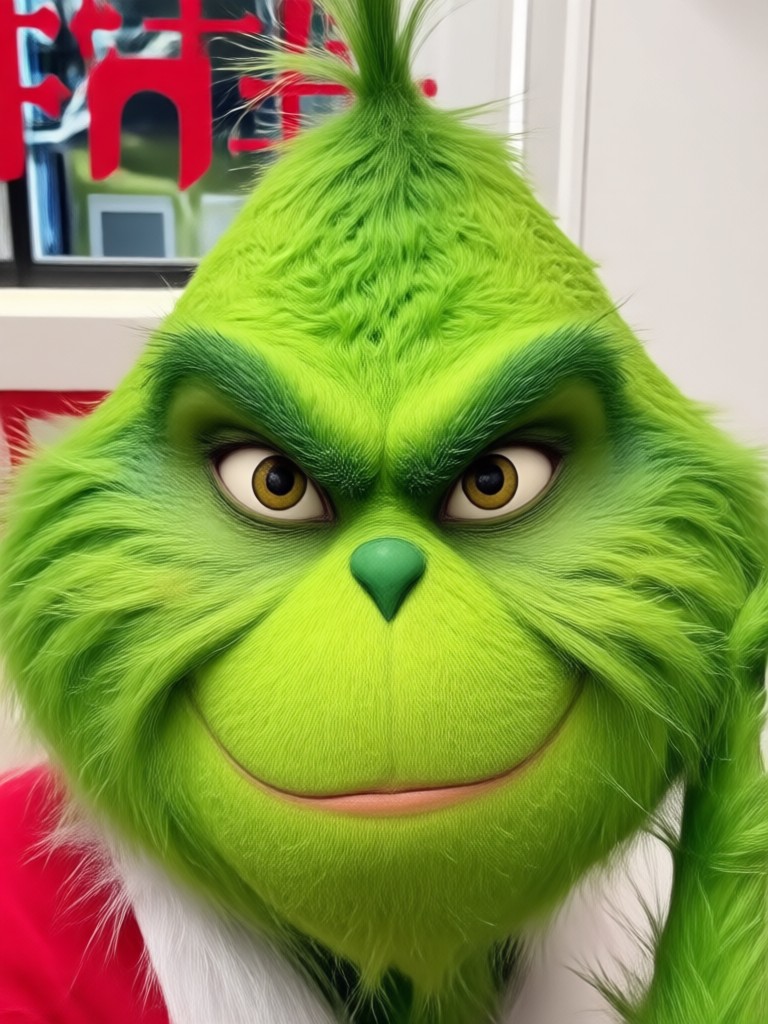
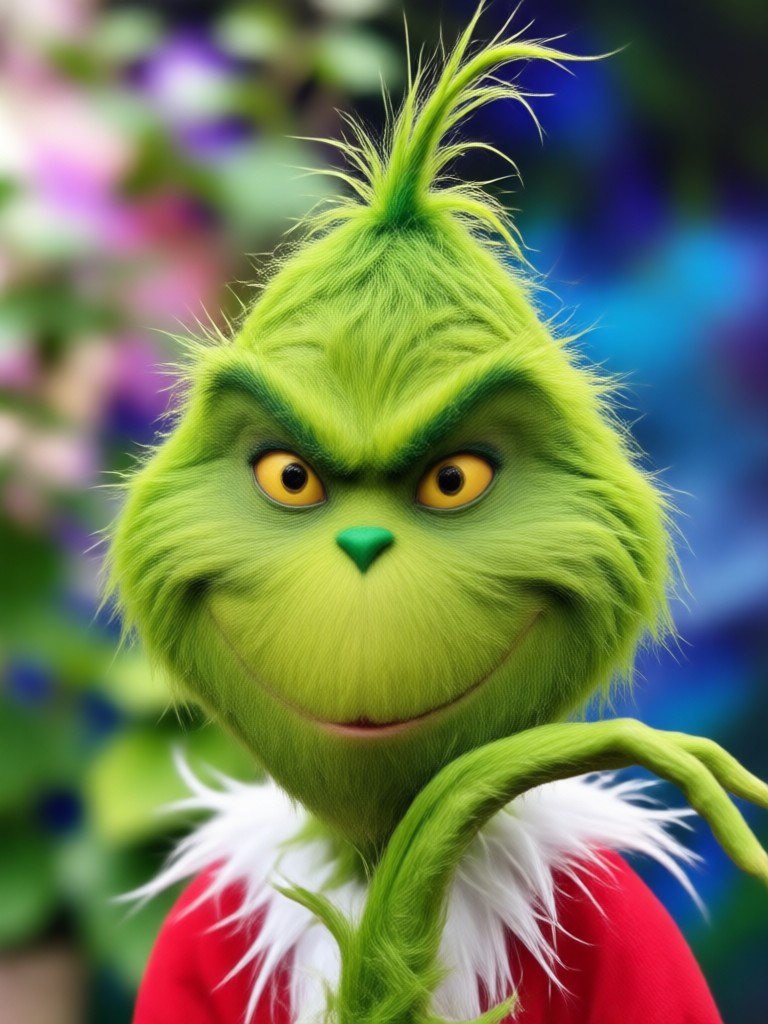
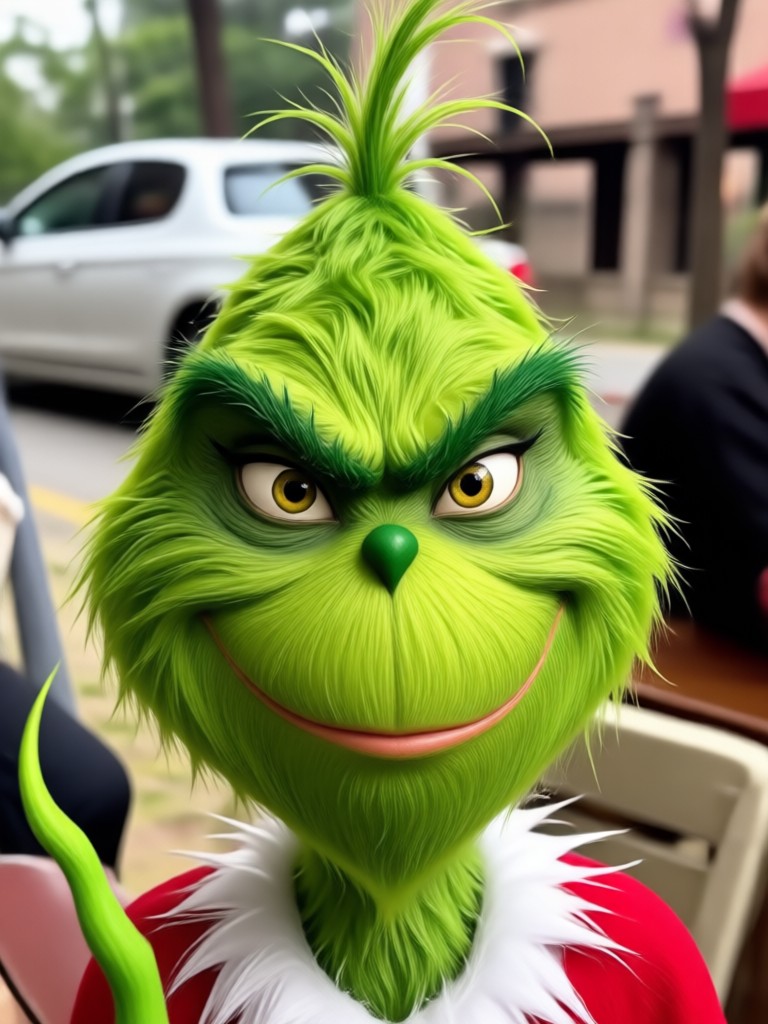
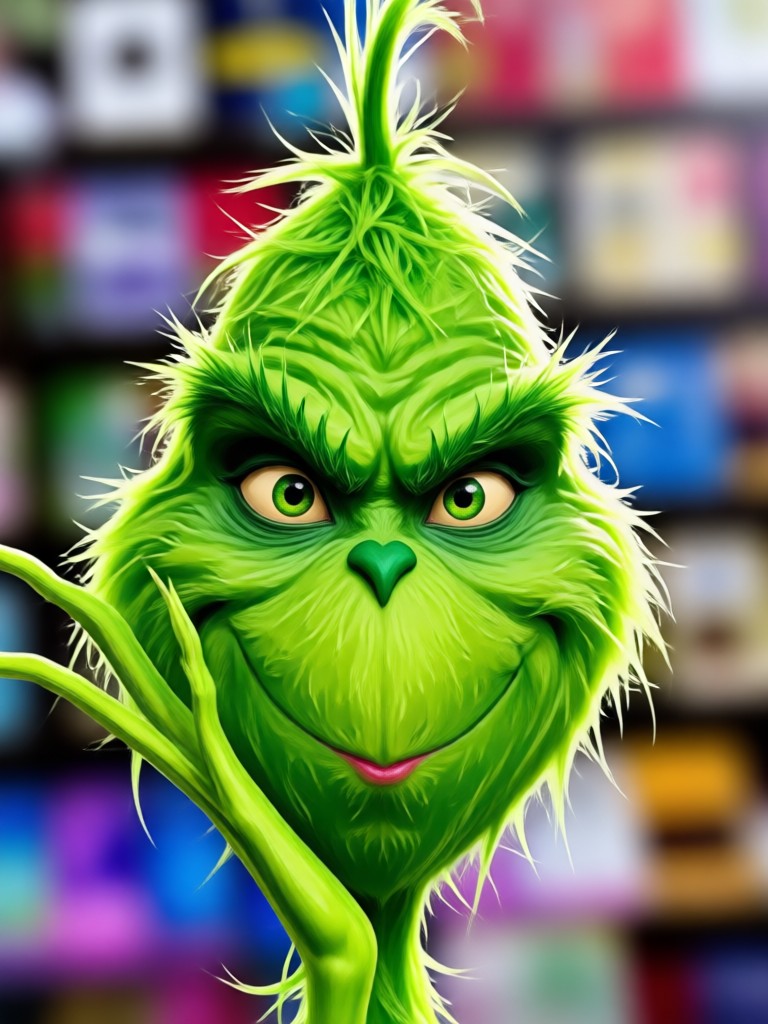
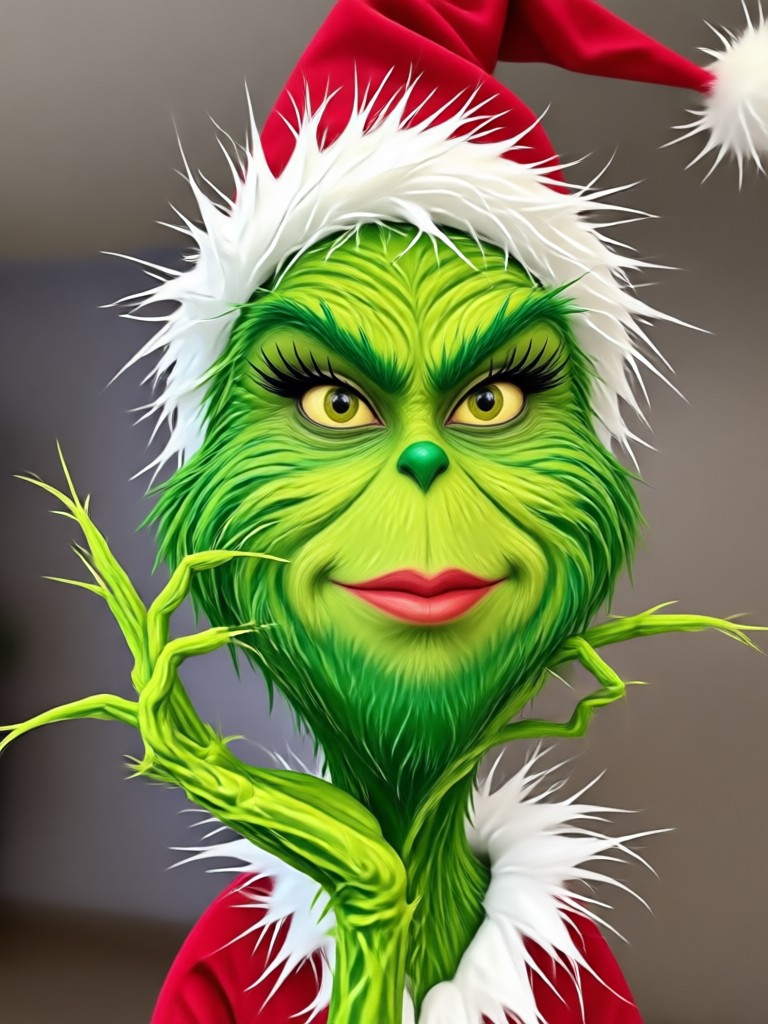
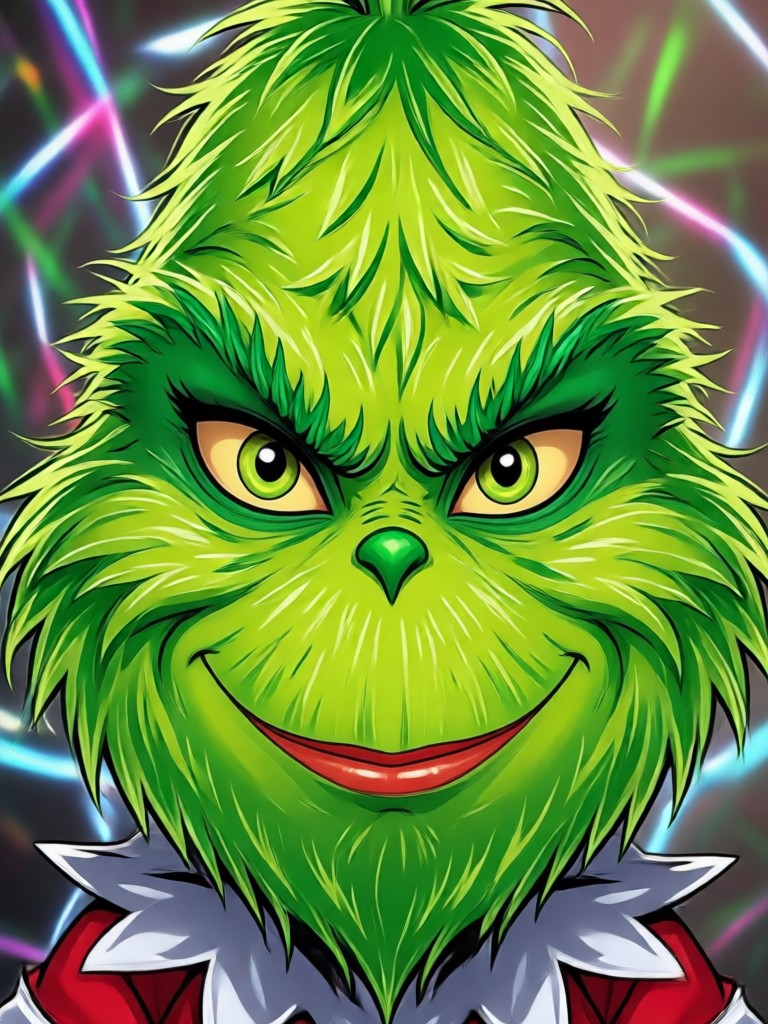
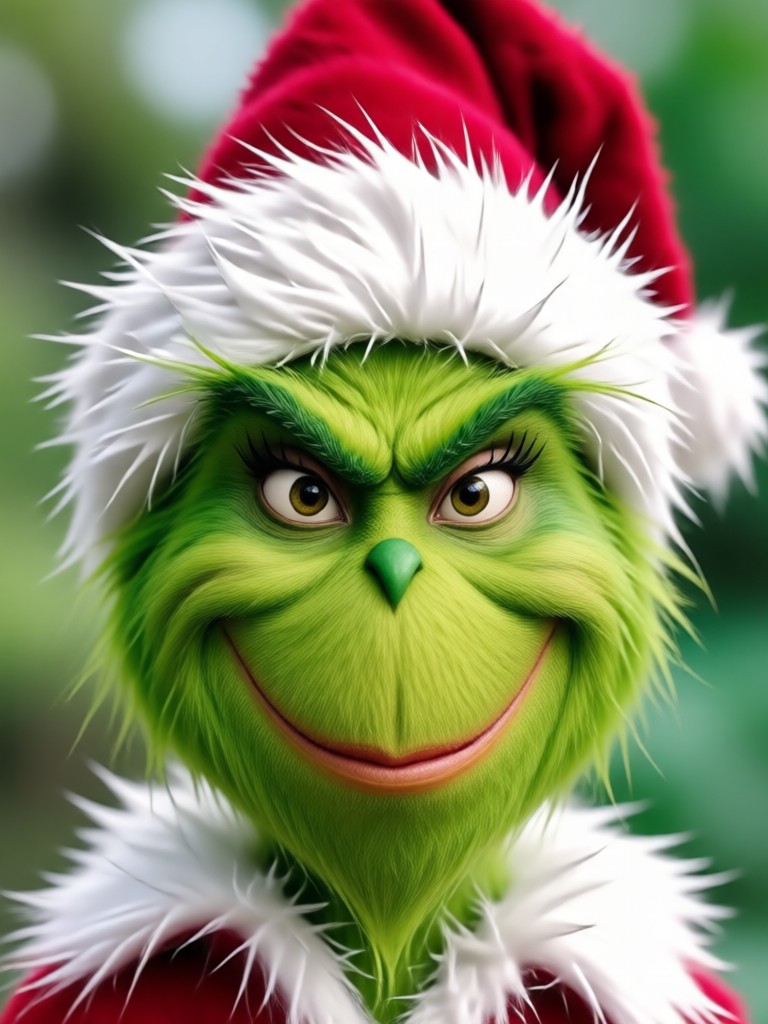
Browse real examples of Grinch face filter transformations created with pixpop. These images show how the AI handles different face shapes, lighting conditions, and holiday scenes with impressive realism.
Get the Grinch Face Filter App for Android
Download pixpop from Google Play and unlock the Grinch face filter plus over one million other style templates. Create hilarious holiday photos anytime, anywhere, directly from your phone.

What People Say About the Grinch Face Filter
My whole office did the Grinch filter together
We uploaded our team photo and turned everyone into Grinches for our company holiday card. The AI recognized each face perfectly and nobody looked like a generic green blob. We had people asking where we got it done all week.
The video version had me in tears
I did not expect the animated Grinch filter to be this good. I uploaded a selfie video and watched myself blink and smile as the Grinch. My family group chat has never seen anything funnier. Totally worth downloading the app.
Way better than the basic green filters
I have tried other Grinch apps and they just slap a green tint on your face. pixpop actually transforms your features with fur texture and the signature eyebrows. You still look like yourself but unmistakably Grinch. Highly recommend for holiday content.
Grinch Face Filter Frequently Asked Questions
Find clear answers to the most common questions about the Grinch face filter on pixpop. Everything you need to know before you go green.
More Holiday Filters You May Like
Explore more festive face filters and holiday themed effects that pair perfectly with your Grinch look.

Remover Logo do TikTok: AI Watermark Eraser App

Face Animation Online: Bring Photos to Life with AI

Add Someone Into Any Photo With AI
Free Video Editing Software Without Watermark: pixpop AI
Remover Logo do TikTok: AI Watermark Eraser App
Face Animation Online: Bring Photos to Life with AI
Add Someone Into Any Photo With AI
Free Video Editing Software Without Watermark: pixpop AI
Ready to Go Green This Holiday Season?
Download pixpop and turn yourself, your friends, and your whole family into the Grinch in seconds. The funniest holiday filter is waiting for you.
Ready to Go Green This Holiday Season?
Download pixpop and turn yourself, your friends, and your whole family into the Grinch in seconds. The funniest holiday filter is waiting for you.