How To Add Someone Into A Picture
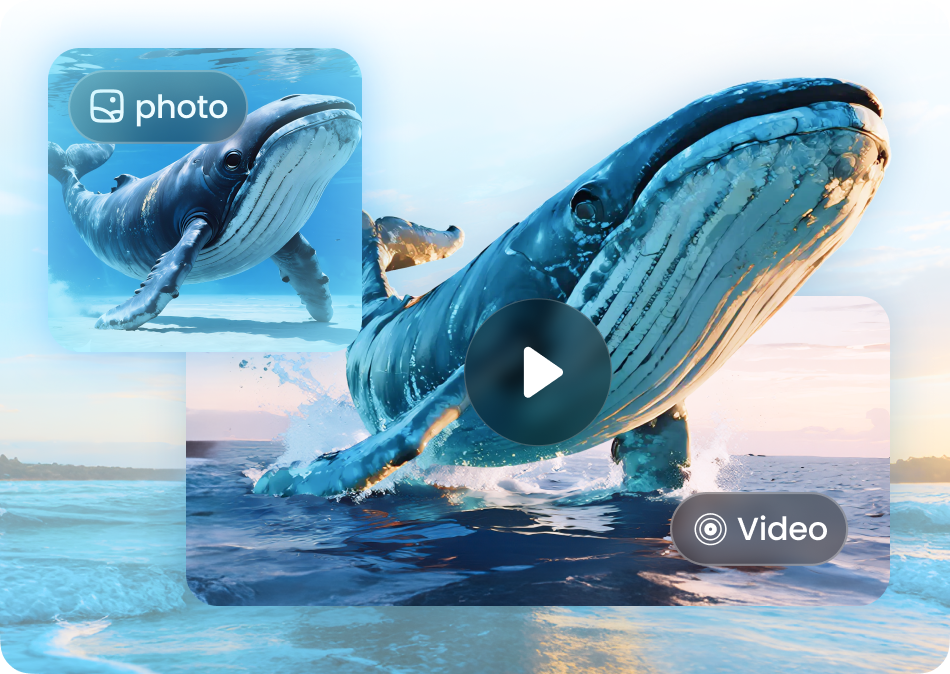
Choose the Style That Fits Your Photo
Browse filters designed for realistic person insertion, group photo fixes, and creative edits.
Why PixPop Is the Best Tool to Add Someone Into a Picture
Our AI photo editor combines precise face detection, realistic blending, and multi-person support so you can add anyone to any photo in seconds.

Realistic Person Blending
PixPop matches lighting, shadows, and color tones so the added person looks like they were always in the original shot. No awkward cutouts or mismatched edges.
Realistic Person Blending
PixPop matches lighting, shadows, and color tones so the added person looks like they were always in the original shot. No awkward cutouts or mismatched edges.
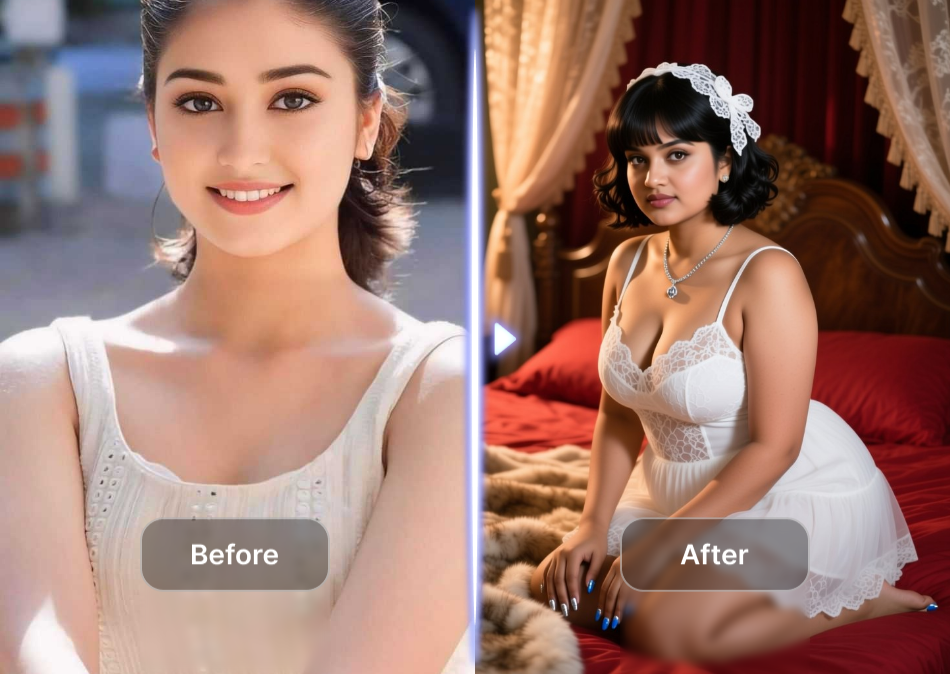
Accurate Face Recognition
The app identifies faces and body positions automatically, ensuring the inserted person sits naturally among other people in group photos without distortion.
Accurate Face Recognition
The app identifies faces and body positions automatically, ensuring the inserted person sits naturally among other people in group photos without distortion.
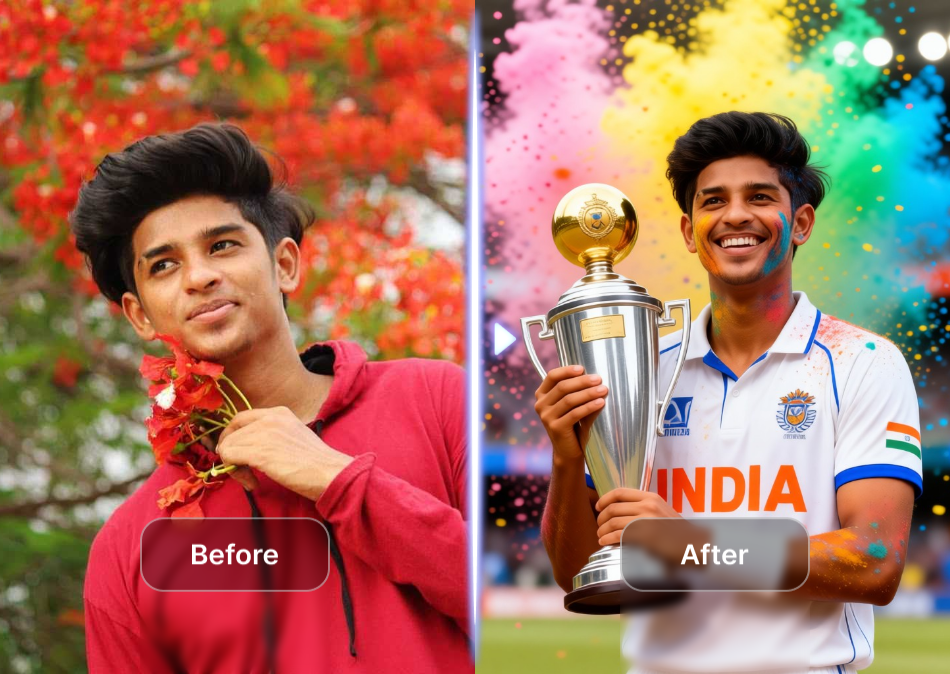
Multi-Person Photo Support
Add one person or several people to the same picture. PixPop processes group photos without merging faces or losing subject detail.
Multi-Person Photo Support
Add one person or several people to the same picture. PixPop processes group photos without merging faces or losing subject detail.
How To Add Someone Into A Picture in 3 Steps
Follow these simple steps to add a person to any photo with PixPop's AI editor.

Step 01.
Download PixPop from Google Play and open the app on your phone.

Step 02.
Upload the base photo and choose the person you want to add. Use a style template or face reference.

Step 03.
Generate your edited photo, preview the realistic result, and share it directly from the app.
Examples of Adding Someone Into a Picture
See how PixPop seamlessly inserts people into family photos, travel shots, and group pictures with natural results.




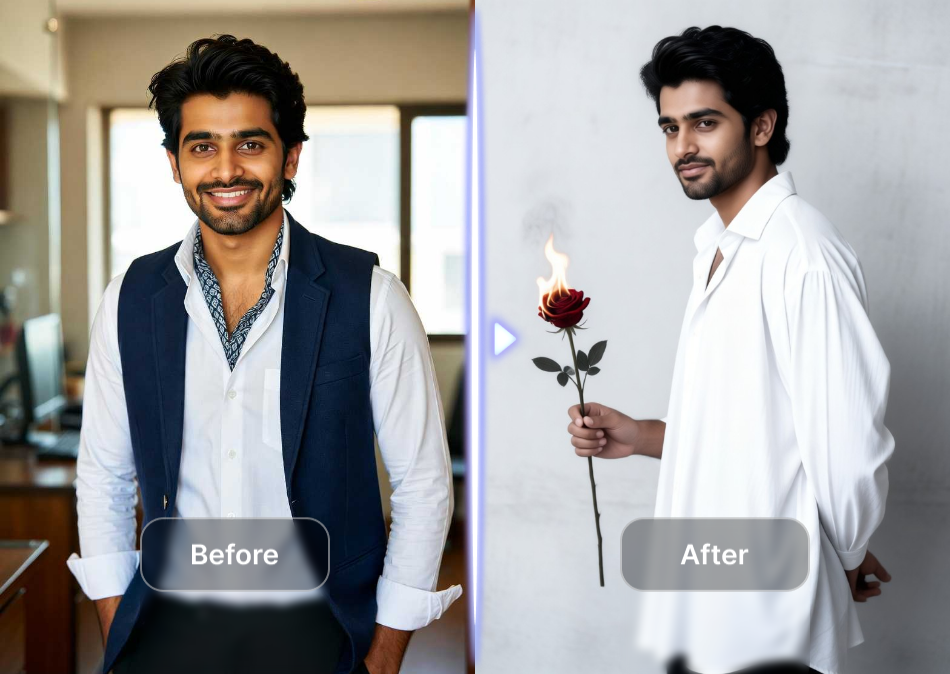
Why People Choose PixPop for Photo Person Insertion
With over a million style templates and an intuitive mobile app, PixPop makes advanced photo editing accessible to everyone. No desktop software or tutorials required.
Why People Choose PixPop for Photo Person Insertion
With over a million style templates and an intuitive mobile app, PixPop makes advanced photo editing accessible to everyone. No desktop software or tutorials required.
Add Someone Into a Picture on Your Phone
Get PixPop from Google Play and start editing photos anywhere. Realistic AI insertion, no watermark, and instant sharing.

People Who Added Someone Into a Picture

Maya Thompson
I added my late grandmother to a family reunion photo. PixPop matched the lighting so well that everyone thought she was really there.

Daniel Reyes
Used PixPop to insert my friend who missed our group trip. The face recognition kept everyone sharp and the blend looked natural.

Sophie Kim
I added my newborn to a photo with my husband before he was born. The result was adorable and incredibly realistic.
James Carter
Needed to add a colleague to a team photo for a presentation. PixPop did it in less than a minute and no one could tell.
Maya Thompson
I added my late grandmother to a family reunion photo. PixPop matched the lighting so well that everyone thought she was really there.
Daniel Reyes
Used PixPop to insert my friend who missed our group trip. The face recognition kept everyone sharp and the blend looked natural.
Sophie Kim
I added my newborn to a photo with my husband before he was born. The result was adorable and incredibly realistic.
James Carter
Needed to add a colleague to a team photo for a presentation. PixPop did it in less than a minute and no one could tell.
Maya Thompson
I added my late grandmother to a family reunion photo. PixPop matched the lighting so well that everyone thought she was really there.
Daniel Reyes
Used PixPop to insert my friend who missed our group trip. The face recognition kept everyone sharp and the blend looked natural.
Sophie Kim
I added my newborn to a photo with my husband before he was born. The result was adorable and incredibly realistic.
James Carter
Needed to add a colleague to a team photo for a presentation. PixPop did it in less than a minute and no one could tell.
Frequently Asked Questions
Find answers to common questions about adding someone into a picture with PixPop.
More Photo Editing Guides
Explore more tutorials and ideas for AI photo editing.

Free Video Editing Software Without Watermark: pixpop AI

Turn Two Photos Into a Romantic AI Kiss Video for Free

Add Aesthetic Borders to Photos Online Free

Perjelas Video Blur: AI Tajamkan Video HD dalam Detik
Free Video Editing Software Without Watermark: pixpop AI
Turn Two Photos Into a Romantic AI Kiss Video for Free
Add Aesthetic Borders to Photos Online Free
Perjelas Video Blur: AI Tajamkan Video HD dalam Detik
Ready to Add Someone Into Your Picture?
Download PixPop and use AI to insert anyone into any photo in seconds. Create natural, share-worthy edits with no design experience.
Ready to Add Someone Into Your Picture?
Download PixPop and use AI to insert anyone into any photo in seconds. Create natural, share-worthy edits with no design experience.