Face Animation Online
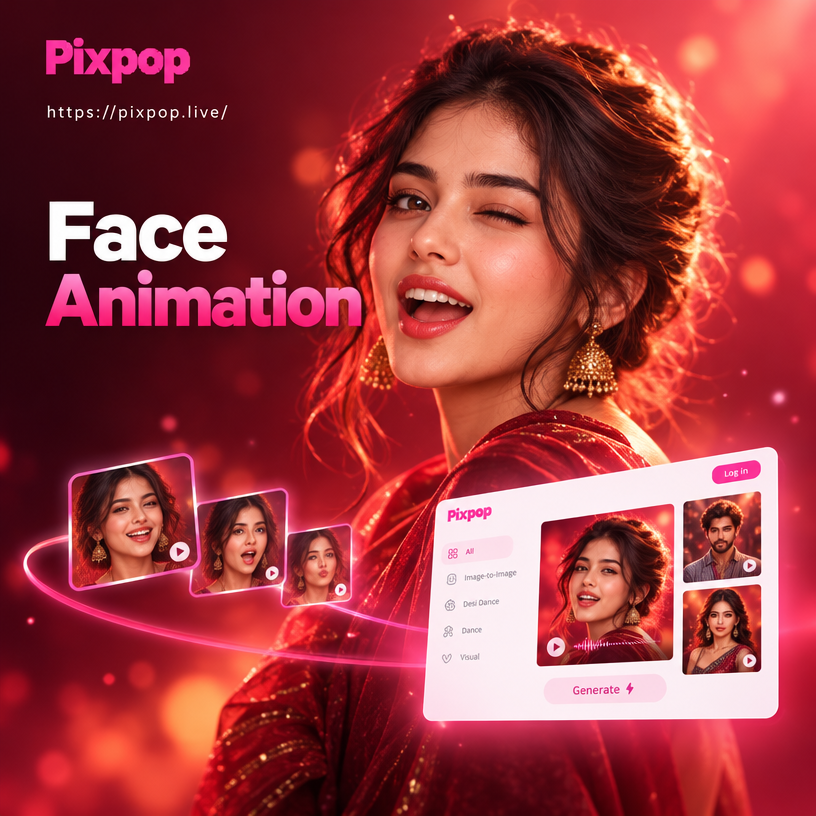
Pick the Face Animation Style That Matches Your Mood
From subtle blinks to full talking portraits, Pixpop offers a range of realistic motion filters. Browse the options and find the perfect effect for your photo.
Key Features of AI Face Animation Online
Discover how Pixpop transforms static portraits into expressive moving faces with realistic motion and easy controls.
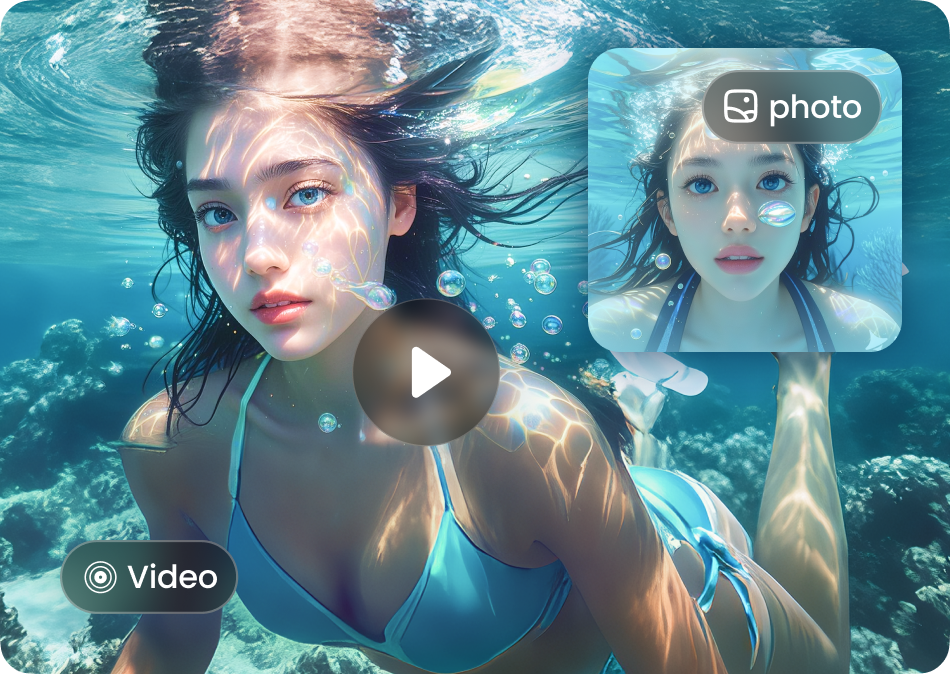
Realistic Facial Expressions
Make any face blink, smile, nod, or speak with natural motion captured by advanced AI. Adjust intensity to suit your photo and keep the original look.
Realistic Facial Expressions
Make any face blink, smile, nod, or speak with natural motion captured by advanced AI. Adjust intensity to suit your photo and keep the original look.
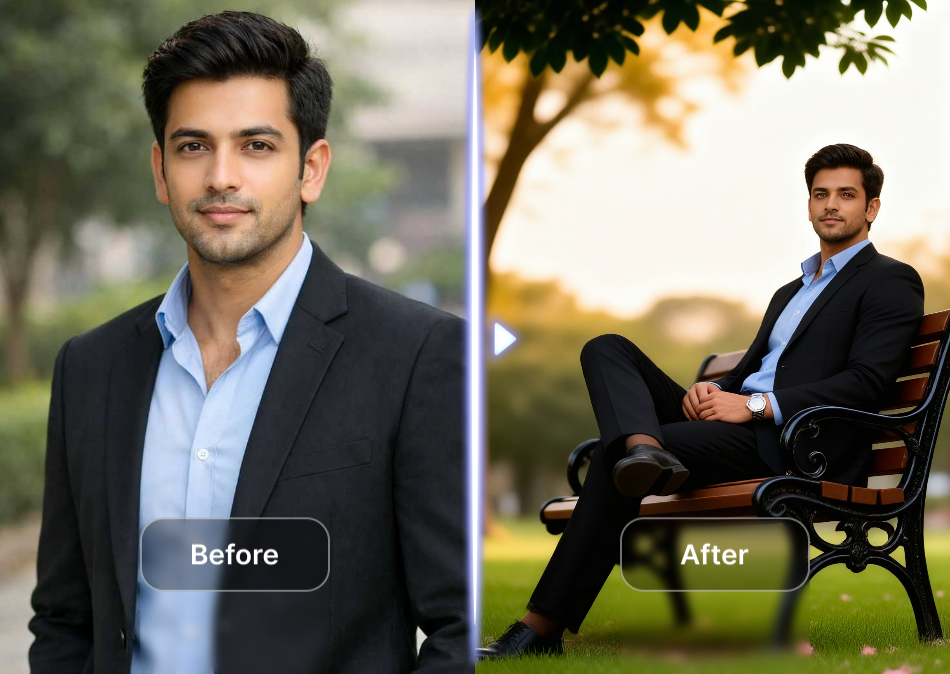
Easy Motion Templates
Choose from a library of ready made motion effects for conversations, greetings, and reactions. Apply a template to your portrait and generate a face animation in seconds.
Easy Motion Templates
Choose from a library of ready made motion effects for conversations, greetings, and reactions. Apply a template to your portrait and generate a face animation in seconds.
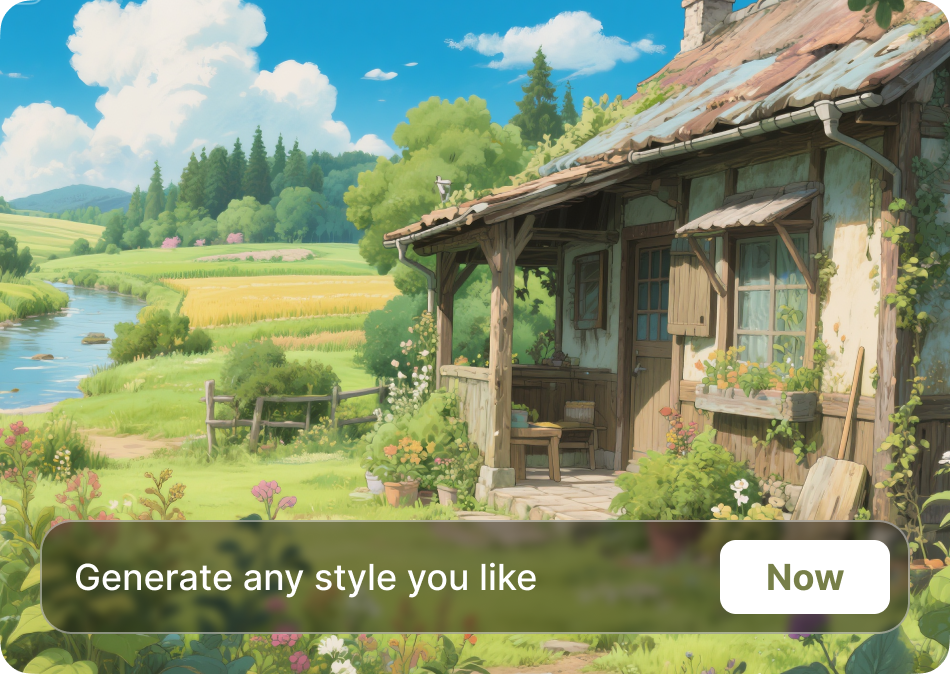
Preserves Face Identity
The AI keeps facial features consistent while adding movement, so the animated version looks like the same person. Perfect for profile photos, memories, and social clips.
Preserves Face Identity
The AI keeps facial features consistent while adding movement, so the animated version looks like the same person. Perfect for profile photos, memories, and social clips.
Face Animation Online Results Gallery
See what Pixpop can do. These animated portraits were created from still photos using face animation filters, showing realistic smiles, blinks, and speaking motions.








How to Animate a Face Online with Pixpop
Turn a photo into a moving portrait in three simple steps. Download the app, choose a motion filter, and generate your face animation.

Step 01.
Download the Pixpop app from Google Play to start creating face animations on your phone.

Step 02.
Upload a clear portrait photo and select a face animation motion such as blink, smile, nod, or talk.

Step 03.
Generate your animated face, save the video, and share it directly to social media or with friends.
Why Use Face Animation Online
Pixpop makes it easy to bring old memories and profile photos to life with realistic motion, no editing experience required.
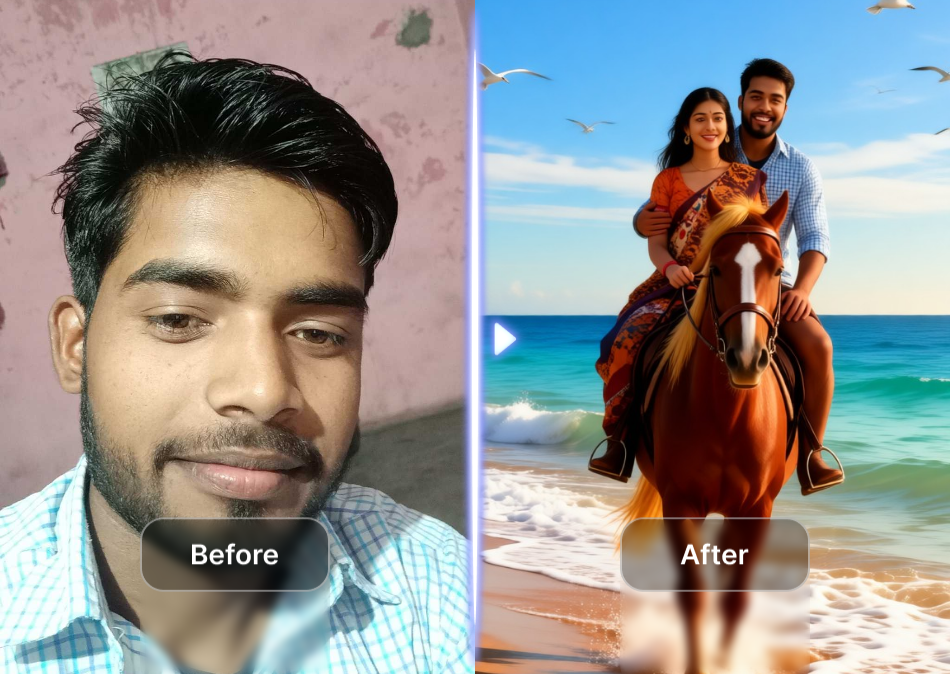
Create Living Portraits in Seconds
Static selfies feel lifeless. With Pixpop, you can add a gentle smile, a natural blink, or a speaking motion to any portrait. The AI detects the face, applies realistic movement, and keeps skin texture and lighting intact. It works for profile pictures, family photos, and creative social media content. Download the app and see your photos move for the first time.
Create Living Portraits in Seconds
Static selfies feel lifeless. With Pixpop, you can add a gentle smile, a natural blink, or a speaking motion to any portrait. The AI detects the face, applies realistic movement, and keeps skin texture and lighting intact. It works for profile pictures, family photos, and creative social media content. Download the app and see your photos move for the first time.
Face Animation Online on Your Phone
Download Pixpop from Google Play and turn any portrait into a talking, smiling, or blinking video. No desktop software needed.

People Love Animating Faces with Pixpop
So easy and fun to use
I uploaded a photo of my grandmother and made her smile and blink. It felt magical. The motion looks natural and the whole process took less than a minute.
Perfect for my social clips
I use the talking face animation for short reels and greetings. The templates save me so much time compared to manual editing. Highly recommend for content creators.
Great quality animations
The face detection is accurate even in group photos. I can animate one person without affecting the others. Very impressed with the realism.
Face Animation Online FAQs
Answers about creating face animations, file formats, and what you can do with Pixpop's AI tools.
More Topics You May Like
Explore more topics you may like and discover fresh ideas tailored to your interests.

Add Someone Into Any Photo With AI

Free Video Editing Software Without Watermark: pixpop AI

Turn Two Photos Into a Romantic AI Kiss Video for Free

Add Aesthetic Borders to Photos Online Free
Add Someone Into Any Photo With AI
Free Video Editing Software Without Watermark: pixpop AI
Turn Two Photos Into a Romantic AI Kiss Video for Free
Add Aesthetic Borders to Photos Online Free
Bring Every Photo to Life
Download Pixpop and start creating realistic face animations online from your phone. Turn static portraits into smiling, talking videos in seconds.
Bring Every Photo to Life
Download Pixpop and start creating realistic face animations online from your phone. Turn static portraits into smiling, talking videos in seconds.